








AI 3D Image Generator
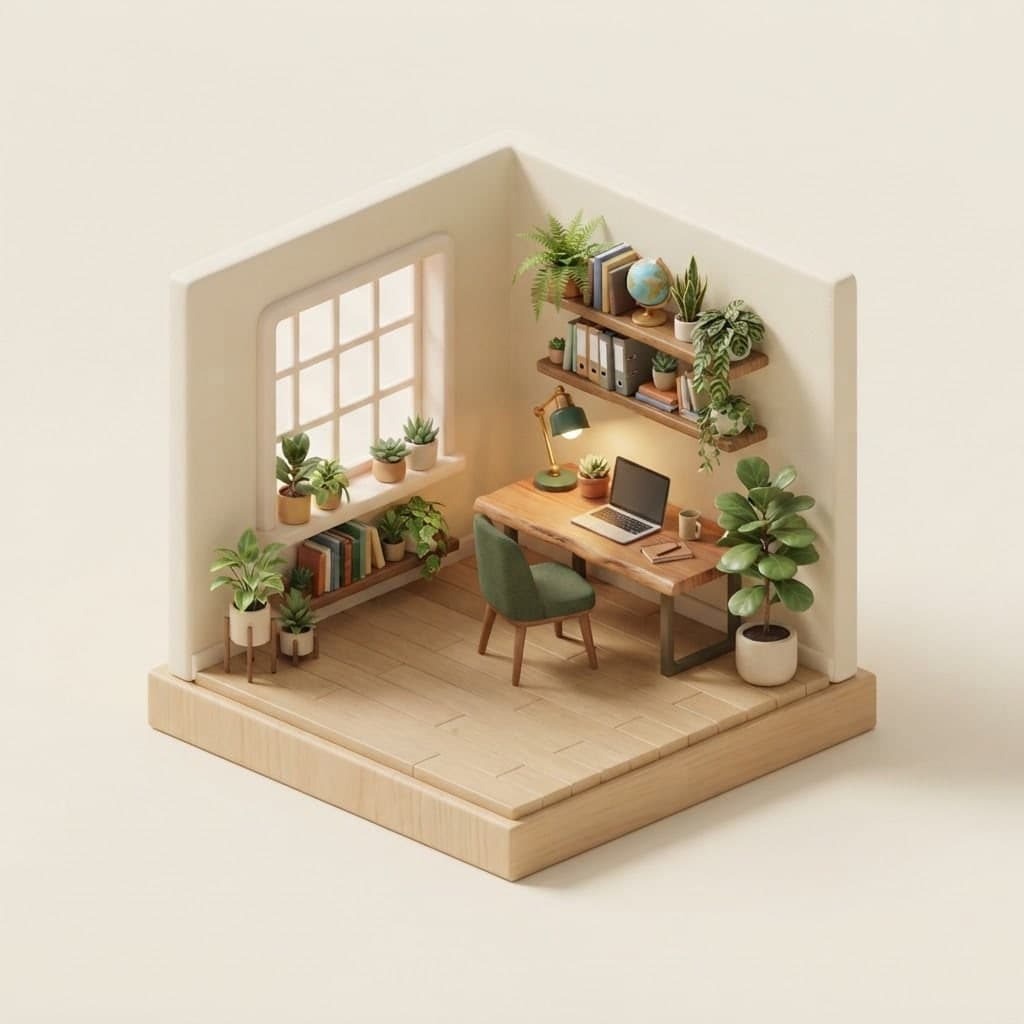
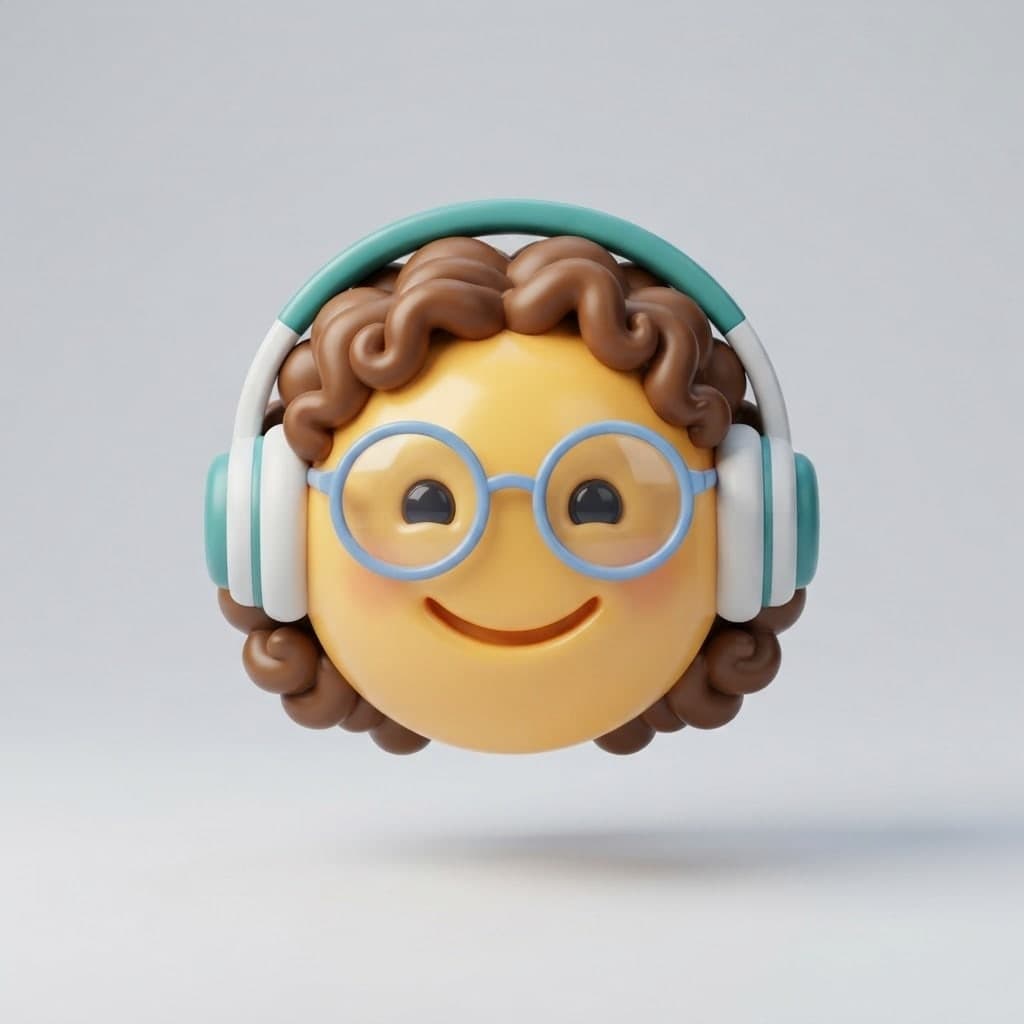
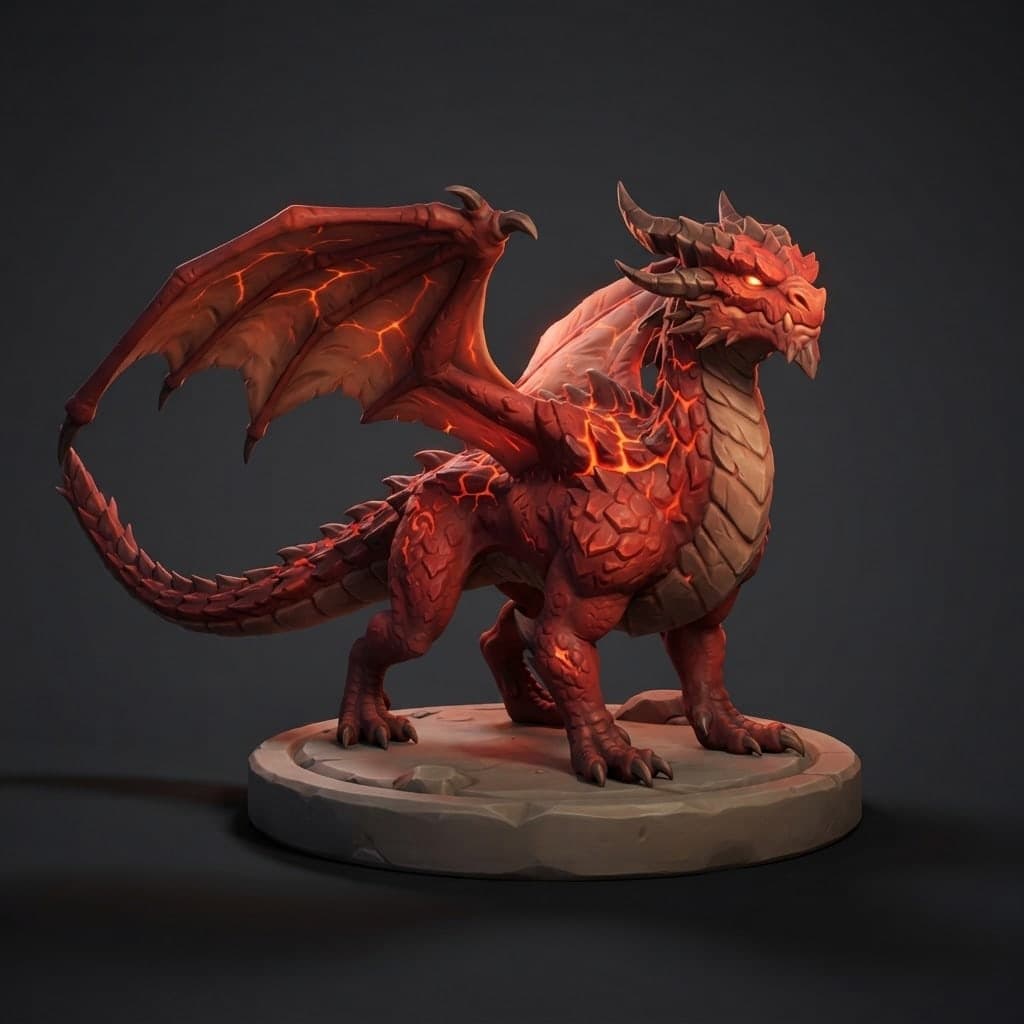
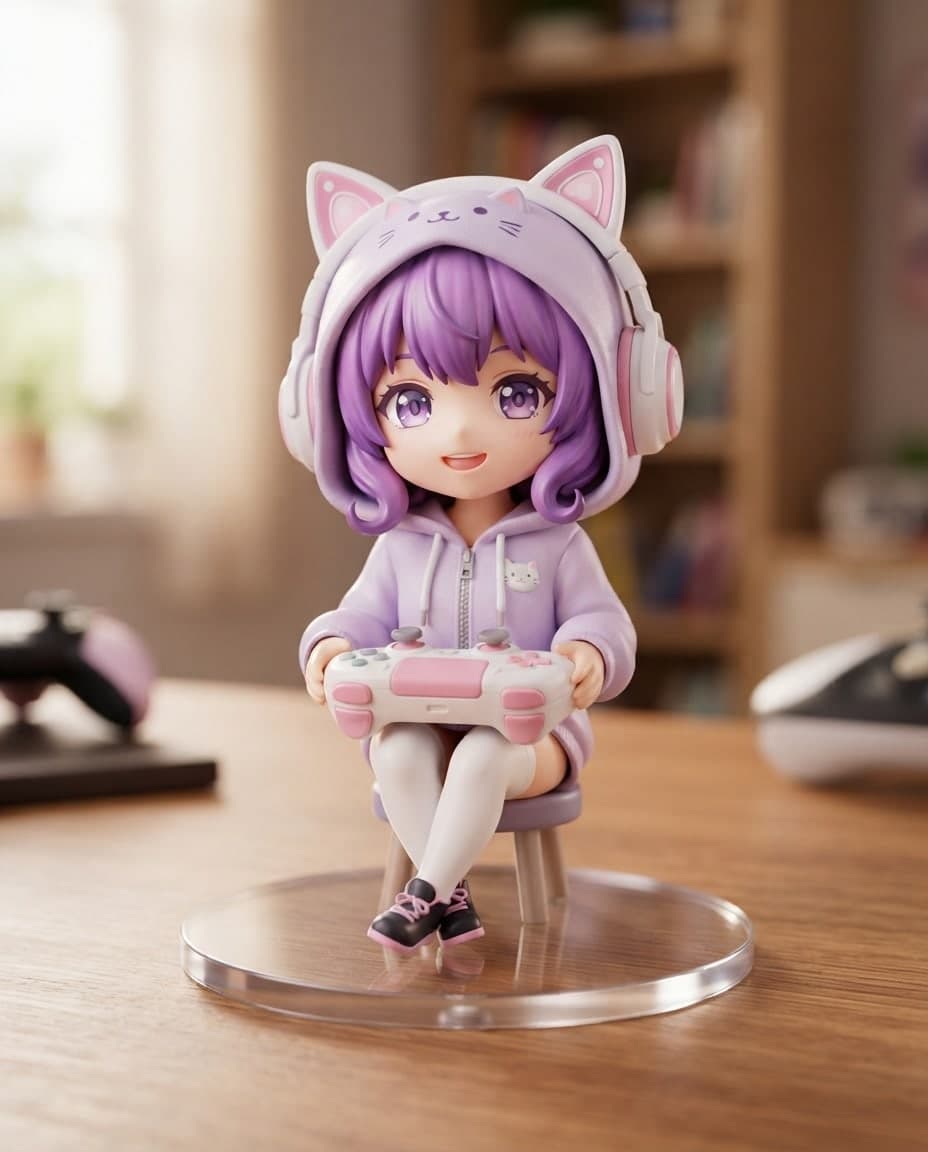
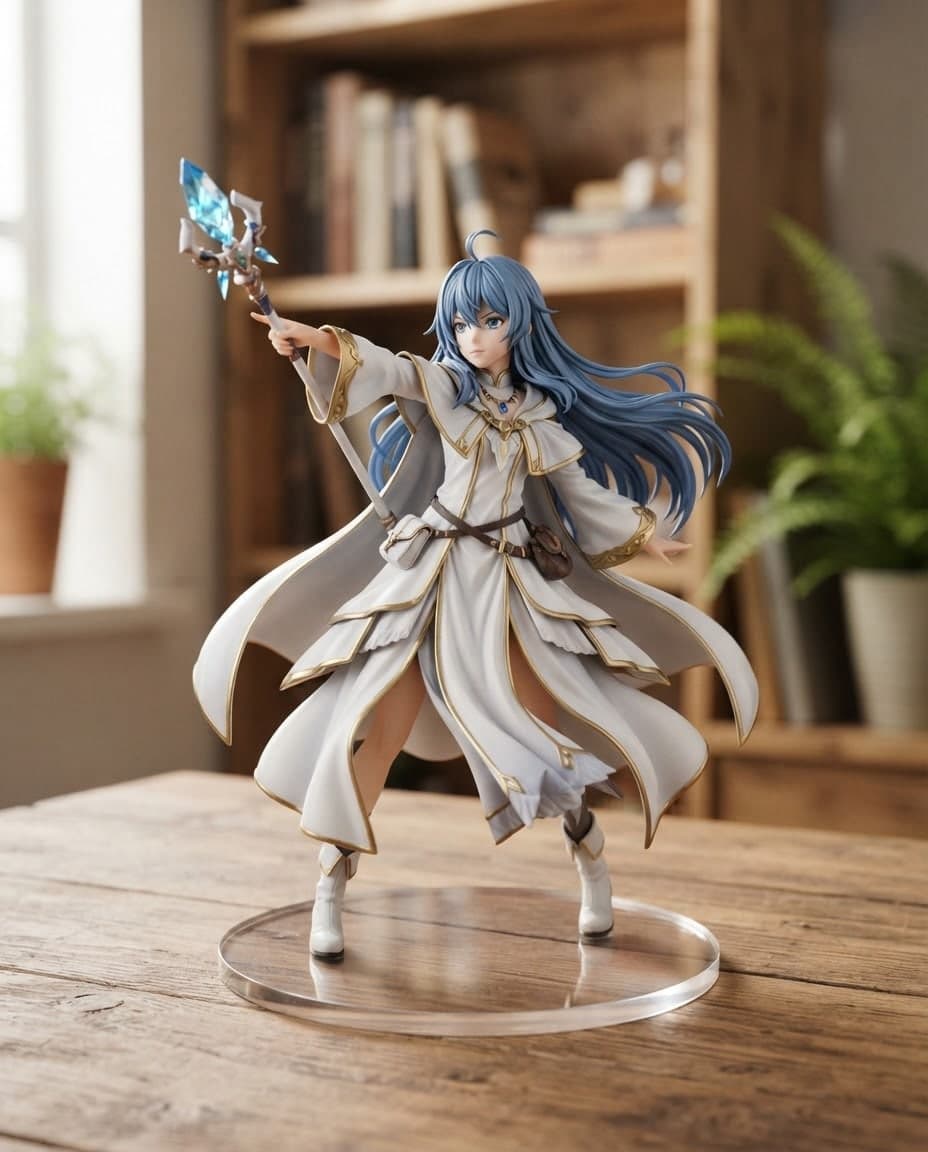
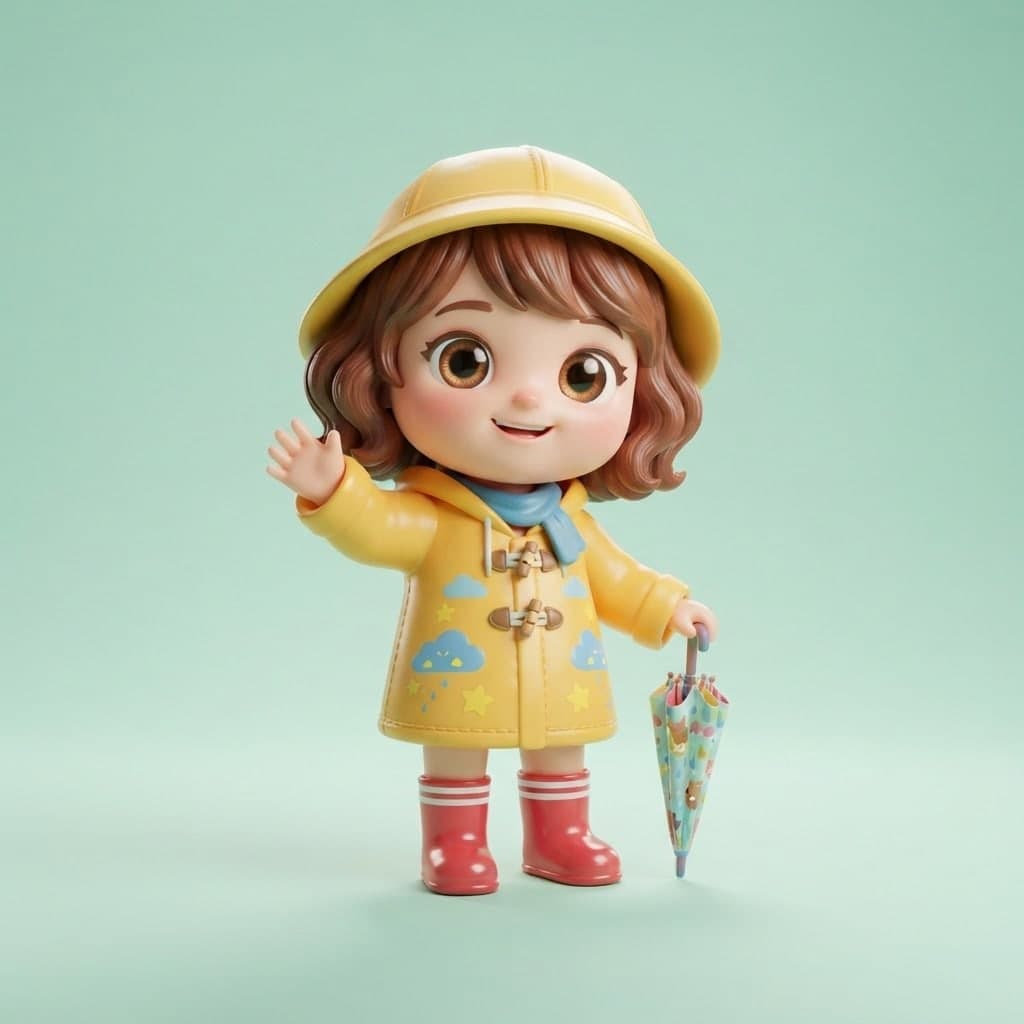
Create 3D render-style images in clay, isometric, glass or glossy plastic looks by writing. Canvas gives you PNG and JPG images, not 3D model files.
Add a photo or drawing and Canvas creates a 3D render-style image of the same object or character. There is no downloadable 3D model file (GLB, OBJ, STL): what you get is a PNG or JPG image.
Blue parts are the places to fill in with your own details. Tab selects the next one, Enter sends, Shift and Enter starts a new line.
This tool runs on Entro Canvas.
In Canvas, pick your photo with Add image and give it the Subject role under Use as reference. The Subject role tries to keep the object, person or logo, while material, light and background are drawn from your prompt.
Take the result you like as a reference again and write "same object, side view" or "back view". Each angle is drawn afresh, so small details can change; name the detail that has to stay in your prompt.

A pencil sketch, a flat logo or a picture your child drew can be added too. Write a material such as "soft plastic toy texture" or "clay" and the idea that was only lines gains volume.
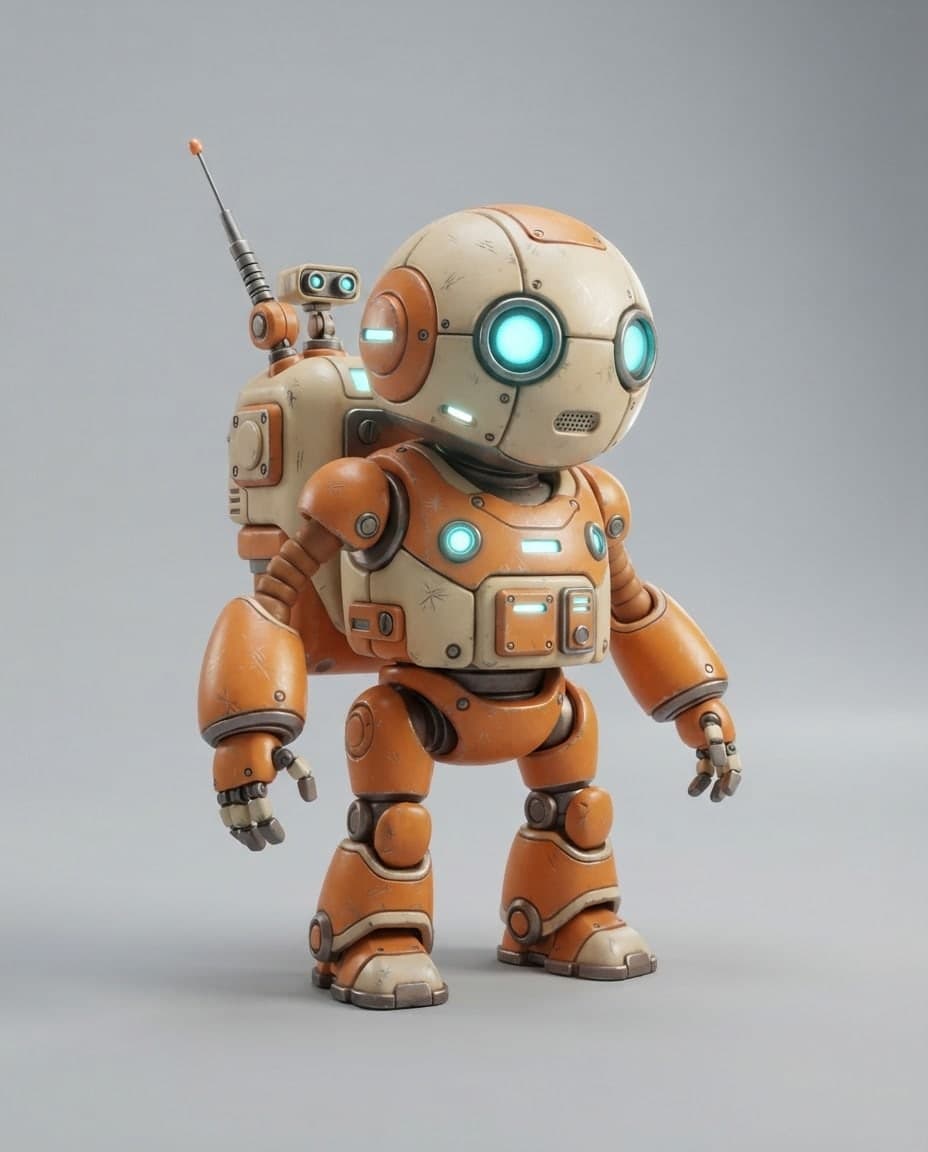
Canvas gives you a flat image with a 3D render look, drawn from one angle. You cannot turn it with the mouse, send it to a 3D printer, or import it into a game engine or modeling program as a model. If you need a real model, generate front, side and back views of the object and hand them to whoever builds it as reference.
An interactive 3D page that visitors turn with the mouse is built on the Builder side of Entrobase. You describe the object in words and Builder builds it from basic shapes such as cubes, planes and simple spheres. It does not turn your photo into a model. Download the image you made in Canvas, attach it to the chat in Builder and have it placed on a surface or in the background as a picture. Try the first version in the preview and do not expect realistic graphics.
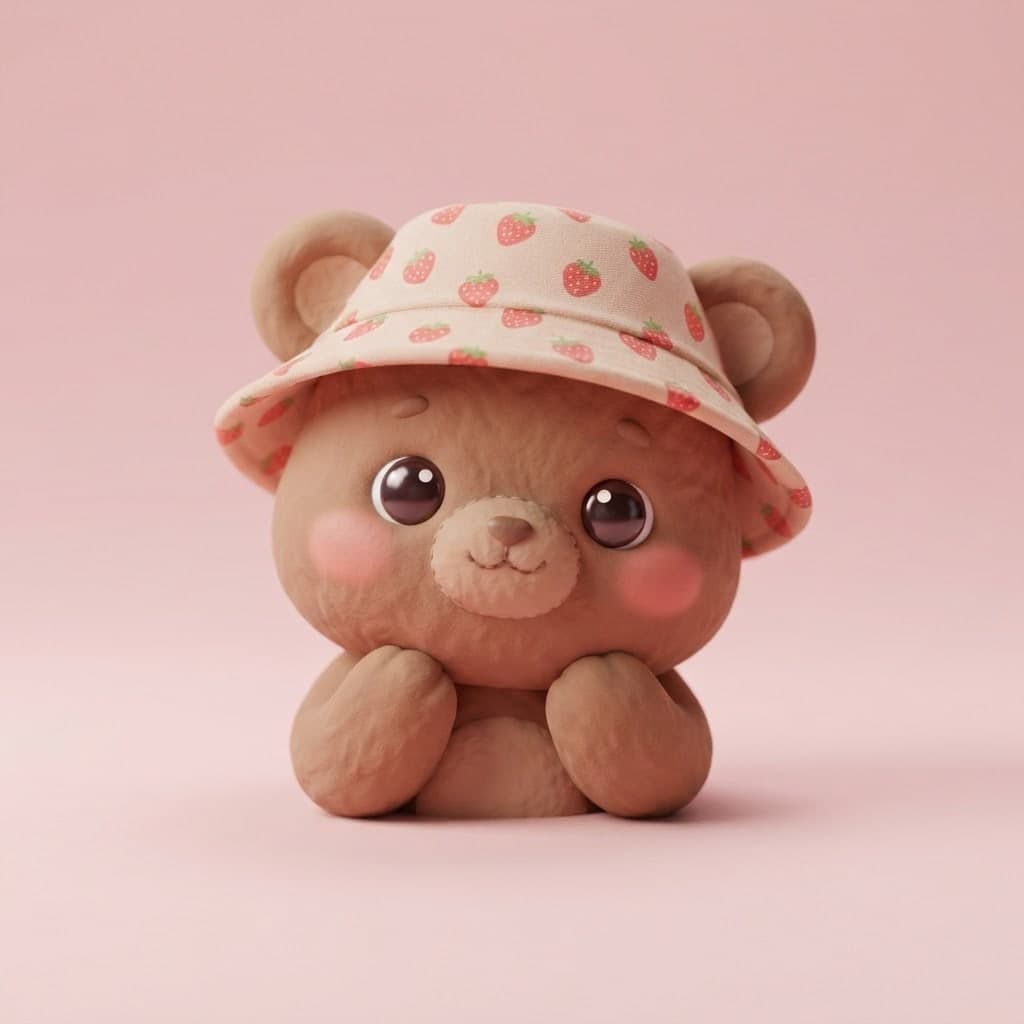
Add the product you shot on your phone and have it redrawn in clay or glossy plastic on a flat color. Use it in a social post or at the top of your site. Small label text can blur, so look at the result up close.
Add your flat logo and write "same logo, embossed metal, soft light". What comes out is an image; it is no vector file for print and no model.
Add a photo of the chair, lamp or toy idea you drew on paper. Canvas draws it with a material and light. The image gives you an idea; it carries no dimensions or manufacturing drawings.
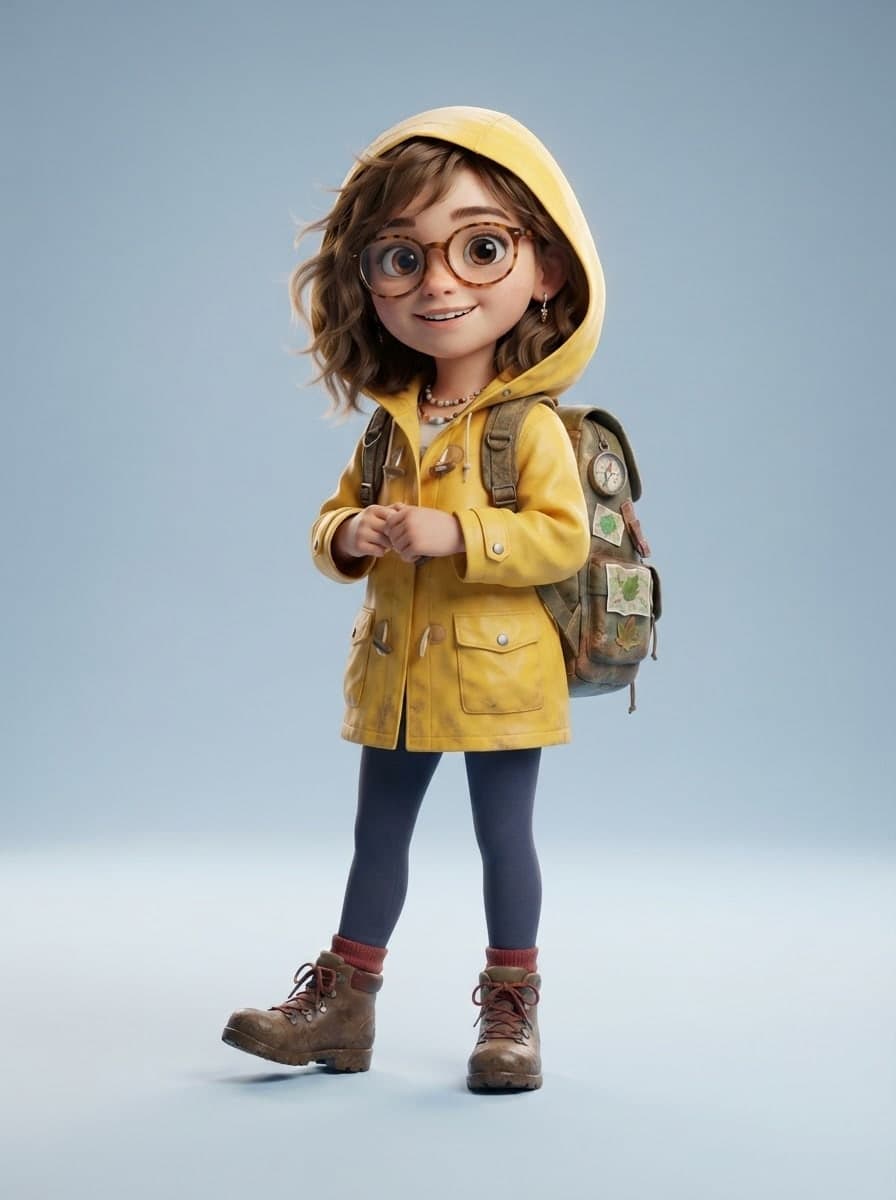
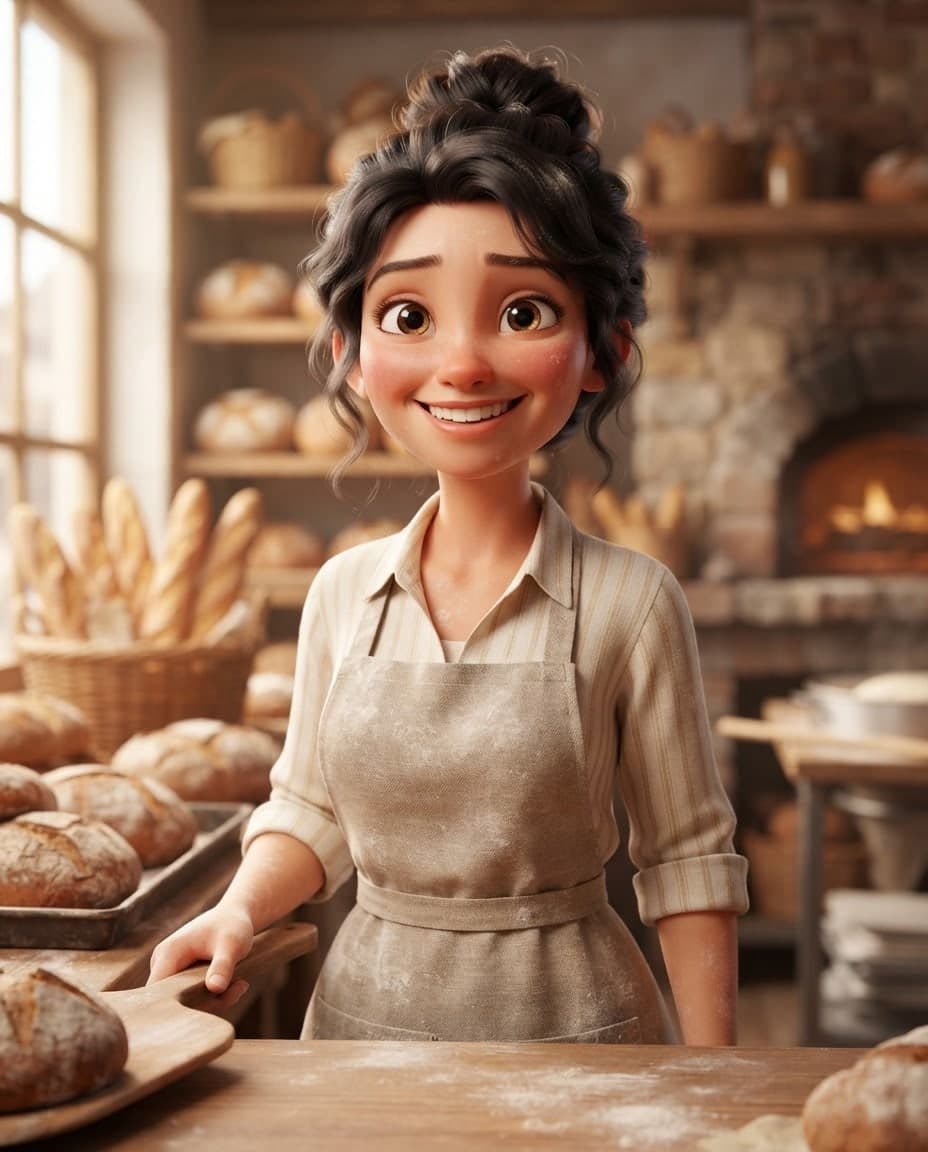
Add your flat mascot and ask for a 3D animated-movie style. Once the design settles, move the same character into new scenes with the Subject role.
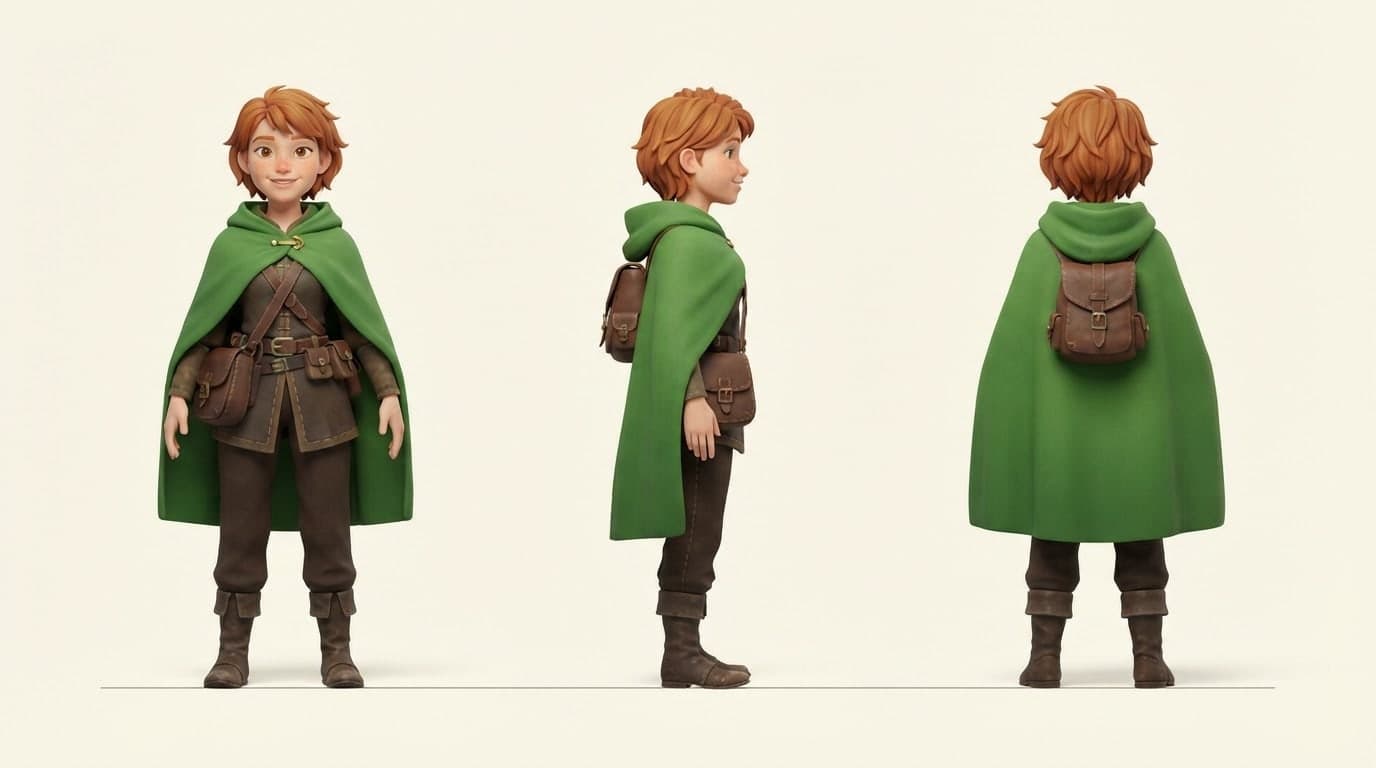
Ask for front, side and back views of the object in one image at a wide ratio. Whoever builds the model reads proportions and colors from that sheet.


Sending the request in the box opens Canvas; without an account you sign up first, and your request is kept. Press Add image, choose your photo or drawing and give it the Subject role under Use as reference.
Name the object, one material, the direction of light and the background. The words "3D render look" and a described shadow set up the sense of depth. Say what stays the same as well: shape, color, label.
Press Generate, choose the option most faithful to the object and save it with Download. If you need another angle, carry on with Use as reference on that image's card.
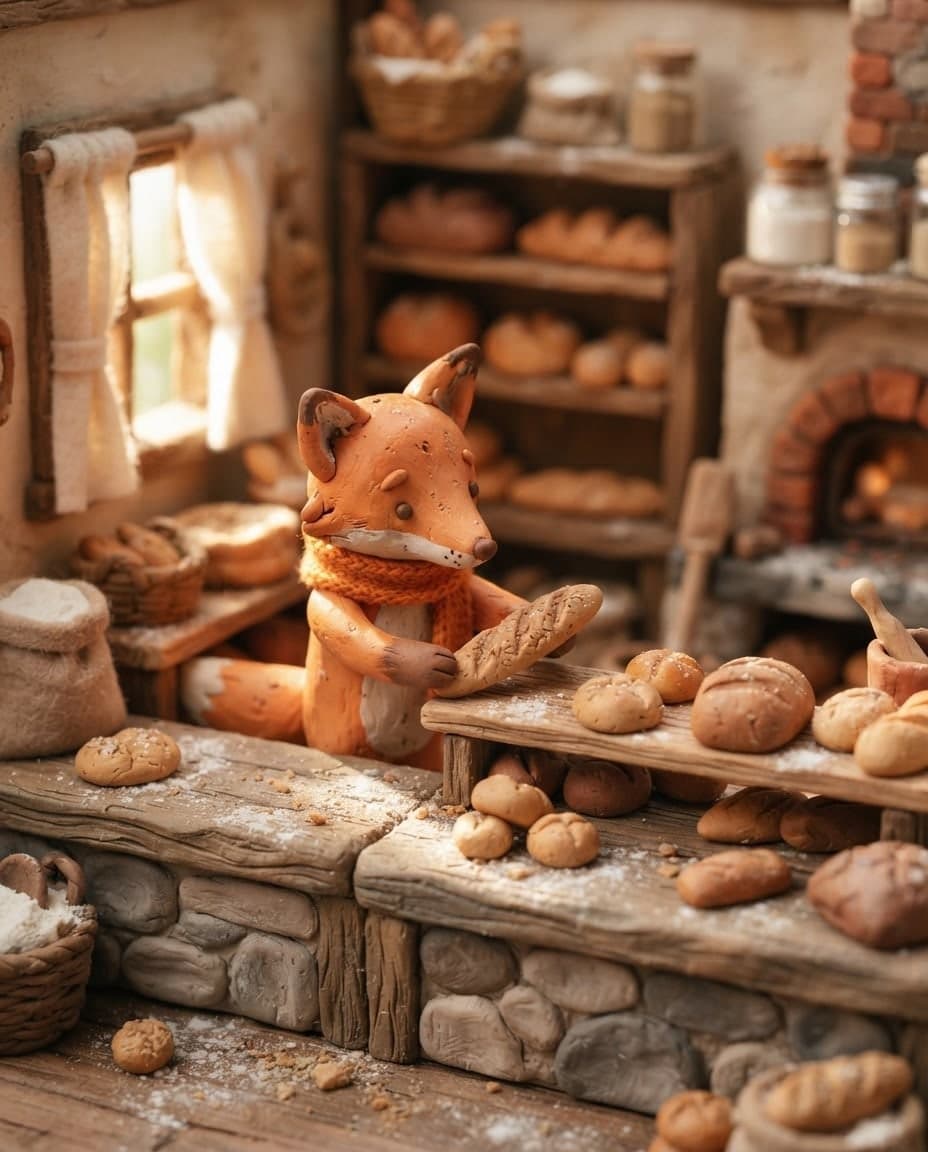
Create 3D render-style images in clay, isometric, glass or glossy plastic looks by writing. Canvas gives you PNG and JPG images, not 3D model files.
Describe a mascot or character, and Canvas draws a 3D render-style design, front, side and back views and expression sets as images. Start free.

Add your own image and Canvas either uses it as a reference for a new picture or applies the change you describe. Up to 4 images with style and subject roles.
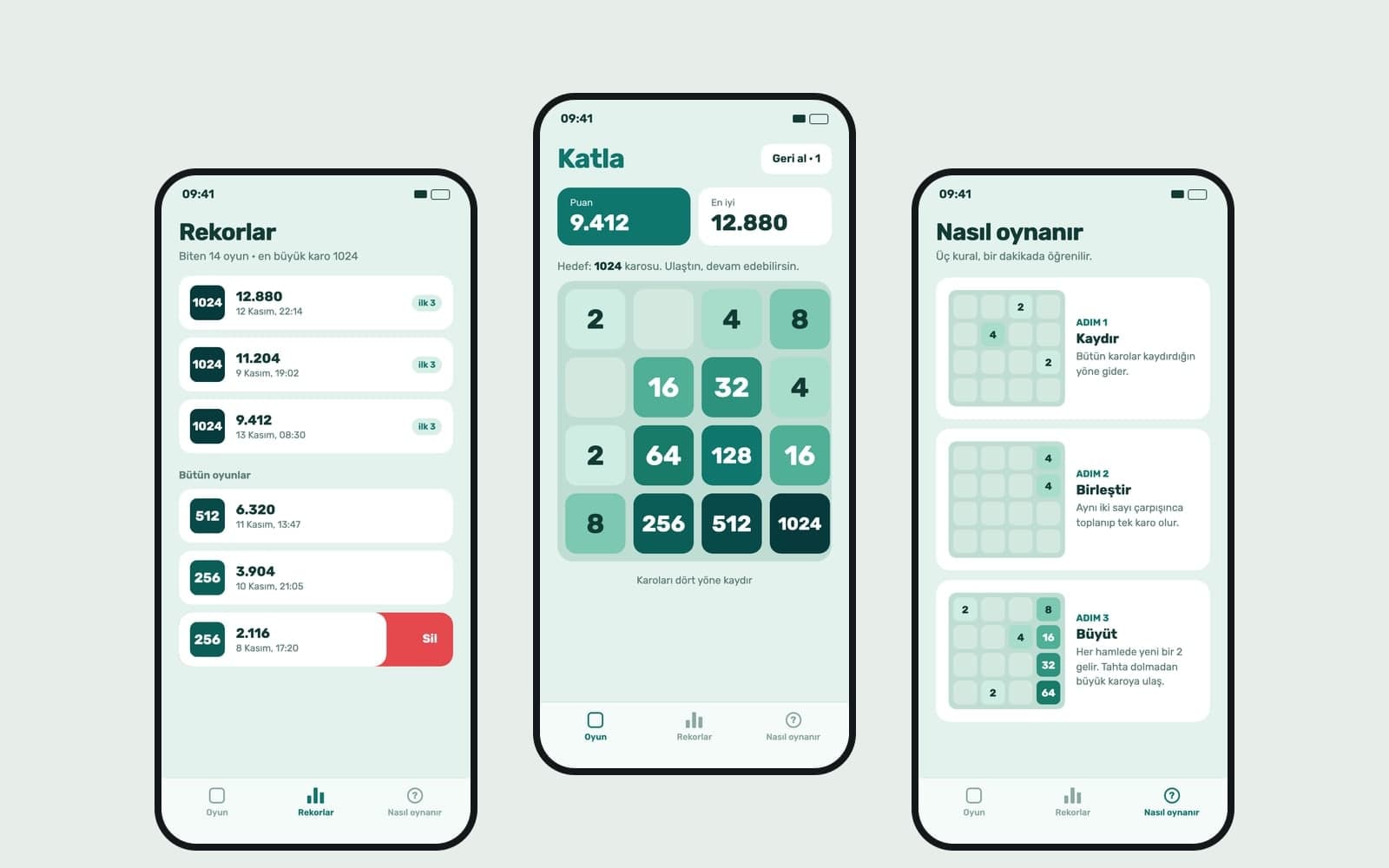
Describe a simple 3D game or scene that opens in the browser and Entrobase builds a first version. Try it in the preview, then tune camera, speed and colors.

Describe item icons, character ideas, backgrounds and card art, and Canvas draws 3D-style or 2D game images. You get PNG or JPG images to prepare for your game.
Describe a scene and Canvas turns it into 1 to 4 images. Ten aspect ratios, 16 style presets and monthly image credits on the Free plan.
You describe it, Entrobase builds it.
Create with Entrobase