




Text to Image Generator
Describe a scene and Canvas turns it into 1 to 4 images. Ten aspect ratios, 16 style presets and monthly image credits on the Free plan.
Entro Canvas is the image screen inside Entrobase. Type what you want to see and press Generate to get 1 to 4 images in the ratio and model you picked. You can also add your own image as a reference or have it edited.
Blue parts are the places to fill in with your own details. Tab selects the next one, Enter sends, Shift and Enter starts a new line.
The Canvas AI image generator has three sections: Create, My gallery and Templates. Every image you make is kept in your gallery. People use it for product photos, logos, social posts, posters and illustrations.
In short
Write a prompt, then pick the ratio, image count and model. The Generate button shows how many credits the run will cost.
Ten aspect ratios run from square 1:1 to wide 21:9. One prompt returns 1 to 4 images, and credits are charged per image.
Start from a template has 8 templates (product photo, logo, social media, portrait, poster, illustration, architecture, food) that ask a few questions and write the prompt.
On paid plans, Magic enriches a short prompt before generation. Anything you want kept out (text, watermarks, blur) goes in the Negative field.
Three settings shape the look, and you change them without touching the prompt.
The Style window has five modes (Auto, General, Realistic, Design, Fiction) and 16 presets such as golden hour, watercolor, anime, vintage poster and flat vector.
Pick one of eight ready palettes or enter up to five hex colors of your own. Reusing a palette keeps a series of images in the same colors.
EntroGen models are included in your plan and use monthly image credits. Premium models are paid from your balance on paid plans; the list shows an approximate price per image.
Add image takes up to 4 images; you can also drag and drop or paste. An added image is used in one of two ways.
The new image is made by looking at yours. Each image gets a role: general, style only or subject only, where a person, product or logo is kept as it is.
The image itself is changed: "make the background white", "put the product on marble". Each edit is saved as a separate result and the source stays untouched. If the selected model cannot edit, the edit runs on Auto.
Every image is kept in My gallery with its prompt, model and ratio.
Search the gallery in feed or grid view. Regenerate runs the same settings again, and Use prompt puts the prompt back in the box.
SD (JPG) and HD (PNG) downloads are free on every plan. On paid plans a 2K download costs 2 credits and 4K costs 4; the same image at the same size is free the second time.
On accounts with Entro Ads access, Send to Entro Ads adds the image to your creative library there.
| Model | Paid with | Best for |
|---|---|---|
| Auto | Plan, monthly credits | Balanced quality, the default |
| EntroGen Flash | Plan, monthly credits | Fast drafts in 3-4 seconds |
| Nano Banana Pro | Premium, balance | High quality, 4K |
| FLUX.2 Pro | Premium, balance | Professional quality, photorealistic |
| MAI Image 2.6 | Premium, balance | Photorealistic, good with text; takes no image input |
Premium models need a paid plan; on Free they cannot be used even with a balance. The list can change, so check the model menu for current models and prices.
| Plan | Credits per month |
|---|---|
| Free | 10 |
| Starter | 50 |
| Pro | 100 |
| Pro+ | 200 |
| Ultra | 300 |
| Teams | 500 |
| Teams Max | 1,000 |
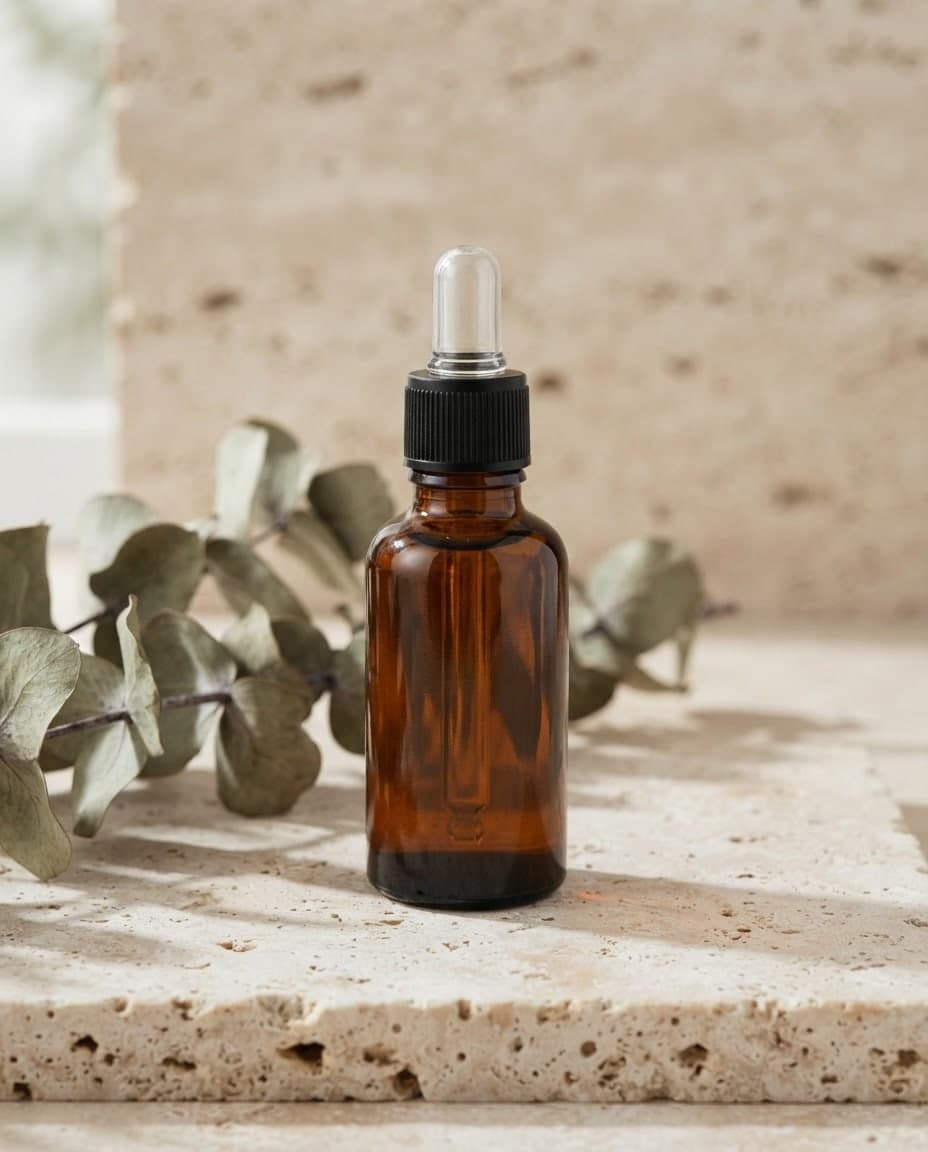
Add your product photo and describe the scene: a marble counter, morning light, a clean studio background.
Square images for posts and 9:16 for stories, with up to 4 options from one prompt.
Hero and section images for your site. Download them and attach them to the chat in the Builder.
Logo drafts, posters and promo images; change what you do not like with Edit.
Open Canvas from the left menu and type what you want to see: colors, light, setting and style.
Choose the aspect ratio, the number of images and the model. Press Add image to work from your own picture.
Press Generate. Finished images land in your gallery; Download on a card saves them, and Edit changes a detail you do not like.
Tool pages that run on this module, each focused on a single job with a ready-made request you can edit and send.
Describe a scene and Canvas turns it into 1 to 4 images. Ten aspect ratios, 16 style presets and monthly image credits on the Free plan.
Add your own image and Canvas either uses it as a reference for a new picture or applies the change you describe. Up to 4 images with style and subject roles.
Type your brand name and style, and Canvas draws four logo options in one go. A logo template, flat vector presets and your own color codes. Start free.
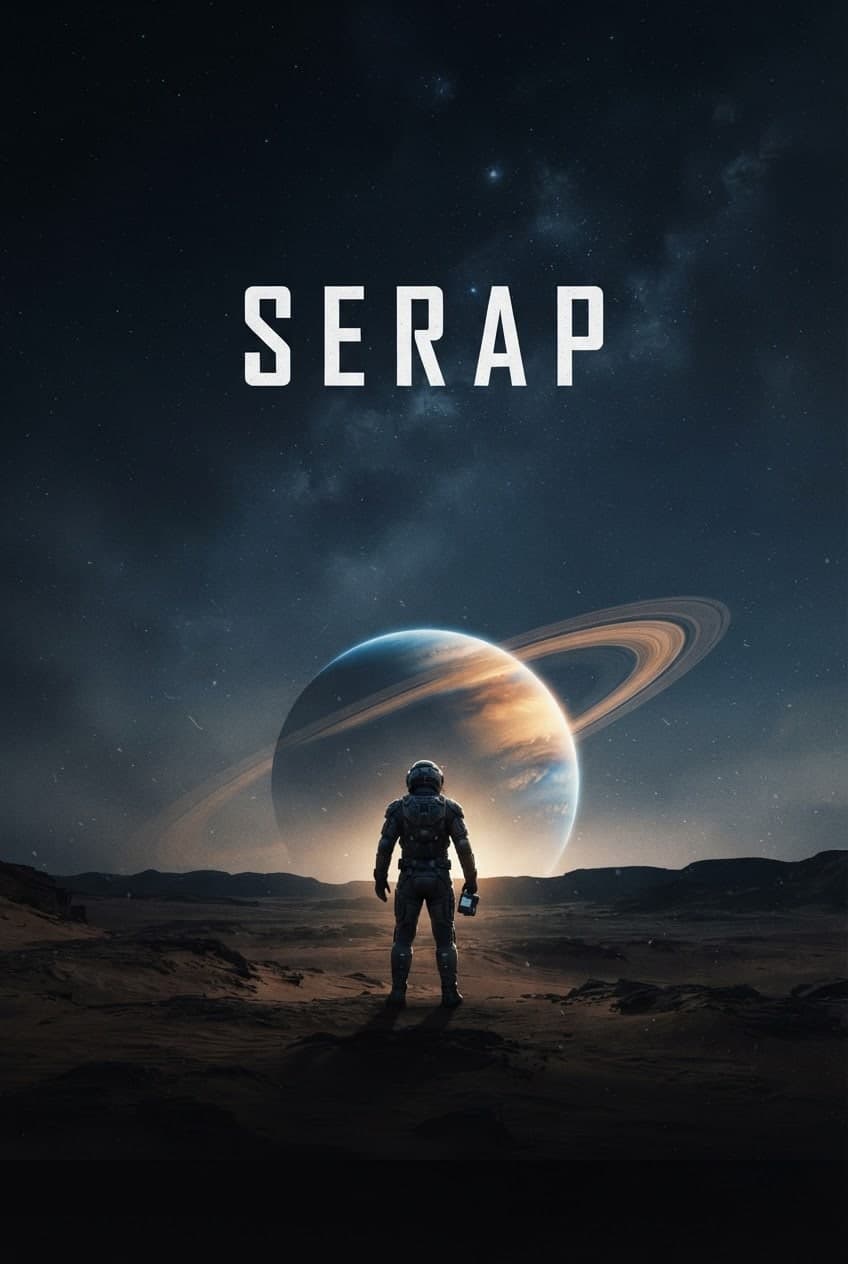
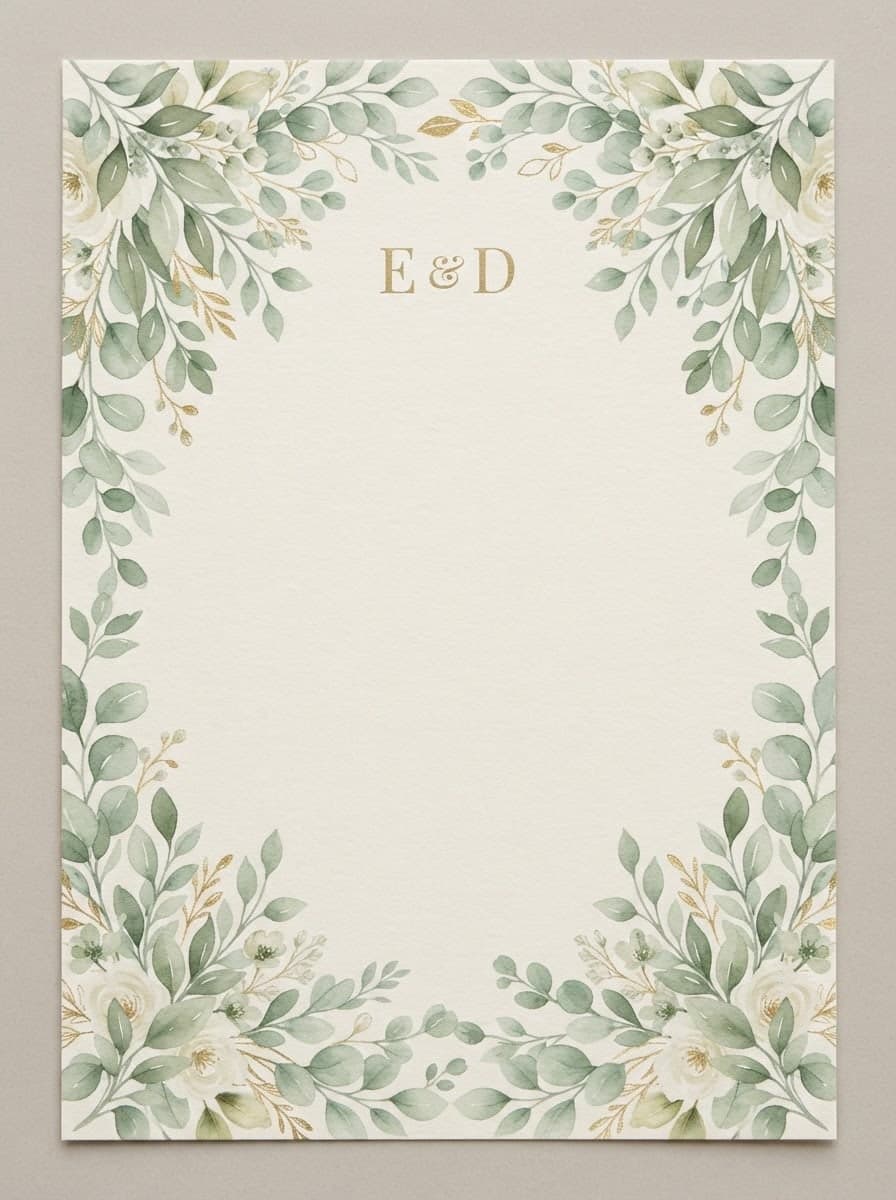
Describe your event, headline and style, and Canvas draws posters and flyers for you. Vintage poster, art deco and pop art presets, plus 4K downloads.
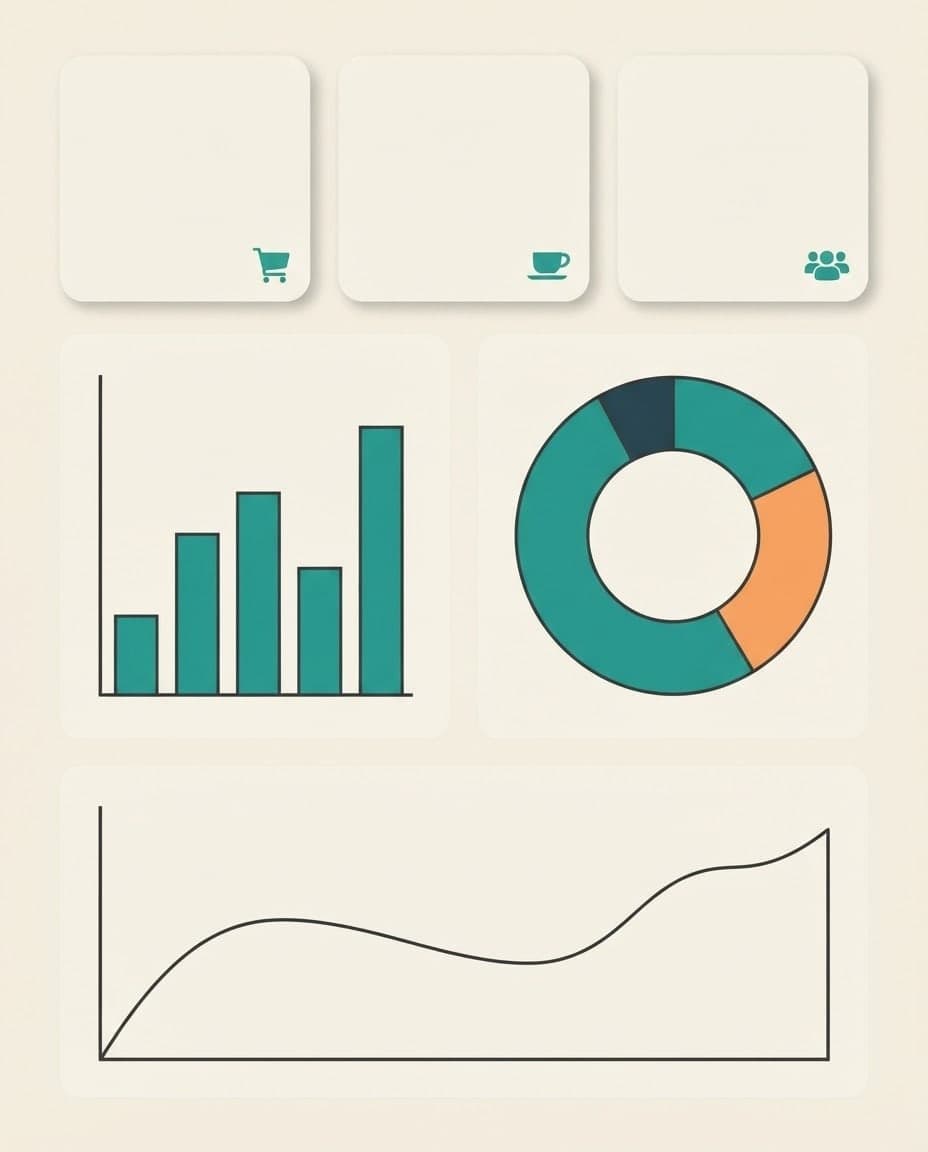
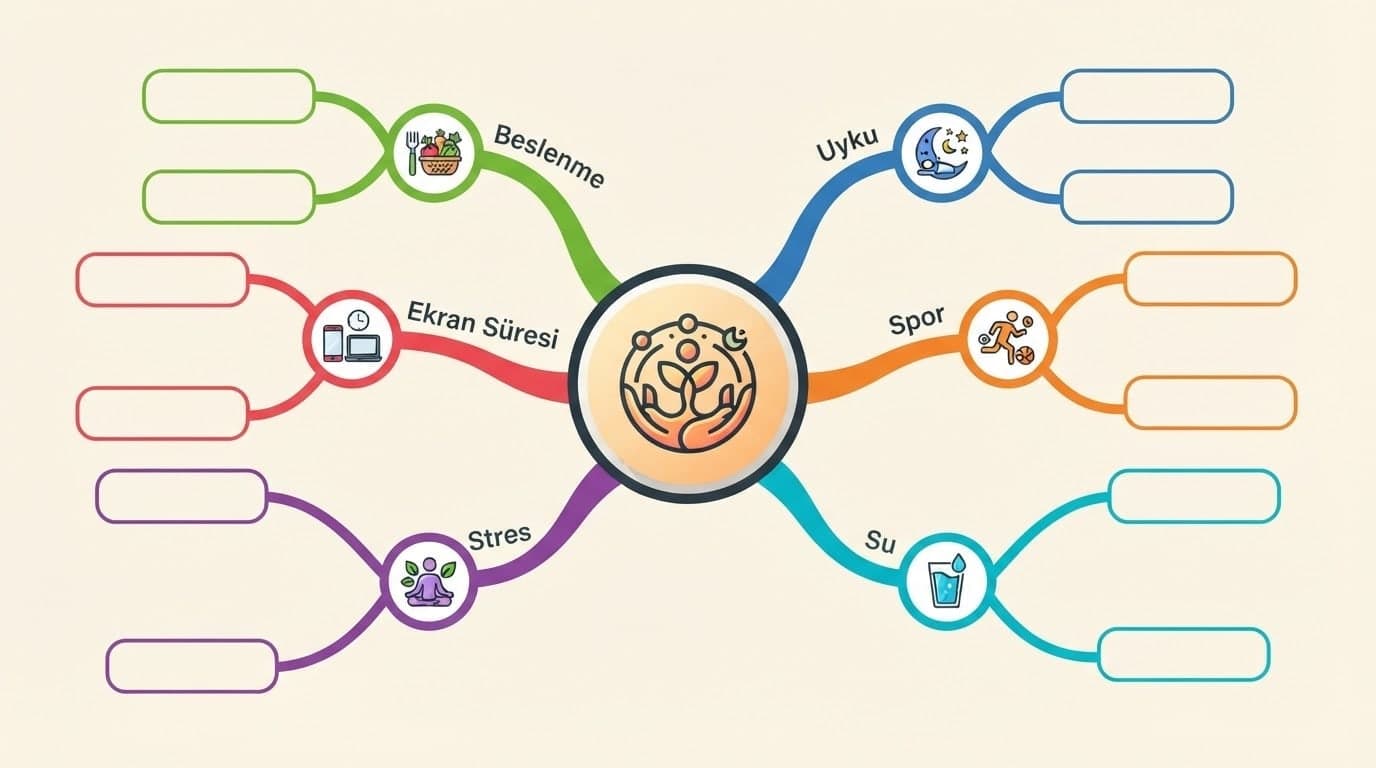
Write a title and a few short labels, and Canvas draws a step-by-step infographic image. Flat vector icons, tall formats and fixes by writing. Start free.
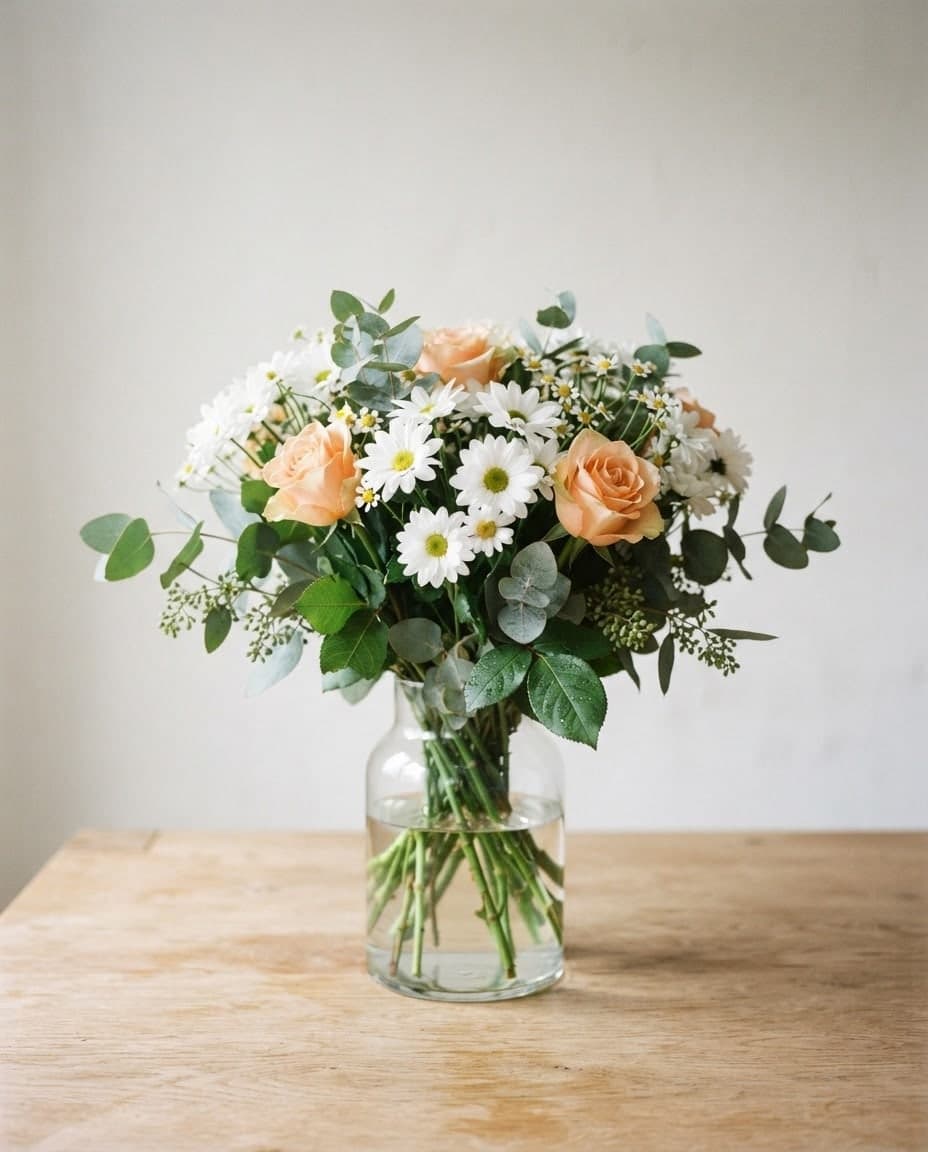
Describe a post, invite or promo and Canvas designs it; then change any detail by writing. Each edit is a new version and the old one stays in your gallery.