


AI Website Builder
An AI website builder that builds what you describe. Write a few sentences, preview the site next to the chat, fix it by asking and publish it for free.
Write who the app is for and which screens it needs. Entrobase builds the first version with its screens and navigation. Install Expo Go, scan the QR code and the app opens on your phone; you change the rest by chatting.
Blue parts are the places to fill in with your own details. Tab selects the next one, Enter sends, Shift and Enter starts a new line.
This tool runs on Entro Builder.
A new screen, list, form or tab is one message away. Type "add a dark theme switch to the profile screen" and the phone-frame preview in the Builder refreshes after the change.

Scan the QR code on the Open on your phone card and the app opens inside Expo Go. That is where you feel scrolling, the keyboard and touch. While the app stays open, your changes arrive within seconds.

Set the name, version, colors and icon in the app settings. Have the store description written with AI and take screenshots in iPhone and Android sizes. No privacy policy yet? Entrobase creates and hosts a page for you (not for apps aimed at children).

The Builder preview is an approximate view inside a phone frame. The real test happens in your hand: install Expo Go, then scan the code with the Camera on iPhone or with Scan QR code inside Expo Go on Android. No extra account is needed. The code belongs to the project and does not change; Copy link opens it on another phone too.

The App button at the top opens the app settings, where you connect your Expo account once. Create APK makes a file you install straight on a phone; Create AAB makes the Google Play bundle. Builds run on Expo's servers and use your Expo quota, and for now you upload the AAB to Play Console yourself. iOS builds and automatic store submission are coming soon.

Not every business needs a phone app. A quick way to decide:
| What you need | Which one |
|---|---|
| Introduce your business and show up in search | Website |
| Information people check once: menu, prices, address | Website |
| A tool people open every day to log something (tracking, lists, notes) | App |
| An icon on your customer's home screen | App |
| Starting for free | Website (the Free plan has no mobile apps) |
| Publishing in an app store | App: you build the Android file on your own Expo account and handle the store account and review; iOS builds are coming |
If you need both, starting with the website is usually quicker; the AI website builder shows how.
A loyalty card that collects a stamp with every coffee, plus menu, offers and branch screens. Change how many stamps earn a reward, or the offer text, in the chat.
A booking app for a salon, clinic or studio: pick a service and a time, see your bookings. For bookings to reach you, connect your own database account in the Database section; otherwise each booking stays on that phone.
Expense tracker, workout log, habit streaks: apps you will use yourself every day. Data stays on your phone and is not shared with anyone.
Flashcards, short quizzes, a class timetable. Build a study app for your students or for yourself, try it on the phone and add missing screens by chat.
Try your app idea on your own phone before any store. If you like it, send the APK to friends so they can install it, then write their feedback into the chat and update the build.


Change the highlighted parts of the request above to fit your app and send it. The Builder opens with Mobile app selected. If you have no account yet, you sign up first and your request is kept.
The Builder opens with the chat on the left and a phone-frame preview on the right. Install Expo Go and scan the QR code on the Open on your phone card. Write changes in the chat and they reach the open app on their own.
Use the App button to set the name, version, colors and icon. Connect your Expo account and create an APK or an AAB. The checklist shows what is still missing before the stores.

An AI website builder that builds what you describe. Write a few sentences, preview the site next to the chat, fix it by asking and publish it for free.
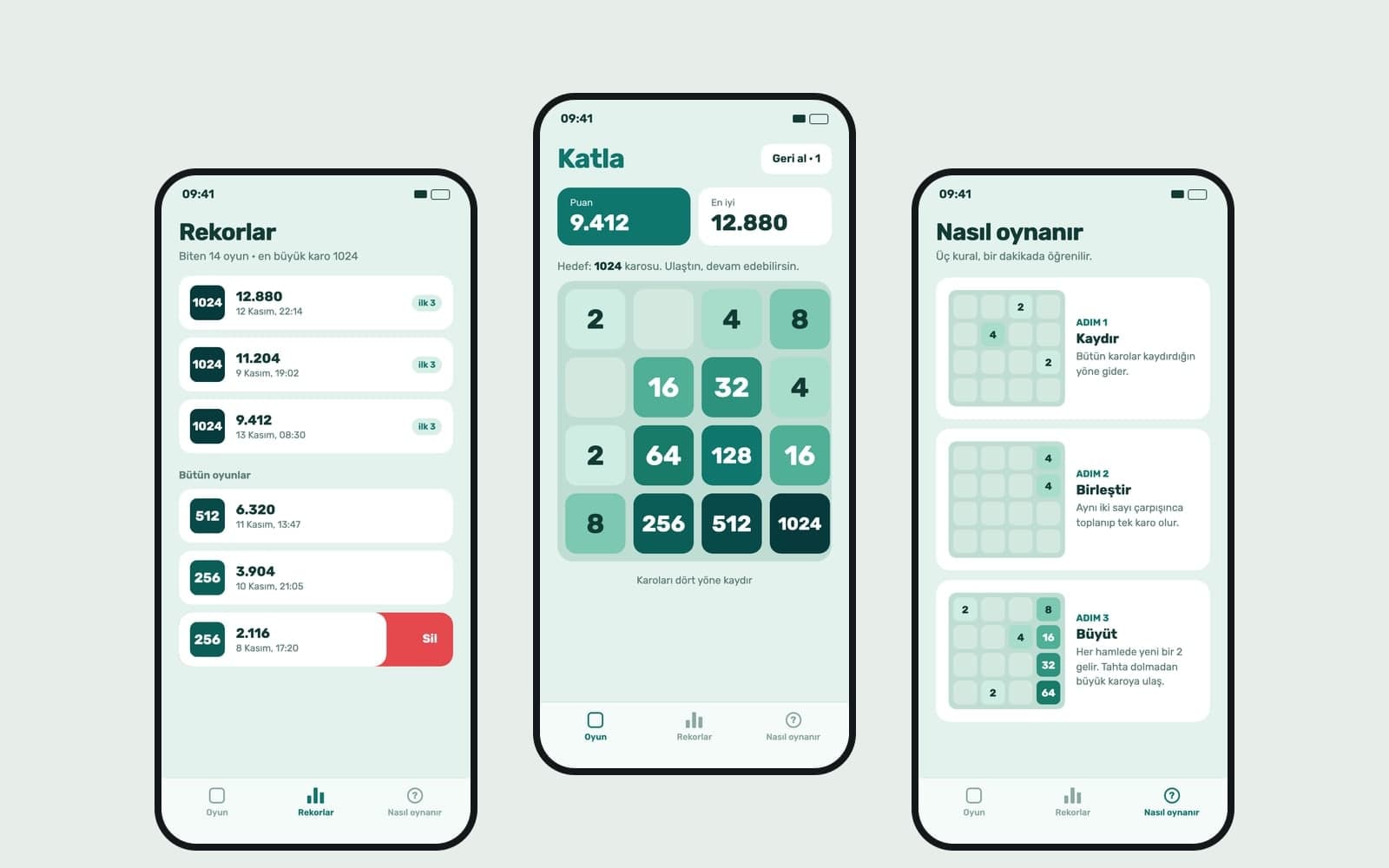
Write your game idea and Entrobase builds a first version that runs in the browser. Play it in the preview, change rules by chat, publish and share the link.

Type your brand name and style, and Canvas draws four logo options in one go. A logo template, flat vector presets and your own color codes. Start free.

Describe a scene and Canvas turns it into 1 to 4 images. Ten aspect ratios, 16 style presets and monthly image credits on the Free plan.

Build a website without code or design tools: type it, fill in a step-by-step form or start from a template. Edit text right in the preview, then publish.
You describe it, Entrobase builds it.
Create with Entrobase