




AI 3D Avatar Generator
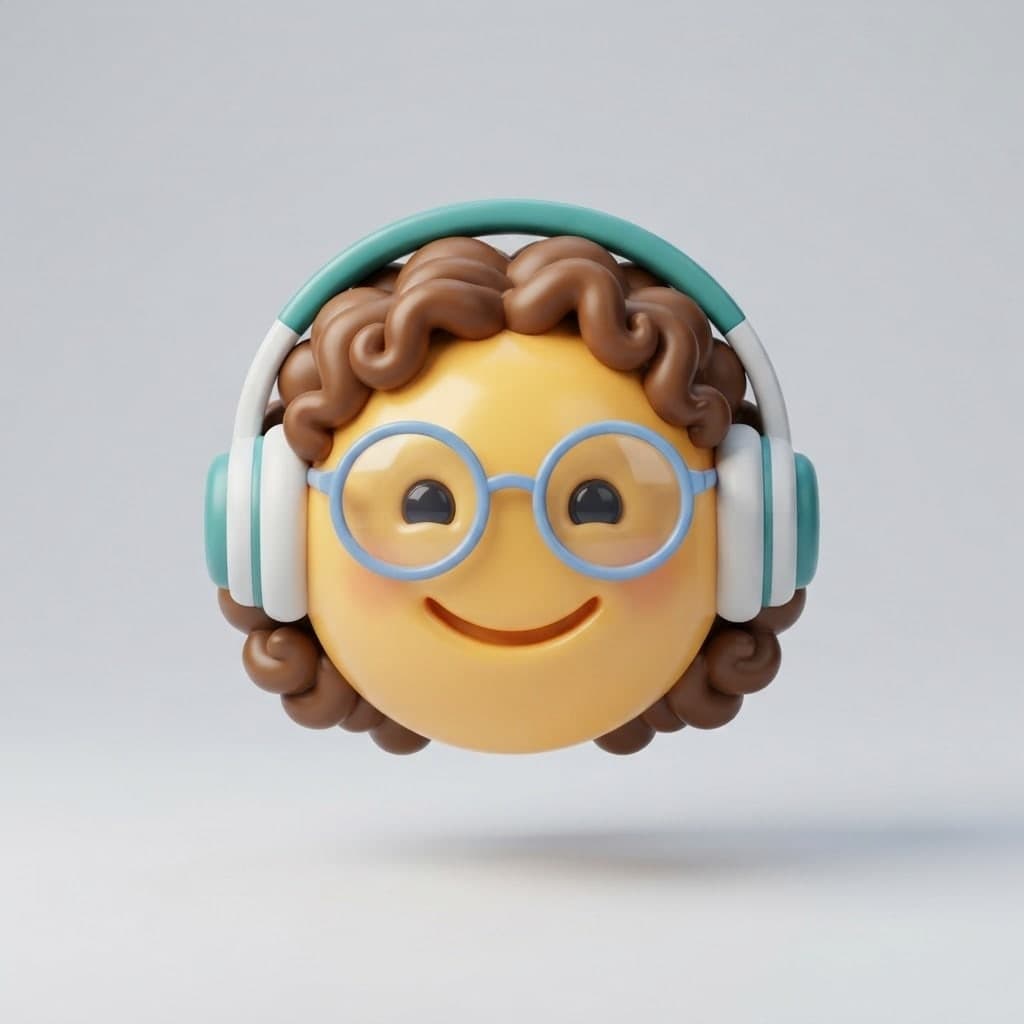
Turn your photo or a description into a 3D animated-movie style avatar image for profile pictures and team pages. You get a PNG or JPG image.
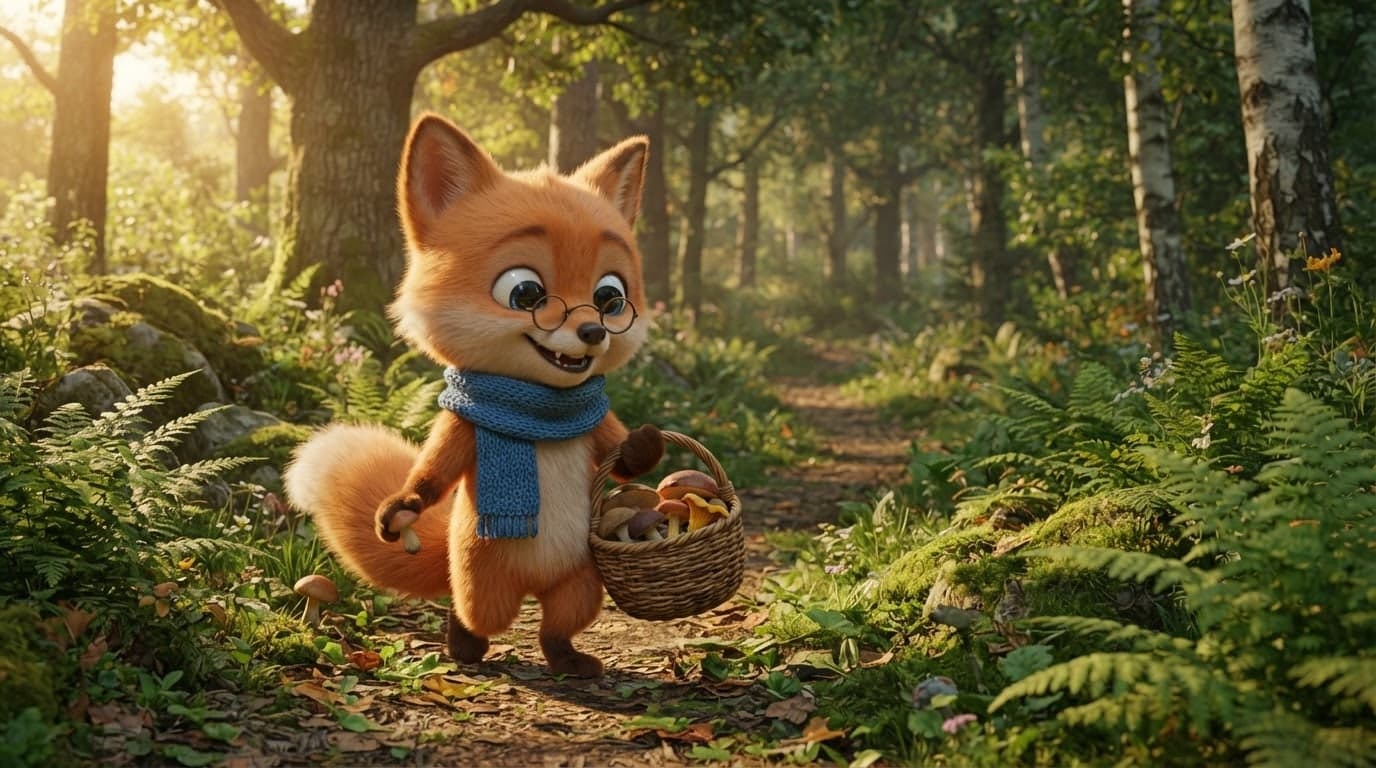
Design a mascot, a children's book hero or a game character, and Canvas draws it with a 3D render look. What you get is an image; there is no 3D model to rig and animate.
Blue parts are the places to fill in with your own details. Tab selects the next one, Enter sends, Shift and Enter starts a new line.
This tool runs on Entro Canvas.
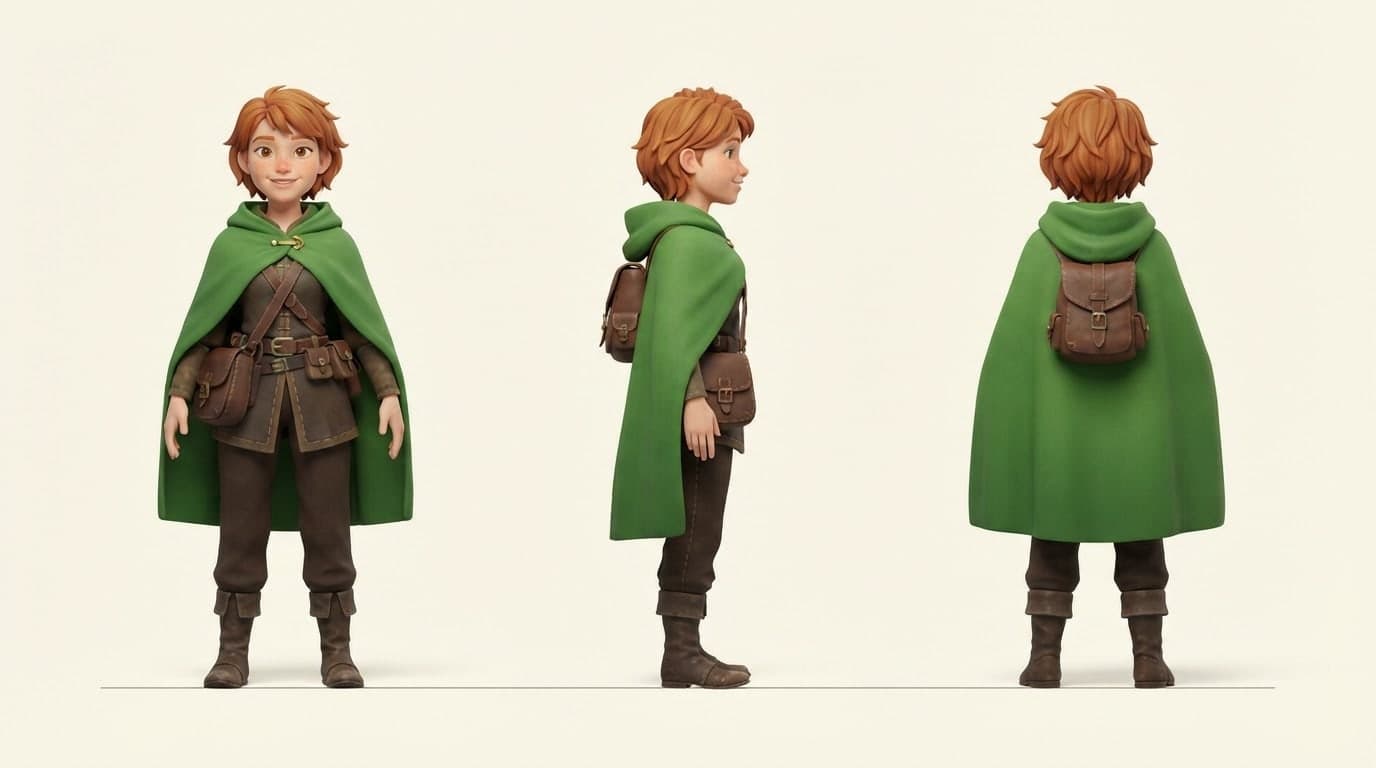
Ask for front, side and back views in one image. You compare colors, proportions and accessories from every side, and a wide 16:9 or 21:9 ratio leaves room for all three.
Write something like "same character, six facial expressions, 3x2 grid" to get joy, surprise, sleepiness and anger in one image. It is a starting point for book pages and chat stickers.
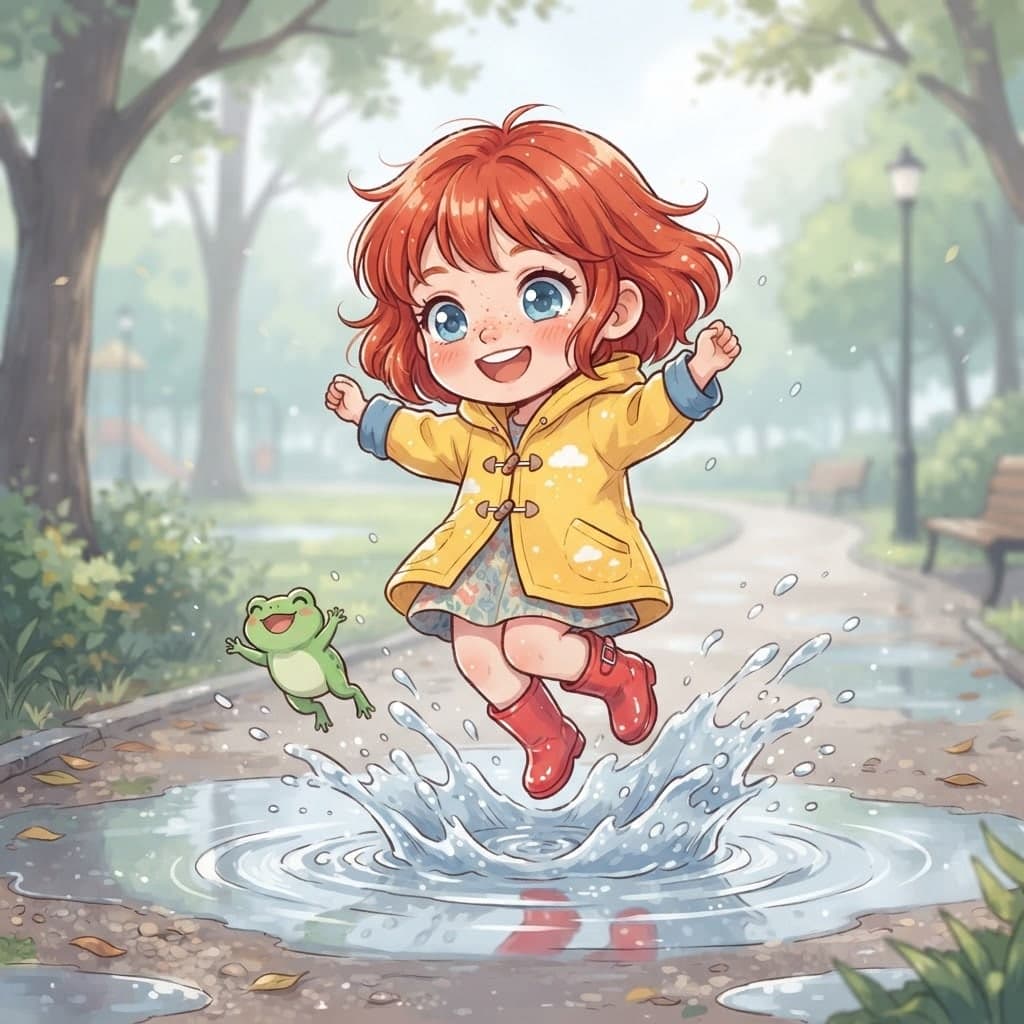
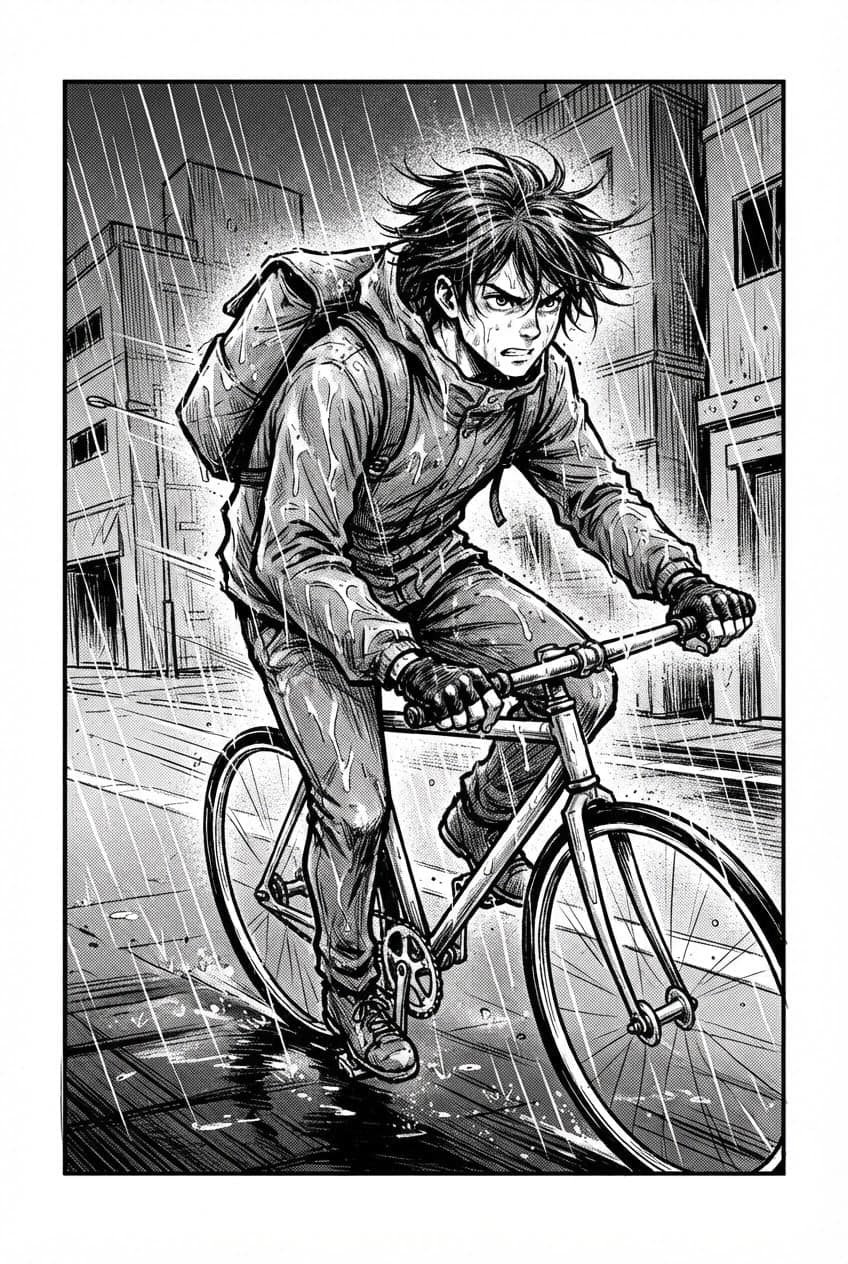
Add the design you like with Add image in the Subject role and write new scenes: in a kitchen, on a bike, in the rain. Canvas tries to keep the character's look.
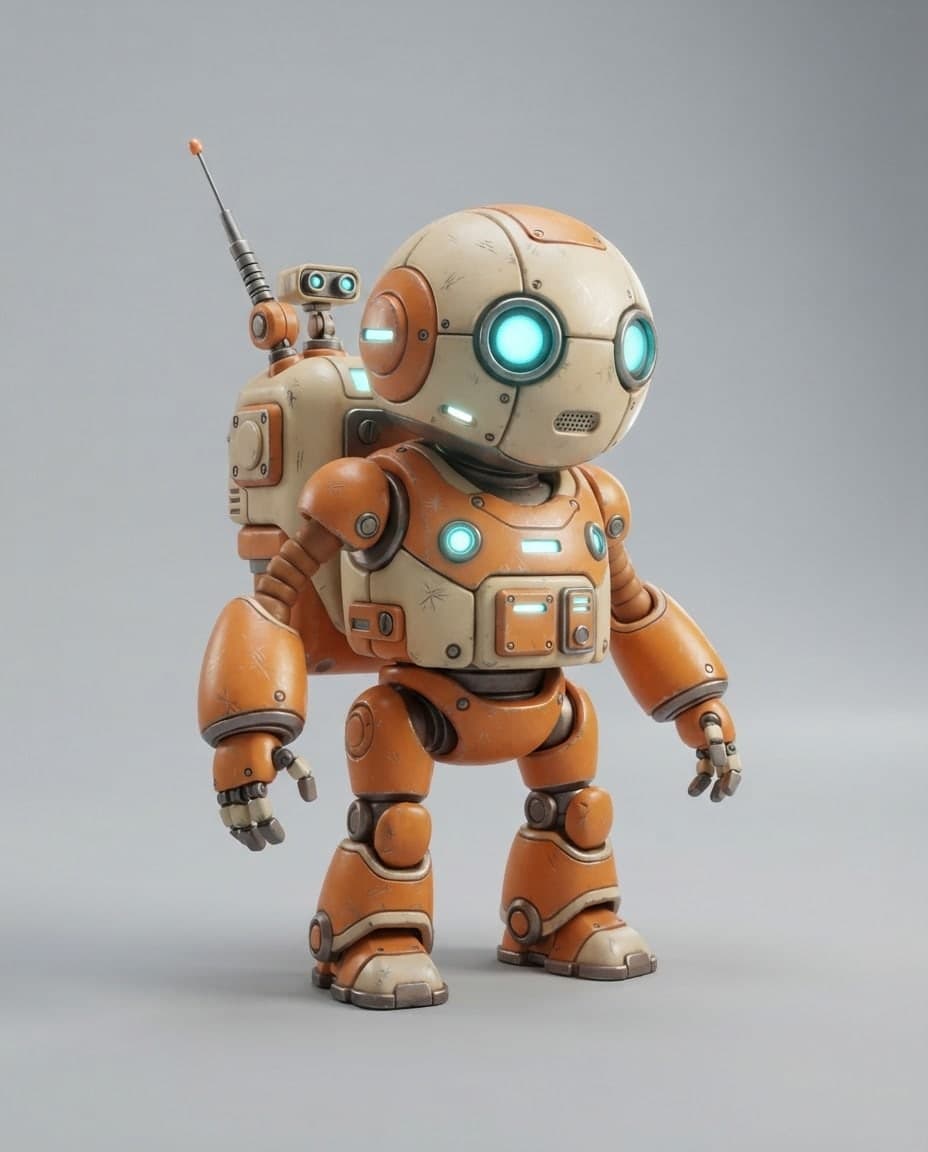
In the first round, ask only for the body, the colors and one or two clear accessories. Once the design settles, add details with Edit: a belt buckle, a badge, a fabric pattern. Each edit is saved as a new version, so you can go back if you do not like it.
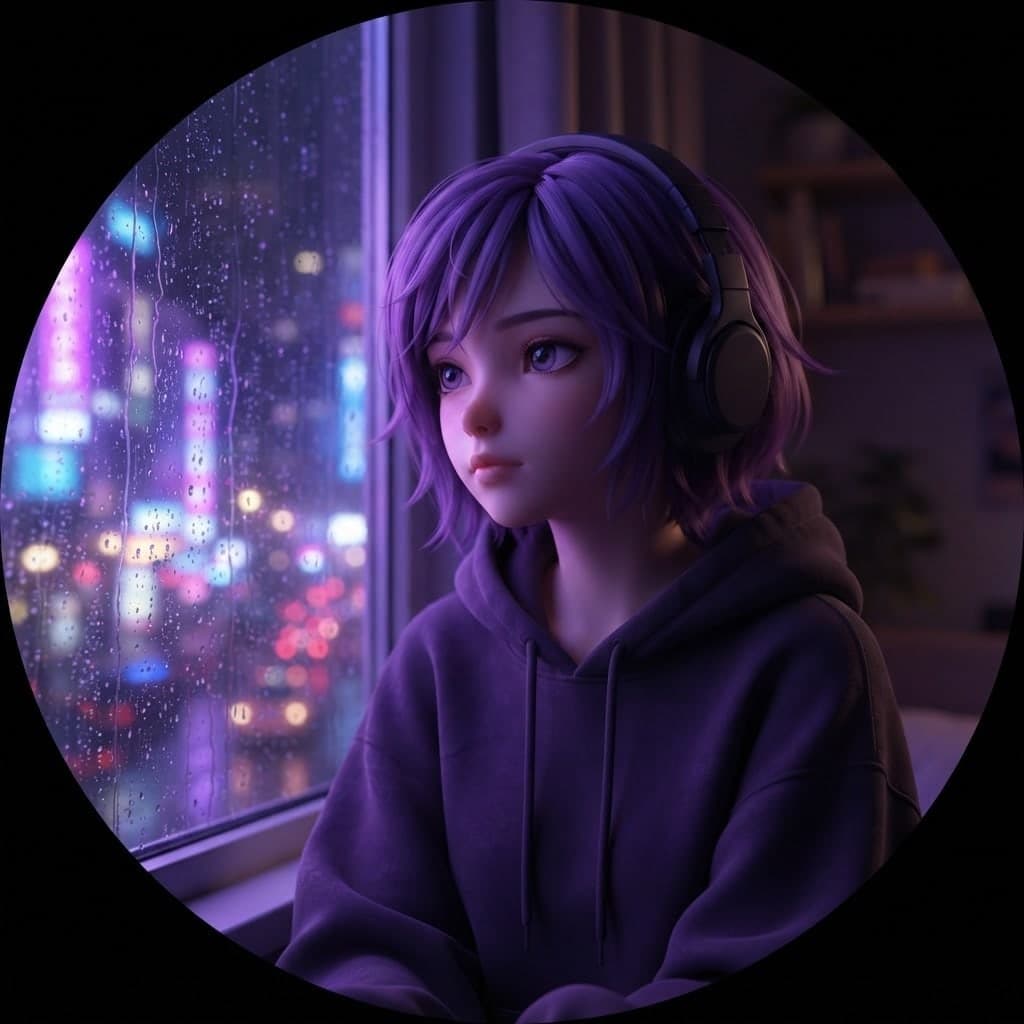
Canvas draws the character with a 3D render look but gives you no model file. If the character is headed for a game or animation, these images become the reference art you hand to whoever builds the model; the front, side and back sheet is made for exactly that.
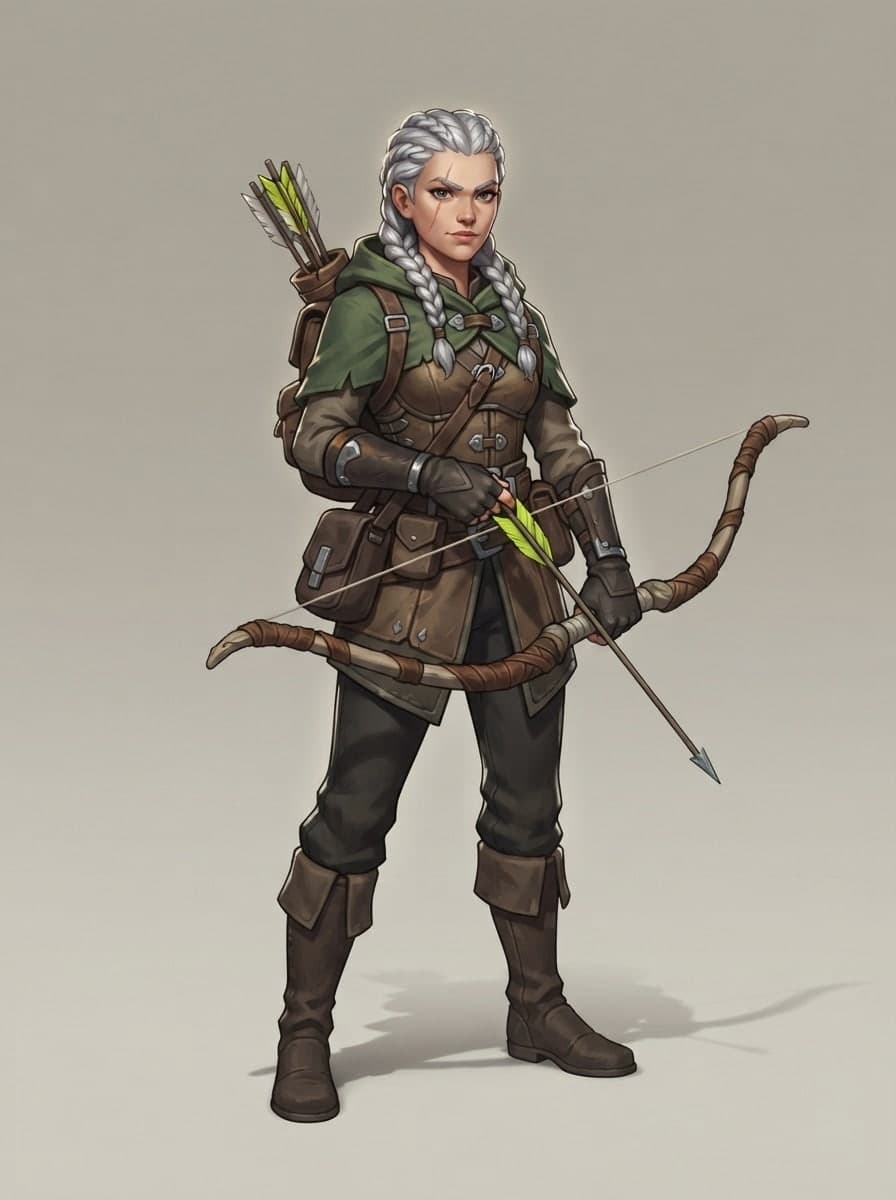
Design a friendly mascot for your cafe, app or school. Use the same mascot in different poses on your site, packaging and social media, and give your brand colors as hex codes so the mascot matches them.
Settle your hero on a design sheet first, then generate a scene for each page. Repeating the character description in the same words reduces differences between pages.
Come up with quick ideas for a hero, enemy or sidekick. Pick the strongest silhouette from four options and add details to that one.
Use a guide character that explains the topic in lesson videos or training slides. Generate the character with a different gesture for each slide.
Post the same mascot in a new scene every week. As followers get to know the character, they get to know the series.
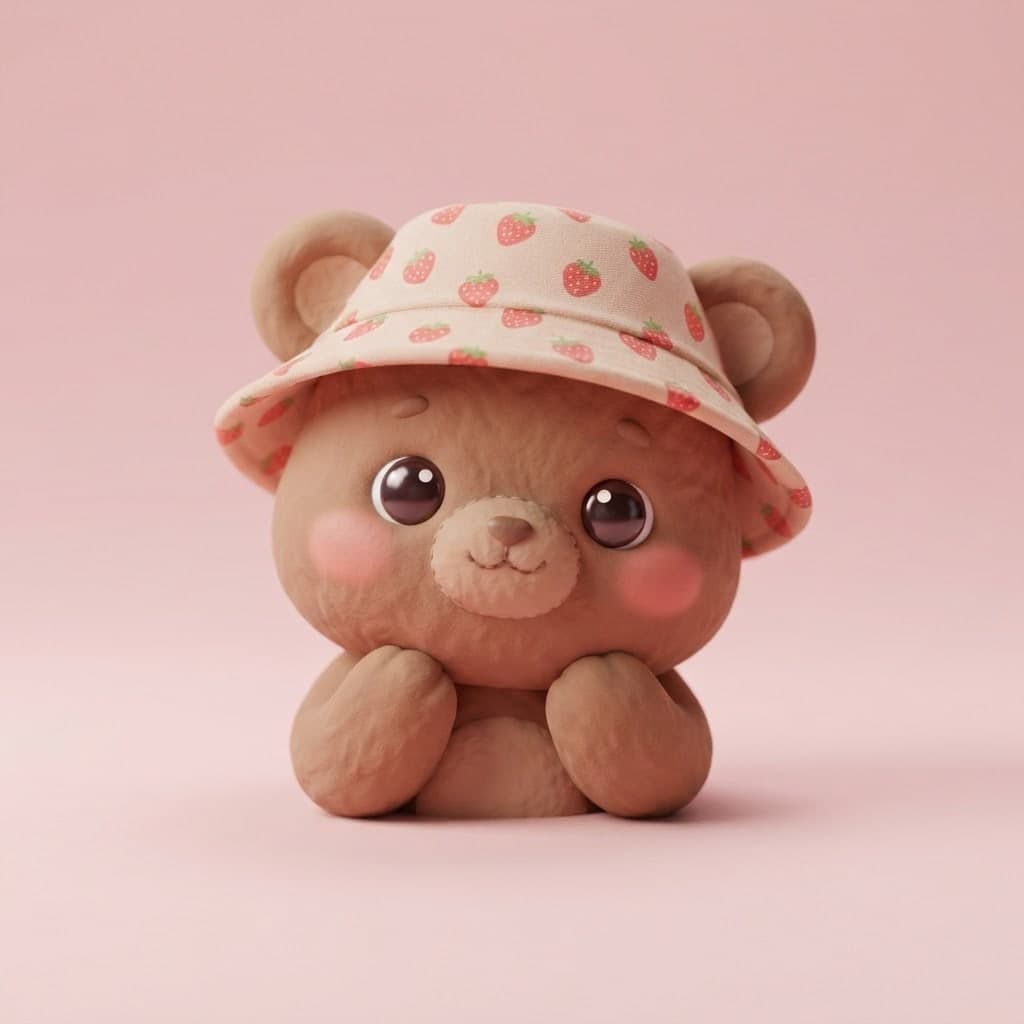
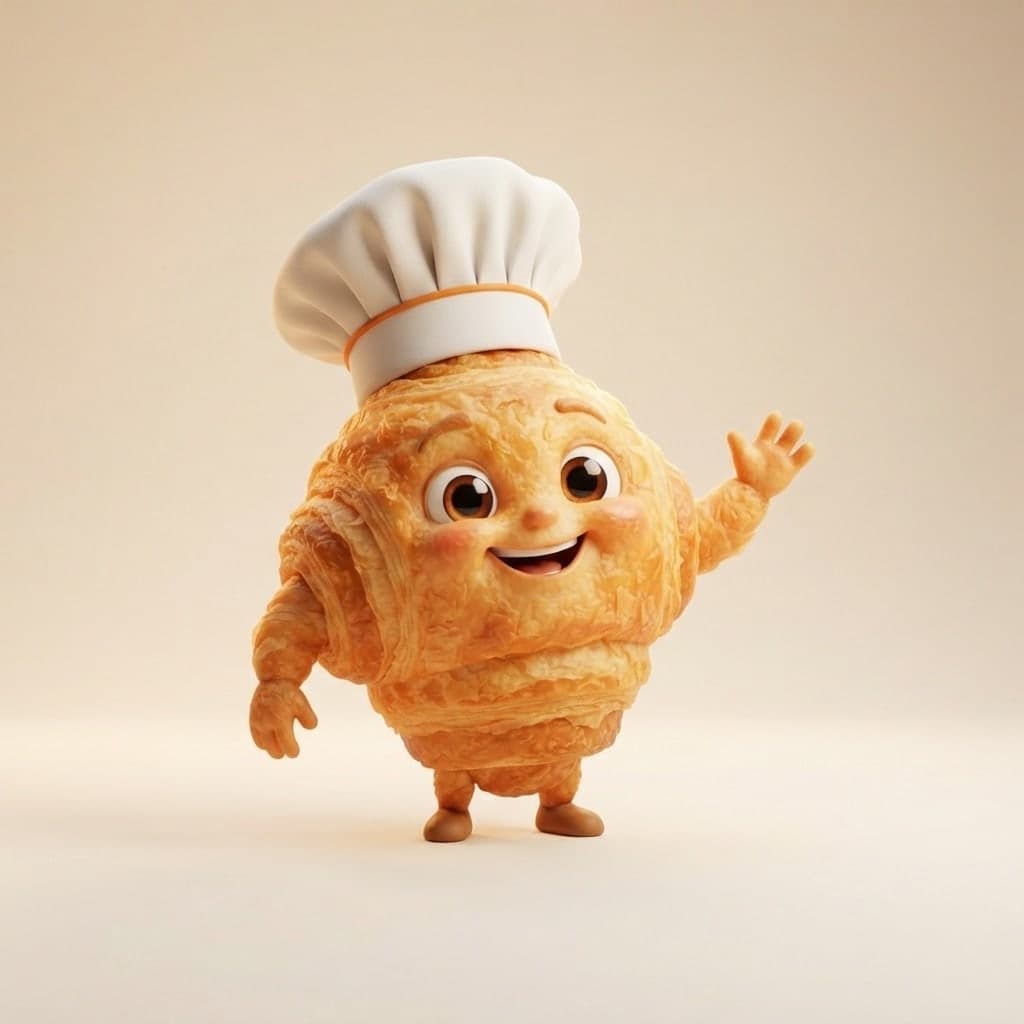
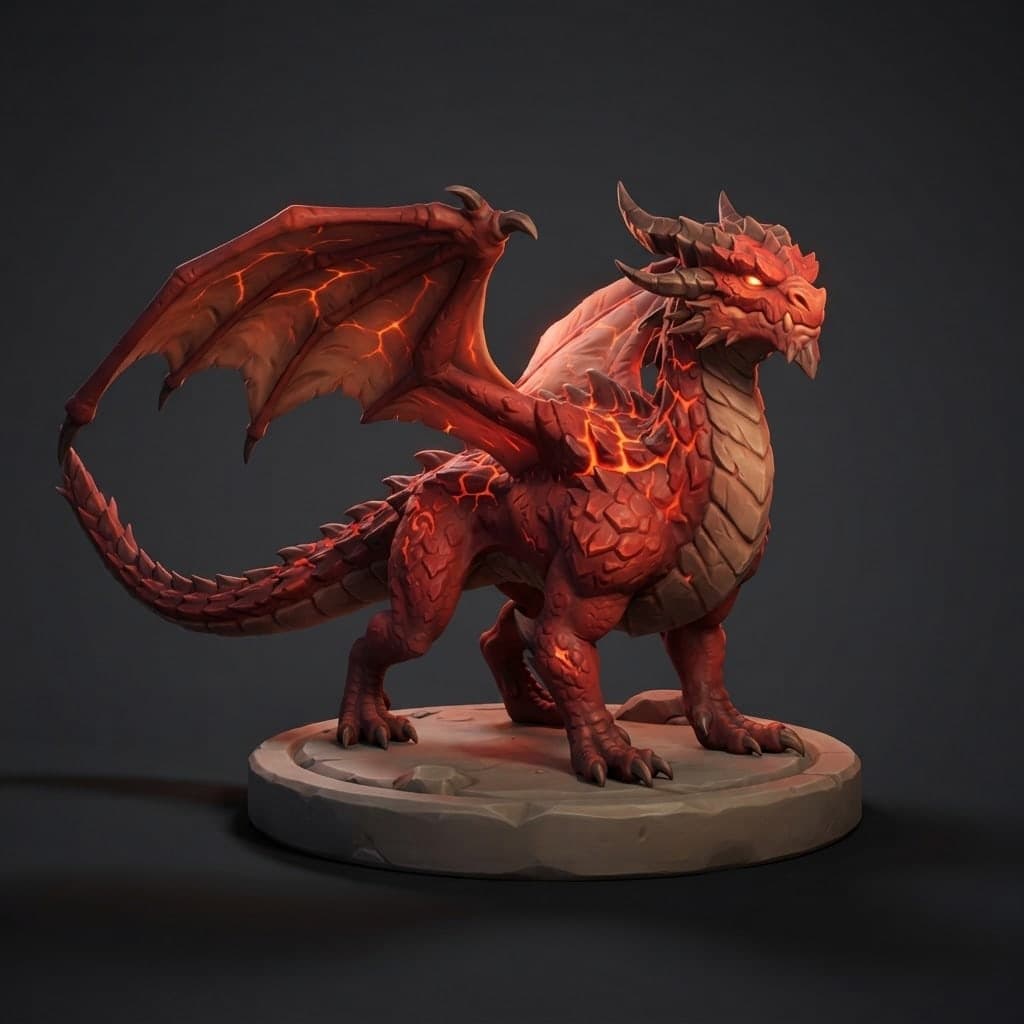
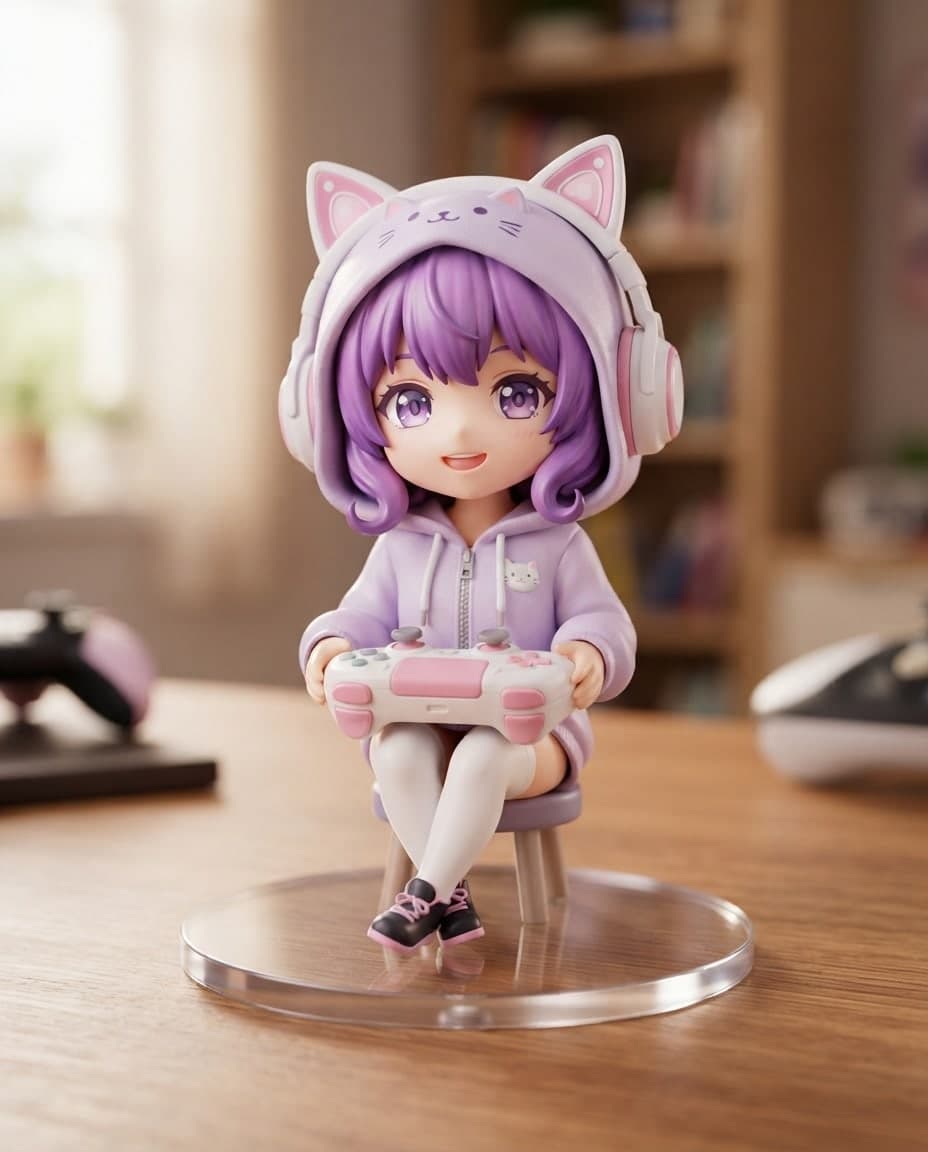
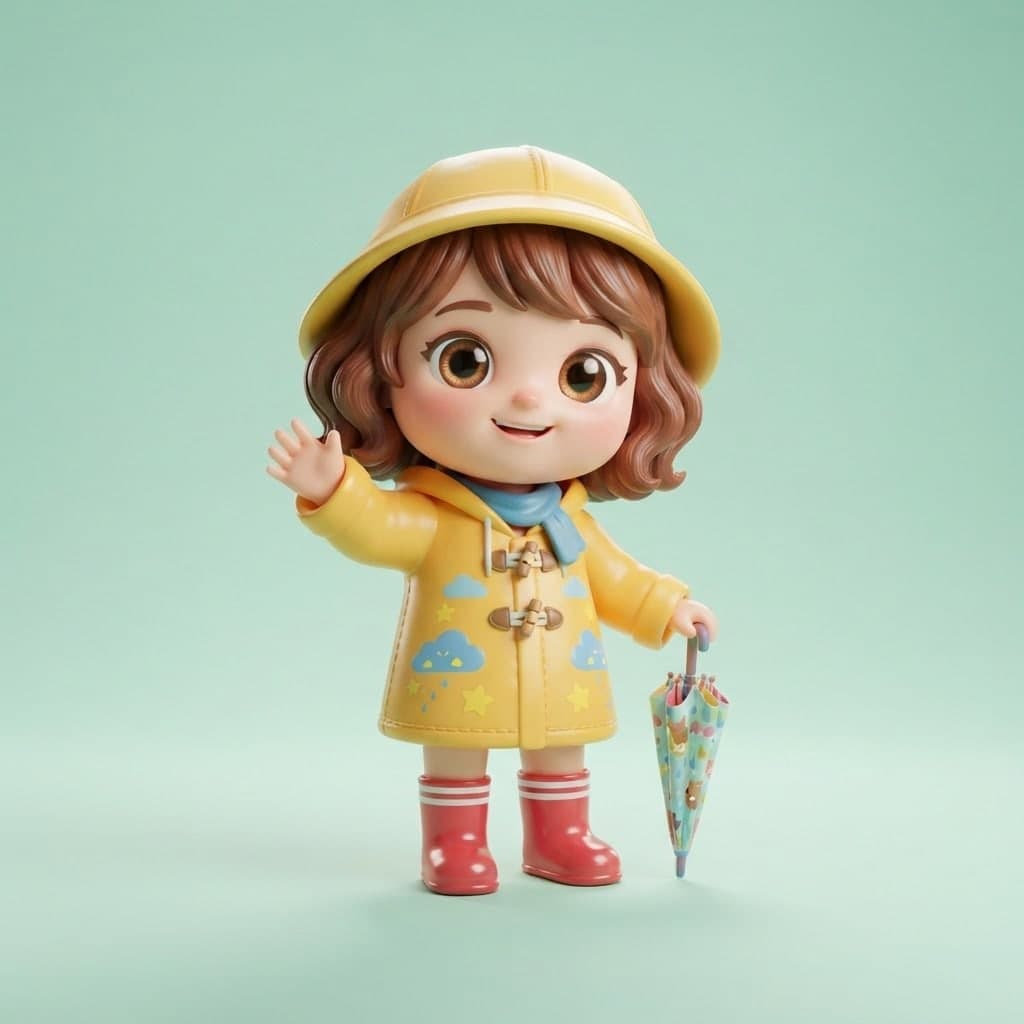
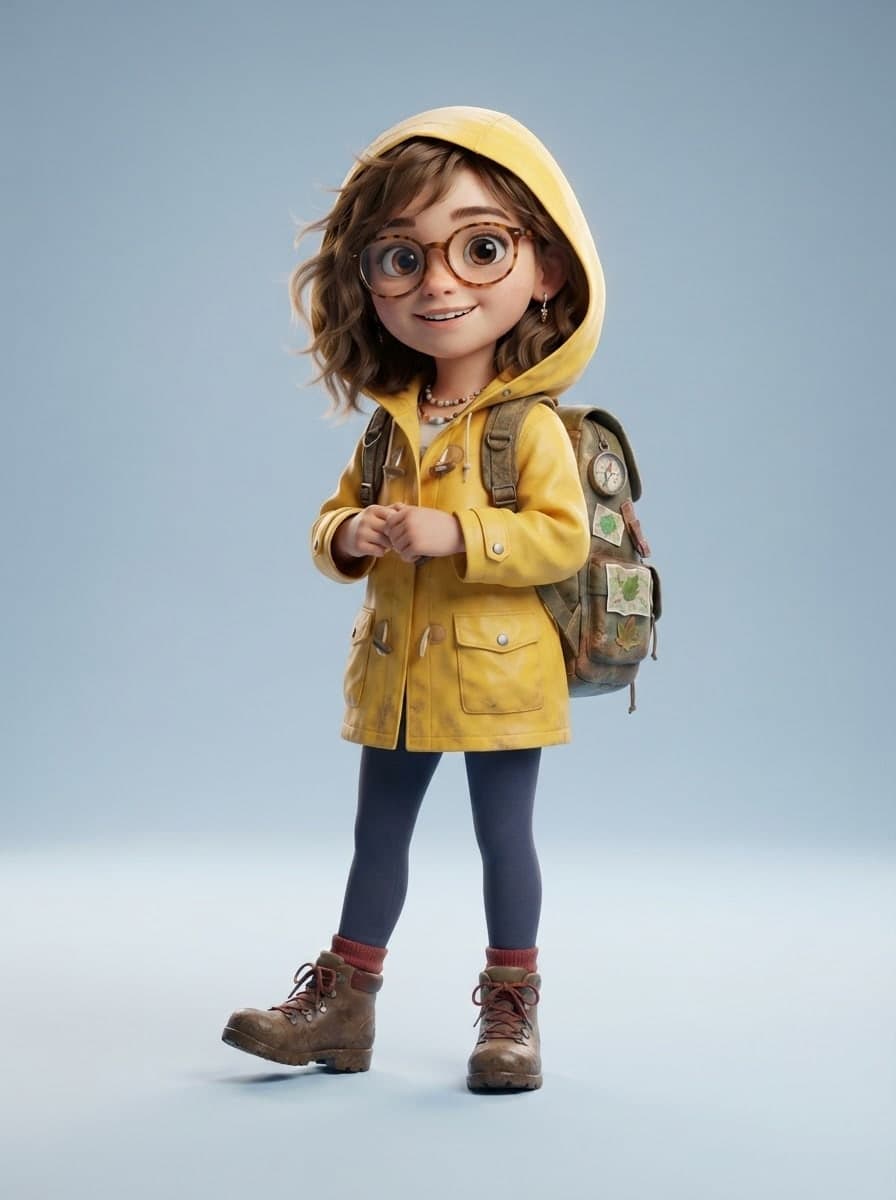
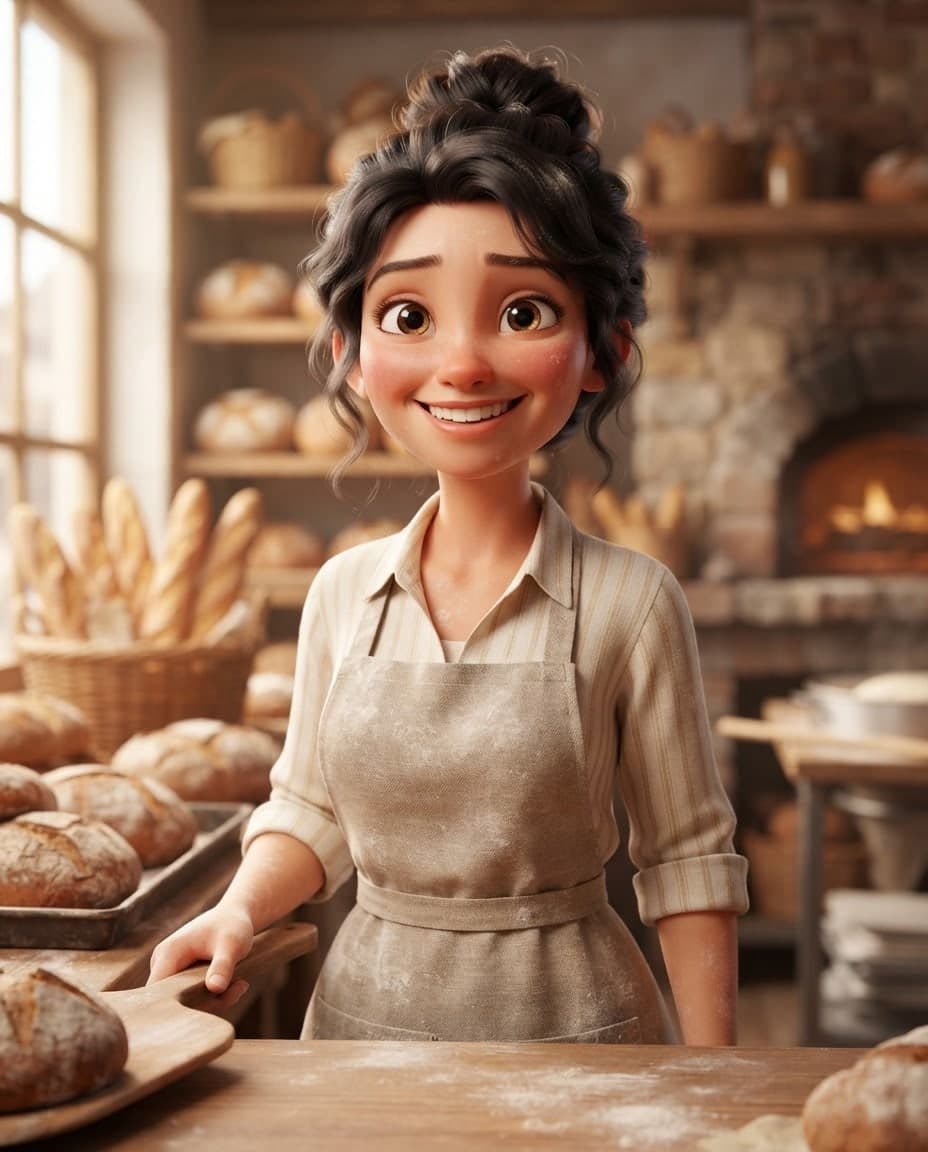

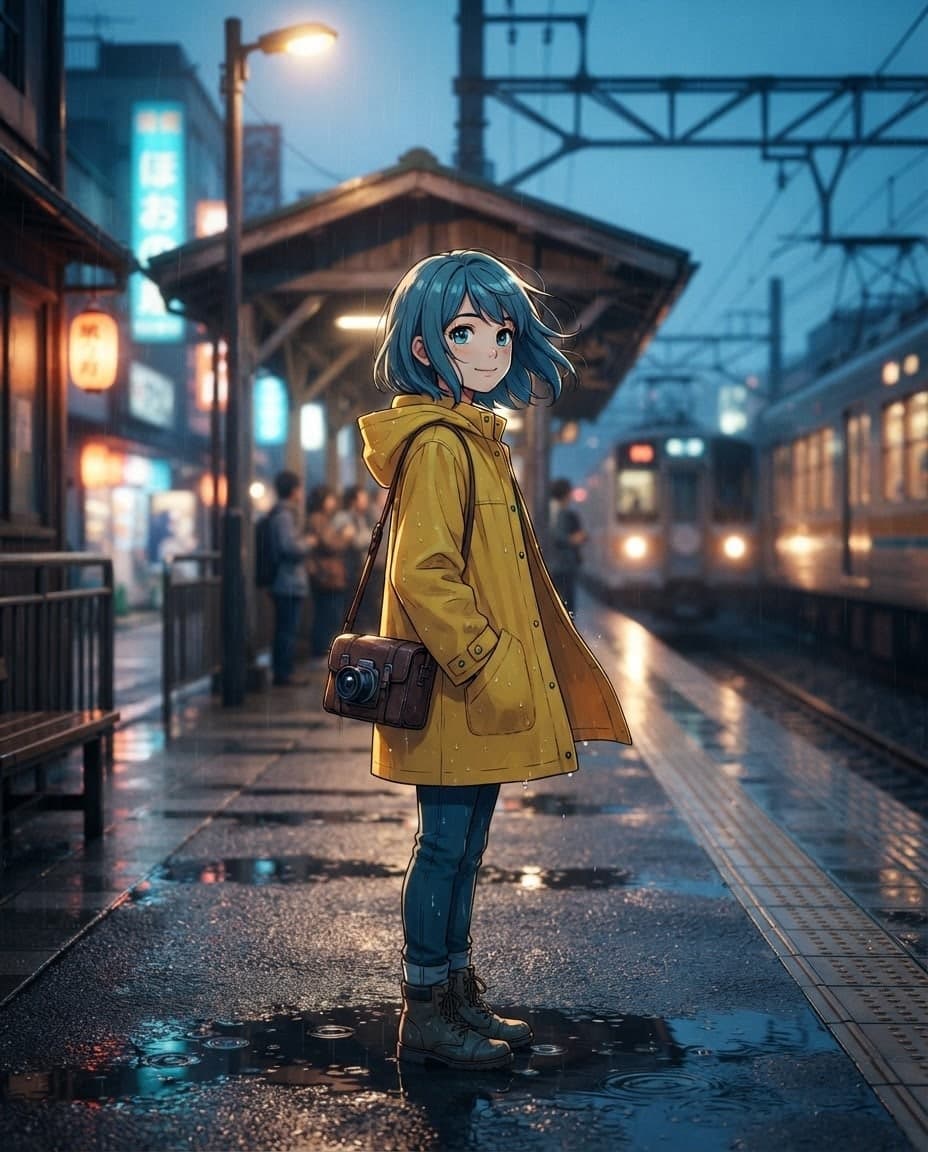
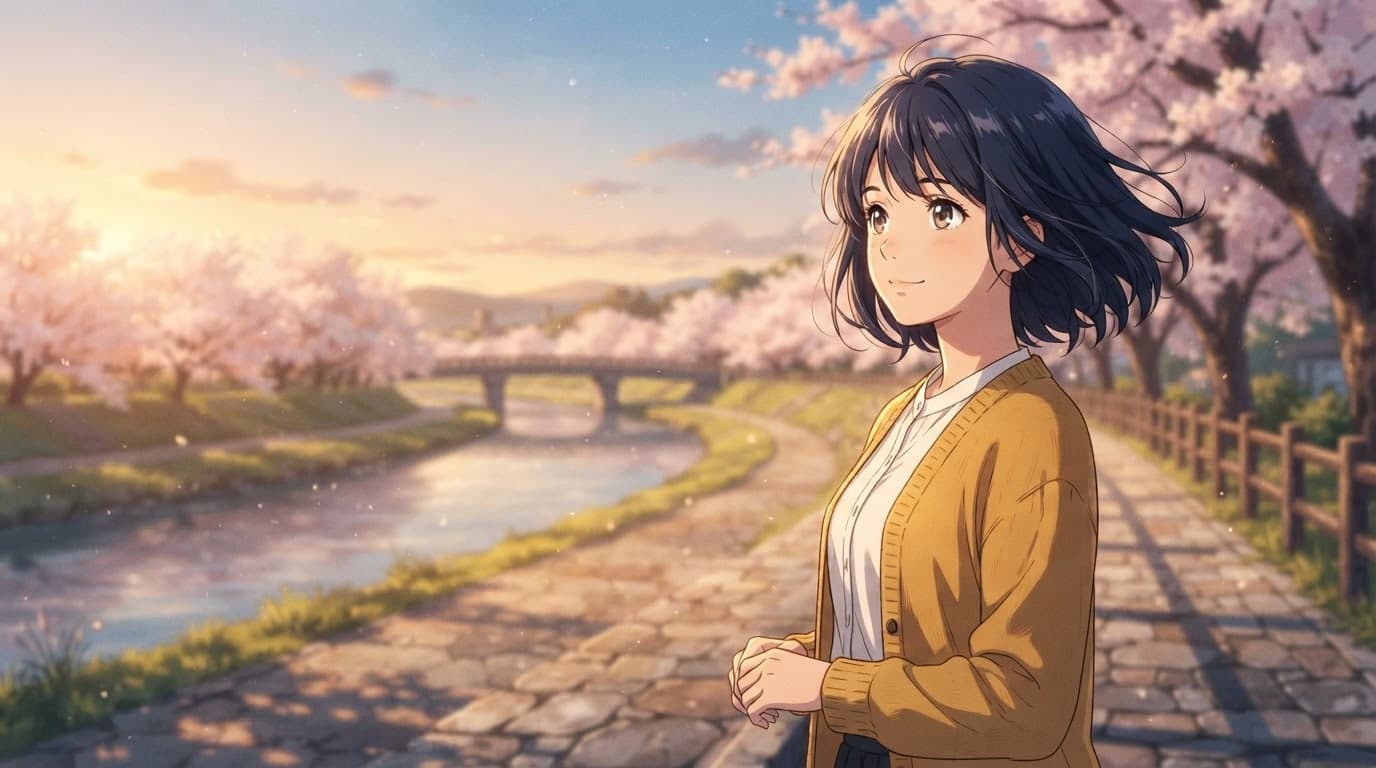
Write the type (human, animal, robot), personality, main colors and one or two accessories. Add a look as well, such as "soft plastic toy texture" or "3D animated-movie style".
Ask for front, side and back views on a plain background, set the ratio to 16:9 and choose 4 images. Press Generate and you get four different takes.
Sharpen your favorite design with Edit. Then add it with the Subject role and generate your character in the scenes you want.

Turn your photo or a description into a 3D animated-movie style avatar image for profile pictures and team pages. You get a PNG or JPG image.
Describe your character and scene, and Canvas draws a 3D anime-style image: cel shading, cinematic light, wallpaper ratios. You get a PNG or JPG image.

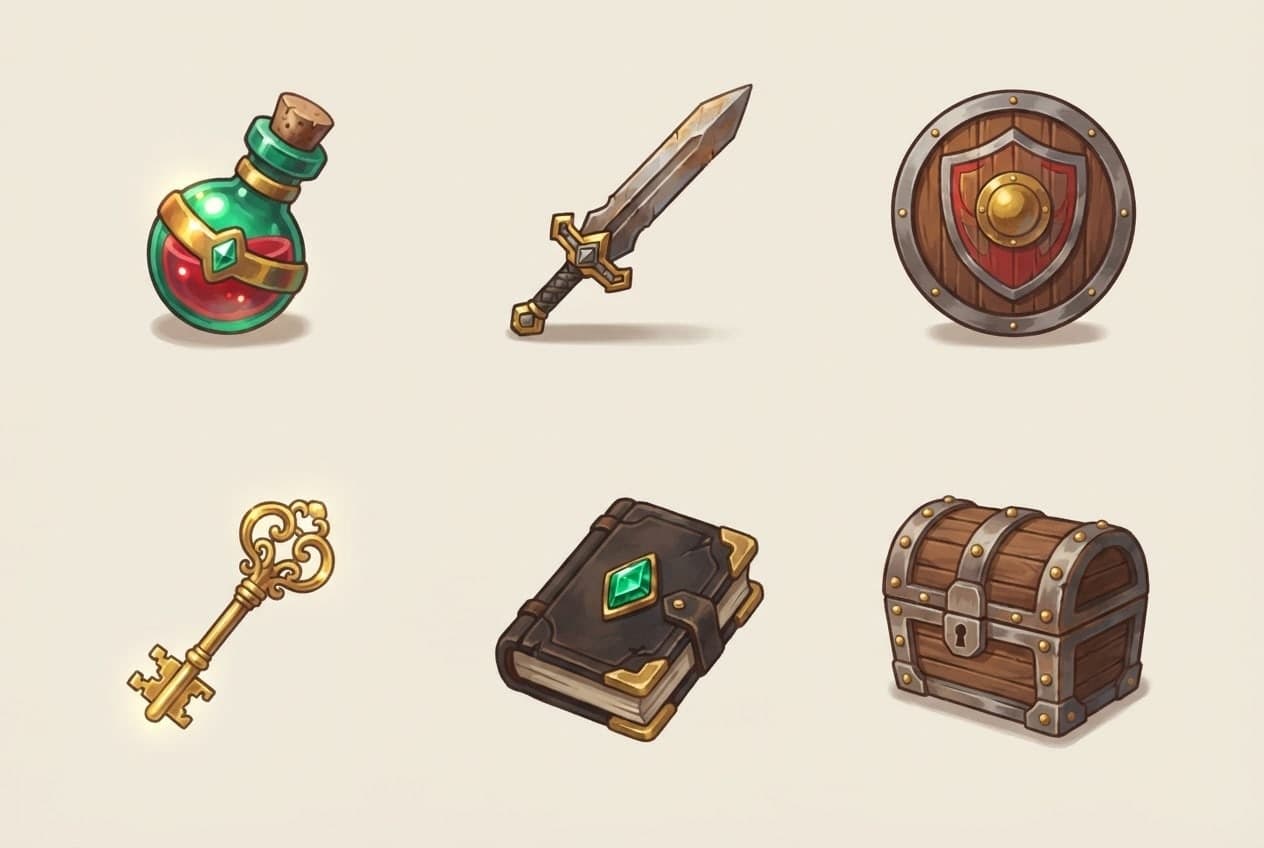
Describe item icons, character ideas, backgrounds and card art, and Canvas draws 3D-style or 2D game images. You get PNG or JPG images to prepare for your game.

Add your own image and Canvas either uses it as a reference for a new picture or applies the change you describe. Up to 4 images with style and subject roles.

Type your brand name and style, and Canvas draws four logo options in one go. A logo template, flat vector presets and your own color codes. Start free.
Describe a scene and Canvas turns it into 1 to 4 images. Ten aspect ratios, 16 style presets and monthly image credits on the Free plan.
You describe it, Entrobase builds it.
Create with Entrobase