

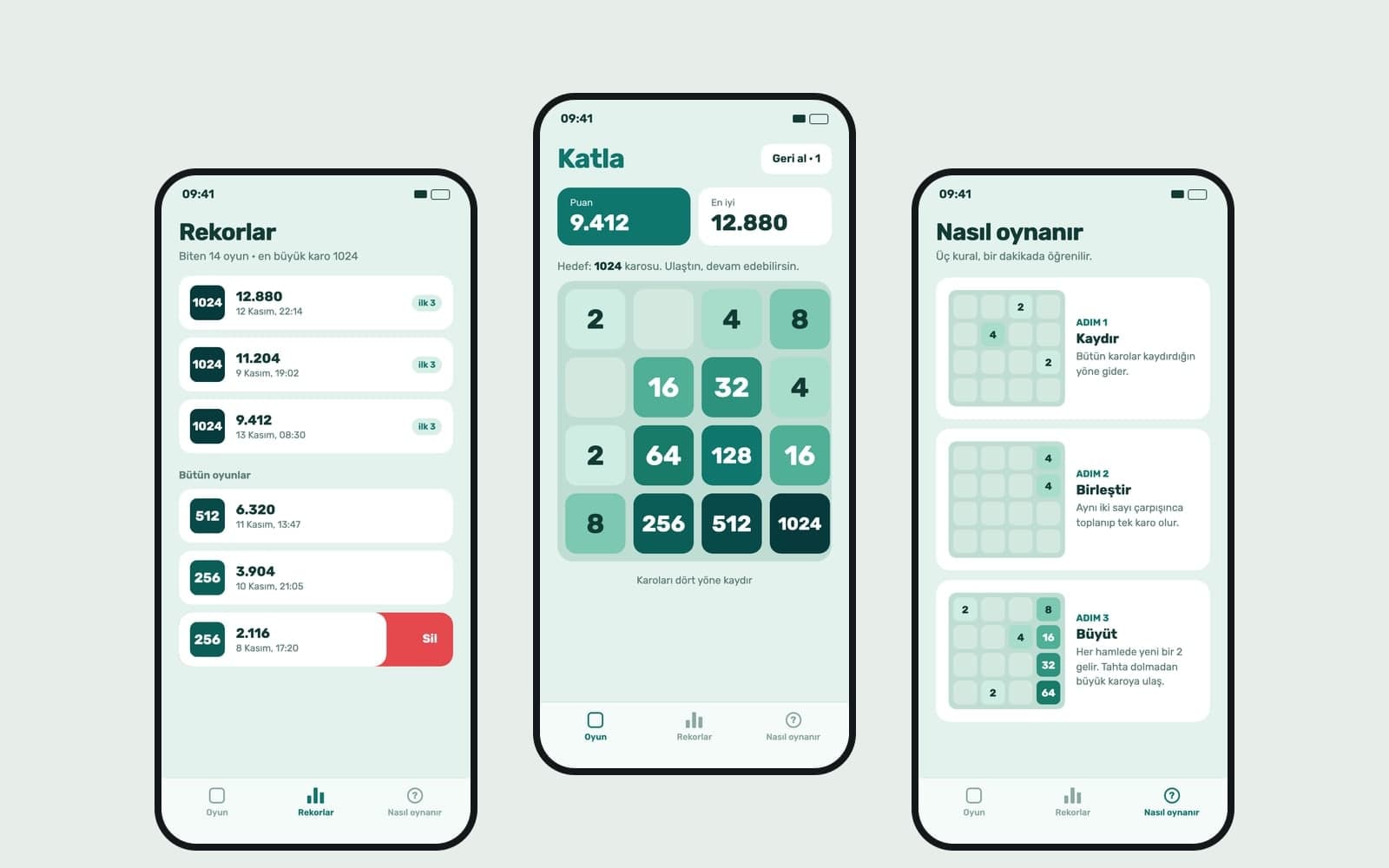
AI 2D Game Maker
Platformer, snake or space shooter: describe your 2D game and Entrobase builds it for the browser. Add your own character, tune speed and controls by chat.
Describe your game in your own words and Entrobase builds a first version that opens in the browser. Play it in the preview, say which rule you want changed, and publish it when it feels right.
Blue parts are the places to fill in with your own details. Tab selects the next one, Enter sends, Shift and Enter starts a new line.
This tool runs on Entro Builder.
Say in plain sentences what the goal is, how points are earned and when the game ends. The Builder sets up the play area, the score and the end screen, and you add any rule you forgot in the next message.
The first version runs in the preview on the right of the Builder, and you play it right there. The preview is the same build players will get when you publish; it just is not online yet.
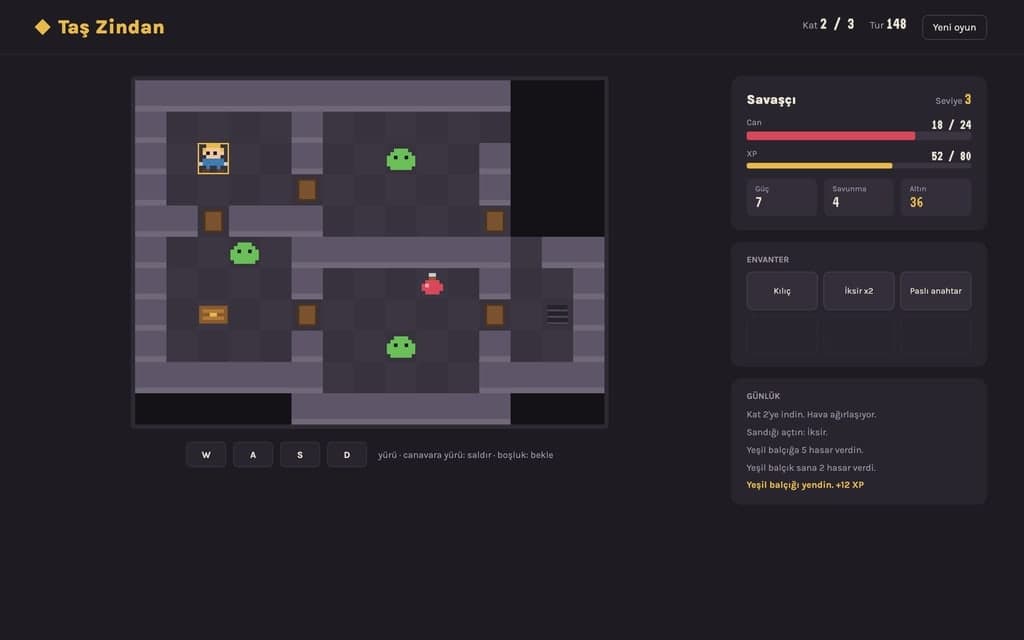
Press Publish and the game opens at yoursite.entrobase.site. Whoever gets the link plays it in their browser without downloading anything.
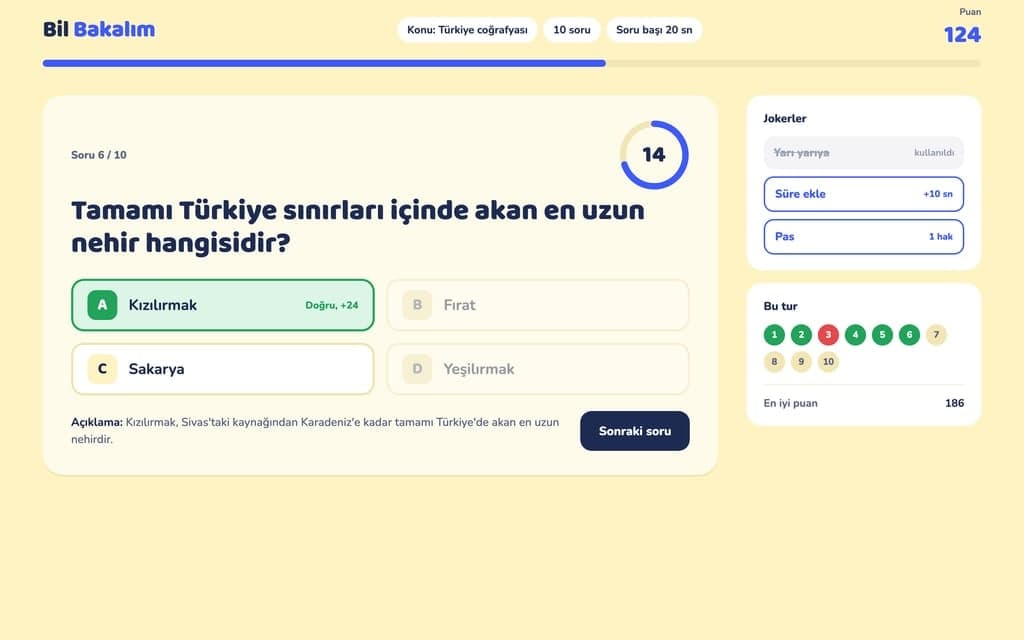
"The cards close too fast", "give hard mode a 60 second limit", "show how many moves it took on the end screen". After each message the preview rebuilds and you play again from the start. If a change feels wrong, Restore this version under that reply takes the game back.
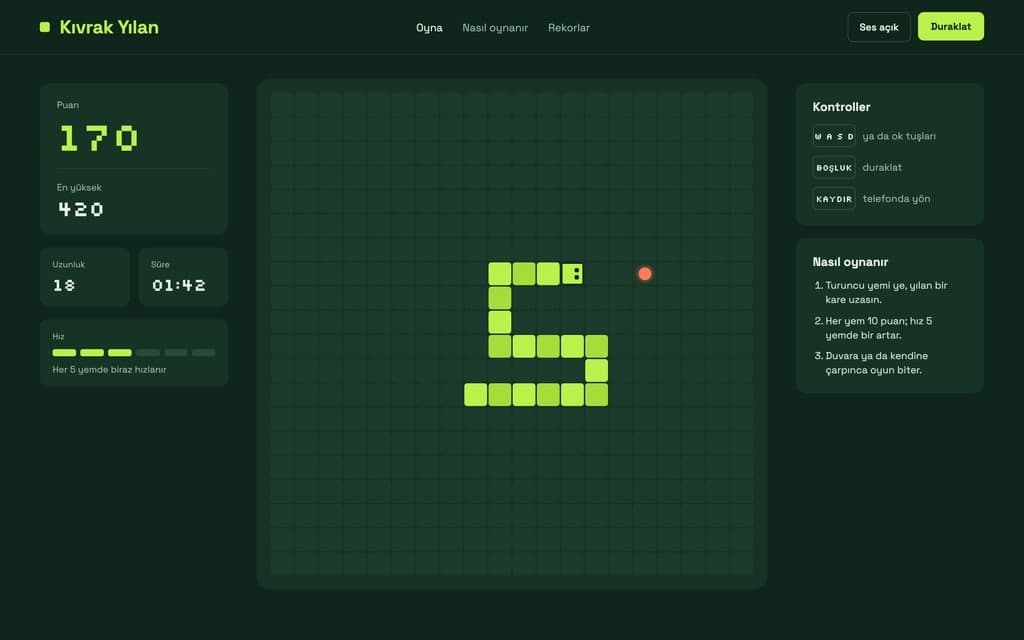
In Chat mode the Builder does not touch the code, so you can ask for level, power-up or difficulty ideas and read the answer. Ask for the one you like in Build mode. If the same request fails three times, switching to a stronger model usually gets there faster.
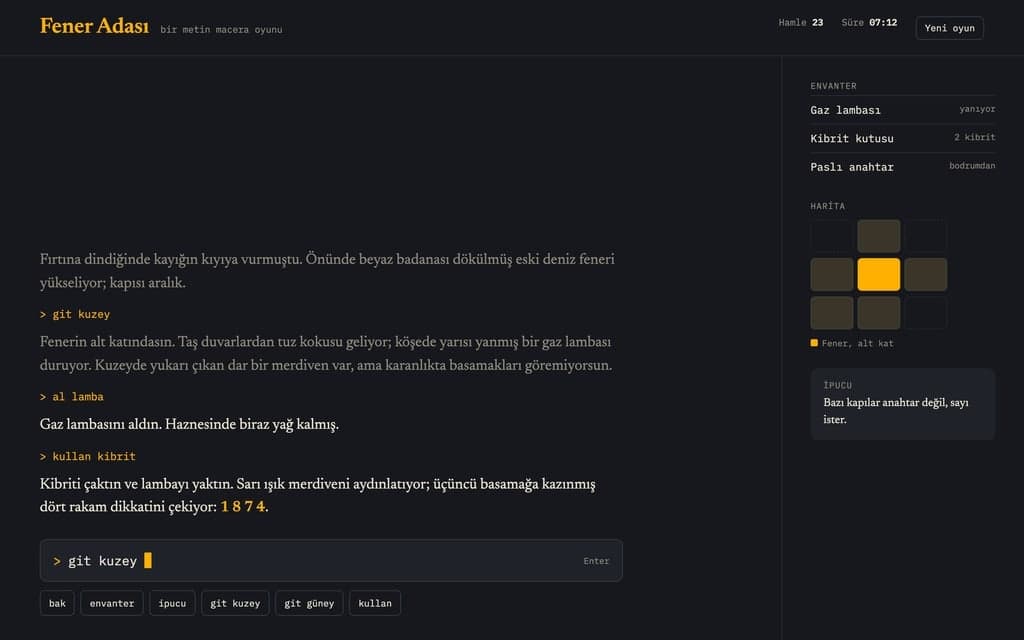
Daily word guessing, matching, number puzzles. Their rules fit in a few sentences and they play on one screen, which makes them a good first game.
A multiple choice quiz for your class, team or customers, with a timer, a count of right answers and a results screen. Write the questions yourself or give a topic and have them written.
Catch falling objects, tap targets as they pop up, dodge obstacles. Tune speed, lives and level changes by chat.
A small game for your cafe or shop in your colors, with the logo you add to the chat. You can put a form at the end; filled forms land on the Forms page in your dashboard.
A puzzle like sudoku can also be built as a phone app: choose Mobile app in the Builder. Mobile apps are on Pro and above, and you try them on your phone with Expo Go.
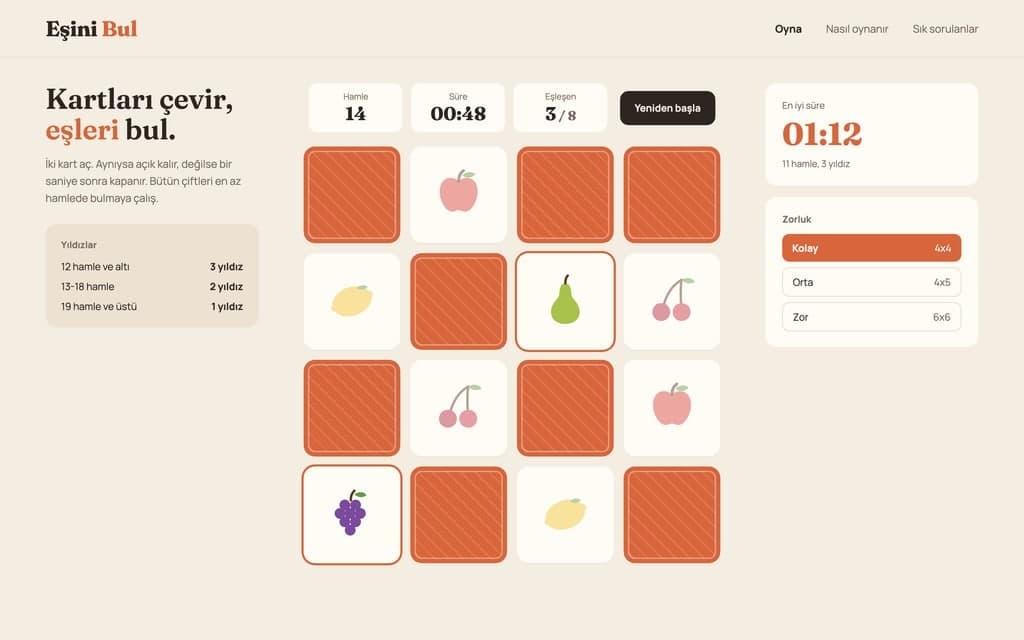
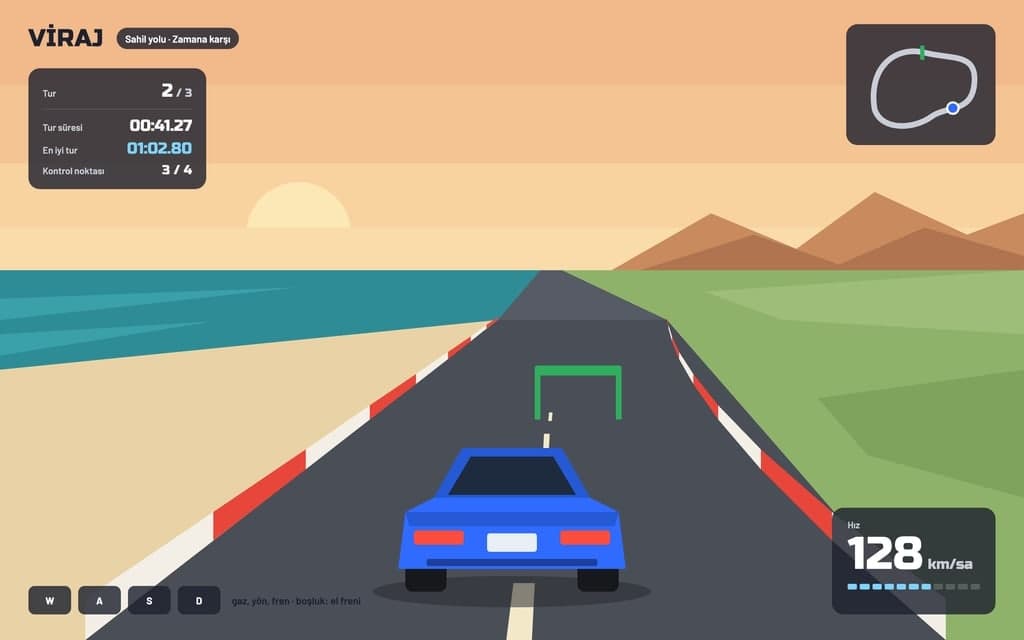
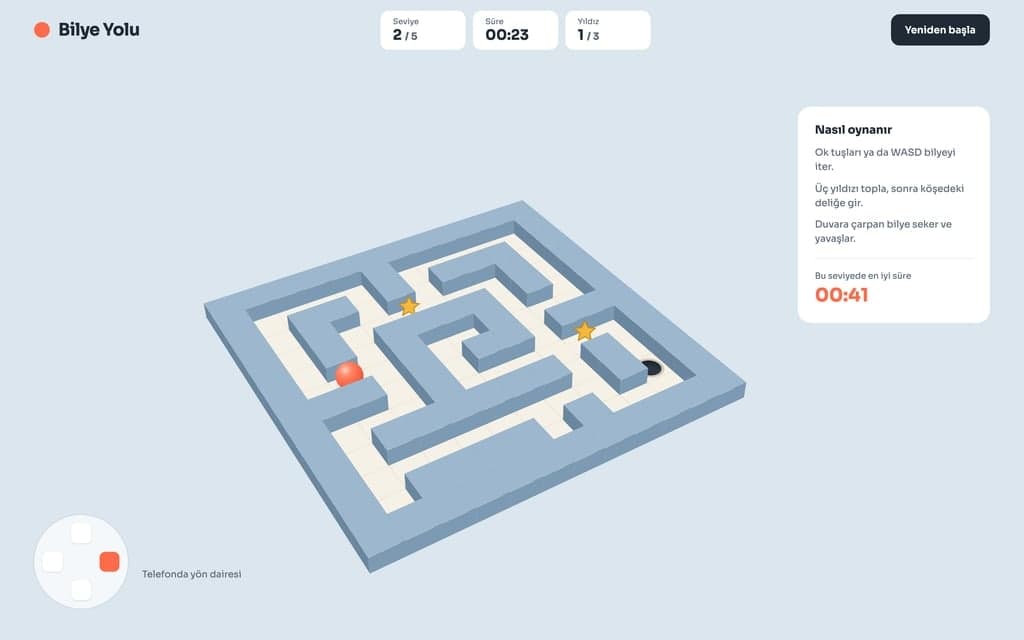
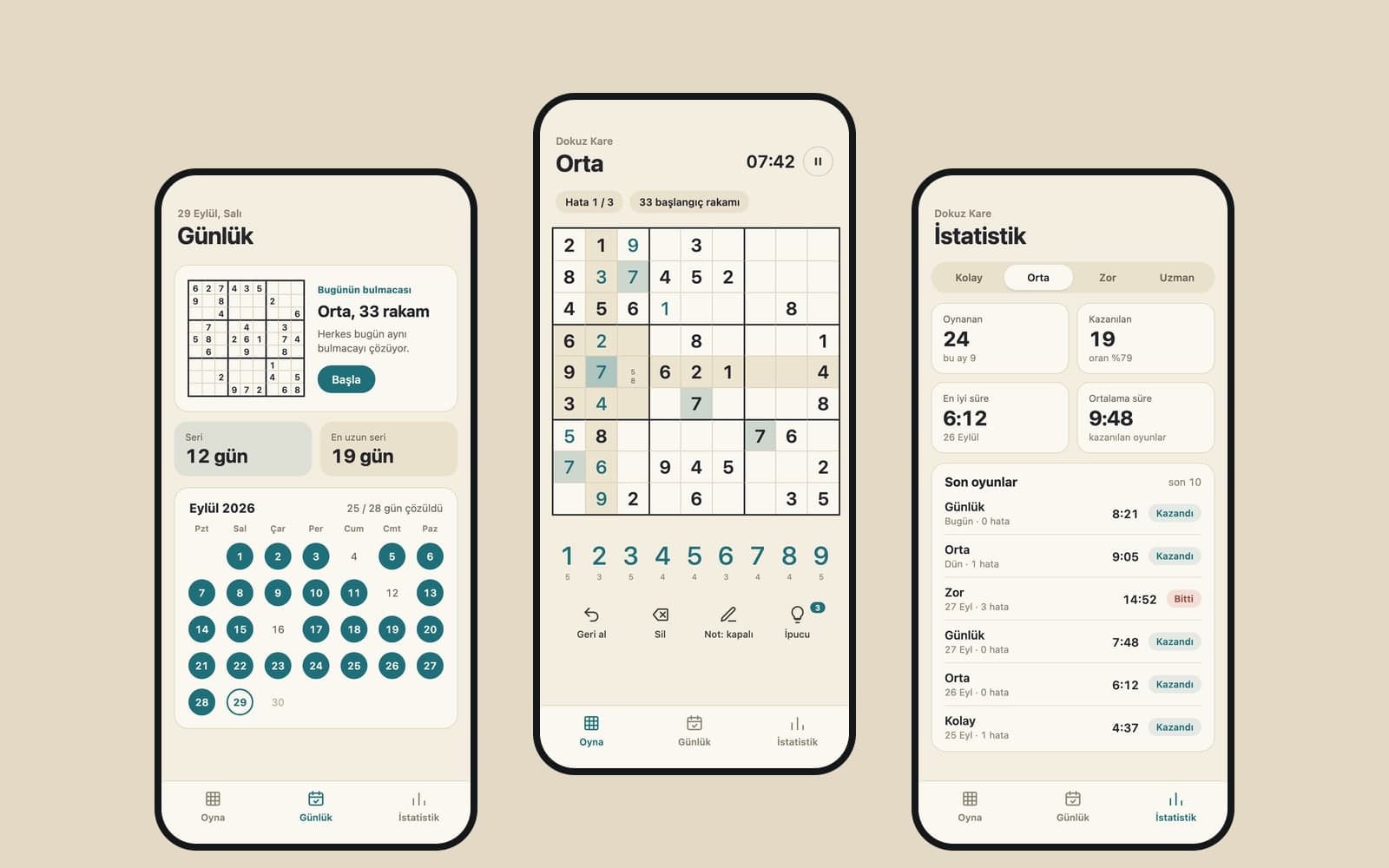
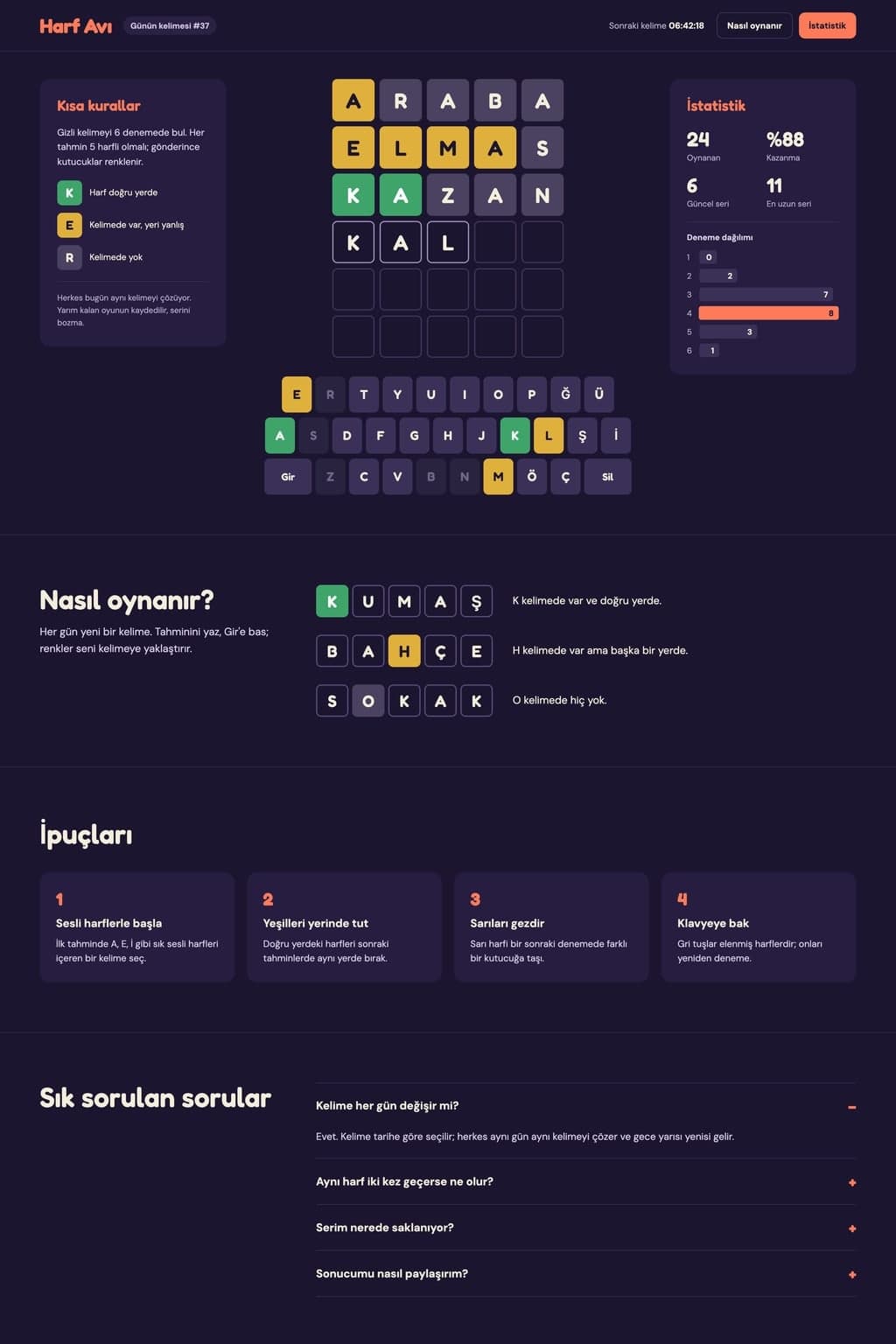
Change the highlighted parts of the request above: theme, difficulty, look. Make sure the goal, scoring and ending are written down. Send it and the Builder opens; without an account you sign up first and your request is kept.
The Builder builds the first version and opens the preview on the right. Play, then write what feels off into the chat, one thing at a time. With Select in the preview you can click an element such as the score bar or a button and change only that.
Publish at the top right puts the game at yoursite.entrobase.site. Later changes reach the game when you publish again. You can connect your own domain on Starter and above.
Platformer, snake or space shooter: describe your 2D game and Entrobase builds it for the browser. Add your own character, tune speed and controls by chat.
Describe a simple 3D game or scene that opens in the browser and Entrobase builds a first version. Try it in the preview, then tune camera, speed and colors.
Turn your story into a choice-based adventure, class notes into a quiz, a word list into a puzzle. Entrobase builds the game for the browser and you play it.

Describe item icons, character ideas, backgrounds and card art, and Canvas draws 3D-style or 2D game images. You get PNG or JPG images to prepare for your game.

Describe your app and Entrobase builds a first version for iPhone and Android. Try it on your phone, change it by chatting, then build the Android file.
You describe it, Entrobase builds it.
Create with Entrobase