


AI Landing Page Generator
Build a landing page with AI: describe the offer, get a one-page site with a form and collect sign-ups in your Forms inbox. Preview it, then publish.
Entro Ads drafts campaigns, keywords and ad copy inside the Google Ads account you connect. Each change arrives as an approval card, and nothing is written to your account until you approve it.
Blue parts are the places to fill in with your own details. Tab selects the next one, Enter sends, Shift and Enter starts a new line.
This tool runs on Entro Ads.
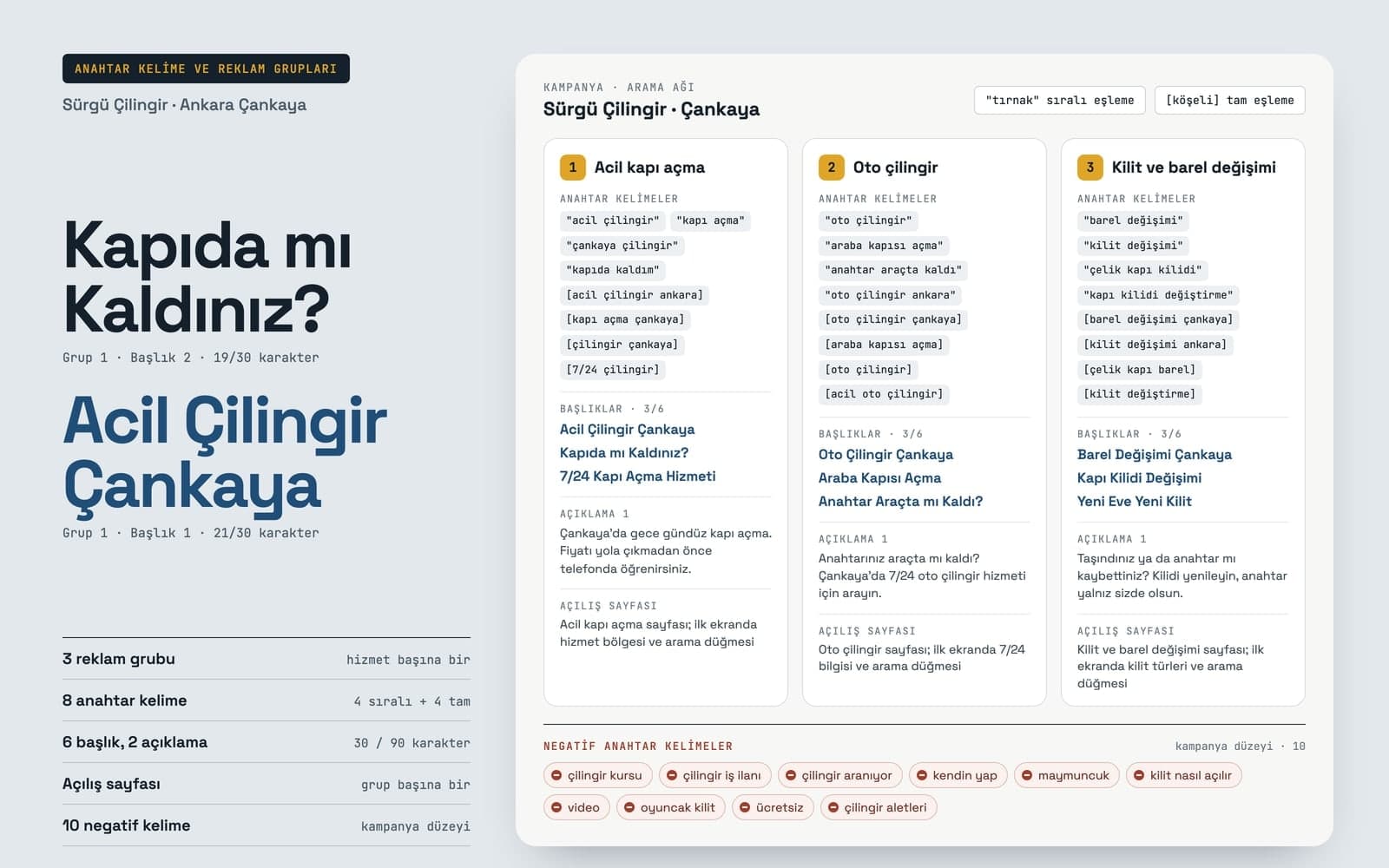
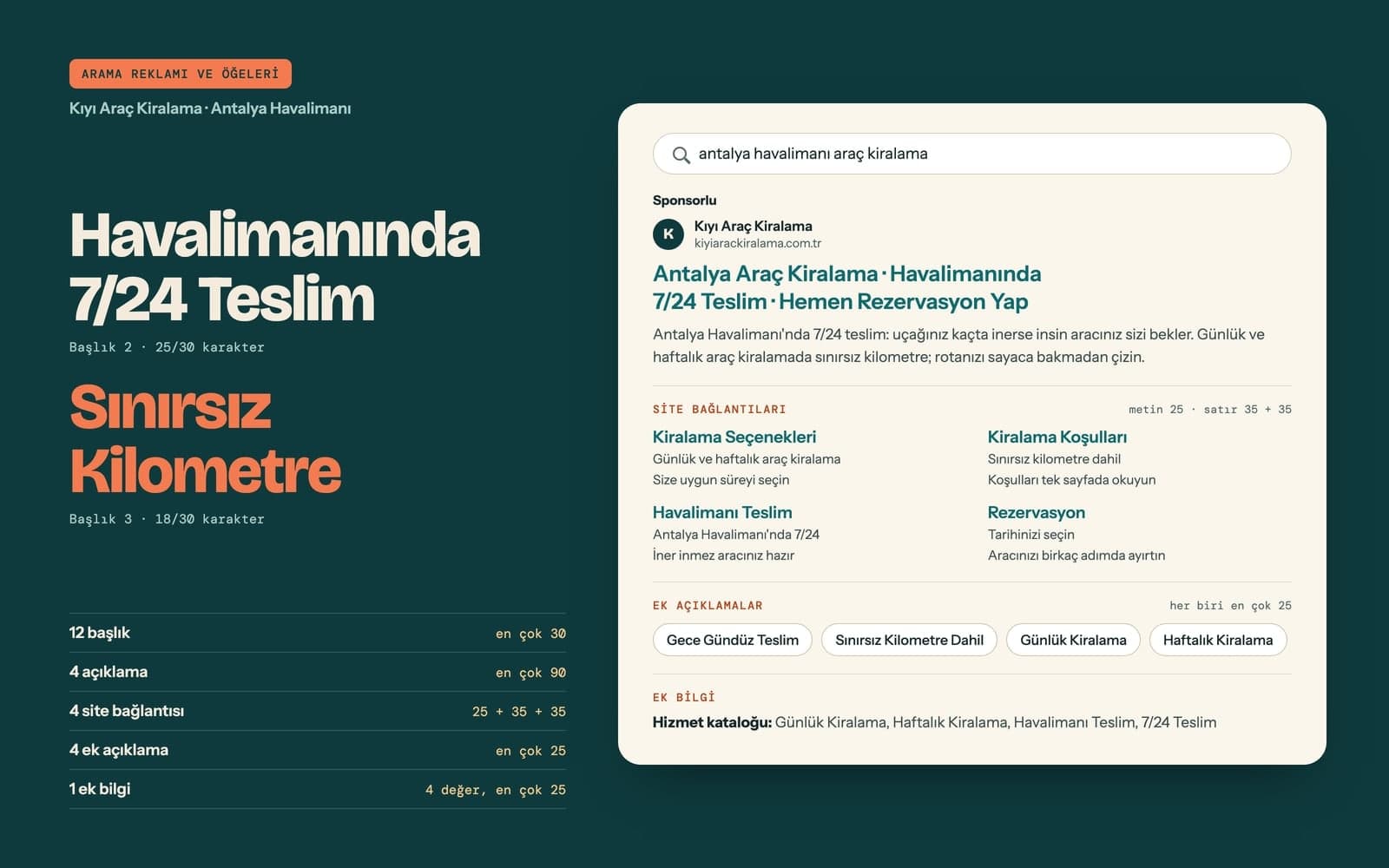
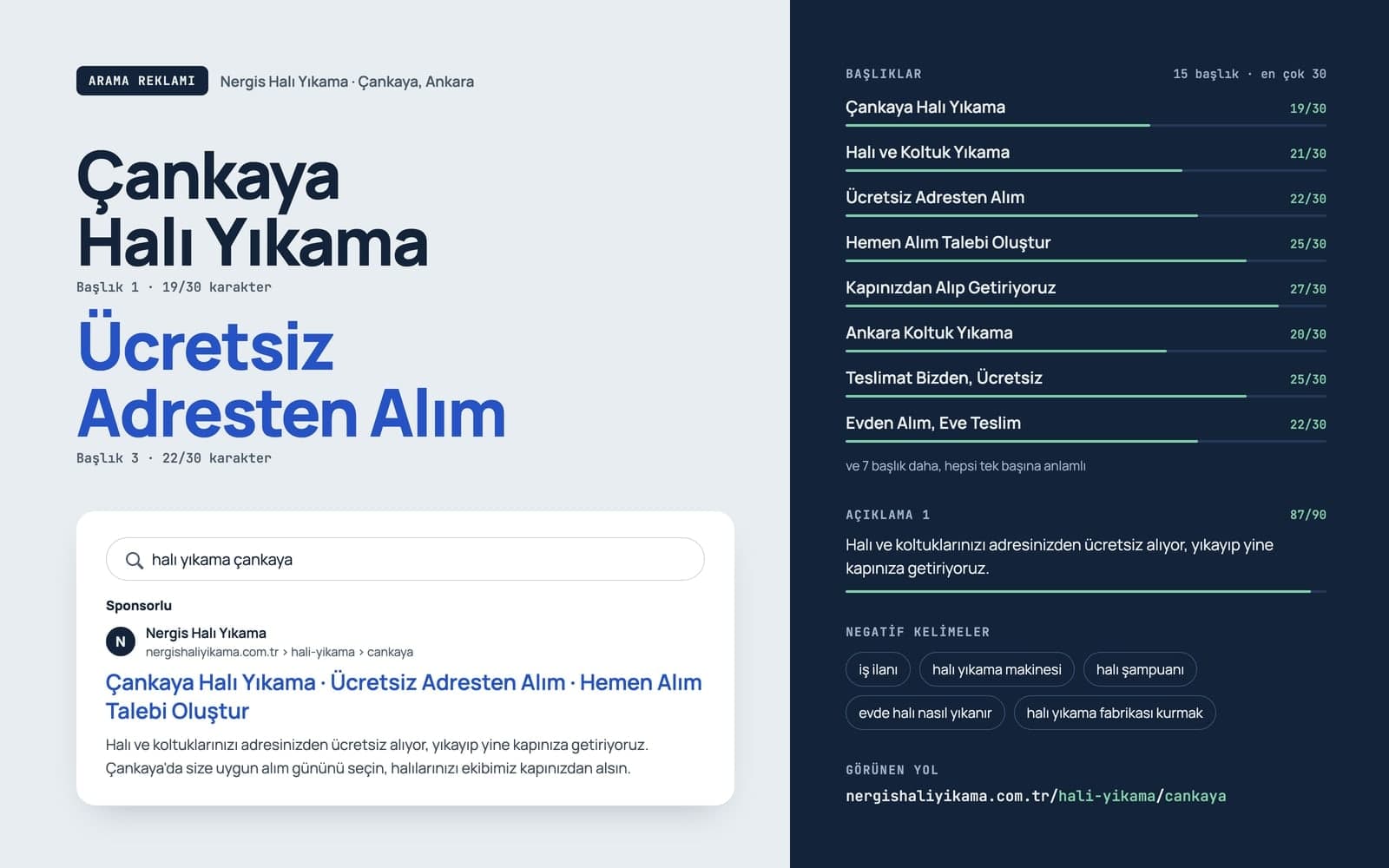
For a search ad it writes 3 to 15 headlines (up to 30 characters) and 2 to 4 descriptions (up to 90 characters). Give it your site's address in the chat and it reads the page, so the copy uses what your site actually says.

It suggests keywords in exact, phrase or broad match and sorts them into ad groups. Negative keywords, location and language targeting, and callout extensions are added from the same chat.
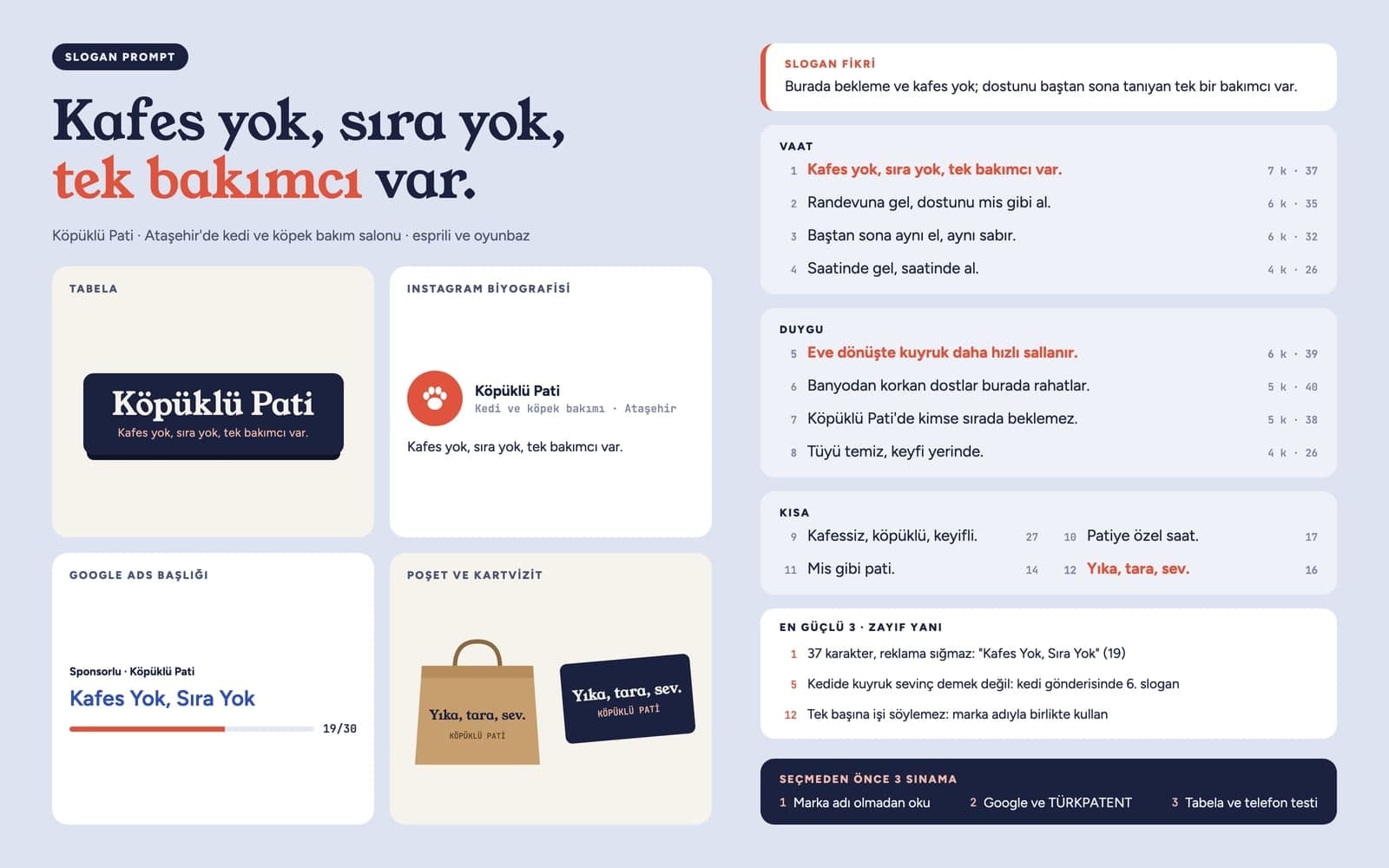
Each suggestion waits in the chat as a card and is applied only when you press Approve. New ads are created paused until you review and enable them, and every change sent to Google Ads stays in Change history.
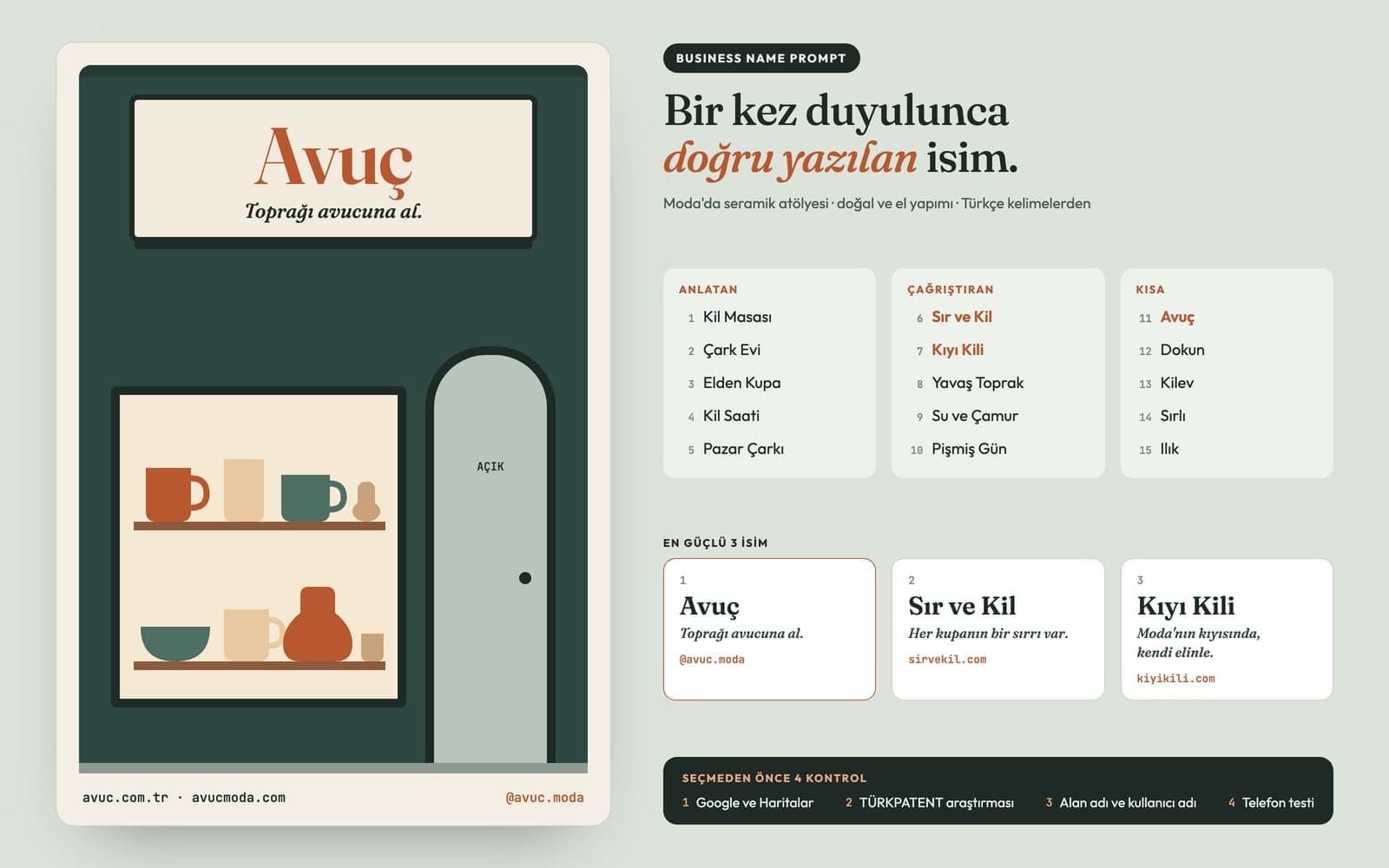
The Entro Ads AI chat reads your campaigns, search terms and spend. Ask "Which campaign spent the most in the last 7 days?" or start from a ready card such as wasted spend detection, ad copy review or budget optimization. You can also enter a competitor's domain and ask for a comparison. Conversations are kept as tabs you can come back to.
The Performance screen has cards for spend, clicks, conversions and cost per conversion, a daily chart and a campaign table. Add ready-made analyses such as wasted spend, inefficient keywords, quality score and a day and hour heatmap. Report in the top bar builds a report on the selected account's last 7 days.
Carpet cleaners, locksmiths, plumbers. Type your area and daily budget; the campaign, keywords and ad copy come back as separate cards, and you approve each one.
Advertise a single service page on your site. Paste its address into the chat and the headlines and descriptions follow the services on that page. In regulated fields such as health, check that the copy meets Google's ad policies before you enable the ad.
Find search terms that cost money and bring nothing back, add them as negative keywords, and see which campaigns hit their budget cap. Budget and bidding strategy changes go through approval cards too.
Work with client accounts under a manager (MCC) account. Pick the account from the top bar and pull each account's report separately.
Entro Ads works apart from the website side. An Entro Ads subscription on its own is enough, and your ads can point to a site hosted anywhere.
Type your business, area, budget and the page the ads should open, then send it. Your request goes to Entro, which takes you to Entro Ads, where you paste the request into the chat.
On your first visit, press Connect Google Ads in the top bar, grant access with the Google account that can reach your ad account and pick the account to work on. The Entro Ads AI chat opens once you're connected.
Campaign, ad group, keywords and ad arrive as separate cards, each saying what will happen. Press Approve and the change is applied in Google Ads. Then review the new ad and enable it.
Build a landing page with AI: describe the offer, get a one-page site with a form and collect sign-ups in your Forms inbox. Preview it, then publish.

Describe your event, headline and style, and Canvas draws posters and flyers for you. Vintage poster, art deco and pop art presets, plus 4K downloads.

Describe a scene and Canvas turns it into 1 to 4 images. Ten aspect ratios, 16 style presets and monthly image credits on the Free plan.

Entro SEO completes your site's missing SEO settings step by step: page titles, meta descriptions, the sitemap, a share image and Search Console verification.

Turn a keyword into a full blog post with a cover and in-post images. AutoBlog drafts it on your own site, and you edit it and publish when it's ready.
You describe it, Entrobase builds it.
Create with Entrobase