


AI Design Generator with Editable Designs
Describe a post, invite or promo and Canvas designs it; then change any detail by writing. Each edit is a new version and the old one stays in your gallery.
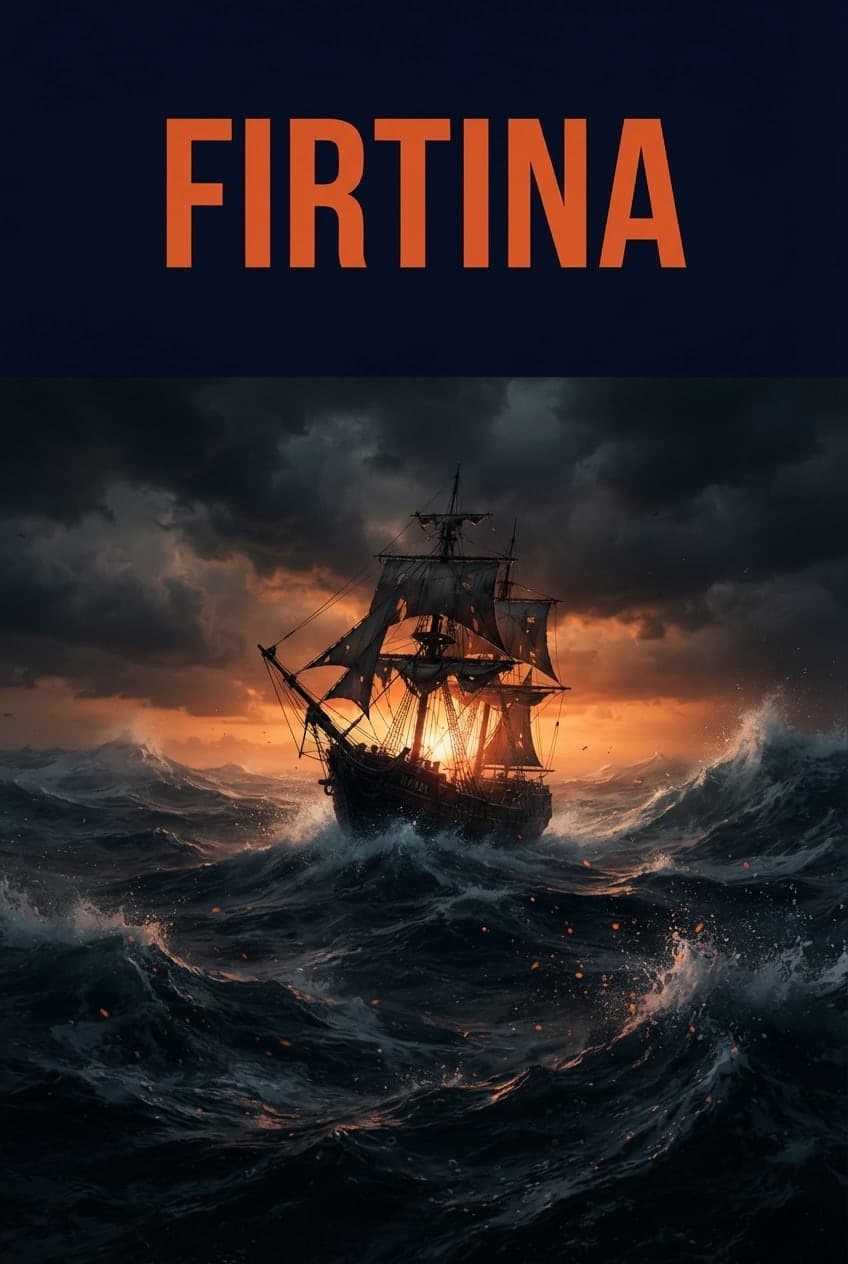
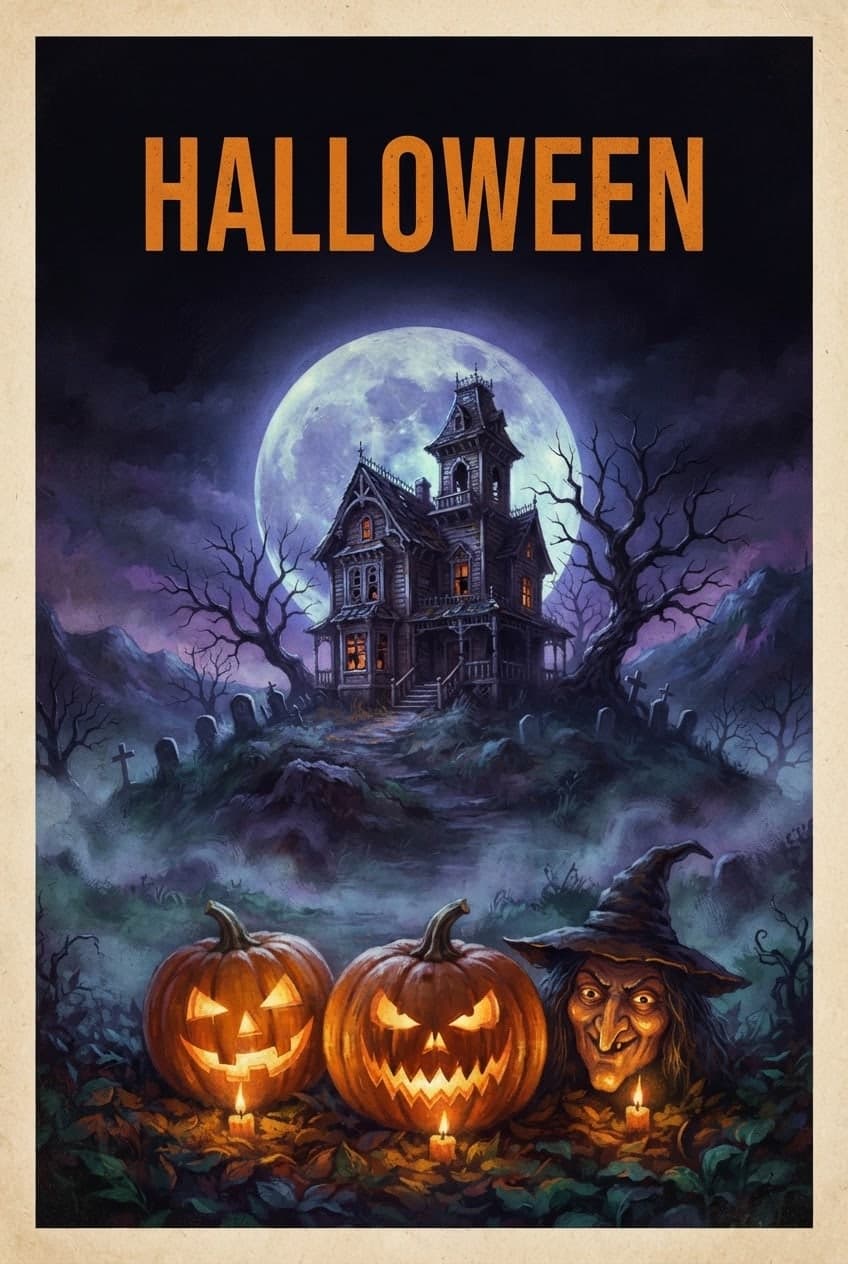
Write the headline and the scene for a concert, opening, sale or movie night. Canvas draws the poster as one image; you check the text and download it.
Blue parts are the places to fill in with your own details. Tab selects the next one, Enter sends, Shift and Enter starts a new line.
This tool runs on Entro Canvas.
Poster under Start from a template asks for the poster type (movie, event, concert, promo), the headline, the subtitle, the main visual, the font style and the palette. It writes the prompt from your answers and sets the ratio to 2:3.
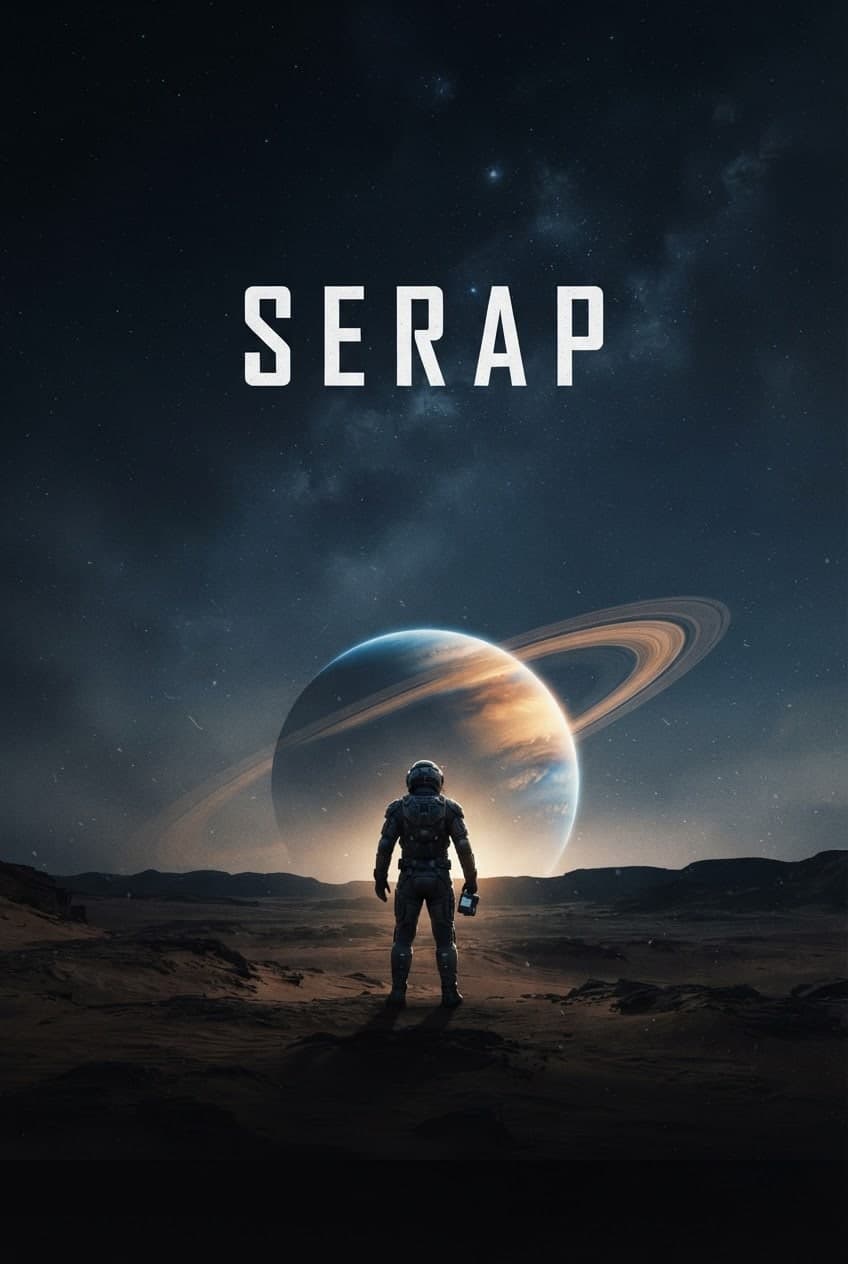
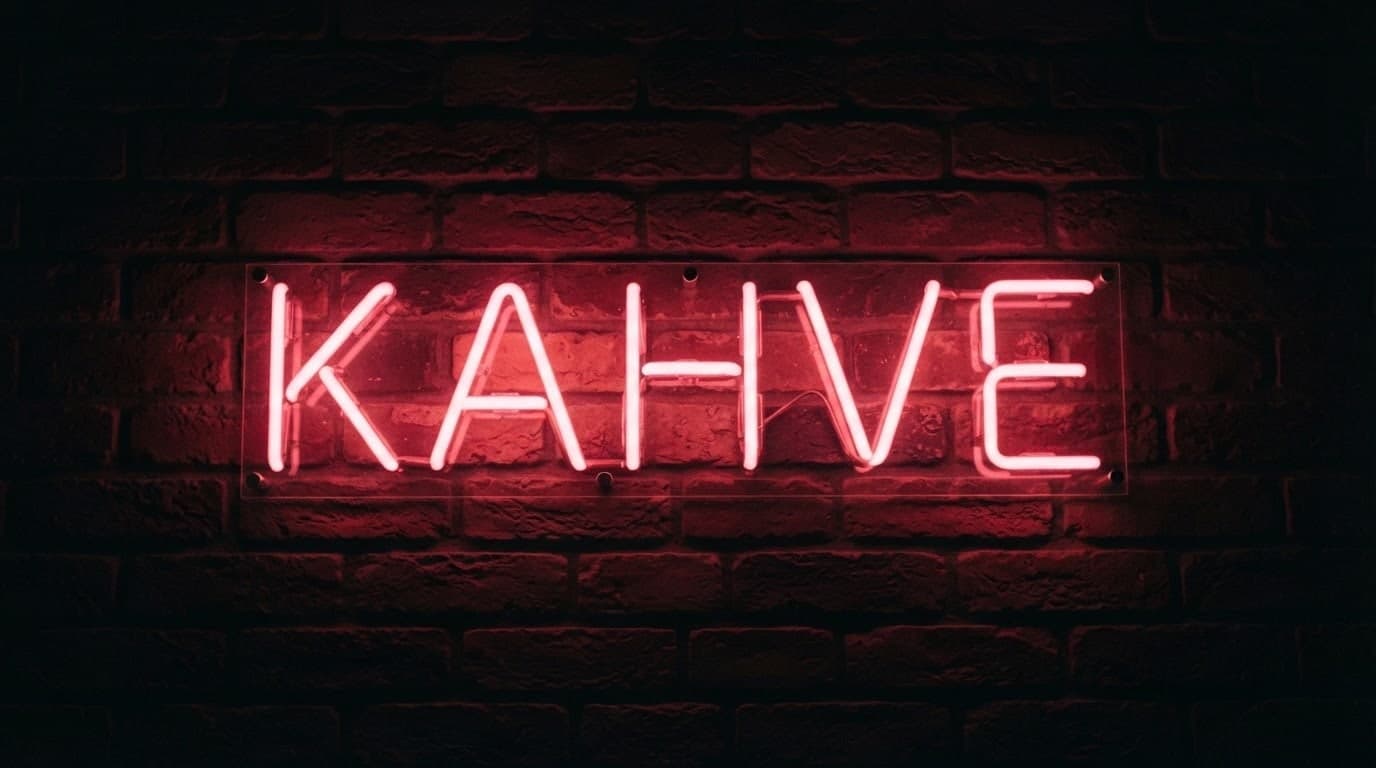
In the Style window, Vintage poster gives a retro print feel, Art deco the geometric lines of the 1920s, Pop art bold colors and Nightlife neon light. Dramatic cinema is a good start for a movie poster.
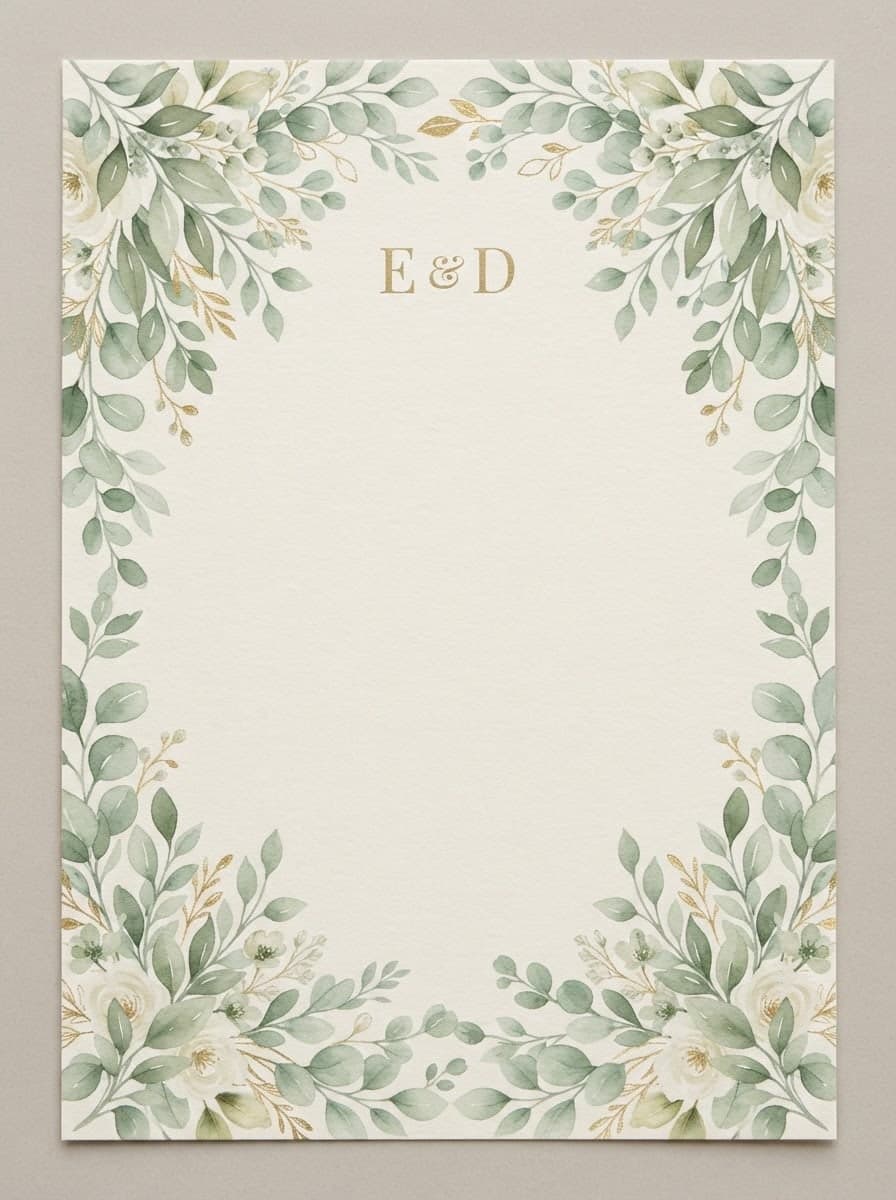
Pick 2:3 or 3:4 for a classic poster, 4:5 for an Instagram post, 9:16 for stories and 16:9 for screens and banners. Making the same design in another ratio takes a few clicks.
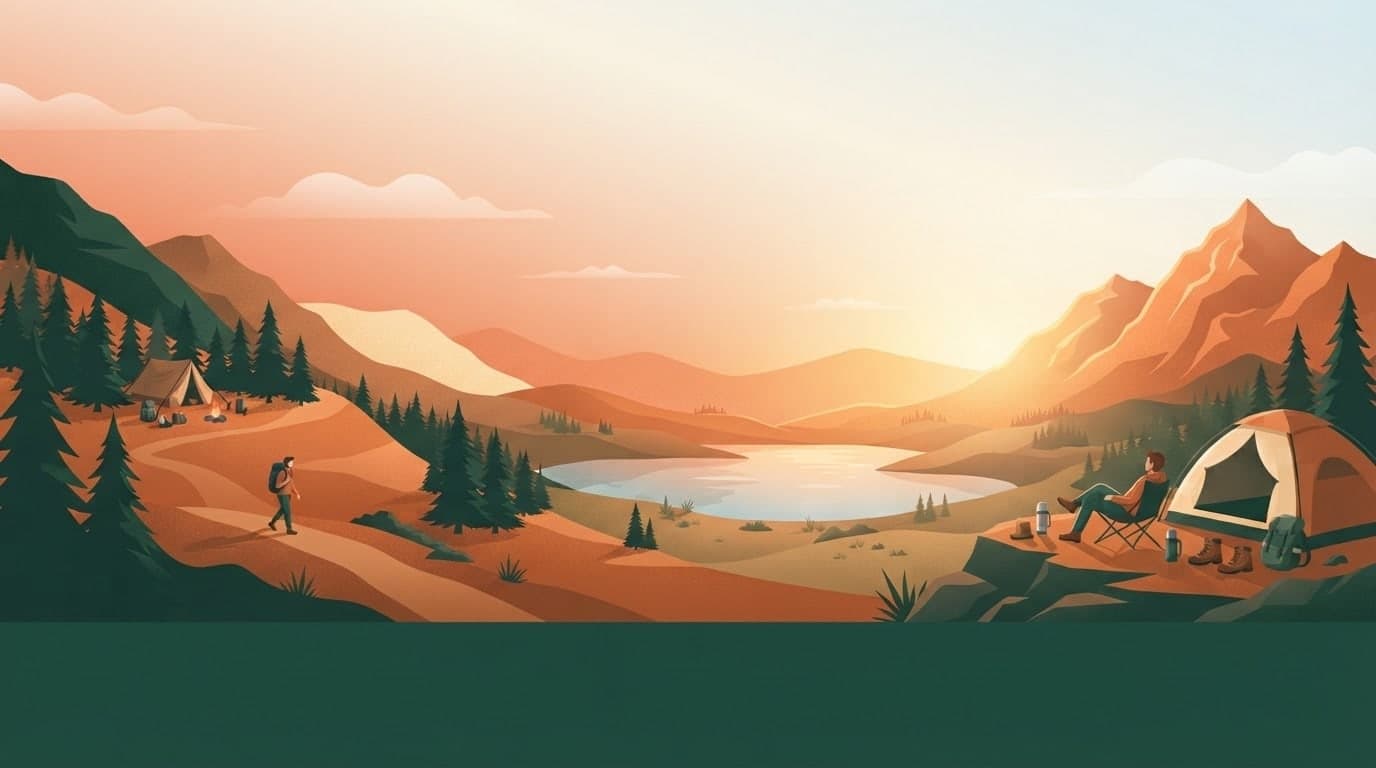
Keep it to one headline, one date and one place. Image models draw short text more accurately, and long sentences tend to pick up typos. Putting every line of text in quotes in the prompt tells the model exactly what to write.
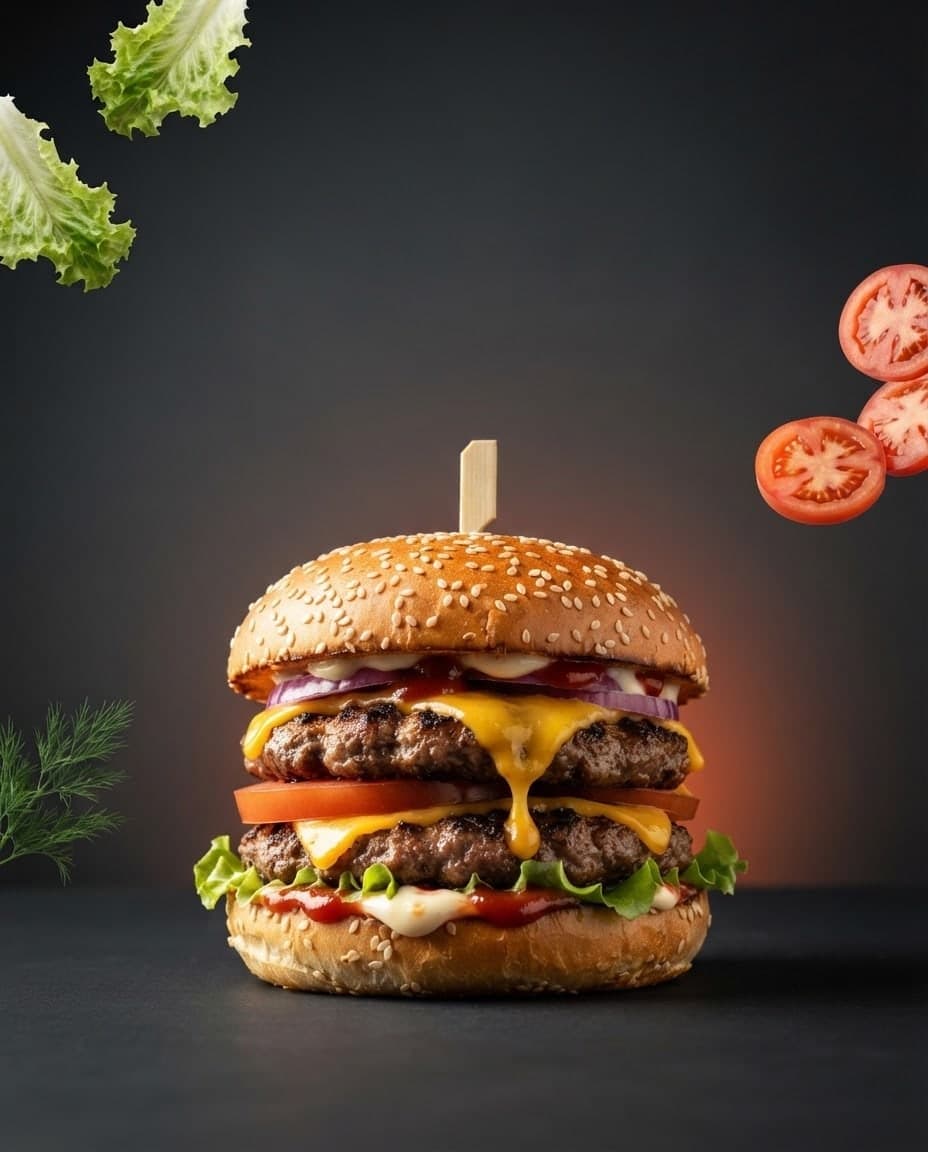
SD (JPG) and HD (PNG) downloads are free on every plan. Paid plans add 2K and 4K downloads; upscaling recreates the image at a higher resolution, and downloading the same size again is free.
Describe a silhouette, an instrument or stage lights instead of a real performer, then add the headline and date. One prompt gives you four different layouts.
Make a window poster with one big message like "30% off" and a product shot. Add your product photo with Add image in the Subject role and the poster shows your actual product.
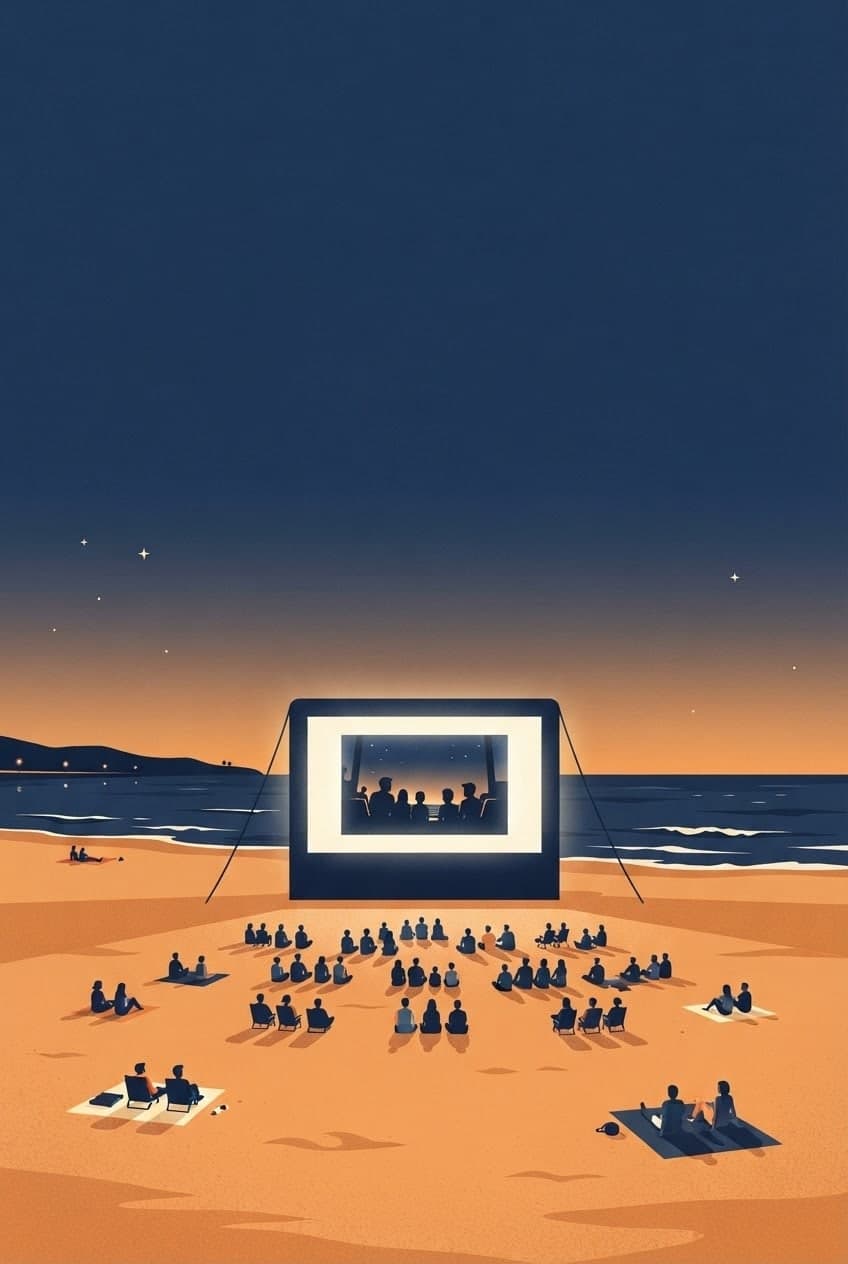
Have a cinematic poster drawn for your short film or a school screening. The Dramatic cinema style with a dark palette works well here.
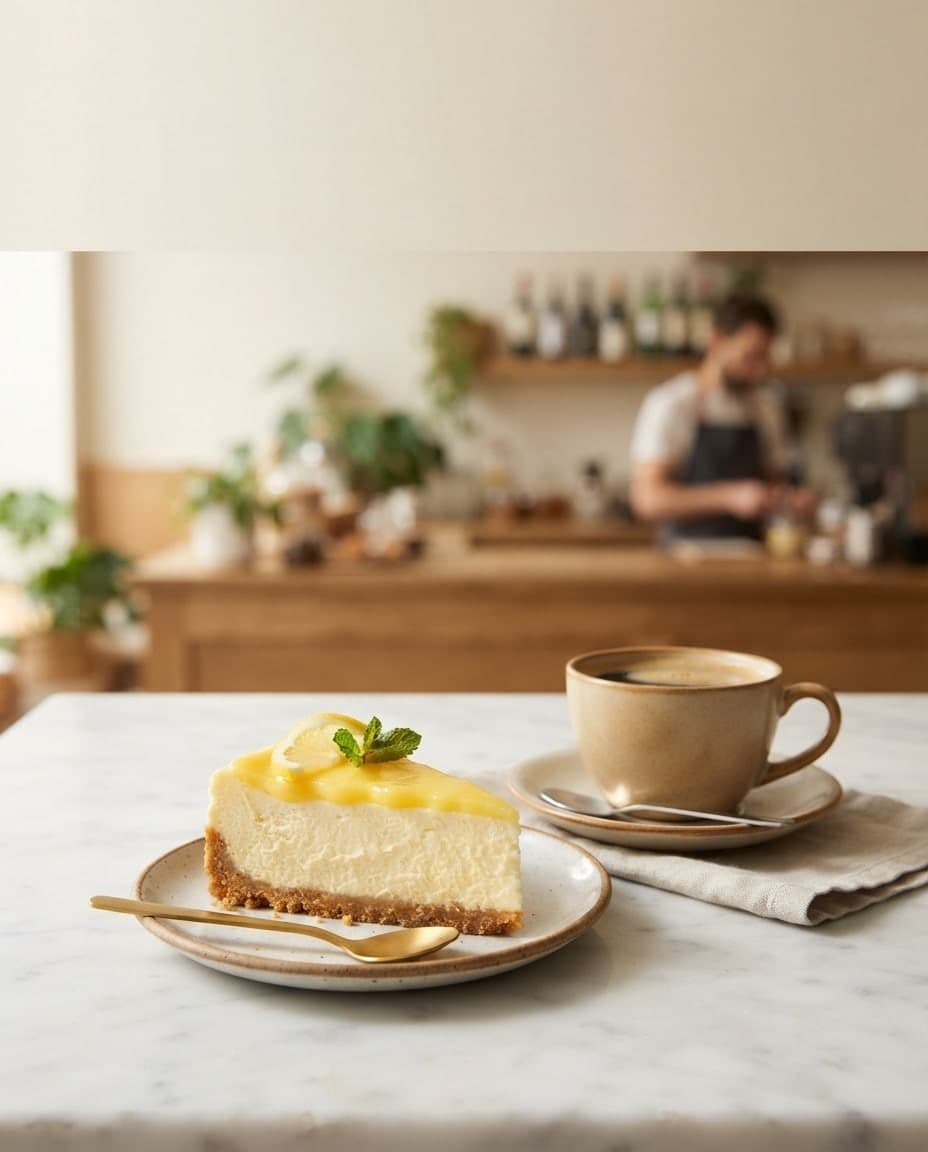
Get a clean poster with plenty of white space for a pottery, yoga or coding workshop. Check prices and times on the image before you share it.
Make a 9:16 version for stories and a 4:5 version for the feed. Both ratios work with the same prompt.
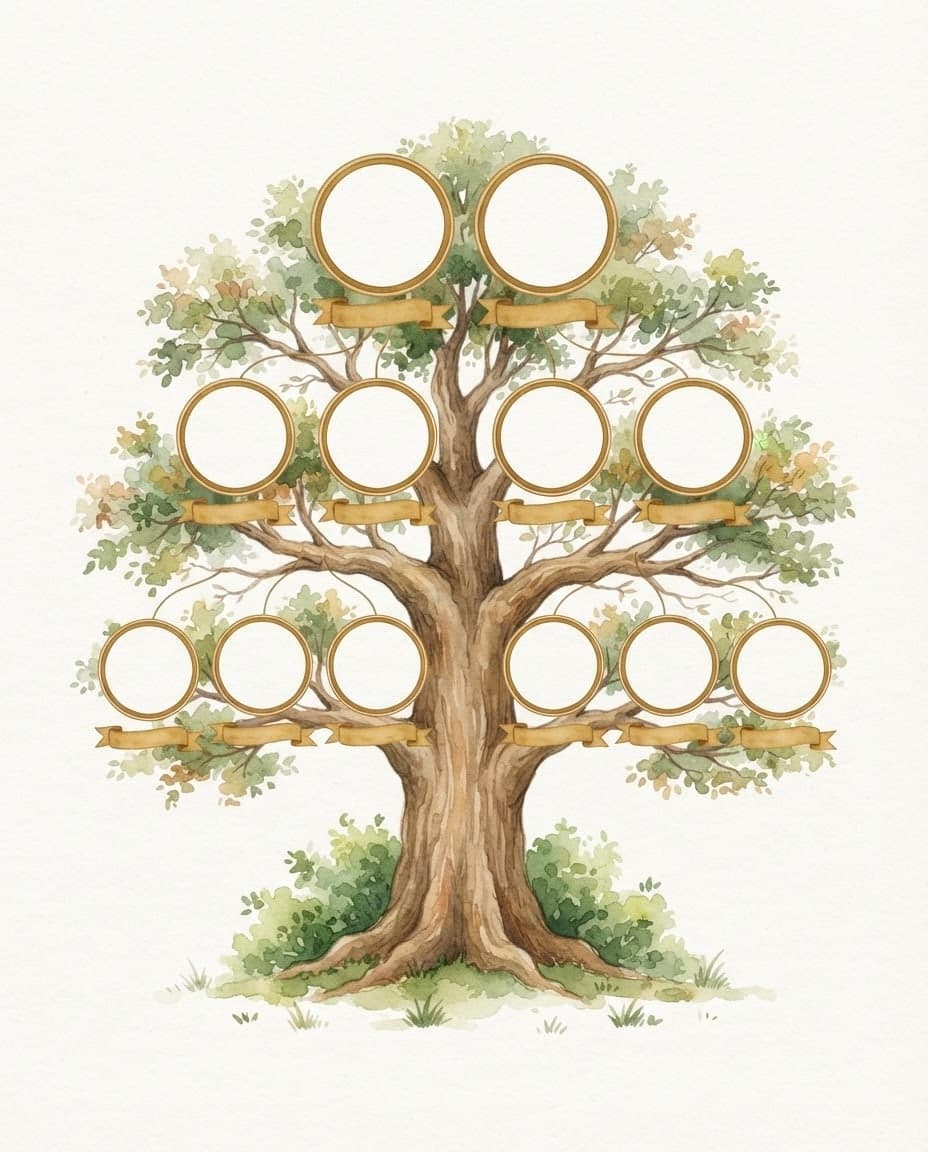
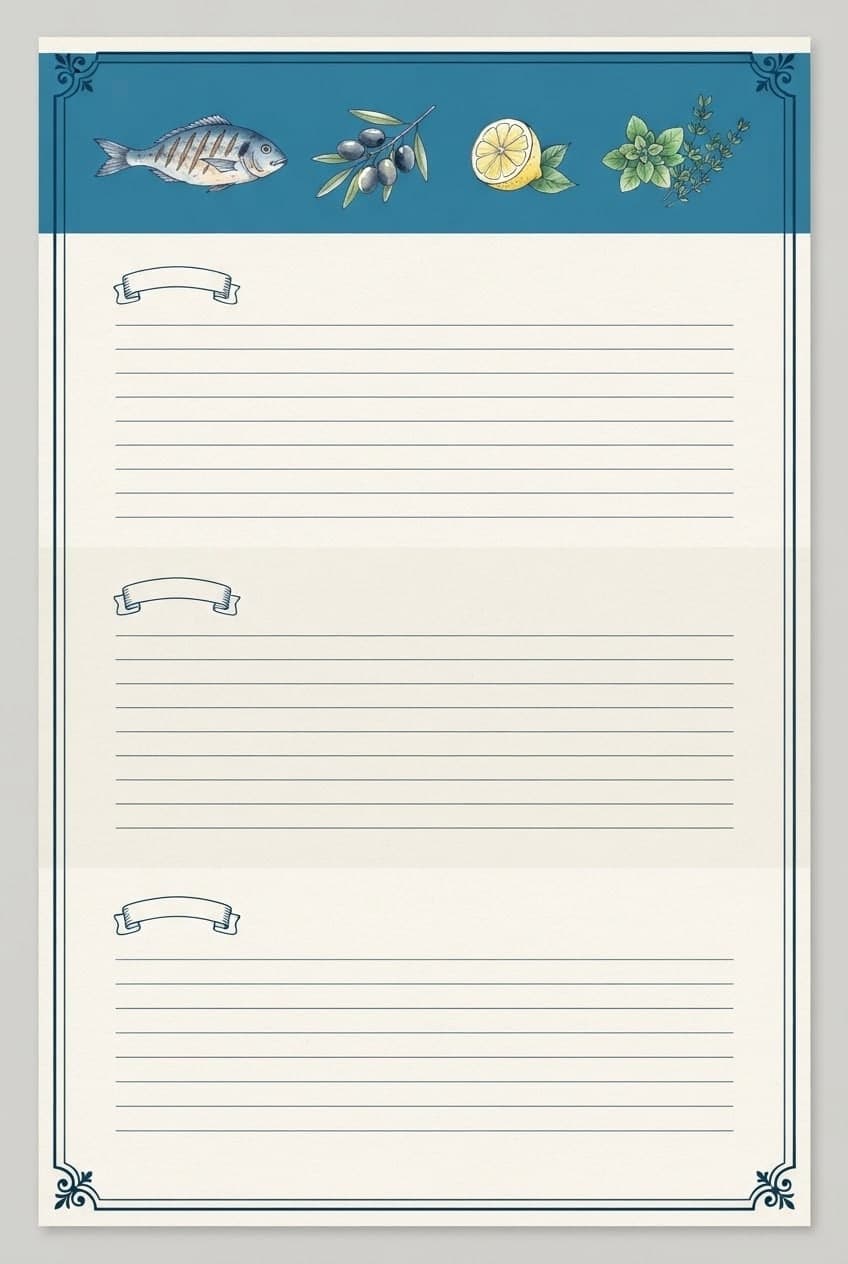
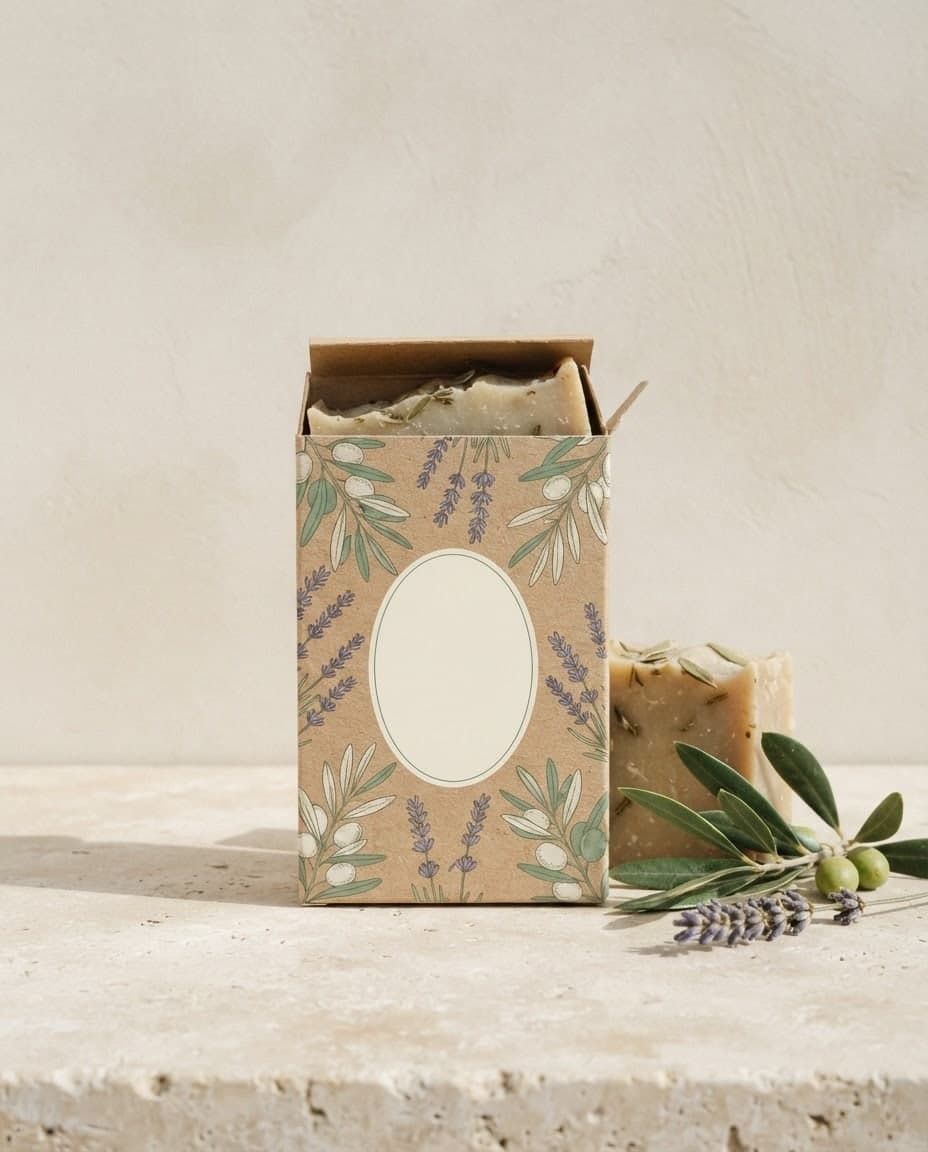
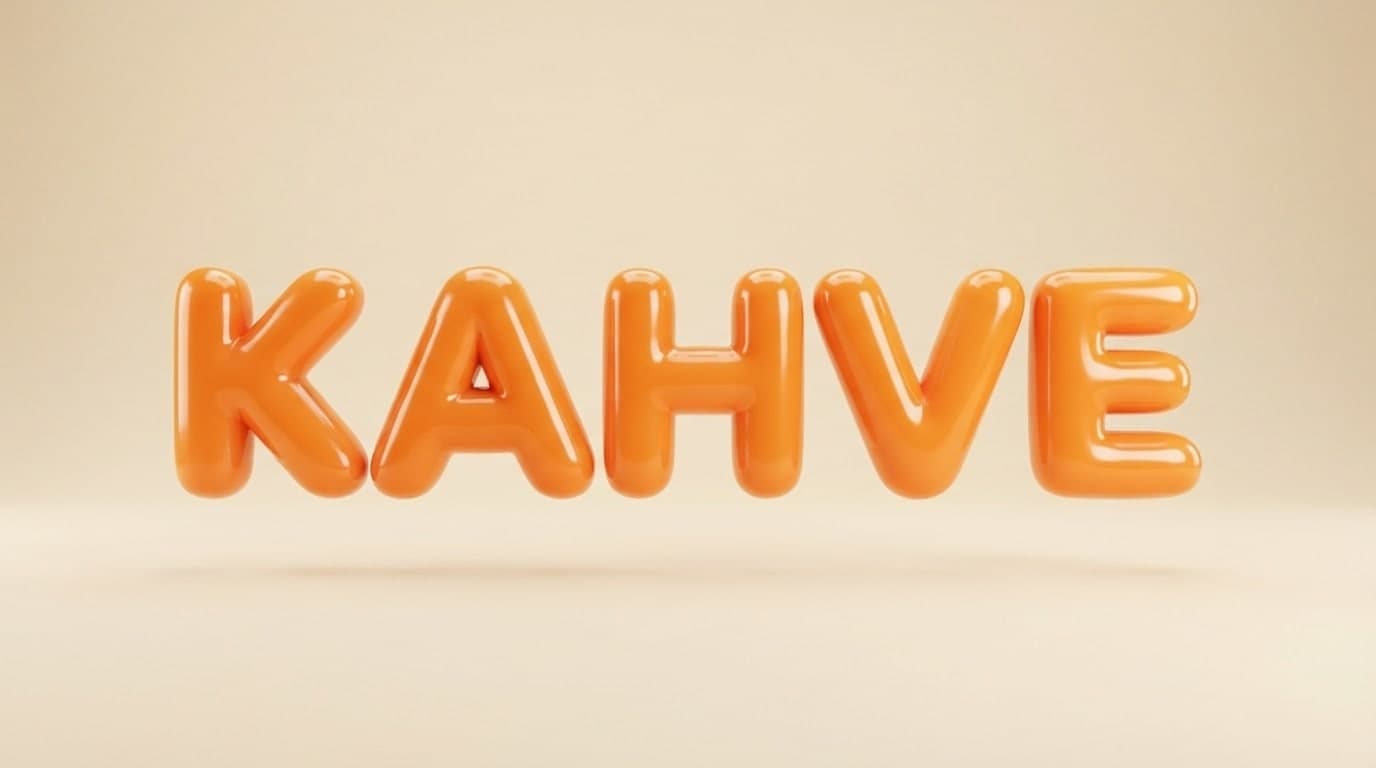
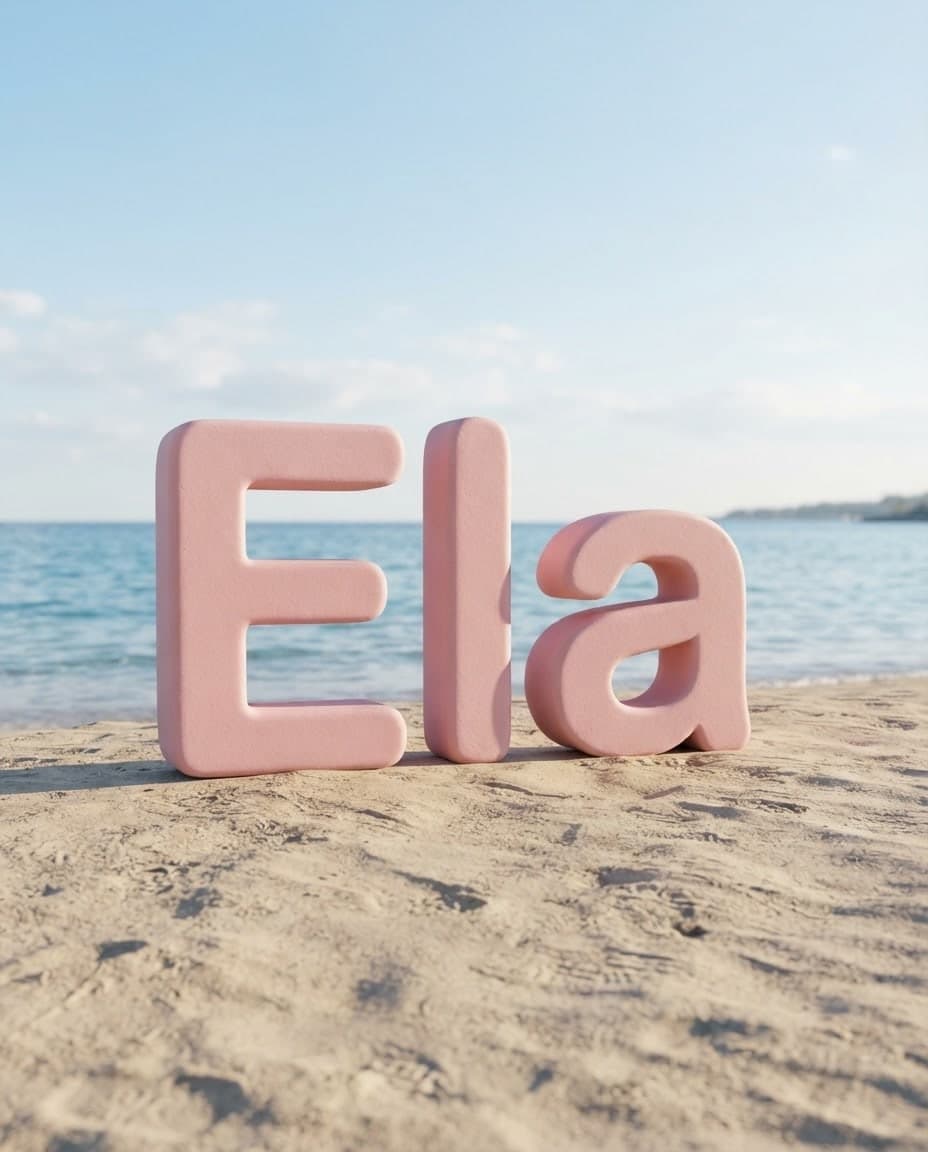
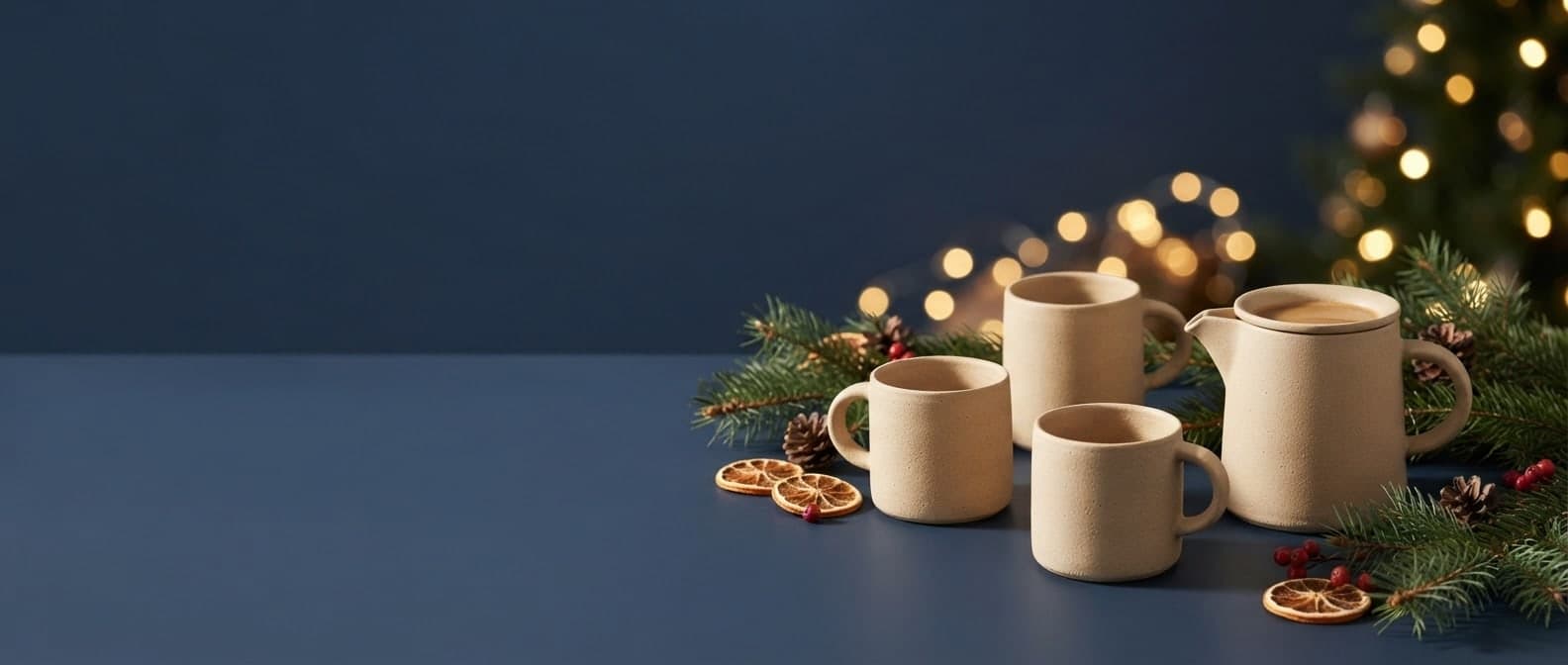
Open the Poster template in Canvas or write the prompt yourself: the poster type, the headline in quotes, the subtitle, the main visual and the colors.
Choose 2:3 or 3:4 for a poster, add a preset such as Vintage poster, Art deco or Pop art in the Style window, and set the image count to 4.
Press Generate and check every letter on the posters you get. If something is wrong, fix it with Edit, then save it with Download.
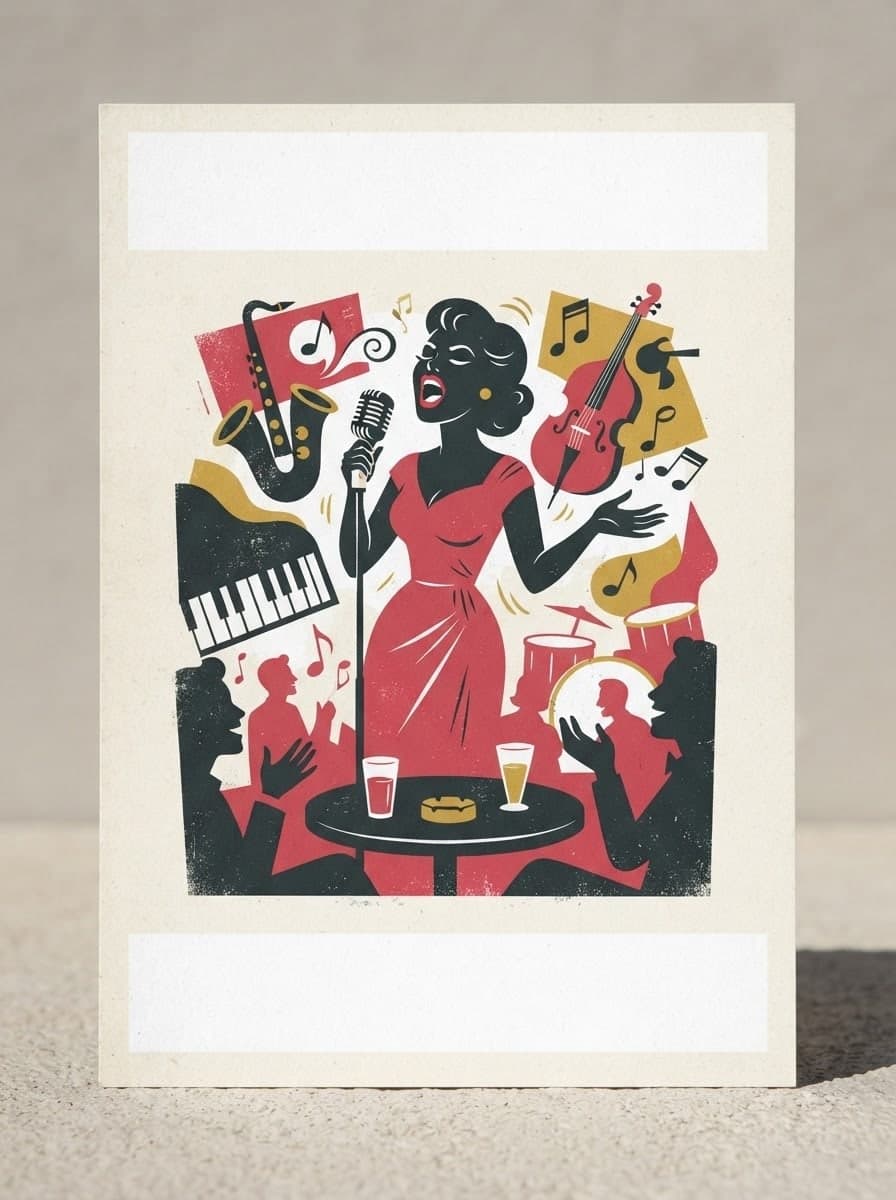
Describe a post, invite or promo and Canvas designs it; then change any detail by writing. Each edit is a new version and the old one stays in your gallery.
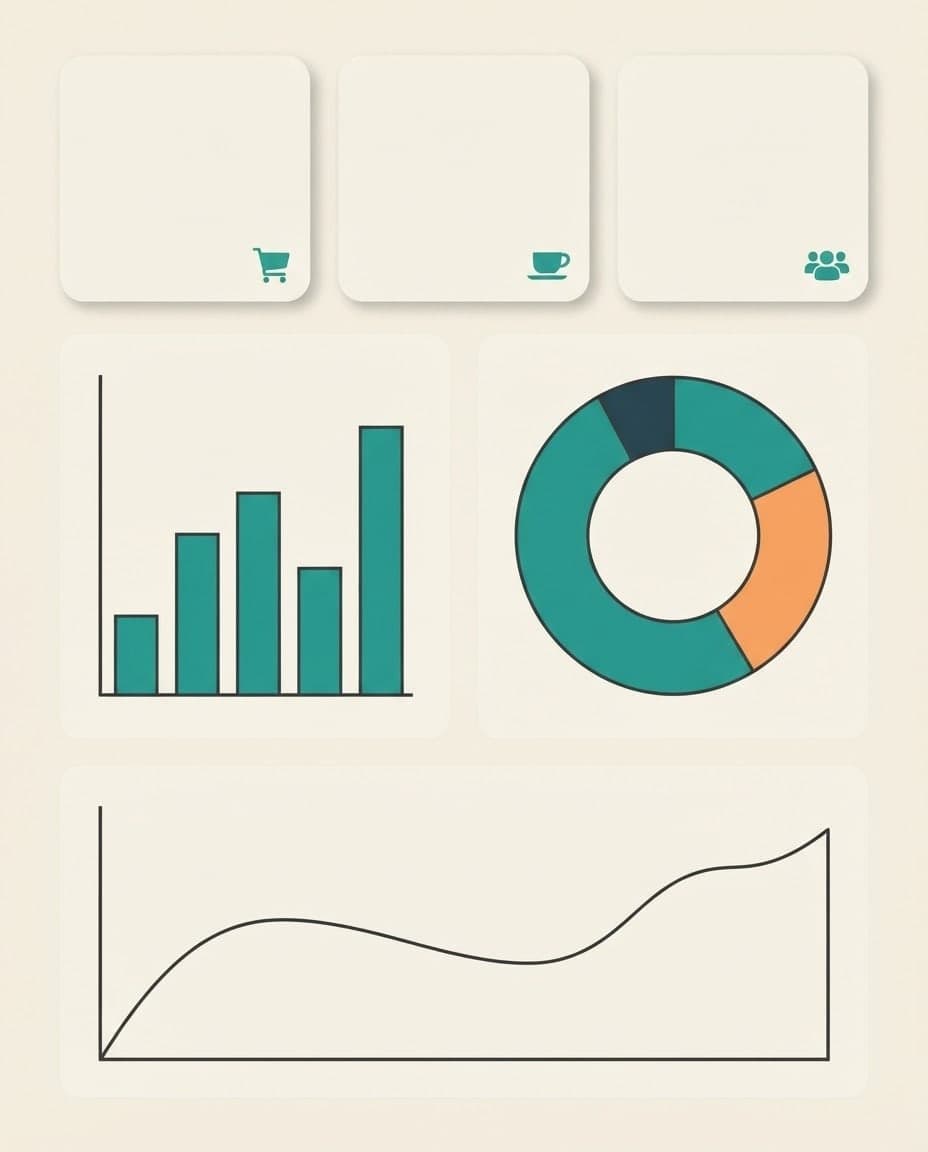
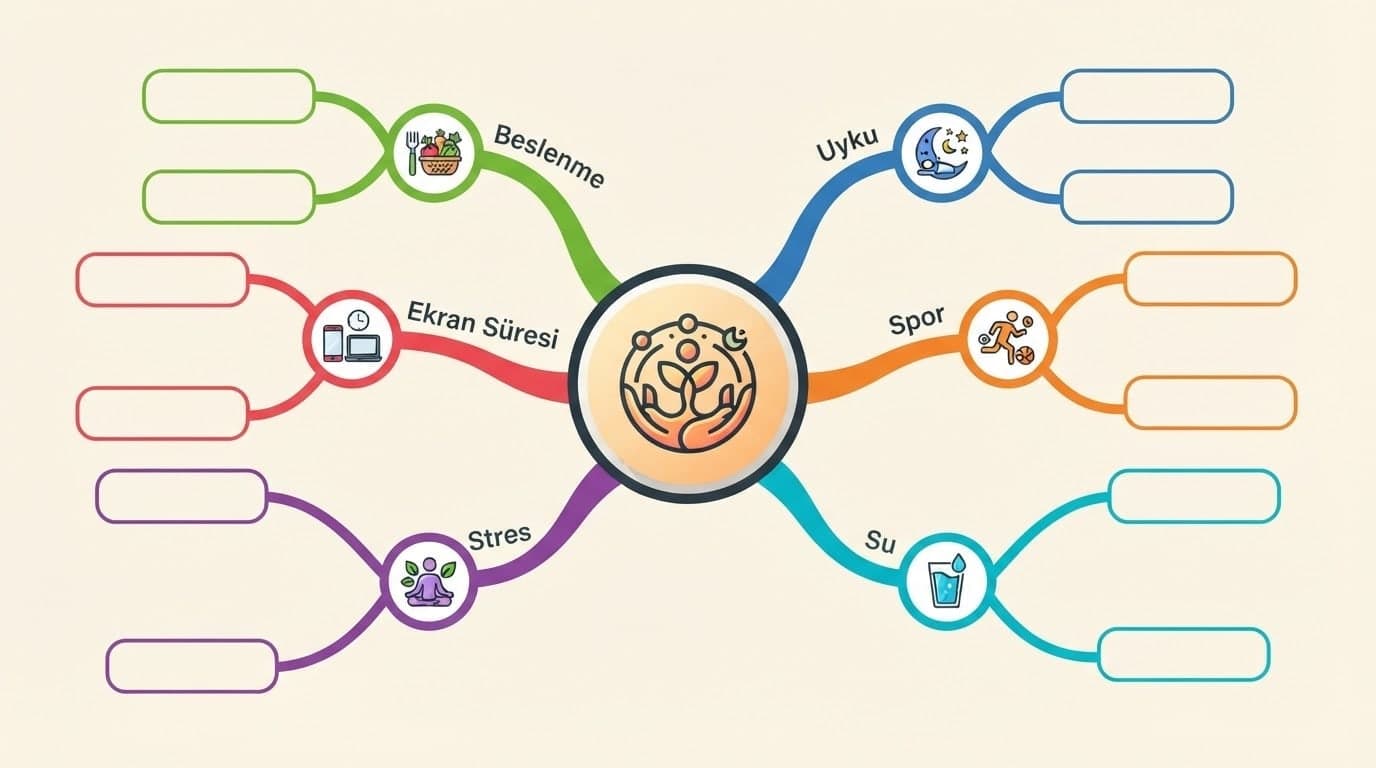
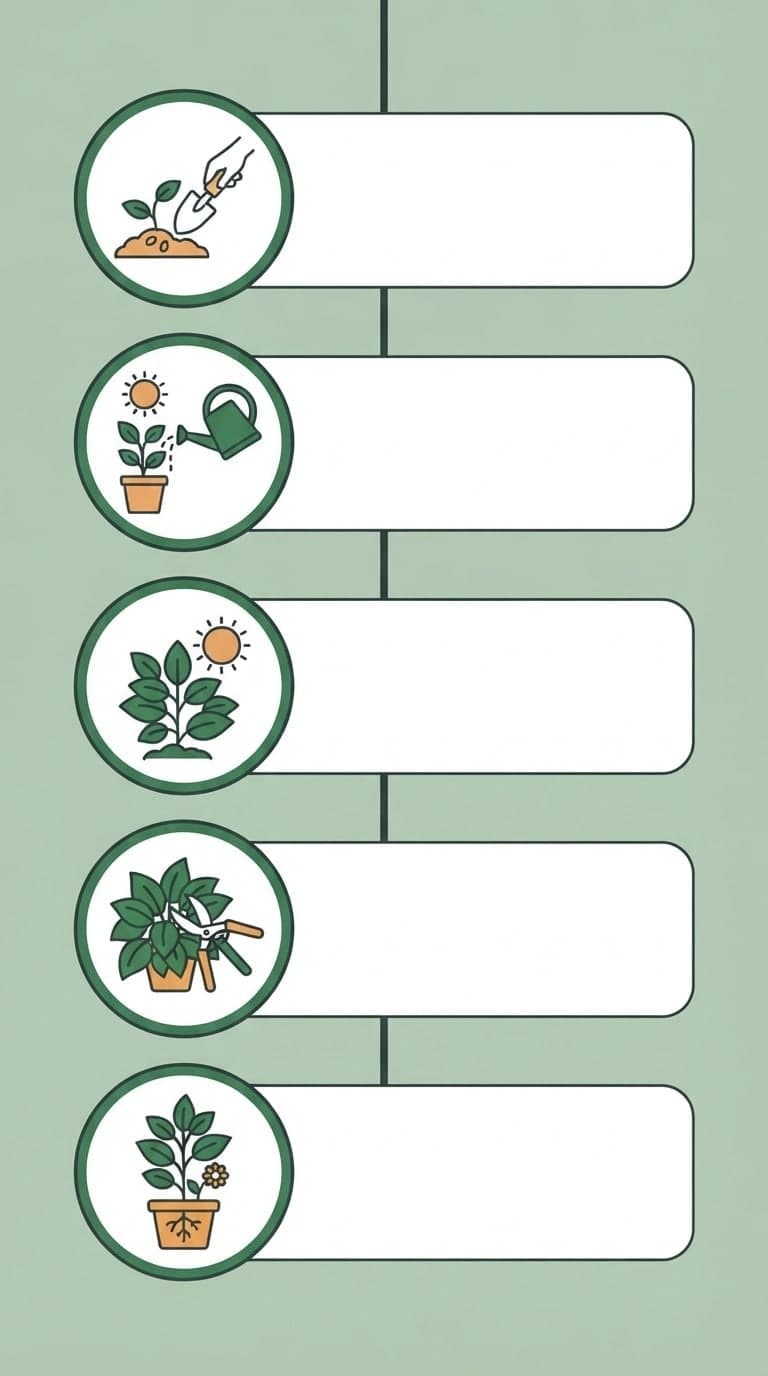
Write a title and a few short labels, and Canvas draws a step-by-step infographic image. Flat vector icons, tall formats and fixes by writing. Start free.
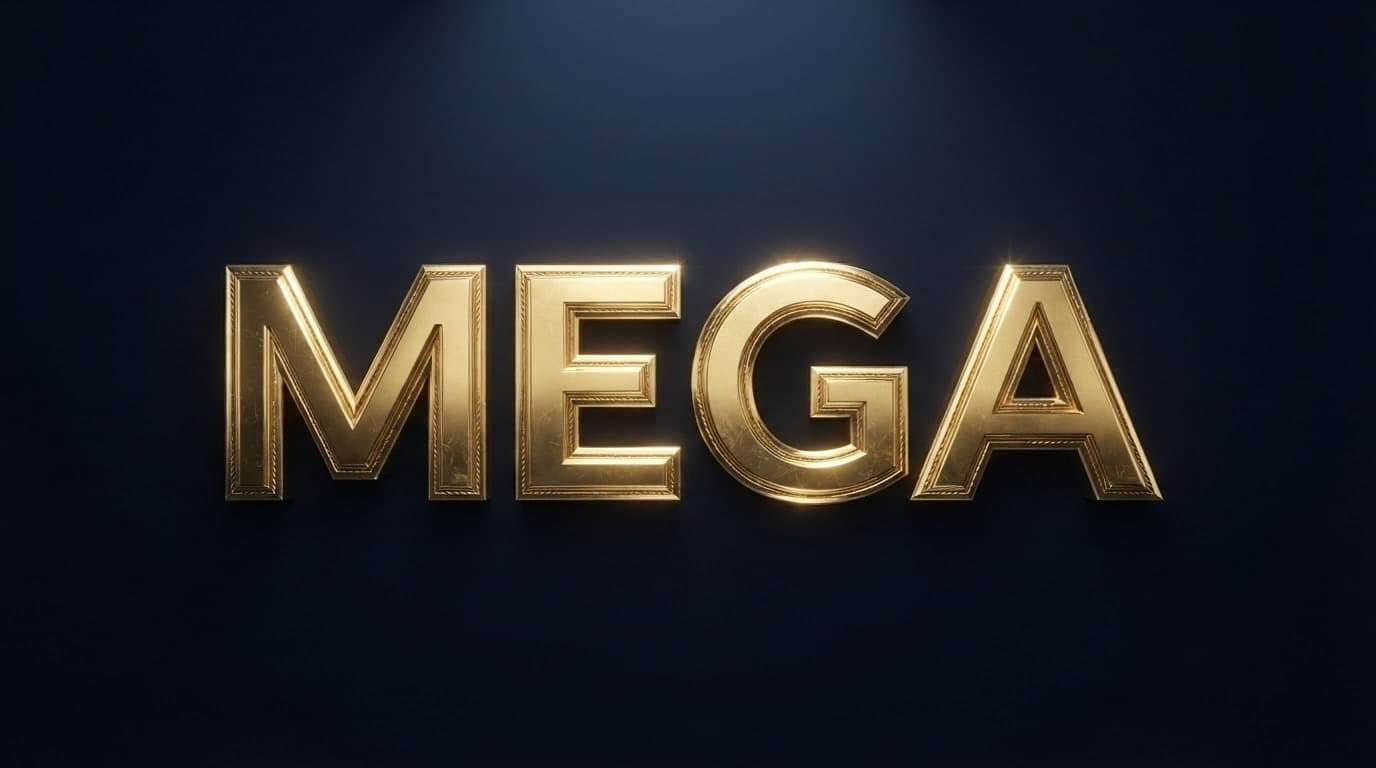
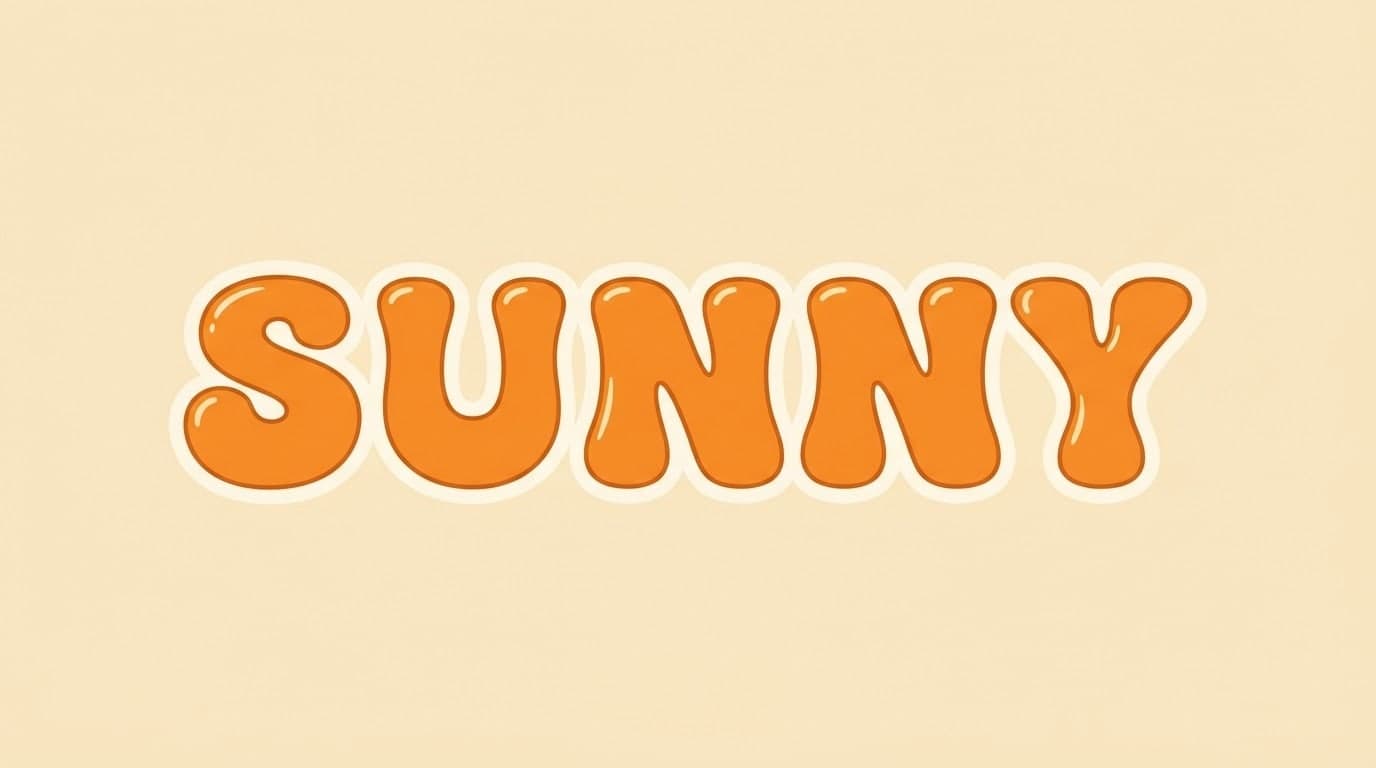
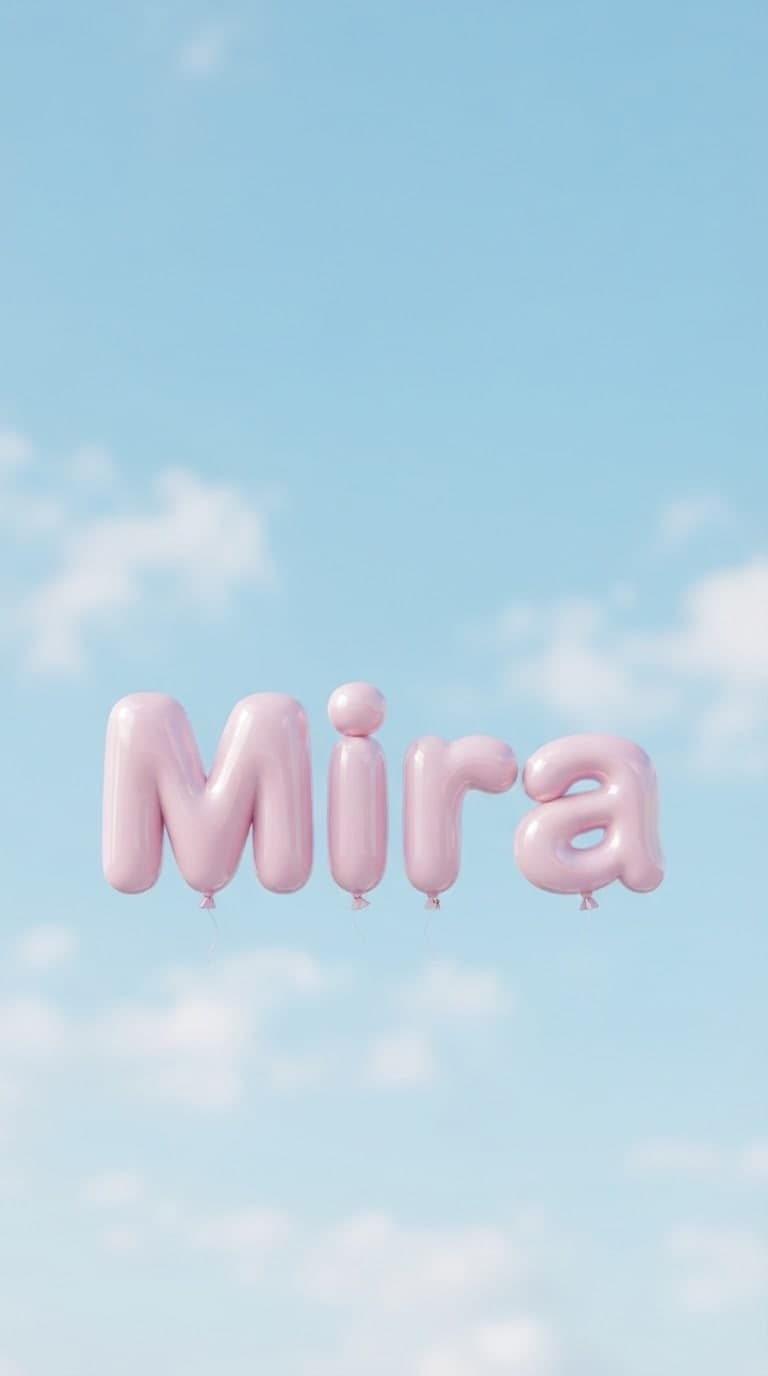
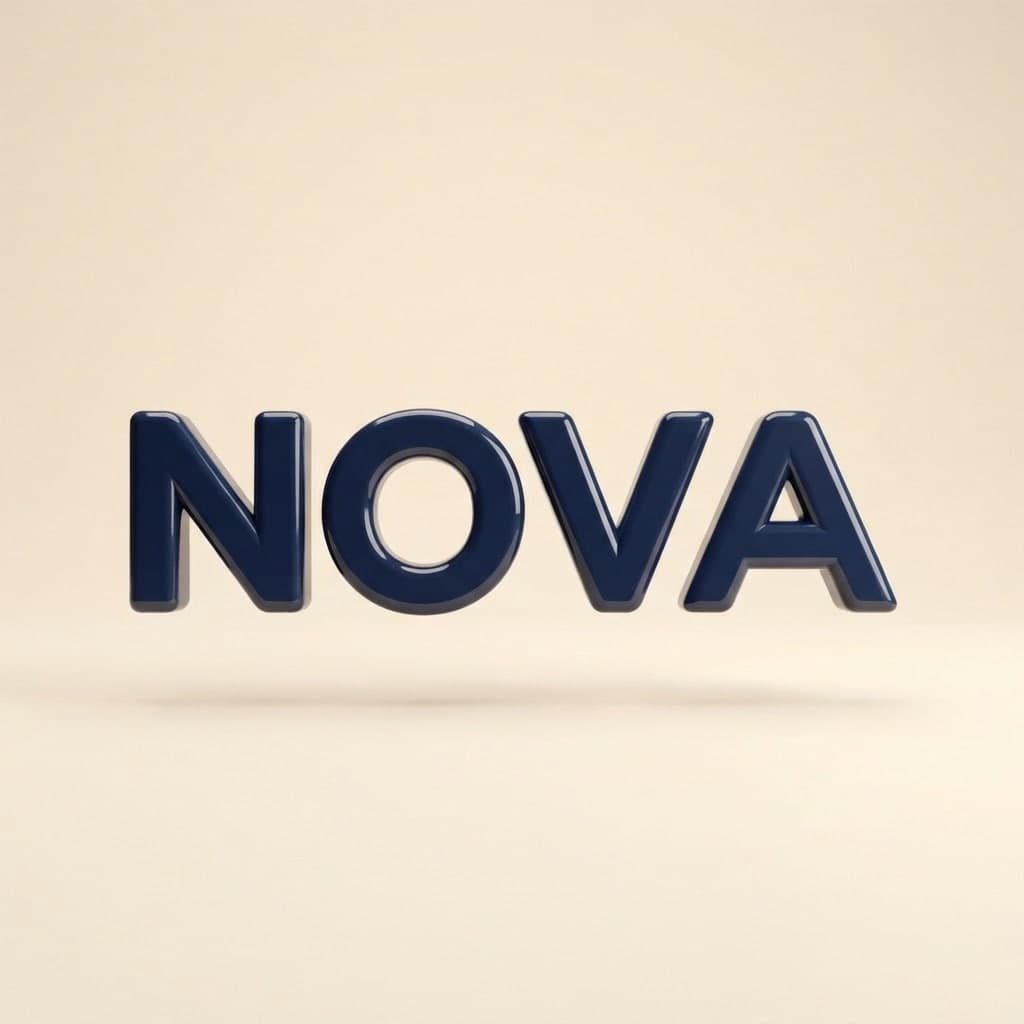
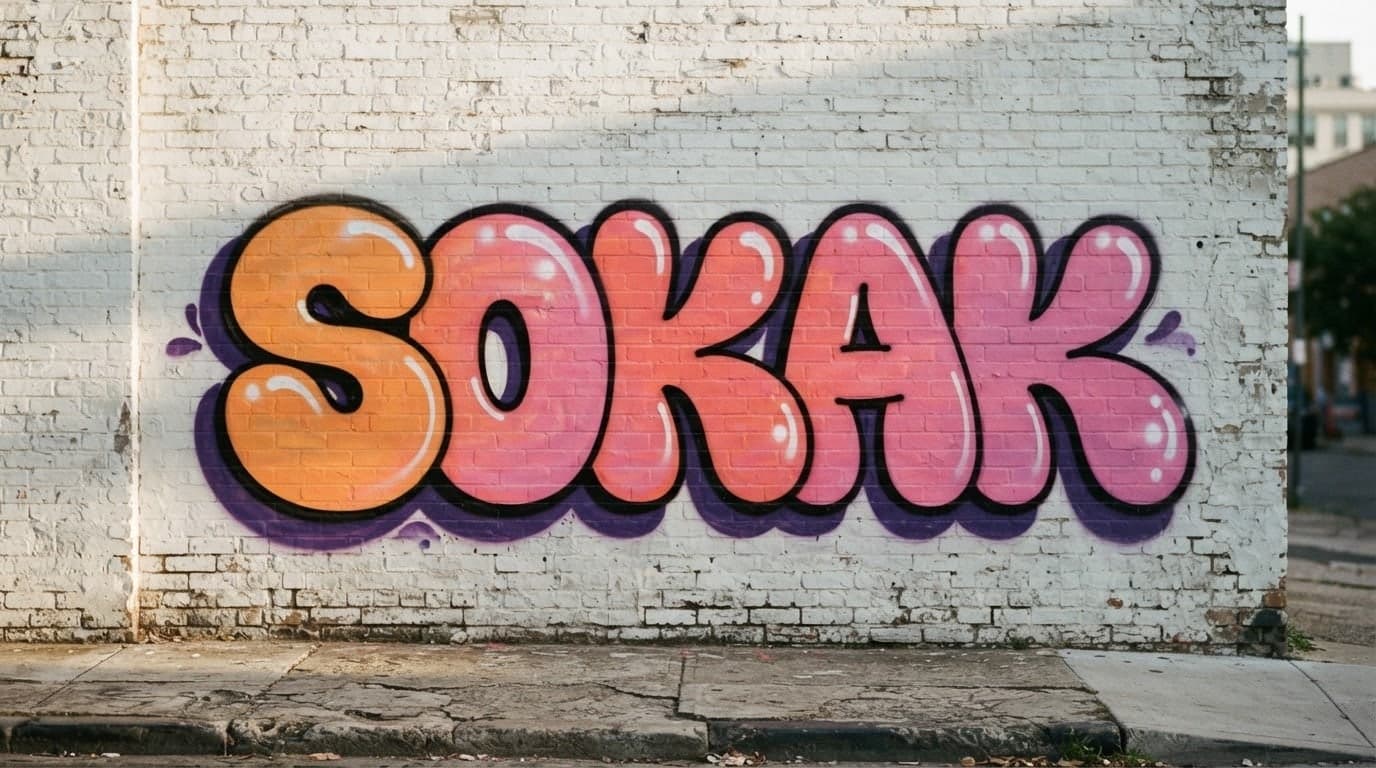
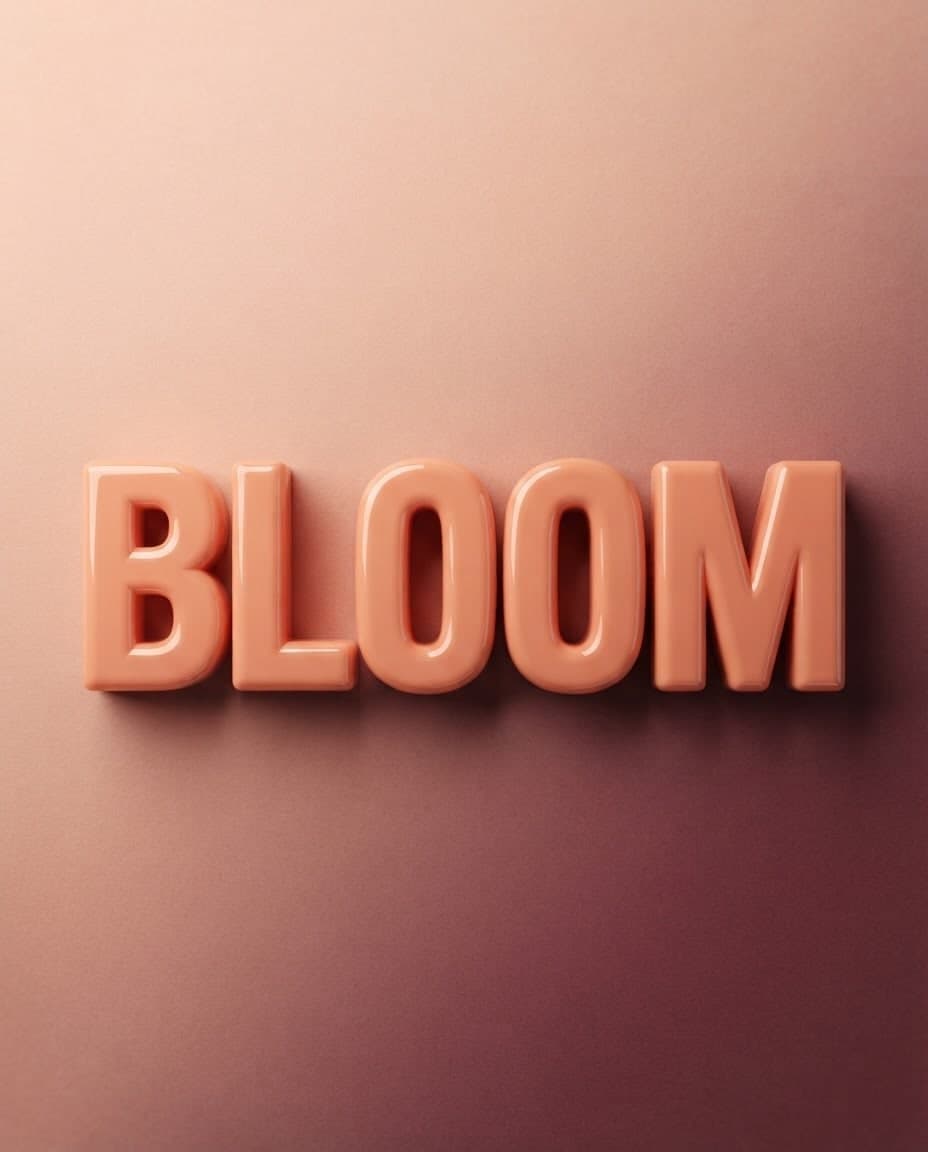
Type your words and a material, and Canvas draws 3D-looking lettering in balloon, chrome, gold or neon as an image. You get a PNG or JPG, not a font file.
Type your brand name and style, and Canvas draws four logo options in one go. A logo template, flat vector presets and your own color codes. Start free.
Use Entro Ads to draft a Google Ads search campaign with ad groups, keywords, headlines and descriptions. Nothing reaches your account until you approve it.

Describe a scene and Canvas turns it into 1 to 4 images. Ten aspect ratios, 16 style presets and monthly image credits on the Free plan.
You describe it, Entrobase builds it.
Create with Entrobase