






Text to Image Generator
Describe a scene and Canvas turns it into 1 to 4 images. Ten aspect ratios, 16 style presets and monthly image credits on the Free plan.
Add a photo or drawing and say what you want. Canvas creates a new image based on yours, or changes your image itself the way you describe.
Blue parts are the places to fill in with your own details. Tab selects the next one, Enter sends, Shift and Enter starts a new line.
This tool runs on Entro Canvas.
The new image is made by looking at yours. Every image you add gets a role: General guides composition and the overall look, Style takes only color and light, and Subject keeps a person, product or logo exactly.
Your image itself is changed. Image 1 is the one that gets edited; write things like "make the background white" or "put the product on marble". Other images become an element to add (a logo, a product) or a style to apply.
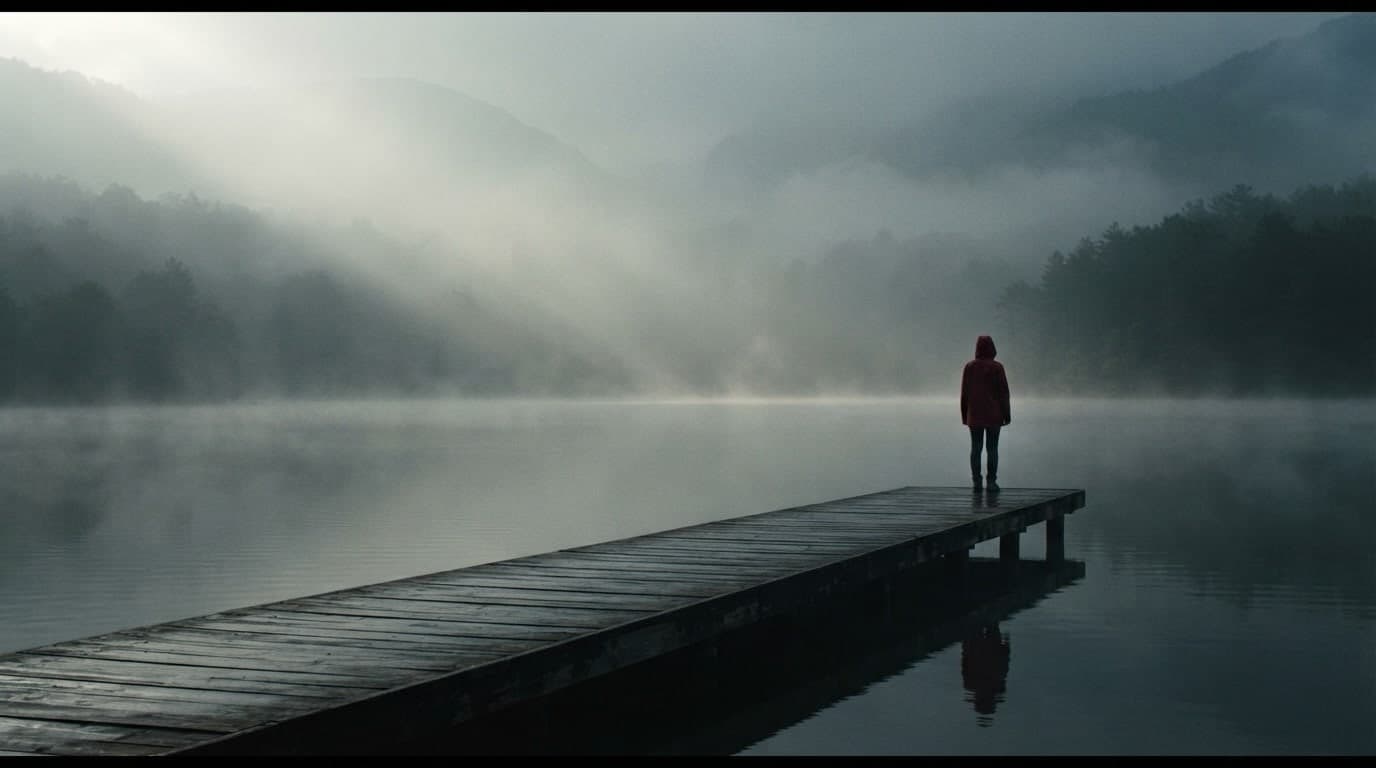
Pick PNG, JPEG or WebP files with Add image, drag them onto the box or paste them. Gallery cards also have Use as reference and Edit, so you can carry on from an image you made earlier.
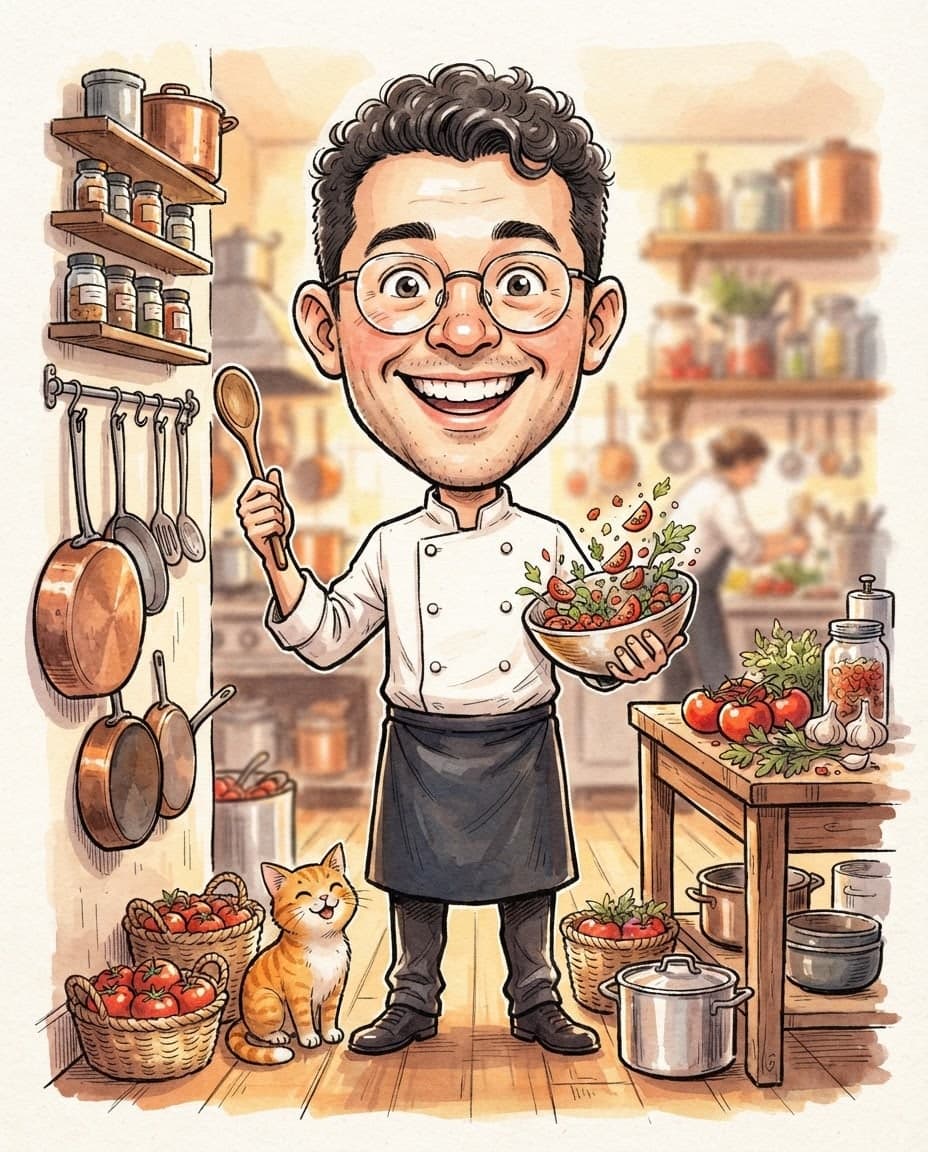
Add a plain photo of your product with the Subject role and describe the scene: on a beach towel, among snowflakes, on a wooden shelf. The product stays the same while the setting changes. Ask for four options and keep the one that looks most natural.
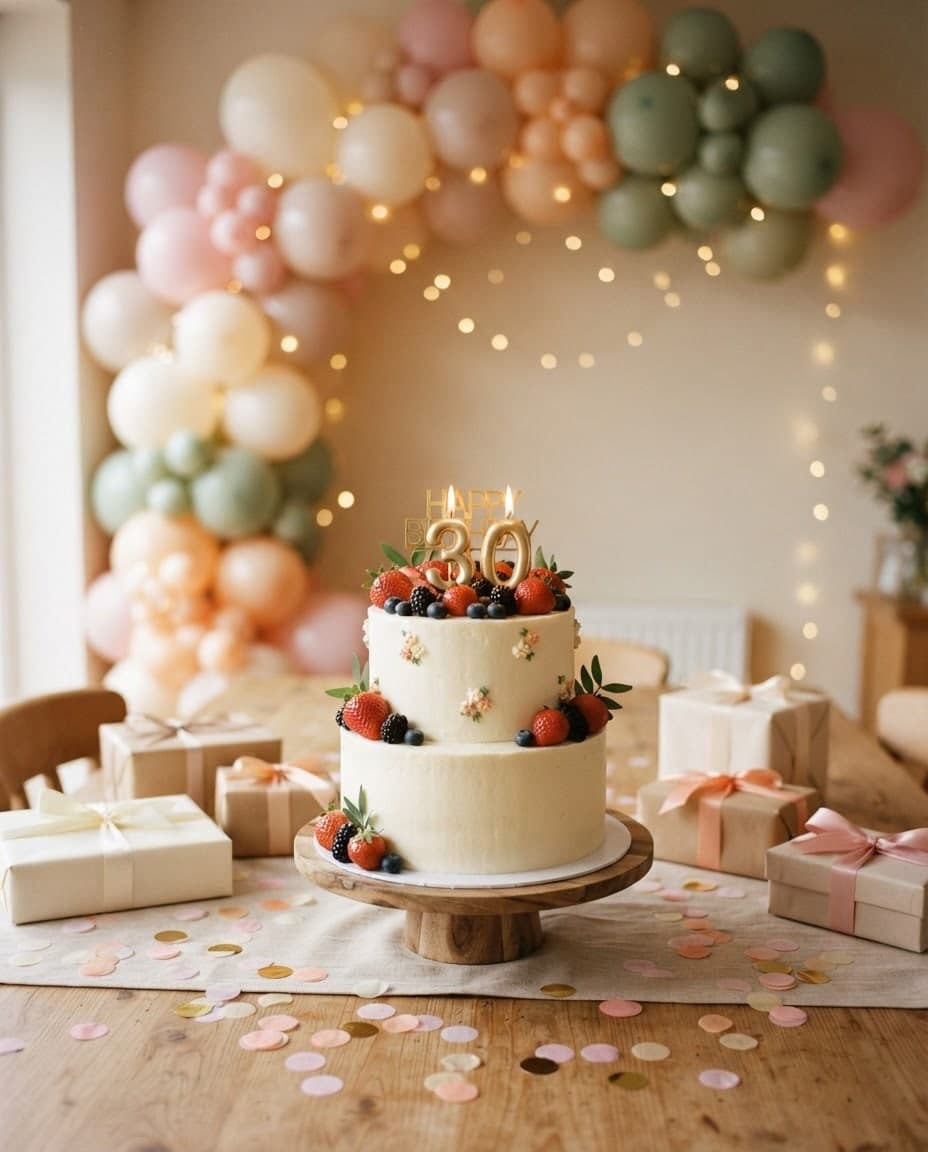
Add a photo you like with the Style role and its colors and light are taken while its content is left behind. Use the same style image across a campaign and every visual stays in one tone.
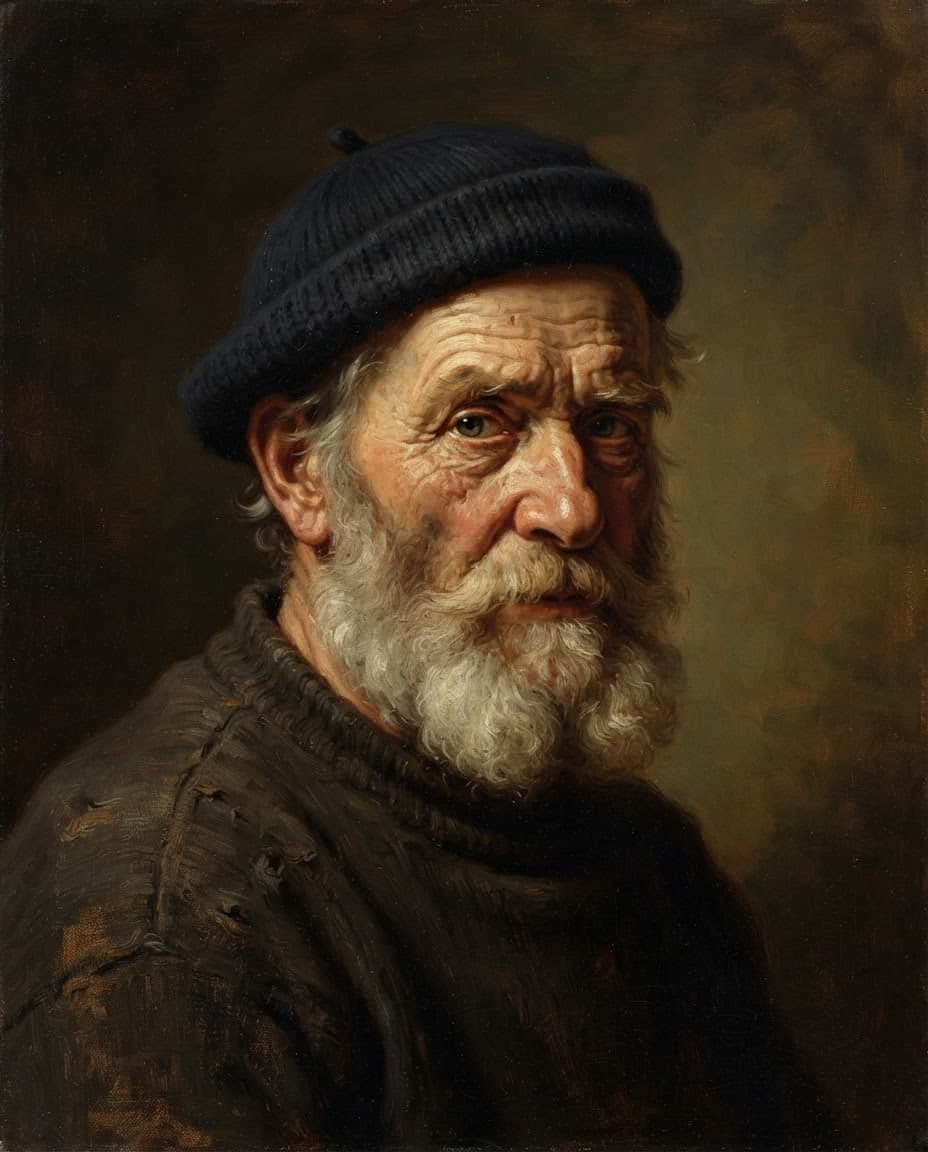
Add a product photo from your phone, choose Edit and write "make the background plain white". You get a clean image for a listing or catalog, and the edited image keeps your photo's ratio.
Add the image to edit as number 1 and your logo as number 2, then write "put the logo on the front of the mug". The logo is used as the element to add.
Add your photo with the General role, pick watercolor, oil painting or children's book in the Style window and describe the scene briefly. The same composition comes back as a drawing.
The Edit window has four ready suggestions: Change background, Fix colors, Fix text and Enhance face. Pick one and add a few words if needed.
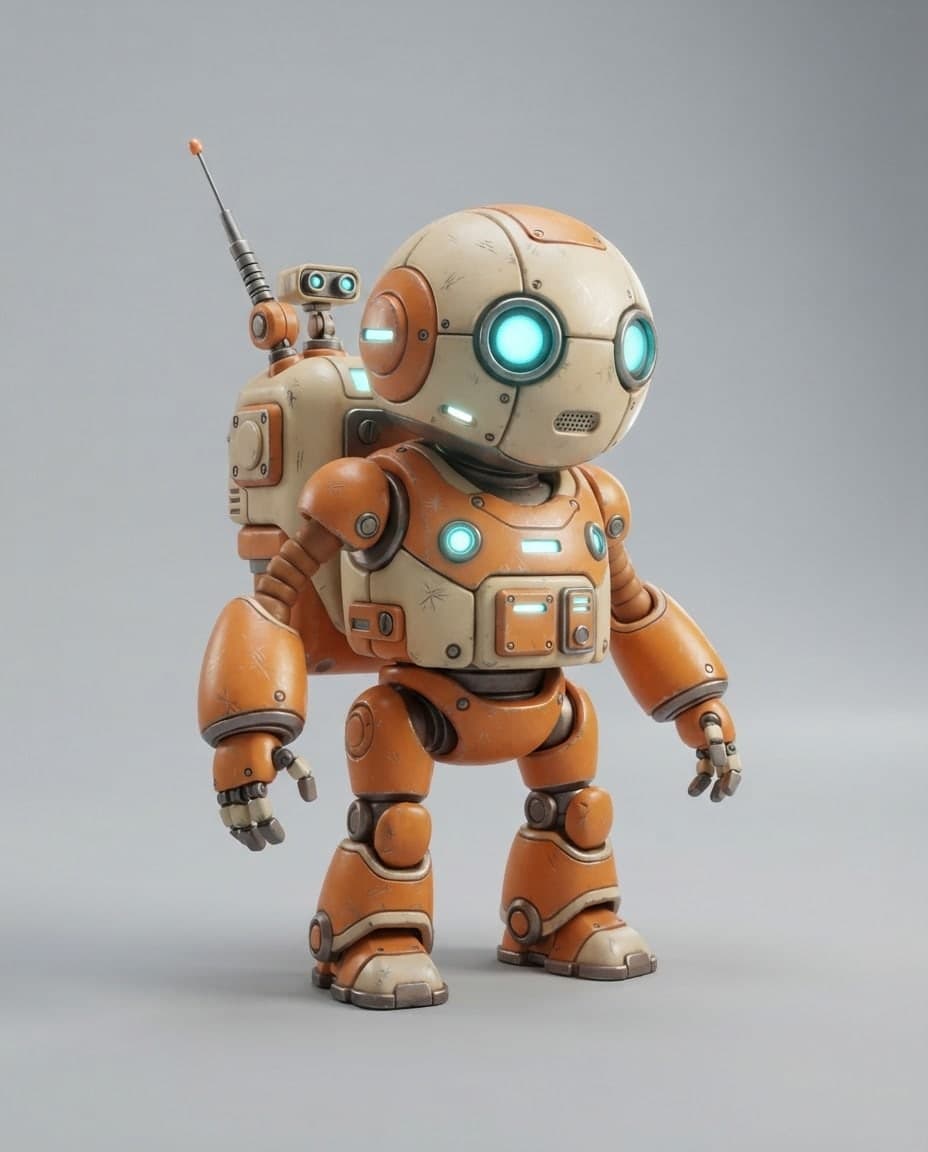
Add a mascot or character you made with the Subject role and write new scenes for it. A series of posts can show the same figure in different places.
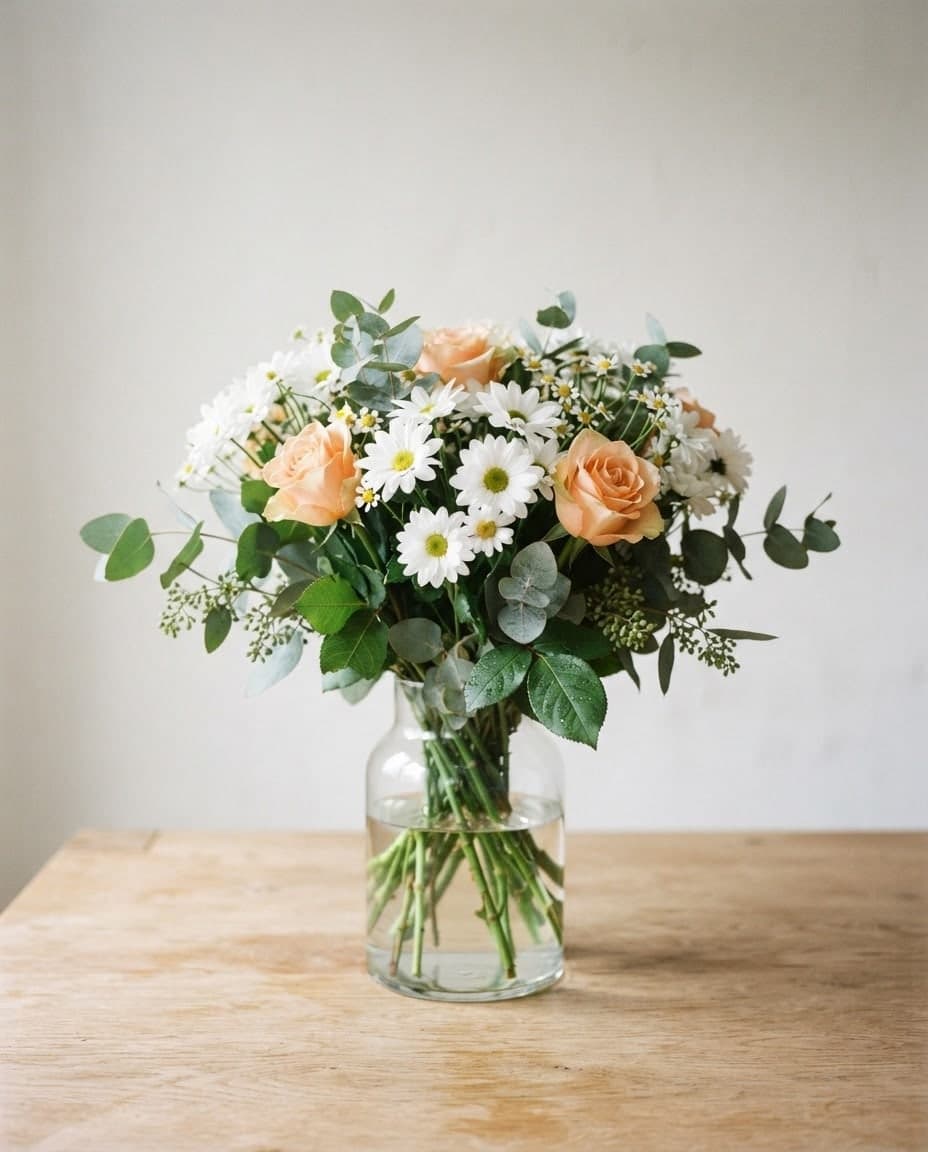
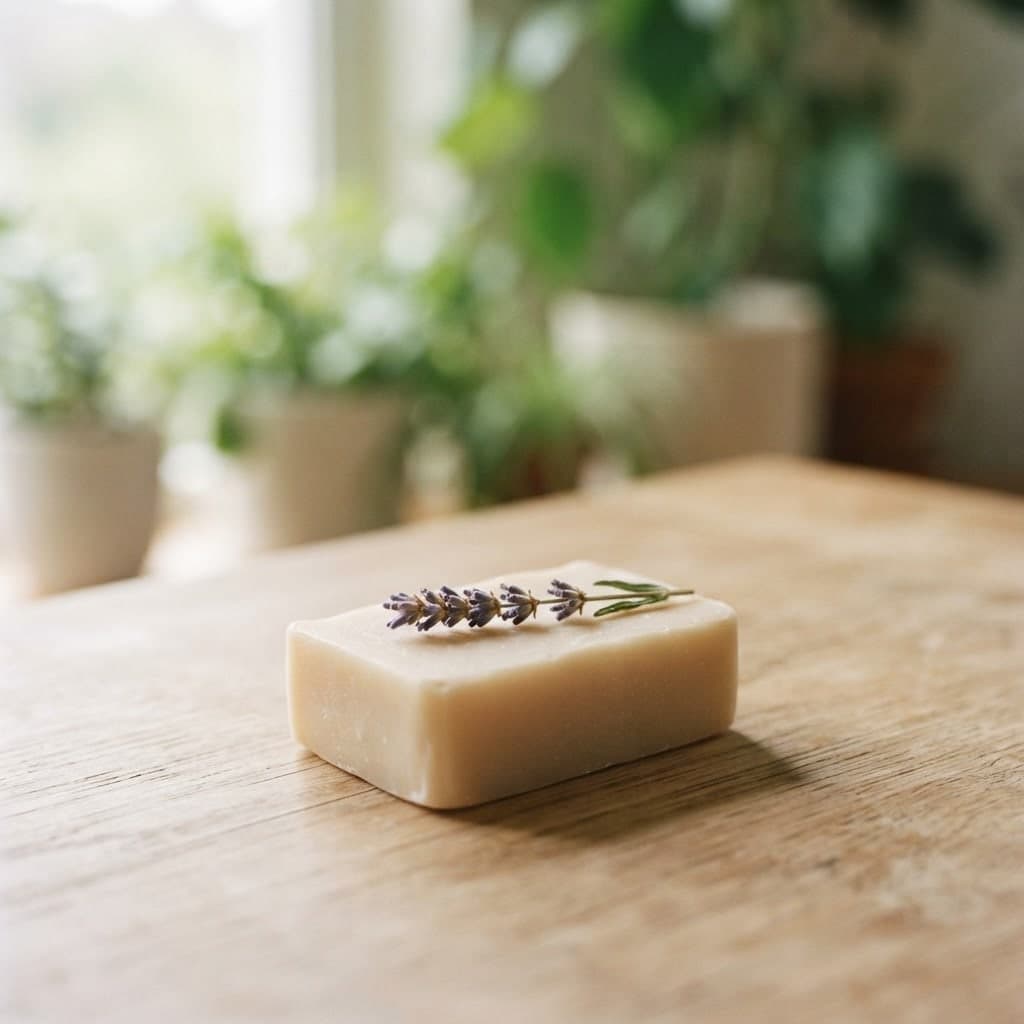
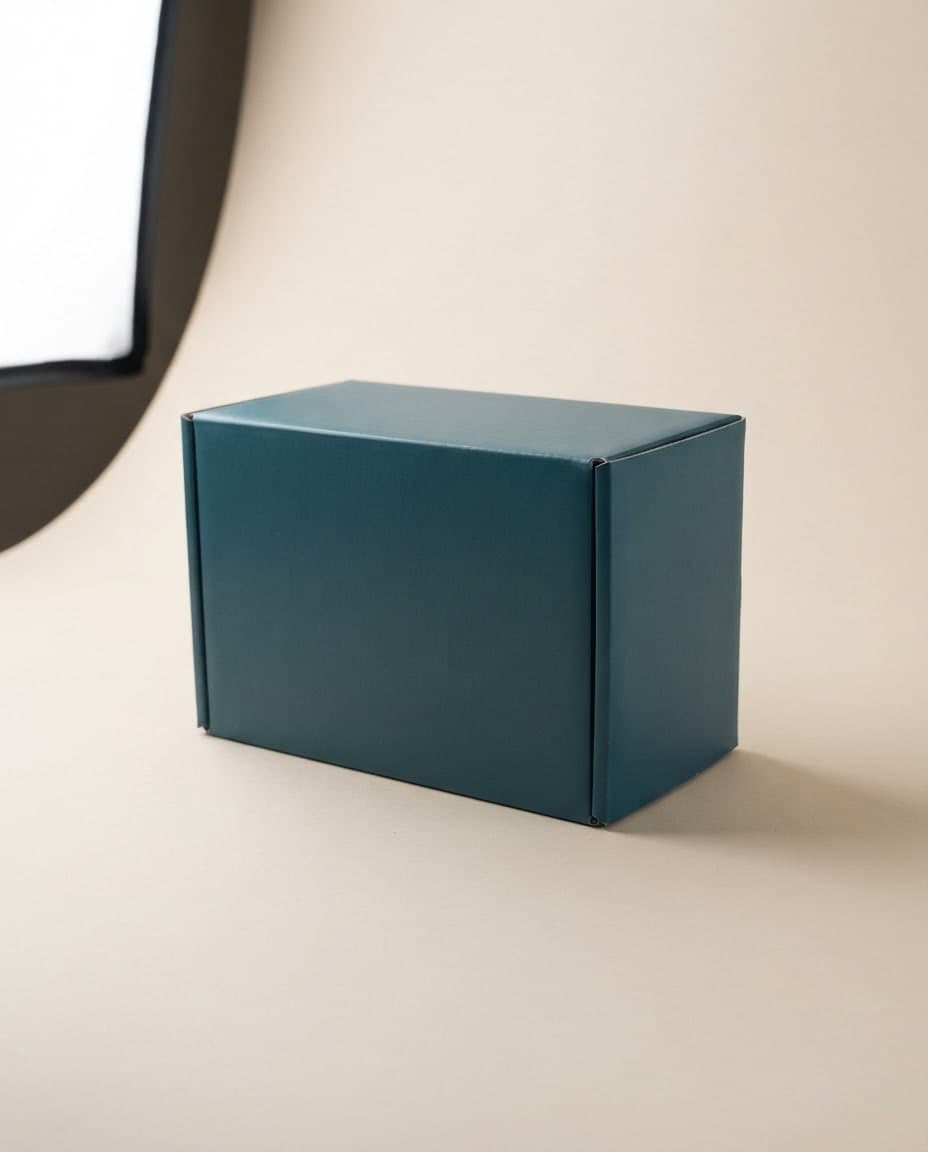
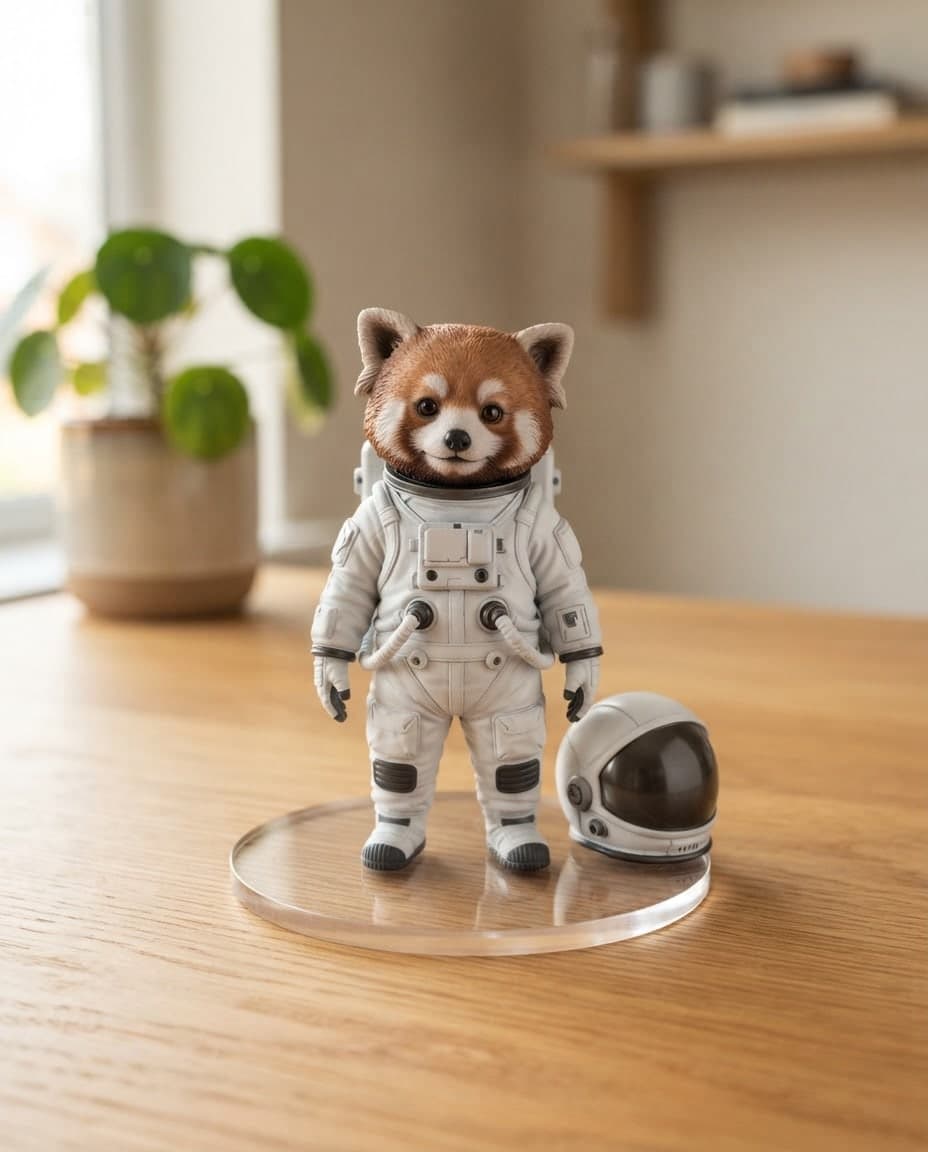

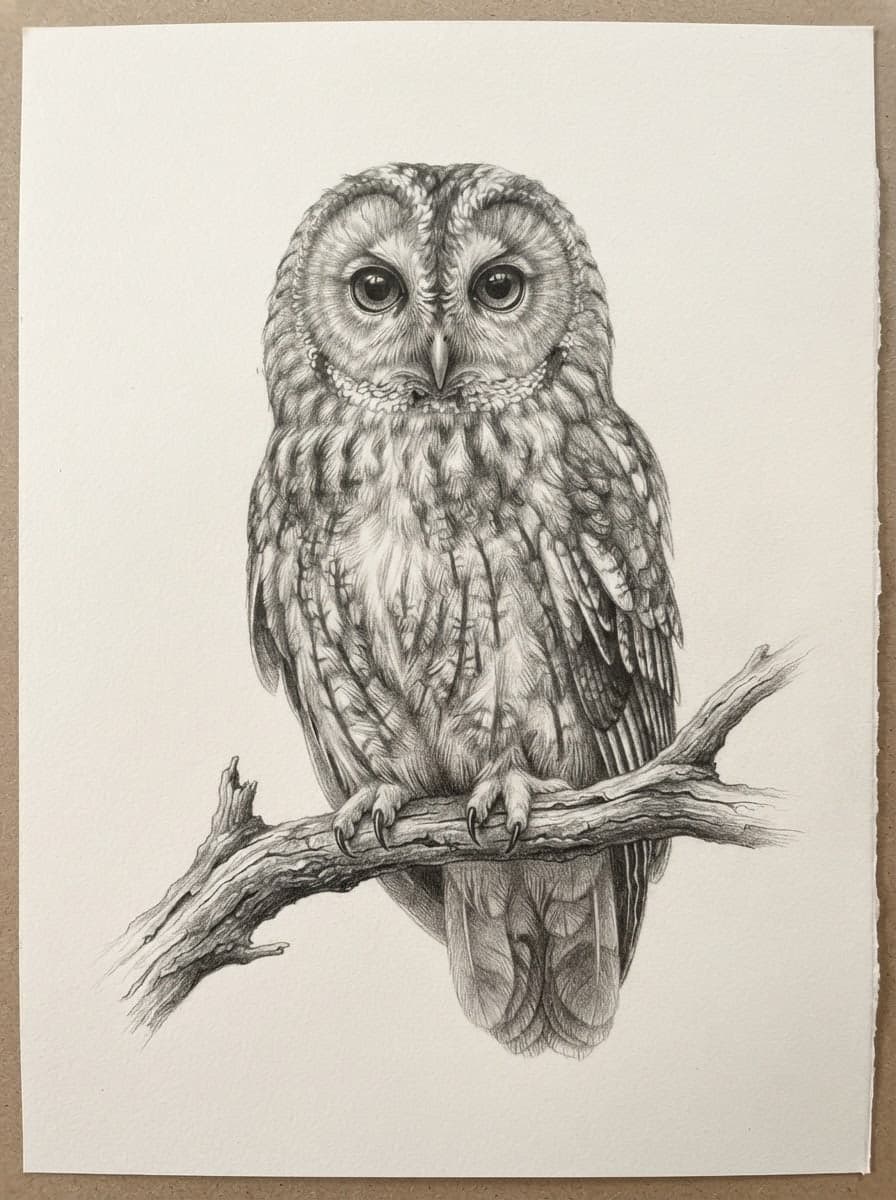


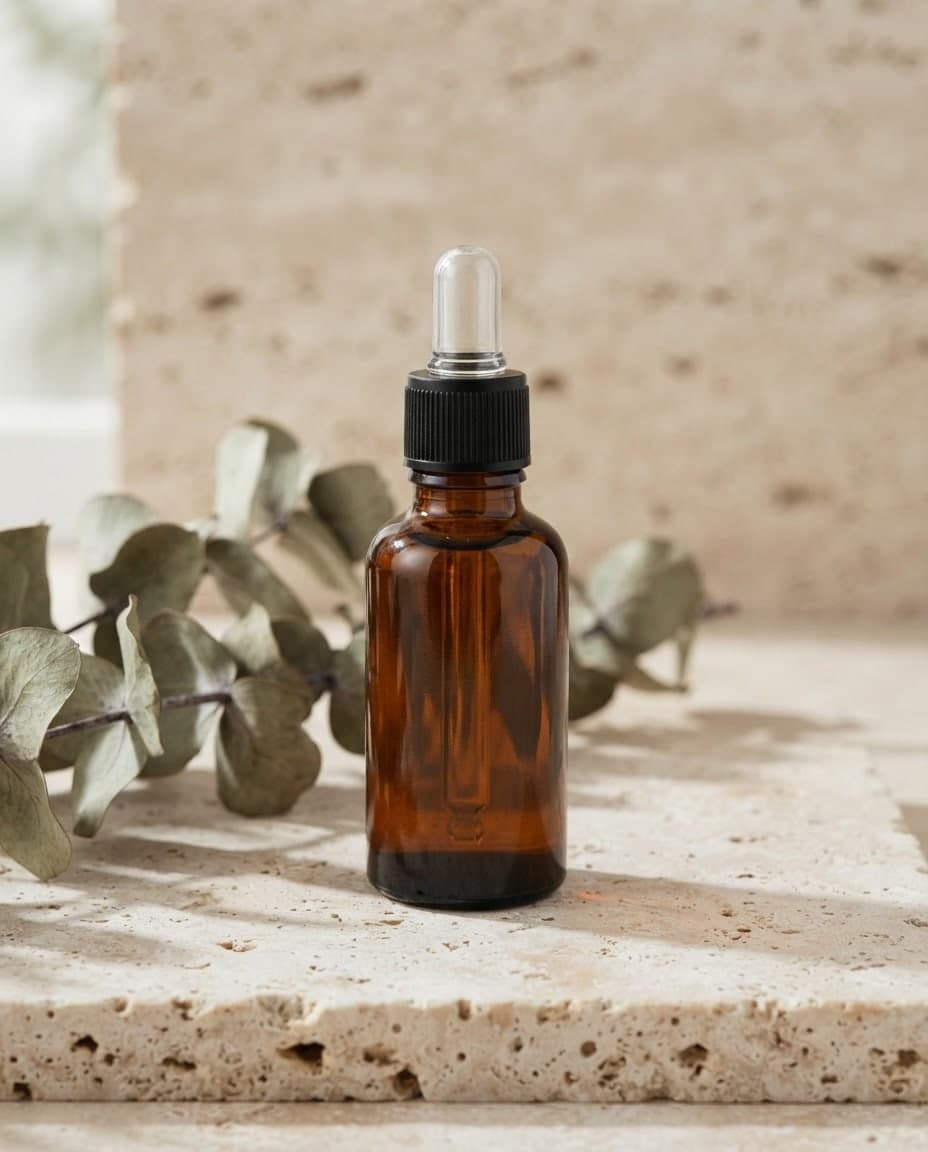


In Canvas, press Add image next to the prompt box and choose up to 4 images. To start from an image in your gallery, use Use as reference or Edit on its card.
With Reference, give each image a General, Style or Subject role. With Edit, image 1 is changed; write what should change in short, plain words.
Press Generate. The result lands in your gallery as a separate run and your source image stays as it was. If it is not right, change one thing in the prompt and try again.
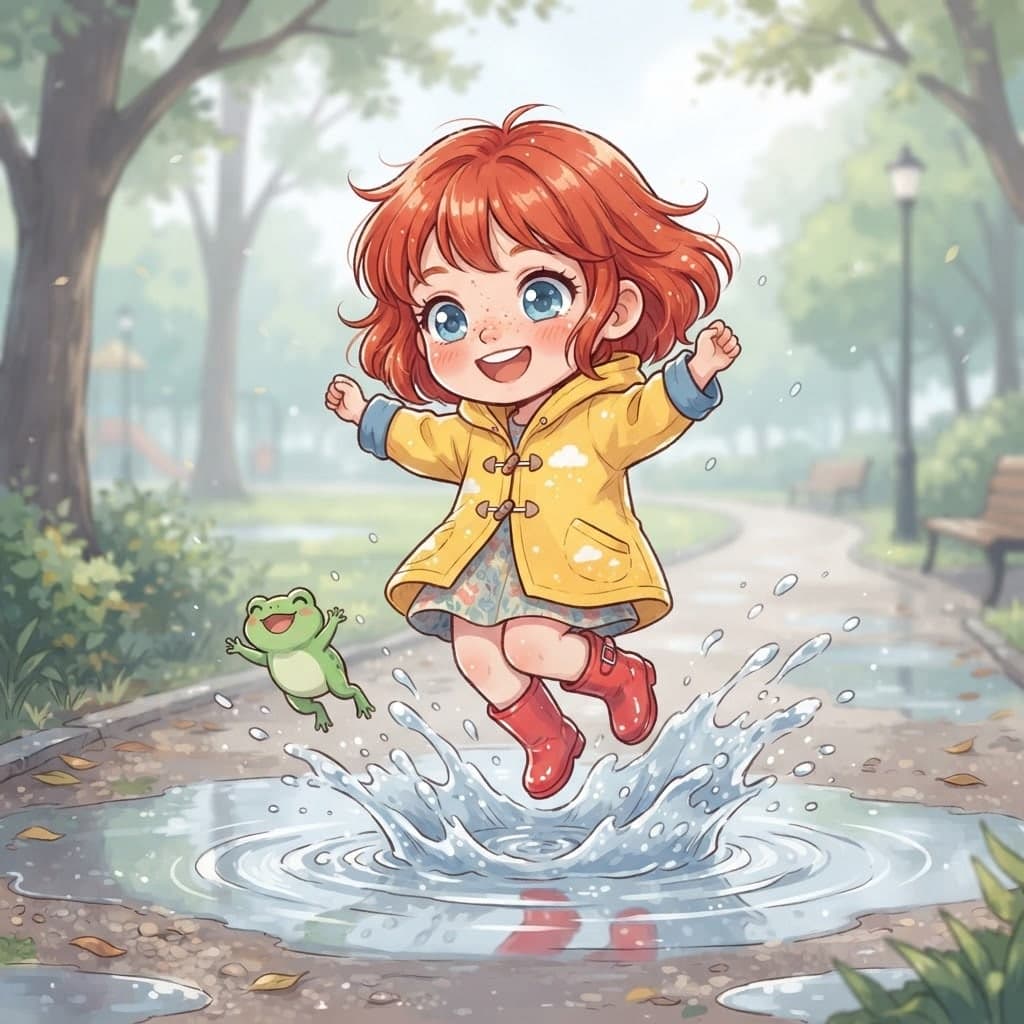
Describe a scene and Canvas turns it into 1 to 4 images. Ten aspect ratios, 16 style presets and monthly image credits on the Free plan.
Describe a post, invite or promo and Canvas designs it; then change any detail by writing. Each edit is a new version and the old one stays in your gallery.
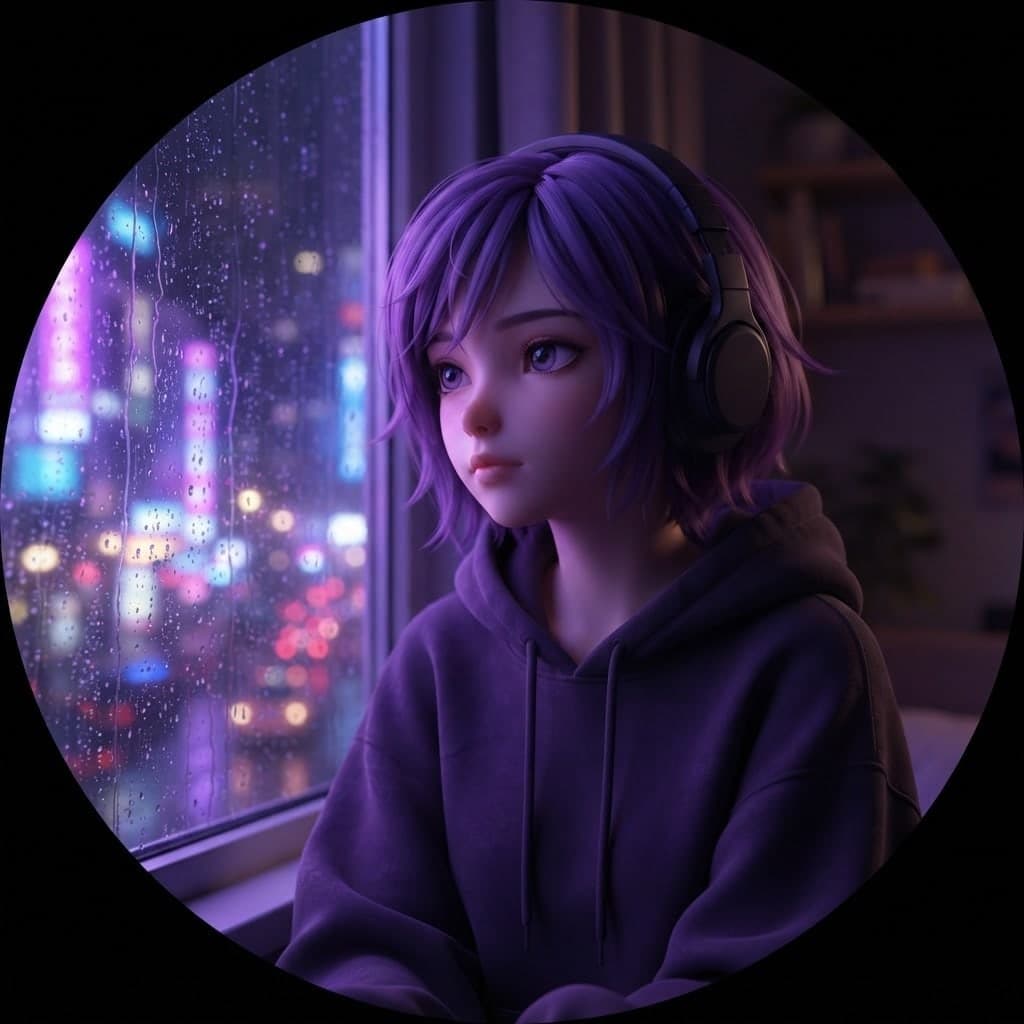
Turn your photo or a description into a 3D animated-movie style avatar image for profile pictures and team pages. You get a PNG or JPG image.
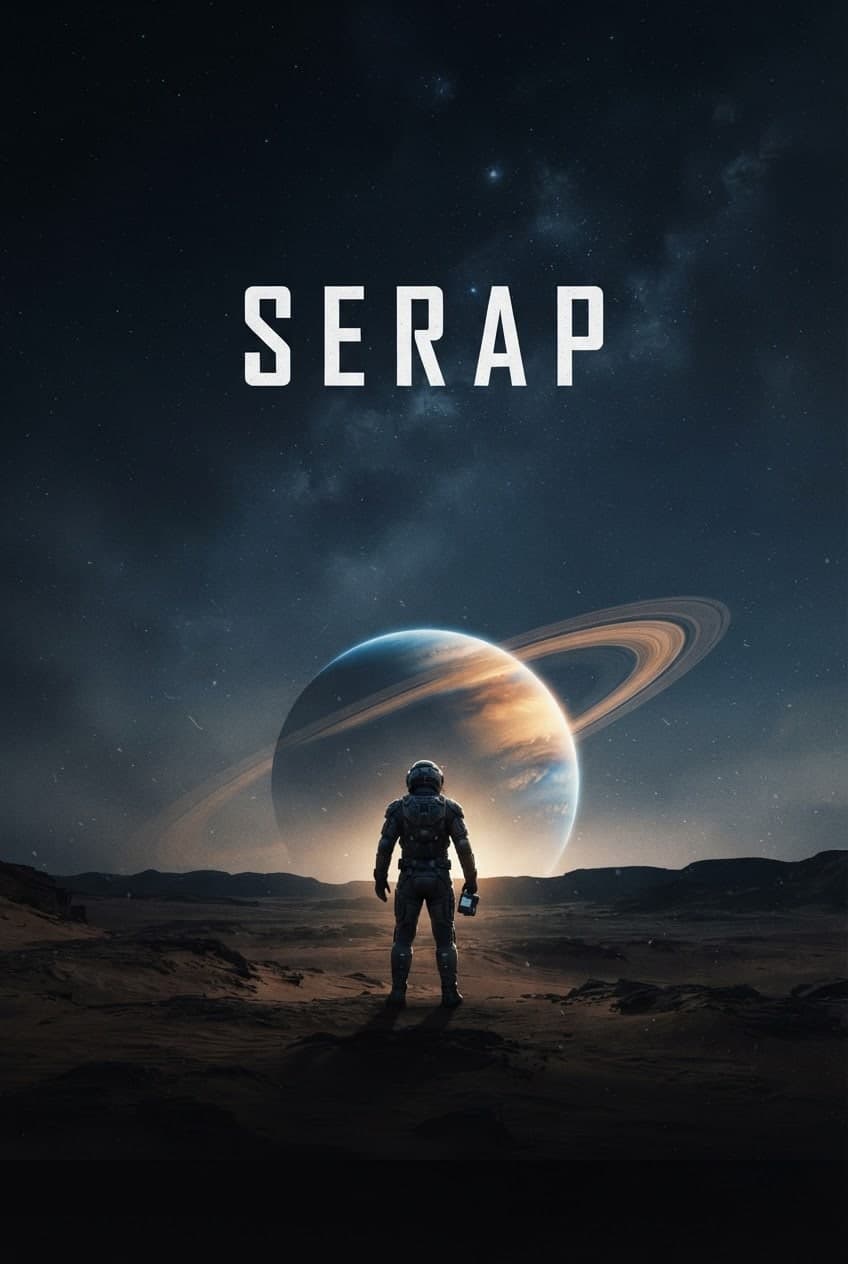
Describe your event, headline and style, and Canvas draws posters and flyers for you. Vintage poster, art deco and pop art presets, plus 4K downloads.
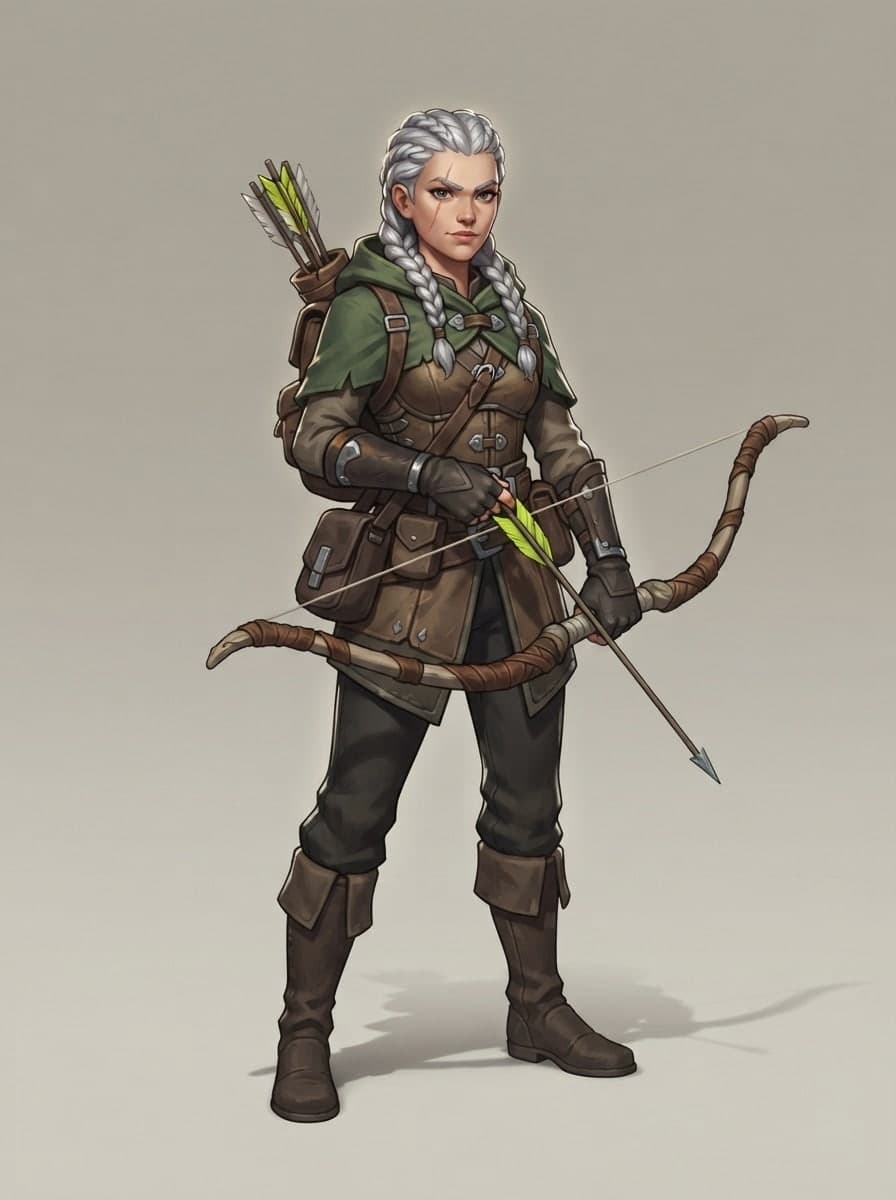
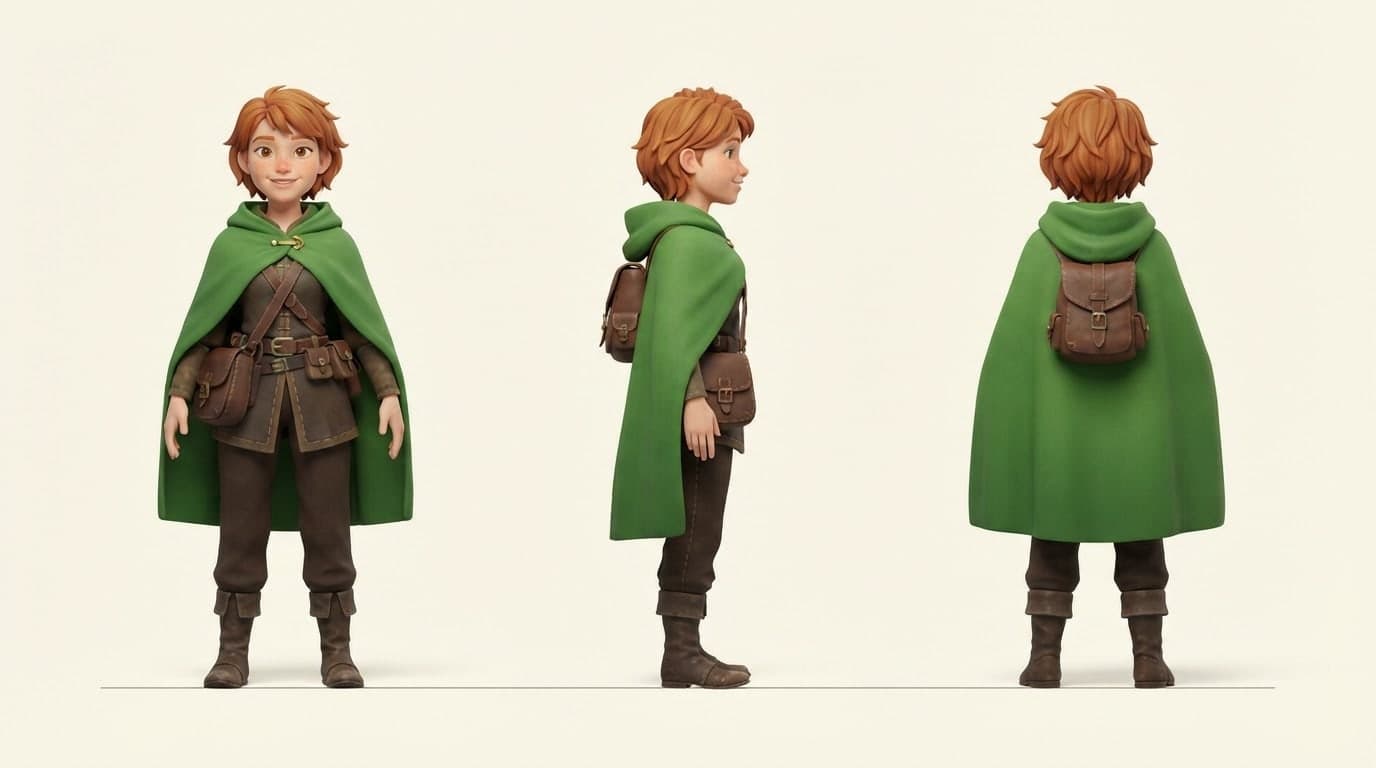
Describe a mascot or character, and Canvas draws a 3D render-style design, front, side and back views and expression sets as images. Start free.
Type your brand name and style, and Canvas draws four logo options in one go. A logo template, flat vector presets and your own color codes. Start free.
You describe it, Entrobase builds it.
Create with Entrobase