


AI App Builder
Describe your app and Entrobase builds a first version for iPhone and Android. Try it on your phone, change it by chatting, then build the Android file.
The mobile side of Entro Builder turns a written description into an app that runs on iPhone and Android. Scan a QR code with Expo Go to open it on your phone, then keep changing it in the chat.
Blue parts are the places to fill in with your own details. Tab selects the next one, Enter sends, Shift and Enter starts a new line.
Mobile apps are built without code, in the same Builder as websites: chat on the left, a phone-frame preview on the right. The App button holds the name, icon, builds and store prep.
In short
Say who the app is for and which screens it needs. Every change after the first version is one message.
Ask for a new screen, tab, list or form and the preview refreshes after the change. Restore this version under a reply undoes everything after it.
Photos, location, vibration and calendar events can be part of your request. Server-sent notifications, maps and in-app purchases are not built at the moment.
The Builder preview is an approximation. Scrolling, the keyboard and touch are best judged on your own phone.
Install Expo Go and scan the code on the Open on your phone card: with the Camera on iPhone, from inside Expo Go on Android.
While the app is open, chat changes arrive within seconds. The QR code never changes, and Copy link lets you open the app on another phone.

A mobile app has no Publish or domain buttons. The App button opens app settings in their place.
Set the name, version, main color and splash color under General. Upload an icon or press Generate with AI; a generated icon uses 2 image credits, refunded if it fails.
Connect your Expo account once. Create APK makes a file you install straight on a phone; Create AAB makes the Google Play bundle. Up to 20 builds can start in 24 hours, 3 at a time.
If the error comes from the app's code, Fix with AI sends it to the chat as a normal message. Otherwise open Logs.

Store prep lives in the same window: listing text, screenshots, a privacy policy and a checklist.
Write with AI drafts the store description in English or Turkish. Create screenshots takes iPhone and Android sized shots from the preview, with a daily limit.
No privacy policy? Entrobase creates and hosts one (apps aimed at children excluded). The Checklist scans for the most common reasons stores reject apps.
For sign-in and data shared between users, connect your own database account under Database. Without it, data stays on the phone.

| Plan | Mobile apps | Android builds |
|---|---|---|
| Free | No | No |
| Starter | No | No |
| Pro | Included | Your Expo account |
| Pro+ | Included | Your Expo account |
| Ultra | Included | Your Expo account |
| Teams | Included | Your Expo account |
| Teams Max | Included | Your Expo account |
Trying a mobile template's demo in Expo Go is free and needs no account; turning it into your own app needs Pro or above: mobile templates.
Build queue and limits
Builds run on Expo's servers and use your Expo account's quota. You can close the page; the result appears under Builds. After 3 failed builds in a row on one project, you wait 1 hour.
A loyalty card with a stamp for every coffee, plus menu, offers and branch screens.
A booking app for a salon, clinic or studio: pick a service and a time slot.
Try the idea on your own phone first, then send the APK to friends to install.
Expense tracker, workout log, habit tracker: apps you will use yourself every day.
On the What do you want to build? screen, choose Mobile app. Write who it is for, which screens it needs and what people will do in it.
The Builder opens with the chat and a phone-frame preview. Install Expo Go and scan the QR code on the Open on your phone card.
Use the App button to set the name, colors and icon. Connect your Expo account, then press Create APK or Create AAB.

Tool pages that run on this module, each focused on a single job with a ready-made request you can edit and send.
Describe your app and Entrobase builds a first version for iPhone and Android. Try it on your phone, change it by chatting, then build the Android file.

An AI website builder that builds what you describe. Write a few sentences, preview the site next to the chat, fix it by asking and publish it for free.
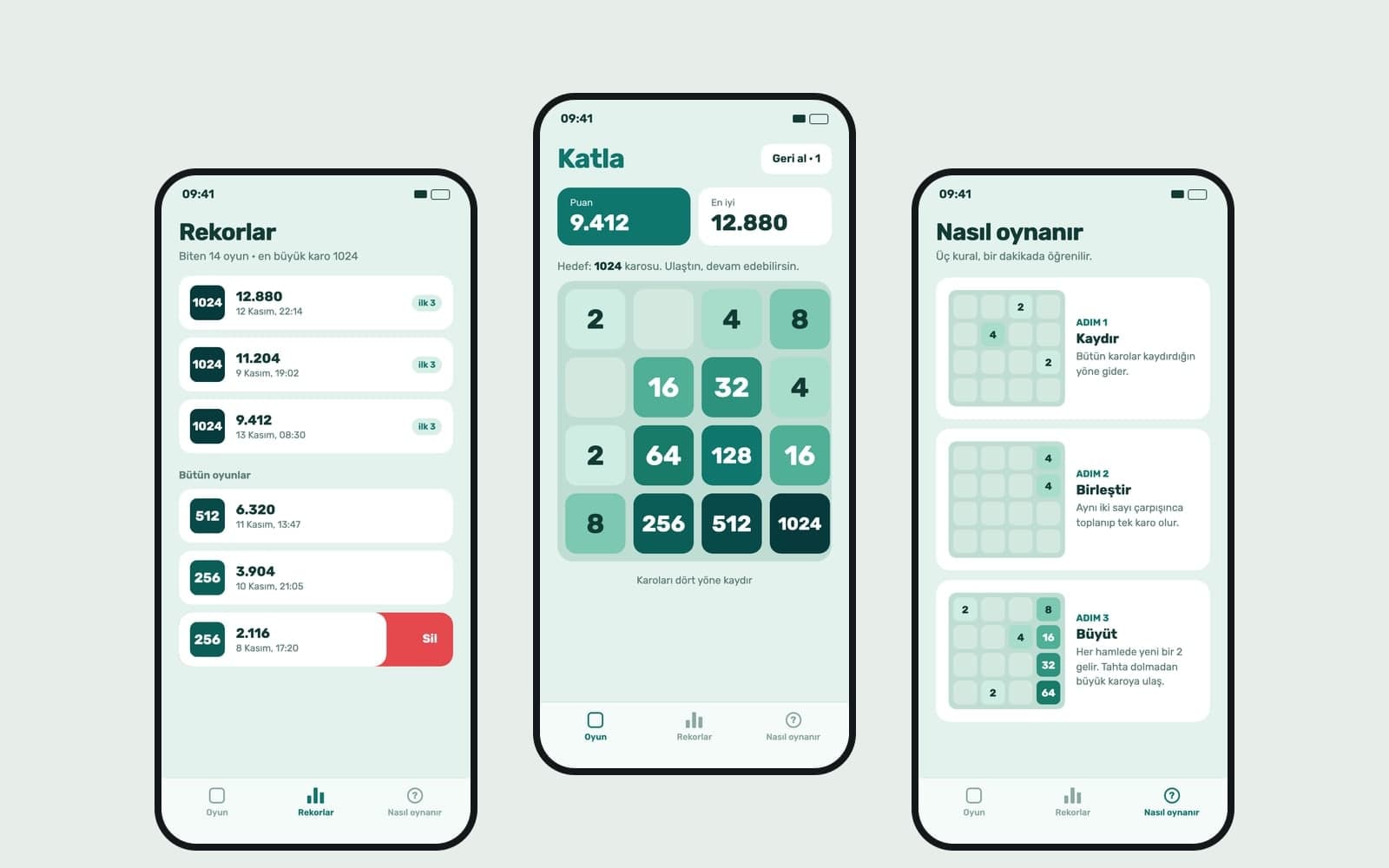
Write your game idea and Entrobase builds a first version that runs in the browser. Play it in the preview, change rules by chat, publish and share the link.

Type your brand name and style, and Canvas draws four logo options in one go. A logo template, flat vector presets and your own color codes. Start free.

Describe a scene and Canvas turns it into 1 to 4 images. Ten aspect ratios, 16 style presets and monthly image credits on the Free plan.

Build a website without code or design tools: type it, fill in a step-by-step form or start from a template. Edit text right in the preview, then publish.