



Text to Image Generator
Describe a scene and Canvas turns it into 1 to 4 images. Ten aspect ratios, 16 style presets and monthly image credits on the Free plan.
Write your brand name, the symbol you have in mind and your colors; Canvas draws logo drafts as images. Refine the one you like in plain words and download it as a PNG.
Blue parts are the places to fill in with your own details. Tab selects the next one, Enter sends, Shift and Enter starts a new line.
This tool runs on Entro Canvas.
Logo design under Start from a template asks a few questions: brand name, icon style, font, color palette and background. It writes the prompt from your answers and sets the ratio to 1:1 and the style to Design mode.
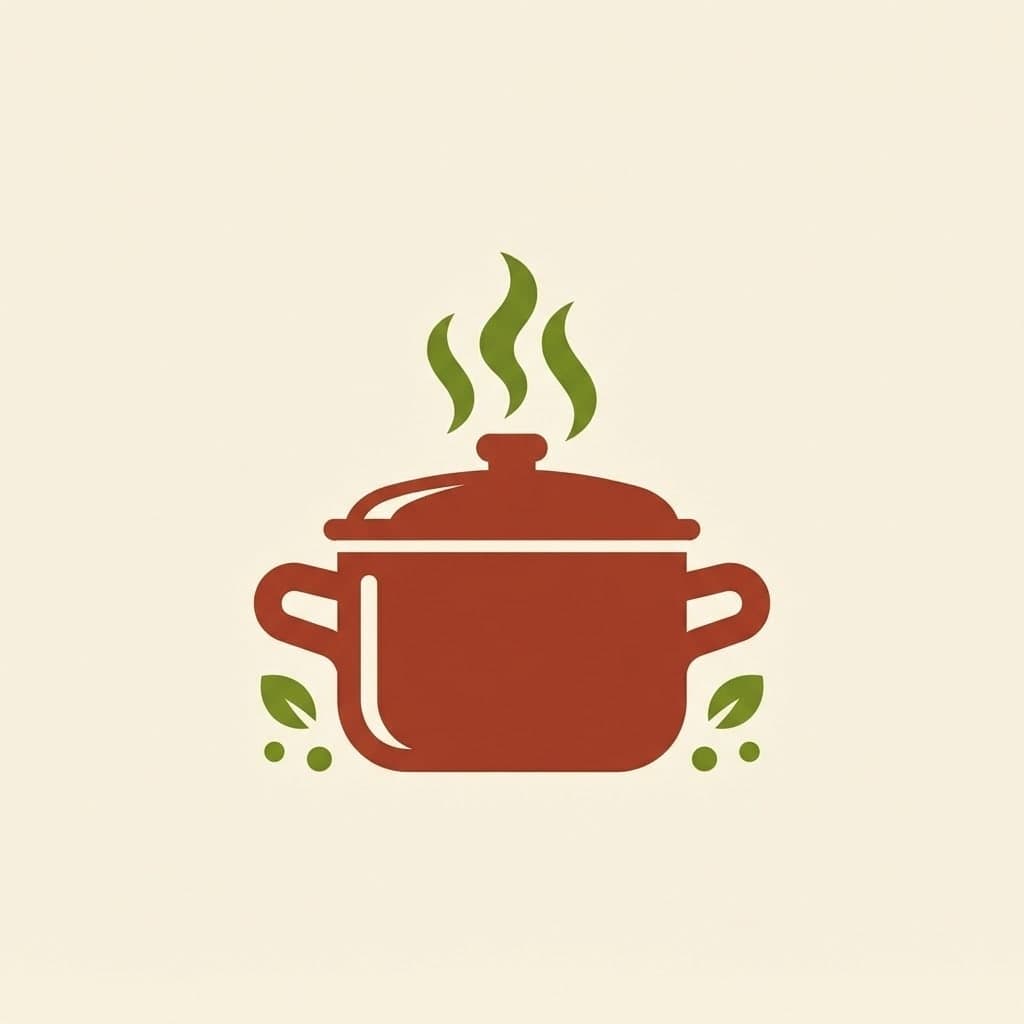
One run gives you 4 logos from the same prompt. Each one reads the symbol a little differently, and you carry on with the one you like.
Choose Custom in the color palette and type your brand colors as up to five hex codes. The Logo and Flat vector presets give a clean, solid-color look with sharp edges.
If a draft looks promising, open Edit on its card and say what should change: "make the steam a single line", "darken the green a little", "use thinner letters". Each edit is added as a new image and the earlier draft stays in your gallery.
Image models sometimes get letters wrong. Short names come out more reliably, and it helps to put the name in quotes in the prompt. If you spot a typo, use the Fix text suggestion in the Edit window or give the correct spelling in quotes.
Looking for a mark for your sign, cups and menu? You see several symbol ideas at once. It also helps you show a sign maker or designer which direction you like.
Try scissors, combs or a monogram with fine serif letters. Generate the logo on a dark background too, to see how it looks as an Instagram profile picture.
Create a simple mark for your site and shipping labels. Make a version of the symbol alone, without the name, so it still reads in a small browser tab. Attach it to the chat in the Builder and ask for it to go in the site header.
Ask for a monogram from your initials. Make a square and a horizontal version for business cards, proposals and your email signature.
Have an emblem drawn for a running group, school club or festival. Badge-style logos with a round frame work well here.


In Canvas, open Logo design under Start from a template or write the prompt yourself: brand name, what you do, an idea for the symbol, the font style and two or three colors.
Keep the ratio at 1:1, set the image count to 4 and press Generate. Picking the Logo or Flat vector preset in the Style window keeps the result simple.
Fine-tune the draft you like with Edit. Download it as HD (PNG) for free; paid plans also offer 2K and 4K downloads.
Describe a scene and Canvas turns it into 1 to 4 images. Ten aspect ratios, 16 style presets and monthly image credits on the Free plan.
Type your words and a material, and Canvas draws 3D-looking lettering in balloon, chrome, gold or neon as an image. You get a PNG or JPG, not a font file.
<svg xmlns="http://www.w3.org/2000/svg" viewBox="0 0 24 24" fill="none" stroke="currentColor" stroke-width="2" stroke-linecap="round" stroke-linejoin="round"> <path d="M3 10.5L12 3l9 7.5" /> <path d="M5 9.5V20a1 1 0 0 0 1 1h12a1 1 0 0 0 1-1V9.5" /> <path d="M10 21v-6a1 1 0 0 1 1-1h2a1 1 0 0 1 1 1v6" /> </svg>
Attach a transparent PNG icon and Entro redraws flat shapes as SVG code you copy. It does not auto-trace the image or give you an .svg file to download.

Describe your event, headline and style, and Canvas draws posters and flyers for you. Vintage poster, art deco and pop art presets, plus 4K downloads.

Build a company website with service pages, team, clients and a quote form. Connect your own domain and track every enquiry from one panel.

Describe your business and Entro suggests domain name ideas. Check the one you like in a click and see free extensions with first-year and renewal prices.
You describe it, Entrobase builds it.
Create with Entrobase