





AI Game Maker
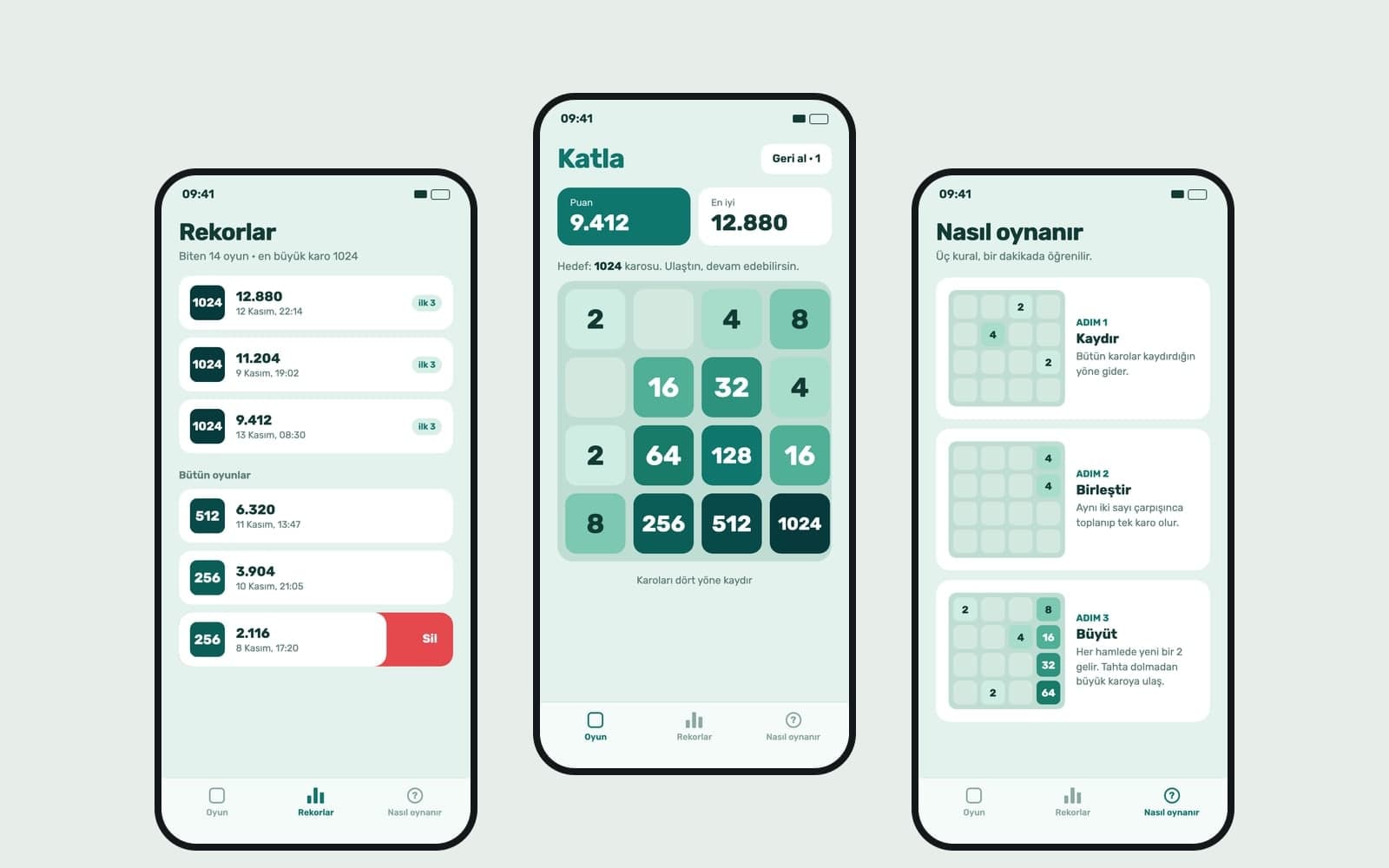
Write your game idea and Entrobase builds a first version that runs in the browser. Play it in the preview, change rules by chat, publish and share the link.
Describe item icons, character ideas and background scenes for your game, and Canvas draws them as images. It does not create 3D models, animated sprite frames or transparent files.
Blue parts are the places to fill in with your own details. Tab selects the next one, Enter sends, Shift and Enter starts a new line.
This tool runs on Entro Canvas.
Ask for items in a 2x2 or 3x3 grid in one image for your inventory, shop or reward screen. Asking for the same angle and light makes the items look like one set.

Get four different takes on a hero, enemy or side character from one prompt. Compare the silhouettes and carry on with the one that fits your game.
Make a horizontal 16:9 or 21:9 scene for a desktop game or a vertical 9:16 scene for a phone game. Use them for menus, level backgrounds or loading screens.
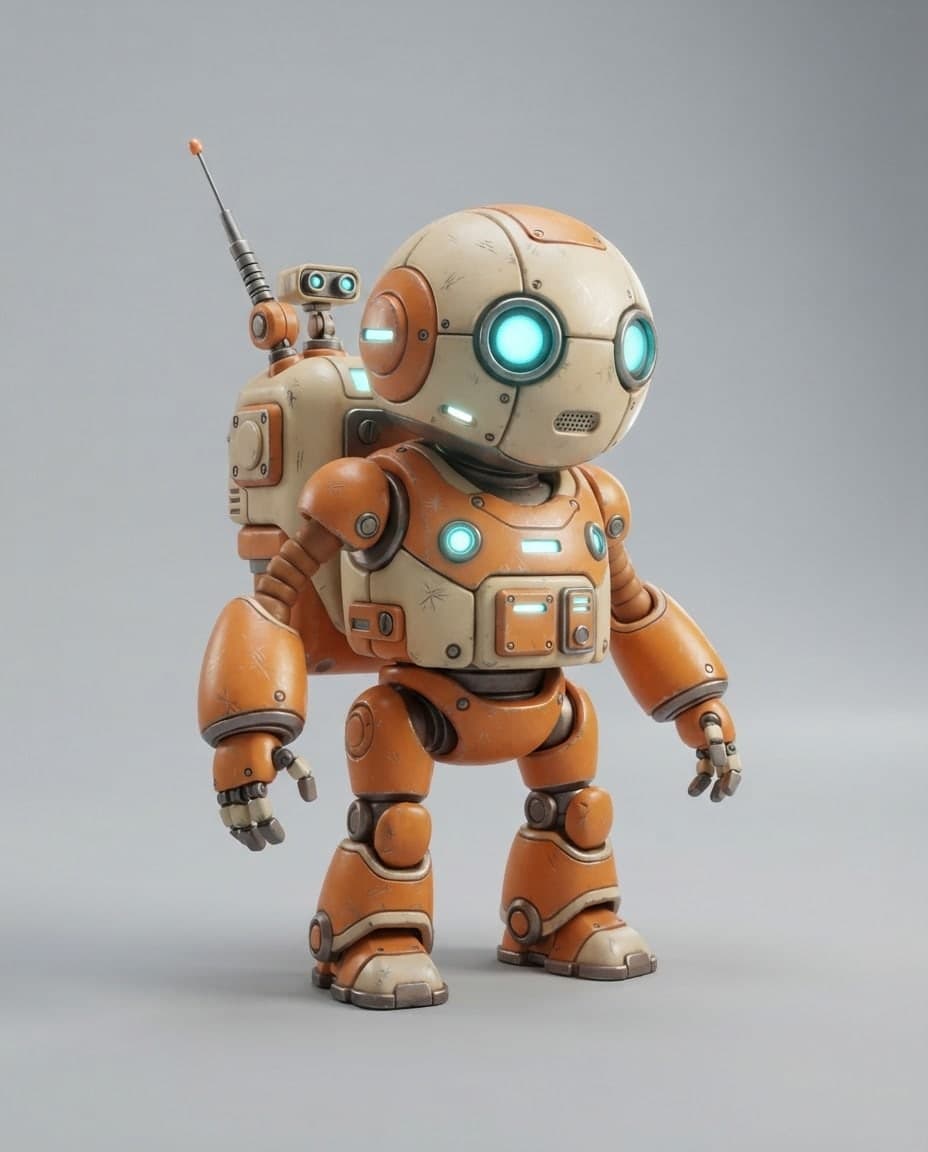
Add the first image you like with Use as reference in the Style role; its colors and light carry over to later assets without copying the content. Choosing the same palette and repeating the same style sentence in each prompt keeps the set from drifting.
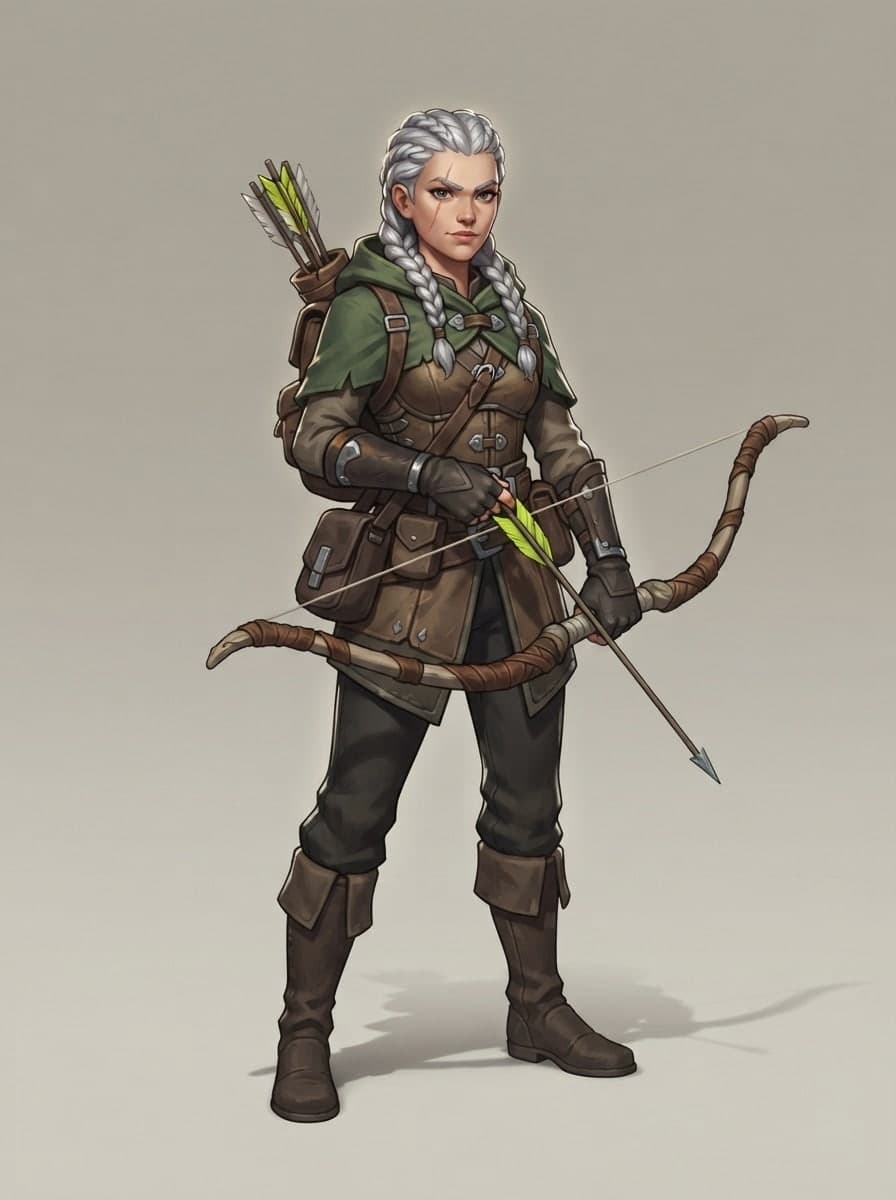
Canvas gives you one image with the background from your prompt. Splitting the grid into separate files, cleaning up the background and resizing to what your game needs is a separate job, and a plain color background makes it shorter.
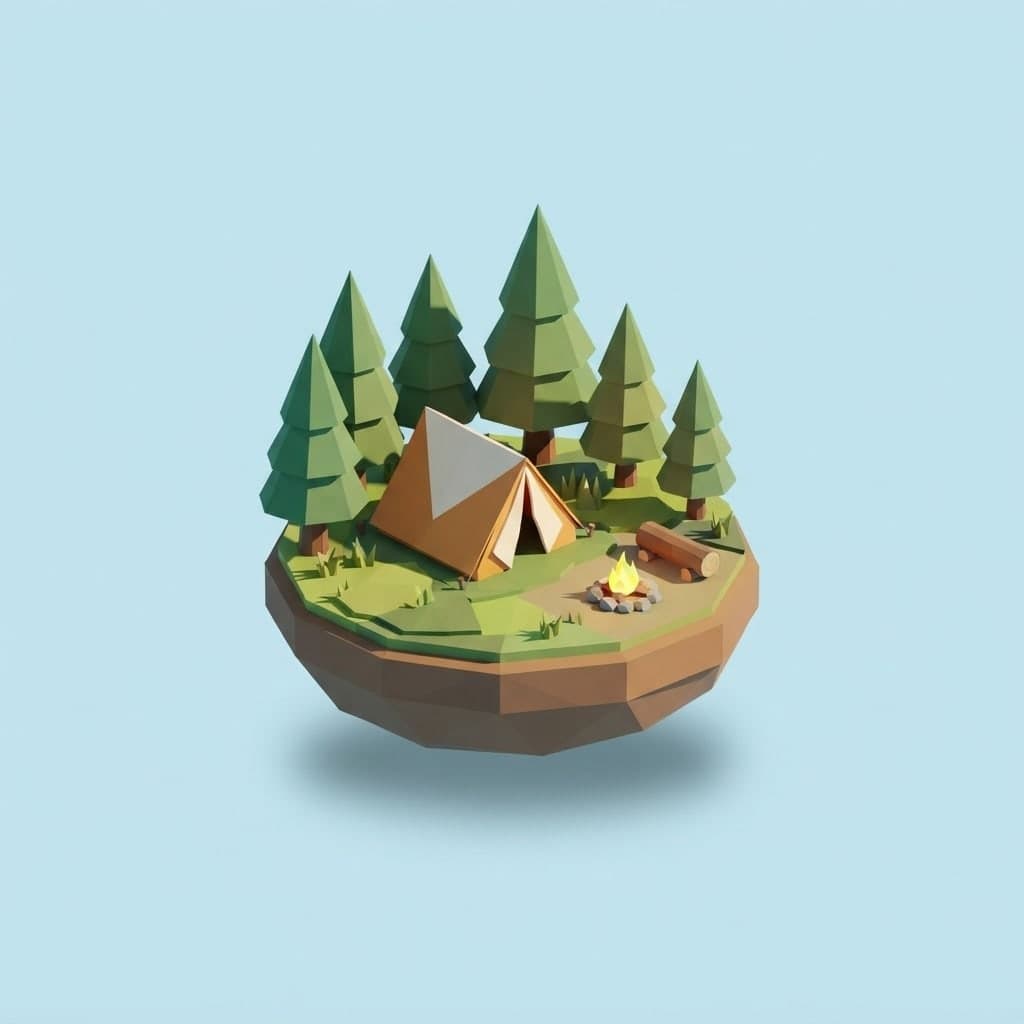
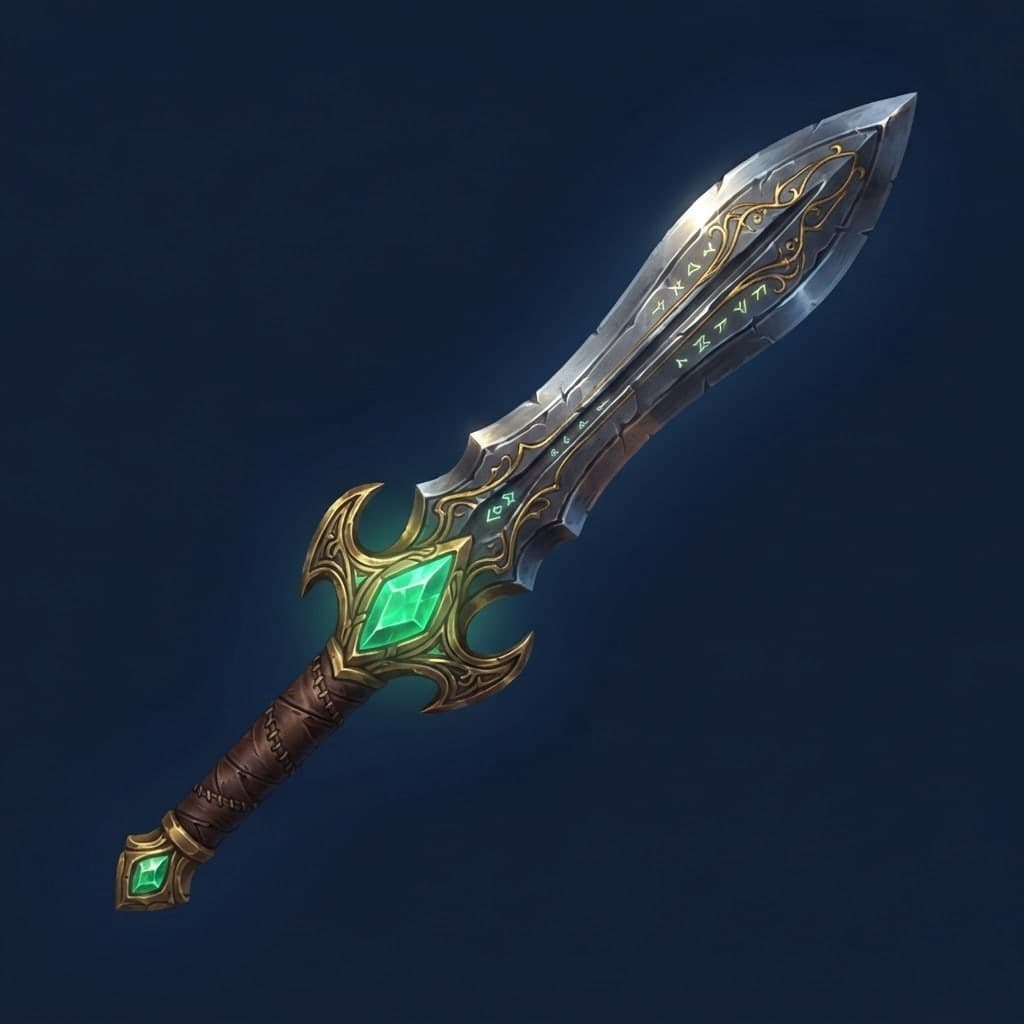
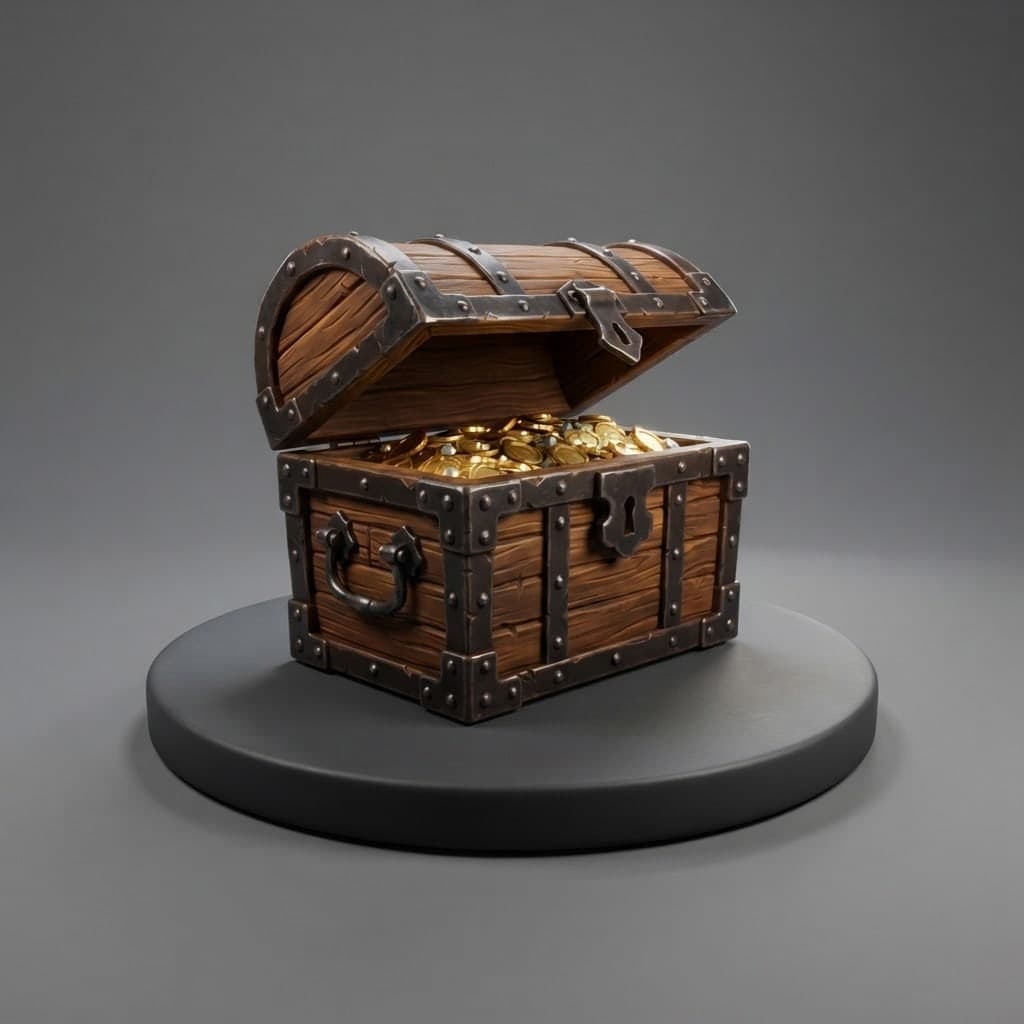
Generate items like potions, swords, keys and chests in a grid with the same light. Cut them out one by one later and add them to the game.
Have the illustration in the middle of each card drawn at 2:3 or 3:4. Adding the card frame and text inside the game gives a cleaner result.
Ask for forests, dungeons or space stations with empty room where the characters will stand. Make a calmer version of the same scene for the loading screen.
Make a 16:9 scene with your main character for the game's share image or page cover. If you want the title on it, keep it short and check the letters.
To use an image in a game you built on Entrobase, download it, attach it to the chat in the Builder and say where it goes, such as "use this image as the start screen background".
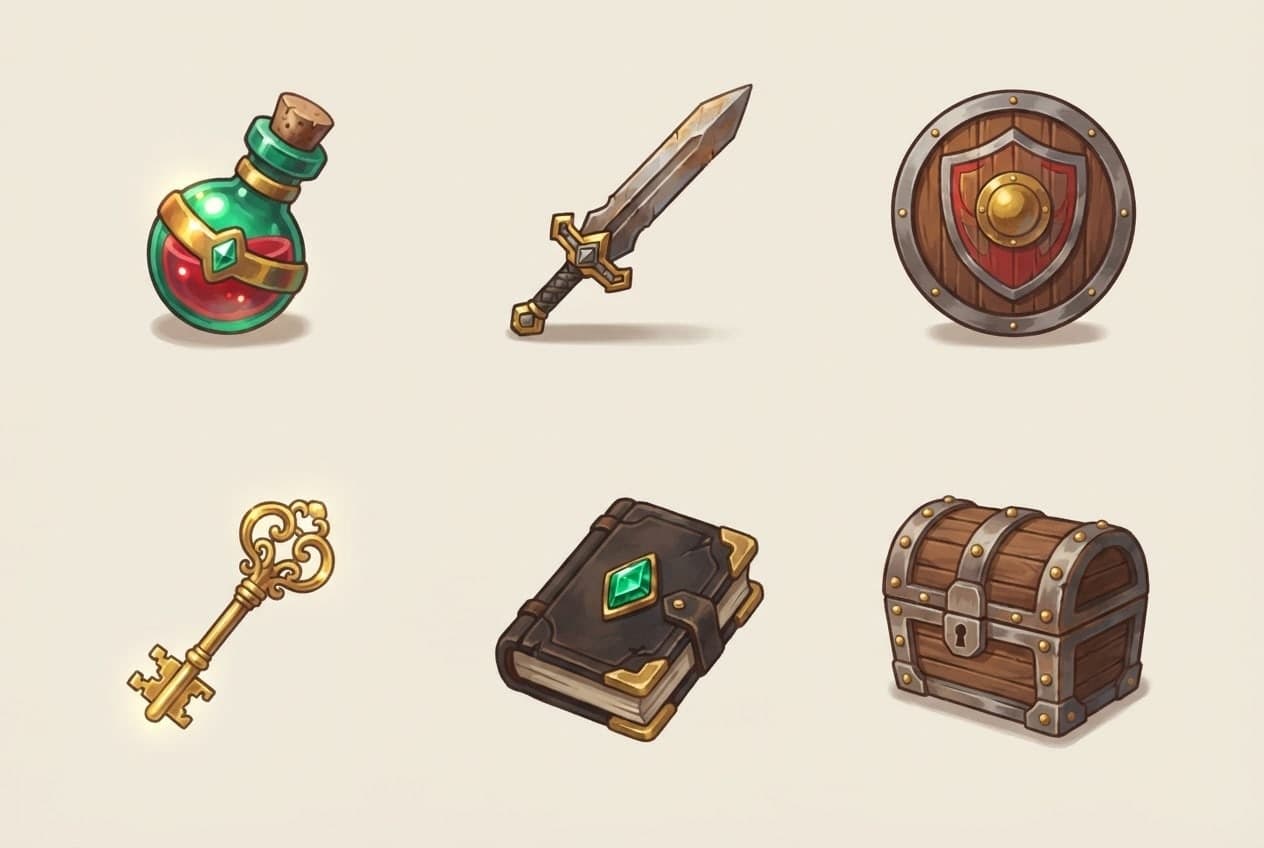
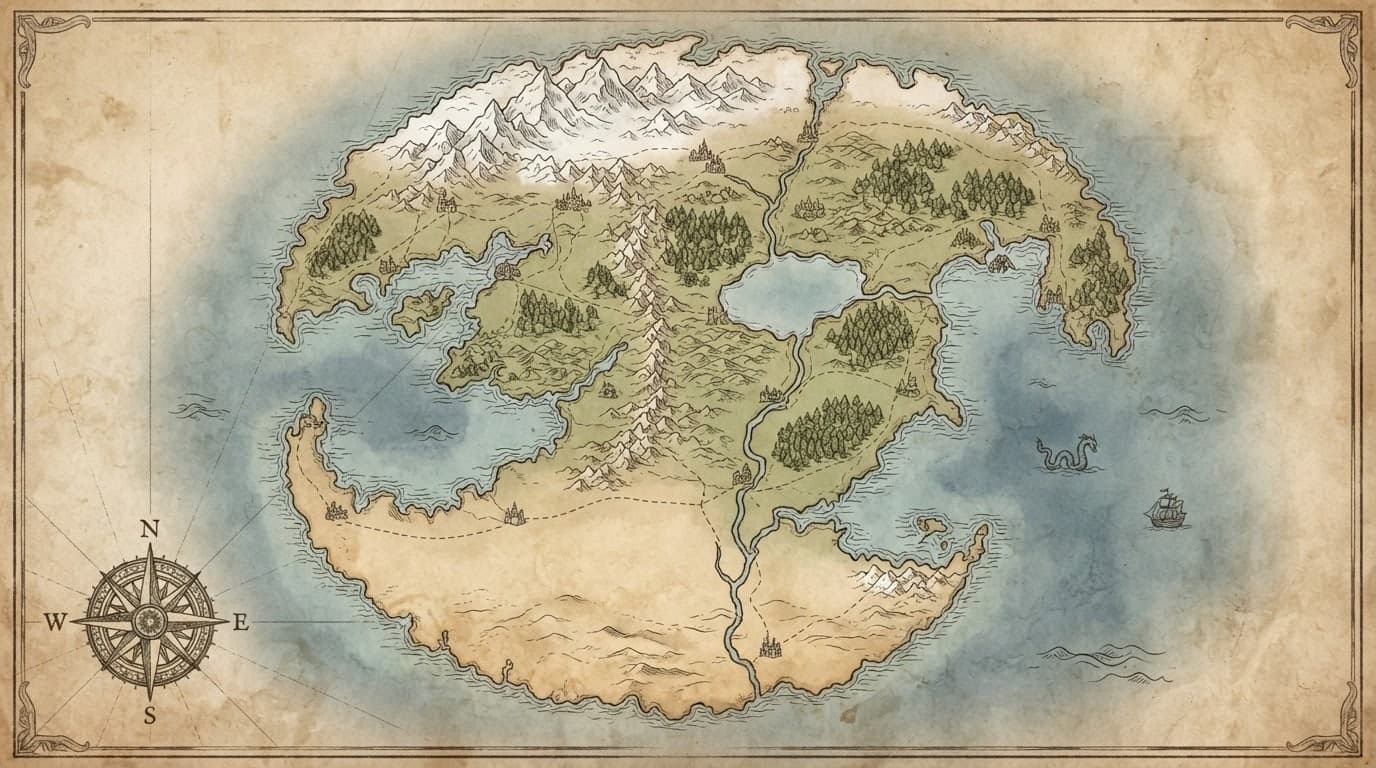
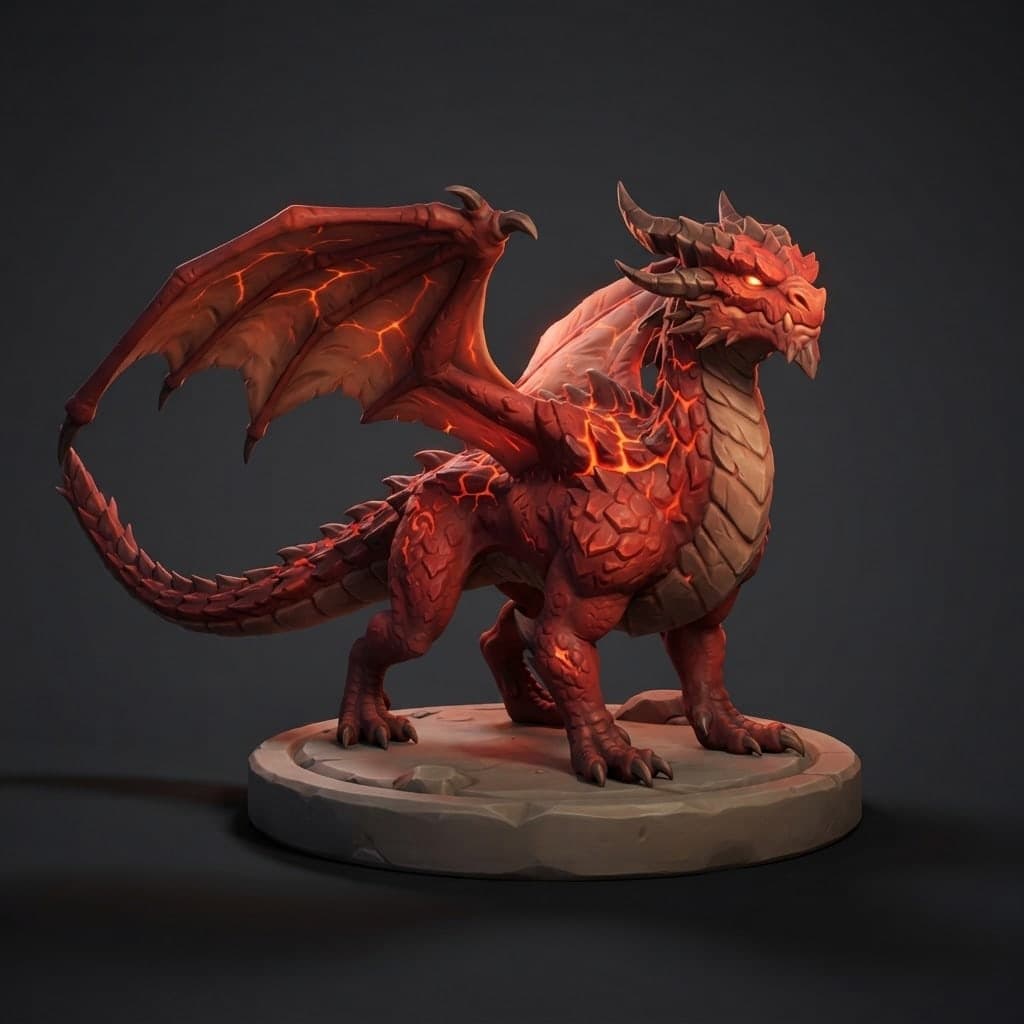
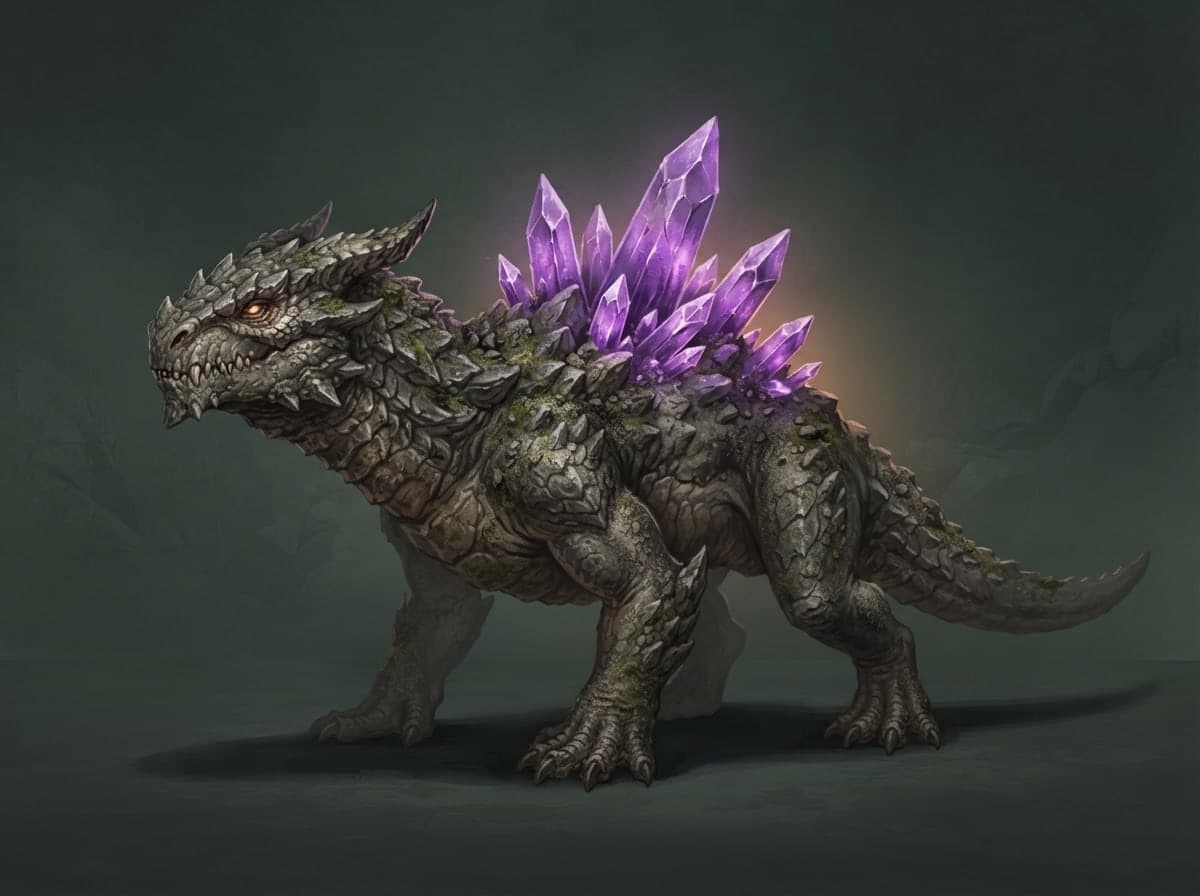
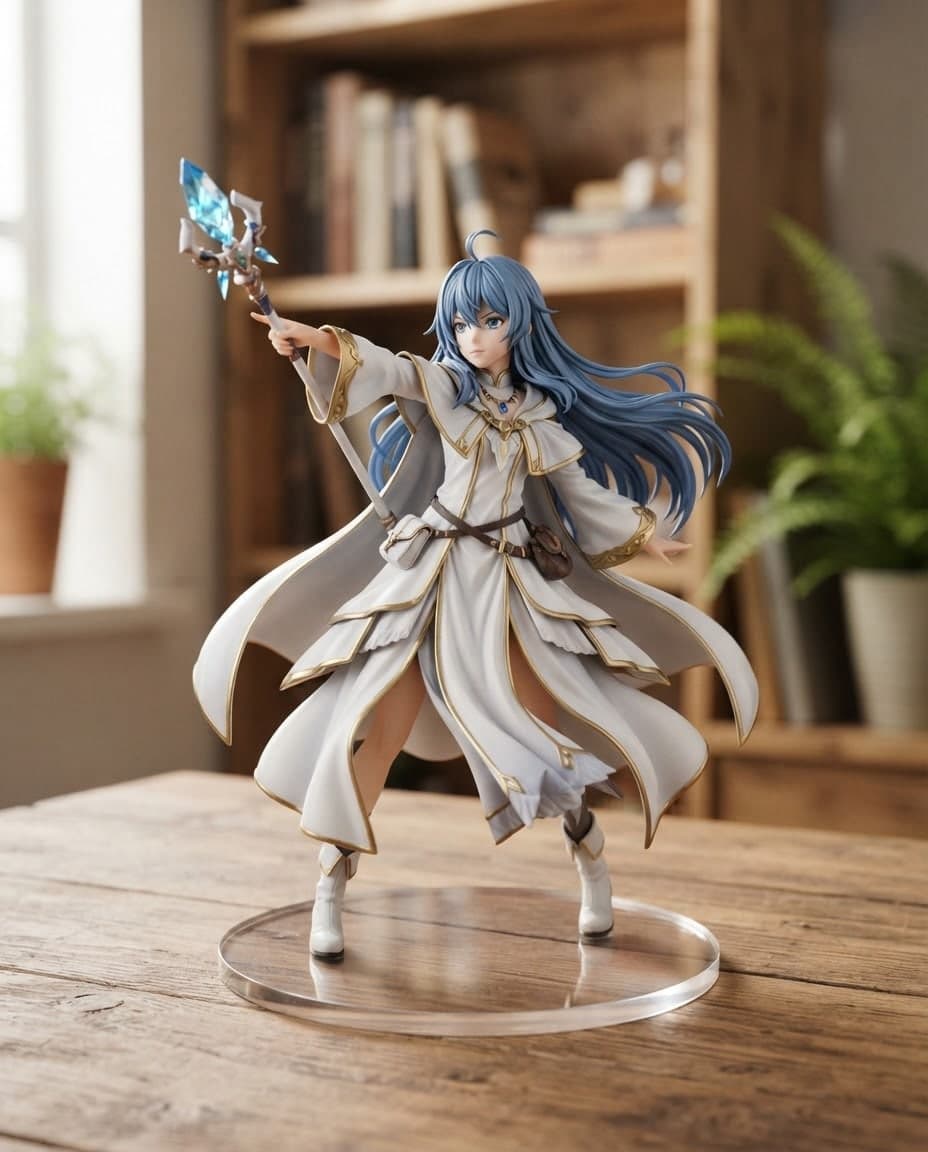
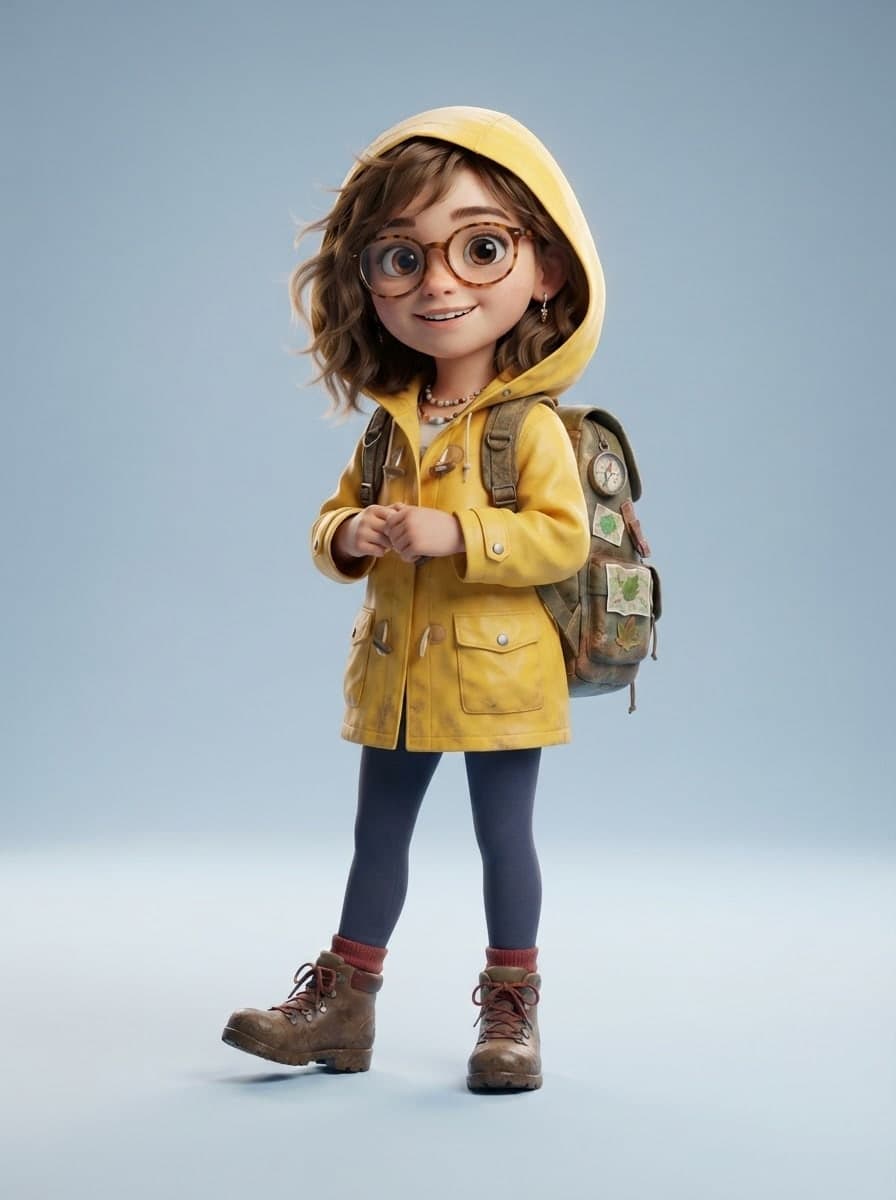
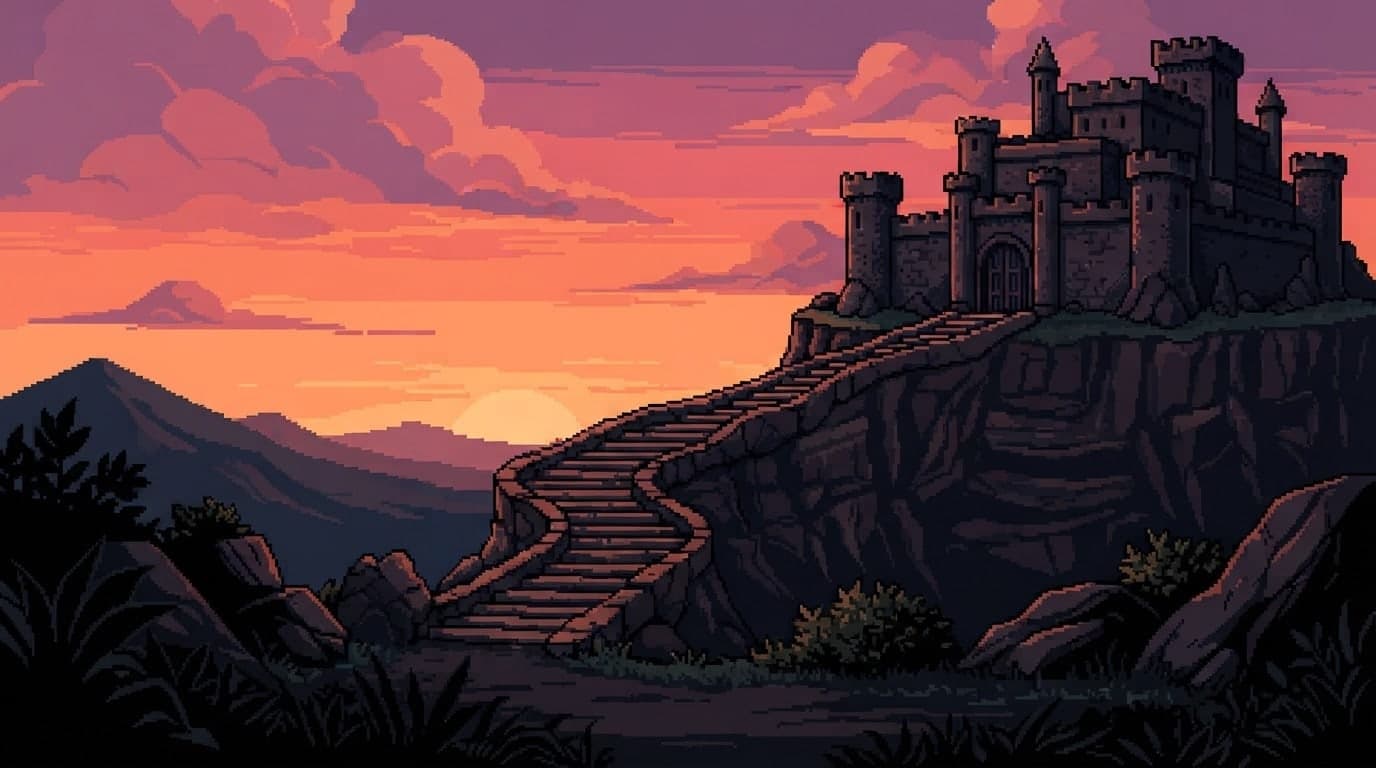
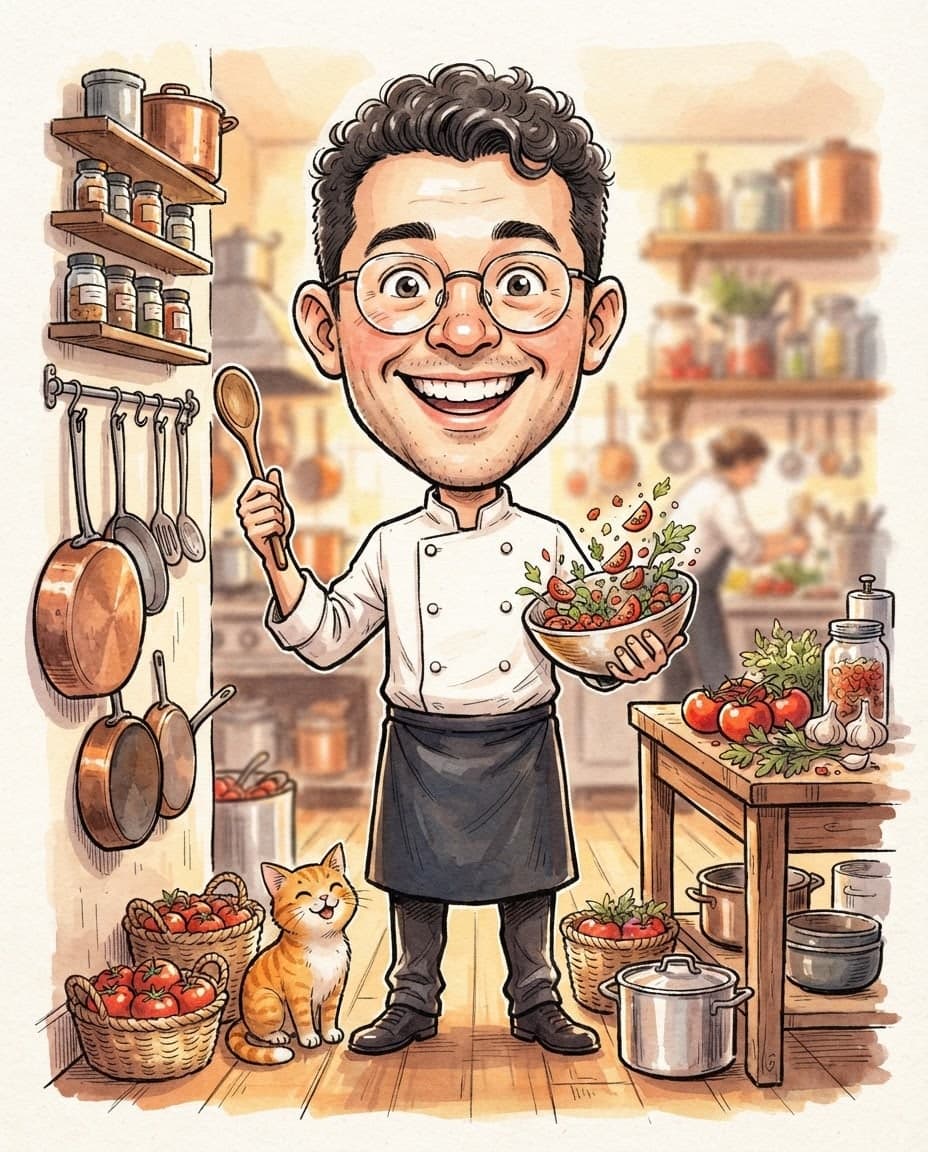
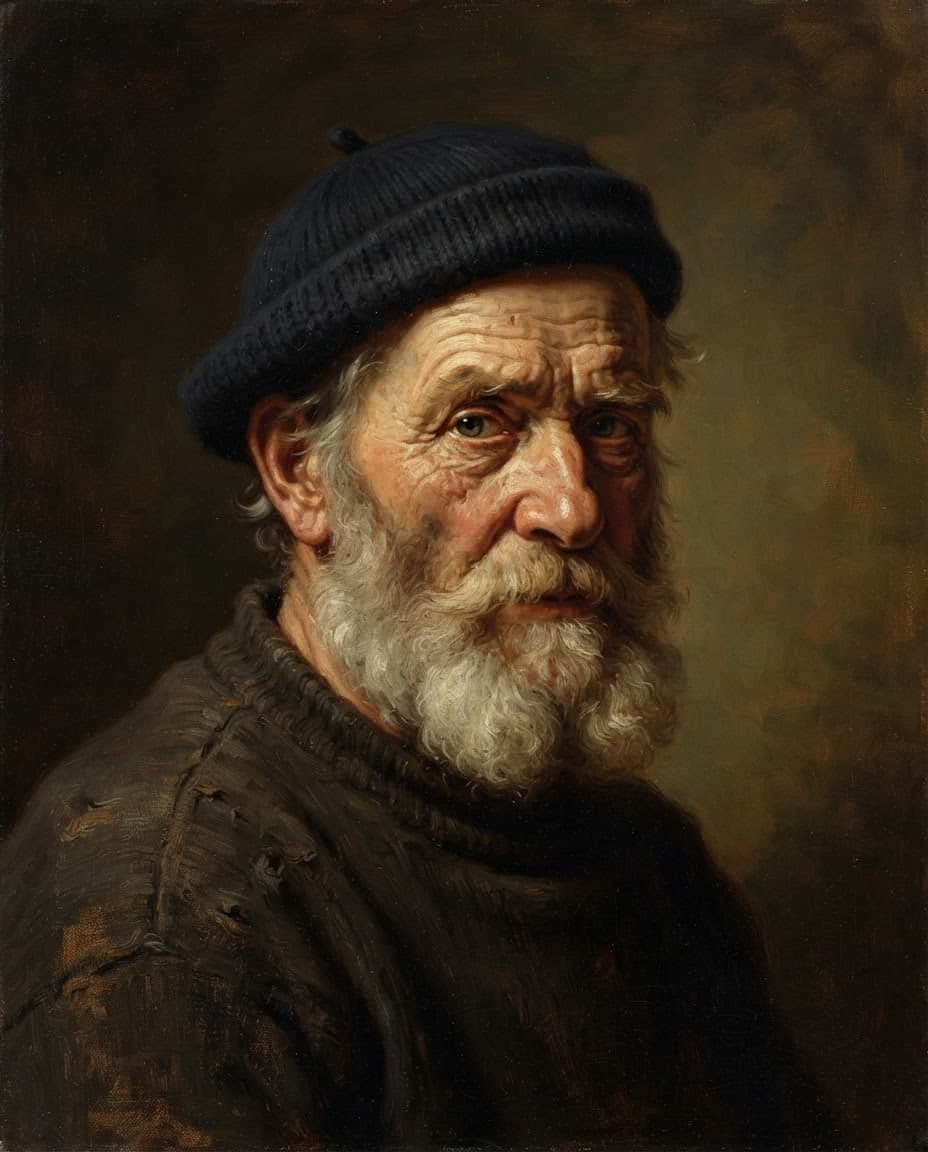
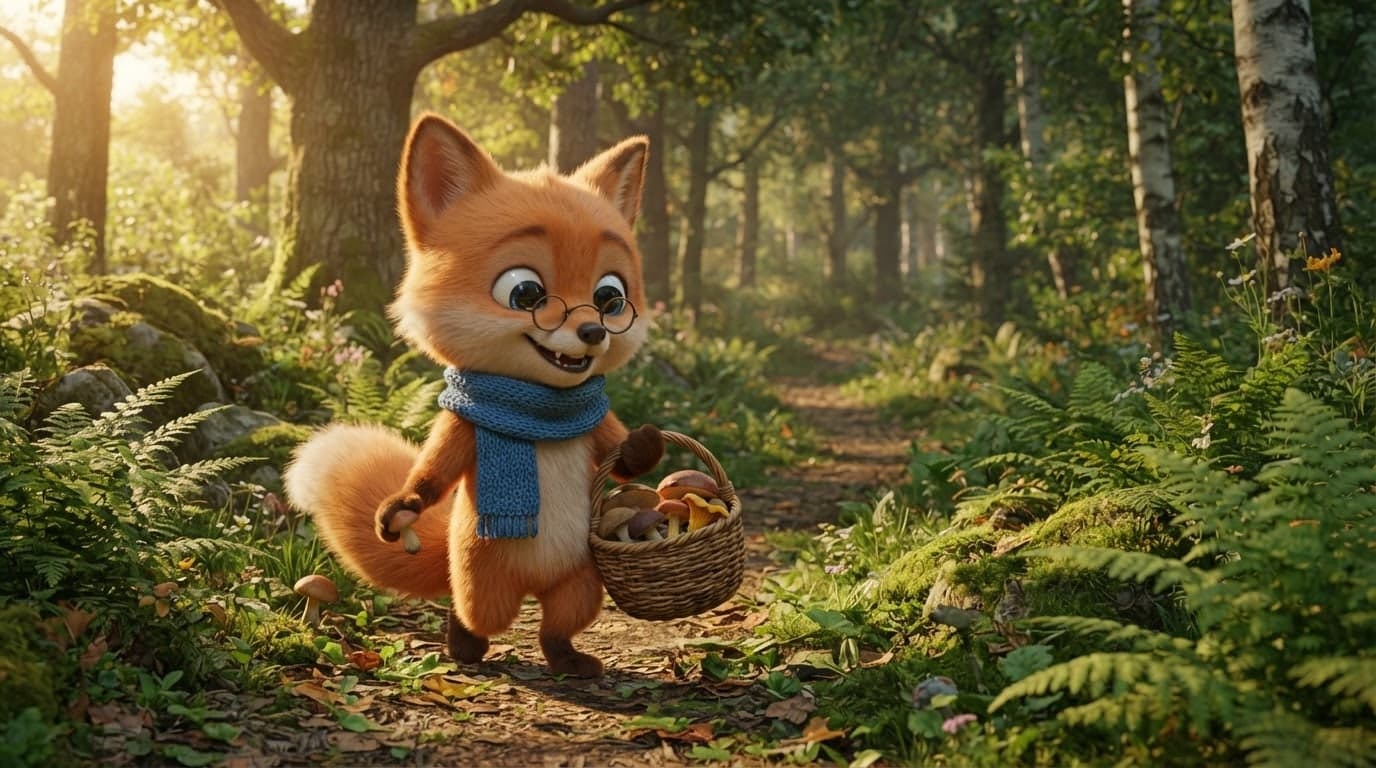
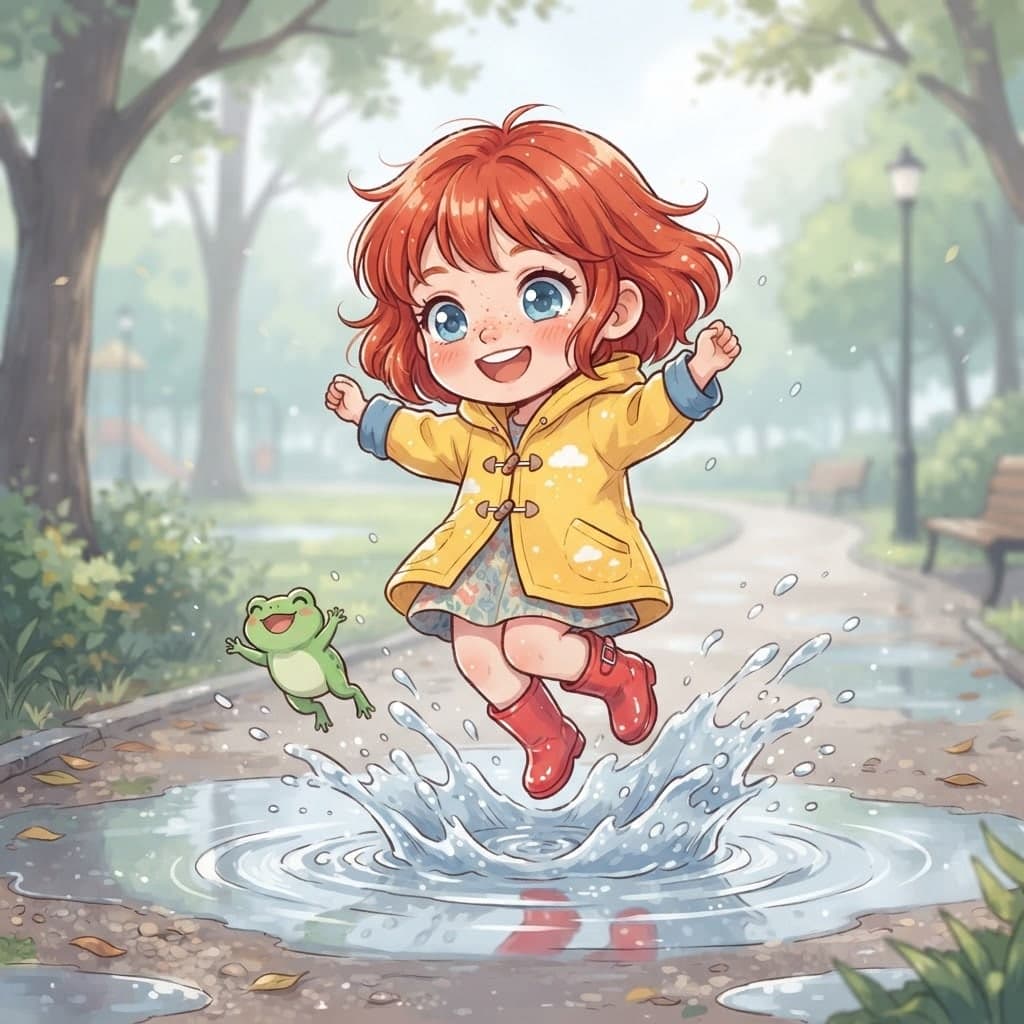
An item set, a character or a scene? Add the style of your game in one sentence: "hand-painted fantasy", "glossy plastic toy", "dark sci-fi".
Choose a 2x2 grid and 1:1 for items, 16:9 for scenes. Use the same style sentence and palette in every prompt, then press Generate.
Add the first image you like with the Style role to later runs. Save finished images as HD (PNG) with Download and do the cutting and resizing before they go into the game.
Write your game idea and Entrobase builds a first version that runs in the browser. Play it in the preview, change rules by chat, publish and share the link.
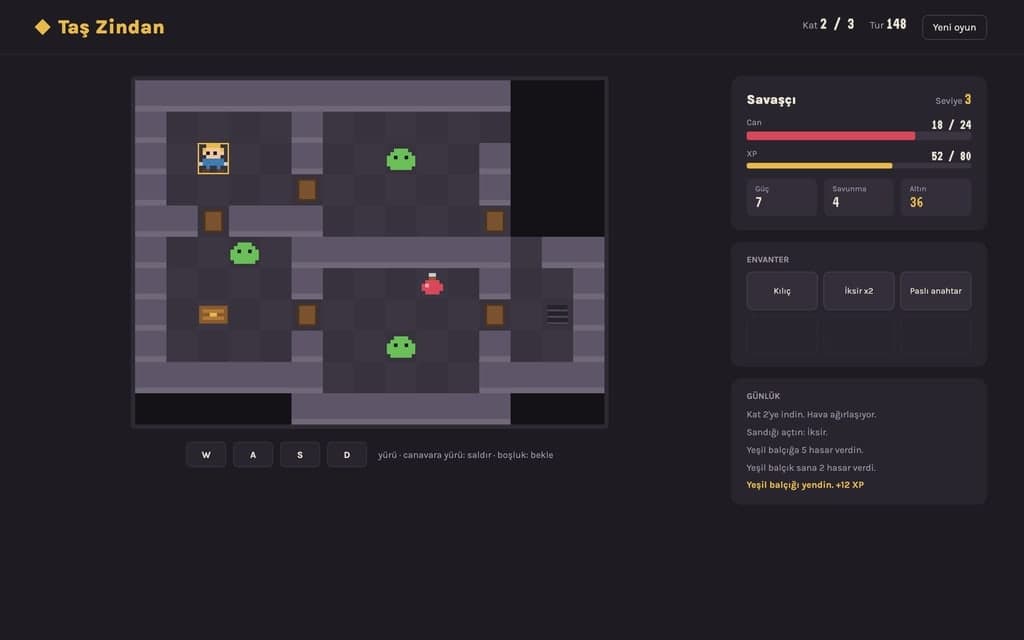
Platformer, snake or space shooter: describe your 2D game and Entrobase builds it for the browser. Add your own character, tune speed and controls by chat.
Describe a simple 3D game or scene that opens in the browser and Entrobase builds a first version. Try it in the preview, then tune camera, speed and colors.
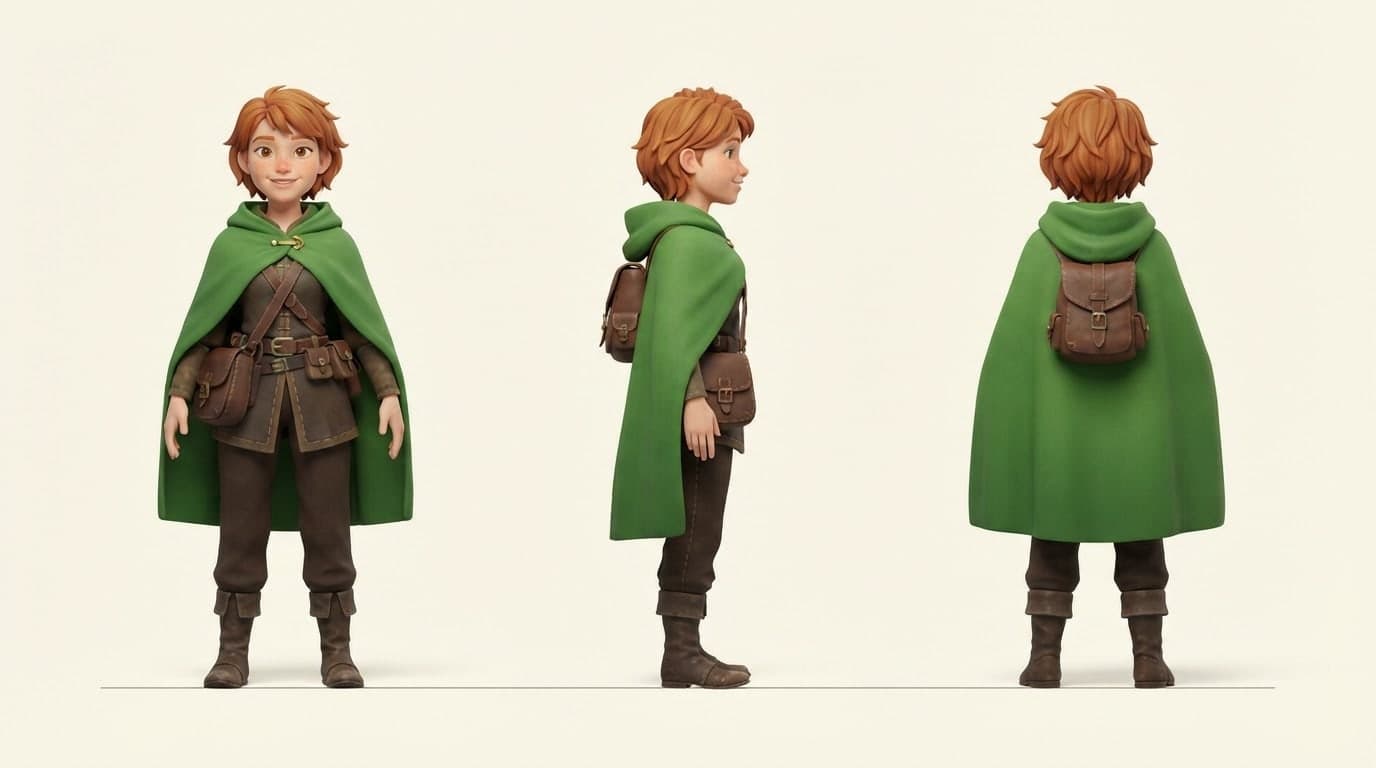
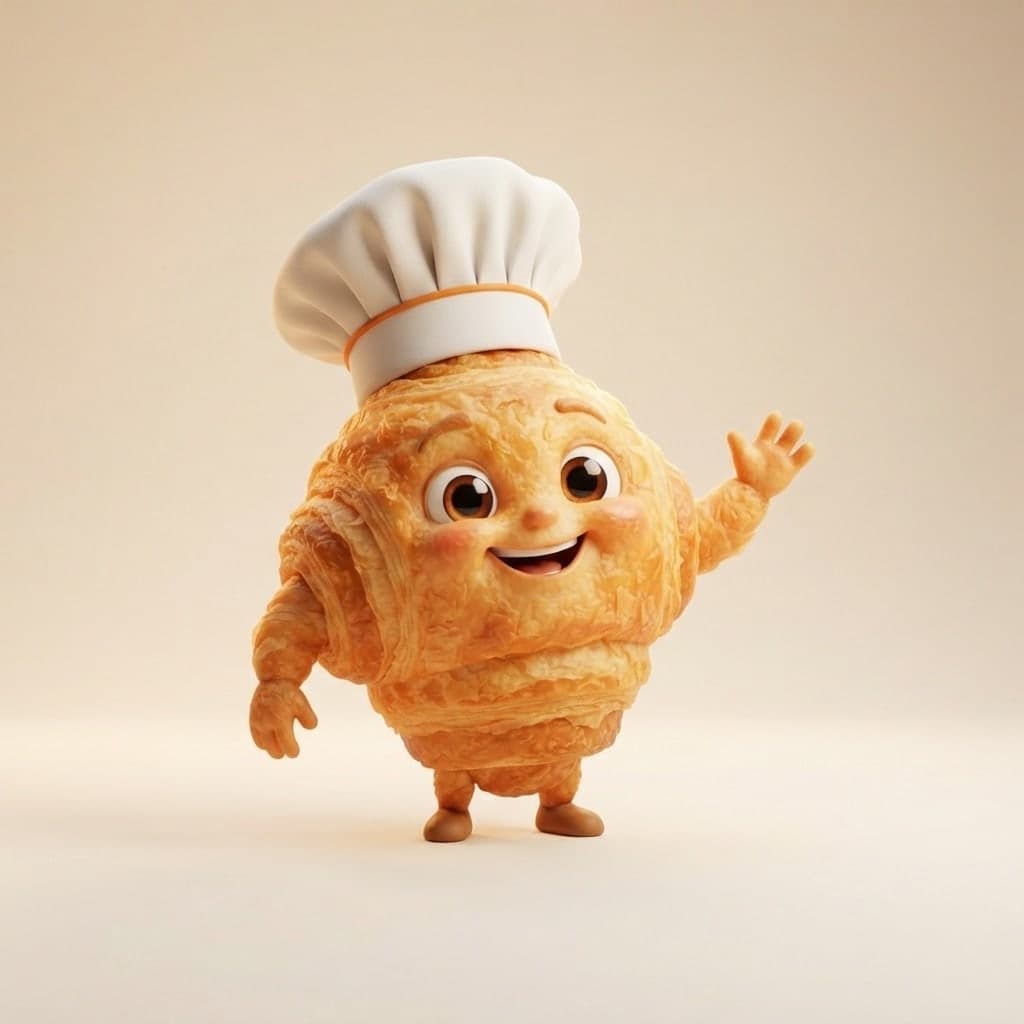
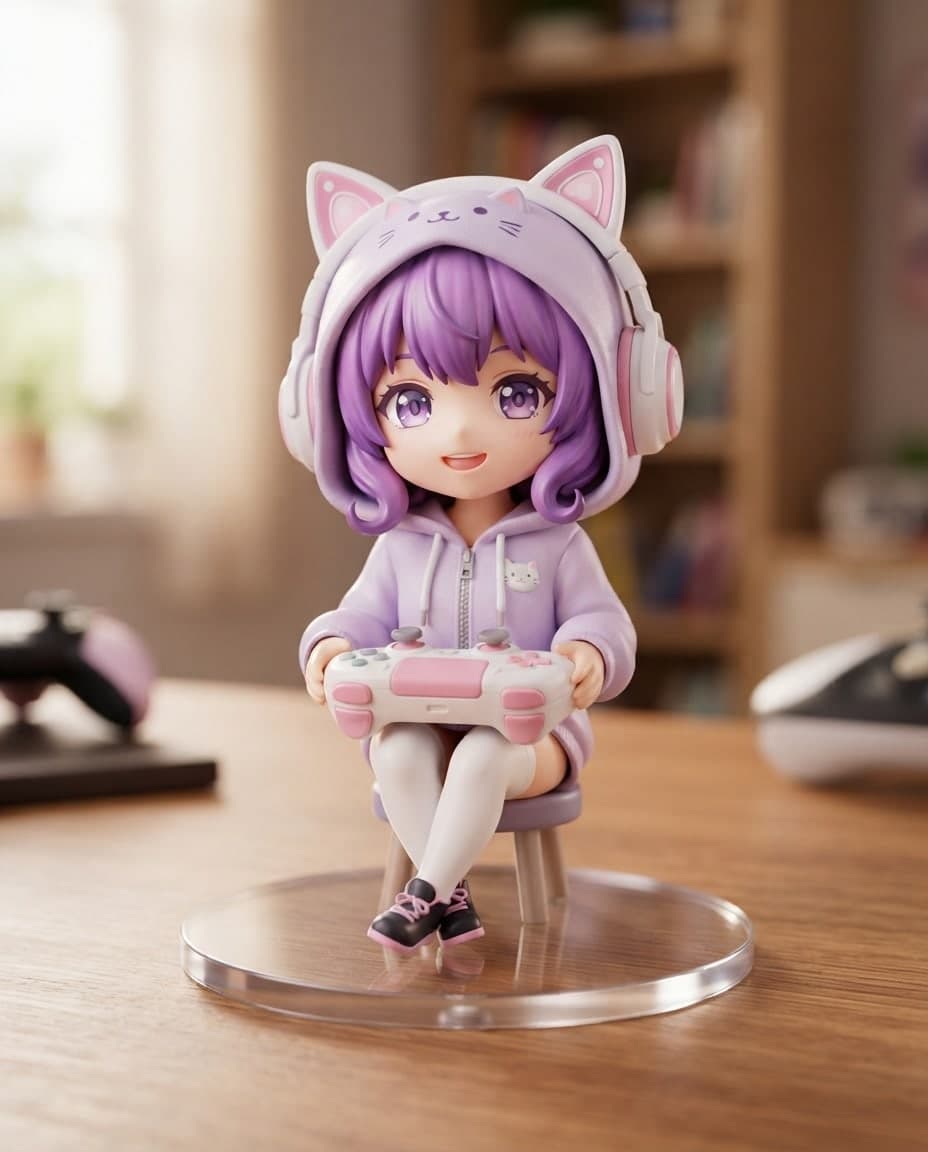
Describe a mascot or character, and Canvas draws a 3D render-style design, front, side and back views and expression sets as images. Start free.
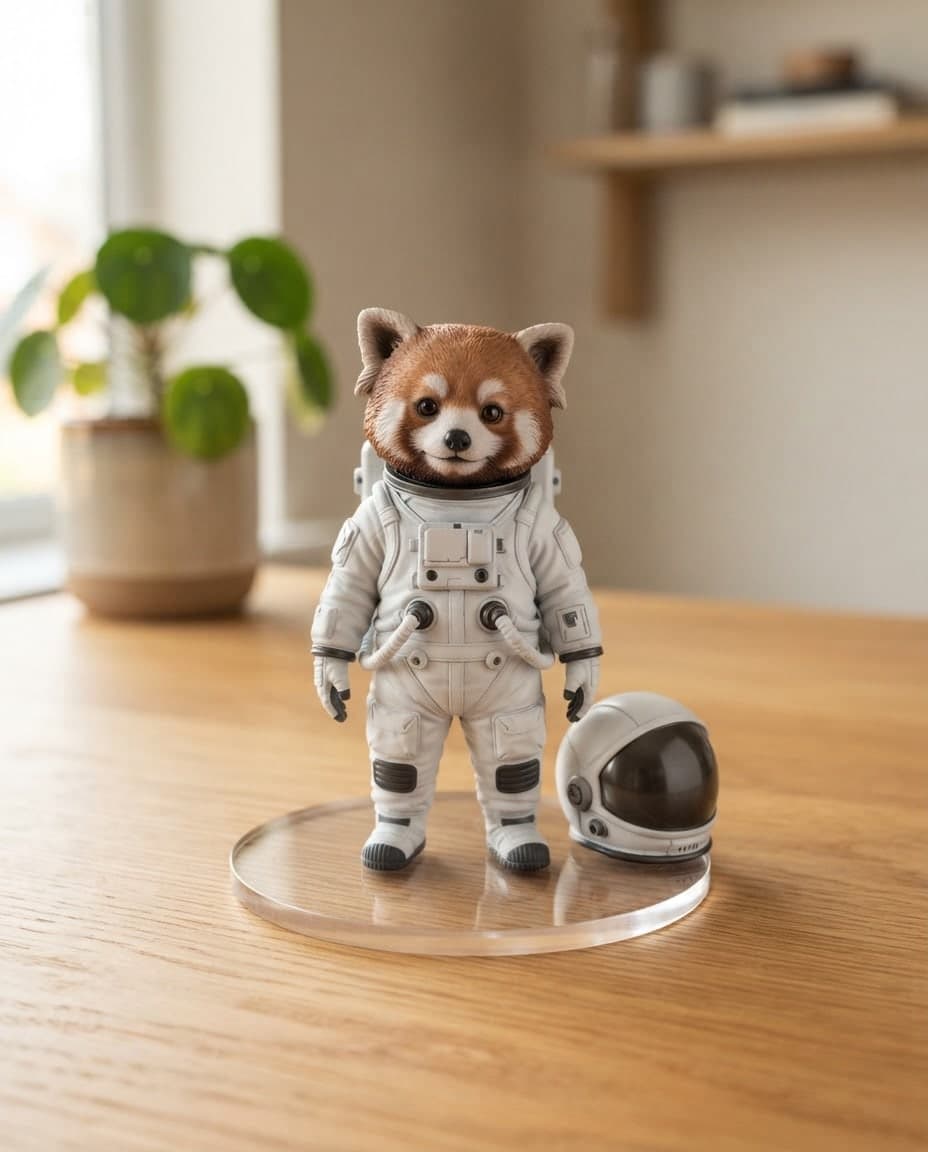
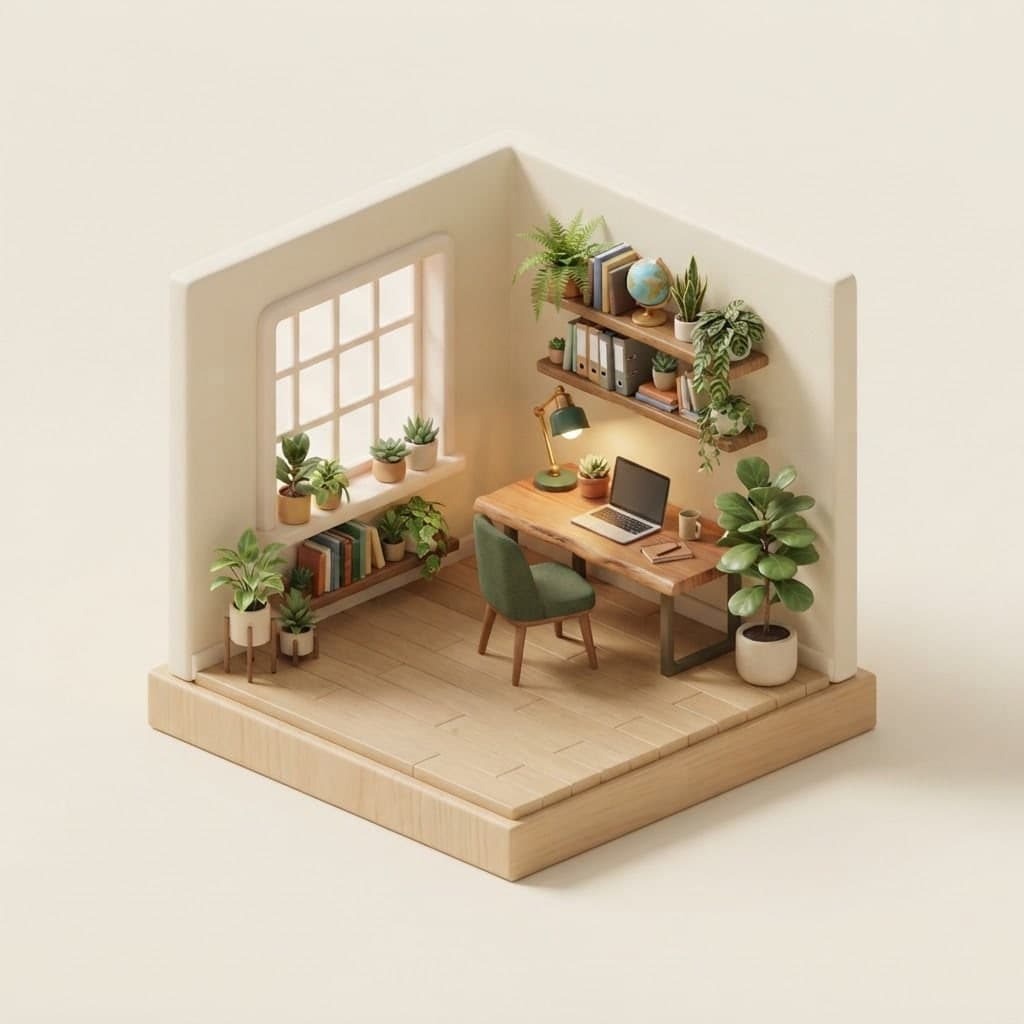
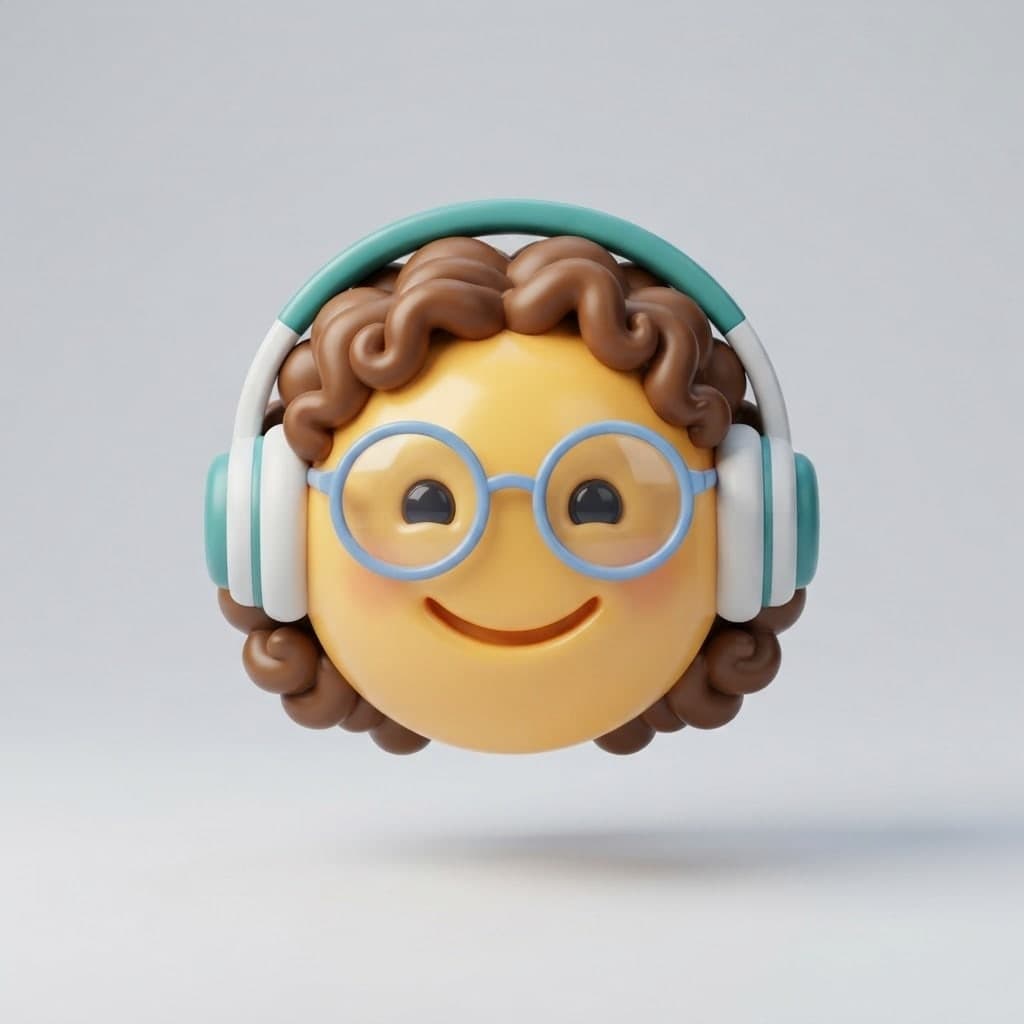
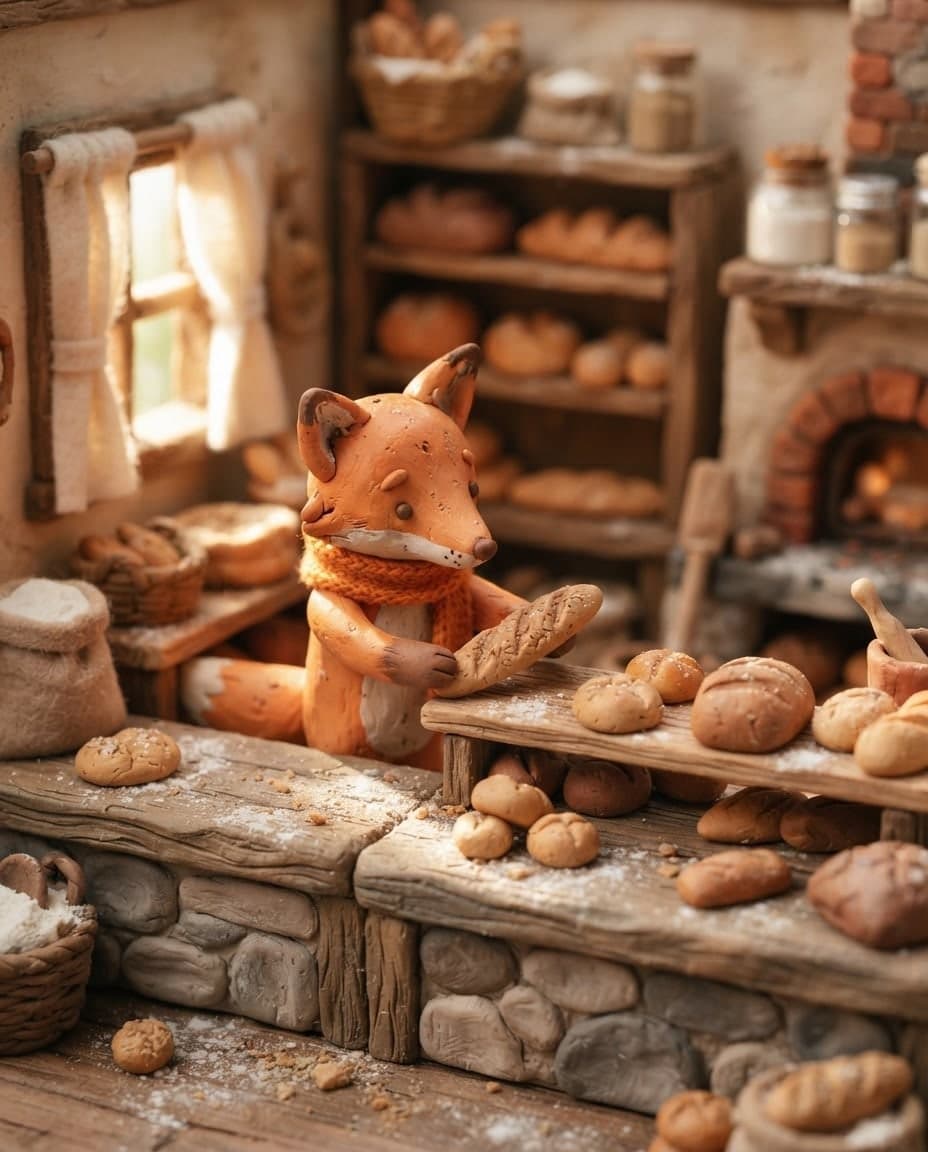
Create 3D render-style images in clay, isometric, glass or glossy plastic looks by writing. Canvas gives you PNG and JPG images, not 3D model files.

Describe a scene and Canvas turns it into 1 to 4 images. Ten aspect ratios, 16 style presets and monthly image credits on the Free plan.
You describe it, Entrobase builds it.
Create with Entrobase