
Text to Image Generator

Write a few sentences about the picture you have in mind. Canvas creates 1 to 4 images in the ratio you pick and keeps them all in your gallery.

The window of a small neighborhood bakery on an October morning: rows of sesame bagels and flaky pastries on the counter, light steam on the glass, flour-dusted wooden shelves behind. Soft daylight from a side window, warm tones, a realistic photo taken at eye level with a 35 mm lens, background slightly blurred. No text or logos in the image.

Blue parts are the places to fill in with your own details. Tab selects the next one, Enter sends, Shift and Enter starts a new line.

This tool runs on Entro Canvas.

Example results

From a sentence to a finished image

You pick the ratio and the count

There are ten aspect ratios, from square 1:1 to wide 21:9. One prompt gives you 1 to 4 images at once, so you keep the one you like and delete the rest.

Car prompts: 10 ready-to-use prompts for Gemini and ChatGPT

Style and color palette

The Style window has 5 modes and 16 presets, including realistic photo, golden hour, watercolor, anime and vintage poster. Pick one of eight ready palettes or type up to five hex codes of your own.
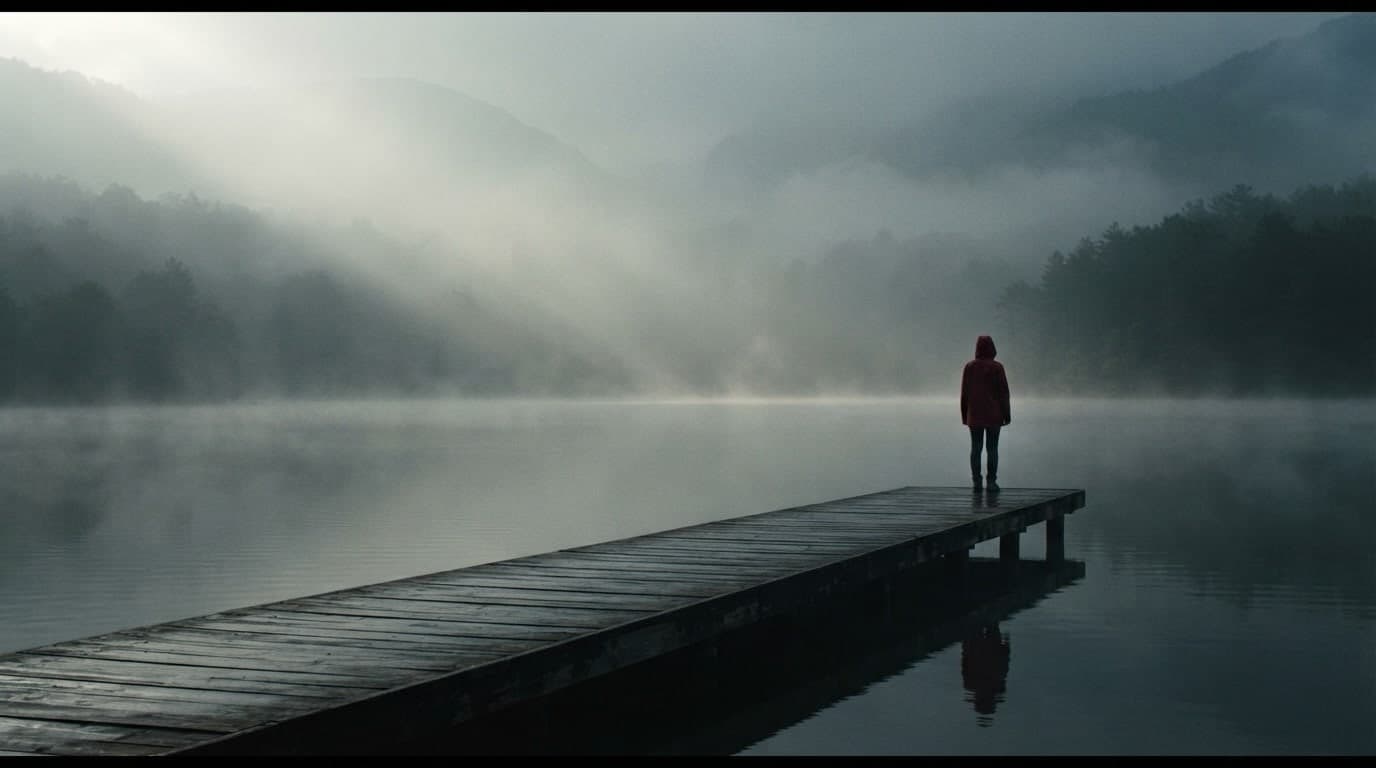
Cinematic prompts: 10 ready-to-use prompts for ChatGPT and Gemini

Included and premium models

Auto and EntroGen Flash are included in your plan and use your monthly image credits. On paid plans you can also use premium models such as Nano Banana Pro, FLUX.2 Pro and MAI Image 2.6, paid from your balance.
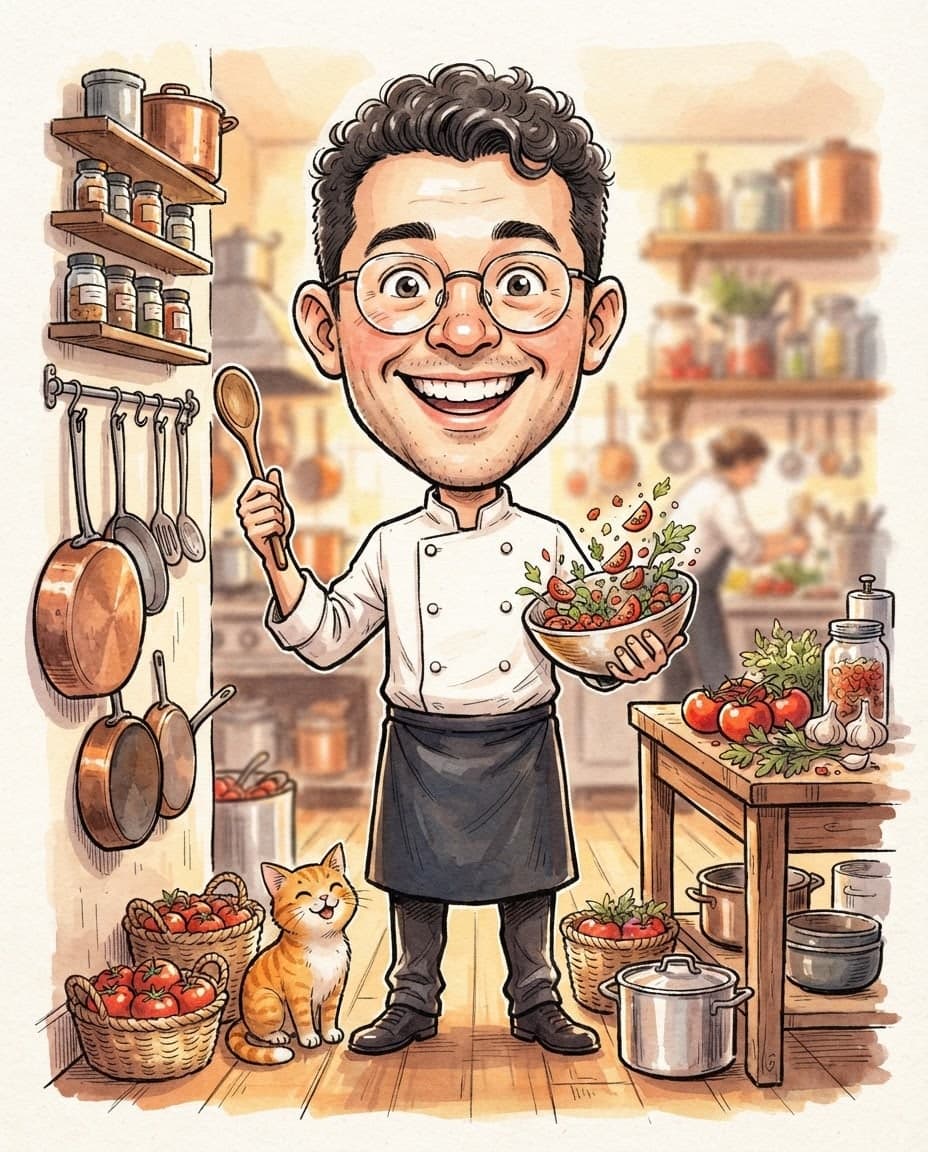
ChatGPT caricature prompts: 10 ready-to-use prompts for ChatGPT and Gemini

Describe it the way you would brief a photographer

Name the subject, the place, the light and the camera angle separately. "Filter coffee with foam on a marble counter, morning light from the window, shot from above" gets you much closer than "coffee". Anything you do not want (text, watermarks, blur) goes in the Negative field.
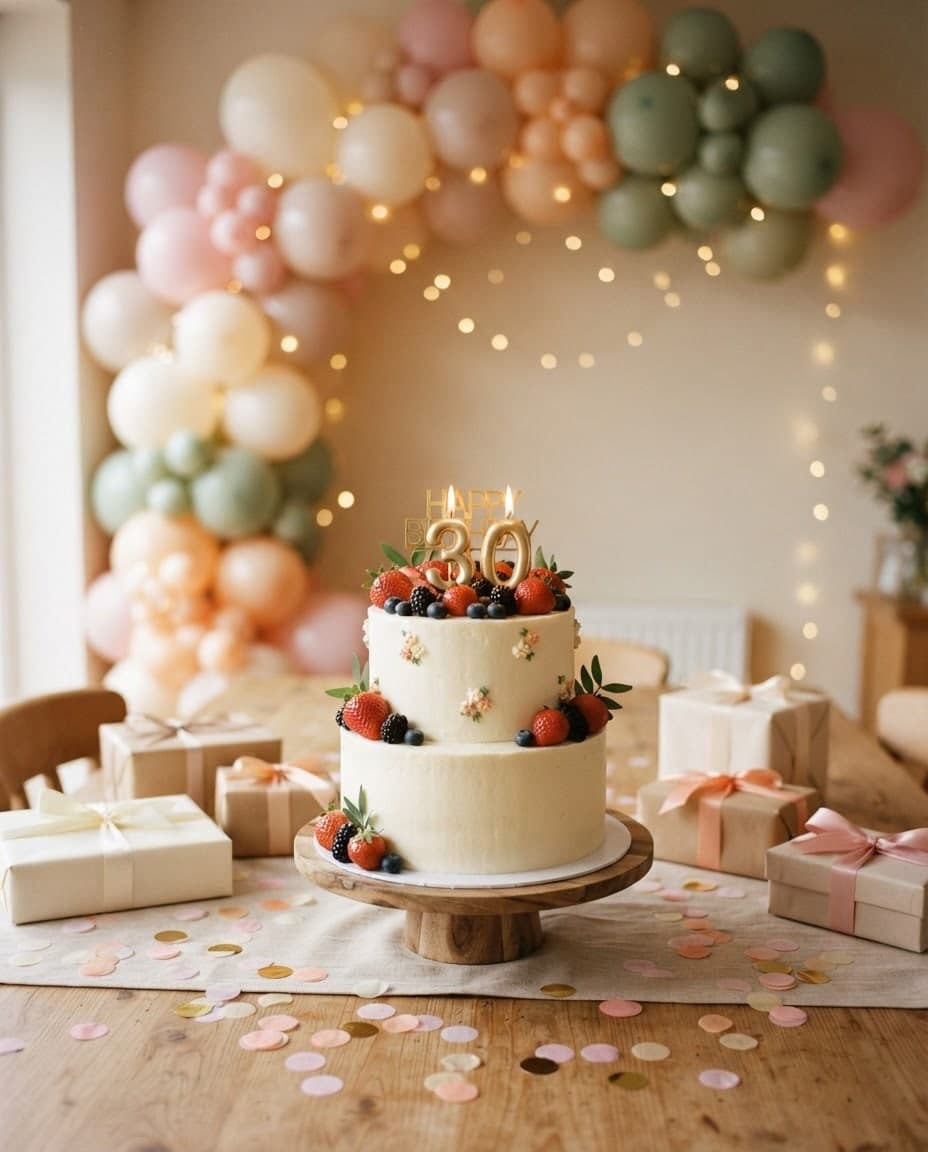
Birthday prompts: 10 ready-to-use prompts for Gemini and ChatGPT

Keep, regenerate, download

Every run is saved to your gallery with its prompt, model and ratio. Reuse the prompt, regenerate with the same settings, or download the image as SD (JPG) or HD (PNG) for free.
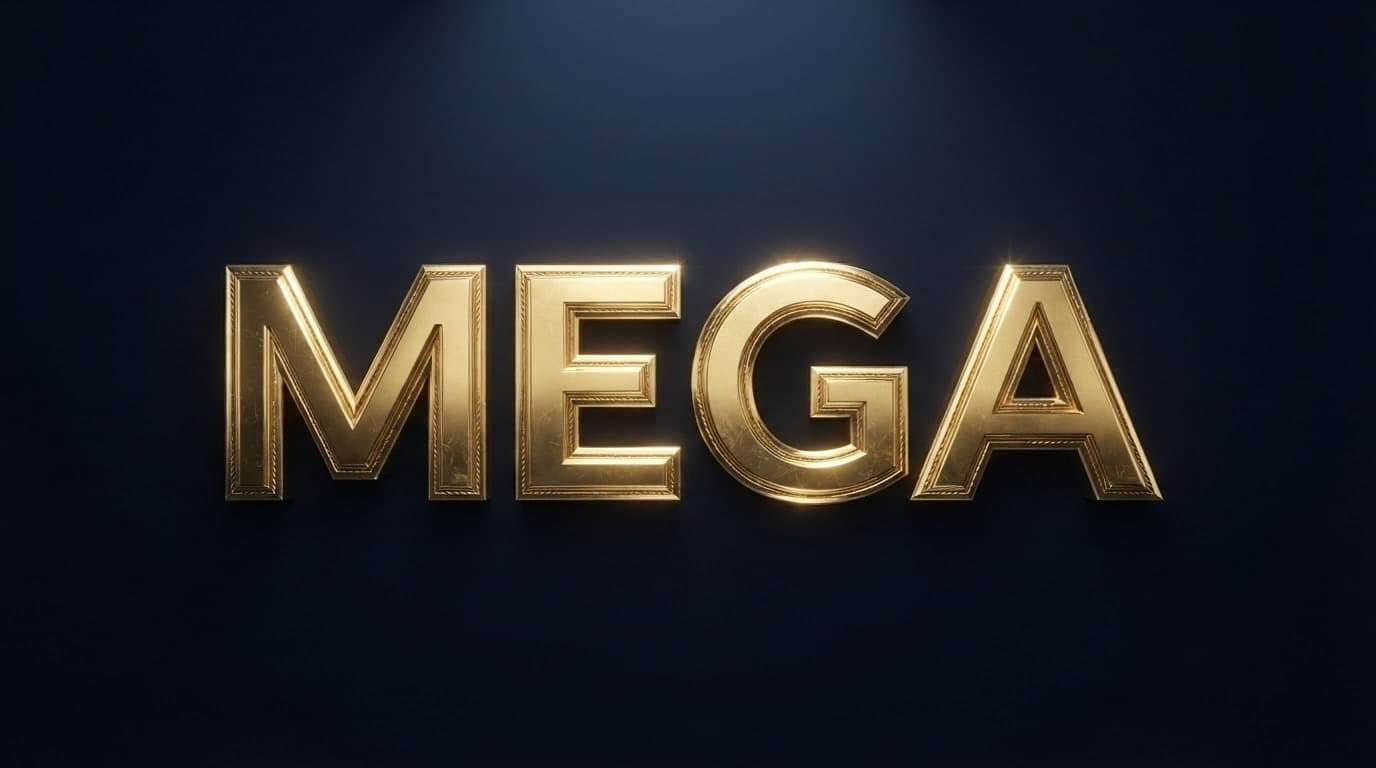
Text Effect Prompts: 7 Prompts for ChatGPT and Gemini (2026)

What people make with text to image

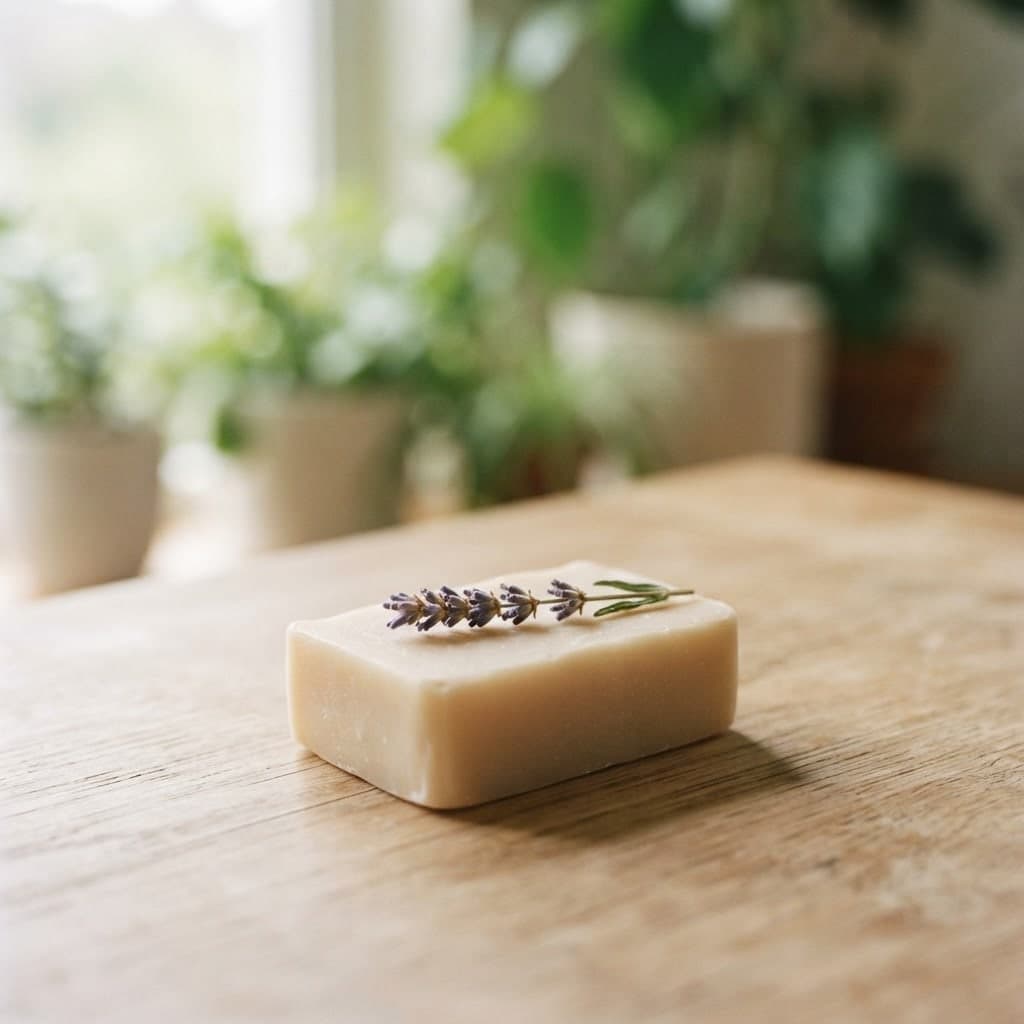
  • Set up a scene without a studio: a wooden table, a linen cloth, morning light. If you have a real photo of the product, add it with Add image as a reference.

Oil painting prompts: 10 ready-to-use prompts for ChatGPT and Gemini

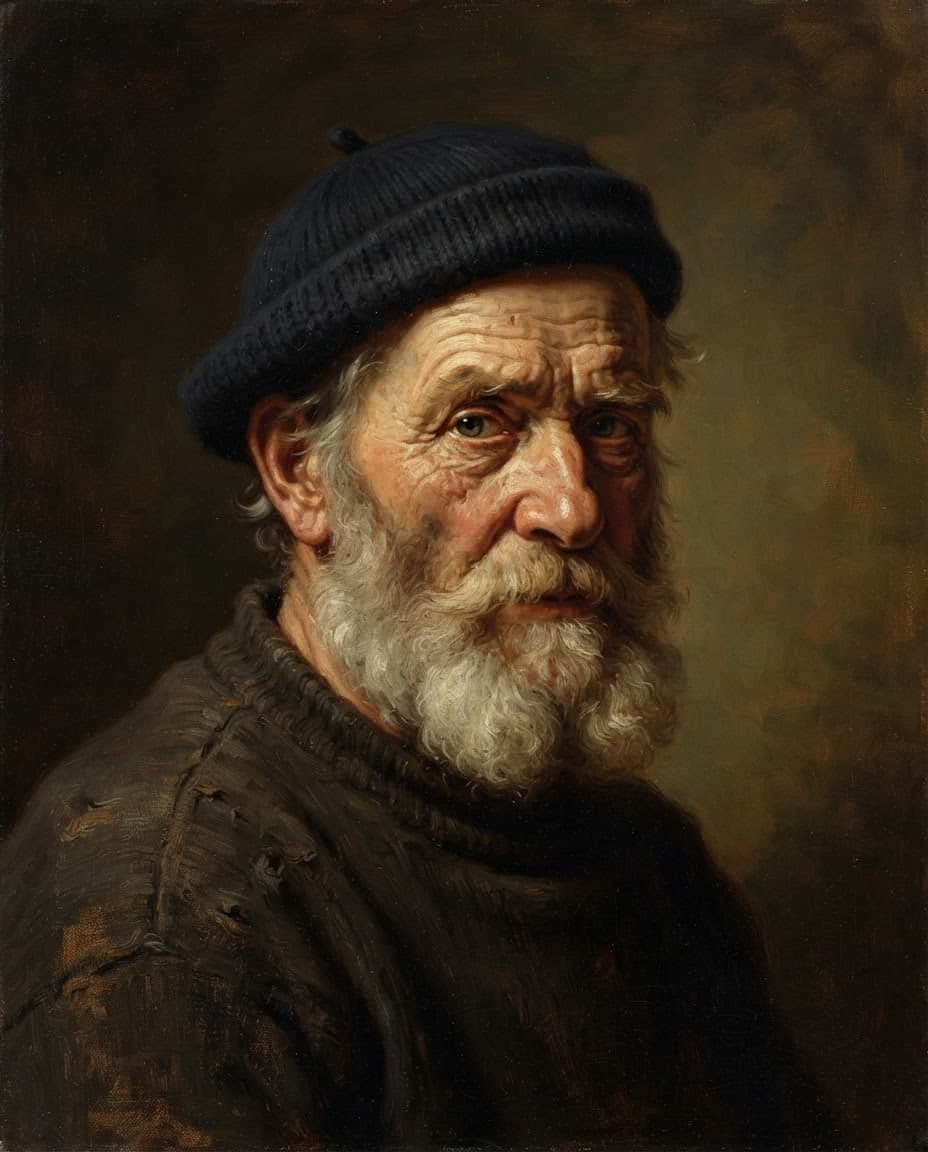
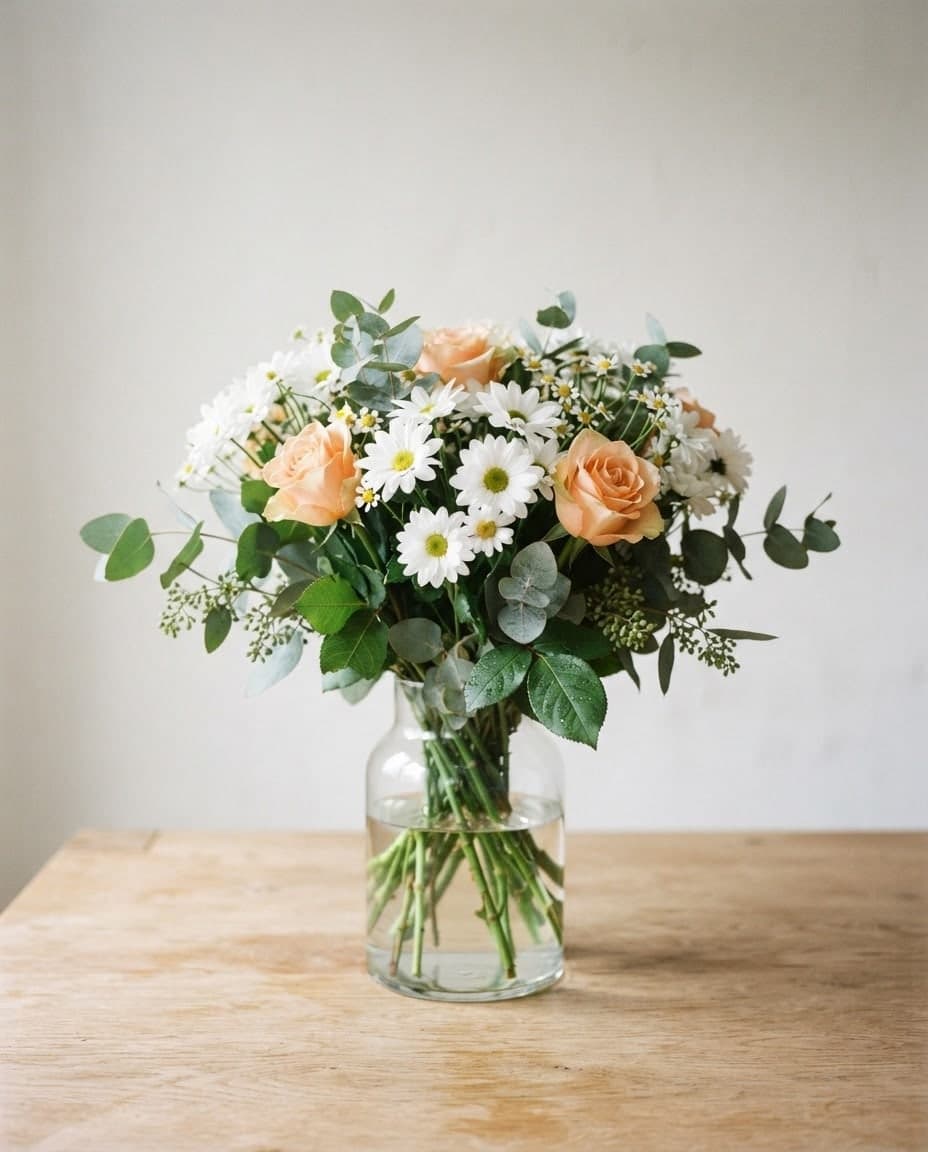
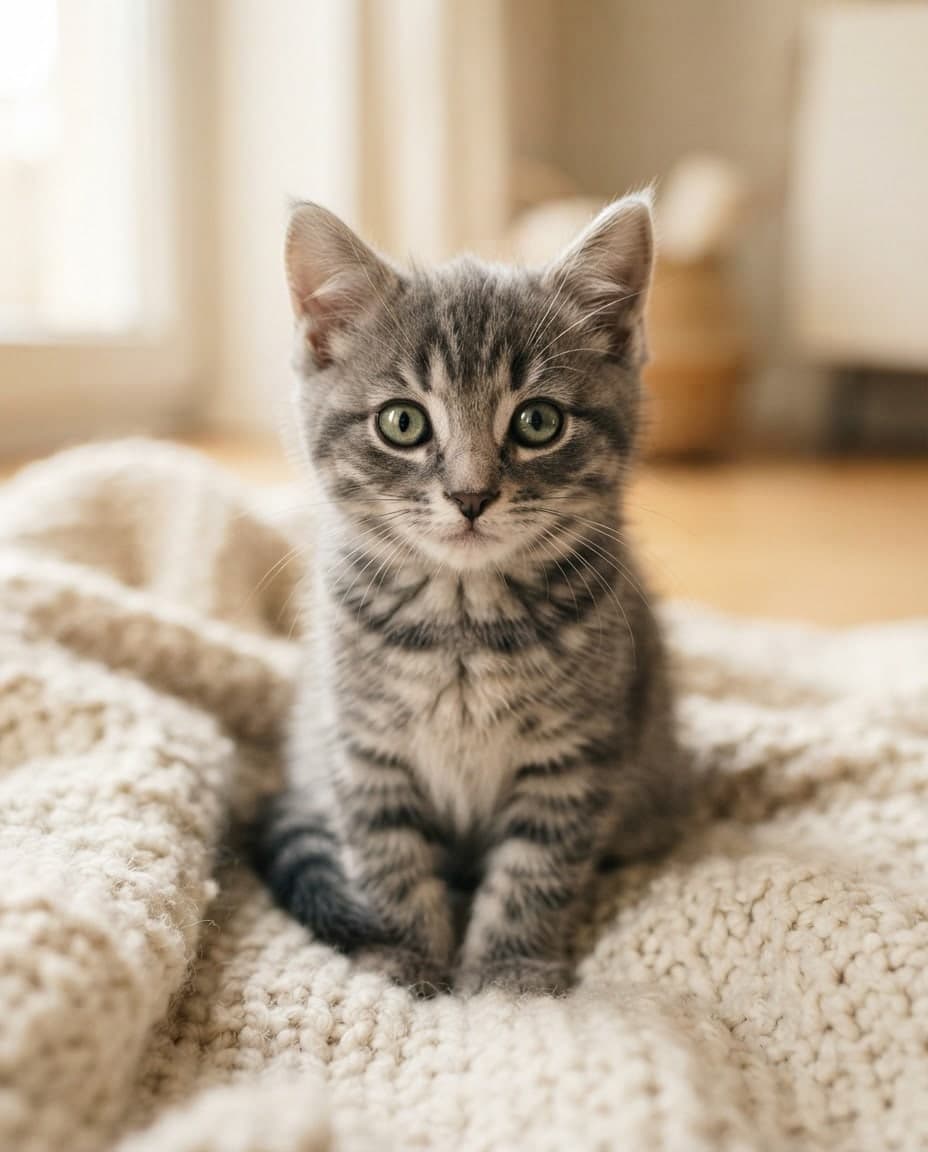
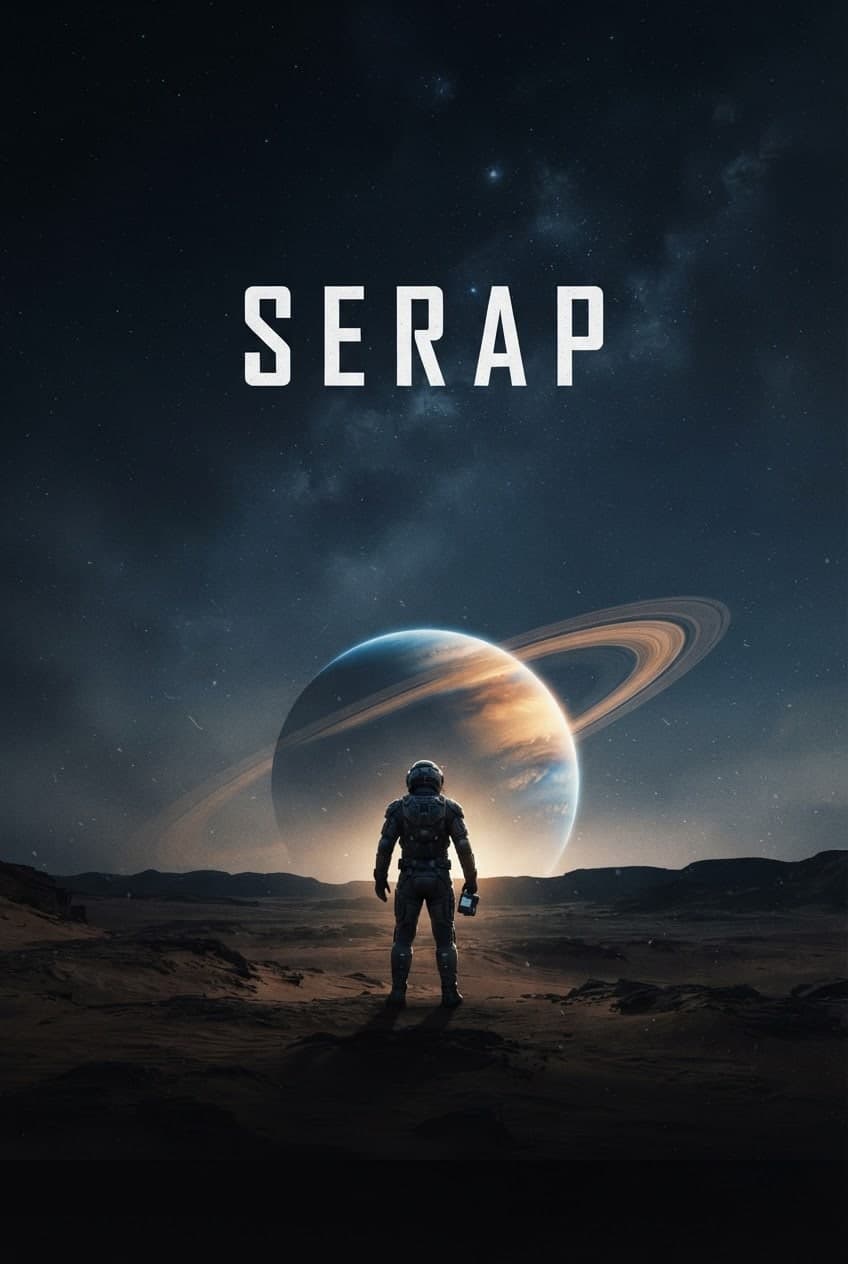
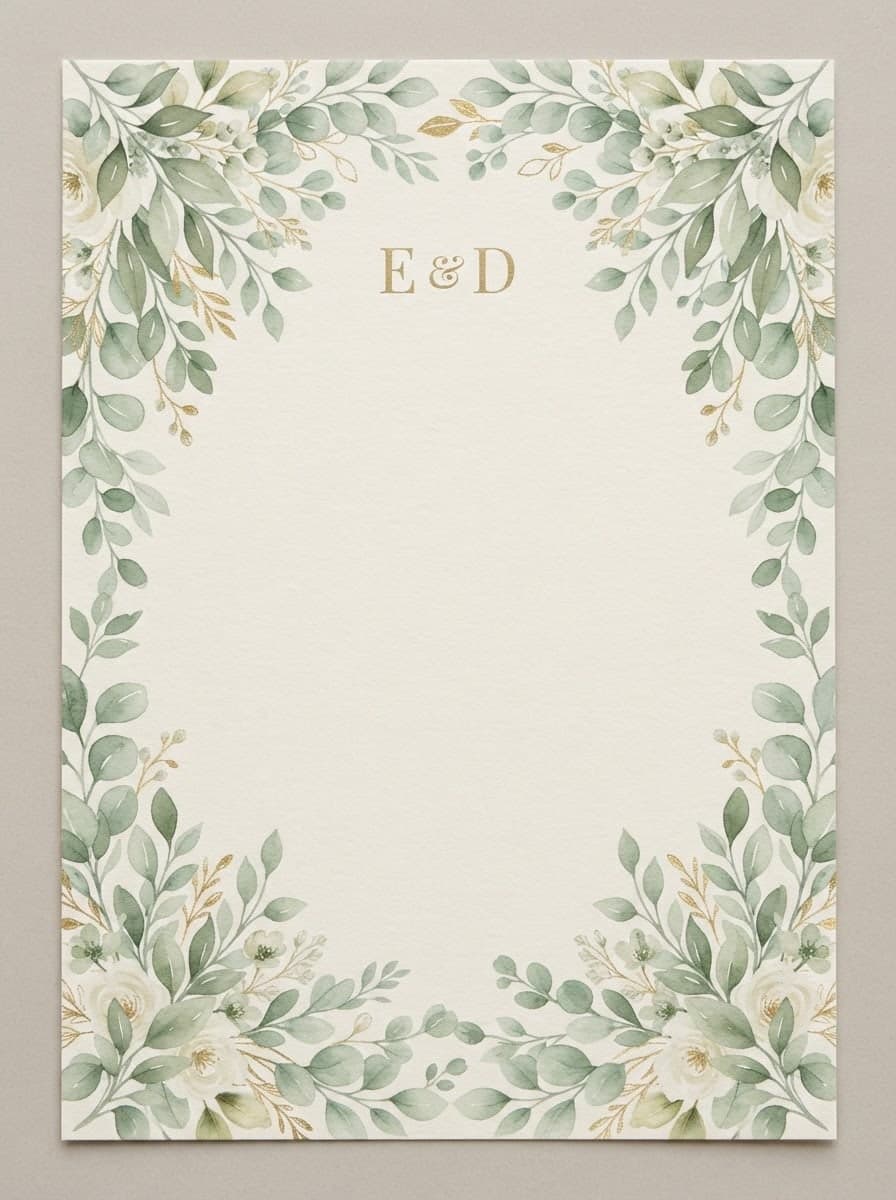
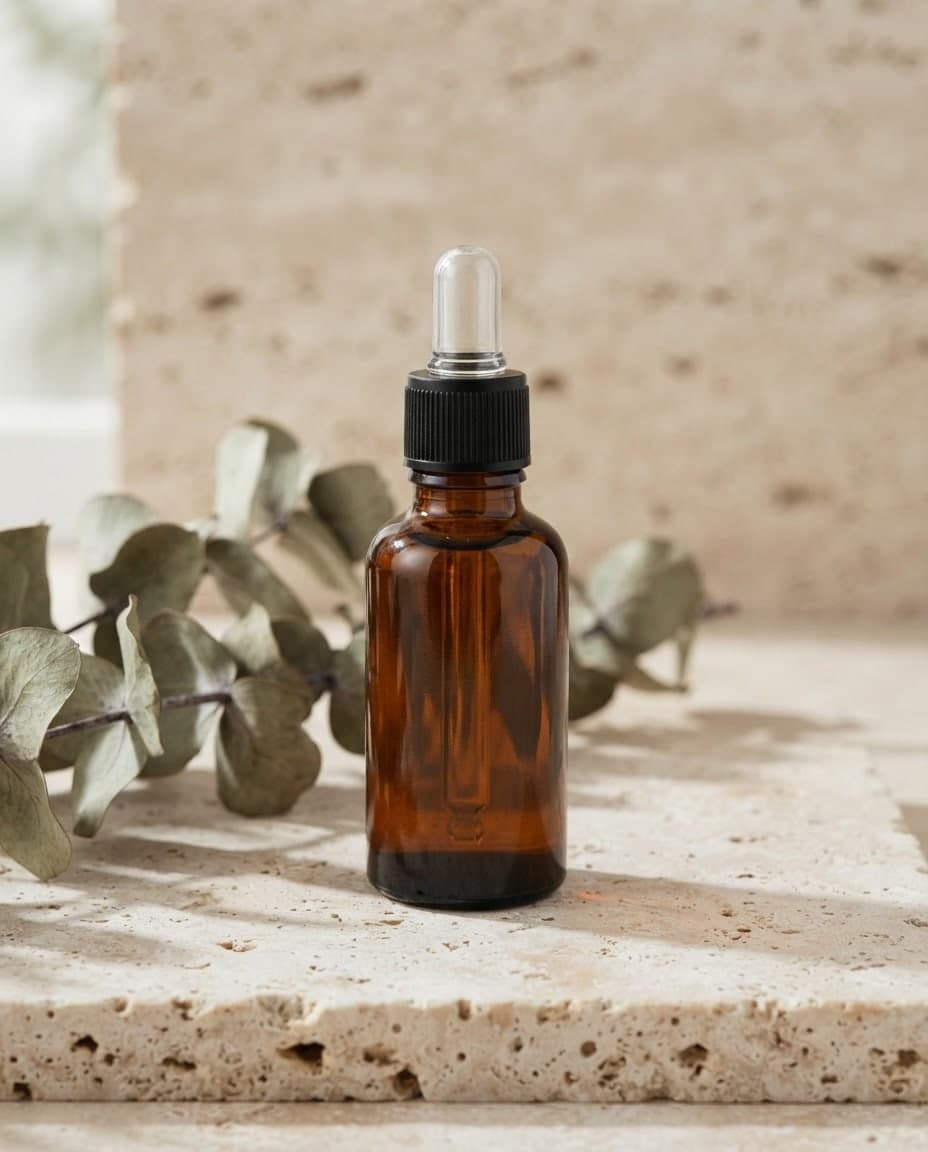
Examples made from text prompts

How to turn text into an image with AI

  1. 1

    Write your prompt

    Type what you want to see in the Canvas prompt box. Not sure what to write? Start from a template asks a few questions and writes the prompt for you.

  2. 2

    Pick ratio, count and model

    Choose the aspect ratio, how many images you want and the model, and add a style or palette if you like. The Generate button shows how many credits the run will cost.

  3. 3

    Generate and download

    Press Generate. Finished images land in your gallery; save them with Download, or open Edit and describe the detail you want changed.
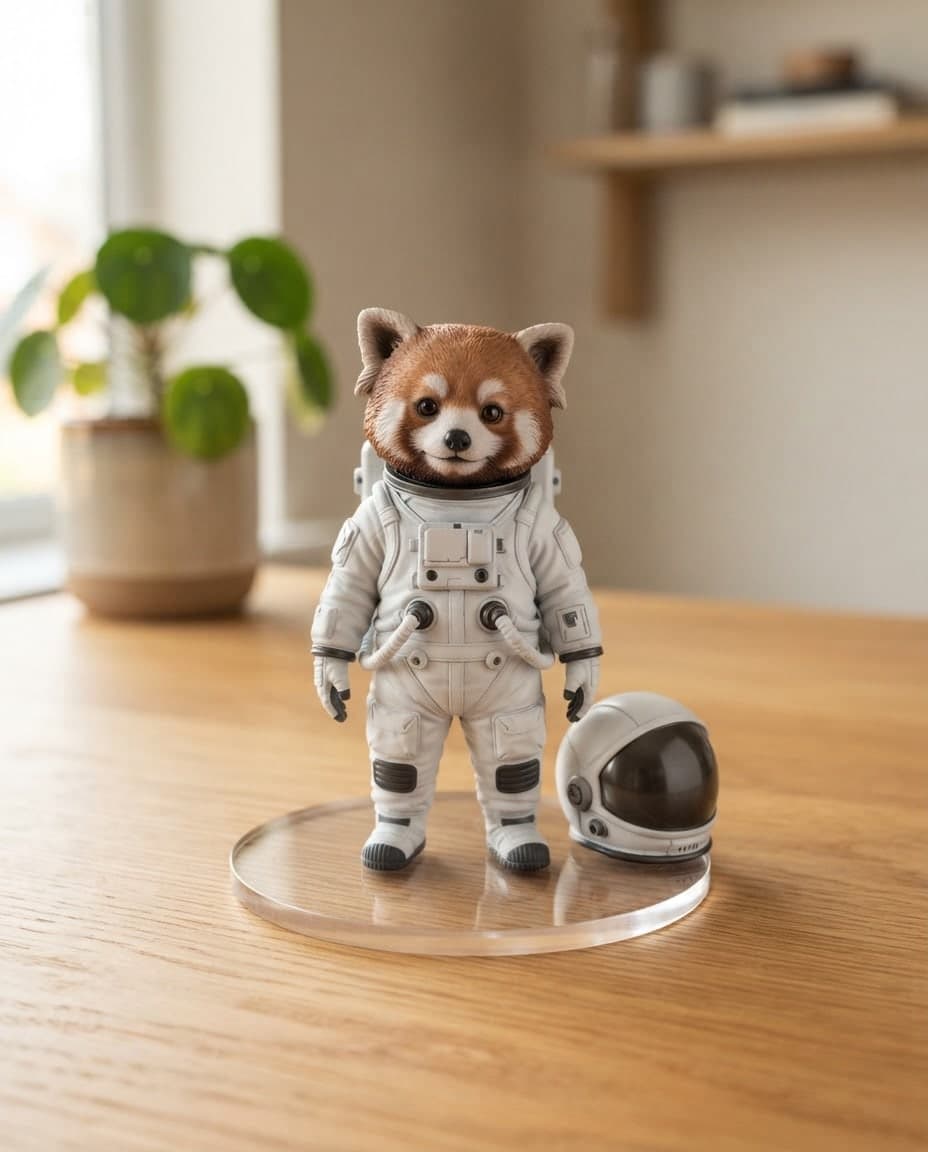
3D prompts: 10 ready-to-use prompts for Gemini and ChatGPT

Frequently asked questions

Is the text to image generator free?

You can start on the Free plan. It gives you 10 image credits a month: an EntroGen Flash image uses 1 credit and an Auto image 2. Magic Prompt, premium models and 2K or 4K downloads are on paid plans. No credit card needed.

How many images do I get from one prompt?

You choose 1 to 4 images per run. Credits are charged per image, so a run of four costs four times as much as a single image. If an image cannot be created, its credits are refunded and the screen tells you.

How long can my prompt be?

A prompt can be up to 2000 characters, which is plenty for a detailed scene. On paid plans with Magic turned on, a short prompt is enriched before generation, and you can read the enriched version on the image's detail screen.

How do I write a good image prompt?

Start with the subject, then add the place, the light and the camera angle. If color matters, name it or give a hex code. Picking a preset in the Style window gives even a short prompt a clear look. If the first result is off, change one thing in the prompt and generate again; that way you see which words moved the image.

How do I use a generated image on my website?

Canvas has no button that places an image on your site directly. Download it, attach it to the chat in the Builder and say where it goes, for example "use this image as the background of the top section". On accounts with Entro Ads access, Send to Entro Ads on the card adds it to your ad creatives as well.

Which model should I choose?

For quick drafts, EntroGen Flash returns an image in 3-4 seconds. Auto gives balanced quality and is the default. On paid plans, Nano Banana Pro is there for the highest quality, FLUX.2 Pro for photorealistic work and MAI Image 2.6 when the image needs text. Premium models are paid from your balance.

How do I keep things out of the image?

Write them in the Negative field under the prompt box: text, watermarks, blur, extra people. To change an image you already have, open Edit on its card and say what should change. The edit is saved as a new image and the original stays as it was.

What sizes can I download?

SD (JPG) and HD (PNG) downloads are free on every plan. On paid plans a 2K download uses 2 credits and a 4K download 4; upscaling recreates the image at a higher resolution. Downloading the same image again at the same size costs nothing.

What happens when I run out of credits?

Credits renew every billing period and unused ones do not carry over. When you run out, wait for the new period, upgrade your plan, or, on a paid plan, switch to a premium model paid from your balance. Image credits are shared with AutoBlog images and the mobile app icon.

More AI tools

  • Car prompts: 10 ready-to-use prompts for Gemini and ChatGPT

    Image to Image AI Generator

    Add your own image and Canvas either uses it as a reference for a new picture or applies the change you describe. Up to 4 images with style and subject roles.

  • Restaurant Logo Prompt: 8 Ready-to-Use Prompts for ChatGPT

    AI Logo Generator

    Type your brand name and style, and Canvas draws four logo options in one go. A logo template, flat vector presets and your own color codes. Start free.

  • Movie poster prompt: cinematic AI movie poster design

    AI Poster Generator

    Describe your event, headline and style, and Canvas draws posters and flyers for you. Vintage poster, art deco and pop art presets, plus 4K downloads.

  • Flower bouquet prompt: realistic flower images and photos

    AI Design Generator with Editable Designs

    Describe a post, invite or promo and Canvas designs it; then change any detail by writing. Each edit is a new version and the old one stays in your gallery.

  • 3D prompts: 10 ready-to-use prompts for Gemini and ChatGPT

    AI 3D Image Generator

    Create 3D render-style images in clay, isometric, glass or glossy plastic looks by writing. Canvas gives you PNG and JPG images, not 3D model files.

  • Veterinary Clinic Website: Veterinary Clinic

    AI Website Builder

    An AI website builder that builds what you describe. Write a few sentences, preview the site next to the chat, fix it by asking and publish it for free.

You describe it, Entrobase builds it.

Create with Entrobase