


Animated Presentation Maker
Build an animated presentation website with Entrobase: every slide is a full-screen section, headings slide in, and you share it as a link.
Write the topic, the audience and how many slides you want. Builder drafts the outline, writes the slide text and builds a web presentation that moves slide by slide in the browser. It does not give you a PowerPoint file; your deck gets a web address.
Blue parts are the places to fill in with your own details. Tab selects the next one, Enter sends, Shift and Enter starts a new line.
This tool runs on Entro Builder.
Write the topic and who you are presenting to, and Builder splits the talk into a cover, sections and a closing. If you would rather set the flow yourself, list the slide titles in order and Builder follows that order.
Each slide has a title and short bullet points, so you are never looking at empty boxes. Treat the text as a first draft: check figures, dates and names yourself before you present.
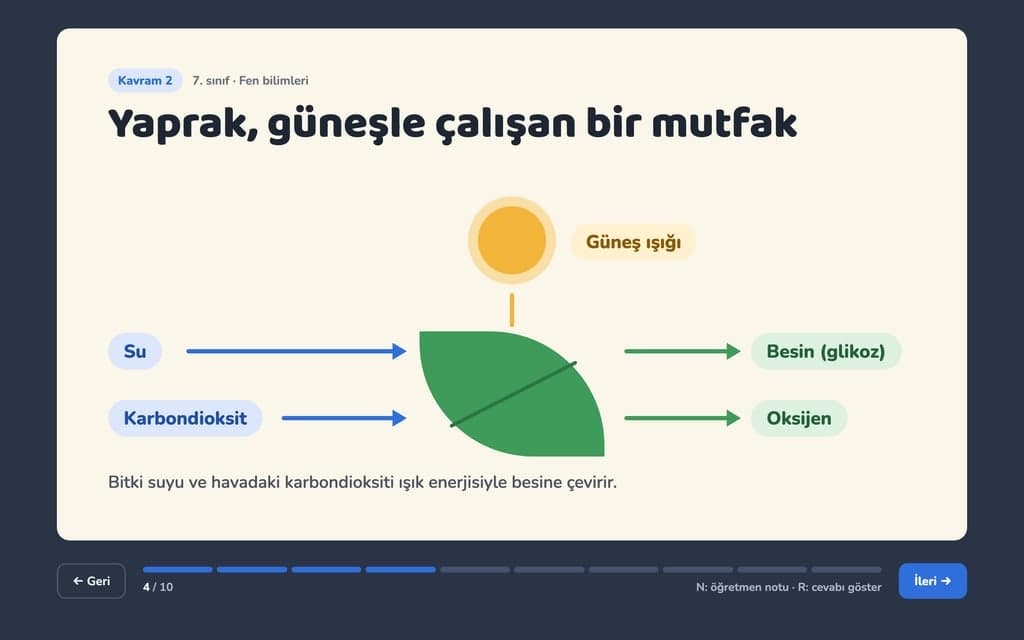
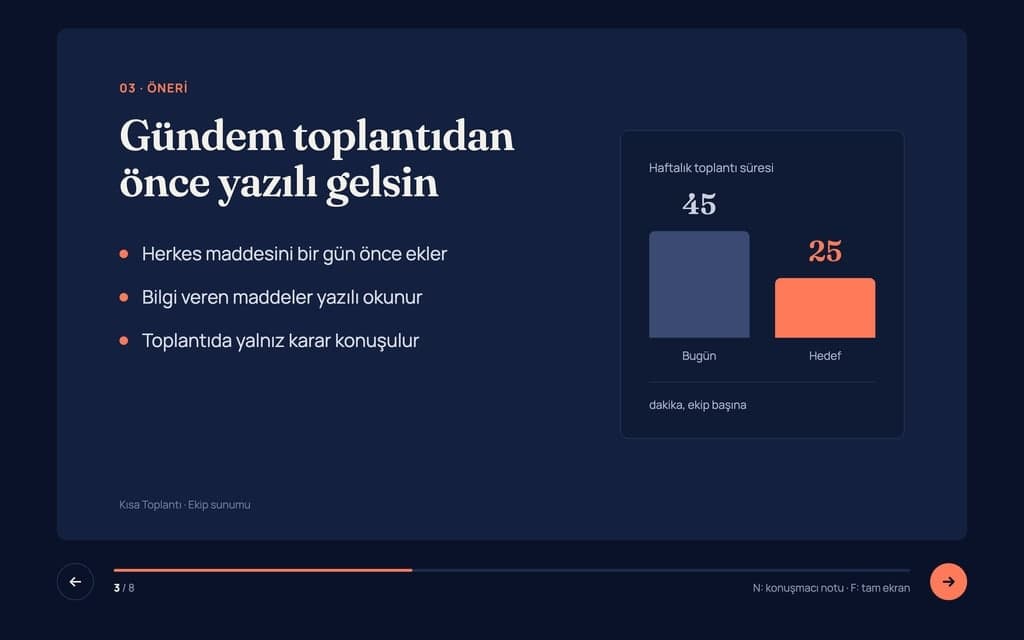
The presentation is a web page. On a computer you move with the arrow keys, on a phone you swipe, and the full-screen button puts it on the projector. Your audience installs nothing.
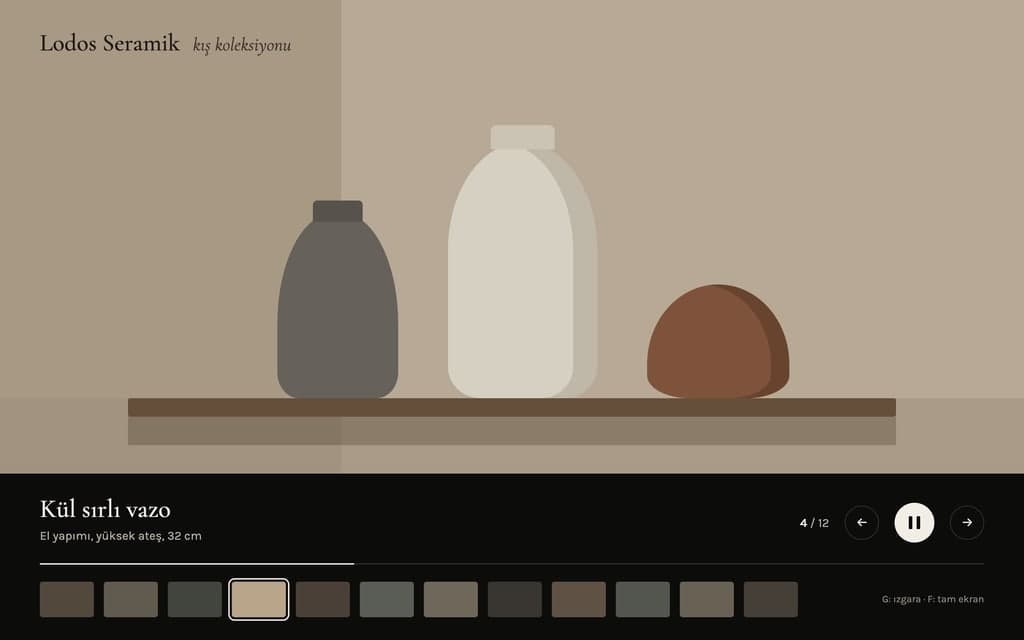
Read the deck from start to finish in the preview, then write what you saw: "split slide 5 in two", "turn the costs into a table", "add contact details to the closing slide". The preview rebuilds after each request. To change a single title or sentence, press Edit text and click the words; that route does not use the AI.
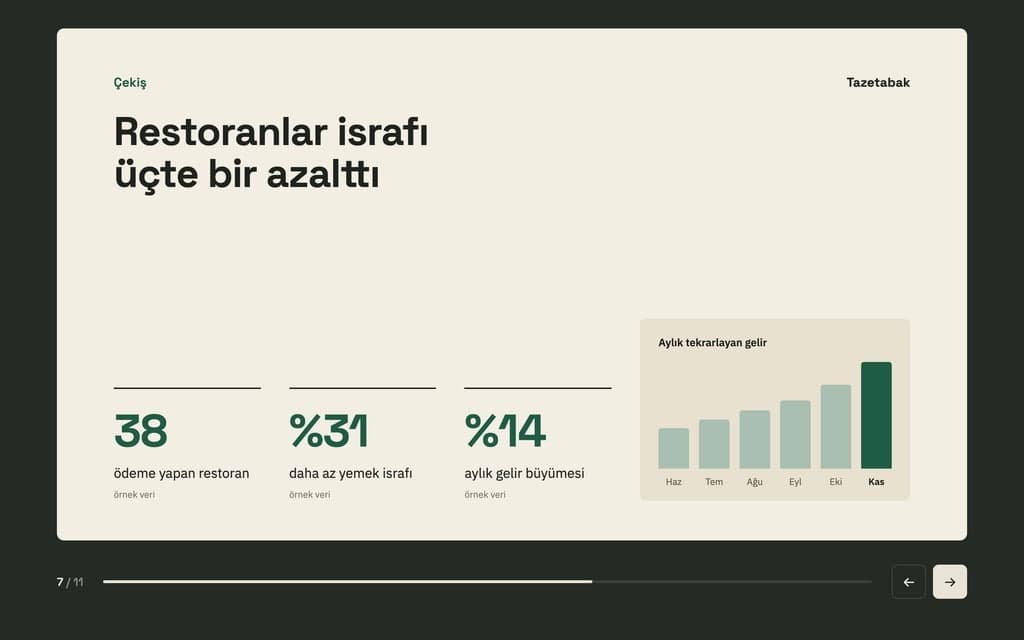
If you already have an outline, paste the slide titles and bullet points into the request and Builder lays out your text on the slides. Attach your logo and photos to the chat as images, or upload them in the Media tab. Word and PDF files cannot be attached to the Builder chat; for a deck out of a long document, follow the route on the document to PPT converter page.
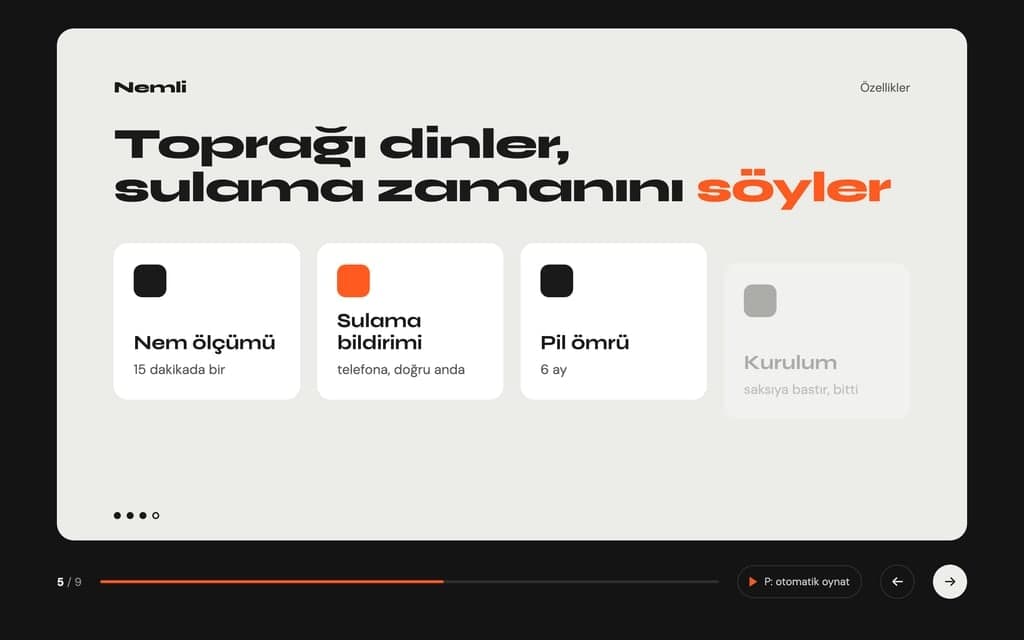
A student writes the topic and the time slot, gets a first outline, then rewrites the sentences in their own voice. A teacher has the same topic rebuilt for another grade: "shorter sentences for sixth graders".
Write what the product does, the customer's industry and the price. The deck opens with the customer's problem and closes on the pricing slide. After the meeting you send the link, with no large attachment to email.
Write the process new hires need to learn, step by step, and each step becomes a slide. When the process changes, update that slide in chat and publish again; everyone sees the new version at the same address.
Paste this week's finished work, the items running late and the next steps. Builder sorts them onto slides. Next week you open the same project and update only the slides that changed.
Write the main idea and the length of the talk, and ask for a plain flow with one thought per slide. Afterwards the audience returns to the slides from the same link.
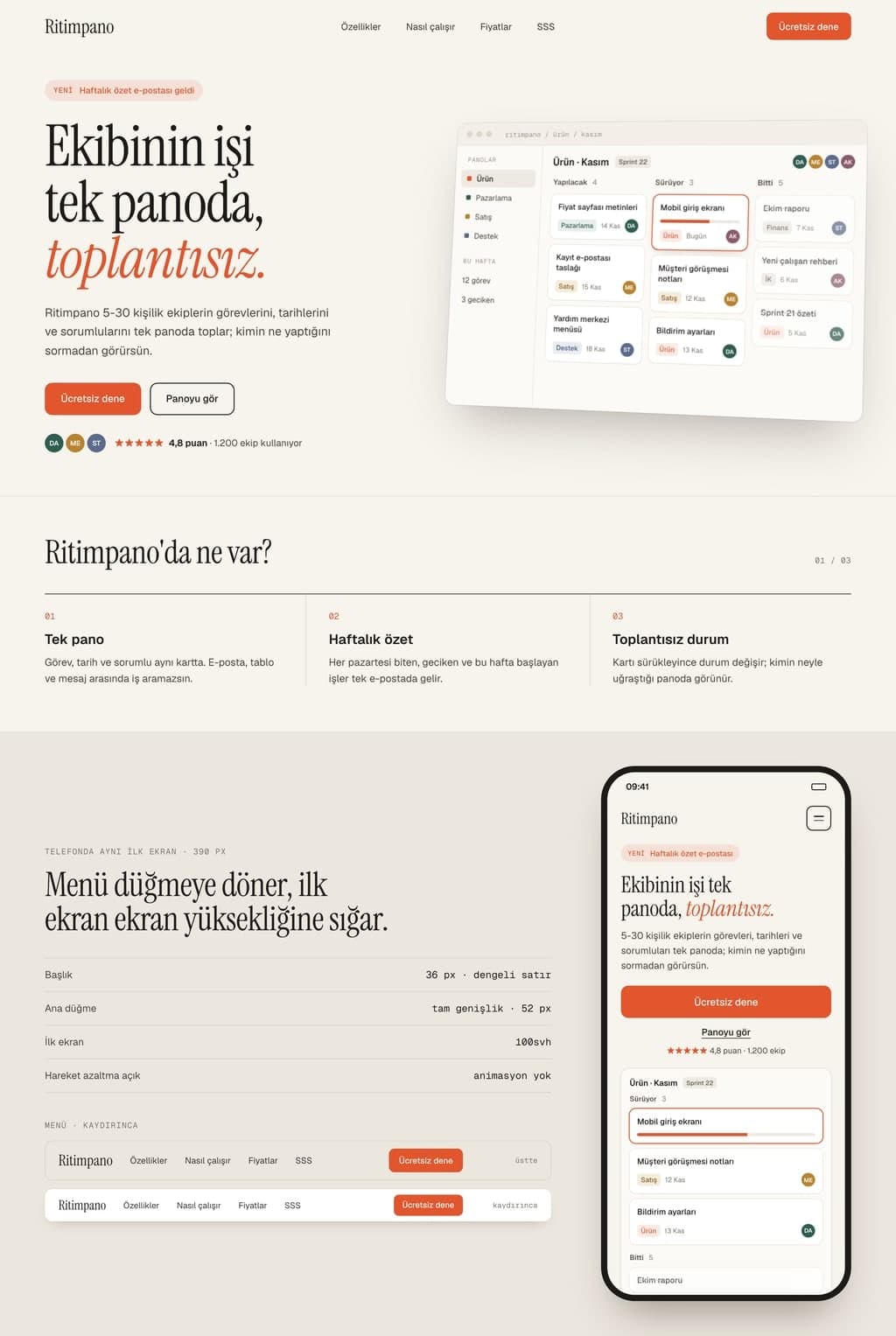
Change the highlighted parts of the request above. Saying who the talk is for sets the language of the text. Sending it opens Builder; without an account you sign up first, and your request is kept.
Builder builds the presentation and opens the preview. Go through the slides in order and write anything wrong or missing in the chat. Undo a change you dislike with Restore this version under the reply.
Press Publish and the presentation opens at yoursite.entrobase.site. In the meeting you open that address and go full screen. Later fixes reach the same address when you publish again.
Build an animated presentation website with Entrobase: every slide is a full-screen section, headings slide in, and you share it as a link.
Mobile App Project Status Update
Executive Summary • Payment flow implementation is complete • Push notifications are delayed by two weeks due to late design approval • Overall budget remains fully on track with no overruns • Final app store submission target remains the end of the month Feature Progress and Status • Payment screen developed, integrated, and verified • Core checkout workflows ready for end-to-end testing • Push notification system delayed by two weeks • Design sign-off now resolved, unblocking notification…
Paste your text and Entro drafts a deck with slide titles and short bullets. Download it as PowerPoint (.pptx): one plain theme, no images or animations.
Q3 Executive Summary
1. Executive Overview • Revenue grew 12% compared to the previous quarter • Successfully onboarded 46 new customers • Operations faced logistical hurdles, shifting timelines by 30 days • Key leadership decision required regarding fulfillment capacity 2. Commercial Performance & Growth • Top-line revenue up 12% quarter over quarter • Customer acquisition delivered 46 new enterprise and mid-market accounts • Healthy pipeline indicates sustained demand heading into next quarter 3. Operational…
Attach a report, proposal or article and Entro drafts a deck you download as PowerPoint (.pptx). Reads PDF, Word, Excel and text files; design is not kept.
Turn your photos into a full-screen slideshow page with captions and transitions. Entrobase builds the page and you share the link with anyone.
Write a title and a few short labels, and Canvas draws a step-by-step infographic image. Flat vector icons, tall formats and fixes by writing. Start free.
Residential Tenancy Agreement Terms
Rent Payment and Late Fees The tenant pays the rent by the fifth day of each month to the landlord's bank account. Late payments incur interest of two percent per month. Security Deposit The deposit equals two months' rent and is returned on moving out.
Attach a PDF and Entro reads the text and rewrites it as a Word document with headings, lists and tables. Download it as .docx. Page layout is not kept.
You describe it, Entrobase builds it.
Create with Entrobase