

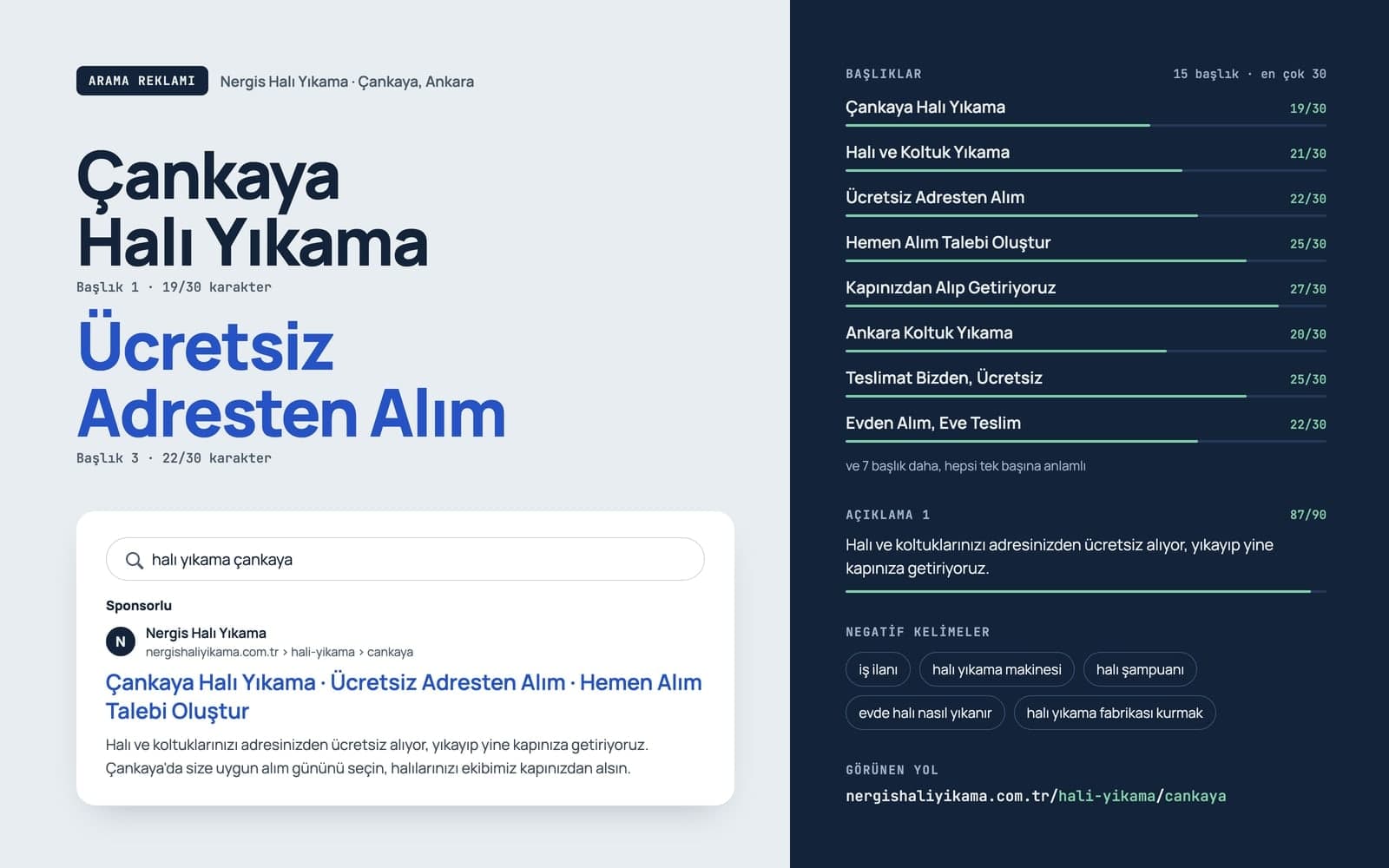

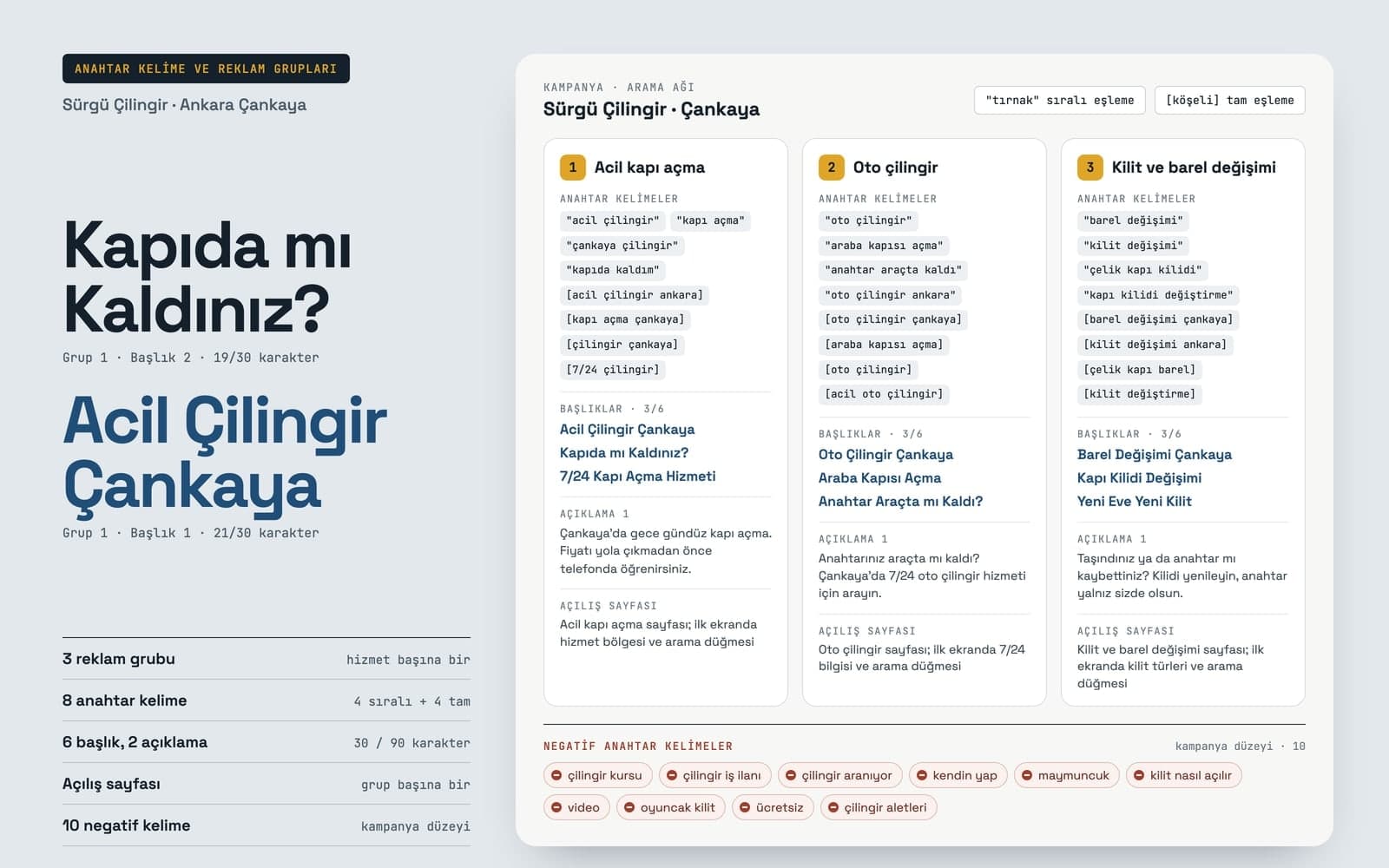
Google Ads Campaign Generator
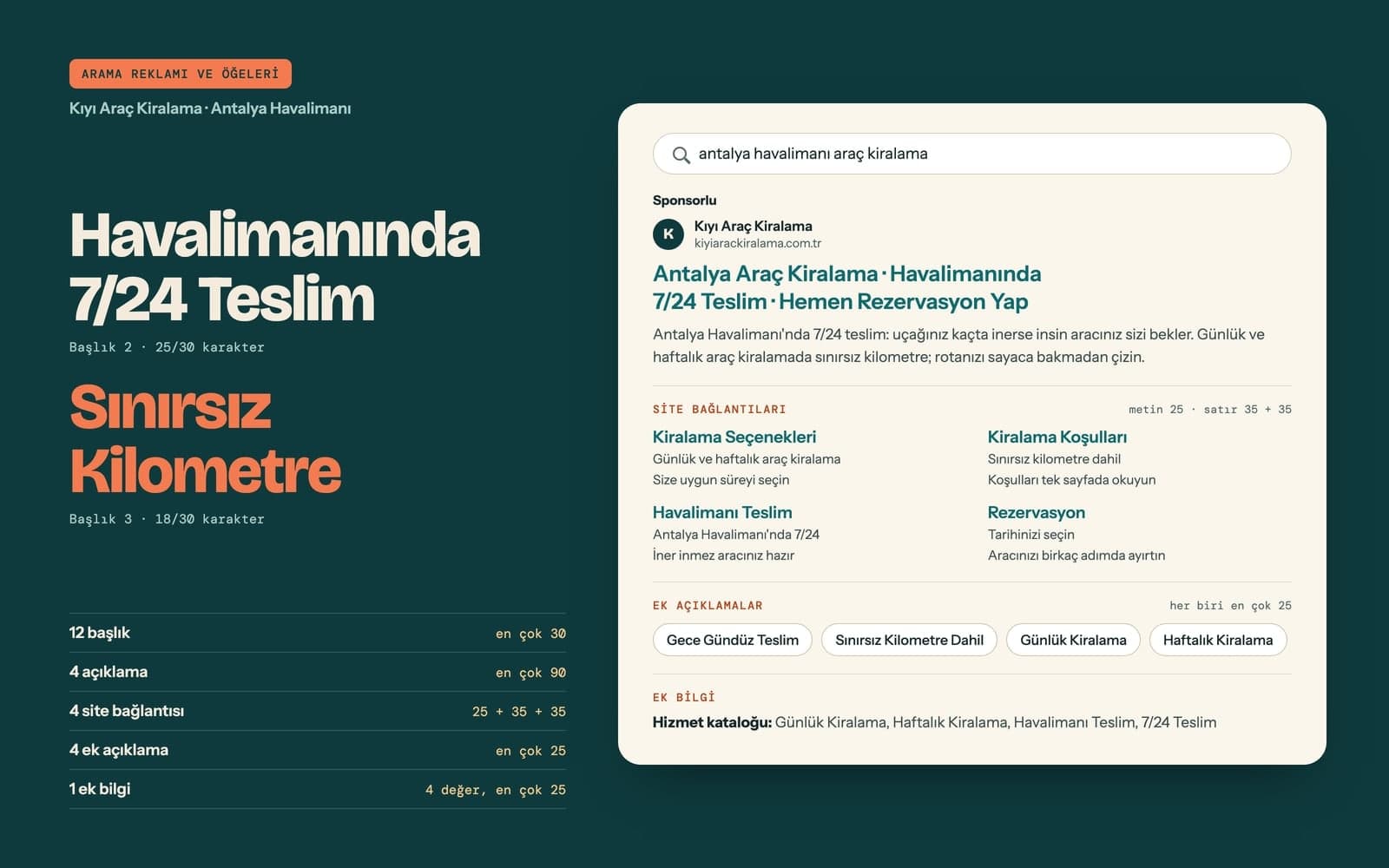
Use Entro Ads to draft a Google Ads search campaign with ad groups, keywords, headlines and descriptions. Nothing reaches your account until you approve it.
Entro Ads reads the Google Ads account you already run, explains what it finds and changes things only with your approval. It shows where the spend goes.
Blue parts are the places to fill in with your own details. Tab selects the next one, Enter sends, Shift and Enter starts a new line.
For Google Ads management, Entro Ads opens from the left menu with four views in its top bar: Entro Ads AI, Performance, Creative and Report. Your site can be hosted anywhere. Today it connects to Google Ads; Facebook and Instagram are coming soon.
In short
Performance is the overview of your account, driven by the account and date range at the top.
Choose which metrics get a card, from spend and clicks to cost per conversion. The chart follows a metric day by day against the previous period.
Search the table, pick its columns and export it. Click a campaign to open its ad groups, ads, keywords, devices, demographics and conversions.
Create and name separate dashboards for different accounts or different analyses.
Each ready-made card answers one question about where the money goes.
Wasted spend, inefficient keywords and wasted search terms list what costs money and brings no conversions.
Quality score, impression share, budget utilization and a day and hour heatmap, plus network, asset group and search term analyses for Performance Max.
Pick a measure such as spend or conversions, a breakdown such as campaign, device, region or day, and a chart type.
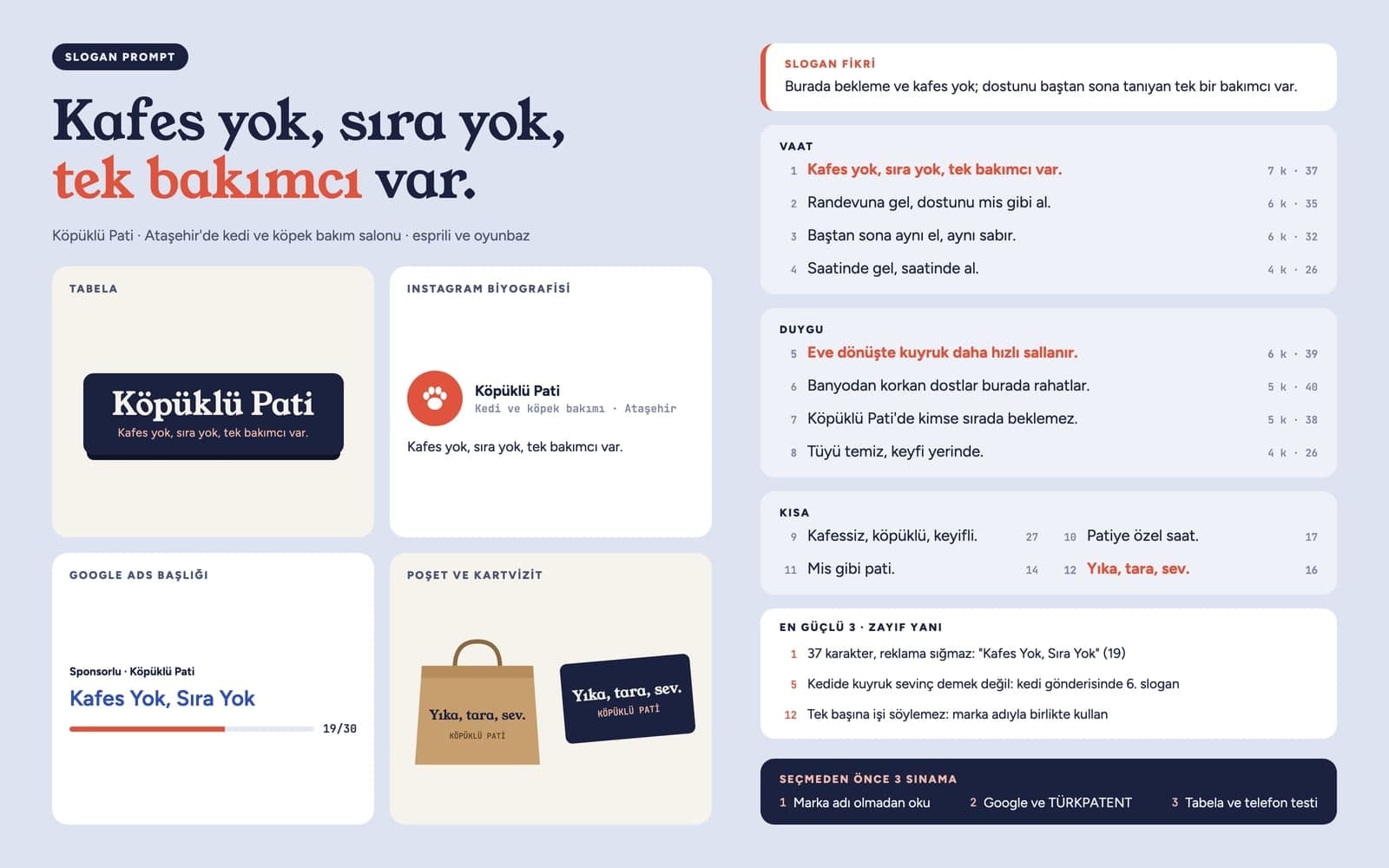
The main screen is a chat that answers from your account data. A change it suggests waits as an approval card.
Ask "Why did my cost per conversion go up last month?" or start from a card such as wasted spend detection or ad copy review. A competitor's domain gets you a comparison.
Creating campaigns, ad groups and ads; adding keywords, negative keywords, targeting, conversions and extensions; pausing or resuming a campaign; changing budgets and the bidding strategy.
A large budget increase, or a change that puts a campaign live right away, needs a second confirmation that is valid for five minutes. Change history keeps every change with its result.
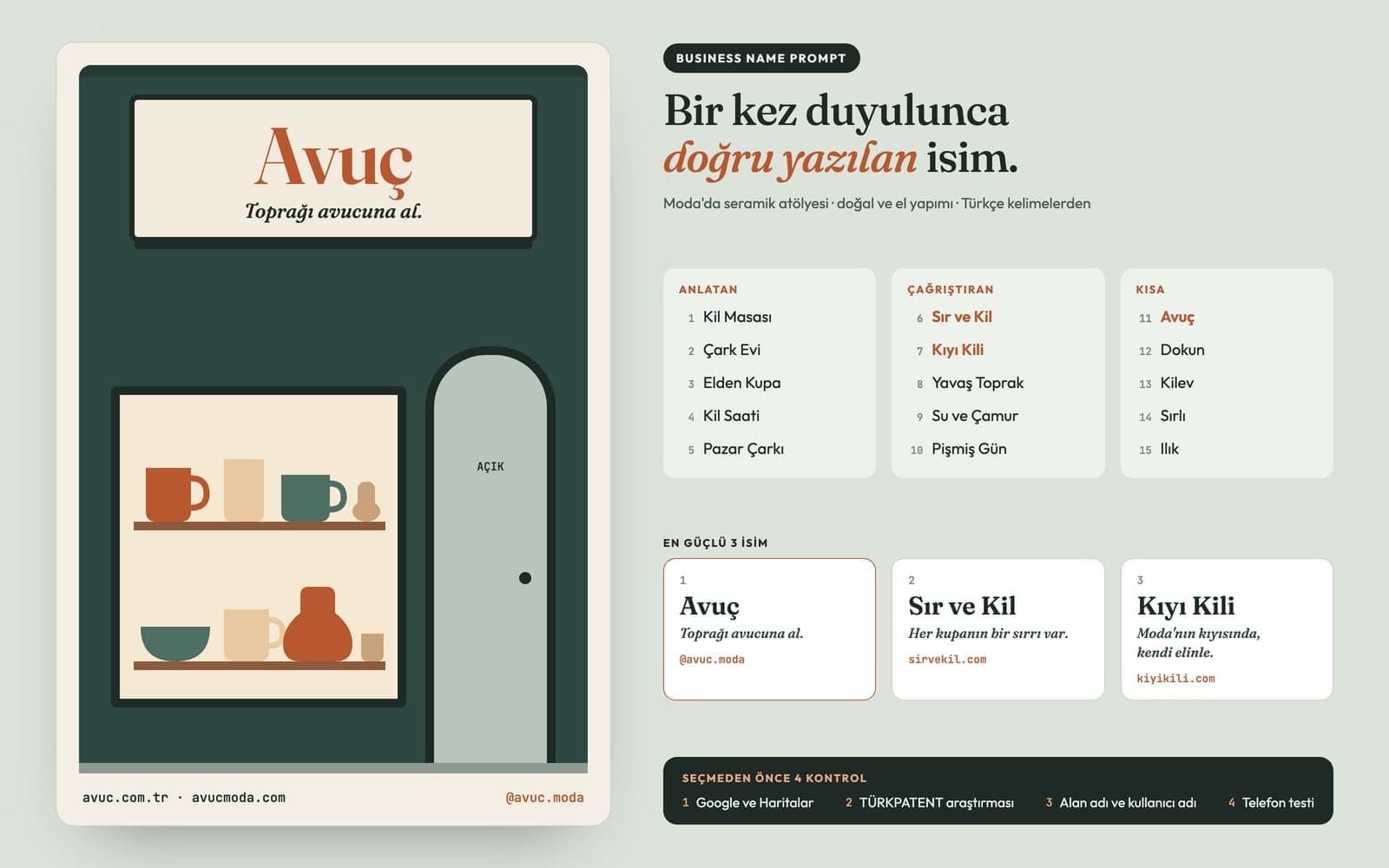
Ad images and client reports sit in the same module.
Add a Canvas image with Send to Entro Ads on its card, filter by status and aspect ratio, and send selected images to the chat for a review. Uploads to Google Ads go through an approval card.
Report builds an A4 report on the selected account's last 7 days. Edit the headings and summary on the page, and set the company name, logo and color.
Entro Ads is included in Ultra, Teams and Teams Max. On other plans, or with no website plan at all, you take a separate Entro Ads subscription. If you have both, the larger account limit applies. Accounts beyond your limit show as locked.
| Plan | Ad accounts you can connect |
|---|---|
| Free, Starter, Pro, Pro+ | With a separate Ads subscription |
| Ultra | 3 |
| Teams | 5 |
| Teams Max | 10 |
| Ads Pro (separate subscription) | 3 |
| Ads Pro Max (separate subscription) | 50 |
See which searches your money goes to without reading tables.
You have a Google Ads account and no campaign yet. The campaign, ad group, keywords and ad arrive as separate approval cards.
Work with client accounts under a manager (MCC) account. Ads Pro Max connects 50 ad accounts.
An Entro Ads subscription on its own is enough, and your ads keep pointing to your own site.
Open Entro Ads from the left menu and press Connect Google Ads. Sign in with the Google account that can access your ad account, then pick the account from the top bar.
Pick a date range on the Performance screen, or ask the Entro Ads AI chat something like "Which campaign spent the most in the last 7 days?"
A suggested change appears as an approval card that says what will happen. Press Approve and it is applied in Google Ads; leave it and nothing changes.
Tool pages that run on this module, each focused on a single job with a ready-made request you can edit and send.
Use Entro Ads to draft a Google Ads search campaign with ad groups, keywords, headlines and descriptions. Nothing reaches your account until you approve it.

Build a landing page with AI: describe the offer, get a one-page site with a form and collect sign-ups in your Forms inbox. Preview it, then publish.

Describe your event, headline and style, and Canvas draws posters and flyers for you. Vintage poster, art deco and pop art presets, plus 4K downloads.

Describe a scene and Canvas turns it into 1 to 4 images. Ten aspect ratios, 16 style presets and monthly image credits on the Free plan.

Entro SEO completes your site's missing SEO settings step by step: page titles, meta descriptions, the sitemap, a share image and Search Console verification.

Turn a keyword into a full blog post with a cover and in-post images. AutoBlog drafts it on your own site, and you edit it and publish when it's ready.