


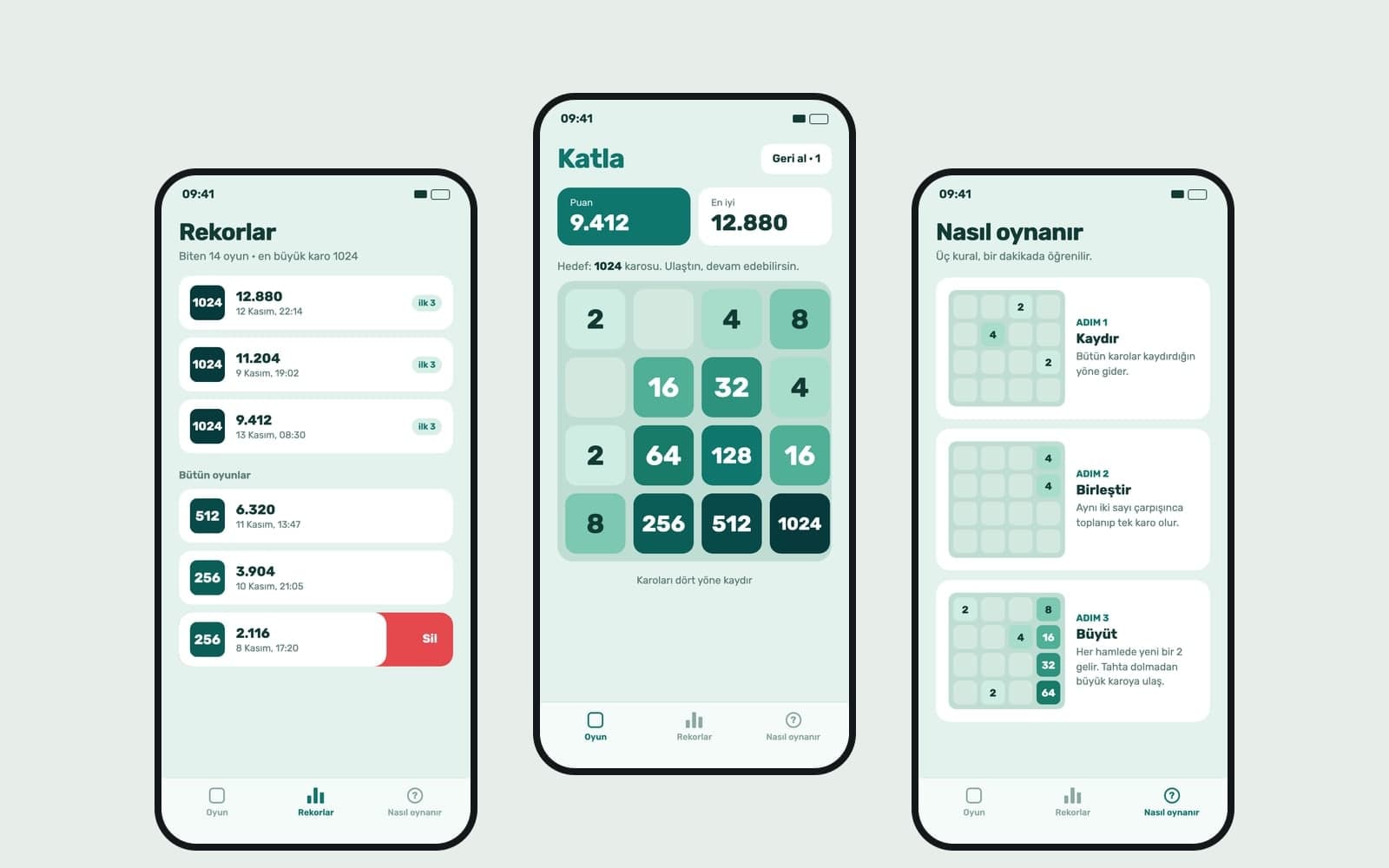
AI Game Maker
Write your game idea and Entrobase builds a first version that runs in the browser. Play it in the preview, change rules by chat, publish and share the link.
Describe a 3D scene built from cubes, planes and simple shapes that turns and moves in the browser. Try the first version in the preview and tune the camera, speed and colors by chatting.
Blue parts are the places to fill in with your own details. Tab selects the next one, Enter sends, Shift and Enter starts a new line.
This tool runs on Entro Builder.
Where the camera looks from, what the floor looks like, which colors objects have and how fast they come: you write it. The scene is built from simple shapes drawn in code.
The first version runs in the Builder preview. If the camera angle, speed or colors are off, say so in the chat; the preview rebuilds and you try the same scene again.
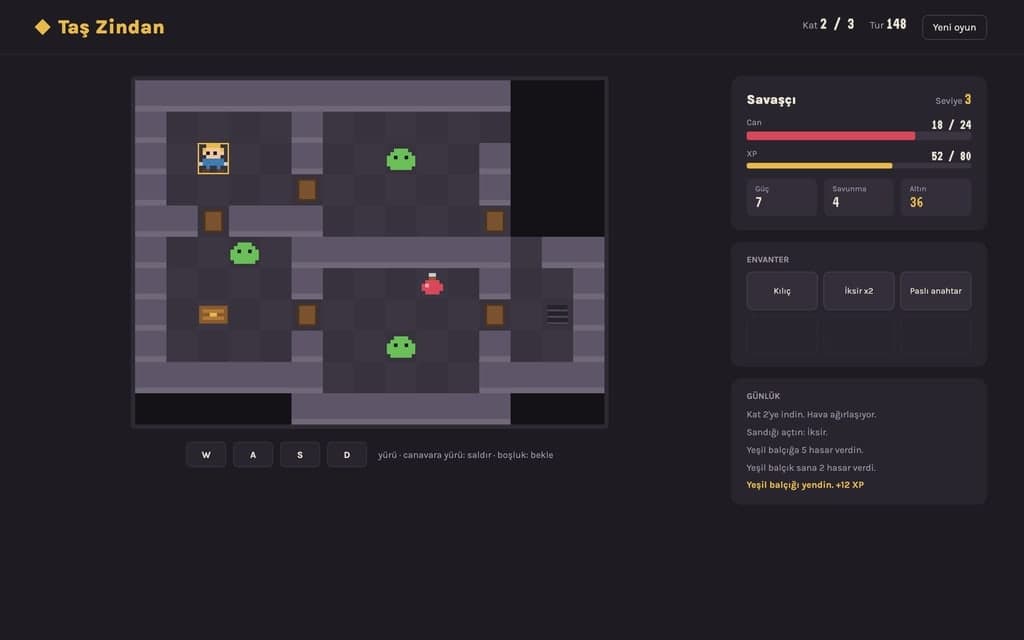
A product box you turn with the mouse, cards that tilt toward the cursor, a gallery that rotates as you scroll: you can add small 3D touches to your site as well.
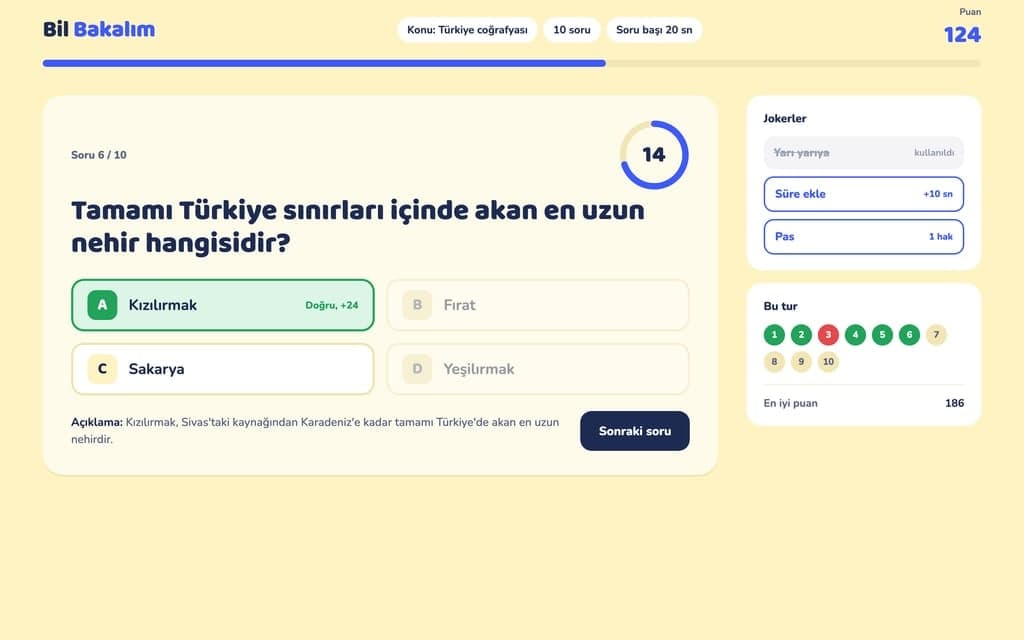
In a 3D scene the camera, depth and movement all have to be right at once. So build one piece of gameplay in your first request: one player, one kind of obstacle, one score. Once it works in the preview, add new obstacles, a color-changing floor or an end screen. If you send several requests in a row, the preview builds only the latest state.
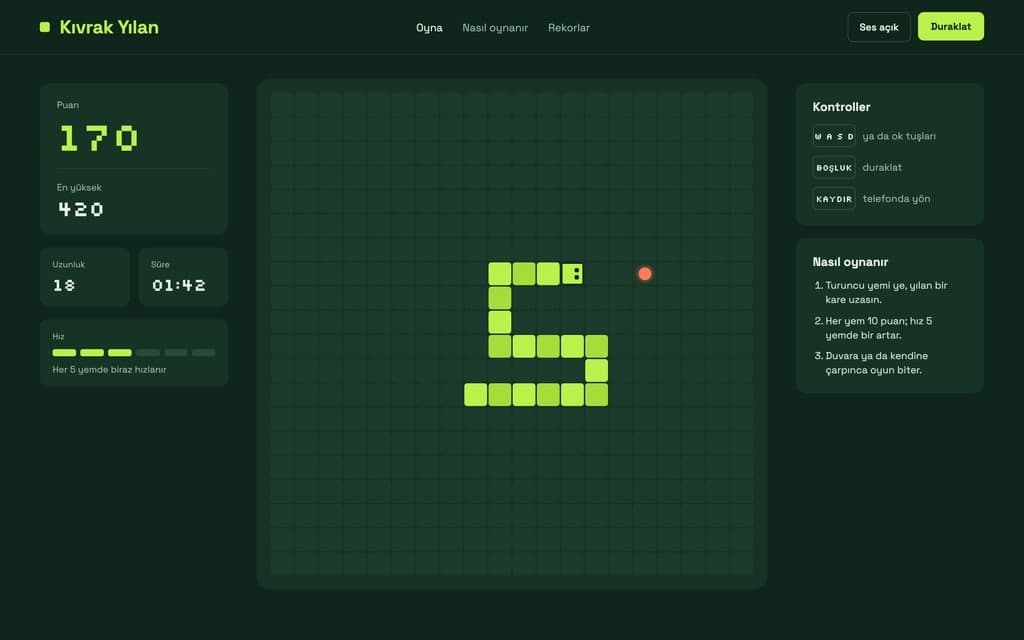
If a request breaks the scene, Restore this version under that reply takes you back. If you tried the same request three times without luck, switch to a stronger model instead of rewriting it again. On Pro and above, premium models use your monthly premium allowance first, then your balance.
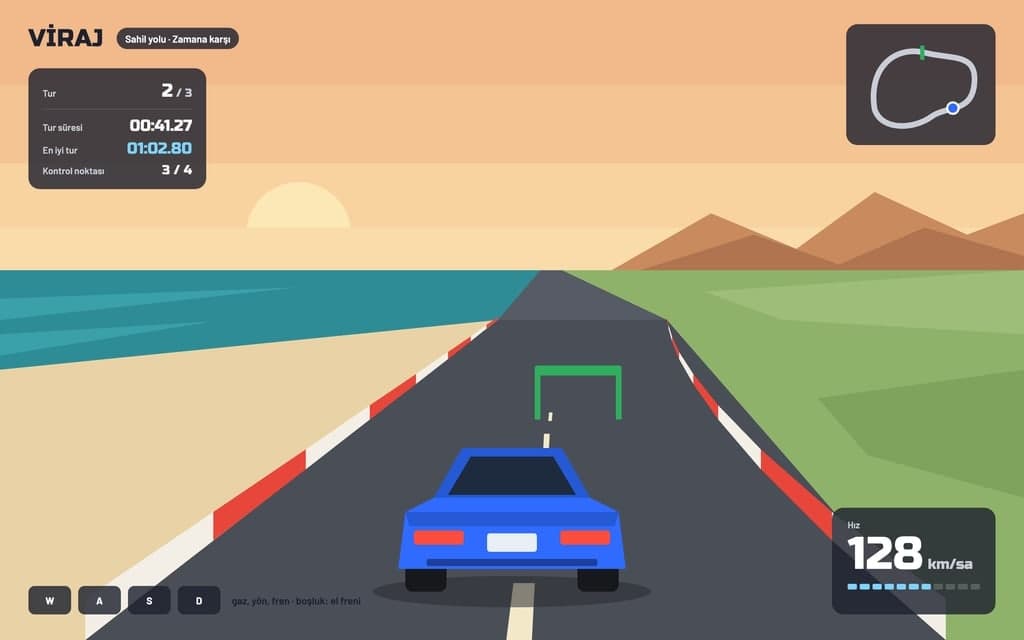
A road flowing toward a camera behind the player, lane switching and incoming obstacles. Tune how fast the speed rises and how often obstacles appear by chat.
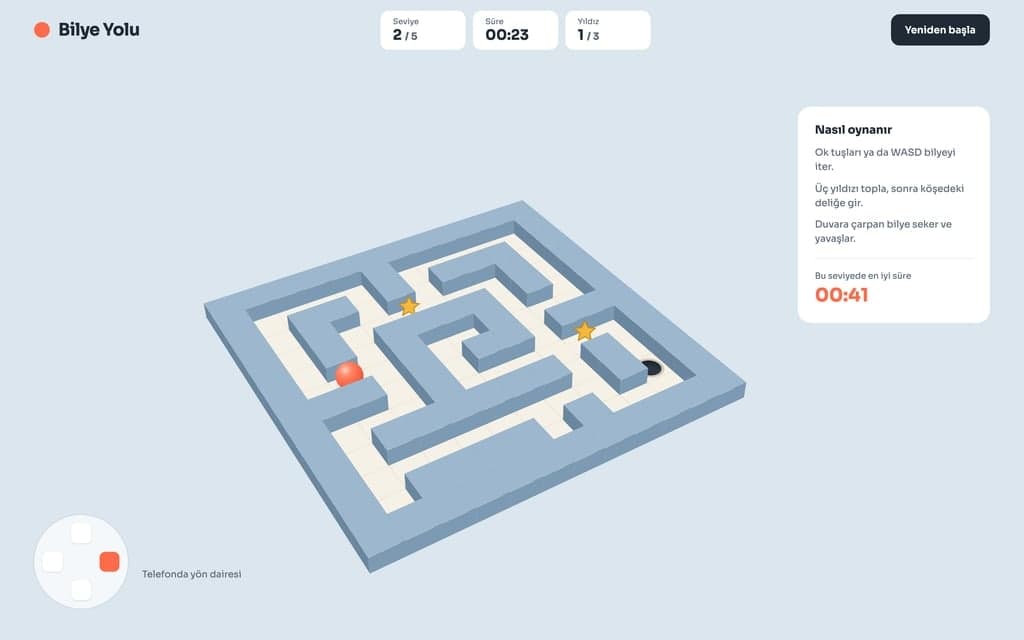
Guide a ball to the exit of a maze seen from above at an angle, using the arrow keys. Write the wall colors, maze size and time limit into your request.
A product page where the box turns with the mouse or a finger. Attach the images you want on the box to the chat and say which side each one goes on.
Cards that tilt toward the cursor, a rotating gallery that brings the middle image forward. Useful for adding movement to a portfolio or event page.
A solar system with planets as simple spheres in orbit, or a cube you can turn to show geometry. Students open it from a link and explore it in the browser.
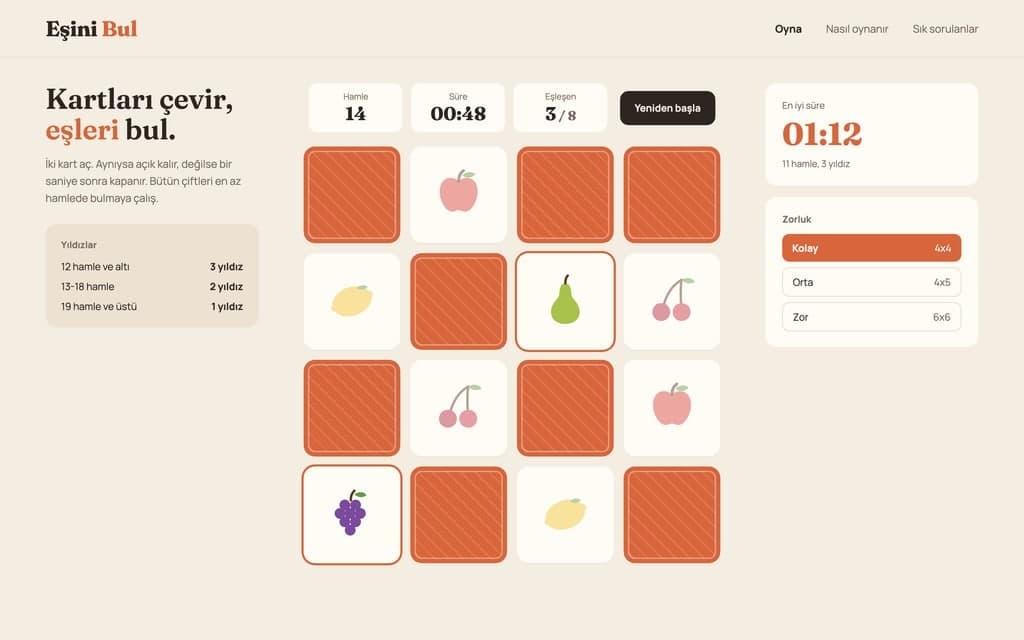
Change the player, obstacles and look of the scene in the request above. Write where the camera looks from and when the game ends. Send it and the Builder opens; without an account you sign up first and the request is kept.
The Builder builds the first version and opens the preview. Click into the preview and play. Write what you notice about the camera, speed and colors into the chat one at a time; the preview rebuilds after each change.
Press Publish and the game opens at yoursite.entrobase.site. Open the link on your phone too and try the touch controls; later changes reach the game when you publish again.
Write your game idea and Entrobase builds a first version that runs in the browser. Play it in the preview, change rules by chat, publish and share the link.
Platformer, snake or space shooter: describe your 2D game and Entrobase builds it for the browser. Add your own character, tune speed and controls by chat.
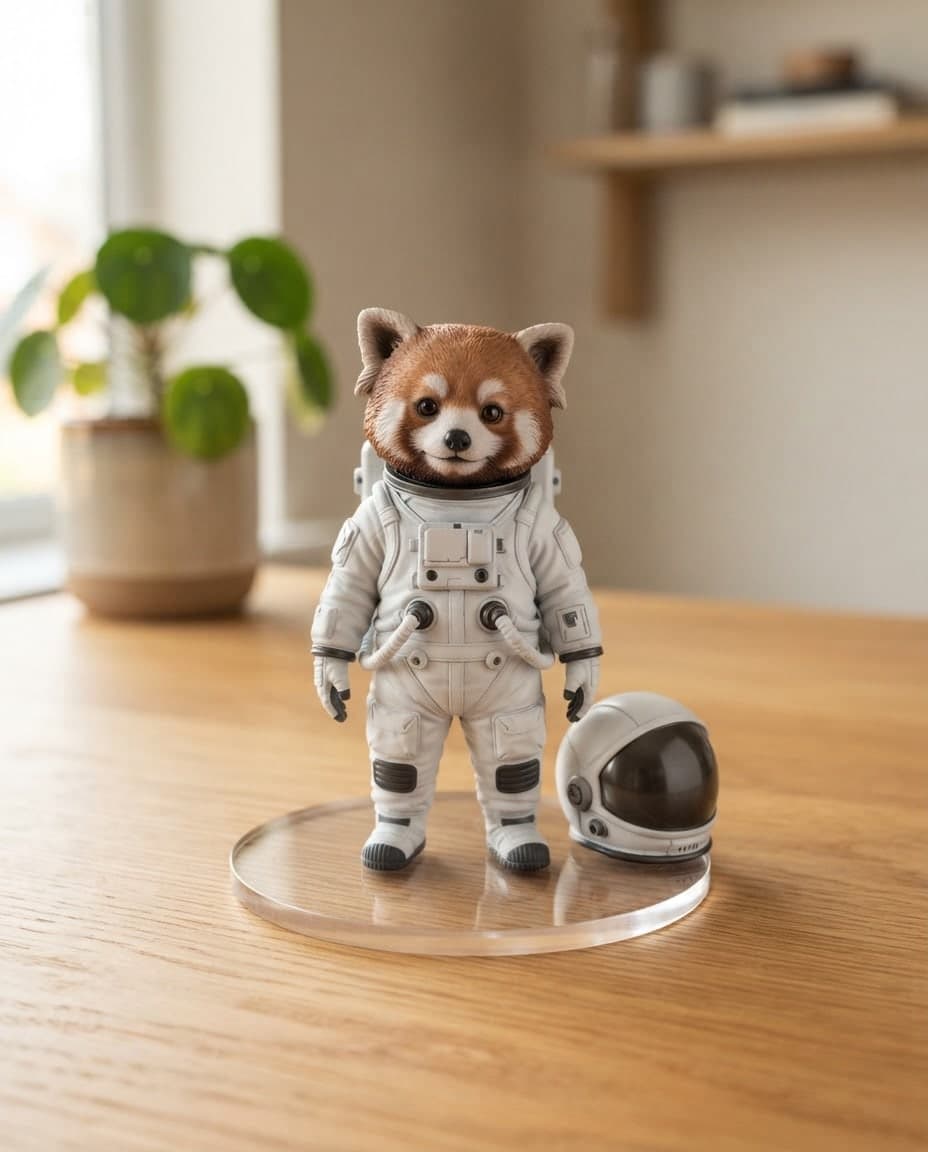
Create 3D render-style images in clay, isometric, glass or glossy plastic looks by writing. Canvas gives you PNG and JPG images, not 3D model files.

Describe item icons, character ideas, backgrounds and card art, and Canvas draws 3D-style or 2D game images. You get PNG or JPG images to prepare for your game.
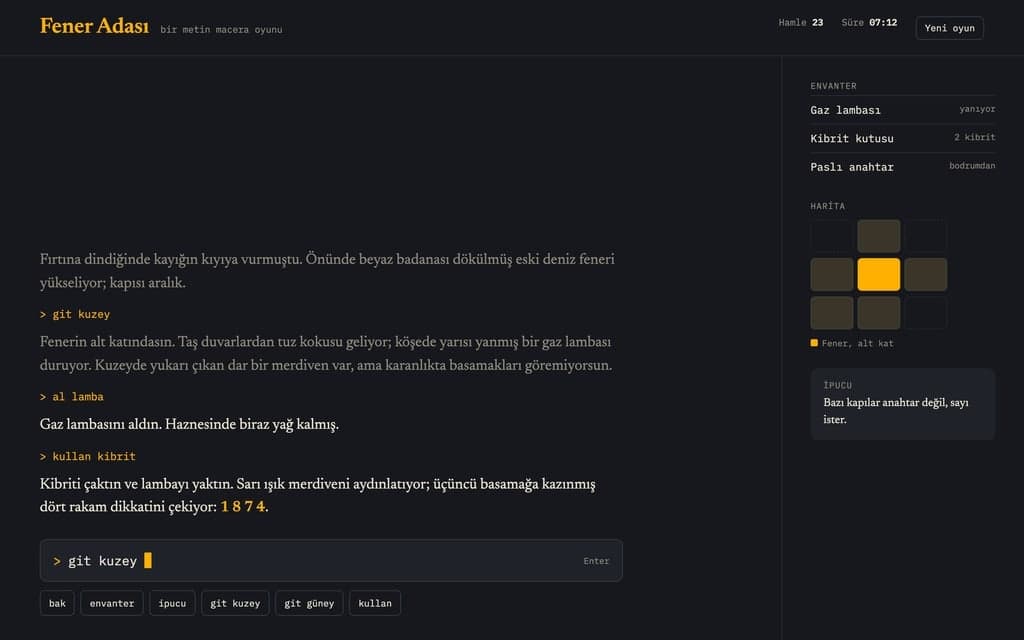
Turn your story into a choice-based adventure, class notes into a quiz, a word list into a puzzle. Entrobase builds the game for the browser and you play it.
You describe it, Entrobase builds it.
Create with Entrobase