



Image to Image AI Generator
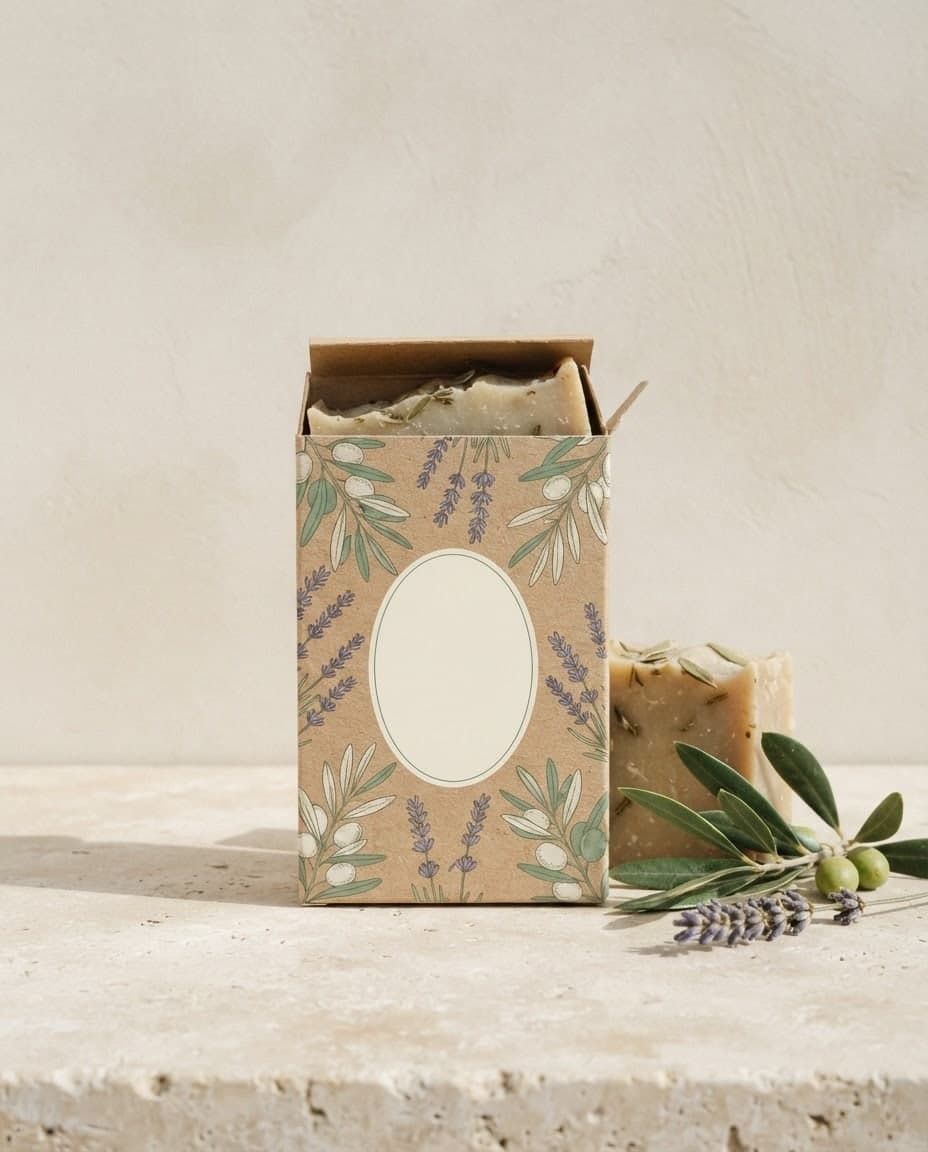
Add your own image and Canvas either uses it as a reference for a new picture or applies the change you describe. Up to 4 images with style and subject roles.
Create a design from a prompt, then change its colors, background or headline by writing. Add your logo or product as a separate image and place it in the design.
Blue parts are the places to fill in with your own details. Tab selects the next one, Enter sends, Shift and Enter starts a new line.
This tool runs on Entro Canvas.
Every design you create has Edit on its card. Write what should change: the headline color, the background, where an object sits. The window has four ready suggestions: Change background, Fix colors, Fix text and Enhance face.
An edit leaves the source design alone and creates a new image. Earlier versions stay in your gallery in order, so if a change does not work you carry on from the one before.
In Edit mode, image 1 is your design and image 2 is your logo or product; write "put the logo in the top left corner". An image added with the Style role brings its own color and light into the edit.
Press Use prompt on a row in your gallery and the prompt of the design you like comes back to the box; change only the headline and generate again. Regenerate gives you new options with the same settings. A week of posts stays in one look this way.
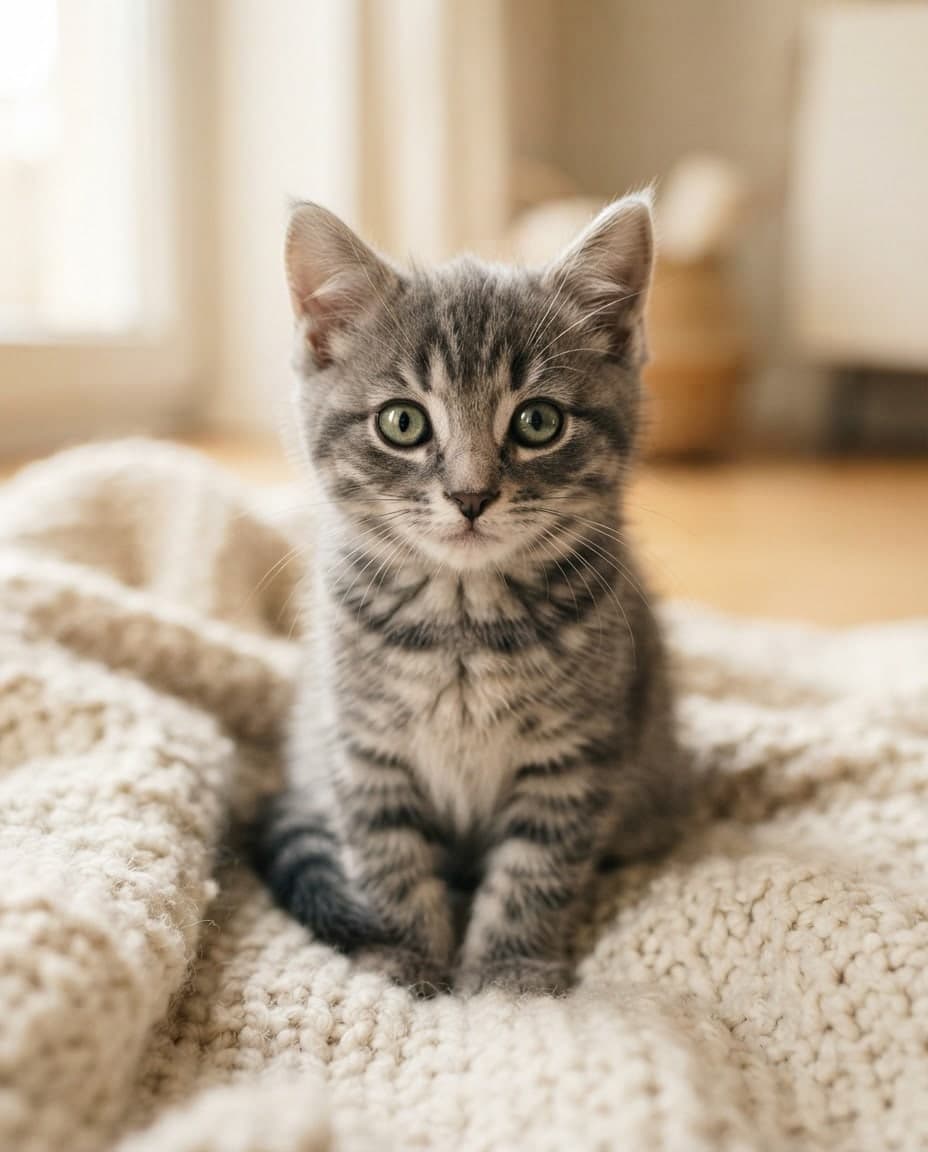
Canvas creates a design as a single image. You cannot select text like a text box or drag elements around; you describe each change in a sentence. For jobs that need a layered file, use Canvas for drafts and imagery.

Make a sale or new product announcement as a square post. Change the headline with Edit each week and reuse the same design; since the background, colors and image stay the same, followers recognize the announcement at a glance.
Have an illustrated invitation drawn for a birthday, opening or engagement. Give the date and time in quotes and check every letter in the result.
Make a 16:9 thumbnail with a big headline and a clear facial expression. Add your own photo with the Subject role and you appear on it.
Add a product photo with the Subject role and ask for a simple card with a "New" badge in the corner. Change the badge, color or background later by writing. Make the same card for each product by swapping only the photo.
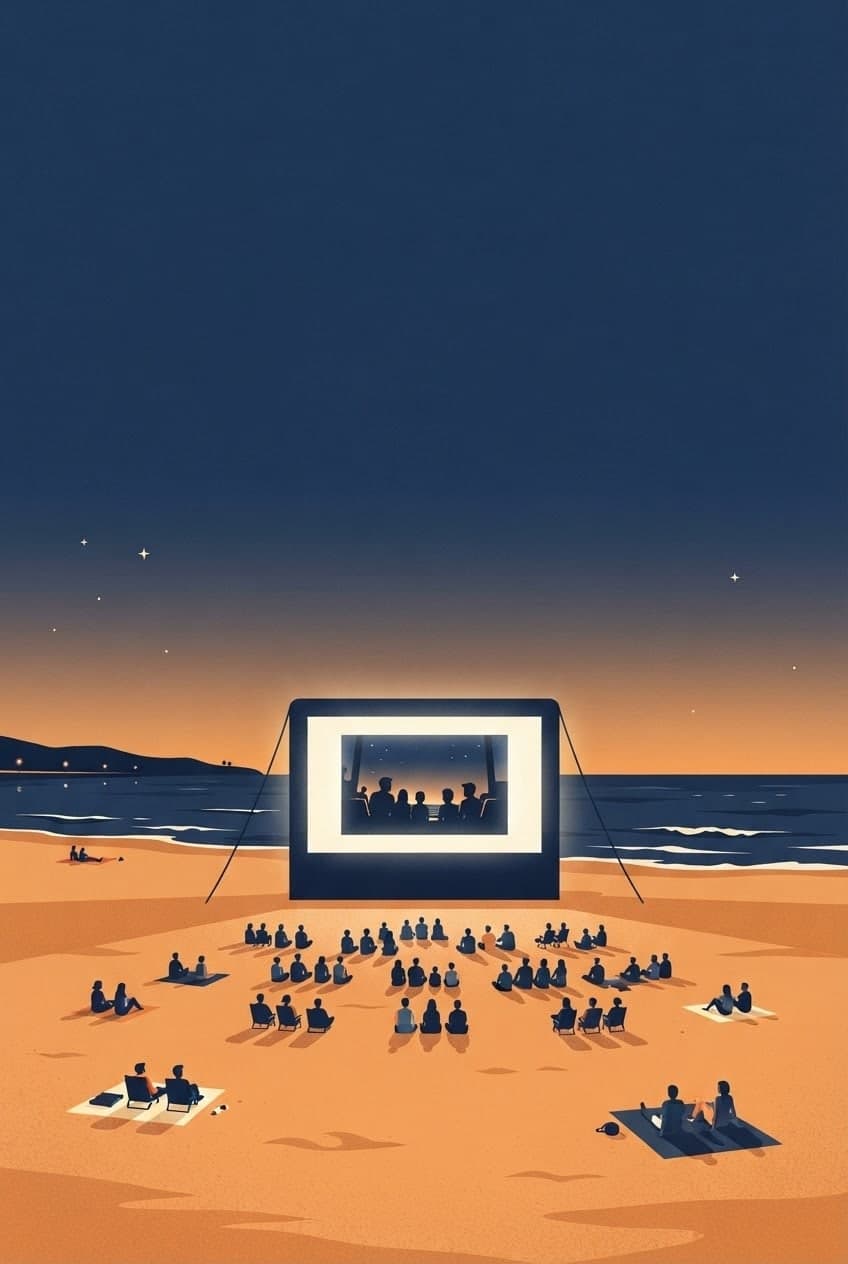
Create a 9:16 story image for a workshop or a live stream. Ask for empty space at the top and bottom so the phone's on-screen buttons do not cover the text. Make a 4:5 version of the same design for the feed as well.
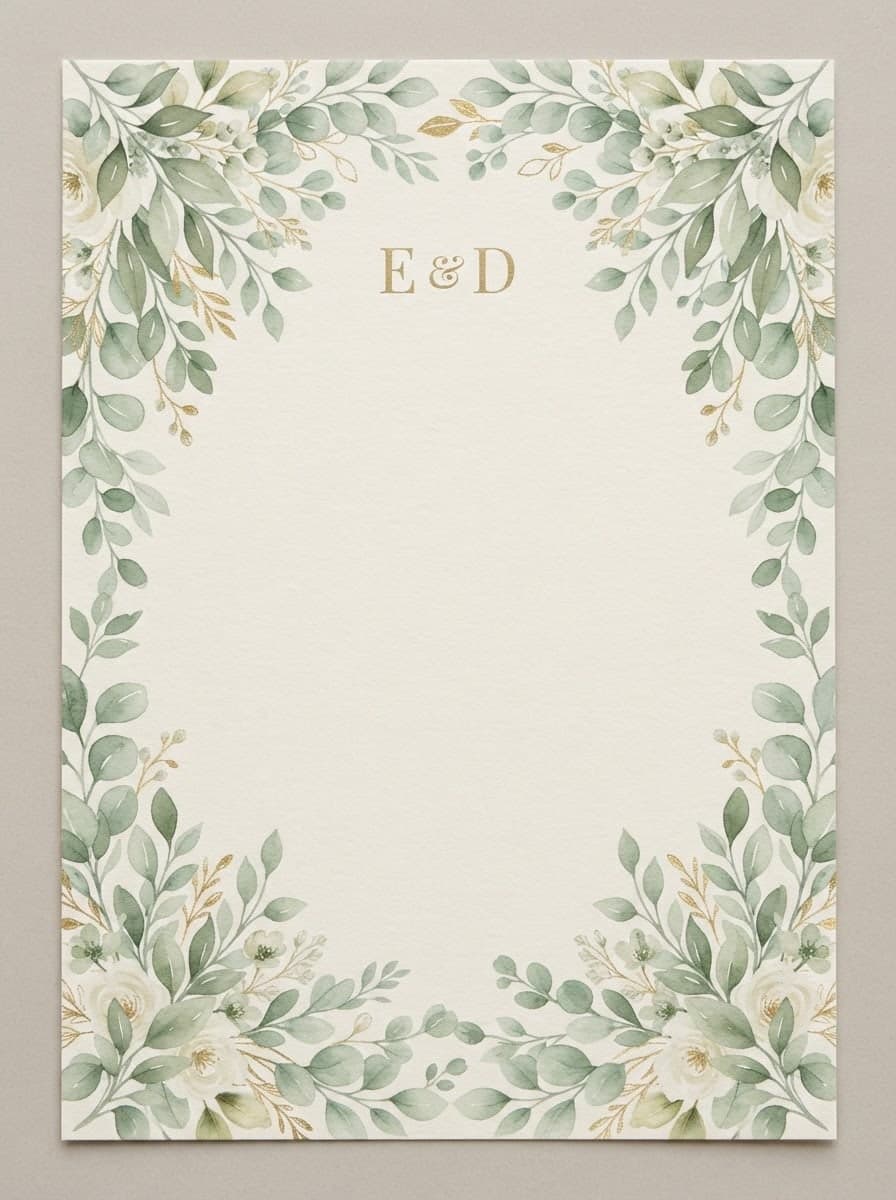
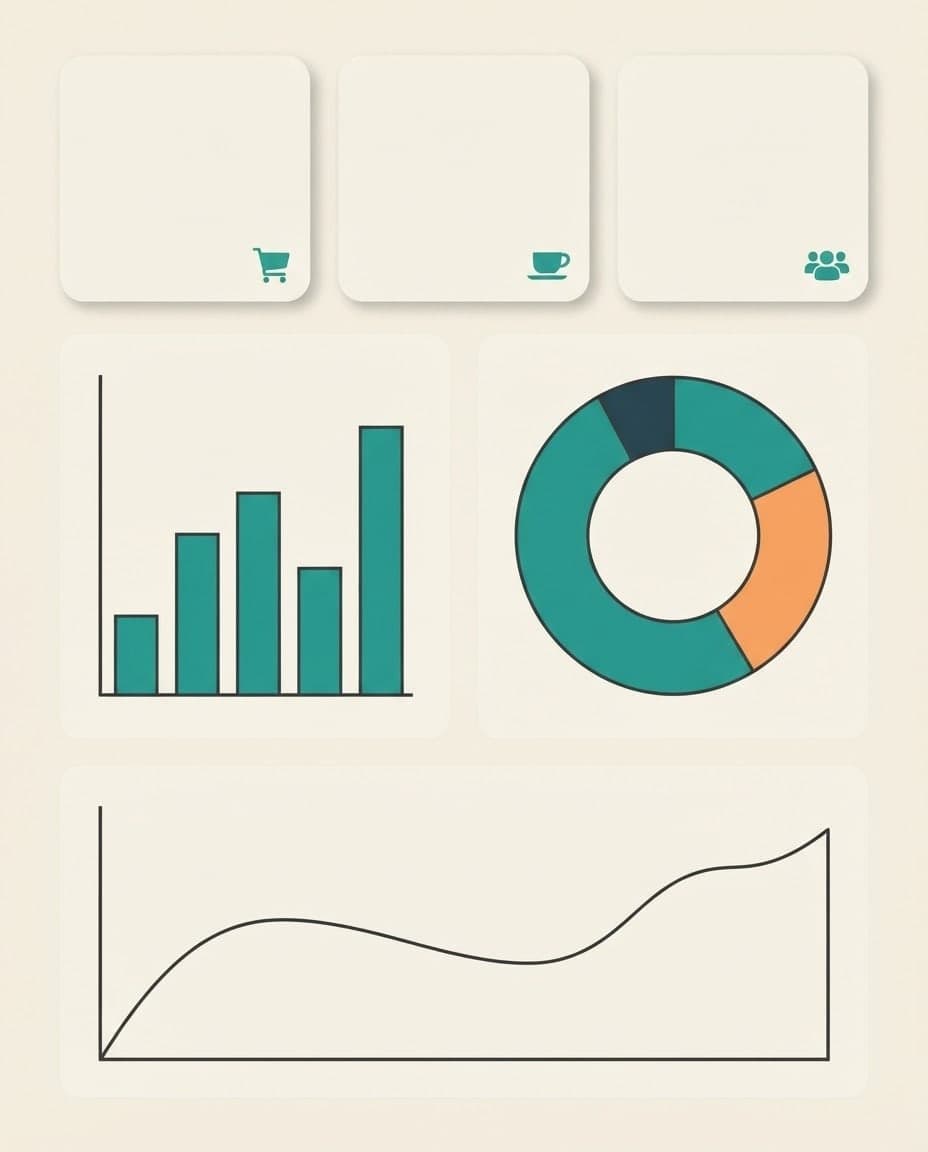
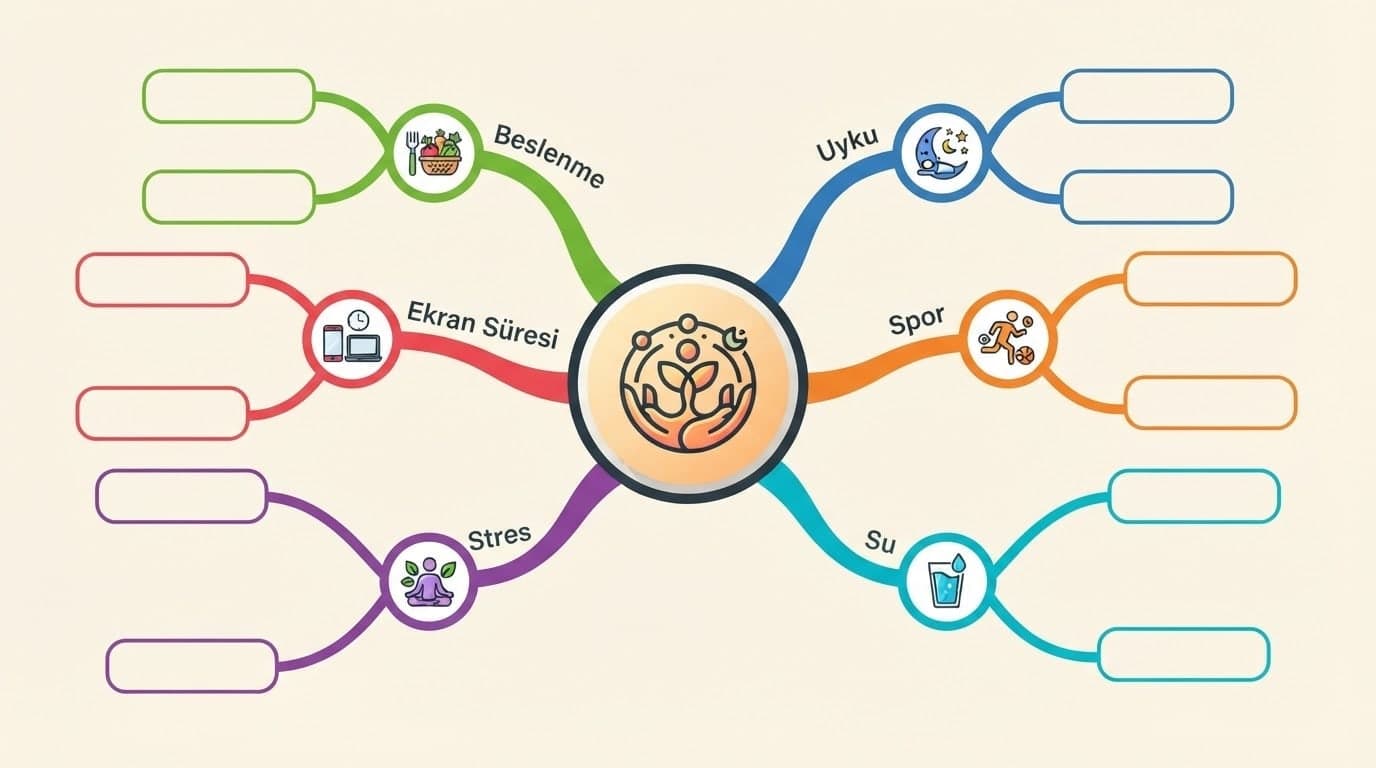

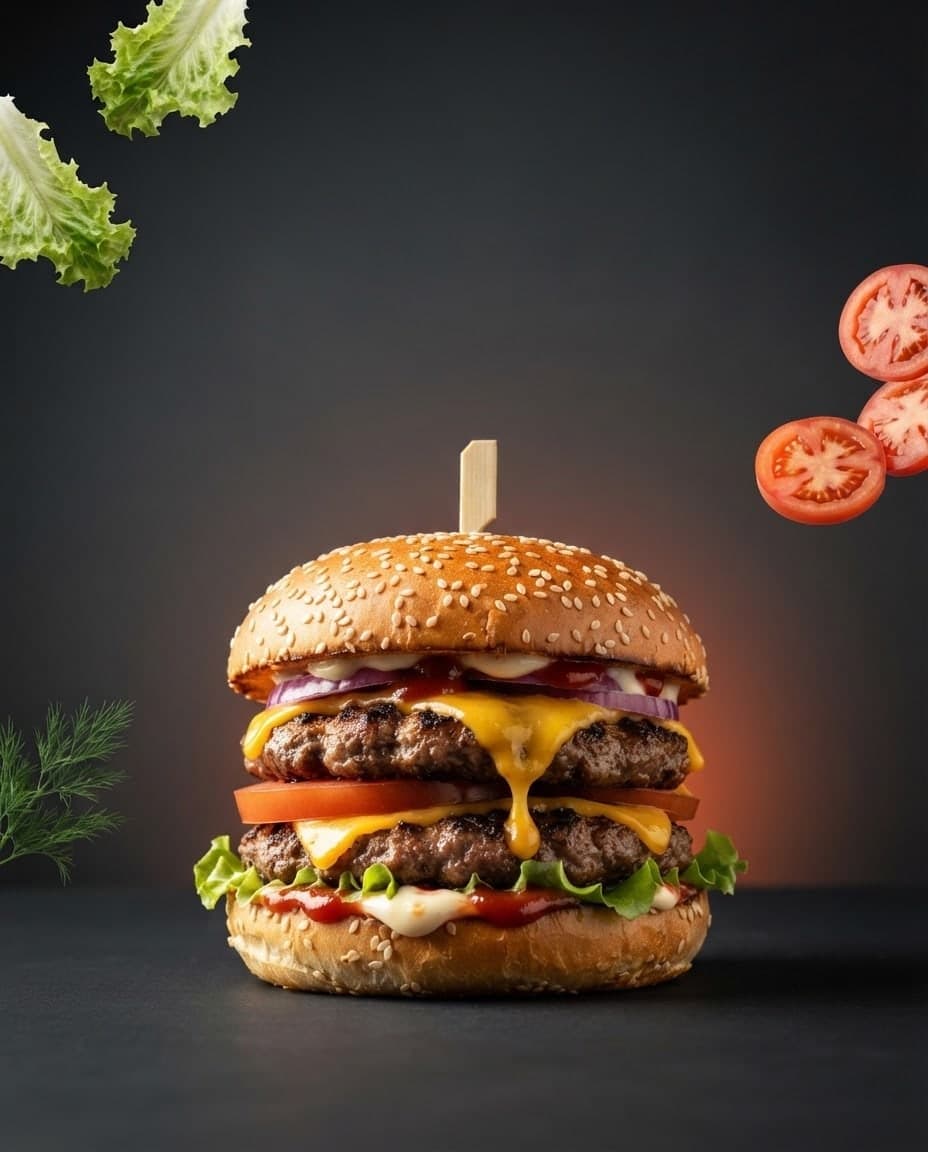
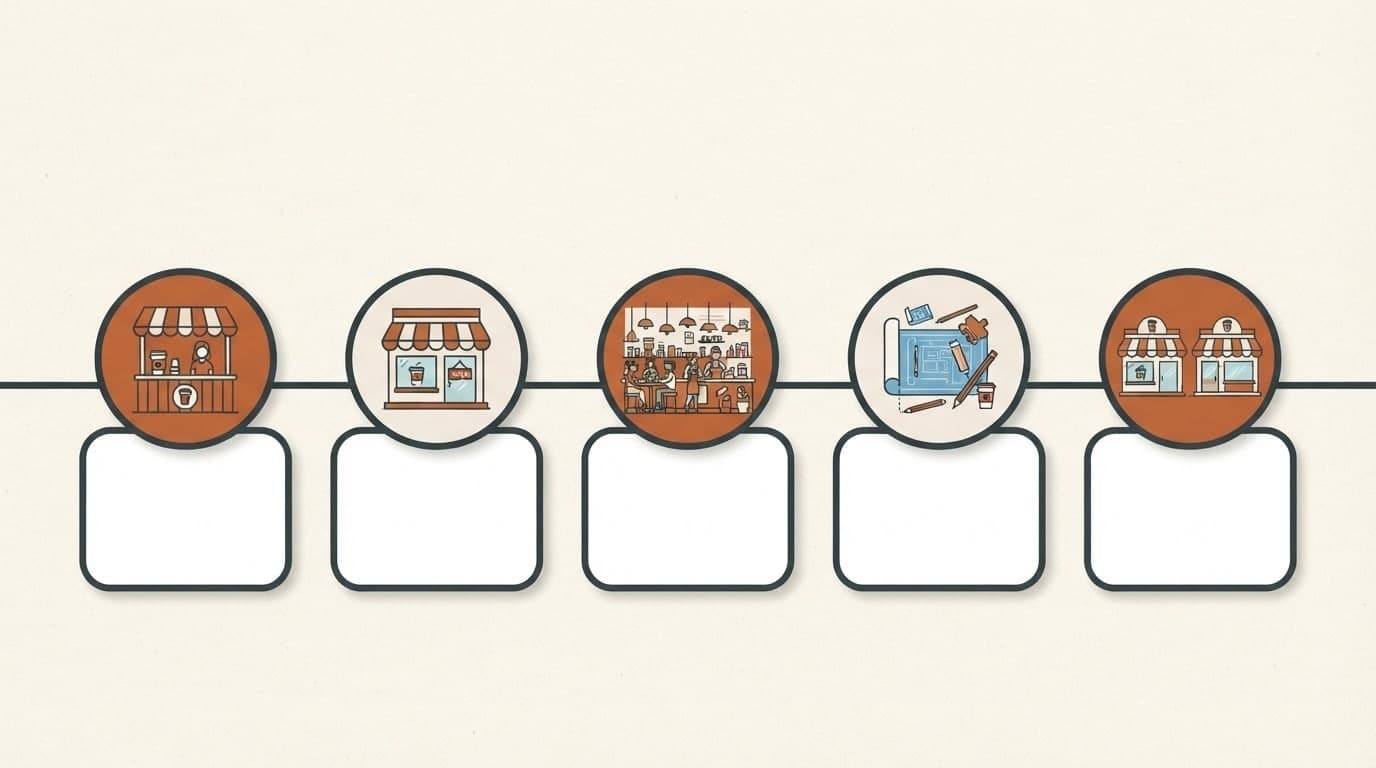
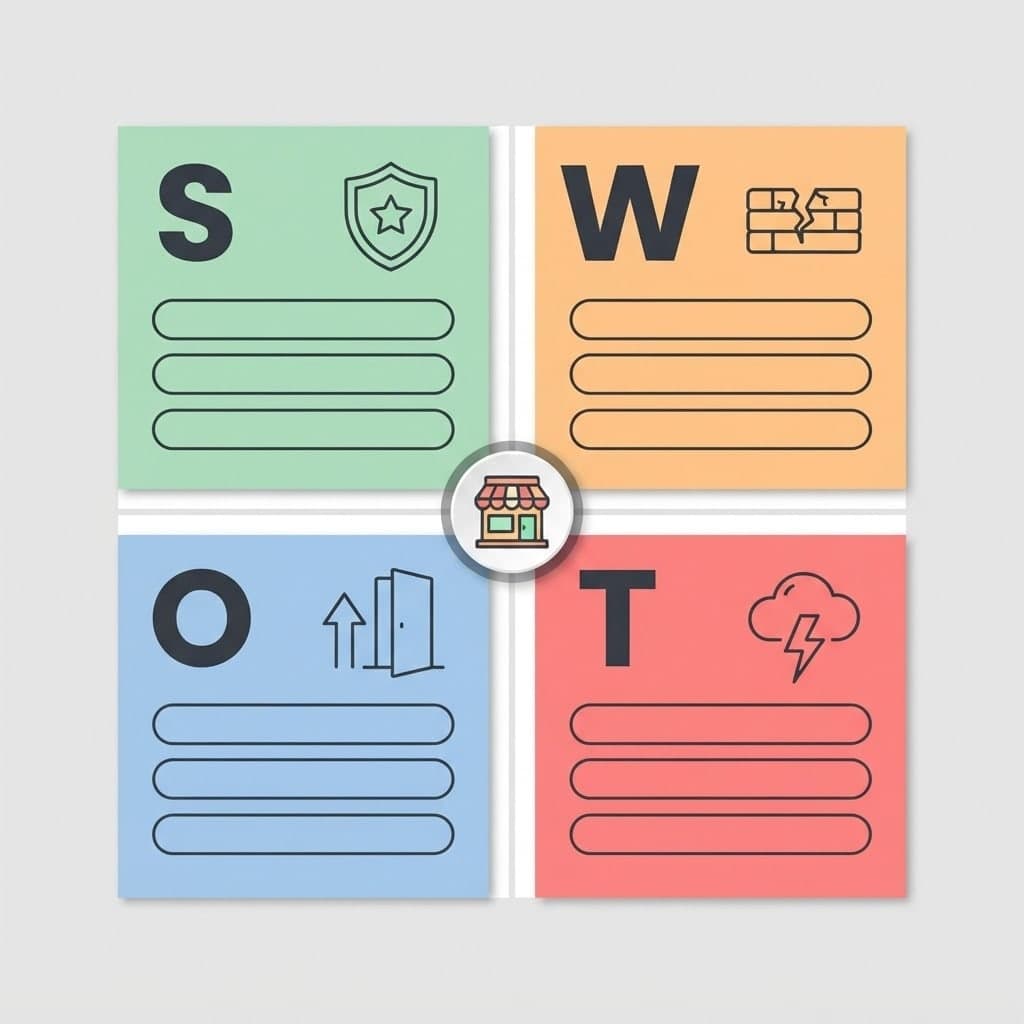
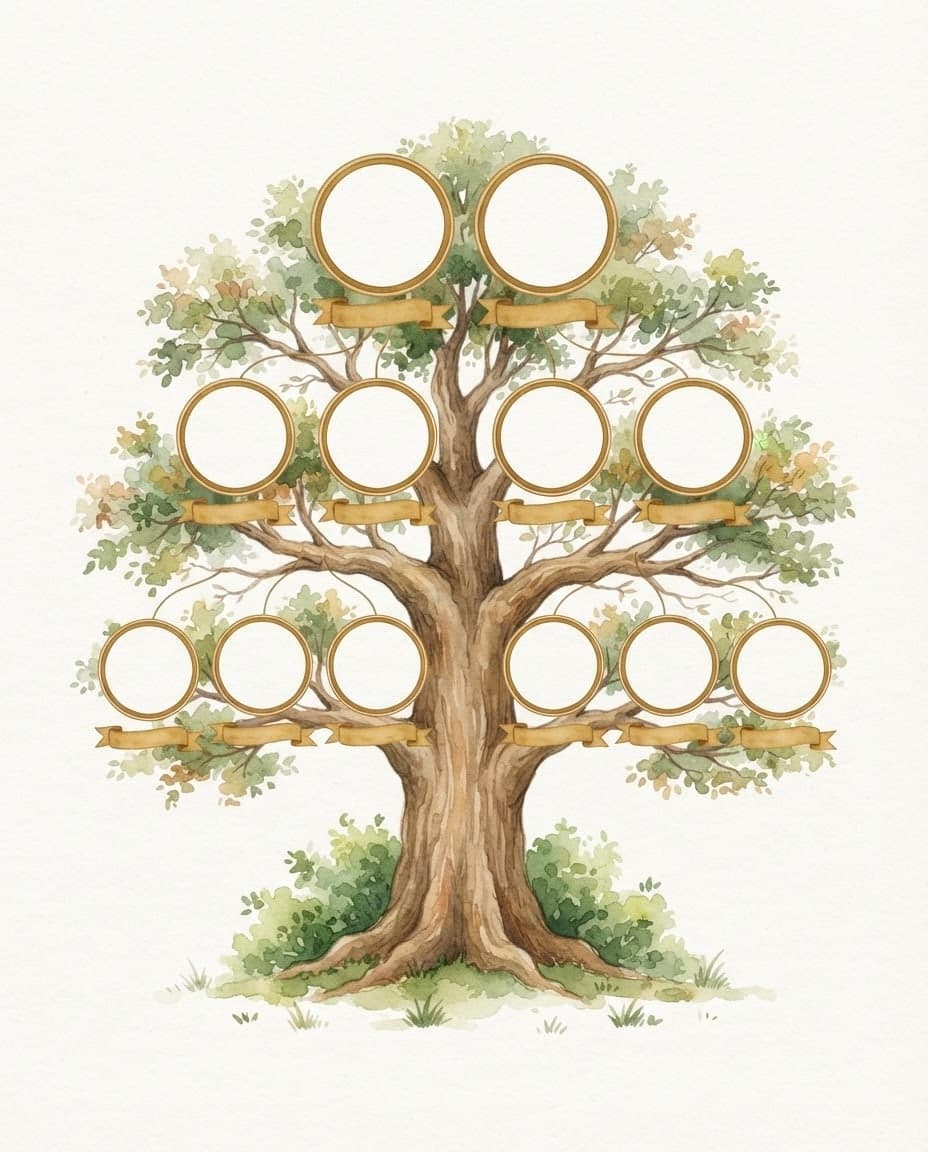
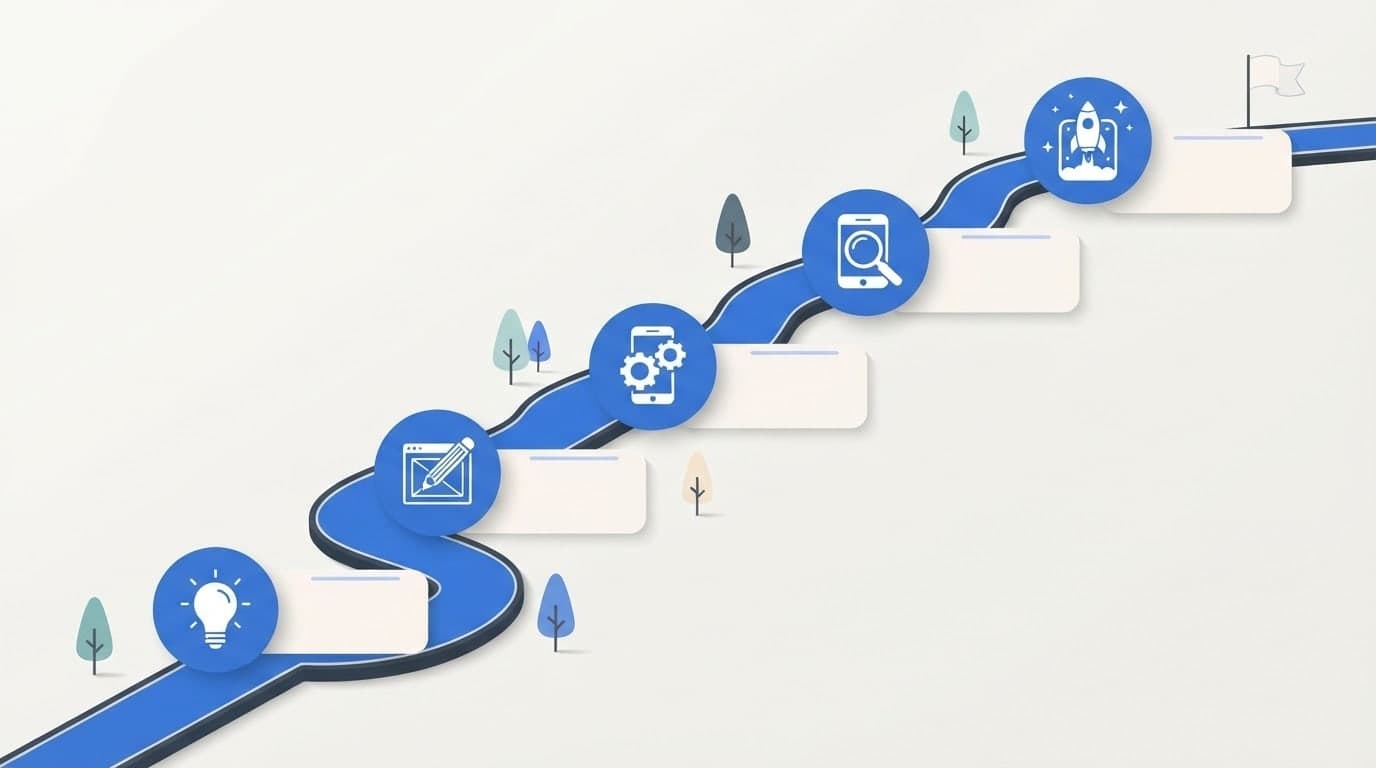
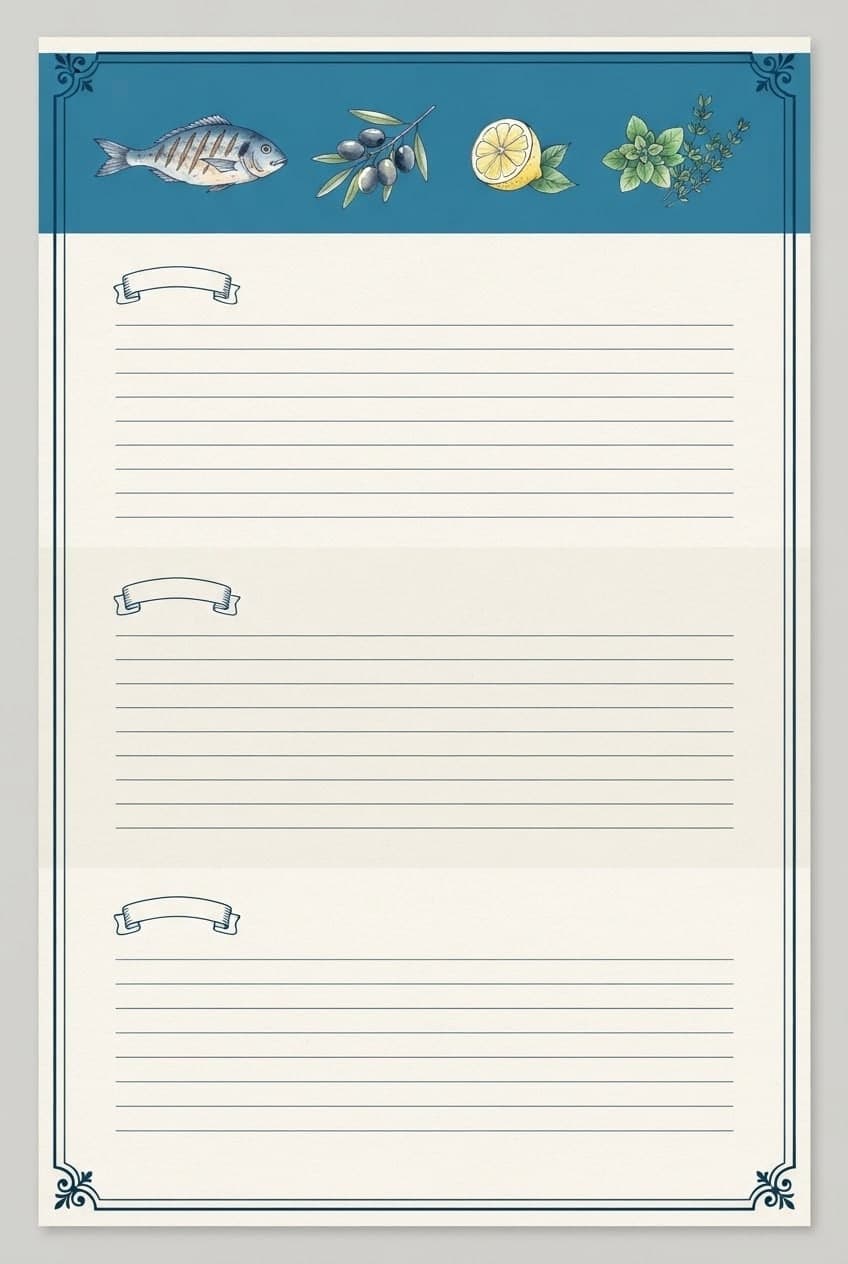
Write a prompt or open Social media under Start from a template; it asks for the platform, topic, headline, palette and style. Pick a ratio, ask for 4 images and press Generate.
Open Edit on the design closest to what you want and ask for one change at a time. If you need a logo or product, add it as image 2 in Edit mode.
Each version sits separately in your gallery. Save the best one as SD (JPG) or HD (PNG) for free with Download and delete the rest.
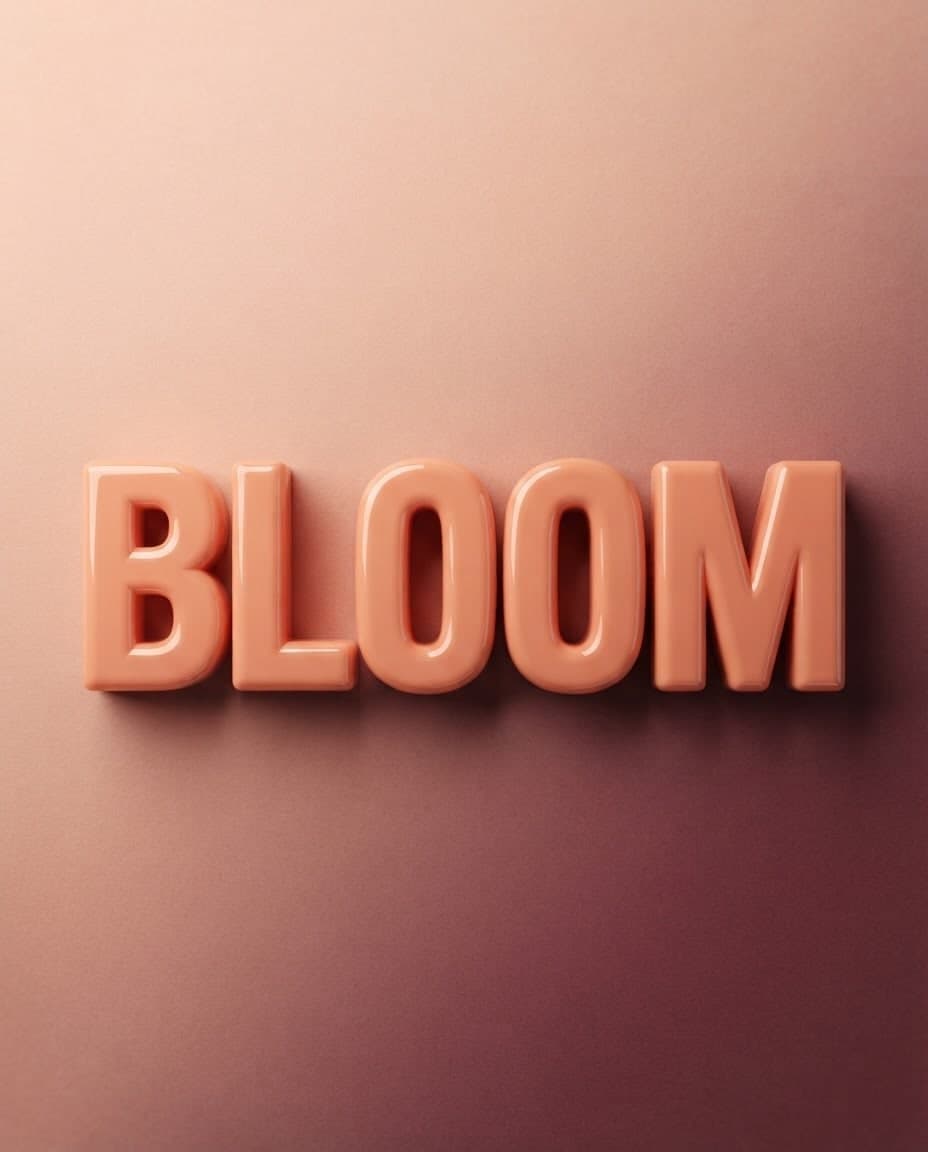
Add your own image and Canvas either uses it as a reference for a new picture or applies the change you describe. Up to 4 images with style and subject roles.
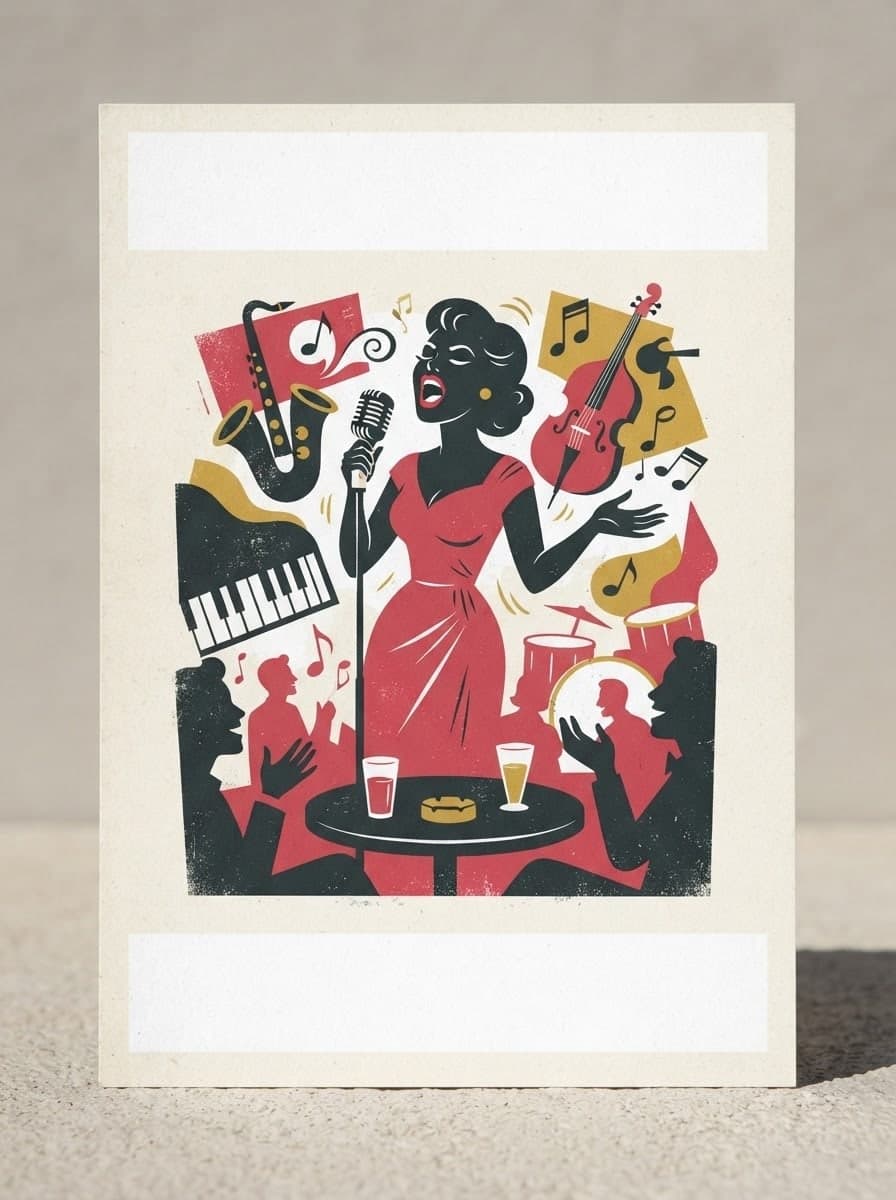
Describe your event, headline and style, and Canvas draws posters and flyers for you. Vintage poster, art deco and pop art presets, plus 4K downloads.
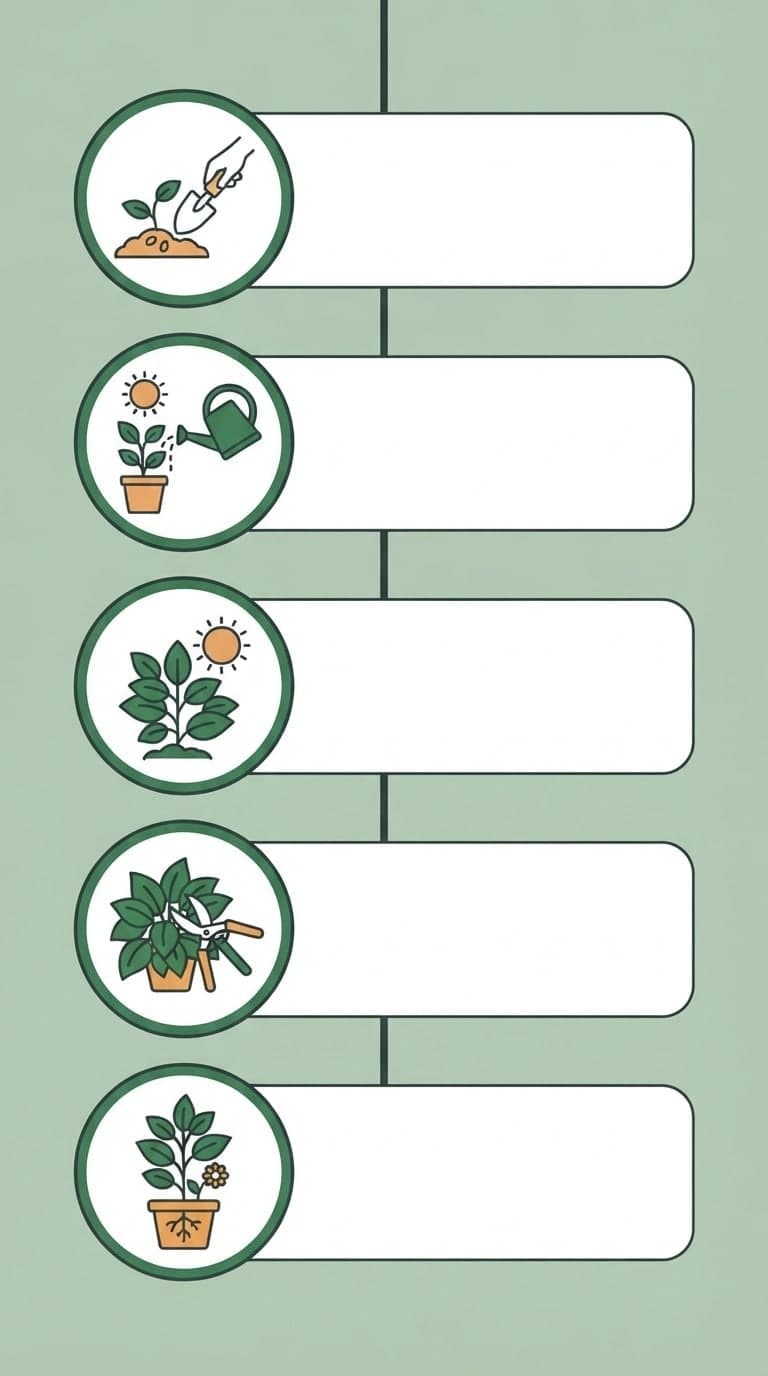
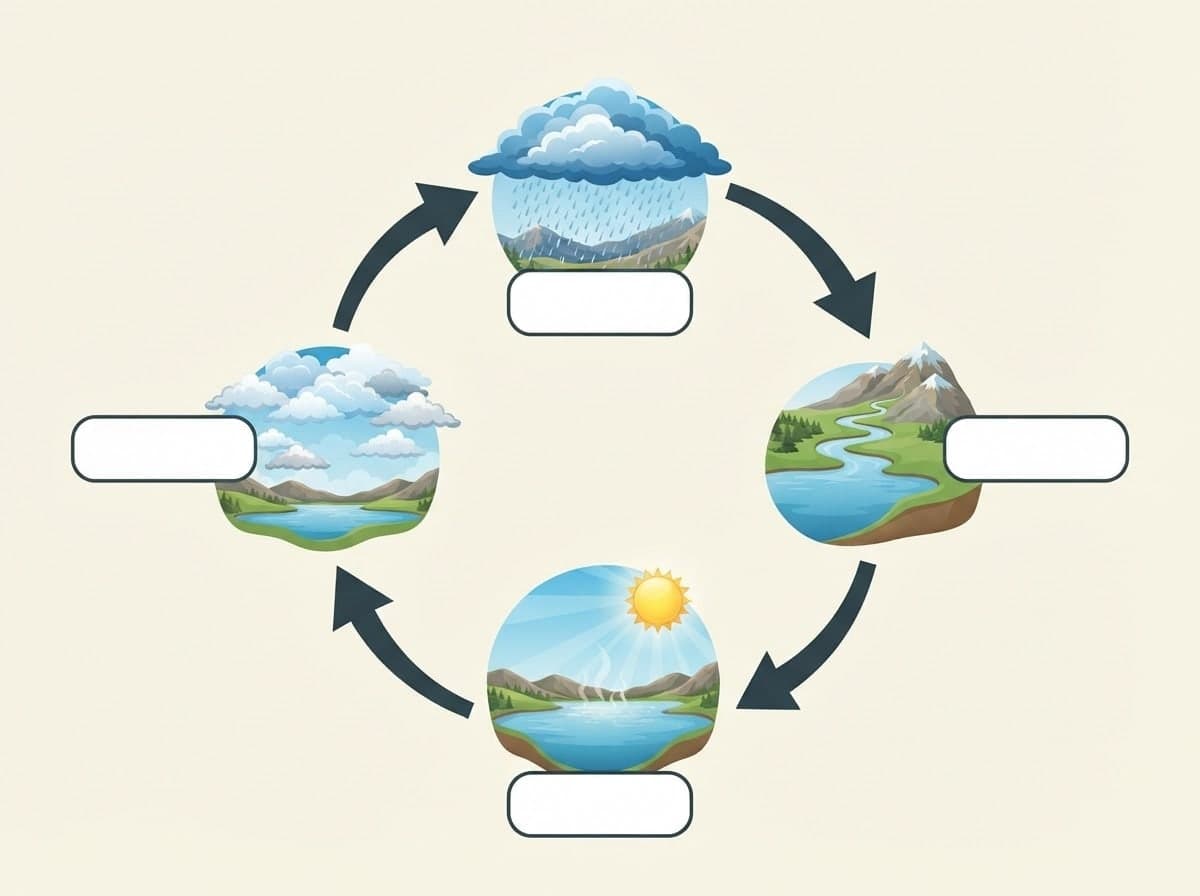
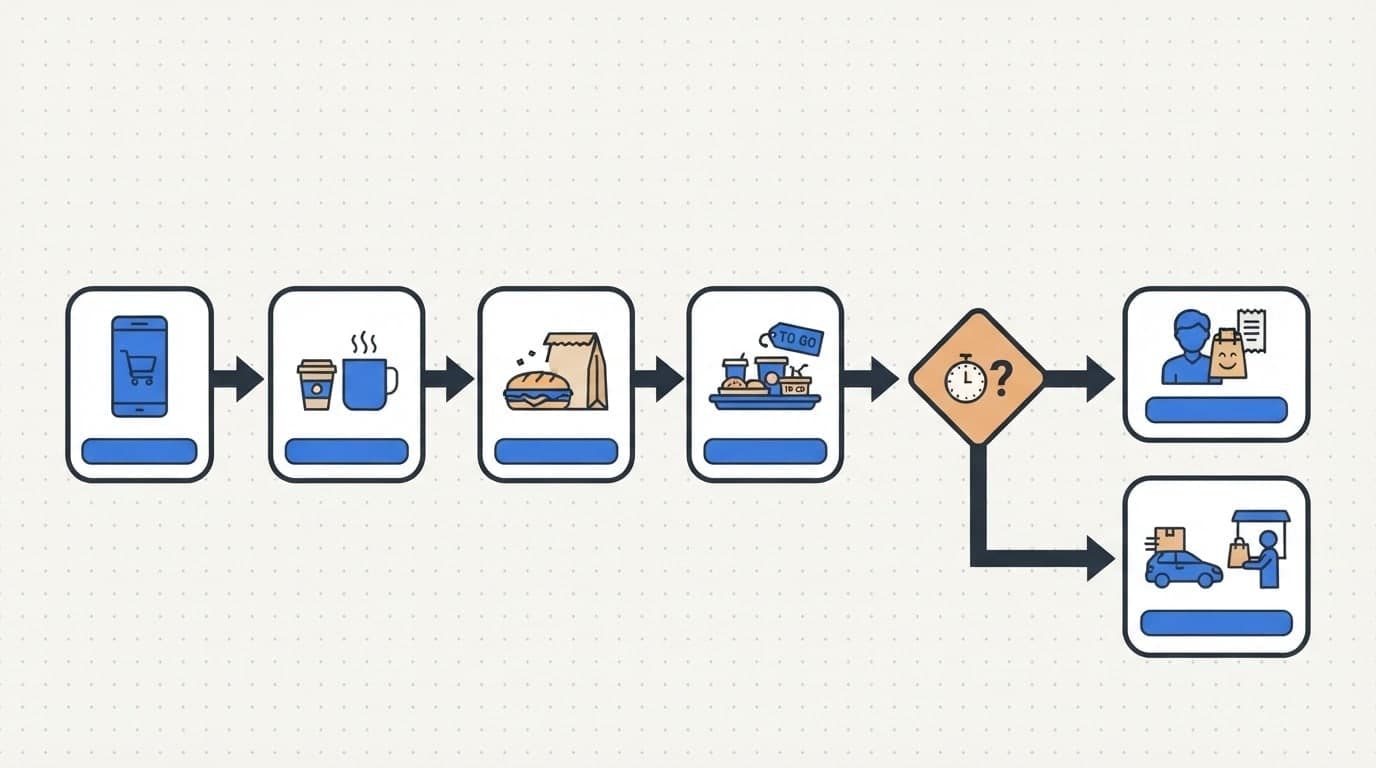
Write a title and a few short labels, and Canvas draws a step-by-step infographic image. Flat vector icons, tall formats and fixes by writing. Start free.
Type your brand name and style, and Canvas draws four logo options in one go. A logo template, flat vector presets and your own color codes. Start free.
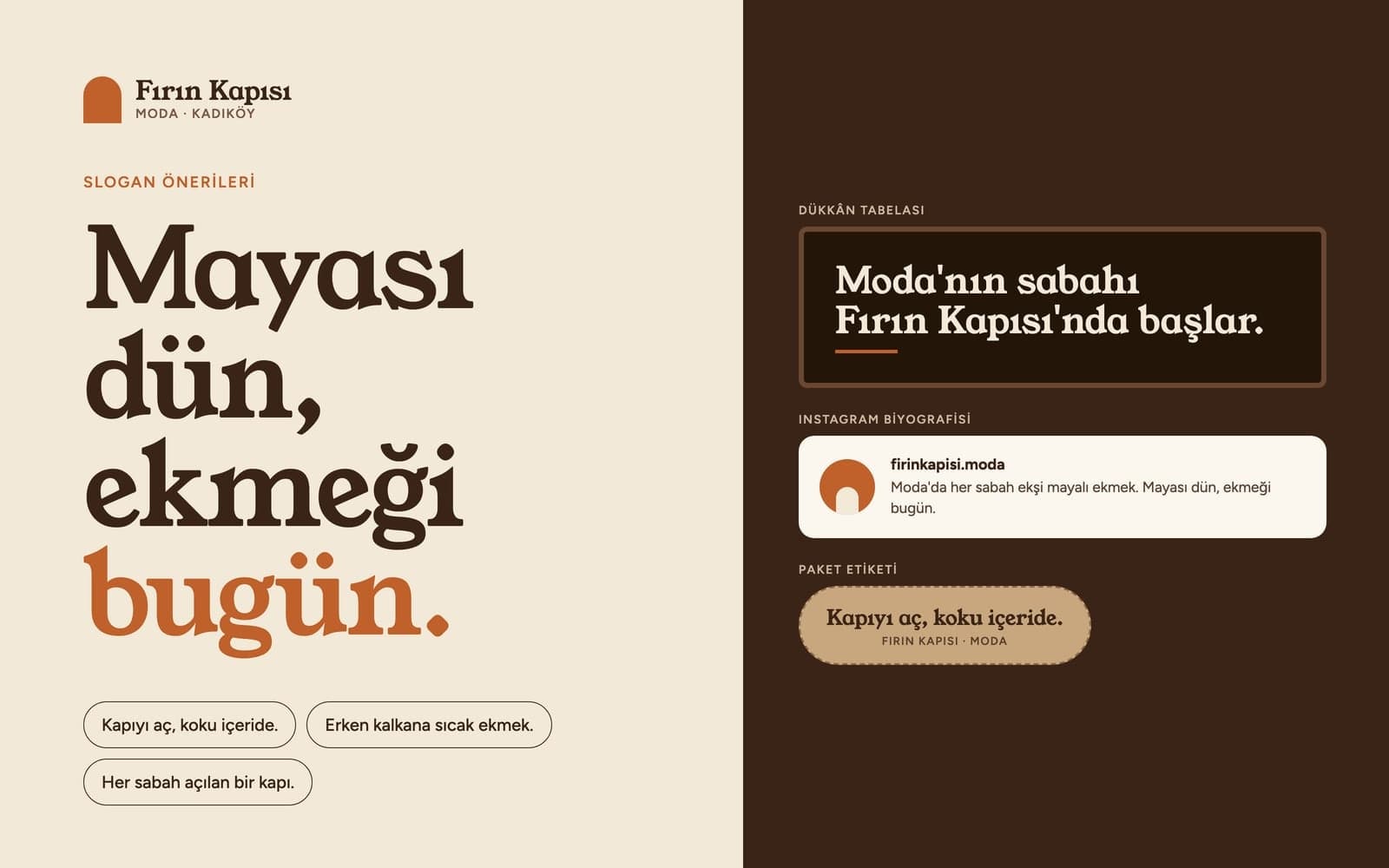
Use Entro Ads to draft a Google Ads search campaign with ad groups, keywords, headlines and descriptions. Nothing reaches your account until you approve it.
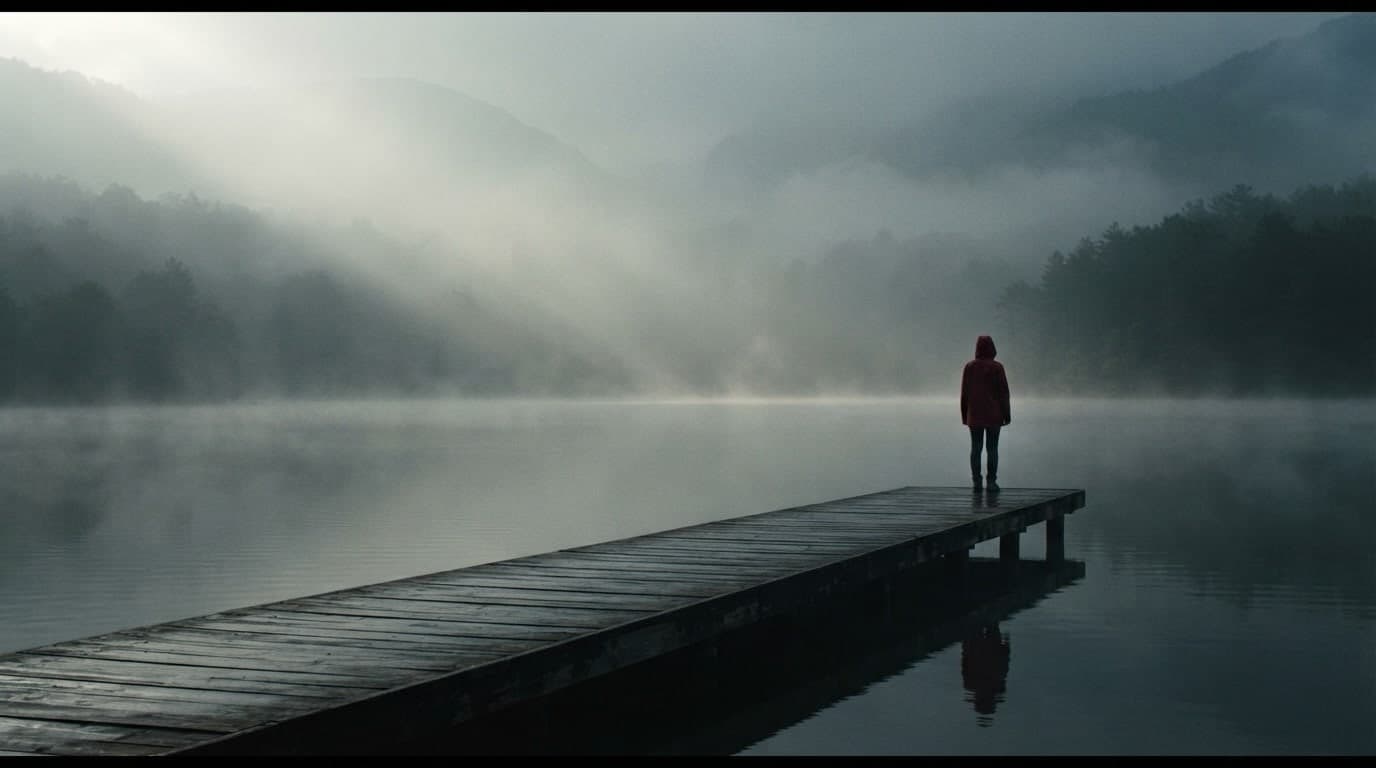
Describe a scene and Canvas turns it into 1 to 4 images. Ten aspect ratios, 16 style presets and monthly image credits on the Free plan.
You describe it, Entrobase builds it.
Create with Entrobase