




AI Poster Generator
Describe your event, headline and style, and Canvas draws posters and flyers for you. Vintage poster, art deco and pop art presets, plus 4K downloads.
Describe a process, a comparison or a checklist in a few short labels. Canvas turns it into a single infographic image with icons.
Blue parts are the places to fill in with your own details. Tab selects the next one, Enter sends, Shift and Enter starts a new line.
This tool runs on Entro Canvas.
Canvas draws the infographic as a single image. Numbered process steps, a side-by-side comparison of two options, a short checklist or a cycle diagram come out in the layout you describe in the prompt.
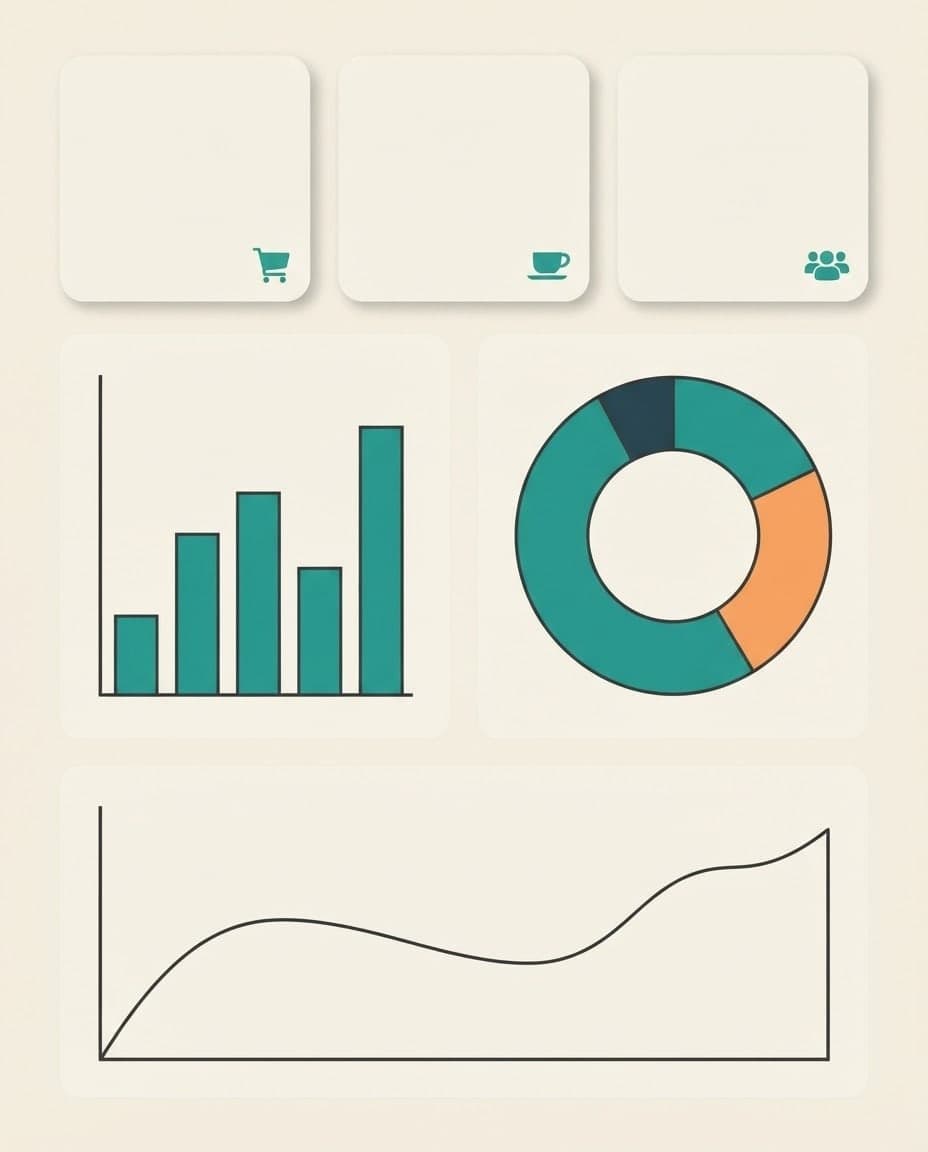
In the Style window, Design mode, Flat vector and Minimal illustration give clean icons, and the Blueprint style gives a diagram on a blue background. Pick one of eight ready palettes or type up to five hex codes.
Choose 2:3 for blogs and Pinterest, 4:5 for an Instagram carousel, 9:16 for stories and 16:9 for a slide. Generate each ratio separately from the same content.
Put every label in quotes in the prompt, short and spelled exactly. The model draws letters as part of the image, so five or six short labels are far more likely to come out right than long paragraphs. Read every number and word before you share it.
If a label comes out wrong, choose Fix text in the Edit window and write the correct version in quotes. Color and icon changes work the same way. Canvas does not give you a layered design file; every fix is added to your gallery as a new image.
Collect the steps of a guide in one image and add it to the end of the post. A 2:3 version of the same content also works on Pinterest.
Make a diagram that explains the water cycle or photosynthesis with four or five labels. Check the facts yourself before you take it to class.
Generate 4:5 images with one step per card. Keep the same palette and preset on every card and the set looks like one series.
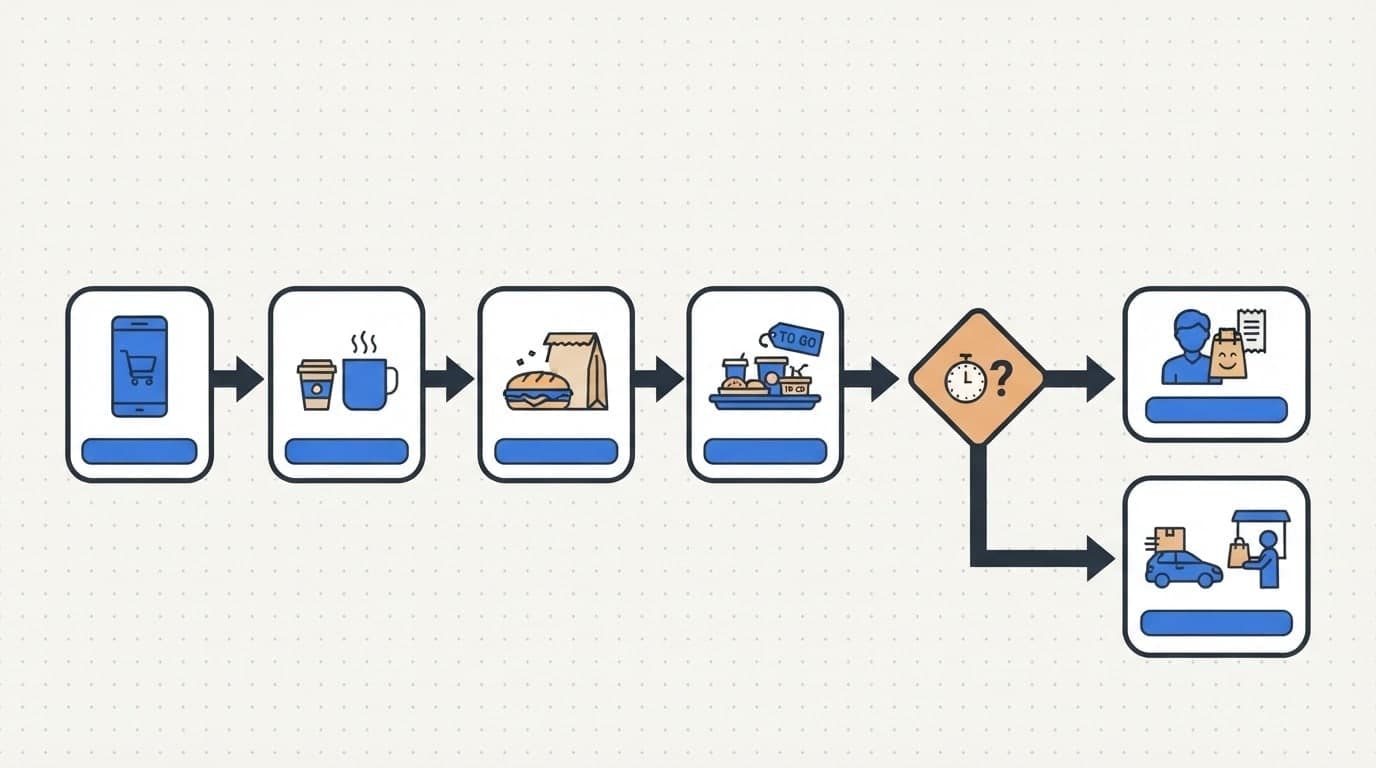
Show a flow such as "order to delivery in 4 steps" or "how to book an appointment" in one image. Use it on your site, in a brochure or on your WhatsApp profile.
A simple board image for safety rules, an onboarding checklist or weekly goals. Short items are readable from across the room.
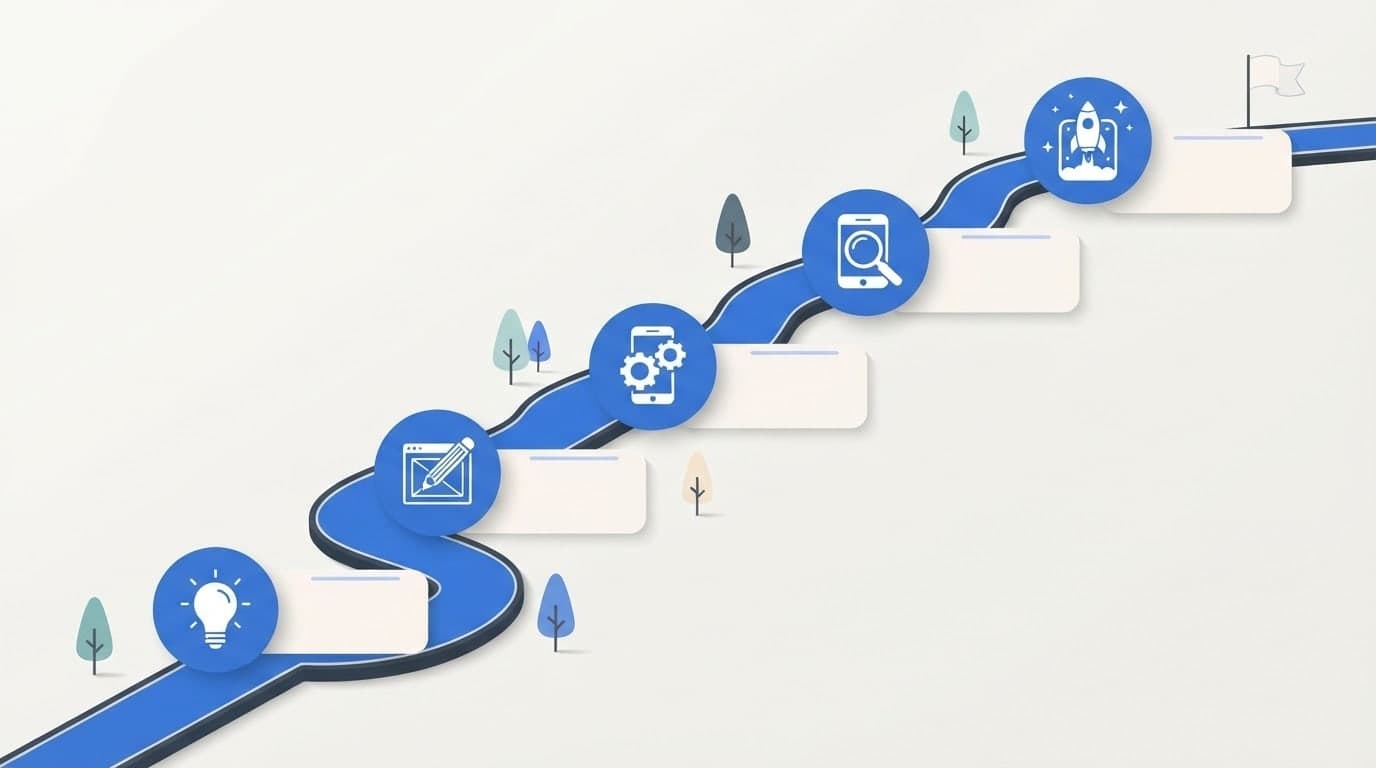
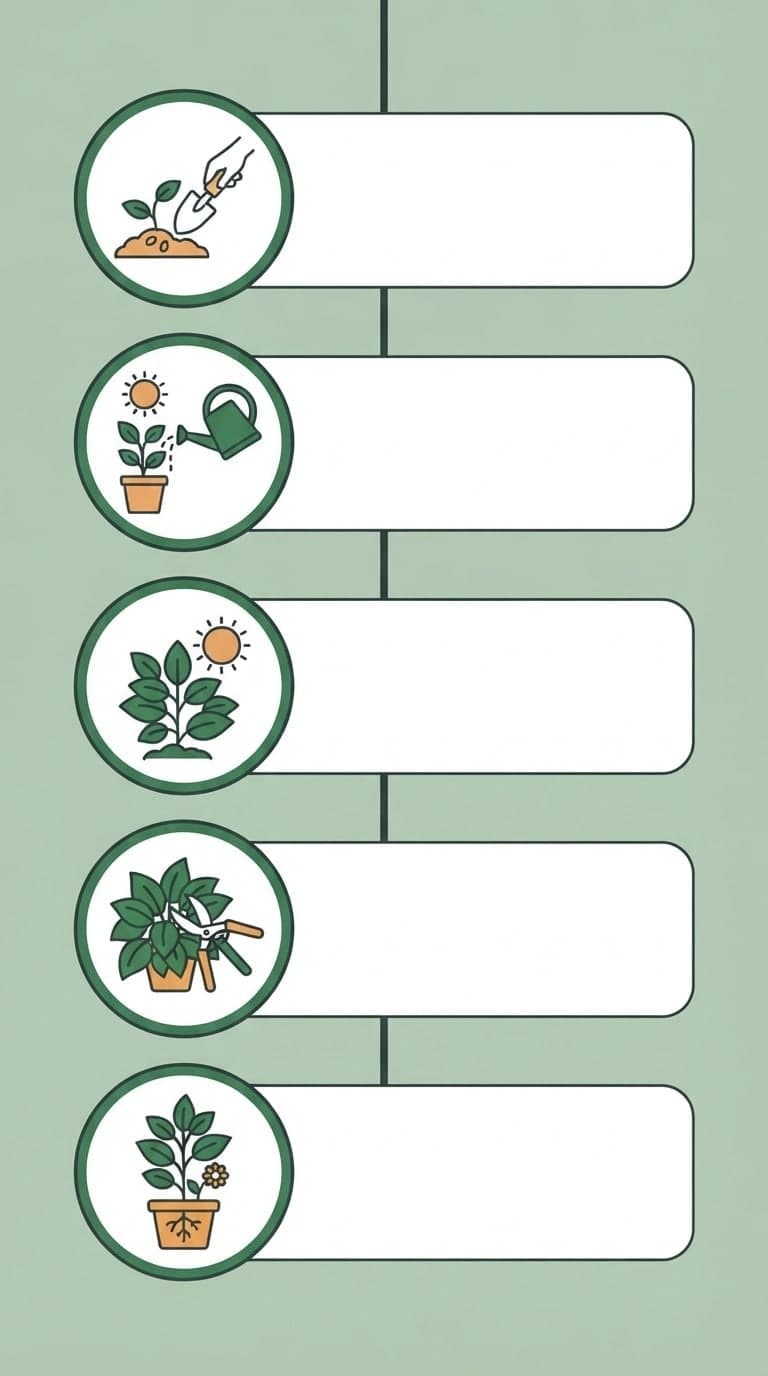
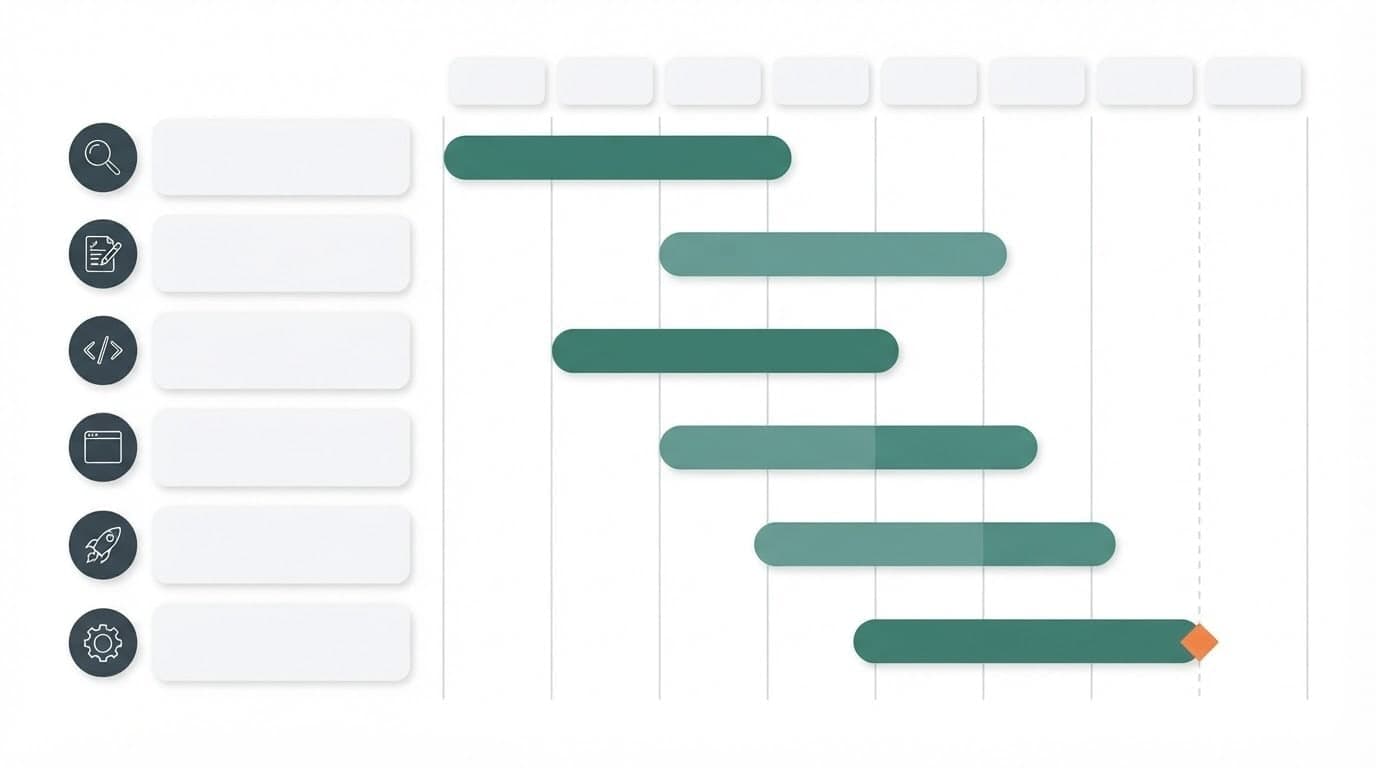
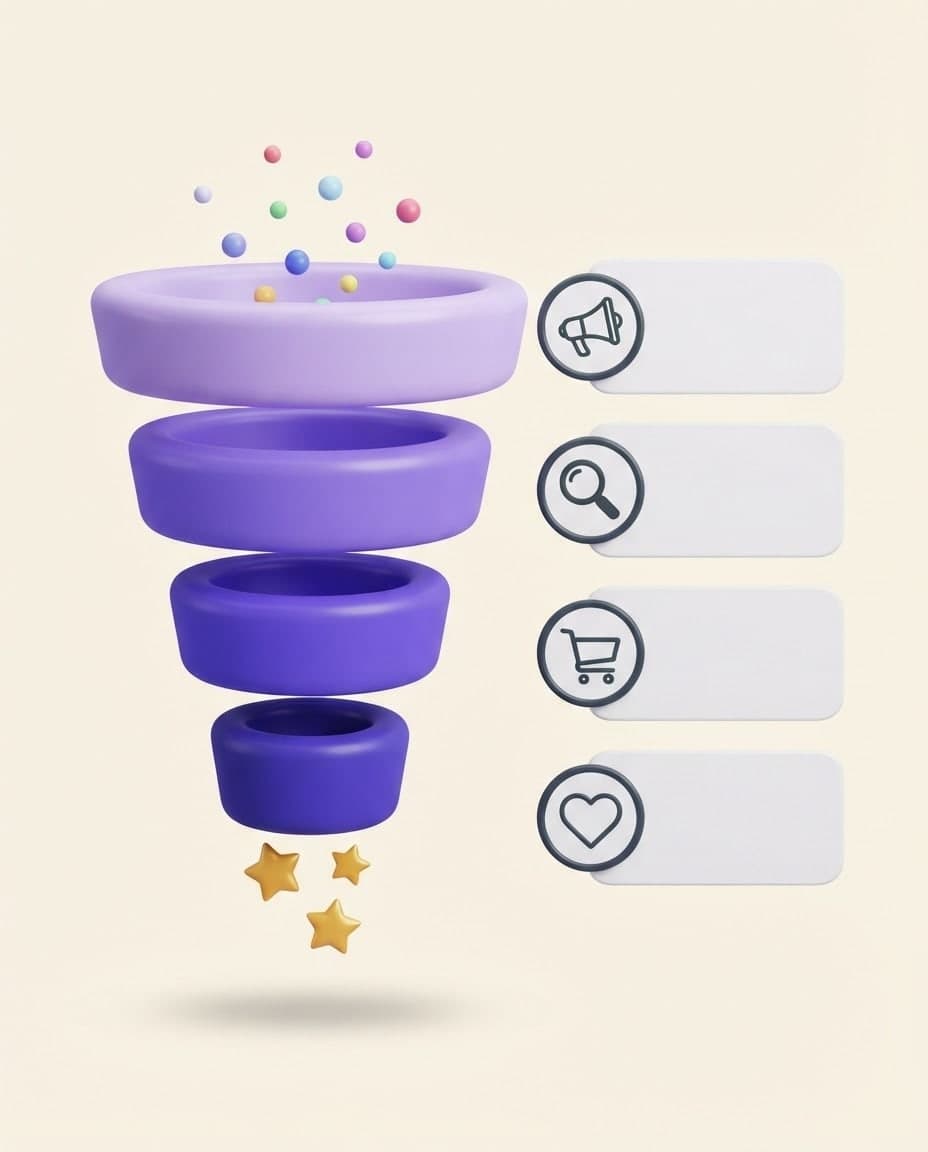
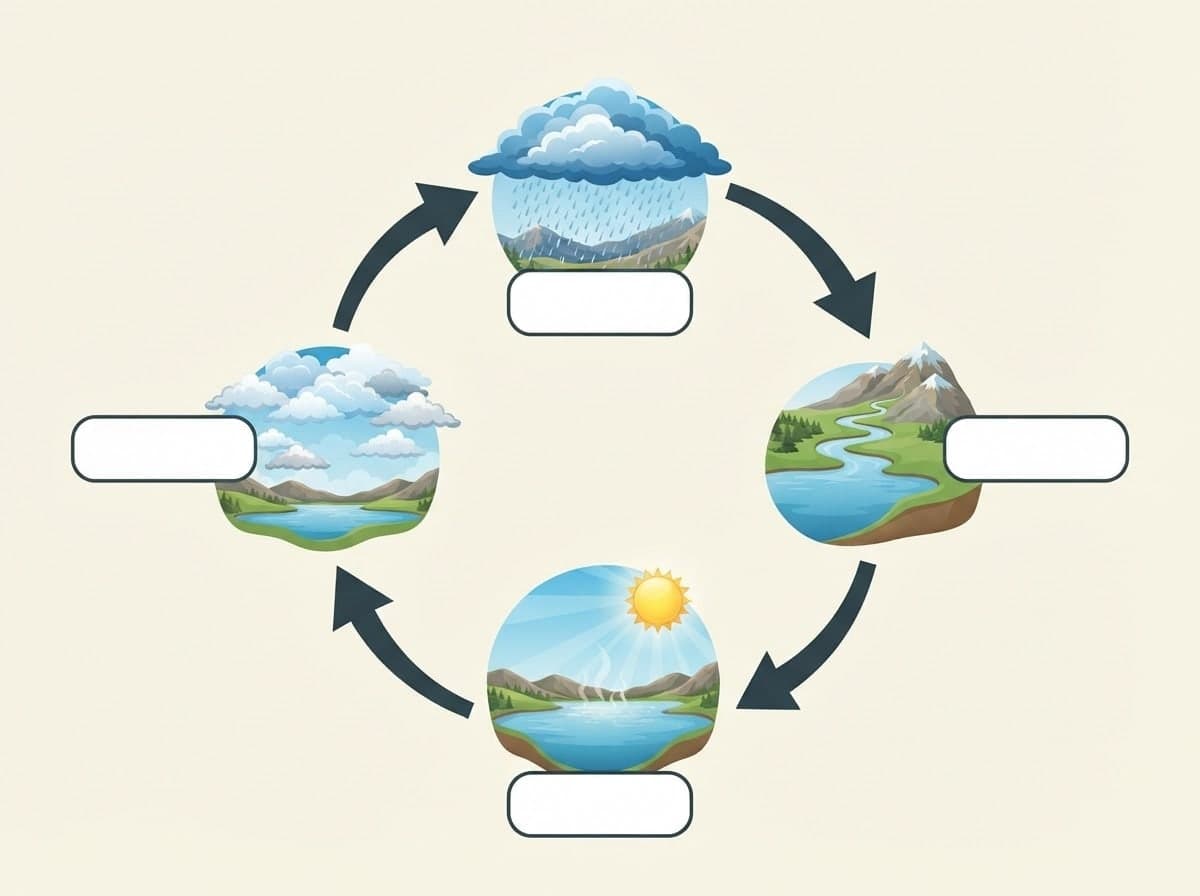
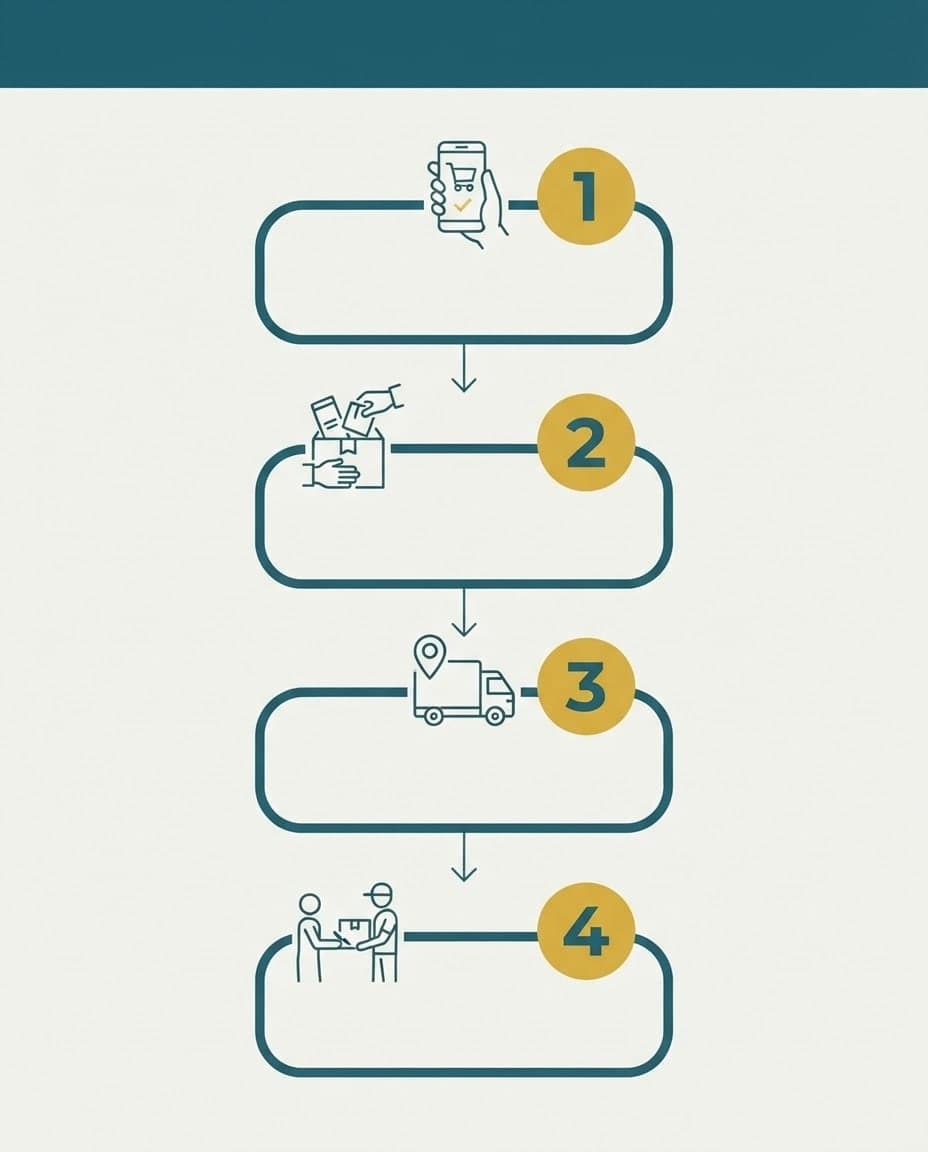



Decide on the title and at most 5-6 short labels first. Keep each label to four or five words, and double-check any numbers you use.
In Canvas, describe the layout (vertical list, two columns, cycle), the labels in quotes, the colors and the background. Choose Design mode or Flat vector, set the ratio to 2:3 or 4:5 and press Generate.
Pick the cleanest option and read every word. Fix any wrong label with Edit, then save it as HD (PNG) with Download.
Describe your event, headline and style, and Canvas draws posters and flyers for you. Vintage poster, art deco and pop art presets, plus 4K downloads.
Describe a post, invite or promo and Canvas designs it; then change any detail by writing. Each edit is a new version and the old one stays in your gallery.

Turn a keyword into a full blog post with a cover and in-post images. AutoBlog drafts it on your own site, and you edit it and publish when it's ready.
Lease Agreement Clauses
Clause 1 (Original: Clause 3) The monthly rent is 1,800 dollars payable by the 5th of each month. Clause 2 (Original: Clause 4) The deposit equals two months' rent and is returned on move-out. Note: This document is a cleaned draft based on extracted text.
Attach up to 5 images. Entro reads the text in them and writes a clean document you save with Print / PDF. The images themselves do not become PDF pages.

Describe a scene and Canvas turns it into 1 to 4 images. Ten aspect ratios, 16 style presets and monthly image credits on the Free plan.

Add your own image and Canvas either uses it as a reference for a new picture or applies the change you describe. Up to 4 images with style and subject roles.
You describe it, Entrobase builds it.
Create with Entrobase