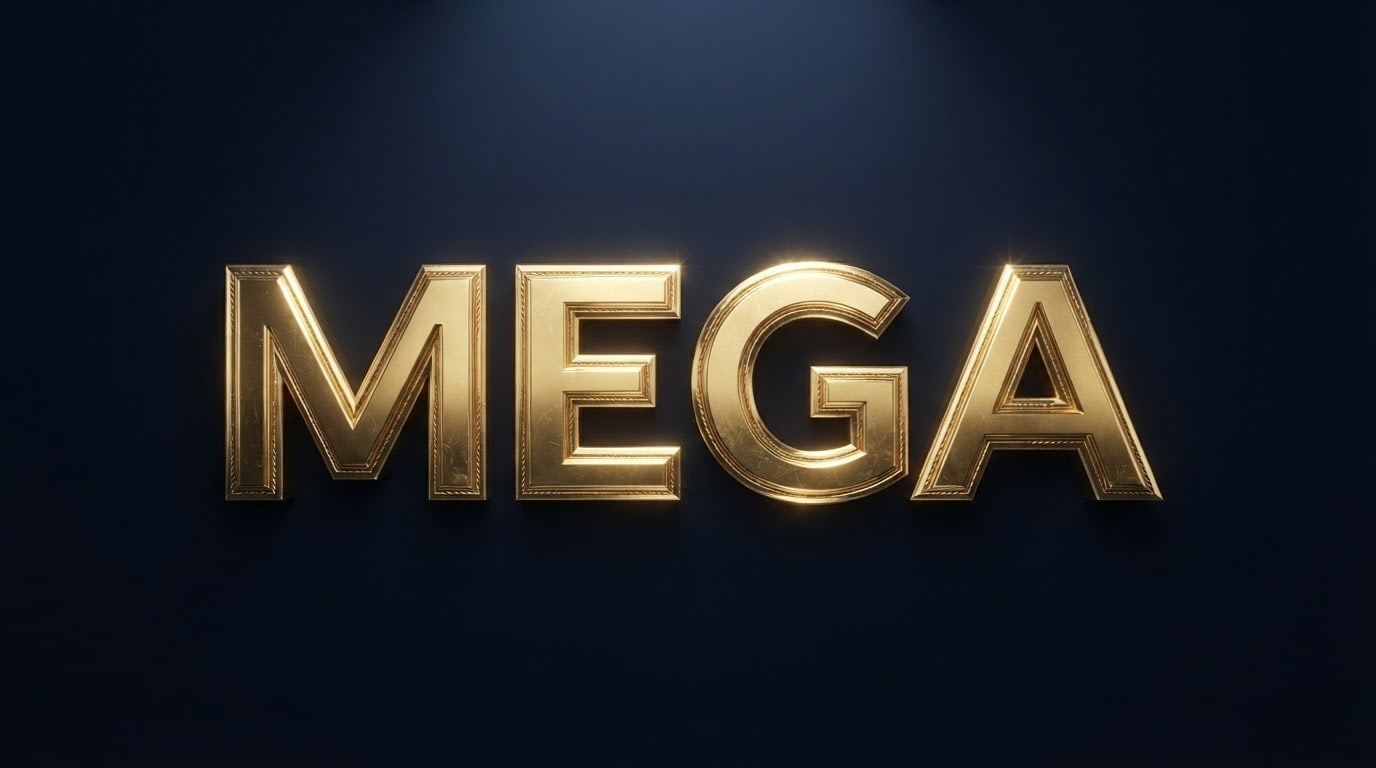
Font Style Prompt: 8 Name Font Styles for Gemini (2026)
8 font style prompts that show a name or word in retro, pixel, chrome, chalk and blackletter lettering styles, for Instagram text and name designs. Works in Gemini, ChatGPT and Entrobase Canvas.
Tested: EntroGen Flash, November 2026
Prompt
Fill in the fields below and the prompt updates instantly. Copy it and use it in any AI tool.
Create a lettering design of one word drawn in a special font style.
Word"SUNNY", one line, uppercase, every letter complete and in the right order.
Font style70s retro, round and puffy letters, orange letters with a cream outline; every letter in the same style, bold and easy to read.
Backgrounda flat warm cream backdrop, plain, no pattern.
Lightflat and even, slight glossy highlights on the letters.
Anglestraight front view, level, letters side by side without tilting.
Styleclean digital lettering, crisp vector-like edges.
Palettetwo letter colors and the background color.
Compositionthe word dead center, filling three quarters of the width, equal space around it.
Rulesno letters, numbers or marks other than the given word.
Aspect ratio 16:9.
Image made with this prompt

7 more ready-to-use prompts
Different takes on the same topic. Copy any of them as is and replace the parts in square brackets.
1.Name in retro letters
When to use: To see your name in retro lettering.
Draw a name in puffy 70s retro letters.
- Name
- "[e.g. Chloe]".
- Color
- orange letters with a cream outline.
- Background
- flat light yellow.
Rules
- Only the given name.
- Ratio
- 16:9
2.Instagram text style
When to use: For an eye-catching word on a post cover.
Draw one word in a glossy, bold, colorful text style for an Instagram post.
- Word
- "[e.g. VIBES]".
- Style
- puffy letters with a pink to purple blend.
- Background
- flat black.
- Ratio
- 4:5
3.Signature style name
When to use: For an elegant, signature-like name.
Draw a name in an elegant, flowing signature style.
- Name
- "[e.g. Grace]".
- Color
- deep navy ink.
- Background
- flat ivory paper.
Rules
- Keep the letters readable.
- Ratio
- 16:9
4.Cartoon title text (ChatGPT)
When to use: For a kids' event or a fun heading.
Draw a word like a cartoon title, with bold black outlines and lively letters.
- Word
- "[e.g. BOOM]".
- Color
- yellow letters with a red shadow.
- Background
- flat light blue.
- Ratio
- 16:9
5.Blackletter name
When to use: For a tattoo idea or a bold style.
Draw a name in bold blackletter letters.
- Name
- "[e.g. Ethan]".
- Color
- black letters.
- Background
- flat off-white.
Rules
- Keep the letters readable, do not overdo the ornaments.
- Ratio
- 16:9
6.Chalk menu heading
When to use: For a cafe or restaurant menu heading.
Draw a one-word heading written in chalk on a blackboard.
- Word
- "[e.g. MENU]".
- Style
- white chalk letters with fine decorative lines around them.
- Ratio
- 4:5
7.One word, four styles
When to use: To compare styles for a brand name.
Draw the same word on four rows in four different font styles: retro, pixel, chrome, chalk.
- Word
- "[e.g. NOVA]".
- Background
- flat light gray, equal space between rows.
Rules
- Only this word on each row.
- Ratio
- 4:5
What this prompt does
If you want a name or word in a specific font style, like 70s retro, 8-bit pixel or Y2K chrome, the main prompt turns it into clean lettering on a flat backdrop; change one option to switch the style. The 7 variants below give a name in retro letters, an Instagram text style, a signature style name, cartoon title text, a blackletter name, a chalk menu heading and the same word in four styles.
Where to use it
- Instagram posts and profile text
- Name designs and gift images
- Event and menu headings
- Style tests for a brand name
Fields you can fill in
The fields you can change in the form above and their default values.
- WordFree text
- SUNNY
- Font styleOne of 5 options
- 70s retro, round and puffy letters, orange letters with a cream outline
- BackgroundOne of 3 options
- warm cream
- RatioOne of 3 options
- 16:9
Step by step
- 1
Type the word
Start with a 3-7 letter word; once the style looks right, try your own word.
- 2
Pick the style
Retro and pixel styles read best on light backgrounds, chrome and chalk on dark ones.
- 3
Check the letters
In ornate styles (blackletter, script) letters can look alike; check each one.
Tips and variations
- Rendering one word in five styles gives you a quick comparison board for a brand name.
- The image is not a font file; if you like a style, search font sites for a similar typeface.
- Use 16:9 for covers, 1:1 for posts and 4:5 for the Instagram feed.
Frequently asked questions
How do I write a font style prompt?
Put the word in quotes, describe the style in one sentence (era, material, edge shape), then give the background and framing on separate lines.
Can Gemini write my name in a font style?
Yes. Gemini draws short names in the chosen style well; blackletter and joined styles can blend letters, so check them.
Does this prompt give me a font file (TTF)?
No, it only creates an image. Turning the style into a font file is a separate job.
Which font styles work best?
Bold, simple styles (retro, pixel, chrome) keep every letter readable; very ornate styles need a second look.