


AI Game Maker
Write your game idea and Entrobase builds a first version that runs in the browser. Play it in the preview, change rules by chat, publish and share the link.
Describe a 2D game where things run, jump and shoot. Entrobase sets up the play area, controls and score; you play it in the preview and tune speed, jumps and levels by chatting.
Blue parts are the places to fill in with your own details. Tab selects the next one, Enter sends, Shift and Enter starts a new line.
This tool runs on Entro Builder.
"Make the jump a little higher", "speed up enemies in level two", "let the character fall more slowly". The Builder changes the movement rules and you replay the same level in the preview.
Arrow keys or WASD on a computer, on-screen buttons or taps on a phone: write which controls you want in your request. You can have both in the same game, and change the size and position of the phone buttons by chat.
Attach your character, background or logo to the chat as a PNG, JPEG, WebP or GIF and say where it goes in the game. Without images, the look follows the description you wrote.
No drawing at hand? Create your character or background in Canvas and save it with Download on its card. Then attach it to the chat in the Builder and write "use this image as the player" or "make this the background of level one". Canvas has no button that places an image on a site directly, so this is how the image gets into your game.
Start with a single level in your first request and get the feel right: jumping, collisions, score. Then grow the game with requests like "add moving platforms in level two". If you send several requests in a row, the preview builds only the latest state. If a request breaks a level, Restore this version under that reply brings the game back.
Side-view levels where you jump forward, collect coins and avoid enemies. Lives, level ends and the score bar are built the way your request describes them.
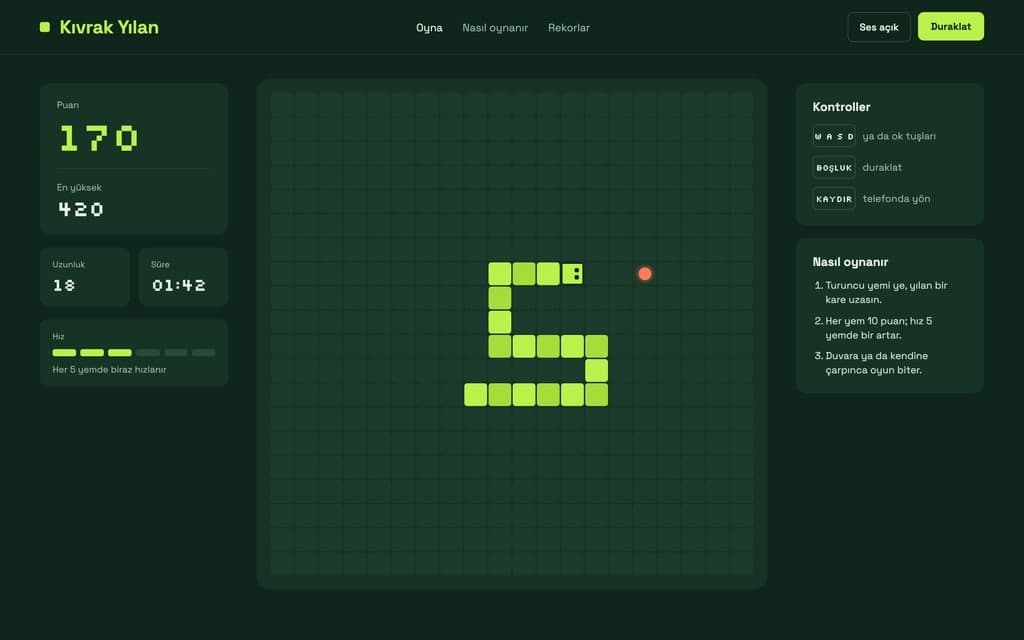
A snake that grows as it eats, a ball that breaks bricks, falling blocks that clear full rows. With rules everyone knows, your version stands apart through its look and difficulty.
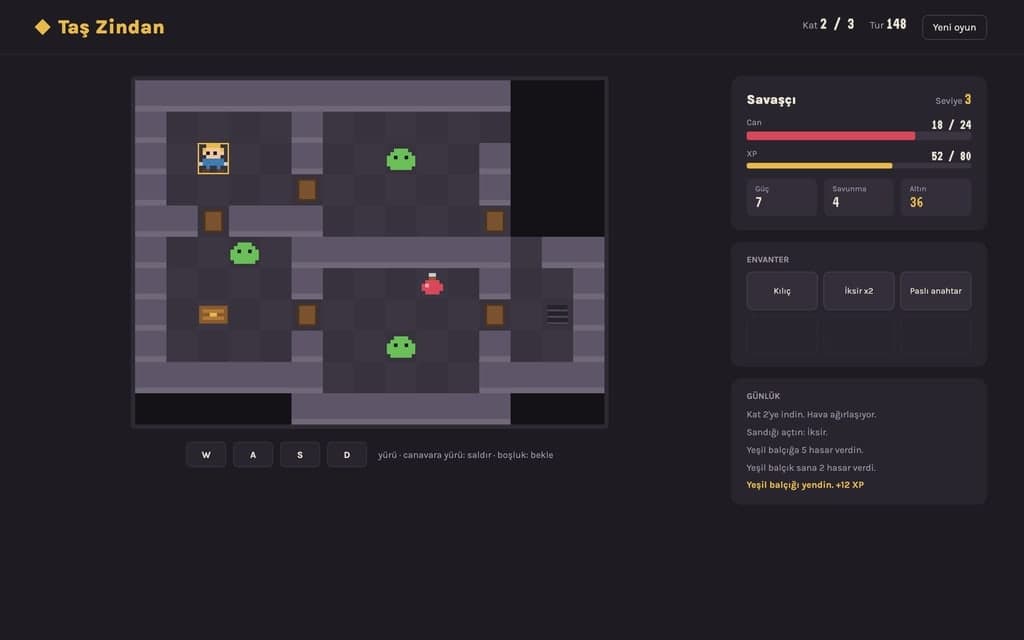
A ship at the bottom firing at enemies coming from the top. Change how often waves arrive, how fast shots fly and which power-ups appear by chat.
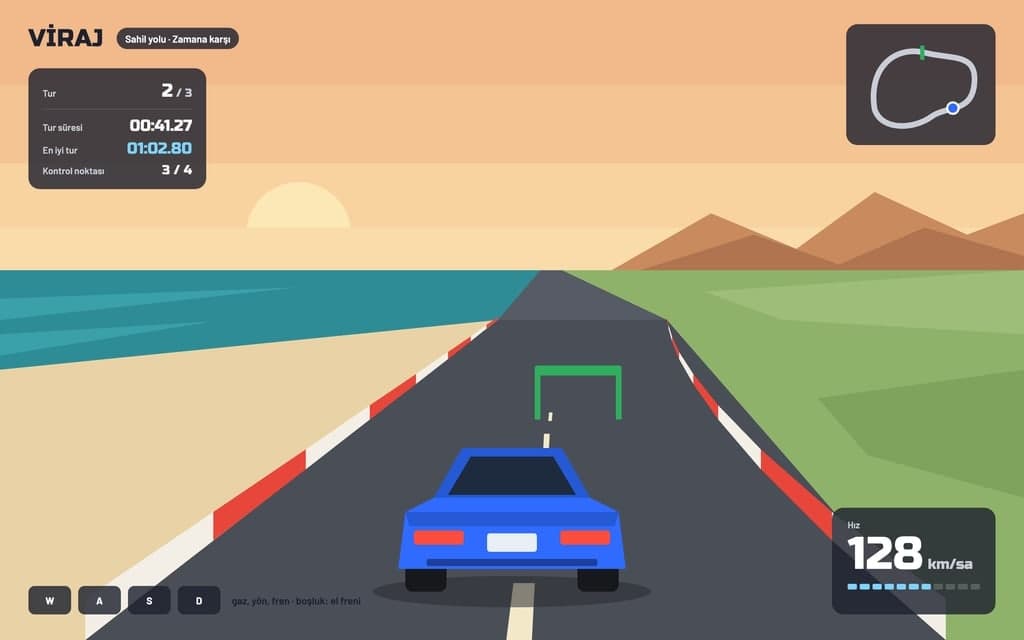
The character runs on its own, the player only jumps or ducks, and the pace picks up over time. One-tap controls make it one of the easiest kinds to fit on a phone.
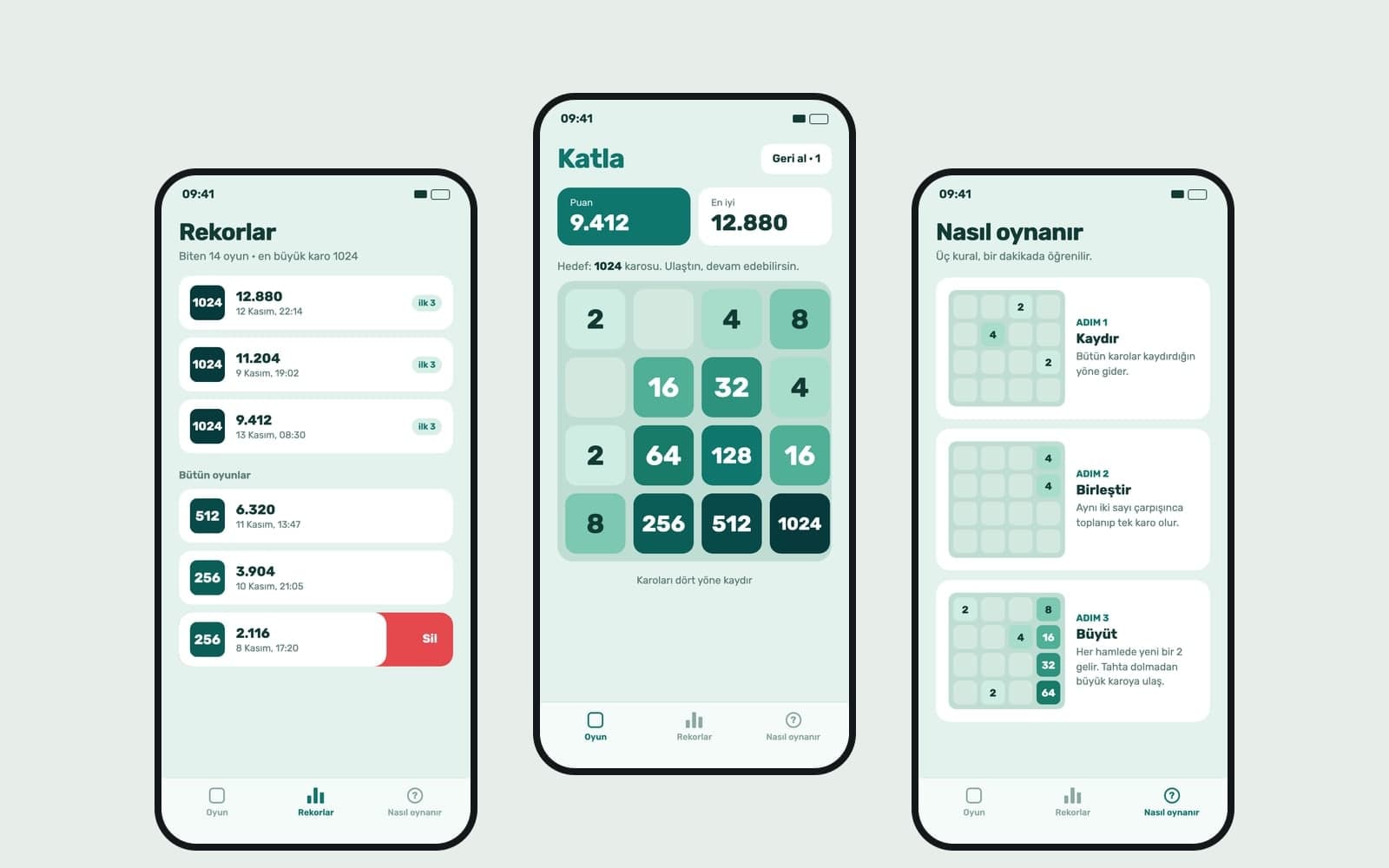
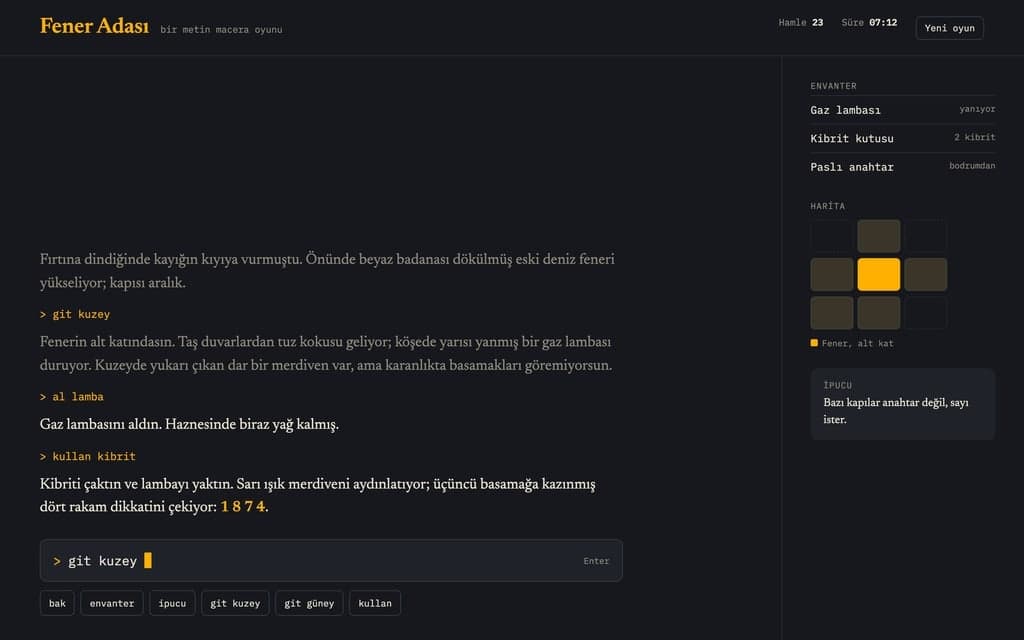
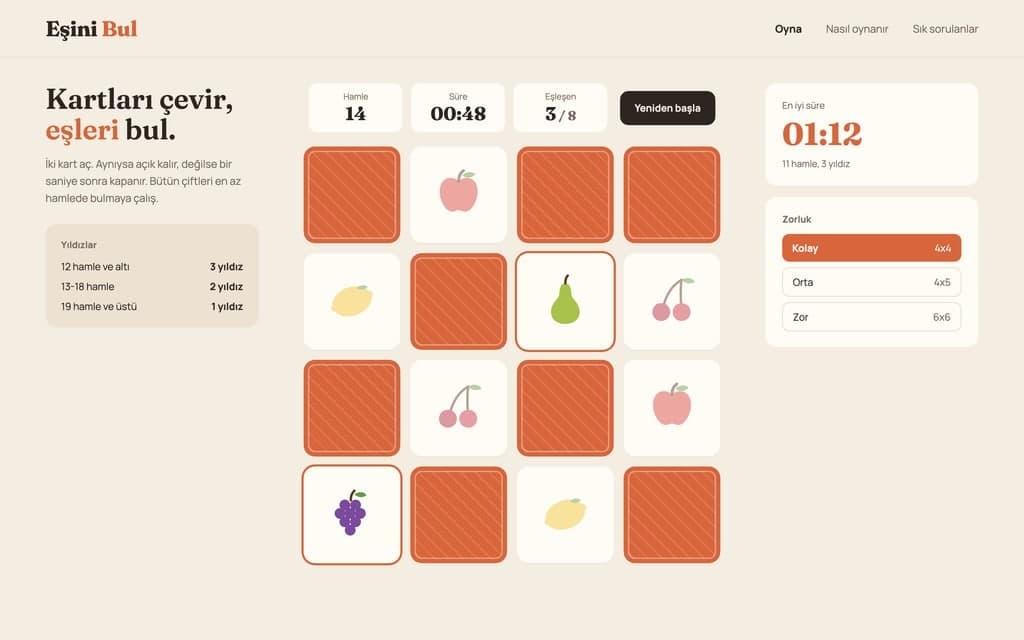
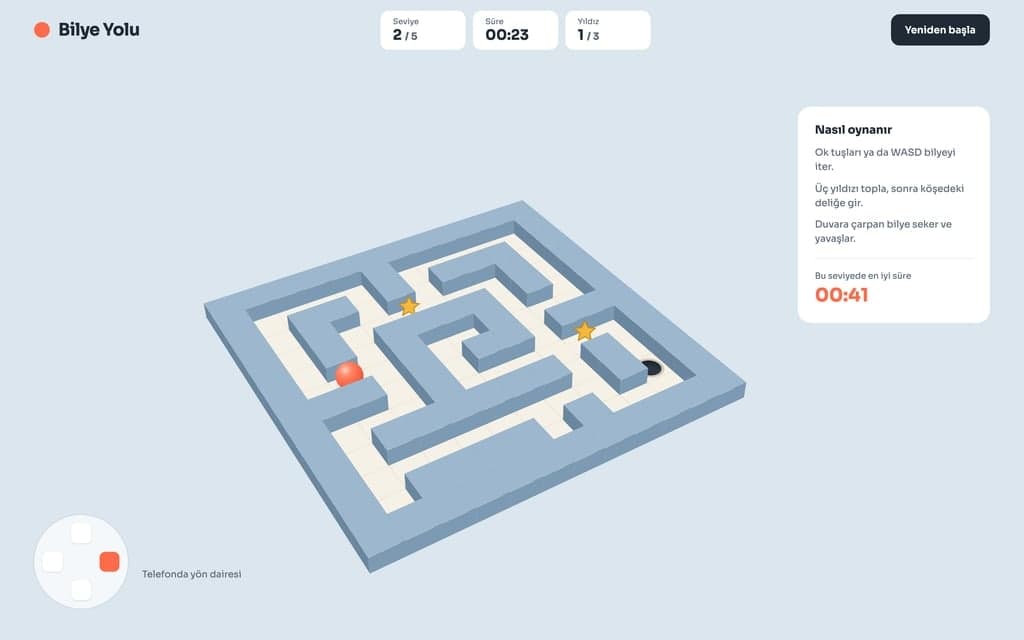
Card matching, sorting colors, sliding tile puzzles. With no speed or collision tuning involved, they make a good first 2D game.
Change the character, level count and look in the request above. Write which key does what, how points are earned and how lives are lost. Send it and the Builder opens; without an account you sign up first and the request is kept.
The Builder builds the first version and opens the preview. Click into the preview and play with the keyboard. Write what you notice about jumps, speed and difficulty in the chat; the preview rebuilds after each change.
Press Publish and the game opens at yoursite.entrobase.site. Open the link on your phone and try the touch buttons; write anything missing into the chat and publish again.
Write your game idea and Entrobase builds a first version that runs in the browser. Play it in the preview, change rules by chat, publish and share the link.

Describe item icons, character ideas, backgrounds and card art, and Canvas draws 3D-style or 2D game images. You get PNG or JPG images to prepare for your game.
Describe a simple 3D game or scene that opens in the browser and Entrobase builds a first version. Try it in the preview, then tune camera, speed and colors.
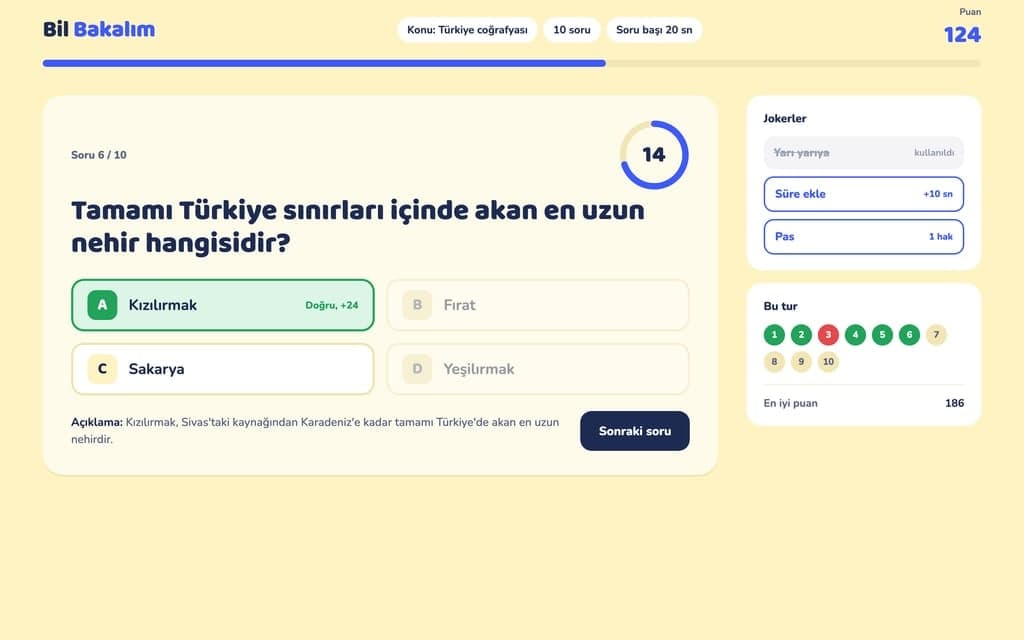
Turn your story into a choice-based adventure, class notes into a quiz, a word list into a puzzle. Entrobase builds the game for the browser and you play it.

Describe a scene and Canvas turns it into 1 to 4 images. Ten aspect ratios, 16 style presets and monthly image credits on the Free plan.
You describe it, Entrobase builds it.
Create with Entrobase