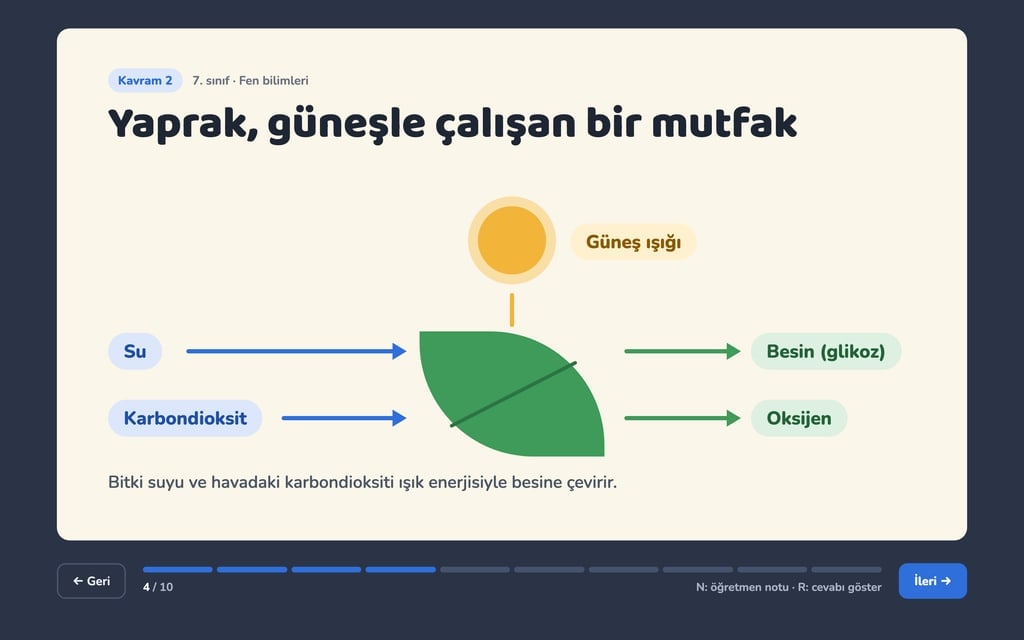
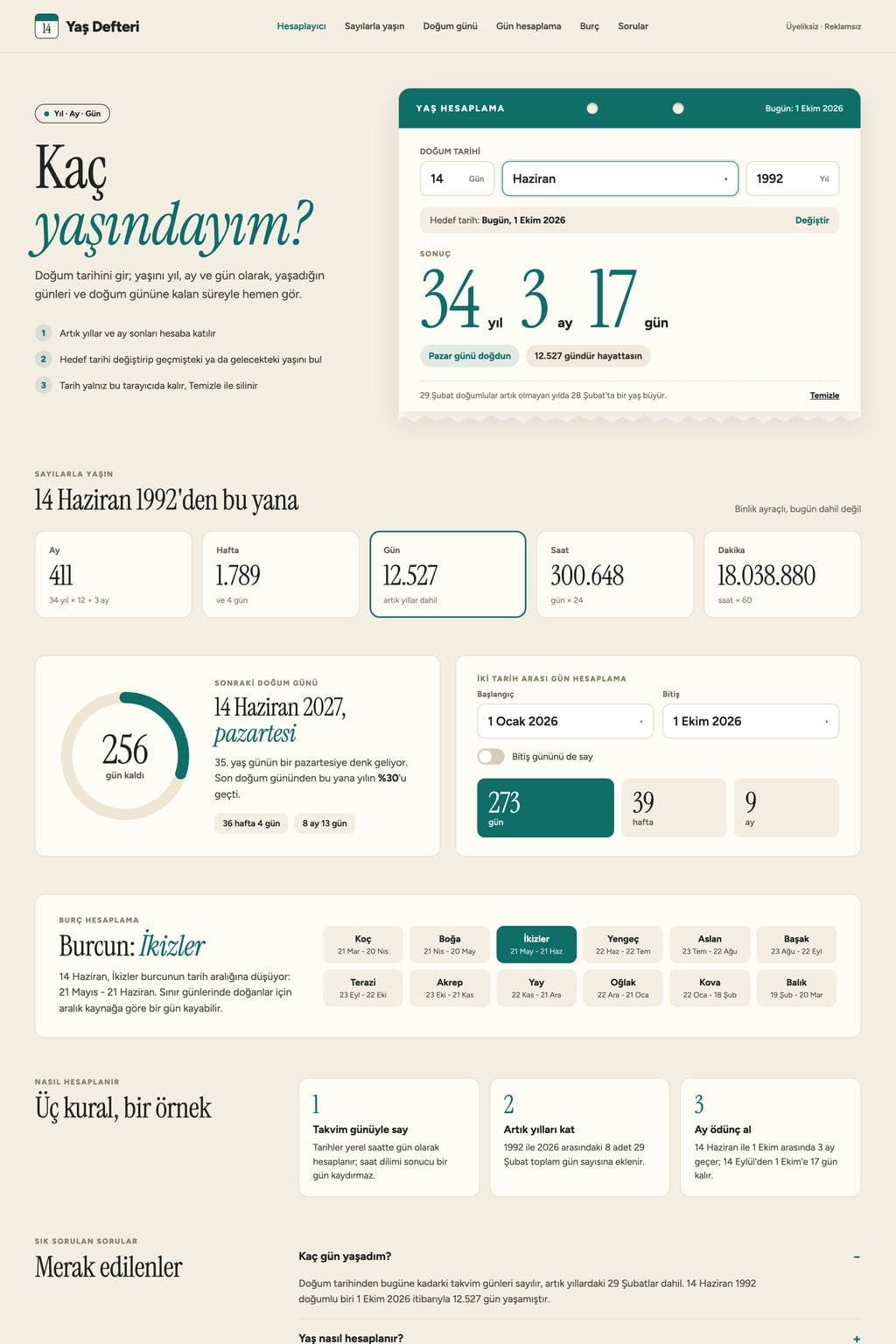
8 Presentation Prompts (Claude): Examples and Guide (2026)
8 presentation prompts: a web presentation that runs in the browser, slide outlines and speaker notes for Claude, ChatGPT and Gemini, plus project and team update decks.
Prompt
Fill in the fields below and the prompt updates instantly. Copy it and use it in any AI tool.
Build a 8-slide web presentation about cutting the weekly meeting time of remote teams for an internal team meeting.
Formata one-page Next.js site; every slide fills the screen at 16:9 and moving between slides never reloads the page.
Slide plan
Cover: the title, a one-sentence subtitle, the presenter's name and the date.
Why it matters: one big sentence and one supporting number.
Middle slides: one idea each, a title of 6 words or fewer, at most 4 short bullets or a single chart.
Comparison or process: a two-column table or numbered steps.
Closing: a 3-point summary and a Q&A slide.
Navigation
Left and right arrow keys, the space bar and a click change slides; swiping works on touch screens.
A thin progress bar at the bottom with a slide counter like "3 / 8" and previous and next buttons.
The F key toggles full screen; the URL carries the slide number like #3, so a reload returns to the same slide.
The N key opens each slide's speaker notes in a panel that slides up from the bottom.
Design
Style: dark navy background, white text, editorial serif titles.
Main color #ff7a59; only for title accents, the progress bar and charts.
Large titles, body text at least 24 px, generous space on every slide.
A short slide or fade transition; when reduced motion is on, slides change without animation.
Content
Short, concrete English copy; 2-3 sentences of speaker notes for every slide.
Numbers are examples but realistic; no real brands, logos or people; no lorem ipsum.
When printed, each slide lands on its own landscape A4 page.
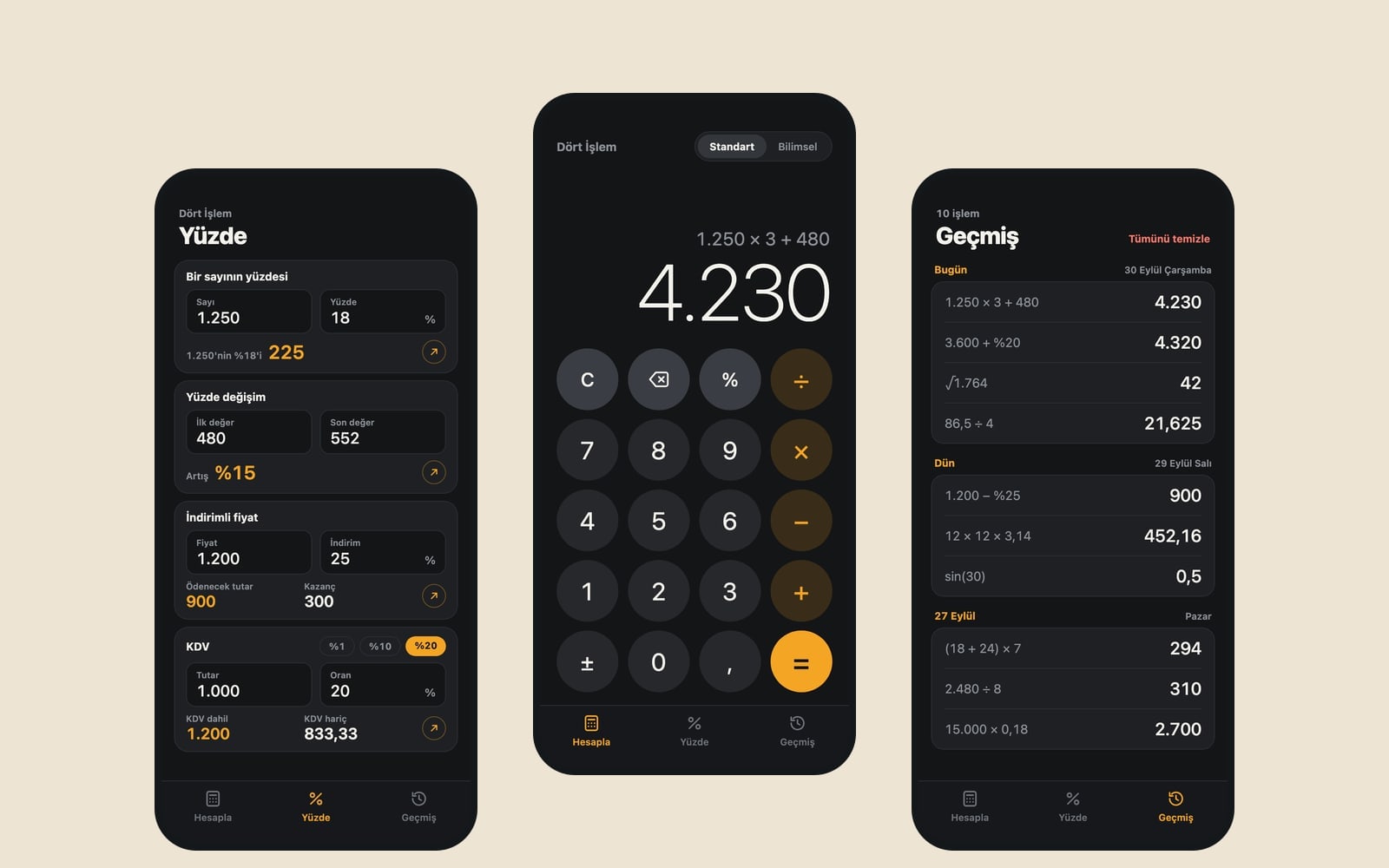
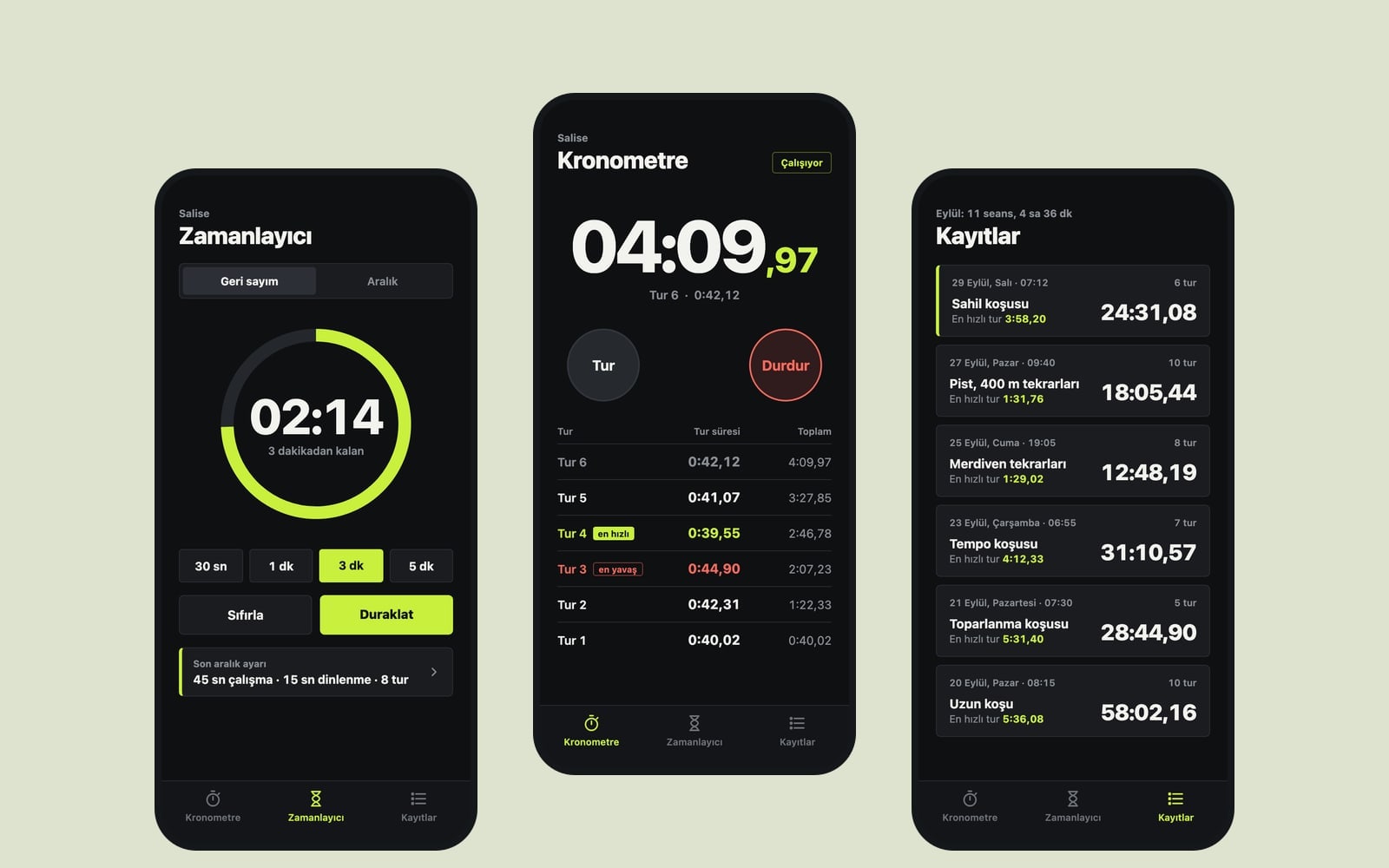
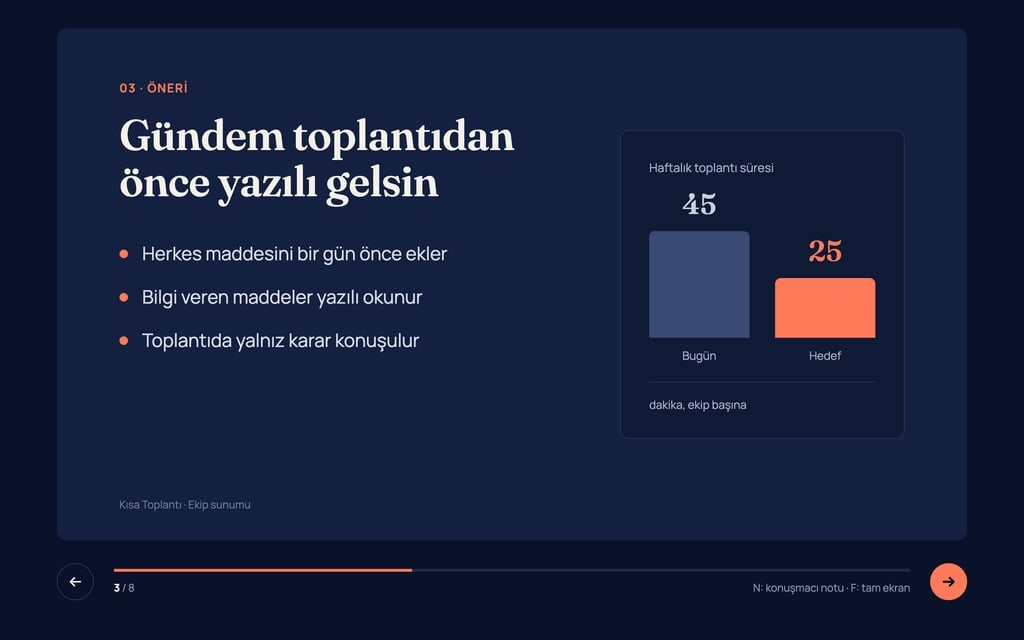
Design preview made from this prompt
7 more ready-to-use prompts
Different takes on the same topic. Copy any of them as is and replace the parts in square brackets.
1.Presentation prompt for ChatGPT: outline first
When to use: When you want to approve the slide plan before ChatGPT writes every slide.
Write an [8]-slide presentation about [topic] for [audience].
First show the slide plan as a table: slide number, title, one-sentence purpose.
When I say 'approved', write for each slide:
- Title: 6 words or fewer
- Bullets: at most 4, one line each
- Speaker notes: 2-3 sentences
Rules
- One idea per slide.
- Do not invent statistics; write [number] where a figure is needed.
2.Presentation prompts for Claude: single HTML file
When to use: When you want the whole deck as one HTML file you can open offline.
Write an [8]-slide presentation about [topic] as a single HTML file with CSS and JavaScript inside.
- Navigation
- arrow keys and click, a progress bar and slide counter at the bottom.
- Design
- [dark background, light text], main color [hex], a serif typeface for titles.
Rules
- Every slide 16:9, text at least 24 px.
- Use simple shapes drawn in HTML and CSS instead of images.
- Give the code first, then list 3 things I can change.
3.Presentation prompt for Gemini: plan, text and notes
When to use: When you want Gemini to return the plan, slide text and speaker notes in one answer.
You are an experienced presentation coach. Prepare a [10]-slide presentation on [topic].
- Audience
- [e.g. company leadership], length: [15] minutes.
Return three parts
- 1Slide plan: numbered list
- 2Slide text: a title and at most 3 bullets per slide
- 3Speaker notes: 30 seconds of talk per slide
End with 3 hard questions the audience might ask and short answers.
4.Project status presentation prompt
When to use: When you need to brief leadership on a project's status, risks and the decision you need.
Prepare a 6-slide status presentation on [project name] for leadership.
Slides
- 1One-line summary and overall status (on track, at risk, delayed)
- 2What was finished this period
- 3Timeline: plan versus actual
- 4Risks and mitigations as a table
- 5Budget: [spent] of [total]
- 6The decision we need
Rules
- At most 4 bullets per slide.
- Plain language, no jargon.
5.Prompt for a client proposal presentation
When to use: When you are walking a client through a service before sending a quote.
As [company name], prepare an 8-slide presentation proposing [service] to a client in [industry].
- Slides
- the client's problem, our solution, how we work (3 steps), timeline, team, a similar project, packages, next step.
Rules
- Use the client's language and avoid self-praise.
- Leave a [price] placeholder instead of figures.
6.Lesson presentation prompt for teachers
When to use: When you are teaching a topic and want examples and quick check-in questions on the slides.
Create a [10]-slide lesson presentation on [topic] for [grade level].
Structure
- Open with a question that sparks curiosity
- One slide per concept with an everyday example
- A short quiz slide in the middle and at the end, answer on the next slide
- A 3-point summary to close
- Language
- suited to [age group], short sentences.
7.Turn a document into a presentation
When to use: When you already have a report, article or notes and want them split into slides.
Turn the text below into an [8]-slide presentation.
- For each slide
- a title of 6 words or fewer, at most 4 bullets and 2 sentences of speaker notes.
Rules
- Add nothing that is not in the text.
- Keep numbers exactly as written.
- The last slide is a 3-point summary.
Text
[paste the text here]
What this prompt does
Most people searching for a presentation prompt want text they can paste into Claude, ChatGPT or Gemini and get a deck that is organized slide by slide. The main prompt builds an 8-slide web presentation that runs in the browser, moves with the arrow keys and has a progress bar and speaker notes; the 7 prompts below cover outlines, speaker notes, status updates and turning a document into slides.
Where to use it
- Weekly team meeting
- Project update for management
- Client proposal walkthrough
- University lecture or seminar
- Conference talk
Fields you can fill in
The fields you can change in the form above and their default values.
- TopicFree text
- cutting the weekly meeting time of remote teams
- AudienceOne of 5 options
- an internal team meeting
- SlidesOne of 4 options
- 8
- StyleOne of 4 options
- dark navy background, white text, editorial serif titles
- Main colorColor
- #ff7a59
Step by step
- 1
Write the topic as an outcome
In the Topic field, write the result you want rather than a title (for example, cutting the weekly meeting to 30 minutes). The cover subtitle and the closing summary are built from this sentence.
- 2
Pick the audience and slide count
The audience changes tone and detail: short and numeric for senior management, example-led for a class. Eight slides suit a 15-minute talk and twelve suit 30 minutes.
- 3
Copy it or start it in Builder
Copy the prompt into Claude, ChatGPT or Gemini; on Entrobase the Start button sends it to Builder. In the result, try the arrow keys, F for full screen and N for speaker notes.
- 4
Test each slide
Check that every slide carries one idea. If a slide is crowded, ask in the same chat: 'split this slide in two and cut the bullets to 4'.
Tips and variations
- Ask for action titles instead of topic labels ('Meetings dropped from 45 to 25 minutes'); the audience gets the point even if they only read the titles.
- To share the deck as a PDF, use Print and Save as PDF in the browser; the print line in the prompt puts every slide on its own page.
- Give the real numbers for chart slides in the prompt ('Jan 42, Feb 37, Mar 31'); sample numbers can be mistaken for real data.
- Most presentation clickers send the left and right arrow keys, so this deck works with a clicker on stage.
Frequently asked questions
What is a good presentation prompt for ChatGPT?
State the topic, audience, slide count and the maximum bullets per slide on separate lines. Asking for the outline as a table first and approving it before the full text keeps the deck organized.
Can Claude make presentation slides?
Claude can write a full deck as a single HTML file with navigation and styling; the Claude variant below asks for exactly that. For a deck you can open from a link, use the main prompt in Builder.
Is there a presentation prompt for Gemini?
Yes. The Gemini variant asks for the outline, slide text and speaker notes in three labeled parts, plus three hard questions the audience might ask.
How many slides should a presentation have?
Roughly one slide per minute works: 8-10 slides for a 10-minute talk. The Slides field offers 6, 8, 10 or 12.