Landing page prompts: 10 ready-to-use prompts for Claude, ChatGPT and Gemini
Landing page prompts you can paste as-is: 10 ready-to-use prompts for product, waitlist and app download pages plus landing page copy, in Claude, Claude Code, ChatGPT, Gemini and Entrobase Builder.
Prompt
Fill in the fields below and the prompt updates instantly. Copy it and use it in any AI tool.
Build a conversion-focused, one-page, mobile-friendly landing page for Plankus.
Producta weekly planner and focus timer app for freelancers.
Single goalvisitors join the waitlist with their email.
Sections (in this order):
Top menu: the product name as text, 3 section links and the main button on the right; it stays fixed on scroll and opens as a slide-down panel on mobile.
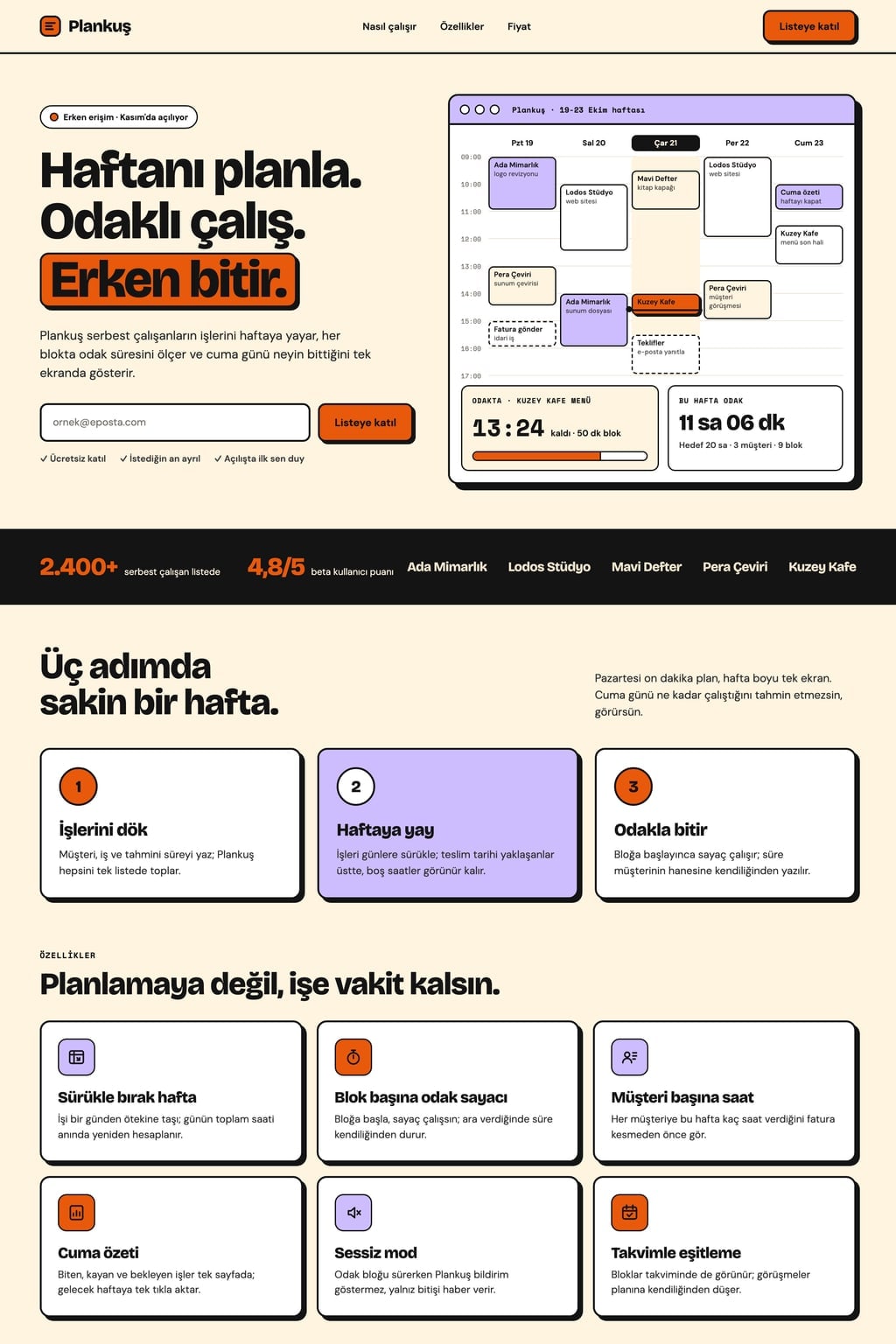
Hero: a benefit-led headline of 8 words or fewer, a one-sentence subheading, the main button and a small trust line below it; on the right, a product interface drawn in HTML and CSS with realistic data.
Trust band: user count, average rating and 5 made-up company names set in text.
How it works: 3 numbered steps, one sentence each.
Features: 6 features, each with a line icon, a short title and one sentence about the benefit.
Testimonials: 3 short user quotes with made-up names and job titles.
Pricing: 3 plans with the middle one highlighted as recommended; a monthly/yearly toggle updates the prices instantly and shows the yearly discount.
FAQ: 5 questions in an accordion.
Closing: a short headline that repeats the goal and the same main button, with footer links below.
Working parts
The main button opens a short form that fits the goal; the email format is validated and a thank-you message appears on submit, with no data sent anywhere.
If the goal is an app download, show two app store buttons with placeholder links instead of a form.
Design
Style: bold and colorful (cream background, thick black borders, oversized type).
Main color #e8590c; use it only on the main button and small accents, so the page has a single button color.
Large, tightly leaded headings and readable body text; spacing in multiples of 8 px and icons with the same stroke width.
On mobile, sections stack into one column and pricing cards stack vertically.
Content
Short, concrete English copy that sells outcomes rather than features; no lorem ipsum.
Numbers, company names and quotes are made up but realistic; no real brands, logos or phone numbers.
No exaggerated or unprovable superiority claims.
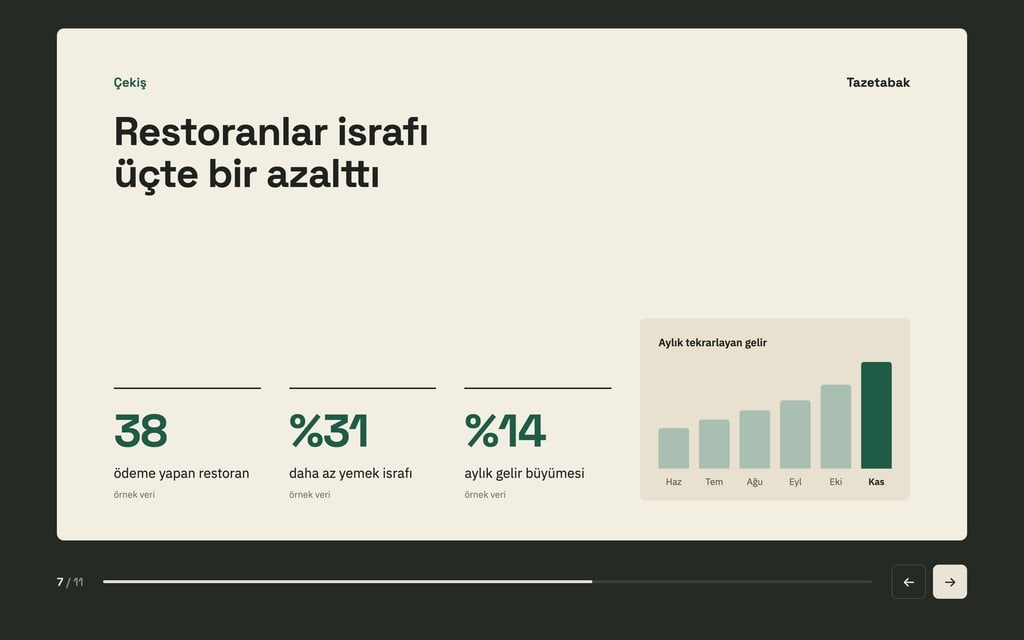
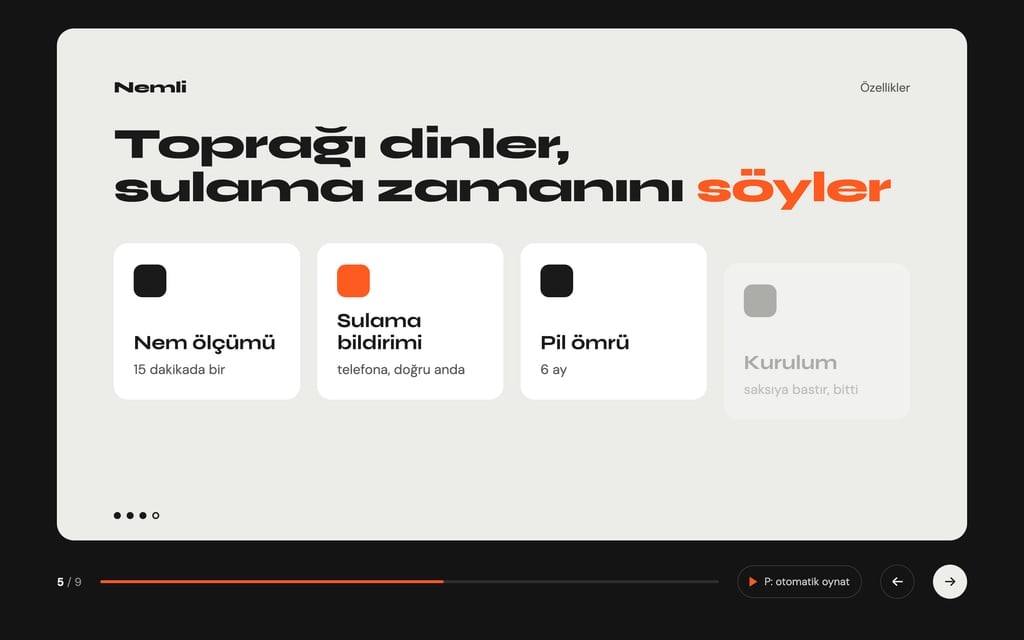
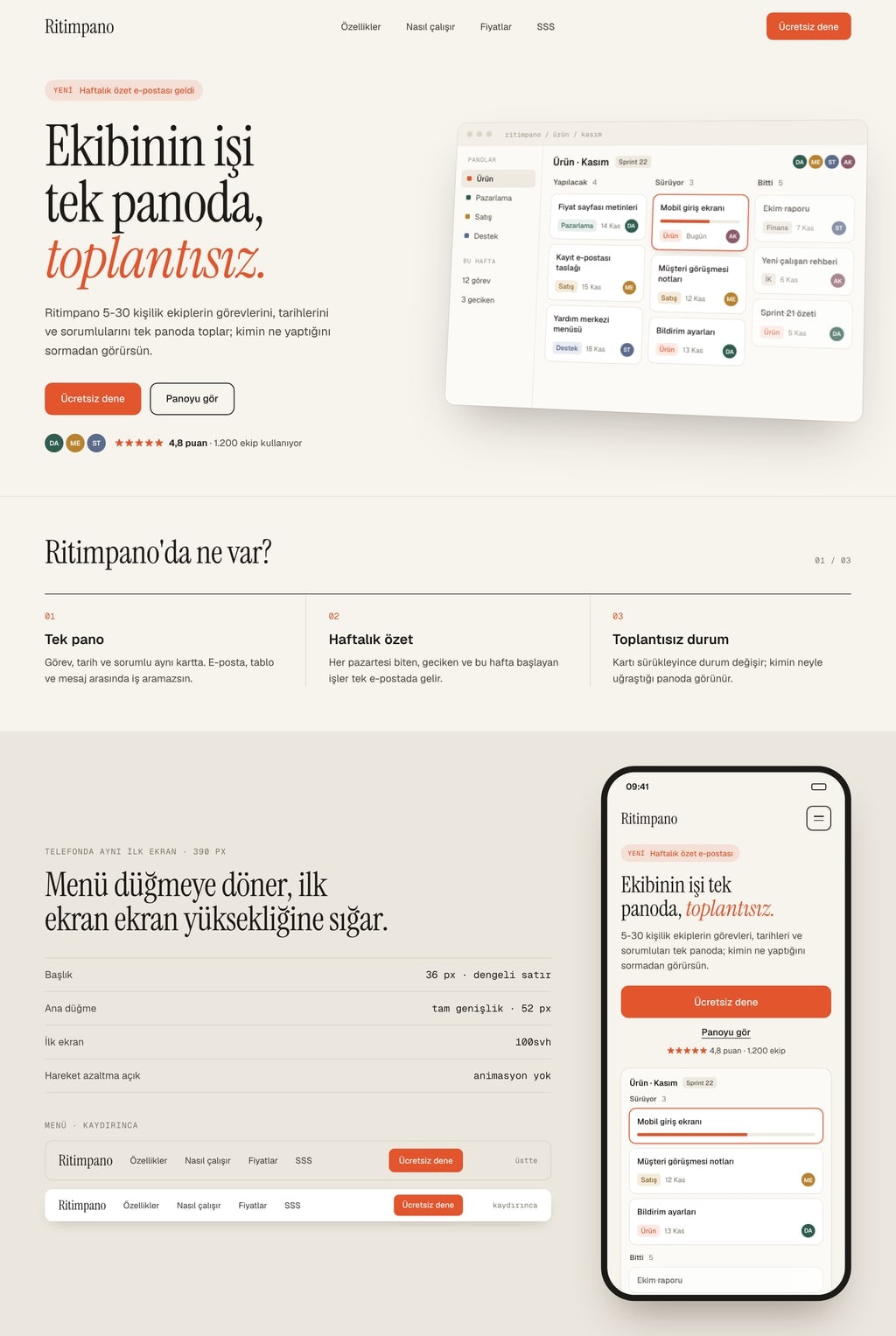
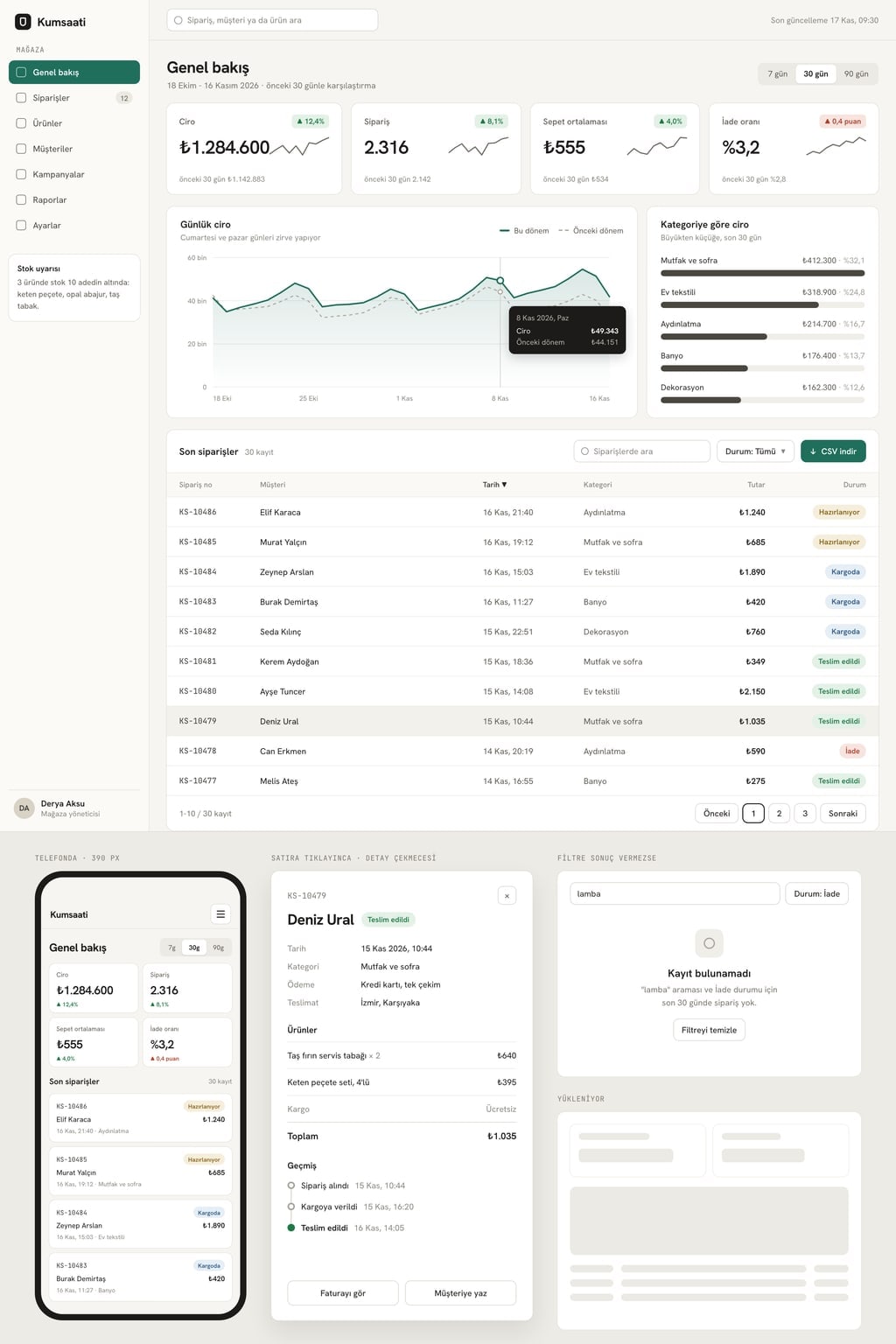
Design preview made from this prompt
9 more ready-to-use prompts
Different takes on the same topic. Copy any of them as is and replace the parts in square brackets.
1.Landing page prompt for Claude: a single-file HTML page
When to use: Use it when you want the code and a live preview in one Claude chat and the whole page as one file.
Write a one-page landing page for [product name] as a single HTML file, with the CSS and JavaScript inside it.
- Product
- [what it does and who it is for].
- Single goal
- [e.g. join the waitlist with an email].
Sections
- 1Sticky top menu with the main button on the right
- 2Hero: benefit-led headline, subheading, email field and button
- 3How it works: 3 steps
- 4Features: 6 items with inline SVG icons
- 5FAQ: 5 questions in an accordion
- 6Closing: the same email form
- Design
- [style, e.g. white background and thin borders]; main color [hex code]; two Google Fonts.
Rules
- Validate the email format and show a 'You're on the list' message on submit.
- Use a product interface drawn in HTML instead of photos.
- Give the code first, then list 3 things I could change.
2.Landing page prompt for Claude Code: a Next.js project
When to use: Use it when you work in a real codebase with Claude Code and want clean components plus copy you can edit in one file.
Create a landing page for [product name] in this project using Next.js (App Router) and Tailwind CSS.
- Product
- [what it does, who it is for].
- Single goal
- [e.g. start a free trial].
Structure
- 1app/page.tsx composes the sections; each section is its own component in components/landing/
- 2Sections: Navbar, Hero, LogoBand, HowItWorks, Features, Pricing, FAQ, FinalCta, Footer
- 3All copy lives in lib/landing-content.ts so I can edit text without touching components
Design
- Background [tone], text [tone], accent [hex code]; heading font [e.g. a geometric sans] loaded with next/font
Rules
- Pricing has a working monthly/yearly toggle; the FAQ is an accessible accordion.
- The signup form validates the email and shows a success state; no API calls.
- Run the linter and type check before you finish, then list the files you created.
3.ChatGPT prompt to create a landing page step by step
When to use: Use it when your product pitch is still fuzzy; ChatGPT interviews you first and builds the page from your answers.
You are going to build a conversion-focused landing page for me.
First, ask me these 5 questions one at a time and wait for each answer:
- 1What does the product do, and for whom?
- 2What is the one thing a visitor should do?
- 3What 3 things set it apart from alternatives?
- 4What are the 3 objections you hear most?
- 5Which look: light and minimal, dark and technical, or warm and friendly?
Then
- Show the section plan as a table based on my answers.
- When I say 'approved', write the page as a single HTML file with CSS and JavaScript inside.
Rules
- Answer the objections in the FAQ section.
- Show a success message when the form is submitted; send no data anywhere.
- Short sentences; no lorem ipsum.
4.Landing page prompt for Entrobase Builder: built section by section
When to use: Use it as the first message of an Entrobase project so the whole page is built at once and easy to refine section by section.
Build a one-page landing page for [product name].
- Product
- [what it does, who it is for].
- Single goal
- [e.g. book a demo].
Make each section its own component: Navbar, Hero, LogoBand, HowItWorks, Features, Testimonials, Pricing, FAQ, FinalCta, Footer.
Design system
- Background [tone], text [tone], main color [hex code]
- Heading font [e.g. a geometric sans], body font [e.g. a readable sans]; 12 px corners
Rules
- Pricing has a monthly/yearly toggle with a discount badge on yearly.
- The demo form sends no data for now and shows a success message.
- The menu becomes a slide-down panel on mobile.
- This is the first version; I will change sections one at a time in later messages.
5.Gemini 3 landing page prompt: build and preview in Canvas
When to use: Use it when you want Gemini's Canvas to show the page live in a side panel while you tweak colors and sections.
Create a previewable, single-file landing page in Canvas.
- Product
- [product name], [what it does].
- Goal
- [e.g. start a free trial].
Sections (in this order, skip none):
- 1Hero: headline, subheading, main button, drawn product interface on the right
- 2Trust band: user count and 5 made-up company names
- 3Features: 6 items in 3 columns
- 4Pricing: 3 plans with a monthly/yearly toggle
- 5FAQ: 4 questions
- 6Closing call to action
- Design
- [style]; main color [hex code]; 14 px corners.
Rules
- Use the Tailwind CDN and inline SVG icons.
- The toggle must really change the prices.
- When done, suggest 3 alternative hero headlines I can test.
6.ChatGPT prompts for landing page copy
When to use: Use it when the design is done or built elsewhere and you only need the words for every section.
Write all the copy for a landing page for [product name]; do not write code.
- Product
- [what it does, who it is for].
- Audience
- [who they are and the problem they have].
- Single goal
- [e.g. start a free trial].
Output (use these headings)
- 1Hero: 5 headline options (8 words max) and 2 subheadings
- 2Problem: 3 short lines in the reader's own words
- 3Solution: 3 benefits, each a title and one sentence
- 4Features: 6 bullets written as outcomes, not specs
- 5Objections: 4 questions with short answers
- 6Button labels: 5 options
- 7Closing: a headline and one sentence
Rules
- No unprovable numbers and no exaggerated superiority claims.
- Tone: [e.g. friendly and direct].
7.Landing page prompt generator: let AI write your prompt
When to use: Use it when your product has unusual needs and you want a landing page prompt written for your case and your tool.
Write a landing page prompt that I will give to an AI coding tool; do not build the page yourself.
Details
- Product: [what it does]
- Audience: [who]
- Single goal: [what visitors should do]
- Tool I will use: [e.g. Claude, Gemini, Entrobase]
The prompt must include
- 1A one-sentence task
- 27-9 sections in order, with what goes in each
- 3Design direction: background, main color, type, corner style
- 4Parts that must work (form, pricing toggle, accordion)
- 5Content rules and things to avoid
Rules
- Put the prompt in a code block, ready to copy.
- Then explain in 3 bullets why the sections are in that order.
8.Landing page design ideas prompt: 3 concepts before you build
When to use: Use it when you are unsure about the look and want three clearly different directions to choose from before any code.
Before writing any code, propose 3 distinct design directions for a landing page for [product name].
- Product
- [what it does, who it is for].
For each direction give
- 1A name and a one-sentence mood
- 2Color palette: background, surface, text, accent (hex codes)
- 3A font pairing from Google Fonts
- 4Hero layout: what sits on the left, on the right and just below the fold
- 5One signature detail (e.g. a grid pattern, oversized numbers, hand-drawn icons)
Rules
- The three directions must differ in theme (light or dark), type and layout, not only color.
- End by asking which direction to build; then build it as a single HTML file.
9.App landing page prompt: download page with a screen tour
When to use: Use it for a mobile app that is live or launching soon and needs a page that drives downloads.
Build a one-page download page for the [app name] mobile app.
- App
- [what it does, who it is for].
Sections
- 1Hero: headline, subheading, two store buttons with placeholder links, a phone frame showing an app screen on the right
- 2Screen tour: 3 screens with a short caption each, switched by tabs
- 3Features: 6 items
- 4Reviews: 3 quotes with star ratings
- 5FAQ: 4 questions
- 6Closing: the store buttons again
- Design
- [style]; main color [hex code]; phone frames drawn in CSS.
Rules
- Screen drawings show data that reflects what the app really does.
- Use plain text buttons instead of official store badges.
What this prompt does
Most people searching for landing page prompts want a ready-made prompt that builds a finished-looking, single-goal page on the first try in Claude, ChatGPT or Gemini. The main prompt here describes a product landing page with nine sections, a design direction, a working pricing toggle and a goal form; the 9 prompts below cover Claude Code, Entrobase Builder, landing page copy, a prompt generator, design concepts and an app download page.
Where to use it
- Waitlist page for a new product
- SaaS free trial page
- Mobile app download page
- Paid ad campaign landing page
- Product launch pre-orders
- Demo request page for B2B
Fields you can fill in
The fields you can change in the form above and their default values.
- Product nameFree text
- Plankus
- ProductFree text
- a weekly planner and focus timer app for freelancers
- Single goalOne of 5 options
- visitors join the waitlist with their email
- StyleOne of 5 options
- bold and colorful (cream background, thick black borders, oversized type)
- Main colorColor
- #e8590c
Step by step
- 1
Describe the product in two fields
Fill in Product name and Product; in Product, say what it does and who it is for in one sentence (for example, an inventory tracker for small cafes). The hero headline and feature copy are derived from that sentence.
- 2
Pick a single goal
Choose the one thing visitors should do from Single goal: join a waitlist, start a trial, request a demo, download the app or pre-order. The main button, the form and the closing section are built around that choice.
- 3
Set the style and main color
Style sets the background, type and card language; Main color only drives the button and accents. The prompt text updates as you choose, so you can read the final version before copying it.
- 4
Paste it into your tool and test the parts
Copy it into Claude, ChatGPT or Gemini. In Entrobase, the Start button sends it to Builder. Click the monthly/yearly toggle and the main button's form to confirm both work.
- 5
Test a few hero headlines
If the headline feels flat, ask in the same chat: 'Suggest 5 different hero headlines and let me pick one.' On a landing page, the hero headline decides more than anything else whether a visitor keeps scrolling.
Tips and variations
- For paid traffic, match the hero headline to the ad's wording; add a line such as 'The headline must include: ...' to the prompt.
- No pricing yet? Replace section 7 with an 'early access' card and show the number of spots left instead of the toggle.
- Dark tech suits developer tools, warm editorial suits content and education products, and soft and friendly suits consumer apps.
- If you have real screenshots, add 'leave an image placeholder named hero.png instead of the drawn interface' and swap in your own image later.
Frequently asked questions
What is a landing page prompt?
It is an instruction that tells an AI tool to build a single-purpose page. A good landing page prompt names the product, the one goal, the section order, the design direction and the parts that must work; 'make a landing page for my product' on its own gives a generic page where every section looks the same.
How do I make a landing page with Claude?
Paste the prompt into Claude; if you want one downloadable file, use the Claude variant, which asks for a single HTML file. Claude writes the code and usually shows a live preview next to it. Ask for changes by section name in the same chat, then save the code as an .html file.
Can Claude Code build a landing page?
Yes. Run Claude Code inside a Next.js project and use the Claude Code variant: it asks for one component per section and a single content file, so you can edit the copy later without touching the components.
What should a landing page prompt for Entrobase Builder include?
Entrobase Builder builds the whole page from the first message and edits it after that, so the first prompt should list every section, the design system (colors, fonts, corner radius) and the parts that must work. After that, ask for one change per message.
How many sections should a landing page have?
Seven to nine is enough for most products: hero, trust band, how it works, features, testimonials, pricing, FAQ and a closing call to action. What matters is that every section pushes toward the same single goal, with few menu links that lead visitors away.