

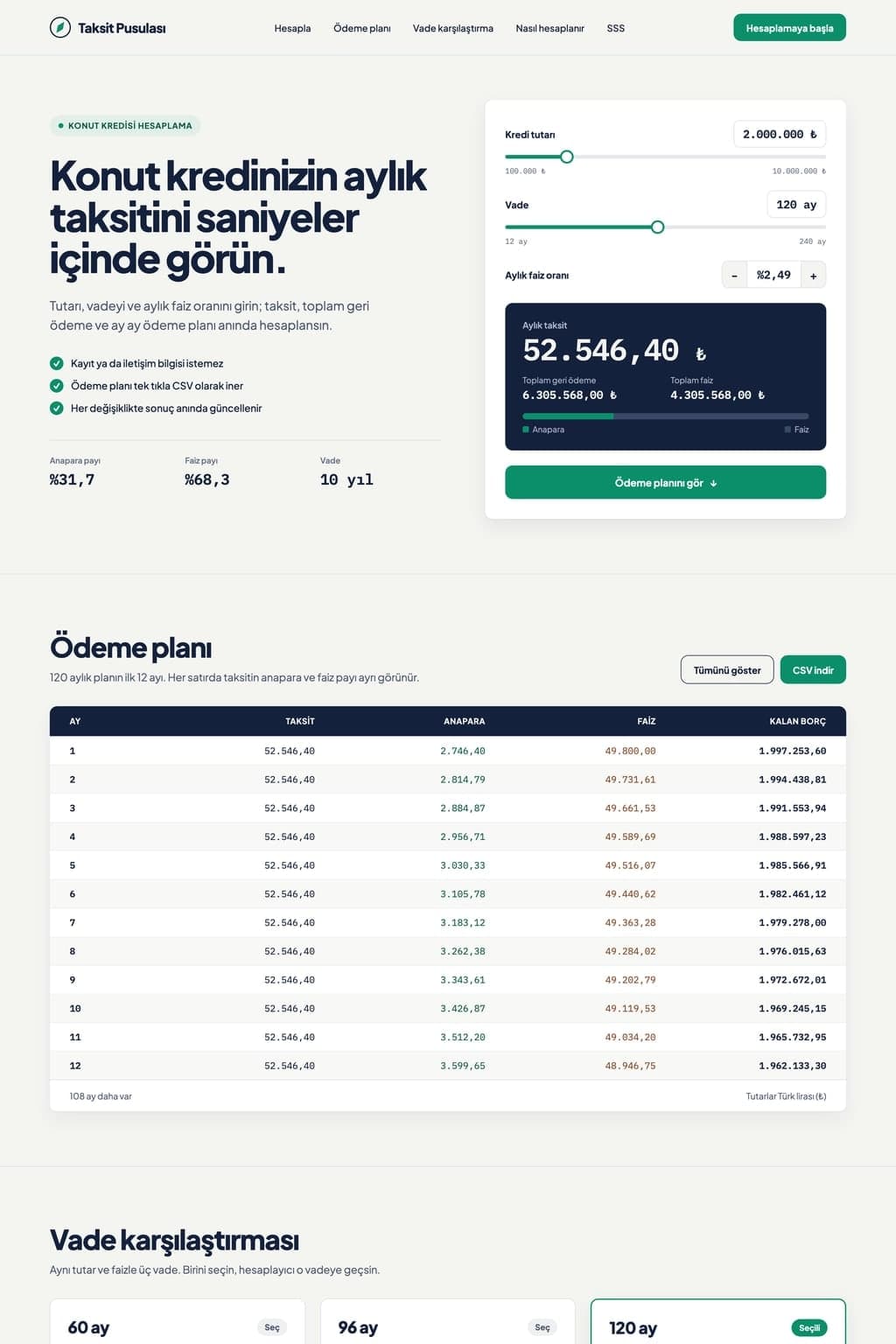
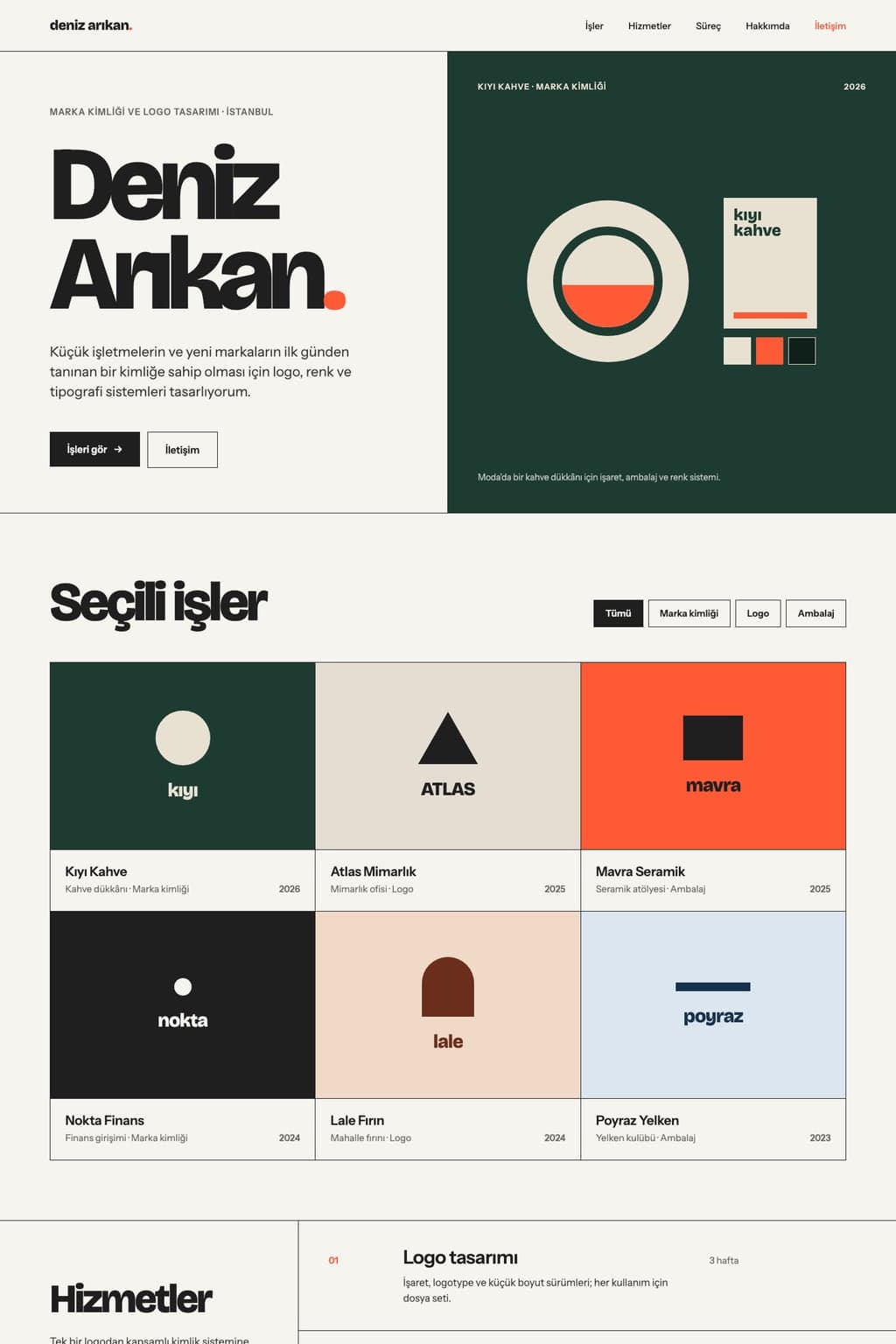
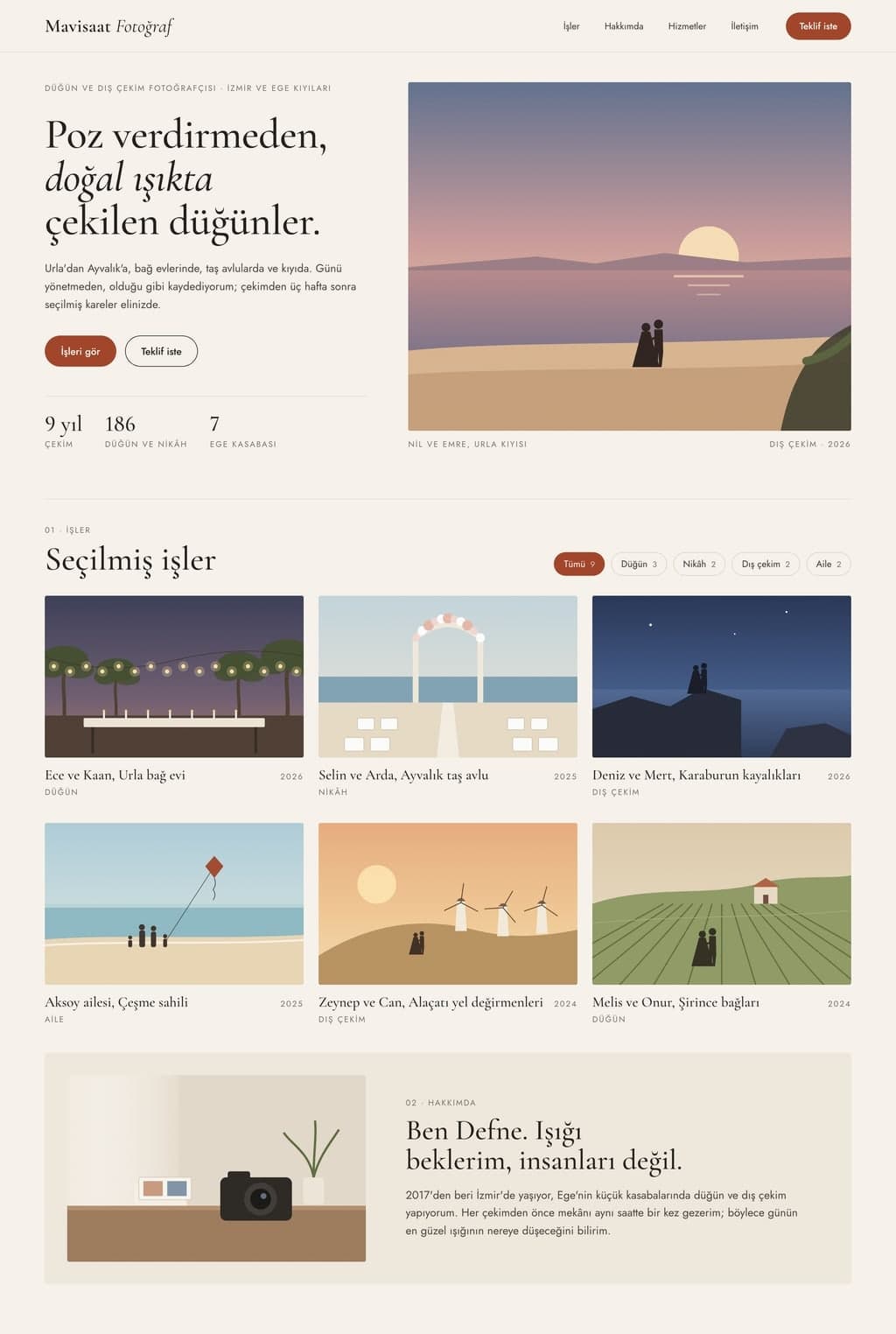
Photo Slideshow Maker
Turn your photos into a full-screen slideshow page with captions and transitions. Entrobase builds the page and you share the link with anyone.
Entrobase builds an animated presentation page that opens in the browser: each slide is a full-screen section you move through with the arrow keys or a swipe. Run through it in the preview, fix slow transitions in chat, then share the address.
Blue parts are the places to fill in with your own details. Tab selects the next one, Enter sends, Shift and Enter starts a new line.
This tool runs on Entro Builder.
Slides are full-screen sections of one page. On a computer you move with the arrow keys, space or a click; on a phone you swipe. A progress bar and a slide counter stay on screen.
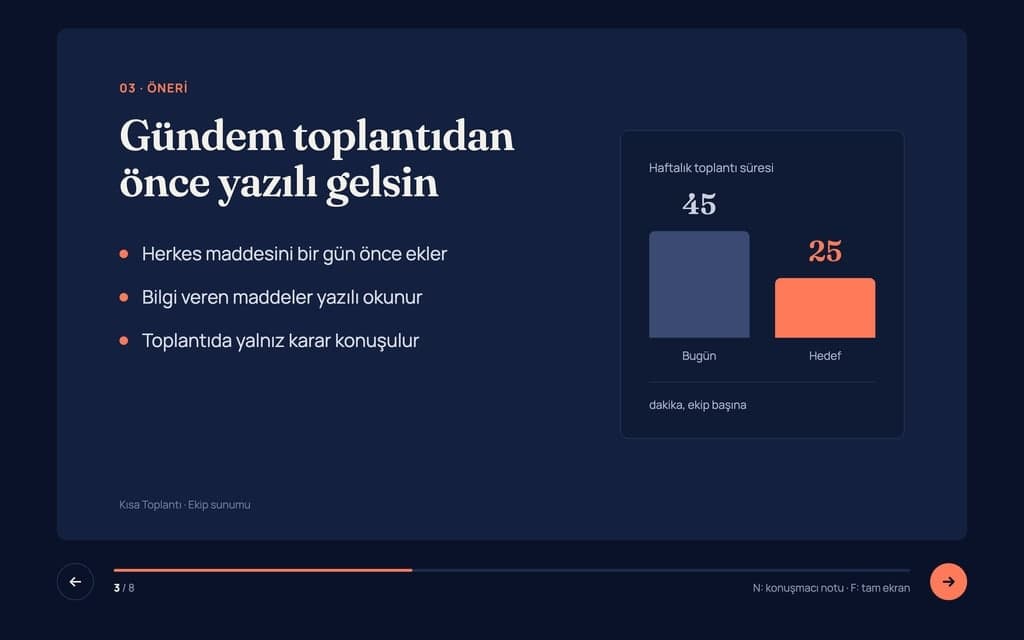
The heading slides in, bullet points appear one at a time as you advance, numbers count up from zero and a chart draws itself. You decide how much movement each slide gets.
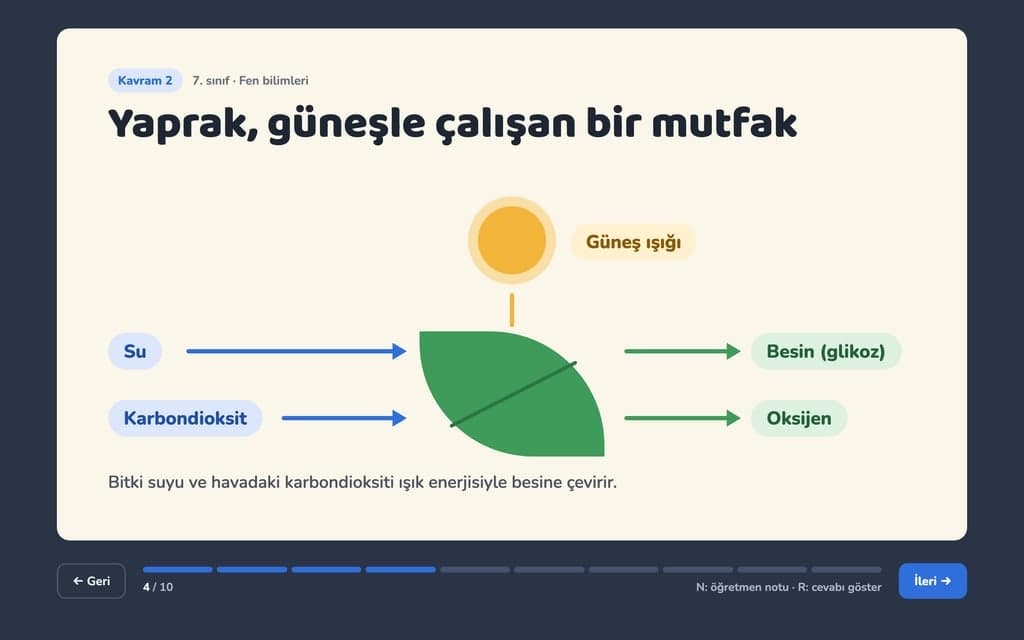
You can ask for calmer animations for visitors who turn on reduced motion. A print view with one slide per page can be added too; on paper the animation stops and the content stays.
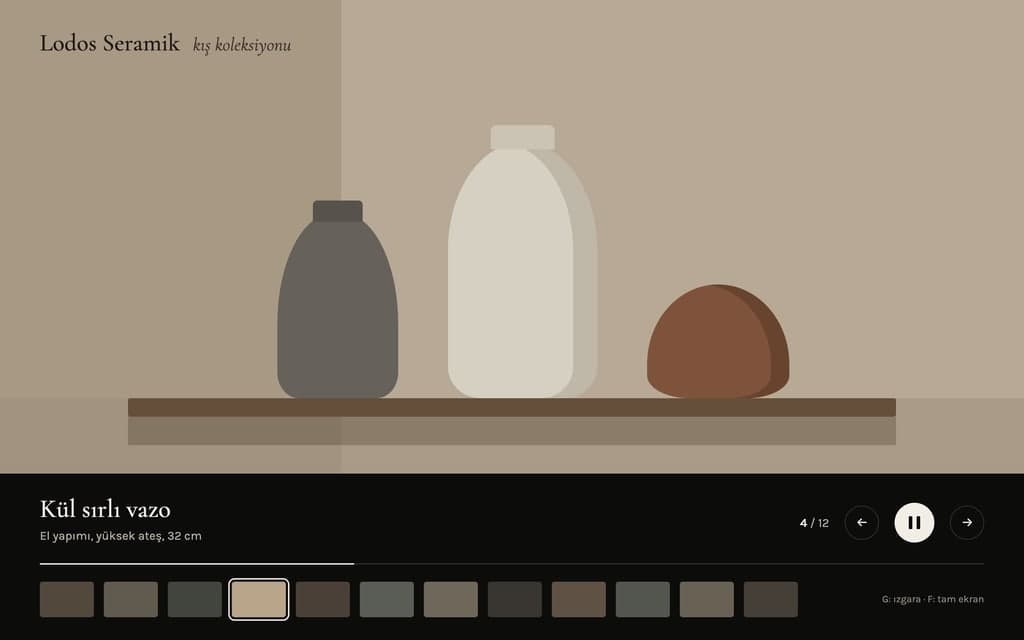
Once Builder has built the page, switch the preview to full screen and give the whole talk. If a transition is slow, a bullet shows up too early or a heading overflows in the phone view, write that in the chat and check that slide again. Test the page's own full-screen button through Open preview in new tab in the preview menu.
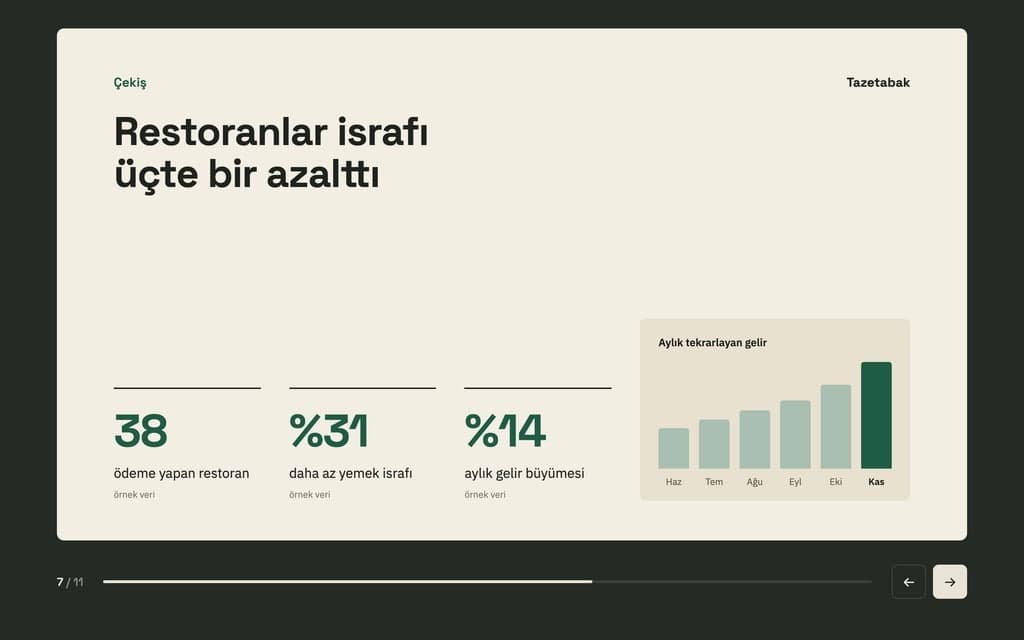
To change a heading or a sentence, press Edit text, click the text, type and save. This does not use the AI. Add your logo and product images to the chat or upload them in the Media tab.
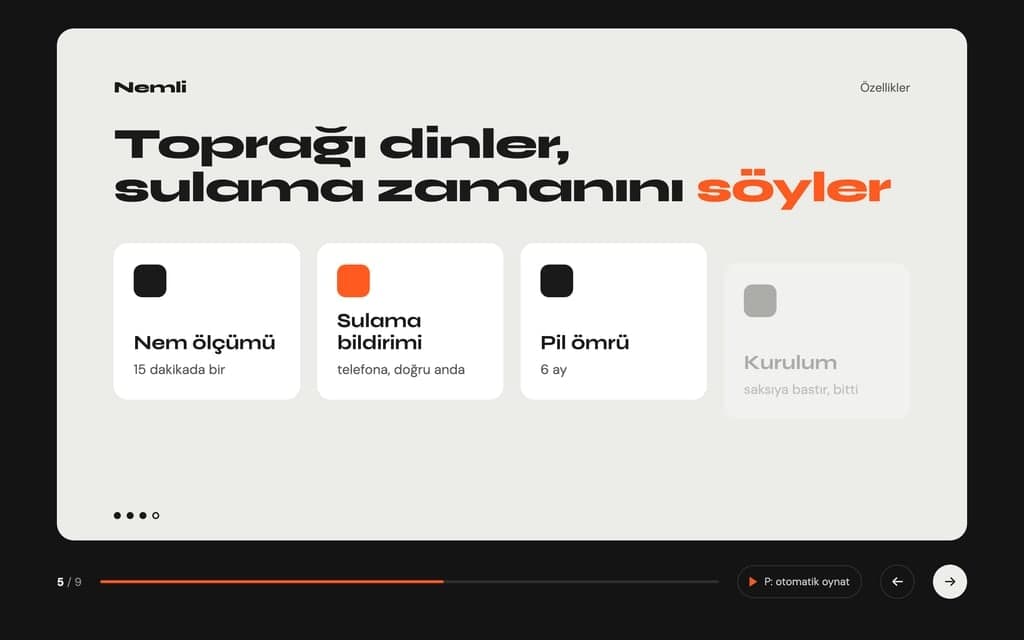
Problem, solution, market and numbers arrive slide by slide, and the growth chart draws itself. After the meeting the investor gets the same address and can open it again.
Screenshots and features of the new product appear in order, with the pricing slide saved for last. The page you present on stage becomes the launch link you share the next day.
The topic opens step by step: definition, example, question. The teacher moves through it with the arrow keys in class, and students review it at home from the same link.
The team's year in numbers: figures count up and a bar chart compares the months. You supply every figure yourself.
A designer or agency walks through one project: the client's problem, the first sketches, the final result. Images fill the screen, and the case study's address goes into the proposal email.
In the prompt above, change the topic, the number of slides, the colors and which numbers should count up. List the slide titles in order so Builder does not guess the flow.
Builder codes the page and the preview opens. Go through it in full screen and look at every slide; ask for changes to speed, order or a chart one at a time. Undo anything you dislike with Restore this version.
When it is ready, press Publish and the presentation opens at yoursite.entrobase.site. Open that address on stage, then send the same link to your audience.
Turn your photos into a full-screen slideshow page with captions and transitions. Entrobase builds the page and you share the link with anyone.

Build a landing page with AI: describe the offer, get a one-page site with a form and collect sign-ups in your Forms inbox. Preview it, then publish.

An AI website builder that builds what you describe. Write a few sentences, preview the site next to the chat, fix it by asking and publish it for free.
Mobile App Project Status Update
Executive Summary • Payment flow implementation is complete • Push notifications are delayed by two weeks due to late design approval • Overall budget remains fully on track with no overruns • Final app store submission target remains the end of the month Feature Progress and Status • Payment screen developed, integrated, and verified • Core checkout workflows ready for end-to-end testing • Push notification system delayed by two weeks • Design sign-off now resolved, unblocking notification…
Paste your text and Entro drafts a deck with slide titles and short bullets. Download it as PowerPoint (.pptx): one plain theme, no images or animations.
Release 2.4 Overview
New Features • Added dark theme support across the application • Enabled direct CSV export for user data and reports • Improved overall user interface customization Bug Fixes and Performance • Resolved issue causing session drops during sign-in • Optimized report page queries for significantly faster load times • Enhanced platform stability and authentication flow What is Next • Implementing mobile push notifications • Continued performance monitoring and feedback collection • Preparation…
Paste Markdown or attach a .md file and Entro drafts a deck from your headings. Download it as PowerPoint (.pptx). Plain theme; images are not carried over.
Residential Tenancy Agreement Terms
Rent Payment and Late Fees The tenant pays the rent by the fifth day of each month to the landlord's bank account. Late payments incur interest of two percent per month. Security Deposit The deposit equals two months' rent and is returned on moving out.
Attach a PDF and Entro reads the text and rewrites it as a Word document with headings, lists and tables. Download it as .docx. Page layout is not kept.
You describe it, Entrobase builds it.
Create with Entrobase