Age calculator prompt: date of birth calculator and how old am I website
An age calculator website prompt: a date of birth calculator that answers how old am I in years, months and days and counts days between dates. Works in Entrobase and other AI website builders.
Prompt
Fill in the fields below and the prompt updates instantly. Copy it and use it in any AI tool.
Build a single-page age calculator website called Age Ledger. Goal: a visitor enters a date of birth and instantly sees how old they are in years, months and days, with the total number of days and the time left until their next birthday.
Sections in ordertop menu (links that scroll to sections), calculator in the hero, your age in numbers, next birthday, days between two dates, extra tool, how it is calculated, FAQ, footer.
Designtear-off calendar (cream paper background, torn-edge cards, ink text). Main color #0e6e68; use it for the age figures, the selected field and the birthday ring. Typography: a characterful serif for the large figures and a plain grotesque for text; numbers use tabular figures. Cards with 16 px corners.
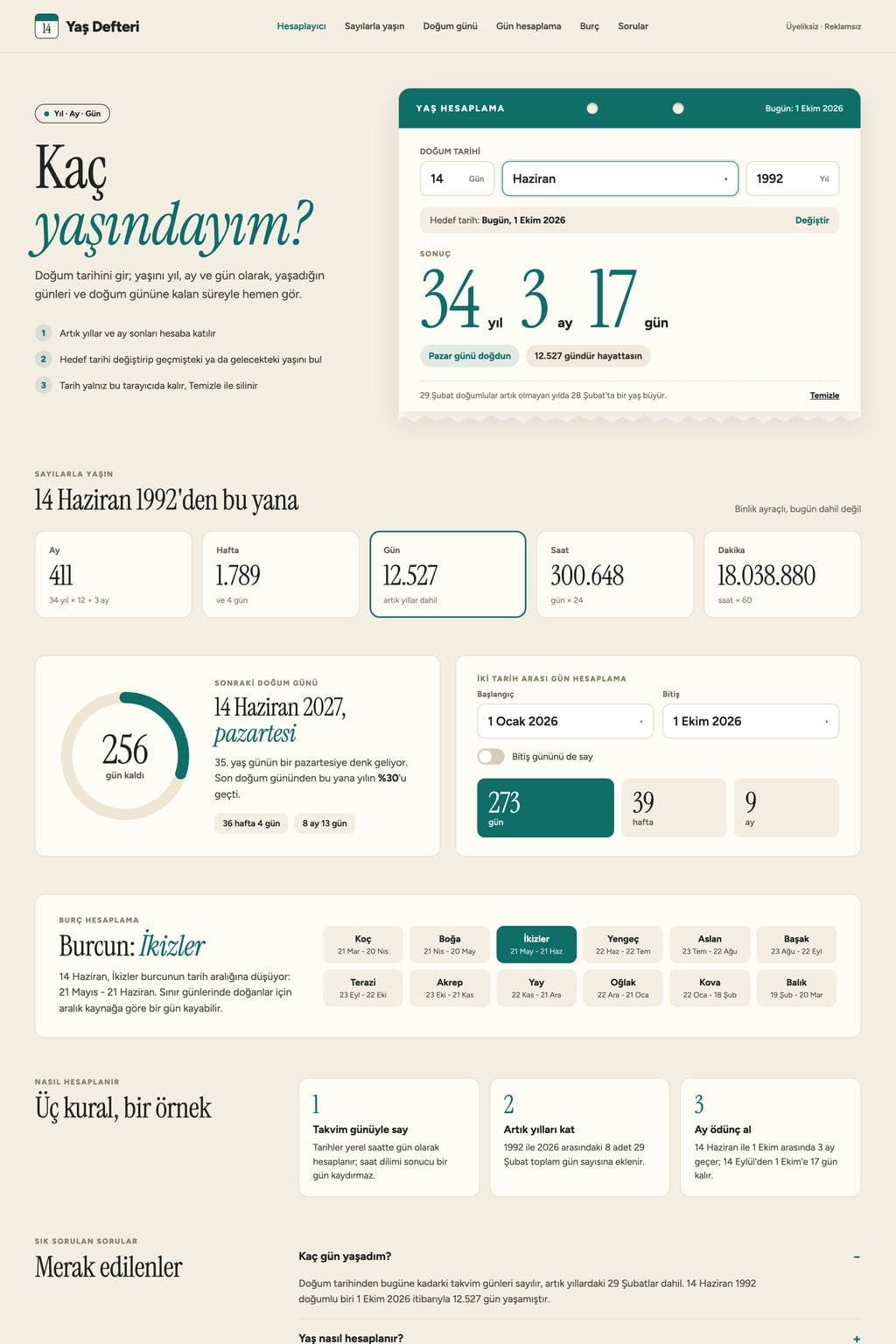
Hero (the core component): a short headline ("How old am I?") and a one-sentence intro on the left, the calculator card on the right.
The date of birth is entered in day, month and year fields (the month is picked by name). The target date defaults to today and can be changed.
The result in large type: "34 years 3 months 17 days". Below it, the weekday the person was born on and the total number of days.
The result updates as values change; there is no separate calculate button. An invalid date (31 February, a birth date in the future) shows a short warning under the field.
Your age in numbers: cards for total months, weeks, days, hours and minutes, with thousands separators.
Next birthdayhow many days are left, which weekday it falls on and which birthday it is; a ring shows the share of the year passed since the last birthday.
Days between two dates: a start and an end date; the number of days, weeks and months between them. Add an "Include the end date" switch.
Extra toolzodiac sign: finds the sun sign and its date range from the date of birth.
Calculation rules
Count dates as calendar days in local time, so a time zone never shifts the result by a day.
Count leap years. If the day difference is negative, borrow the number of days of the previous month.
People born on 29 February turn a year older on 28 February in non-leap years; this assumption is written under the result card.
How it is calculated: explain these rules in 3 short points with one example. FAQ: 5 questions in an accordion (one is "How many days have I been alive?").
Contentcopy in English, plain and warm. The last date of birth entered stays in the browser (localStorage) and "Clear" removes it. No sign-up, no ads, no real brand names. On phones the calculator is full width.
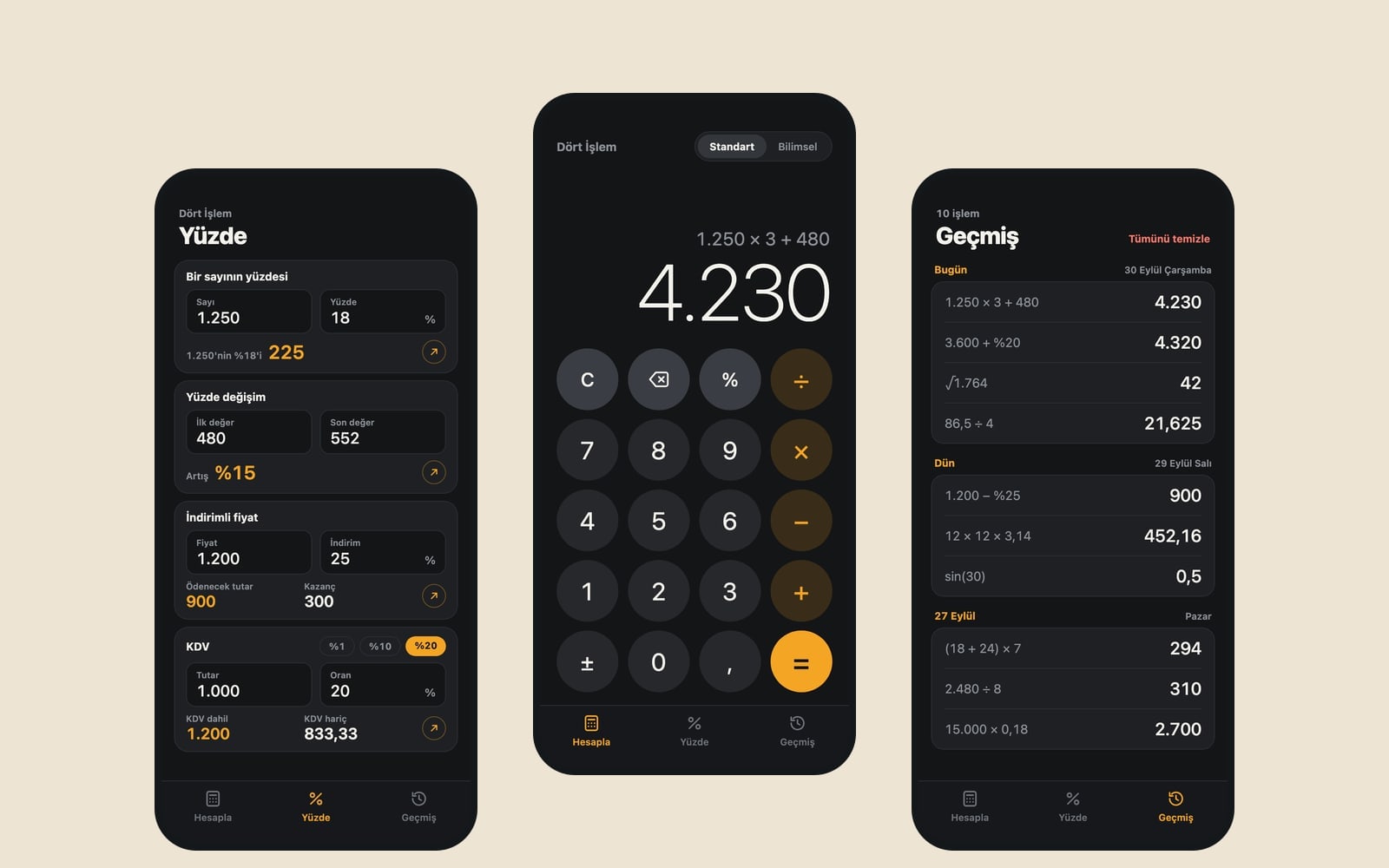
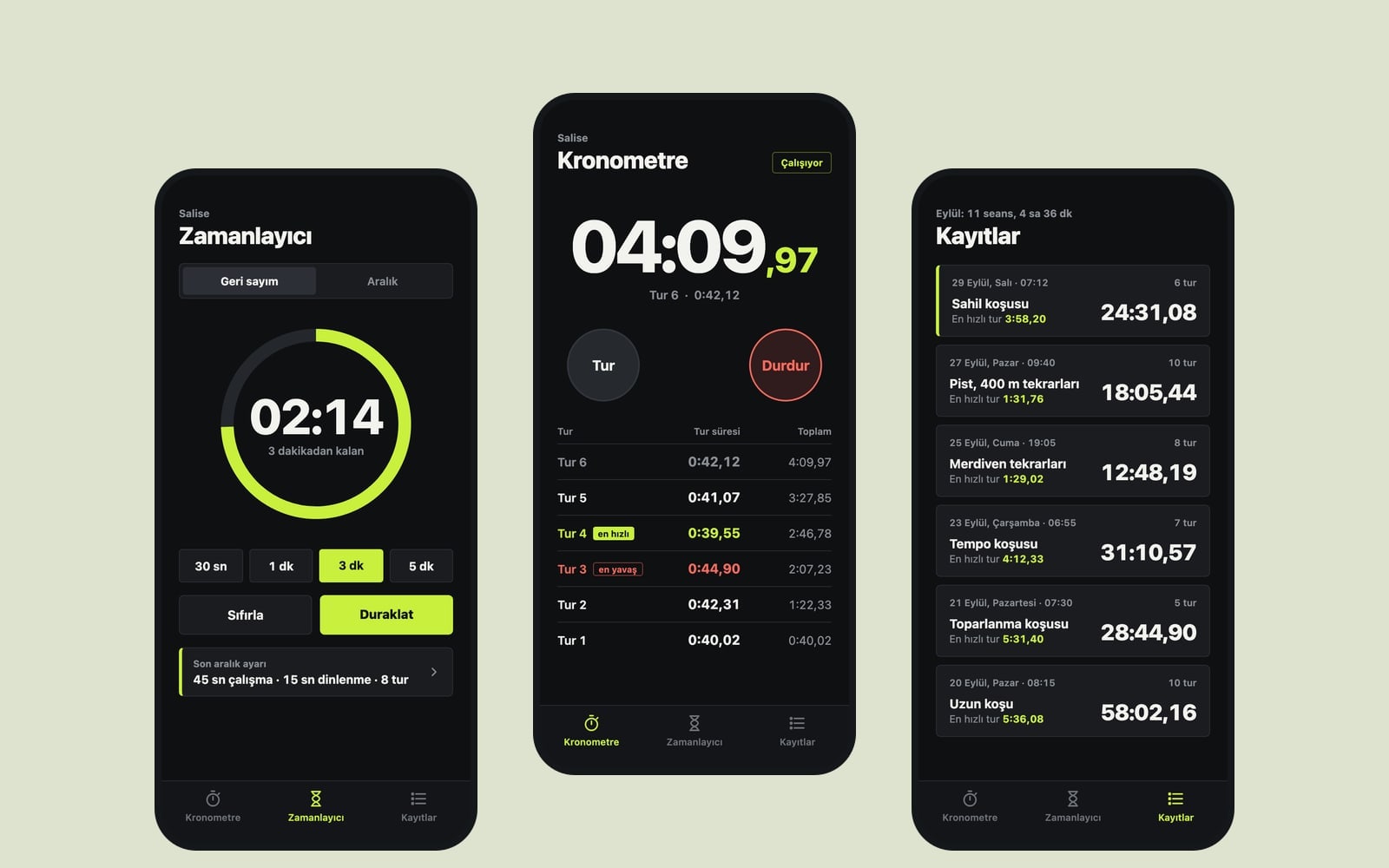
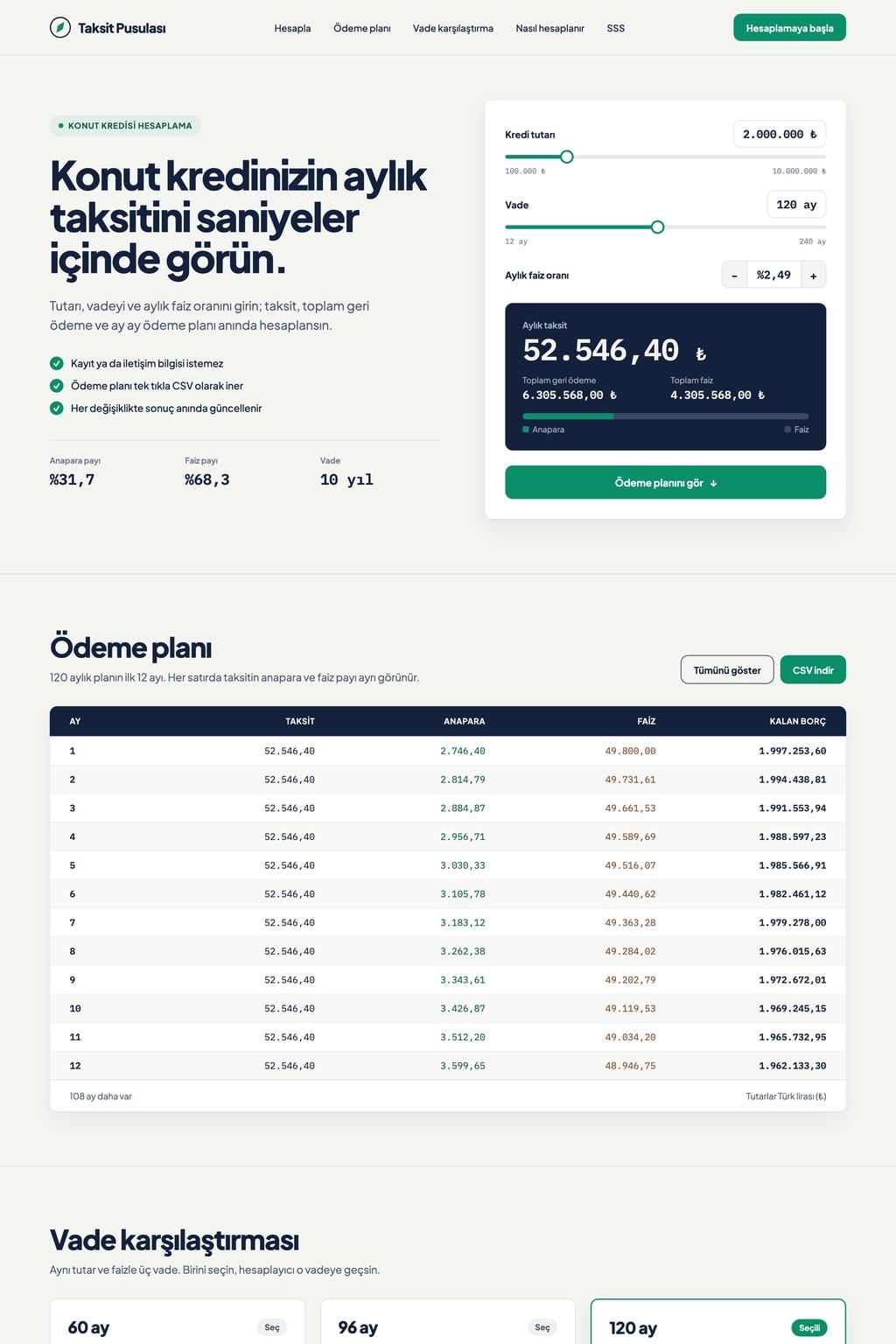
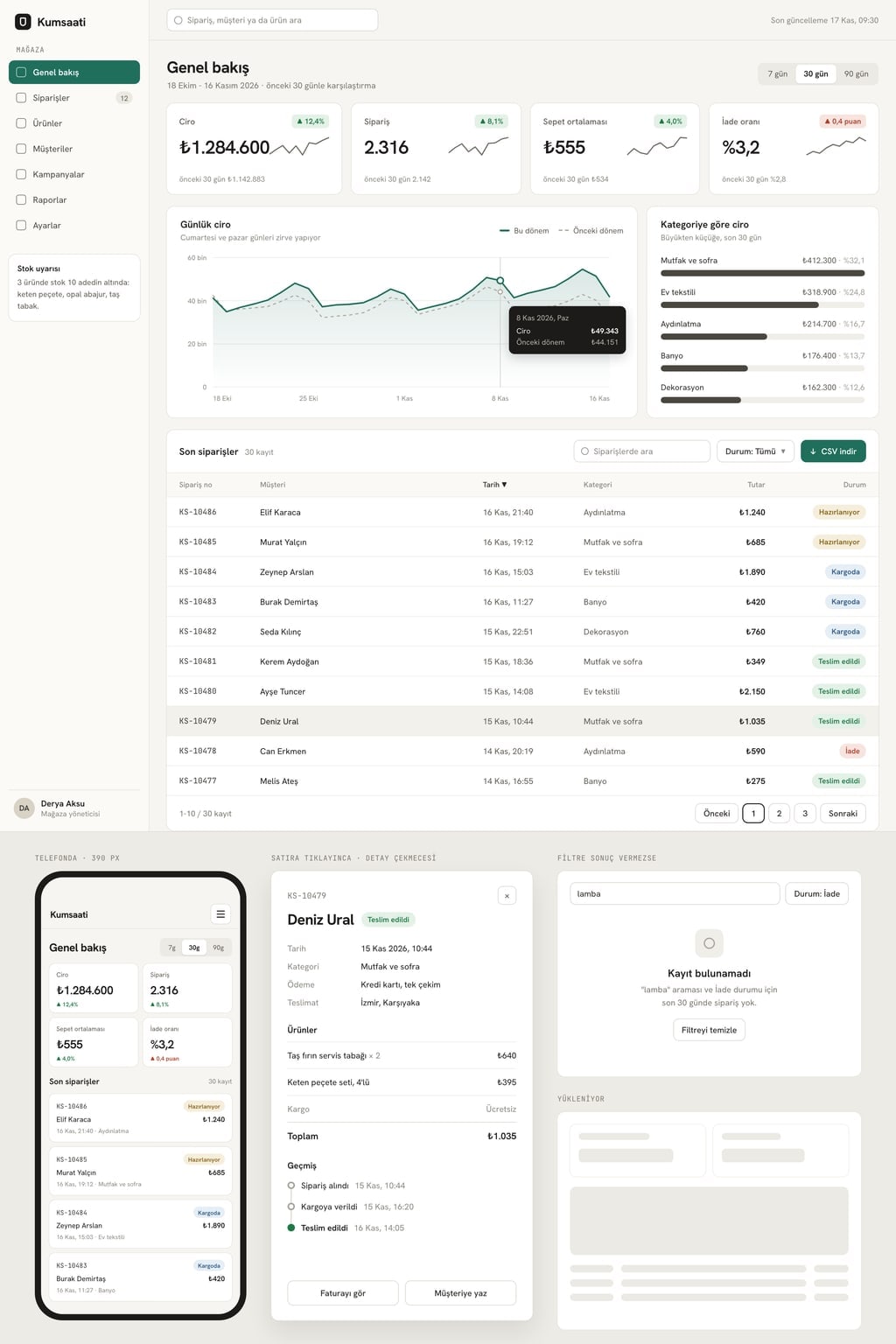
Design preview made from this prompt
What this prompt does
This prompt builds a single-page age calculator website that shows your age in years, months and days the moment a date of birth is entered. The same page has the total days, weeks and hours lived, a countdown to the next birthday, a days between dates counter and an extra tool of your choice (zodiac sign, age difference, birthday calendar or generation). It is made for calculator sites, family and school blogs and anyone who wants their own how old am I page.
Where to use it
- Calculator tools site
- Birthday page
- Tool for a family or school blog
- Calendar and date practice
Fields you can fill in
The fields you can change in the form above and their default values.
- Site nameFree text
- Age Ledger
- Extra toolOne of 4 options
- zodiac sign: finds the sun sign and its date range from the date of birth
- ThemeOne of 4 options
- tear-off calendar (cream paper background, torn-edge cards, ink text)
- Main colorColor
- #0e6e68
Step by step
- 1
Enter the site name
Site name appears in the top menu, the headline and the footer. Replace Age Ledger with a short name that matches your domain.
- 2
Pick the extra tool
Extra tool sets the section placed lower on the page: zodiac sign, the age difference between two people, a calendar of the next 10 birthdays or the generation for a birth year. Zodiac and generation suit fun sites; age difference suits family and relationship blogs.
- 3
Set the theme and color, then send it to the builder
Choose a tear-off calendar, night, clean white or candy look from Theme, and the color of the age figures and the birthday ring with Main color. Use "Start" to build it in Entrobase Builder (a free account is required) or "Copy" to paste it into another AI tool.
- 4
Test with known dates
Set the target date to 1 October 2026 and the date of birth to 14 June 1992; the result should be 34 years 3 months 17 days. Someone born on 29 February 2000 should turn 27 on 28 February 2027. If anything differs, ask the builder to fix the month borrowing rule.
- 5
Check the day counter
In days between two dates, enter 1 January and 31 December 2026: you should see 364 days with the switch off and 365 with Include the end date on. Also check that the calculator opens full width on a phone.
Tips and variations
- To turn the page into a birthday celebration, ask for a shareable "days to go" card in the next birthday section; it shows a name and the countdown.
- If you embed it in a health or fitness site, avoid asking for age-based advice such as daily steps or sleep hours; those need sources, so keep the page to date math.
- For a school site, ask for a small table under how it is calculated that walks through the month borrowing example step by step, so students can follow it by hand.
- The English page writes dates day first, such as 1 October 2026; if you target US readers, add "month first" to the prompt.
Frequently asked questions
How do you calculate your age?
Subtract the birth year from the current year and take one away if this year's birthday has not come yet. Do the same for months and days; if the days come out negative, borrow the number of days of the previous month. Someone born on 14 June 1992 is 34 years 3 months 17 days old on 1 October 2026.
How many days have I been alive?
Count the calendar days between the date of birth and today, including every 29 February in leap years. The site shows this in your age in numbers as days, weeks, hours and minutes.
How is age calculated for someone born on 29 February?
In leap years the birthday is 29 February. In other years 28 February is the common convention, though some places use 1 March. The site uses 28 February and states this under the result card; you can change it to 1 March in the prompt.
What day of the week was I born?
As soon as a date of birth is entered, the calculator writes the weekday under the result. For 14 June 1992 it is a Sunday.
How do you count the days between two dates?
Subtract the start date from the end date and count the calendar days in between. The start day is not counted; if you want the end day counted too, the Include the end date switch adds one day.