Claude Portfolio Prompts: 10 Ready-to-Use Prompts (2026)
Portfolio prompts for a portfolio website: 10 ready-to-use prompts for photographers, designers, developers and interior designers; works in Claude, ChatGPT, Gemini and Entrobase Builder.
Prompt
Fill in the fields below and the prompt updates instantly. Copy it and use it in any AI tool.
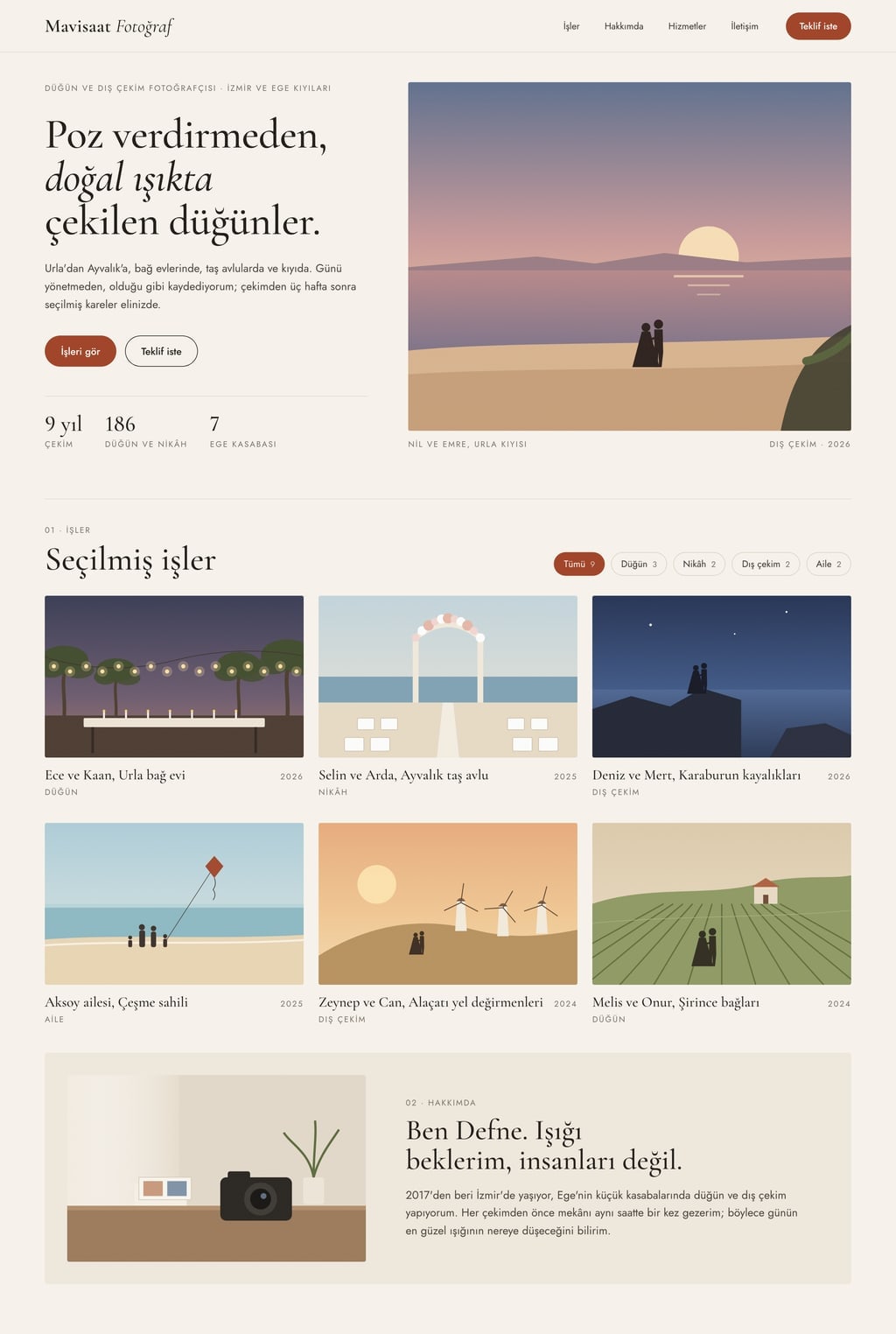
Build a personal portfolio website for Mavisaat Photography; visitors should see the work, understand how I work and ask for a quote.
Whowedding and outdoor photographer; categories: wedding, ceremony, outdoor, family.
LocationIzmir and the Aegean coast, Turkey.
Pageone page, 7 sections; a sticky menu at the top (Work, About, Services, Contact) with a Get a quote button on the right.
Sections
Hero: name, a one-line positioning statement, a large image from the strongest project and two buttons (See the work, Get a quote).
Selected work: at least 9 projects; filter buttons for the profession's categories; each card shows an image, project name, year and category.
Project detail: a full-screen panel that opens when a card is clicked; large images, a short story (brief, approach, result) and previous and next arrows.
About: a 3-4 sentence bio, a photo of the workspace and 3 concrete facts (years active, number of projects, cities).
Services: 3 services, each with what it covers, how it is delivered and how long it takes; a Get a quote link instead of prices.
Testimonials: 3 short sample quotes with name and project type (to be replaced with real ones later).
Contact: a form with name, email, project type, date and message; show a success message on submit; email and social links below.
Working parts
Changing the filter smoothly filters the grid, and each filter shows its project count.
The project panel works with the arrow keys and closes with Esc; while it is open the URL is #project-name so the link can be shared.
Images lazy-load and keep their aspect ratio; the grid has 3 columns on desktop, 2 on tablet and 1 on phones.
Design
Style: editorial (off-white background, fine serif headings, generous spacing).
Accent color #a2462b; only on buttons, the active filter and links.
Two typefaces that fit the style: one for headings, one for body text.
Work comes first: big images, little text, generous space between sections.
Use real stock photos that fit the profession; do not draw a logo.
Rules
Short, concrete English copy in the first person; no lorem ipsum.
Project, client and people names are made up; no real brands, logos or phone numbers.
No purple-blue gradients, emoji icons or rows of three identical cards.
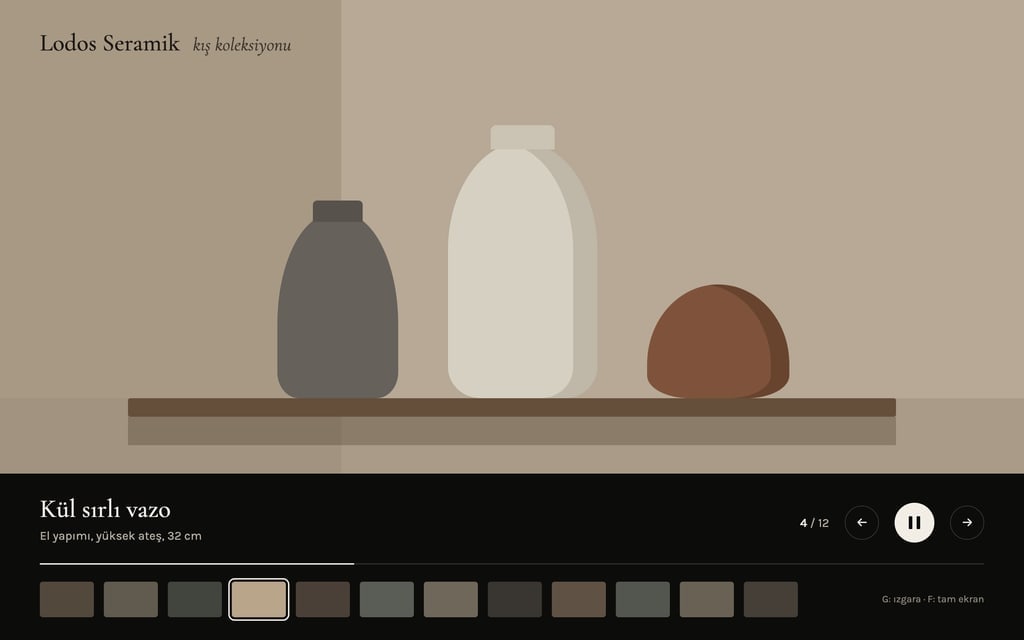
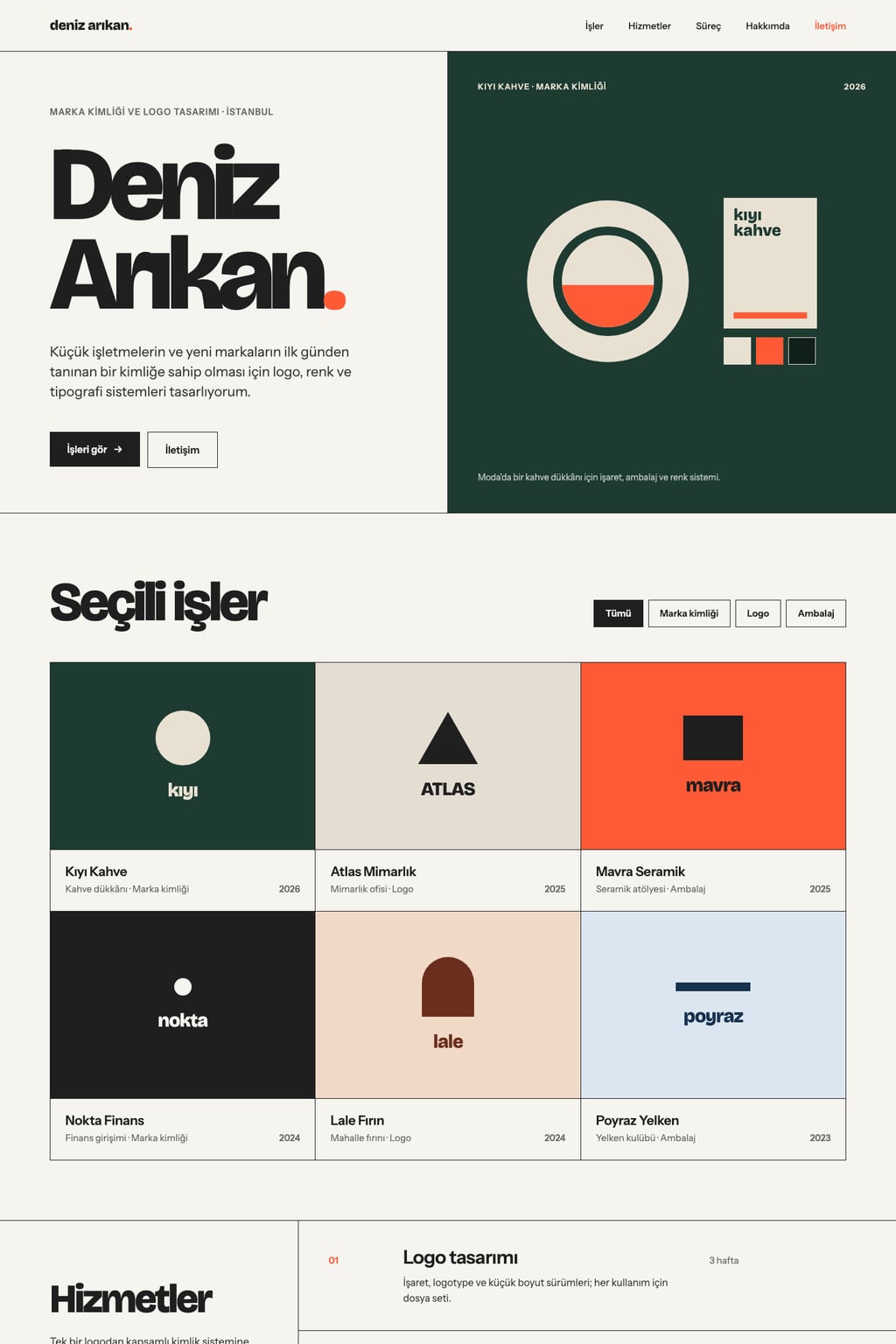
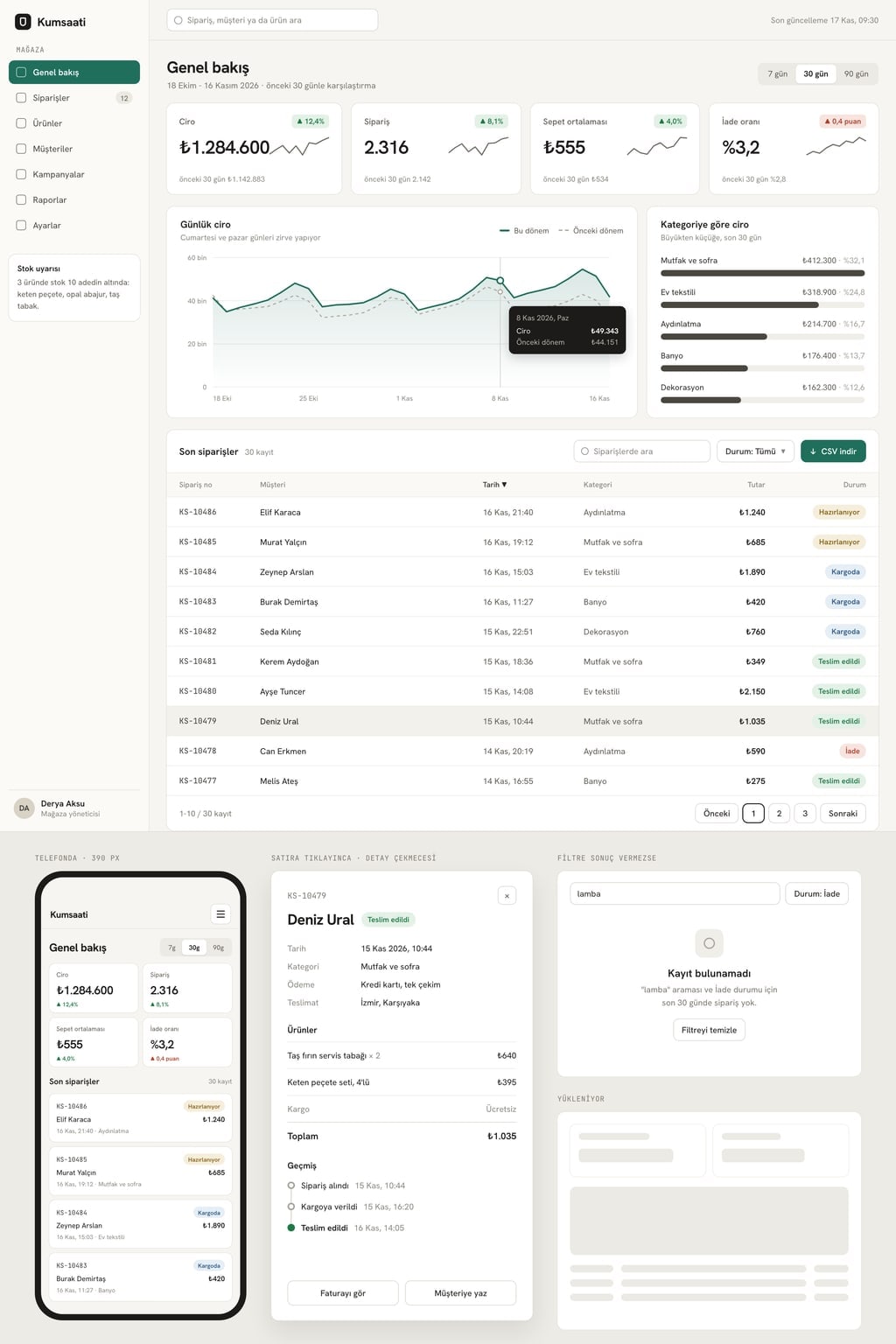
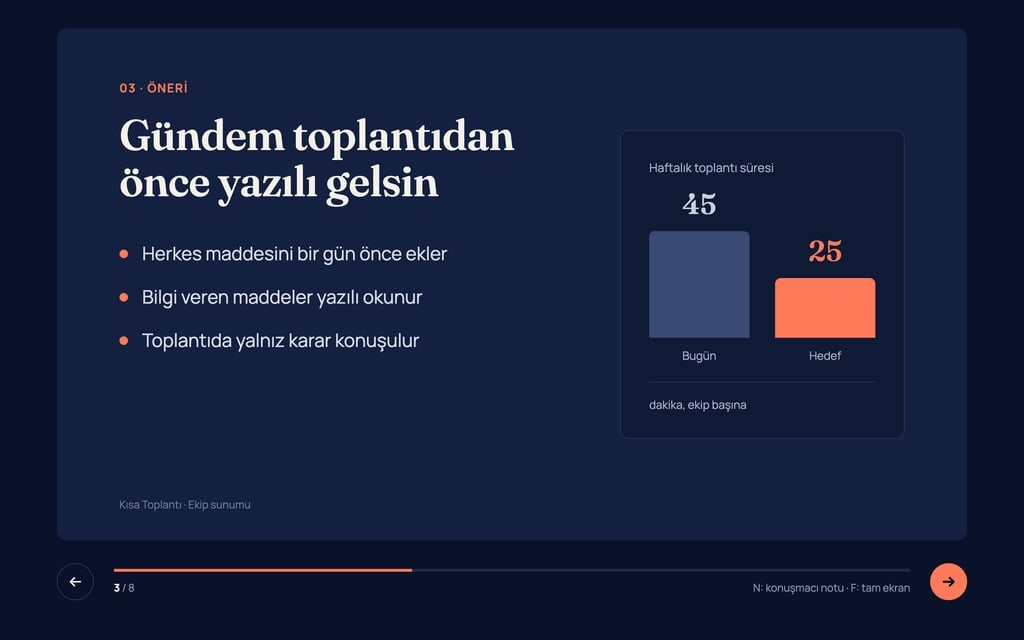
Design preview made from this prompt
9 more ready-to-use prompts
Different takes on the same topic. Copy any of them as is and replace the parts in square brackets.
1.Portfolio website prompt for Claude: single-file artifact
When to use: Use this when you want a one-file portfolio site you can preview right next to the chat in Claude and edit by talking.
Write a portfolio website for me that runs in a single HTML file and show it as an artifact.
- About me
- [name], [profession], [city].
- Projects
- [project 1: name, year, category], [project 2], [project 3], [project 4], [project 5], [project 6].
Sections
- 1Hero: my name, one sentence on what I do, a See my work button
- 2Work grid: category filters; each card has an image area, project name and year
- 3Project panel: opens when a card is clicked, short story and large image, closes with Esc
- 4About and contact: short bio, email link and a form that shows a thank-you message on submit
Design
- [light or dark] background, accent color [hex code]; a serif for headings and a grotesque for body text
- For now, colored placeholders that keep the image ratio, each labeled with the image that will go there
Rules
- No external libraries; CSS and JavaScript in the same file.
- When done, explain in 3 bullet points how I replace the projects.
2.Portfolio prompts for Claude Code: multi-page Next.js site
When to use: Use this in an empty folder in Claude Code when you want a portfolio on your own domain with a separate page for every project.
Build a static portfolio website in this folder with Next.js and Tailwind.
- About me
- [name], [profession]. Goal: [e.g. win freelance work from agencies].
Pages
- 1Home: hero, 6 selected projects, short about, contact call to action
- 2/work: all projects; keep the category filter in the URL (?category=...)
- 3/work/[slug]: one page per project with summary, role, duration, process images, result and a link to the next project
- 4/about and /contact
Content
- Keep each project as its own Markdown file in content/work, with title, year, category and cover image in the front matter.
- Create 6 sample project files first, then generate the pages from them.
Rules
- Give every page a title, description and social share image.
- Alt text is required on every image; the site must be keyboard navigable.
- When done, build the project and show that it runs without errors.
3.Portfolio website prompt for ChatGPT: turn your resume into a site
When to use: Use this when you have a resume or project list but no idea what the site should say; upload the file to ChatGPT first.
Turn the resume I uploaded into a personal portfolio website.
- Step 1
- Pull this content plan from the resume and show it as a table:
- A one-line positioning statement (who I help and with what result)
- 4-6 projects to feature: name, my role, year, a two-sentence story and a measurable result if there is one
- 3 services or areas of expertise
- A 60-word about text in the first person
- Step 2
- Wait for me to approve the plan.
- Step 3
- After approval, turn the plan into a single HTML file: hero, project cards, project detail, about and contact.
Rules
- Do not add projects, awards or numbers that are not in the resume; ask me about anything missing.
- Tone: [plain and professional or warm and personal].
- Accent color [hex code].
4.Portfolio prompt for Gemini: live preview in Canvas
When to use: Use this when you want to preview and edit your portfolio in Gemini Canvas without writing code; select Canvas before pasting.
In Canvas, build and preview a one-page portfolio website for [name].
- Profession
- [profession]. City: [city].
Sections
- 1Hero: name, one-line intro and a large image area from the best project
- 2Work: 9 project cards with filters for [category 1], [category 2] and [category 3]
- 3Project detail: a window that opens on click, with previous and next arrows
- 4About, services and a contact form that shows a success message on submit
Design
- Style: [editorial, dark gallery or minimal]
- Pick one heading font and one body font from Google Fonts
- Accent color [hex code]
Rules
- At phone width the grid drops to one column.
- When done, list everything that is clickable in the preview.
5.3D portfolio website prompt with Three.js
When to use: Use this when you want a 3D scene in the hero that moves as visitors scroll; best for developers and 3D artists.
Build a portfolio website for [name] whose hero is a 3D scene; use Three.js.
- Profession
- [profession].
3D hero
- One object in the center: [e.g. a slowly rotating low-poly desk lamp]
- The scene tilts slightly with the mouse; scrolling down orbits the camera 90 degrees around the object
- One soft light, shadows on, background color [hex code]
Rest of the page
- 1Work: 6 cards that lift slightly on hover
- 2About and a contact form that shows a thank-you message on submit
Rules
- Show a still image until the scene has loaded.
- If reduced motion is on or the screen is narrower than 640 px, use the still image instead of 3D.
- Keep the polygon count low so the scene stays smooth on phones.
6.Developer portfolio website prompt: projects and tech stack
When to use: Use this if you are a developer showing code projects for job applications or freelance work.
Build a personal portfolio website for software developer [name]; a recruiter should understand what I do in 30 seconds.
- Focus
- [e.g. web apps with React and Node.js].
Sections
- 1Hero: name, role, one-line focus, GitHub and email links, a Download resume button
- 2Projects: 6 cards with name, the problem in one line, tech used as tags, live demo and source code links
- 3Tech filter: clicking a tag keeps only the projects that use it
- 4Experience: a timeline with 2 concrete contributions per role
- 5Writing: the last 3 technical notes with title and date
- 6Contact: email and a form that shows a thank-you message on submit
Design
- Dark theme, small tags in a monospace font, accent color [hex code]
- A 16:10 screenshot area on each project card
Rules
- My real projects: [project 1], [project 2], [project 3]; make up the rest as samples and label them as samples.
- No skill percentage bars.
7.UX case study page prompt for a design portfolio
When to use: Use this when your portfolio needs a detail page that tells the story of one project; for product and UX designers.
Build a portfolio case study page for my project [project name].
- Context
- [type of company], my role [role], duration [duration], team [team].
Sections
- 1Cover: project name, a one-line result; role, duration and platform side by side
- 2Problem: 2 paragraphs from the user and business side
- 3Process: research, sketches and testing; an image area and 2-3 sentences for each step
- 4Decisions: two options we dropped and why
- 5Solution: before and after screens side by side
- 6Outcome: 2-3 measured changes and what I learned
- 7A link to the next case study at the bottom
Design
- Reading width up to 720 px; images may break out wider
- A section index on the left that follows the scroll
Rules
- The real numbers I have: [numbers]; do not invent any others, describe the outcome in words instead.
8.Portfolio prompt generator: let AI interview you first
When to use: Use this when none of the ready prompts quite fits and you want the AI to ask you questions and then write your own prompt.
You will write a portfolio website prompt for me; ask me questions first.
- Step 1
- Ask at most 8 questions on these topics, one at a time, and wait for each answer:
- My profession and who I want work from
- The projects I will show and their categories
- The one action I want visitors to take
- One look I like and one I do not
- The tool I will use (Claude, ChatGPT, Gemini or a site builder)
- Step 2
- Based on my answers, write a prompt that works in that tool on the first try:
- Task sentence, numbered sections, working parts, design and rules on separate lines
- Length 1200-2500 characters
- Step 3
- Under the prompt, explain in 5 bullet points which answer shaped which line.
9.Personal portfolio website prompt for beginners with few projects
When to use: Use this if you are a student or just starting out and have only two or three projects to show.
Build a simple one-page personal portfolio website for me; I am just starting out and have only [number] projects.
- About me
- [name], [field, e.g. graphic design student], [city].
Sections
- 1Hero: name, one line on the work I want to do, a See my work button
- 2Work: [project 1], [project 2], [project 3]; each with an image area, what I did and what I learned
- 3Skills: grouped into 3 short lists, no percentage bars
- 4Now: one short paragraph on what I am learning this month
- 5Contact: email link and a form that shows a thank-you message on submit
Design
- Clean light theme, one accent color [hex code], plenty of white space
- The page must look complete with three projects; no empty slots or coming soon cards
Rules
- Use only my real details; leave a bracketed placeholder where information is missing.
- Keep the copy short, in the first person and in plain English.
What this prompt does
People searching for portfolio prompts mostly want a copy-paste prompt that makes Claude, ChatGPT or Gemini build a finished portfolio website: work in a filterable grid, a project detail view and a working contact form. The main prompt sets the filter categories from your profession and describes 7 sections and the working parts; the 9 prompts below cover Claude artifacts, Claude Code, ChatGPT from a resume, Gemini Canvas, 3D, developers, UX case studies, a prompt generator and beginners.
Where to use it
- Photographer portfolio website
- Designer case study page
- Developer personal website
- Interior design project archive
- Personal site for job applications
- Freelancer quote page
Fields you can fill in
The fields you can change in the form above and their default values.
- Name or studio nameFree text
- Mavisaat Photography
- ProfessionOne of 6 options
- wedding and outdoor photographer; categories: wedding, ceremony, outdoor, family
- LocationFree text
- Izmir and the Aegean coast, Turkey
- StyleOne of 5 options
- editorial (off-white background, fine serif headings, generous spacing)
- Accent colorColor
- #a2462b
Step by step
- 1
Add your name and pick your profession
Type your own or your studio's name in Name or studio name and pick your work from Profession. The profession also sets the filter categories: wedding, ceremony, outdoor and family for a photographer; homes, cafes, offices and retail for an interior designer.
- 2
Set location, style and accent color
Location appears in the About and Contact sections. Style sets the background, type and spacing; Accent color only affects buttons, the active filter and links. The prompt updates as you choose, so read the final text before copying.
- 3
Paste it into your tool
Copy the prompt. In Claude, paste it into the chat and the site opens as an artifact next to it. In Gemini, choose Canvas first. In ChatGPT, ask for a single HTML file. In Entrobase, the Start button sends the prompt to Builder.
- 4
Swap the sample work for yours
The 9 projects in the first version are made up. Send the title, year, category and a two-sentence story for each real project in the same chat, and ask it to swap in your images and update the category counts.
- 5
Test the working parts
Click the filters, open a project and move with the arrow keys, press Esc, submit the empty form and open the page at phone width. If something is missing, ask for it by name in the same chat.
Tips and variations
- The positioning line in the hero is the most-read sentence on the site; say who you work for and how, not just your job title: 'Unposed weddings in natural light around Izmir'.
- Show your best 9 projects instead of 20; on desktop they sit as a balanced 3 by 3 grid and visitors decide before they reach weaker work.
- Dark gallery suits photography and illustration, editorial and Swiss minimal suit designers and interior designers, and neo-brutalist suits developer sites.
- To publish the single-file site from Claude or Gemini on your own domain, download the code and upload it to any static host; for several pages, build it as a project with the Claude Code prompt.
Frequently asked questions
How do I build a portfolio website with Claude?
Paste the prompt into Claude; it writes the site as an artifact and previews it next to the chat. According to the Claude Help Center, an artifact can be a single-page website or a small interactive tool, and you edit it by asking for changes in the chat. For a multi-page site, use the Claude Code prompt.
Can ChatGPT make a portfolio website from a prompt?
Yes. Upload your resume or project list to ChatGPT and use the resume-to-portfolio prompt on this page: it first drafts a content plan and, once you approve it, writes the site as a single HTML file you can save and open in your browser.
Does a portfolio prompt for Gemini work in Canvas?
Yes. Choose Canvas in Gemini and paste the prompt; Gemini writes the site as HTML and previews it. Ask for changes in plain language and it updates the code and refreshes the preview, and the code view lets you edit the HTML directly.
What should a portfolio website include?
At minimum: selected work, a short story for each project, an about section, services and contact. Visitors should see what you do in the hero, how you do it in the work section, and reach the contact form in one click from anywhere.
Can AI build a 3D portfolio website?
Yes. The 3D portfolio prompt on this page asks for a single object in the hero built with Three.js and a camera that turns as you scroll. Heavy scenes slow down on phones, so the prompt swaps in a still image on narrow screens and when reduced motion is on.