Slide Prompts: 8 Copy-Paste Prompts for Claude and ChatGPT
8 slide prompts: an animated product launch deck where elements build in one by one and numbers count up, plus Claude and ChatGPT prompts for slide design, slide images and better slide titles.
Prompt
Fill in the fields below and the prompt updates instantly. Copy it and use it in any AI tool.
Build an animated 9-slide product launch presentation for Nemli as a web presentation.
Producta small soil moisture sensor that sends a watering reminder to the phone.
Slides
Cover: the product name large and plain, not in all caps, with a one-sentence promise below.
Problem: one sentence whose words appear one after another.
How it works: 3 steps, one step per click, with the arrow between them drawing itself in.
Big number: a single measurement that counts up from zero.
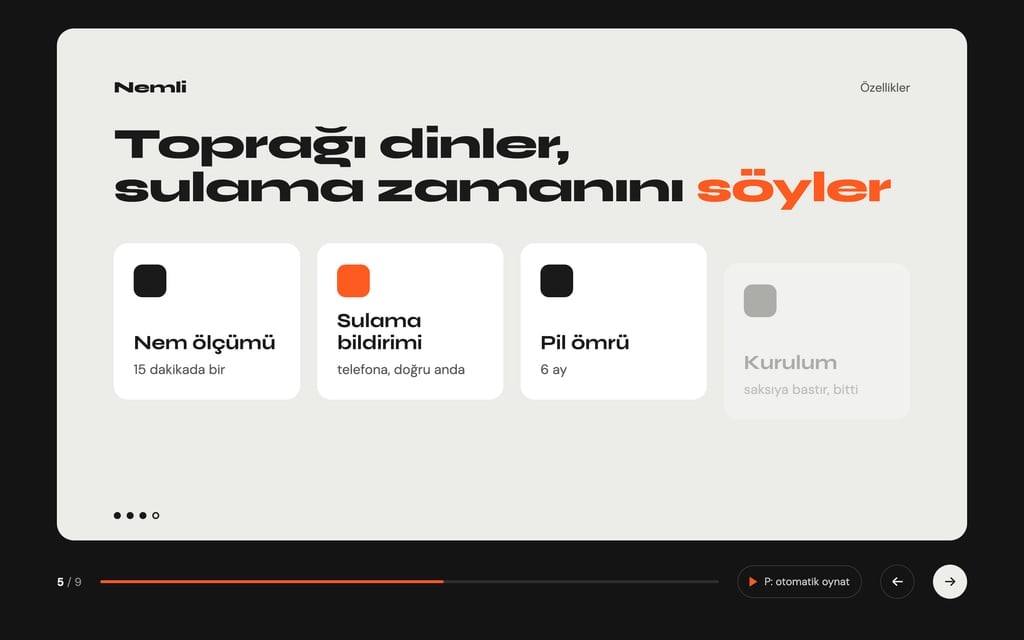
Features: 4 cards that rise in from below one after another.
Before and after: two columns with a sliding divider between them.
In use: the product and a phone screen drawn in HTML and CSS, with a notification sliding onto the screen.
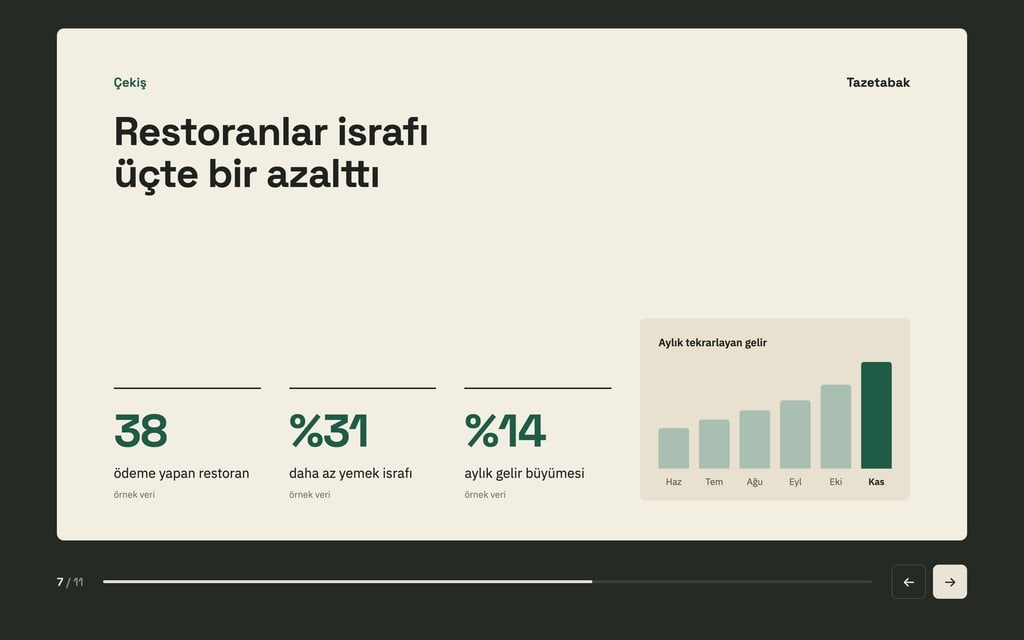
Chart: a 6-month bar chart whose bars grow from the bottom.
Closing: a pre-order button and a one-line contact.
Animation
Level: medium: elements that build in, numbers that count up, bars that grow.
A short slide transition; every animation at most 600 ms.
Elements build in on each click; the P key turns on autoplay (6 seconds per slide) and the same key stops it.
When reduced motion is on, every element appears at once without animation.
Navigation
Arrow keys, the space bar and a click; a progress bar and a "4 / 9" counter at the bottom.
Design
Theme: light grey background, black text, wide geometric titles.
Main color #ff5a1f; for the big number, the button and the chart.
One message per slide, lots of space, at most 20 words.
Content
Short English copy; numbers are examples but realistic.
No real brands, logos or people; no lorem ipsum.
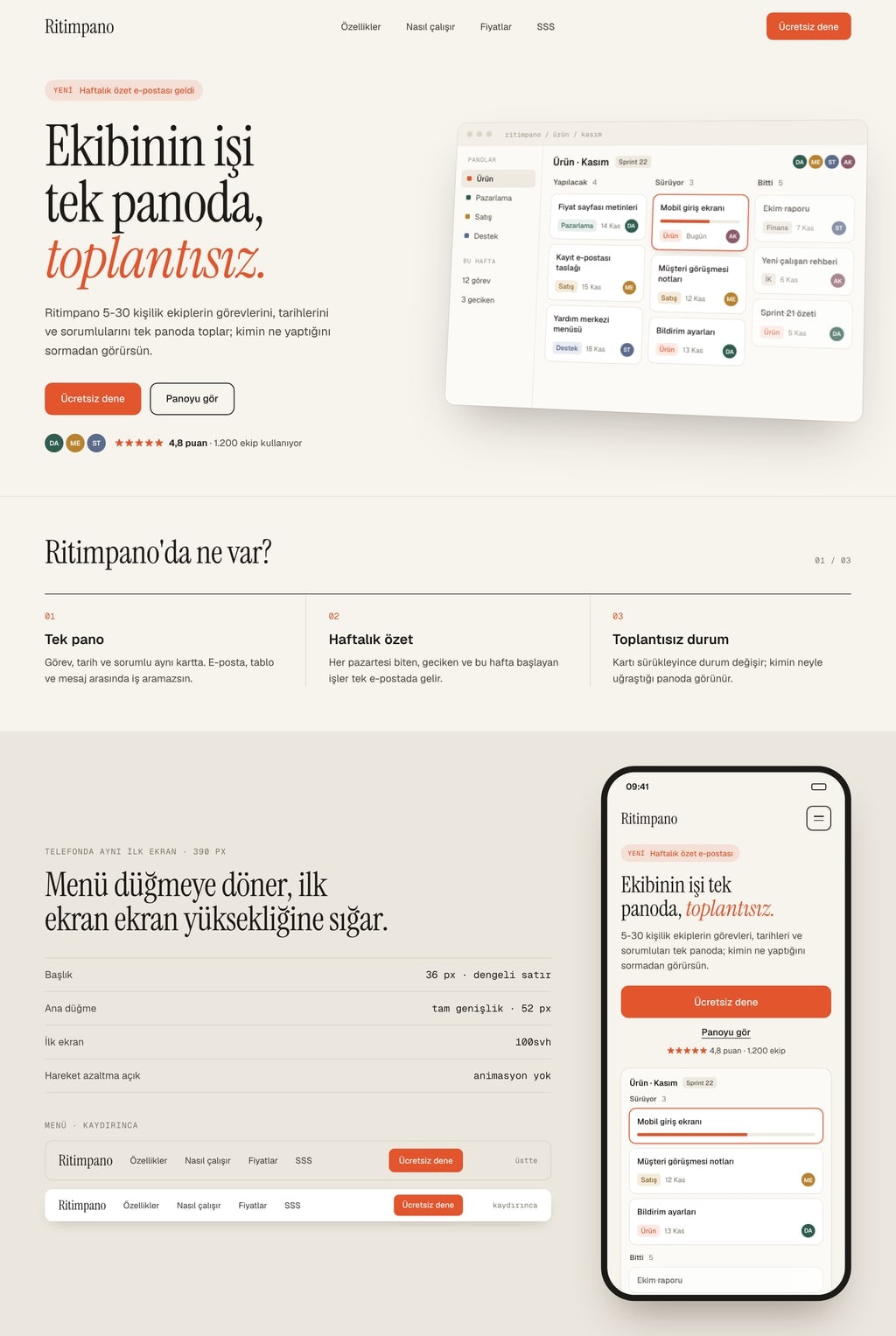
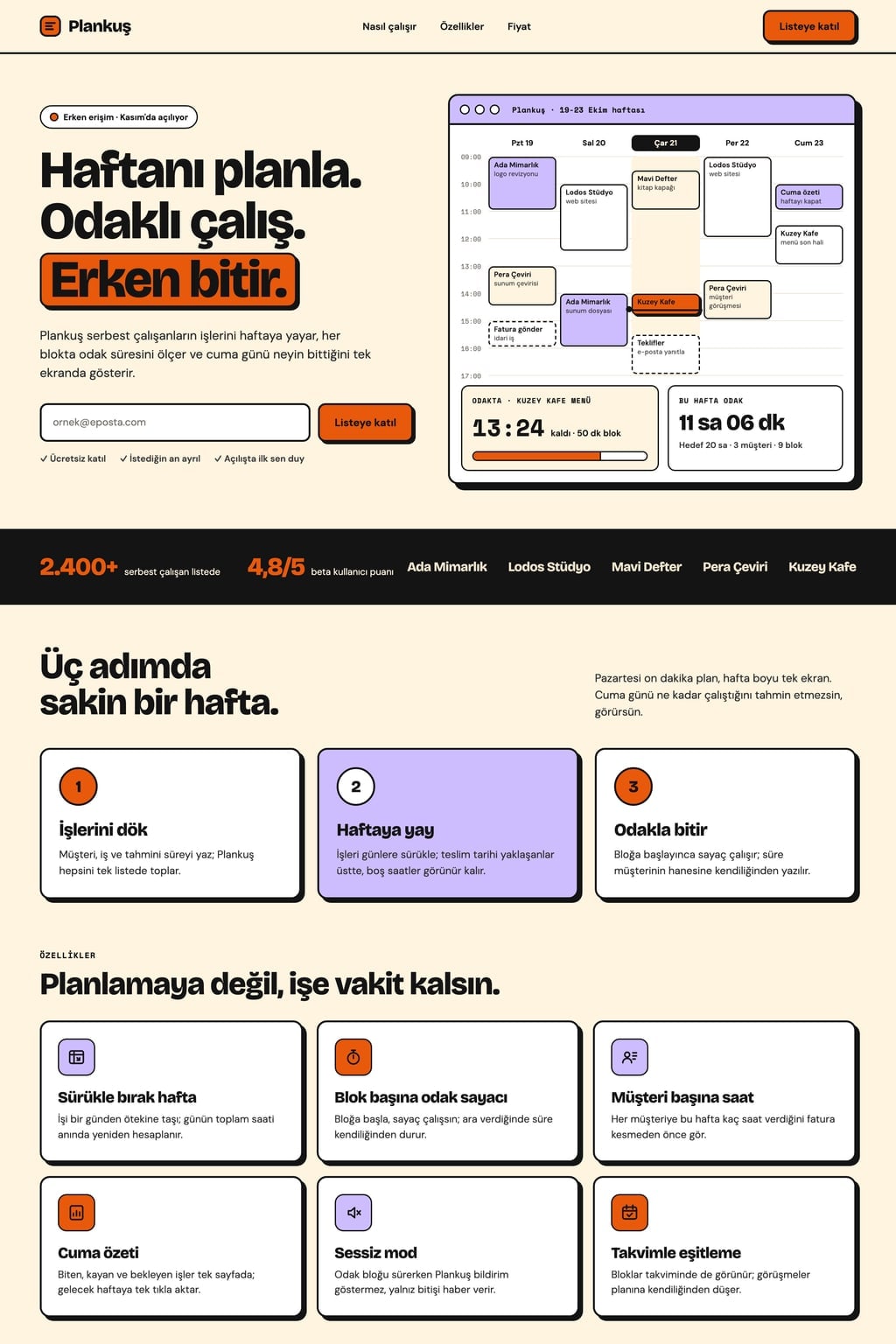
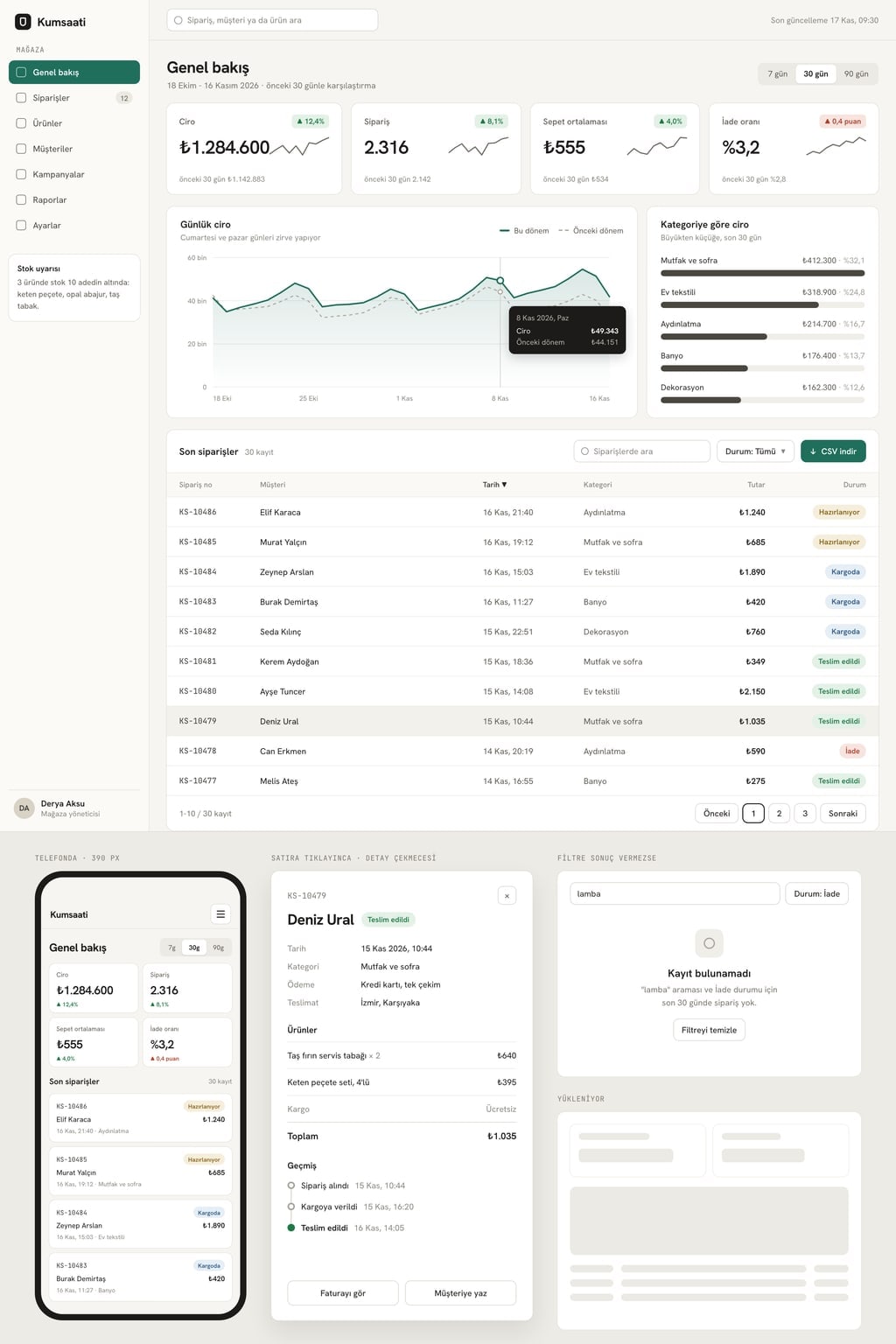
Design preview made from this prompt
7 more ready-to-use prompts
Different takes on the same topic. Copy any of them as is and replace the parts in square brackets.
1.Slides prompt for Claude: animated HTML deck
When to use: When you want the deck as one HTML file with CSS animations.
Write a 6-slide animated presentation about [topic] as a single HTML file with CSS and JavaScript inside.
Animation
- Elements build in one by one on each click.
- Numbers count up from zero.
- No animation when reduced motion is on.
- Design
- [dark background], main color [hex].
Give the code first, then tell me which lines control the timings.
2.Slide prompt for ChatGPT: one slide, designed
When to use: When you need the text and layout of a single slide to be right.
Design one presentation slide for this information: [information].
Return
- 1An action title, 8 words or fewer
- 2Layout: where the title, image and text go, with proportions
- 3At most 3 bullets or one big number
- 4An image suggestion
Rules
- The slide is 16:9.
- 20 words in total at most.
3.Image prompt for slide backgrounds
When to use: When you want consistent, text-free background images for your slides.
Create an image to use as a slide background for [presentation topic].
- Scene
- [e.g. a softly lit greenhouse with blurred leaves].
- Composition
- the left half calm and empty for text; scene detail on the right half.
- Light
- soft daylight. Palette: [two colors].
No text in the image.
Aspect ratio 16:9.
4.Rewrite slide titles as action titles
When to use: When your titles are labels like 'Market' or 'Results' and do not say anything.
Rewrite the slide titles below as action titles.
Rules
- 10 words or fewer each.
- Carry the number or result from the slide content.
- No hype adjectives.
- Output
- old title, new title.
Titles and slide content
[paste here]
5.Kinetic type opening slide
When to use: When you want to open a talk on stage with one sentence in large moving type.
Write a single kinetic typography opening slide for my talk (HTML and CSS).
- Sentence
- "[opening sentence]".
- Animation
- words arrive one by one, large and bold; the last word is highlighted in the main color [hex].
Total under 3 seconds, then the slide holds still.
Plain [color] background, a wide grotesque typeface.
6.Animated data slide
When to use: When you want to reveal one chart step by step while you talk.
Build one animated data slide for this data: [month: value list].
- Animation
- axes first, then bars grow left to right, and finally the tallest bar turns the main color.
- Title
- the conclusion the data shows, 8 words or fewer.
- Small note below
- data source [source].
7.Fix a crowded slide
When to use: When one of your slides has too much text and nobody can read it.
The slide below is too crowded. Simplify it:
- 1Find the single message and make it the title.
- 2Keep the 3 most important points, 6 words or fewer each.
- 3Move the rest into speaker notes.
- 4If needed, split it into two slides and say why.
Slide
[paste the text]
What this prompt does
Some people searching for a slide prompt want one well-designed slide; others want a whole deck that moves. The main prompt builds a 9-slide animated product launch presentation where elements build in on click, numbers count up and charts grow; the 7 prompts below cover single-slide design in Claude and ChatGPT, slide background images, action titles and fixing a crowded slide.
Where to use it
- Product launch
- Trade show screen
- Investor demo
- Screen recording for social media
- Sales meeting
Fields you can fill in
The fields you can change in the form above and their default values.
- Product nameFree text
- Nemli
- ProductFree text
- a small soil moisture sensor that sends a watering reminder to the phone
- Animation levelOne of 3 options
- medium: elements that build in, numbers that count up, bars that grow
- ThemeOne of 3 options
- light grey background, black text, wide geometric titles
- Main colorColor
- #ff5a1f
Step by step
- 1
Describe the product in two fields
The product name goes on the cover, and the Product sentence feeds the problem, how-it-works and in-use slides. Say what it does and who it helps in one sentence.
- 2
Pick the animation level
Subtle suits meetings and training, medium suits product launches, cinematic suits stage openings and screen recordings. Every animation is capped at 600 ms so the deck stays quick.
- 3
Click through, then autoplay
Check that each click brings in one element, then press P for autoplay. On a trade show screen you leave autoplay on.
- 4
Record it
For social media, play the deck full screen with P and record the screen; 9 slides at 6 seconds make roughly a one-minute video.
Tips and variations
- WCAG 2.2 asks that motion triggered by interaction can be turned off; the reduced motion line in the prompt removes animation for viewers who enable that setting.
- Autoplay runs longer than 5 seconds, so WCAG asks for a way to pause it; that is why the P key also stops it.
- Tie each build to your talk: bring in only the element you are speaking about so the audience does not read ahead.
- If you have a real product photo, add 'use public/urun.png instead of the drawing on the in-use slide'.
Frequently asked questions
How do I write a good slide prompt?
State the slide's single message, its layout (where the title, image and text go), a word limit and the visual style on separate lines. For animation, also say which element appears in which order.
Is there a slide prompt for ChatGPT?
Yes. The ChatGPT variant below asks for an action title, a layout with proportions, at most 3 bullets and an image idea for a single 16:9 slide.
Can Claude make animated slides?
Yes. Claude can write slides with CSS animations as a single HTML file; the Claude variant below asks for exactly that.
What is a slide prompt generator?
It turns a short topic into a structured slide prompt. The form on this page does the same: fill in the fields and the prompt updates with your product and settings.