

Animated Presentation Maker
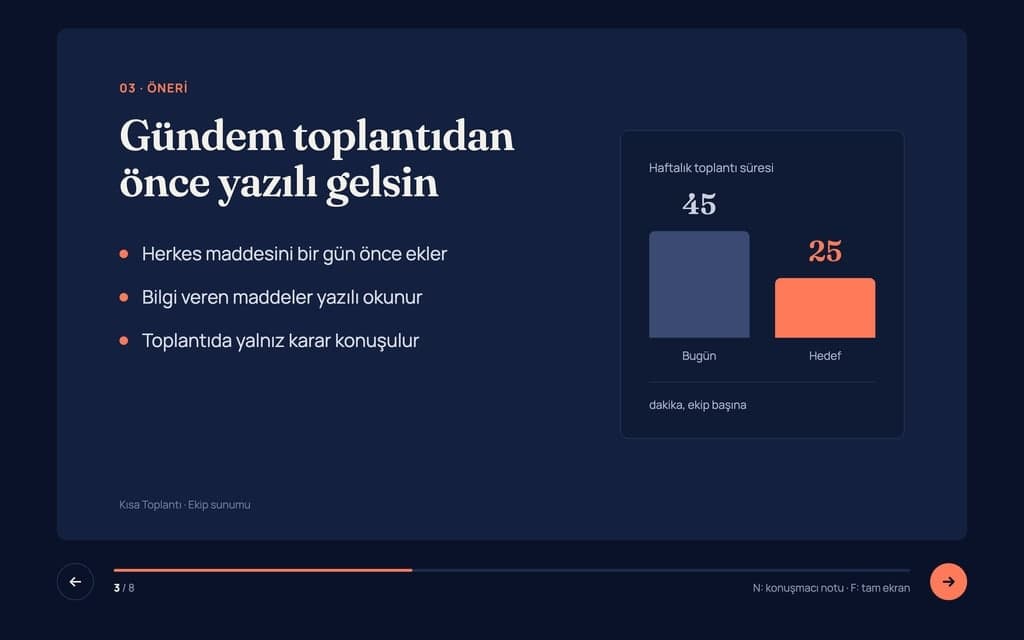
Build an animated presentation website with Entrobase: every slide is a full-screen section, headings slide in, and you share it as a link.
Entrobase builds a slideshow web page that plays your photos full screen, one after another, with the cover title, captions, transitions and auto-advance you describe. You get a page that opens from a link and plays on phones and computers, with no PowerPoint file involved.
Blue parts are the places to fill in with your own details. Tab selects the next one, Enter sends, Shift and Enter starts a new line.
This tool runs on Entro Builder.
The cover text, the photo order, how long each photo stays on screen and the transition style all come from the sentences in your request. To change the pace, give the new duration in chat.
On phones it swipes, on computers it moves with the arrow keys. Ask for a full-screen button, connect a laptop to the screen in the room and play the show from the browser.
Images you add to the chat and images you upload in the Media tab are listed together in the project. To swap a photo later, find it in Media and add it to your next request with Use in chat.
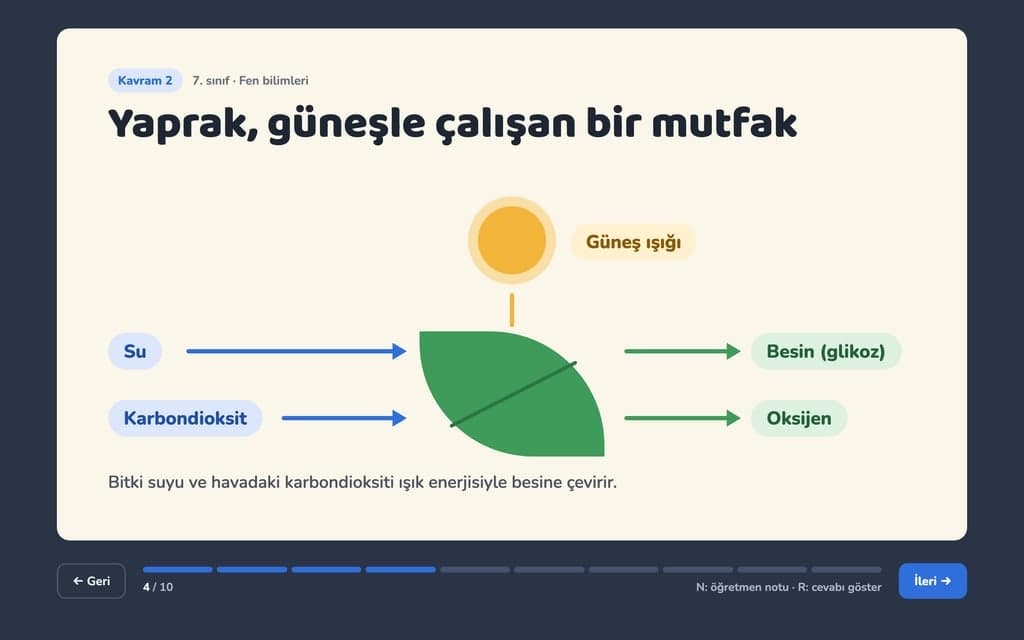
When you send the prompt, Builder builds the page with placeholder images. Then add your photos to the chat; one message takes up to 5 images, and very large files are not accepted there. For many or large photos, select them all at once with Upload image in the Media tab, which shrinks very large photos before uploading.
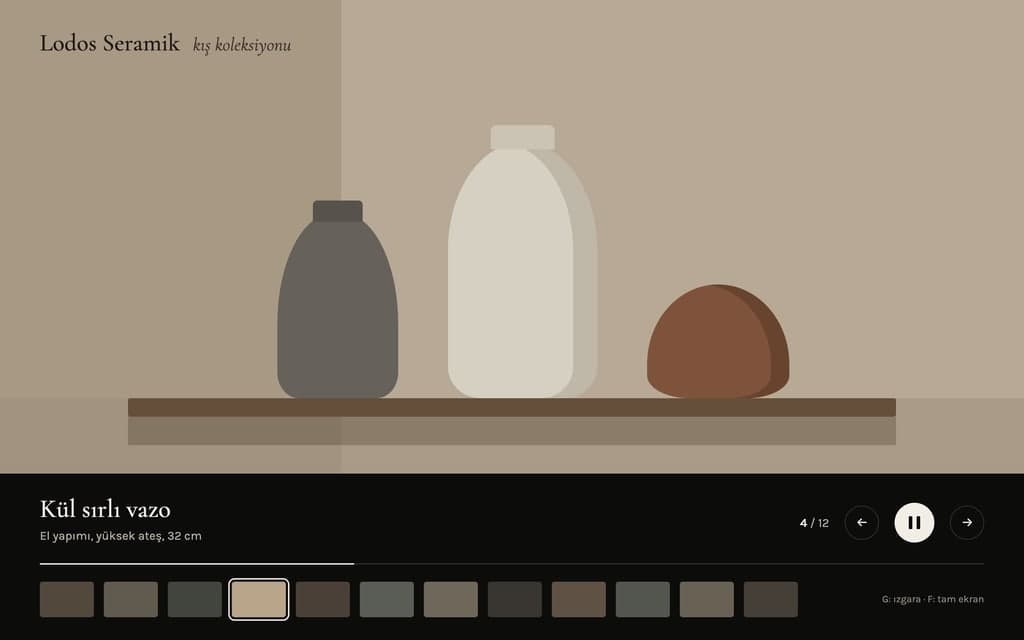
To fix a typo or a date in a caption, press Edit text, click the words and save; this does not use the AI. Ask for changes to order, timing or transitions in chat, and undo what you dislike with Restore this version.
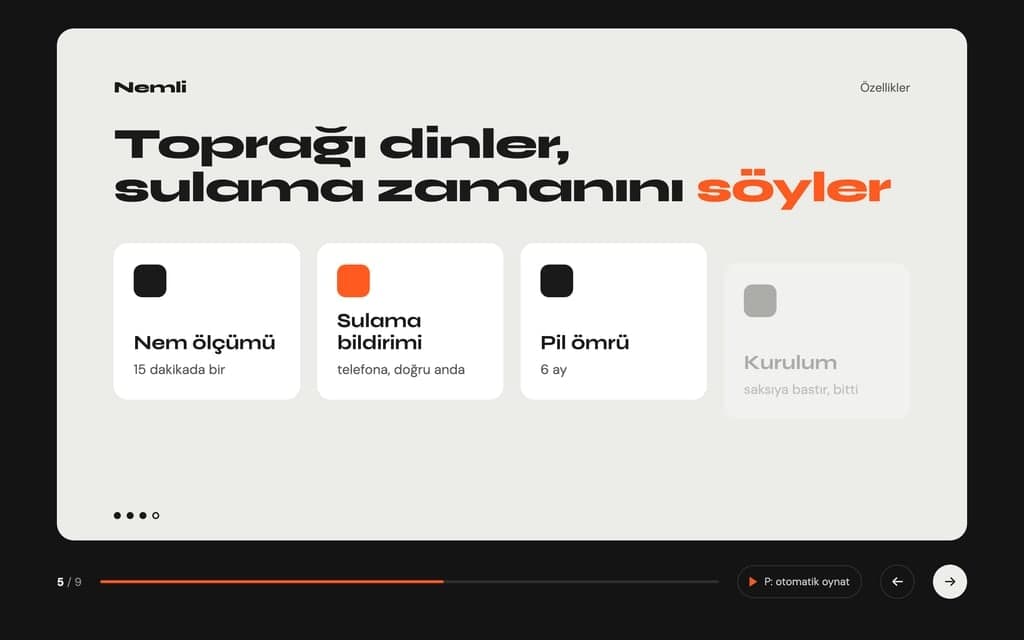
A show of the couple's photos to send to guests by message or to loop on a screen at the venue. The names and date sit on the cover, and the last slide says thank you.
A page where a year, or many years, of family photos run in date order. Each caption gives the year of the photo and a short note.
A quiet memorial page with slow transitions and short notes under the photos. The family shares the link with relatives far away, and everyone watches on their own phone.
A show of trip or graduation photos to send to the class group. The teacher writes who, where and when under each photo.
A page that shows a new product or finished projects full screen, with contact details or a WhatsApp button on the last slide.
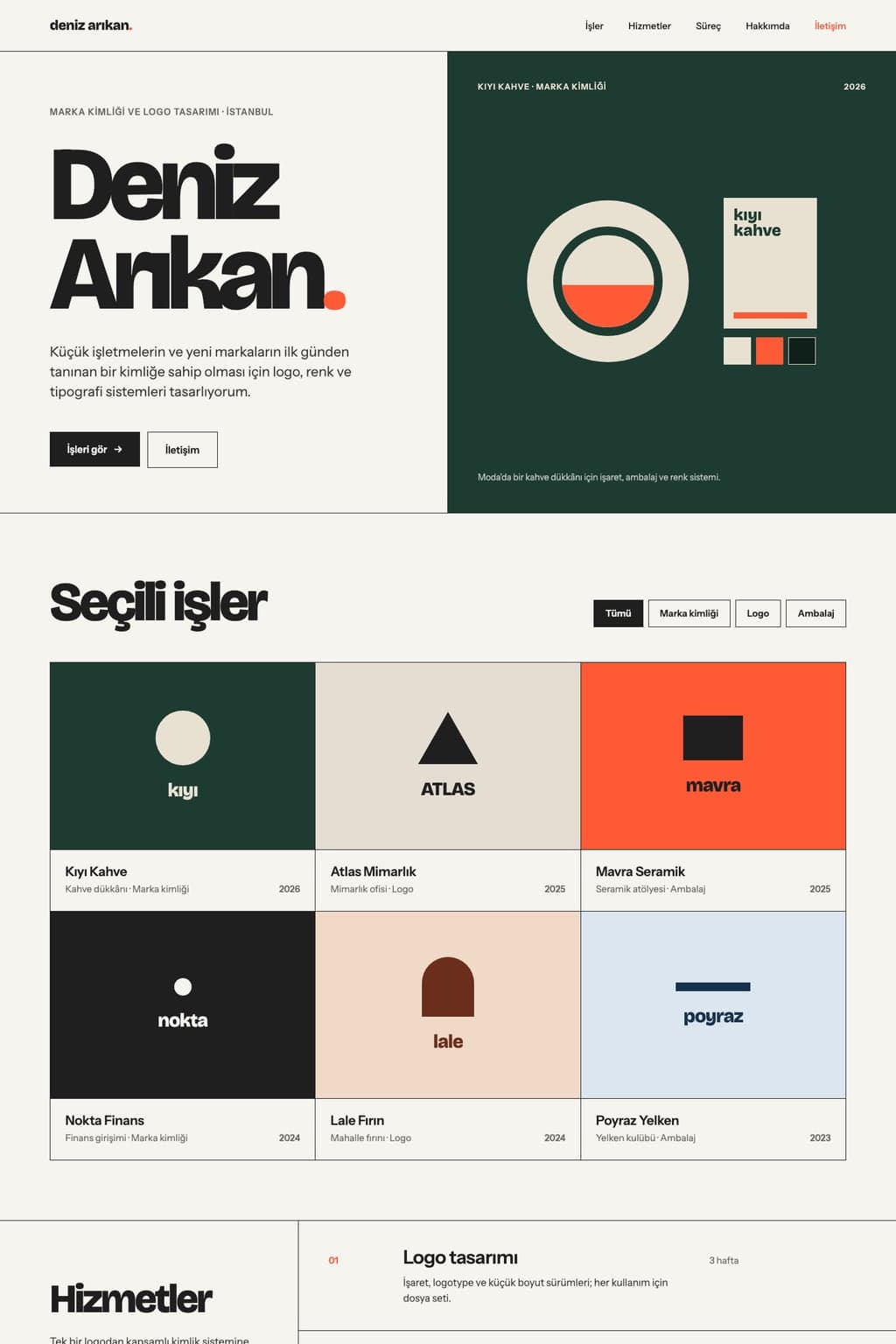
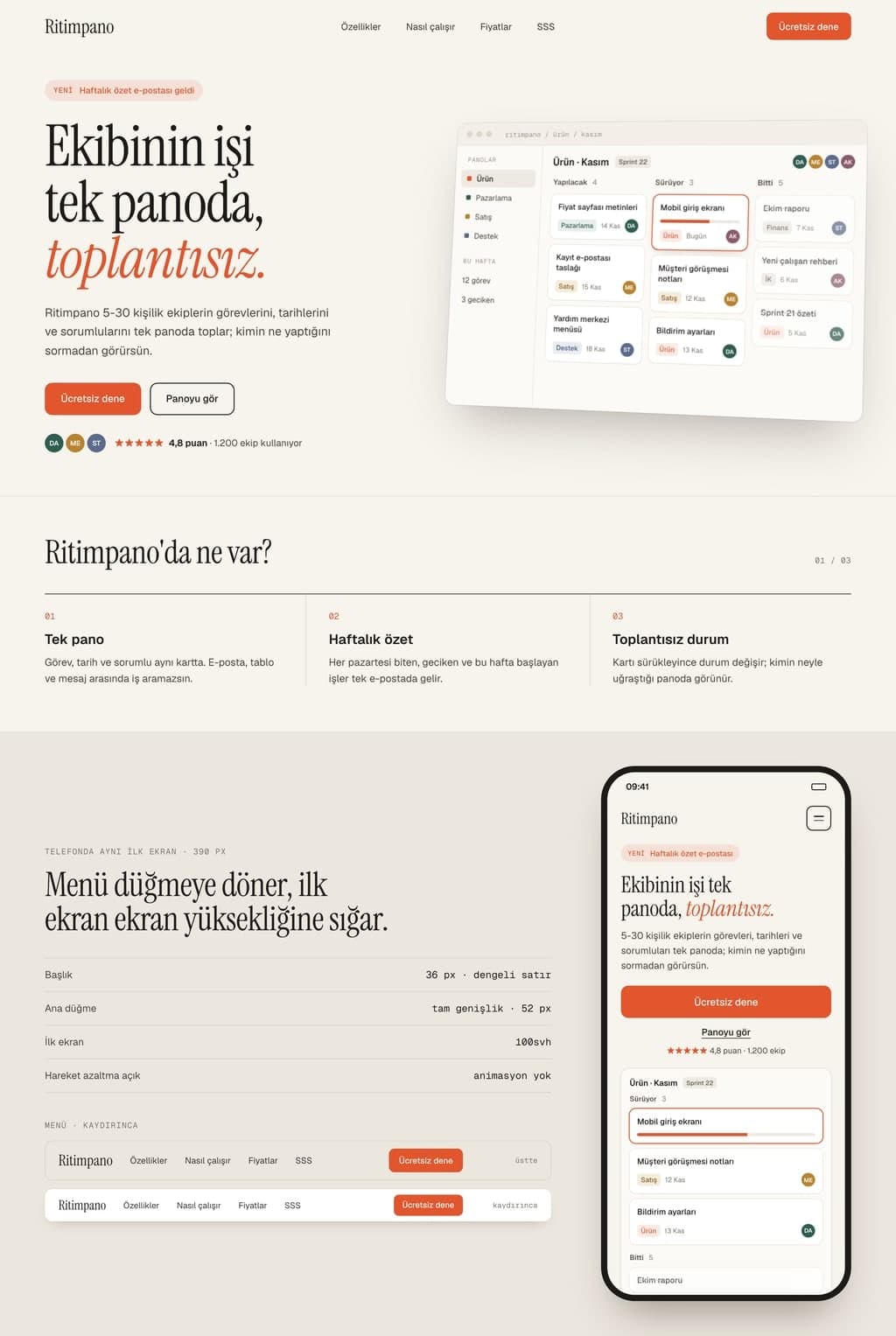
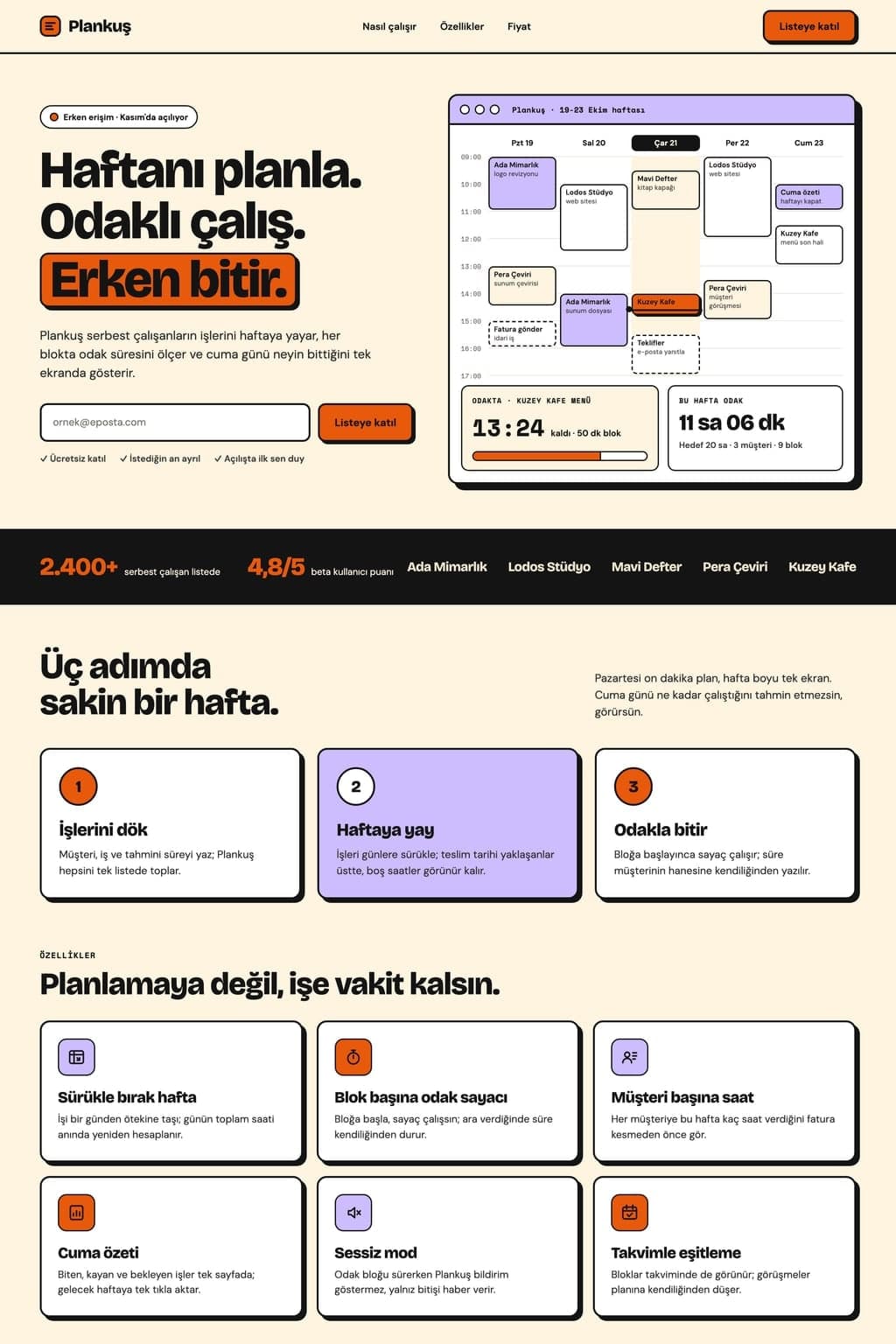
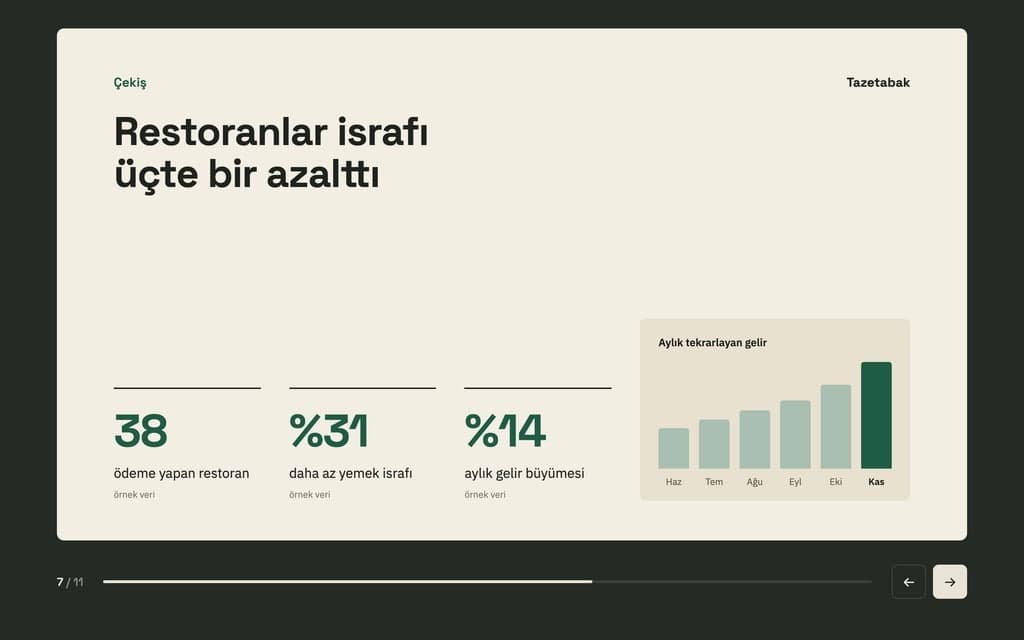
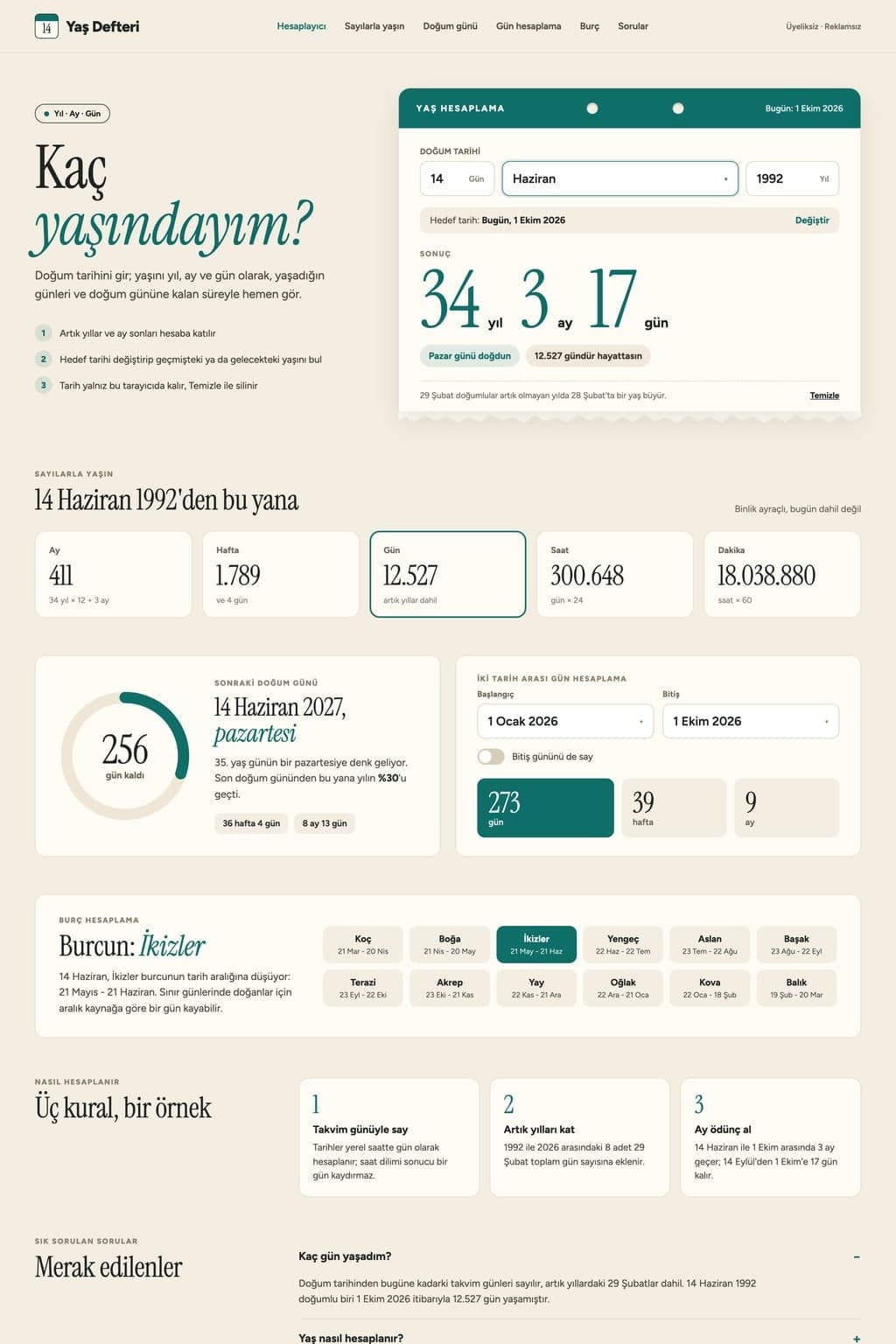
Change the theme, timing, transition and colors in the prompt to fit your show, then send it. Builder builds the page with placeholder images and the preview opens.
Add photos to the chat five at a time, or upload them all in the Media tab. Write the order and the captions, then watch the whole show in the preview.
When it is ready, press Publish. The show opens at yoursite.entrobase.site; send the link by message or open it on a screen.
Build an animated presentation website with Entrobase: every slide is a full-screen section, headings slide in, and you share it as a link.
Launch Preparation & Event Plan
Project Status & Key Decisions • Launch date confirmed for June 12 • Exhibition space secured with a 10x10 booth setup • Print collateral approved for 500 brochures • Video production partner selected: Dana Pending Decisions & Open Issues • Budget approval remains pending • Press list is incomplete and needs review • Greeter assignment unconfirmed: who greets guests at the booth? Action Items & Ownership • Finalize and submit budget for formal sign-off • Complete the press outreach contact…
Attach a photo of a whiteboard, handwritten notes or a scanned page. Entro reads the text and drafts a deck you download as .pptx. No photo goes on the slides.
Weekly Sales Performance Update
Executive Summary • Weekly revenue reached $18,430, marking an increase from $17,190 last week • Strong operational throughput with 412 total orders processed • Solid customer purchasing size reflected in a $44.70 average basket • Low return volume with only 9 items returned across the period Core Sales Metrics Metric · Current Week · Previous Week · Status Revenue · $18,430 · $17,190 · Up week-over-week Total Orders · 412 · Not specified · Steady volume Average Basket ·…
Attach a screenshot and Entro reads its text, tables and numbers, then drafts a deck you download as PowerPoint (.pptx). The image is not placed on slides.

An AI website builder that builds what you describe. Write a few sentences, preview the site next to the chat, fix it by asking and publish it for free.

Build a landing page with AI: describe the offer, get a one-page site with a form and collect sign-ups in your Forms inbox. Preview it, then publish.

Describe a scene and Canvas turns it into 1 to 4 images. Ten aspect ratios, 16 style presets and monthly image credits on the Free plan.
You describe it, Entrobase builds it.
Create with Entrobase