Slideshow Prompts: 8 Copy-Paste Prompts for ChatGPT
8 slideshow prompts: a full-screen photo slideshow site with autoplay and a thumbnail strip, plus ChatGPT prompts for social slideshows, product and travel slideshows and slideshow night.
Prompt
Fill in the fields below and the prompt updates instantly. Copy it and use it in any AI tool.
Build a full-screen photo slideshow site for the Lodos Ceramics winter collection.
Photos12 photos; use fitting stock photos for now, saved as public/slaytlar/01.jpg, 02.jpg and so on so I can swap in my own later.
Slideshow
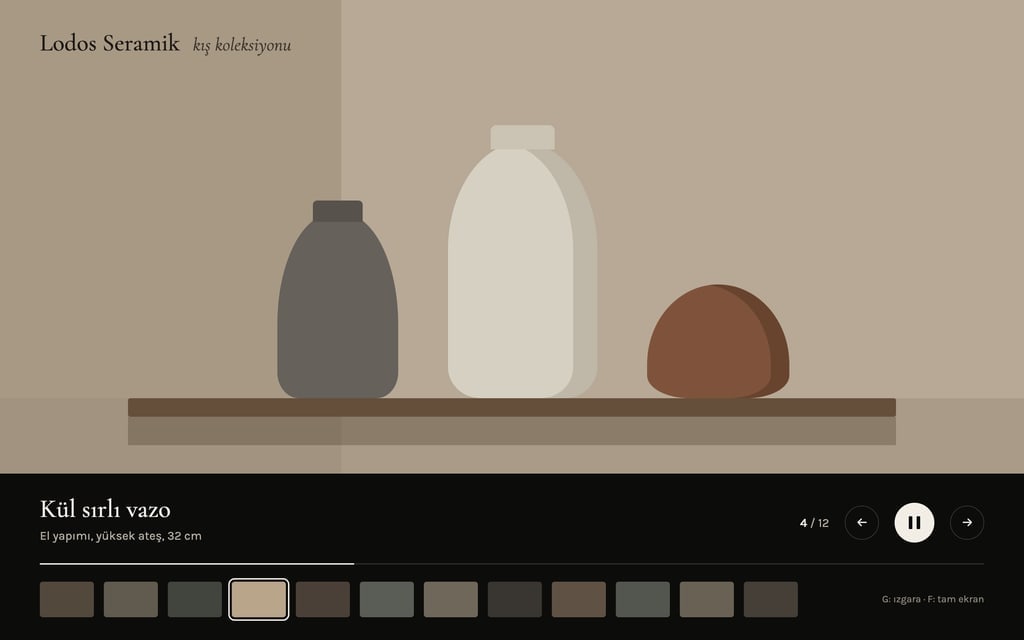
Every photo fills the screen, stays for 5 seconds and moves to the next with a soft fade and a slow zoom into the photo.
A one-line caption under each photo: the piece name and a short note.
A thumbnail strip at the bottom; clicking a thumbnail jumps to it and the current photo is outlined.
A counter like "4 / 12" and a thin progress line at the bottom right.
Controls
A play and pause button; the space bar also pauses.
Left and right arrow keys, a click and touch swipes change photos.
The G key opens a grid view with every photo as a small card; clicking one returns to the slideshow.
The F key toggles full screen.
When reduced motion is on, transitions and zooms are off.
Design
Style: black background, a thin serif title, the calm of a gallery.
Color: interface text and buttons in a neutral light grey with no colored accent; the color comes from the photos.
Interface elements never cover the photo; after 3 seconds without mouse movement the controls fade out.
A one-screen cover at the start: the title, the photo count and a Start button.
Content
Short English captions; no lorem ipsum.
No real brands, logos or photos of recognizable people.
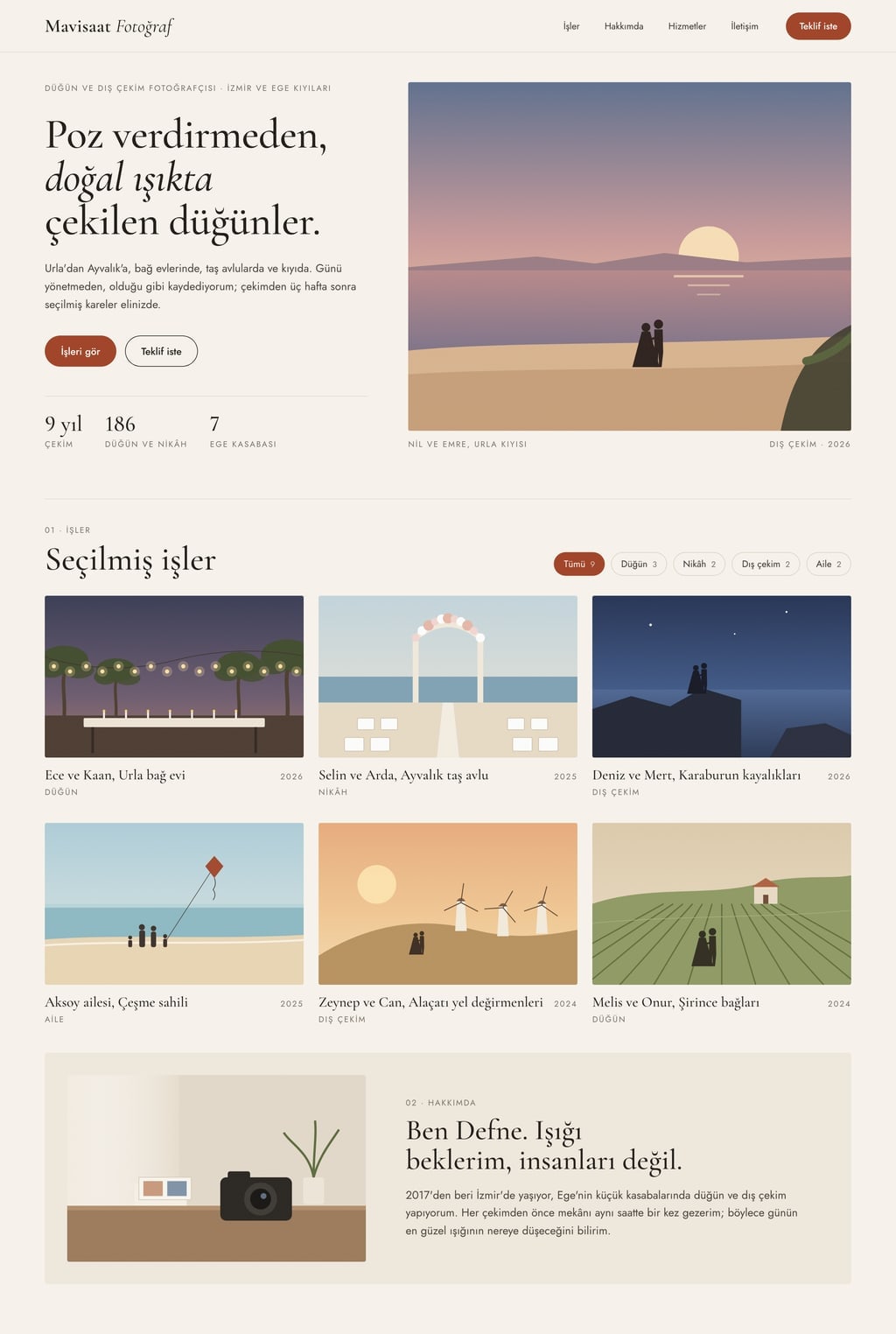
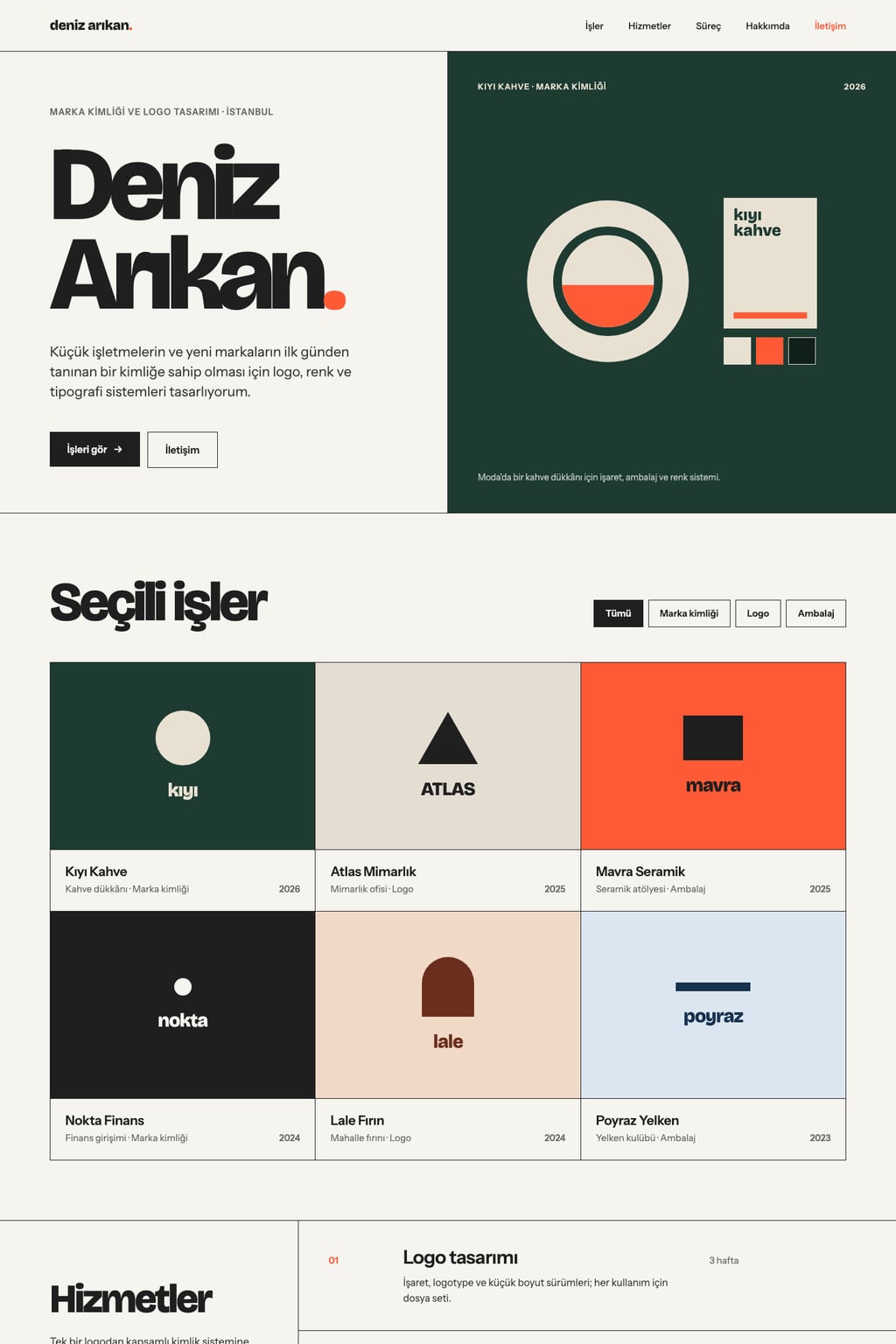
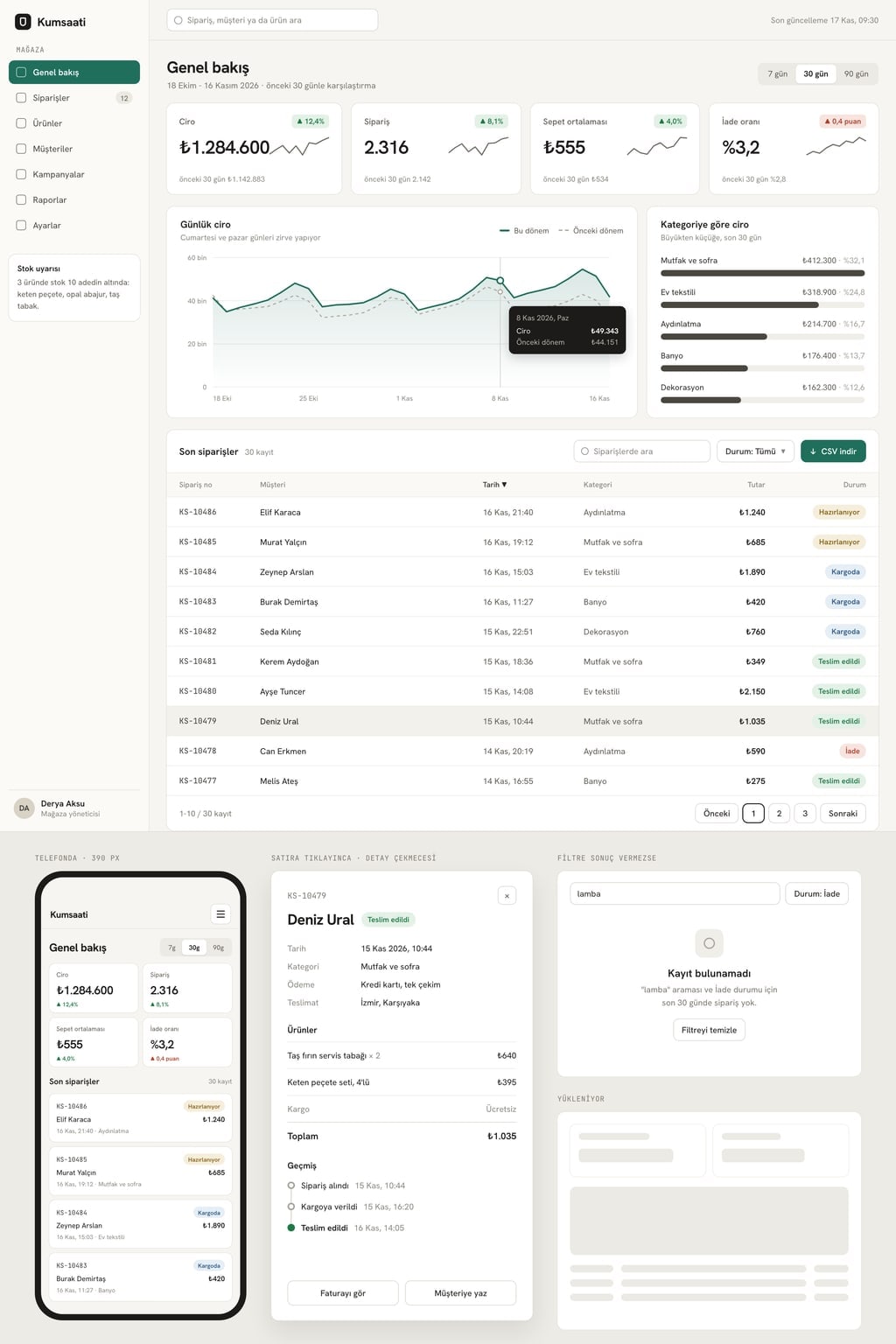
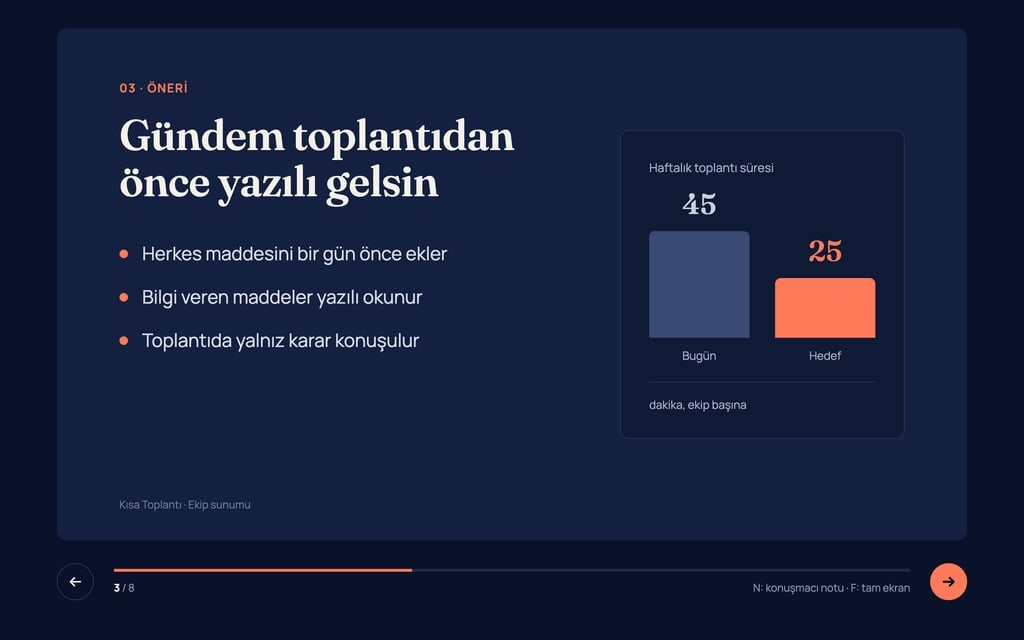
Design preview made from this prompt
7 more ready-to-use prompts
Different takes on the same topic. Copy any of them as is and replace the parts in square brackets.
1.TikTok slideshow prompt for ChatGPT
When to use: When you are making a swipeable photo post and need the hook, order and caption.
Plan a 6-slide swipeable photo post about [topic].
For each slide
- What the photo shows
- On-image text: 7 words or fewer
Rules
- Slide 1 is a curiosity hook.
- The last slide asks people to save or follow.
End with a 2-sentence caption and 5 hashtags.
2.Photo slideshow prompt for a trip
When to use: When you want to share a trip as a slideshow split into days.
Build a full-screen photo slideshow site for my trip to [place].
- Sections
- a divider slide for each day (Day 1, Day 2) followed by that day's photos.
Caption each photo with the place name and one sentence.
Fade with a slow zoom, 5 seconds per photo, a play and pause button.
Photos live in public/trip; use stock photos for now.
3.Product photo slideshow prompt
When to use: When you are showing a product's angles and use on a store page or a screen.
Build an 8-photo product slideshow for [product name].
- Order
- front, side, back, close-up texture, in use, size comparison, packaging, color options.
A small info card at the bottom right of each slide: one feature and one number.
White background, thin grey lines, a horizontal slide transition every 4 seconds.
4.Property listing photo tour
When to use: When you want a shareable link that walks through a home room by room.
Build a room-by-room photo tour site for a [2-bedroom] apartment in [location].
- Order
- exterior, living room, kitchen, bedrooms, bathroom, balcony view.
Show the room name and size on each photo, with a thumbnail strip below.
- Last slide
- a floor plan placeholder and a contact button.
Use a placeholder instead of a real phone number.
5.Single HTML file slideshow with Claude
When to use: When you want one HTML file that plays the photos in your own folder.
Write a photo slideshow that runs from a single HTML file with CSS and JavaScript inside.
Put the photo list in an array at the top: ['photo1.jpg', 'photo2.jpg', ...].
- Features
- full screen, a fade every [5] seconds, arrow keys, space to pause, a counter at the bottom.
It should work when the HTML file sits in the same folder as the photos.
6.Looping slideshow for a cafe or shop screen
When to use: When the TV in your shop should cycle menu, offers and product photos all day.
Build a full-screen slideshow for the in-store screen at [business name].
- Order
- 4 product photos, 1 offer slide, 1 opening hours slide.
Rules
- Loop back to the start after the last slide and never show controls.
- Text readable from across the room: at least 64 px.
- 8 seconds per slide, soft fade.
7.Funny slideshow night prompts
When to use: When you are hosting a slideshow night and need topics with a quick plan.
Suggest 10 funny presentation topics for a slideshow night with friends.
For each topic
- A one-line title
- A 5-slide outline
- One funny closing idea
Rules
- Nothing hurtful and no inside jokes.
- Each talk under 5 minutes.
What this prompt does
If you want your photos to play as a full-screen slideshow you can share with a link, the main prompt builds it as a website: transitions, captions, a thumbnail strip, play and pause, and a grid view. The 7 prompts below cover ChatGPT slideshow plans for social posts, product, travel and property slideshows, a looping shop screen and slideshow night ideas.
Where to use it
- Studio and collection showcase
- Photographer portfolio
- Shop or cafe screen
- Travel photos
- Property listing photo tour
Fields you can fill in
The fields you can change in the form above and their default values.
- Slideshow titleFree text
- the Lodos Ceramics winter collection
- PhotosOne of 4 options
- 12
- Seconds per photoOne of 3 options
- 5
- TransitionOne of 4 options
- a soft fade and a slow zoom into the photo
- StyleOne of 3 options
- black background, a thin serif title, the calm of a gallery
Step by step
- 1
Set the title and photo count
The slideshow title appears on the cover and in the browser tab. One placeholder file is created per photo; 12 photos at 5 seconds make a one-minute show.
- 2
Choose the transition and timing
A fade with a slow zoom suits products and artwork, a straight cut suits documentary photos. Pick 8 seconds for a screen that people walk past.
- 3
Add your own photos
Once the site is built, replace 01.jpg, 02.jpg in public/slaytlar with your photos under the same names. Update the captions by listing them in the same chat.
- 4
Try the controls
Pause with space, move with the arrows, open the grid with G and full screen with F. Leave the mouse still and check that the controls hide after 3 seconds.
Tips and variations
- WCAG 2.2 requires a way to pause automatically moving content that lasts longer than 5 seconds, which is why the play and pause button is a fixed line in the prompt.
- Browsers often block media with sound from starting on its own; if you want music, add 'music starts only when the sound button is pressed'.
- For a shop screen, add 'loop back to the start after the last photo and never show controls'; the slideshow then runs without stopping.
- Pick landscape photos with the same ratio; portrait photos leave bars on both sides in full screen, so you can add 'fill portrait photos with a blurred background'.
Frequently asked questions
How do I make a photo slideshow with AI?
Copy the main prompt and start it in Entrobase Builder or paste it into an AI that writes code, then replace the files in public/slaytlar with your photos. The slideshow opens in a browser and is shared by link.
Is there a ChatGPT slideshow prompt for TikTok?
Yes. The social slideshow variant below asks ChatGPT for a 6-slide plan with a hook, on-image text, a caption and hashtags. ChatGPT writes the plan; you add the photos in your editing app.
Can I add music to a web slideshow?
Yes, but browsers often block sound from starting on its own. Having the music start when the viewer presses a sound button is the reliable option.
What are good slideshow night prompts?
Topics that are funny without relying on inside jokes, such as ranking snacks or a fake TED talk about a hobby. The slideshow night variant asks for 10 topics with a 5-slide plan each.