Quiz Prompt for Gemini and ChatGPT: 8 Quiz Game Prompts
Quiz prompts for Gemini and ChatGPT: a timed quiz game with lifelines plus 7 variants for tests from notes, true/false, personality quizzes and kids quizzes; works in Entrobase Builder too.
Prompt
Fill in the fields below and the prompt updates instantly. Copy it and use it in any AI tool.
Build a single-page quiz game called Guess What that plays in the browser.
TopicWorld geography. Number of questions: 10 questions.
Questionson topic, checkable against general sources, multiple choice with 4 options; a one-sentence explanation under each. Shuffle options every game.
Time20 seconds per question; show it as a circular timer that changes color in the last 5 seconds.
Play
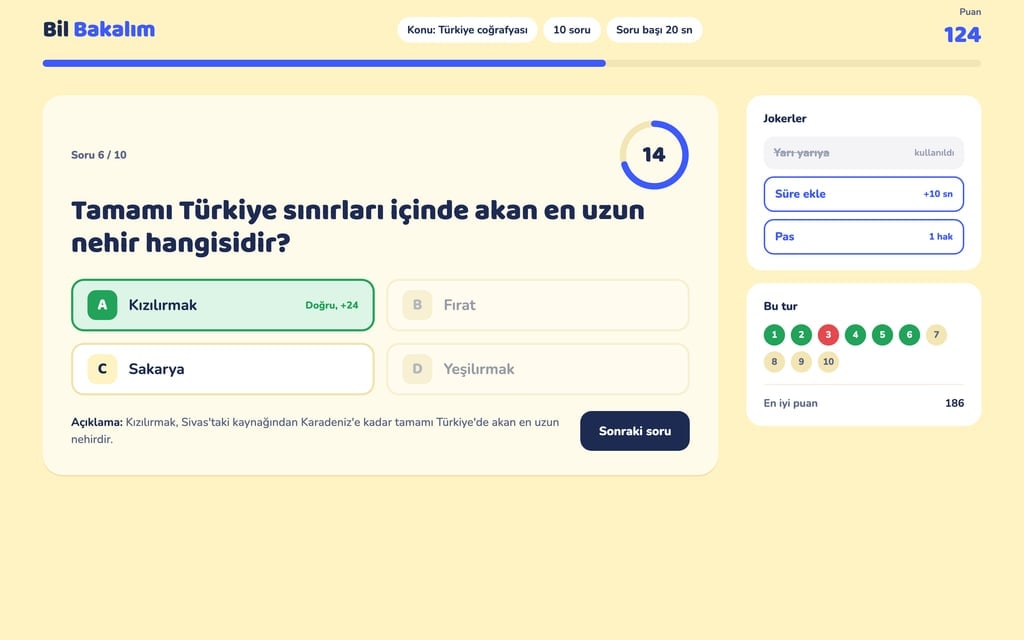
Clicking an option turns it green if right, red if wrong while the right option lights green; the explanation appears with a "Next question" button.
A right answer is 10 points plus 1 bonus point per second left.
Three lifelines (once each): 50/50 (removes two wrong options), add time (+10 s), skip.
Top stripquestion number with a progress bar, score, time left.
Enda result card (correct answers, score, best score, a list of missed questions) and "Play again". Best score in localStorage.
Designlight yellow background, dark navy text, main color #3d5afe; big rounded option buttons, stacked on phones.
Contentfriendly, short interface copy; no brands or names of real TV quiz shows.
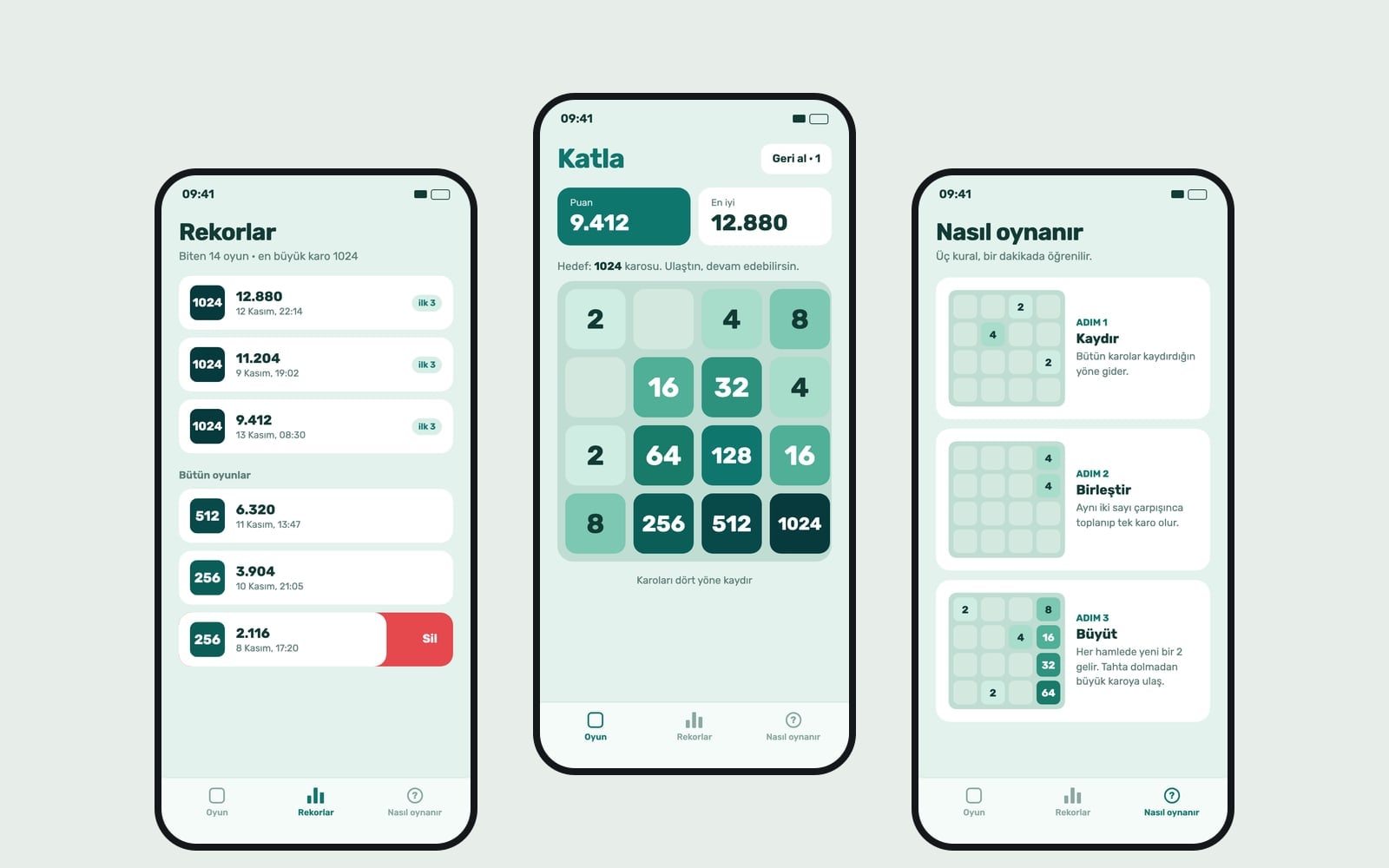
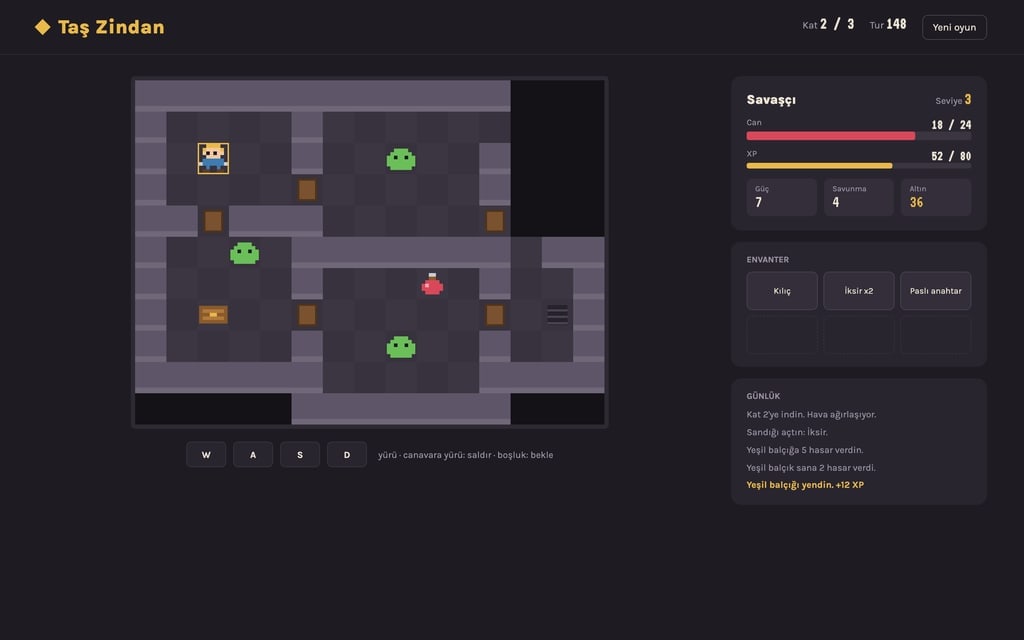
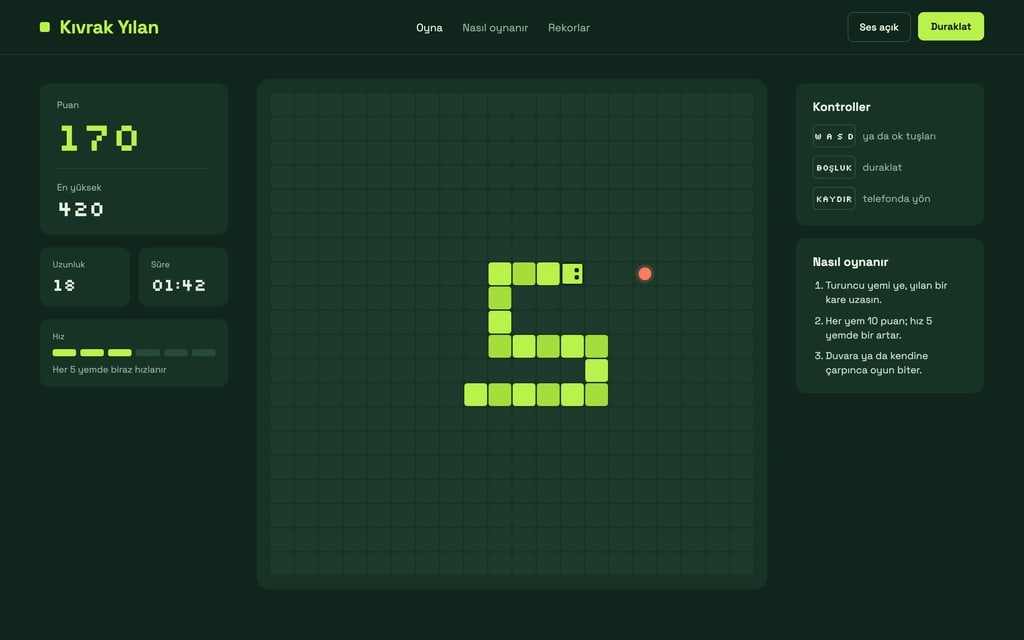
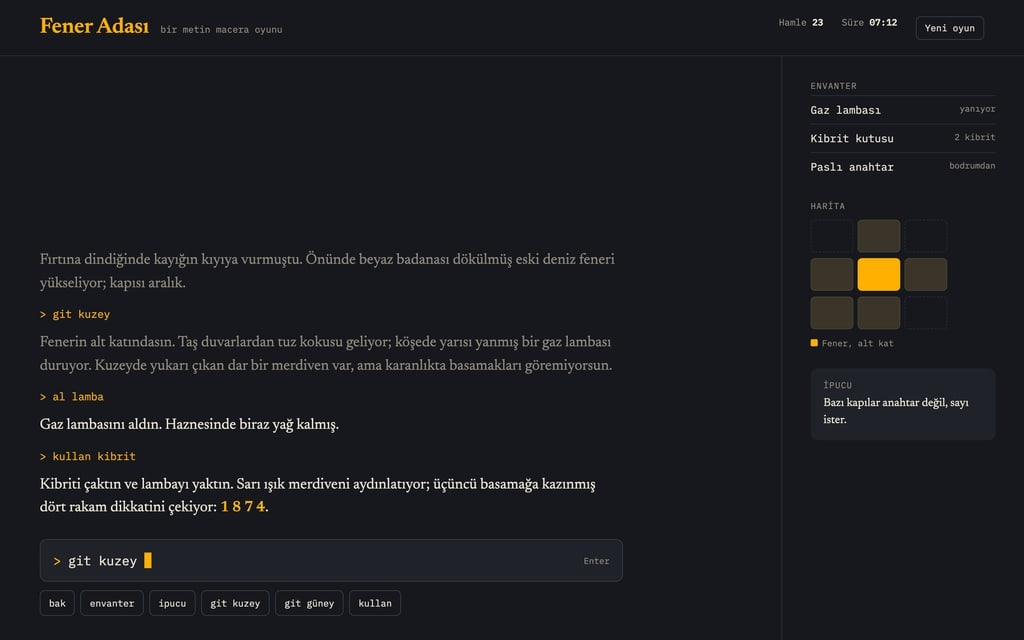
Design preview made from this prompt
7 more ready-to-use prompts
Different takes on the same topic. Copy any of them as is and replace the parts in square brackets.
1.Quiz from notes prompt for ChatGPT
When to use: When you want a review test from class notes.
Write a 10-question multiple choice test from the notes below.
Rules
- Only use information in this text.
- 4 options per question, one correct answer.
- 4 easy, 4 medium, 2 hard questions.
- An answer key at the end with a one-sentence explanation each.
- Notes
- [paste your notes here]
2.Quiz prompt for Gemini from a PDF
When to use: When you want questions from a PDF or slides.
Read the file I uploaded and write a 15-question quiz on its content.
- Types
- 8 multiple choice, 4 true/false, 3 short answer.
Next to each question, write the heading of the section it comes from.
An answer key at the end.
3.True or false quiz prompt
When to use: When you want a quick warm-up test.
Write 12 true/false statements about [topic].
Half true, half false, in mixed order.
Under each false statement, write the correct version.
Keep statements short, one fact each.
4.Fill in the blank quiz prompt
When to use: When you want to drill vocabulary or terms.
Write 10 fill in the blank questions for [topic].
One blank per sentence, a one-word answer.
List the answers by number at the end.
- Level
- [e.g. middle school].
5.Personality quiz prompt
When to use: When you want a fun shareable quiz.
Write an 8-question personality quiz called "Which [e.g. coffee drink] are you?".
4 options per question; each option scores one result.
4 results, each with a title and a 2-sentence description.
- Tone
- warm and playful, nothing that mocks anyone.
6.Picture quiz site for kids
When to use: When you want a game-like quiz for young kids.
Build a browser quiz game for kids.
- Topic
- [e.g. animals and their sounds]; 8 questions, 3 options, each a big SVG picture card.
A star animation on right answers, a gentle reveal on wrong ones.
No timer; star count at the end.
Big type, bright colors.
7.Quiz table for Google Forms
When to use: When you want to use the questions in a Forms quiz.
Write 10 multiple choice questions on [topic] as a table.
- Columns
- Question, A, B, C, D, Correct answer, Points.
10 points per question.
I'll add them to a Google Forms quiz one by one, so keep questions short.
What this prompt does
If you want Gemini or ChatGPT to write the questions and turn them into a playable quiz, the main prompt builds a timed quiz game site with lifelines, scoring and a one-line explanation under each answer. The 7 variants below cover quizzes from your notes, exam questions from a PDF, true/false, fill in the blank, personality quizzes, a picture quiz for kids and a question table for Google Forms.
Where to use it
- Study review and exam prep
- Classroom quiz games
- Party and birthday trivia
- Team training checks
- A fun quiz for your site
Fields you can fill in
The fields you can change in the form above and their default values.
- Game nameFree text
- Guess What
- TopicFree text
- World geography
- QuestionsOne of 3 options
- 10 questions
- TimerOne of 3 options
- 20 seconds per question
- Main colorColor
- #3d5afe
Step by step
- 1
Set the topic and question count
Keep the topic narrow, like 'world geography' or 'grade 7 biology, cells'. 10 questions is a good first try; 20 can bring repeats.
- 2
Choose the timer
20 seconds adds excitement in class; 'no timer' puts learning first.
- 3
Paste and check the questions
Paste into Gemini or ChatGPT with Canvas on and play the preview. Check every answer and explanation before sharing; AI can get facts wrong.
- 4
Share it as a site
Use Prompt builds the same quiz as a website in Entrobase Builder, so you can send students or your team a link.
Tips and variations
- For questions from your own notes, paste them at the end and add 'only ask about this text'.
- Set difficulty with numbers: '4 easy, 4 medium, 2 hard'.
- Keep the missed-questions list on the result card; it is the most useful part for review.
- For kids, use 3 options and no timer.
Frequently asked questions
What is a good quiz prompt for ChatGPT?
State the topic, number of questions, question type, difficulty mix and answer key format on separate lines, and paste your source text at the end if you have one.
Can Gemini make a quiz?
Yes. Give it a topic or a file and ask for multiple choice questions with an answer key; paste the main prompt into Canvas for a playable quiz.
Are AI-written quiz questions accurate?
Mostly, but not always. Check answers against a source before using them; the explanation line makes that faster.
Can I move the quiz into Google Forms?
The Google Forms variant returns the questions as a table you can add to a Forms quiz one by one.
Does the quiz game work on phones?
Yes, the prompt stacks options on small screens and asks for big buttons.