Logo maker prompt: mascot gaming logo and team logo design
A logo maker prompt for a text-free mascot logo: a flat vector animal emblem for a gaming logo or team logo design; pick the mascot, style and color. Works in Gemini, ChatGPT and Entrobase Canvas.
Prompt
Fill in the fields below and the prompt updates instantly. Copy it and use it in any AI tool.
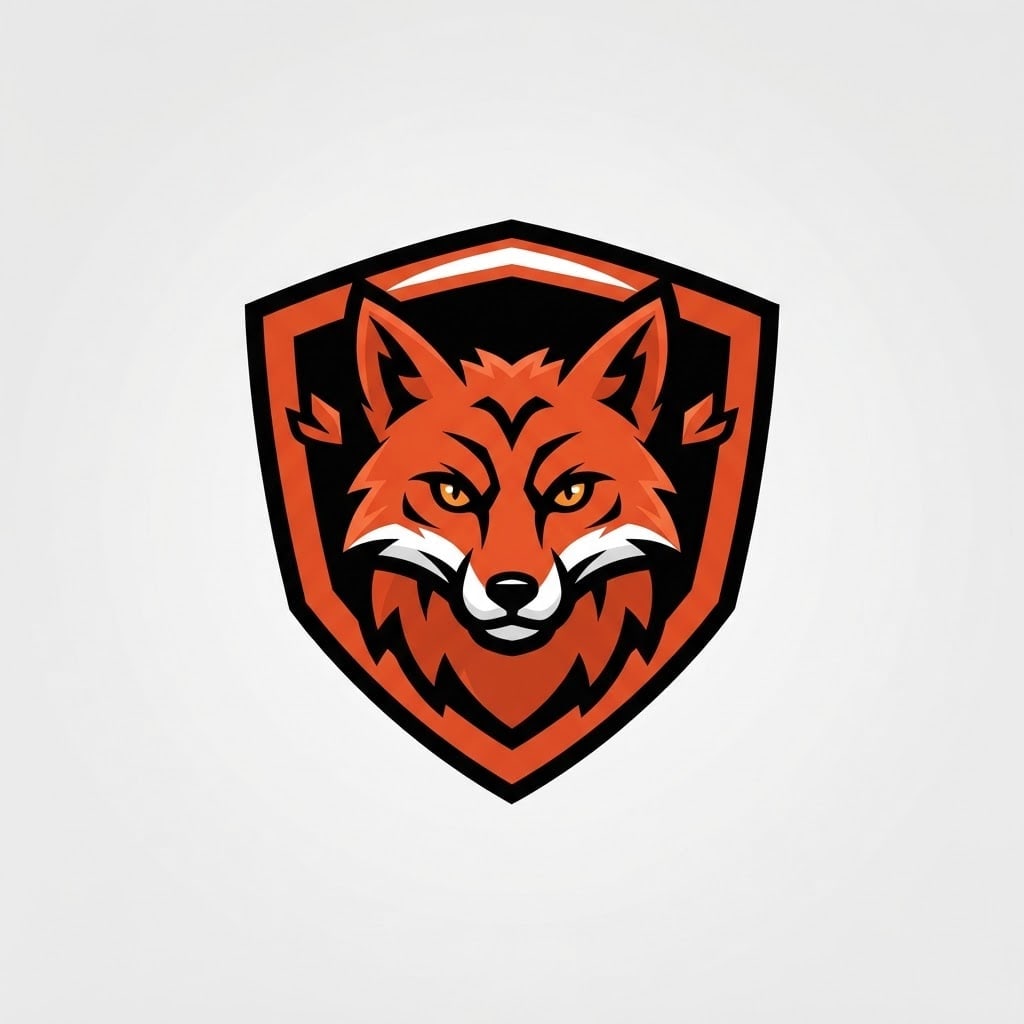
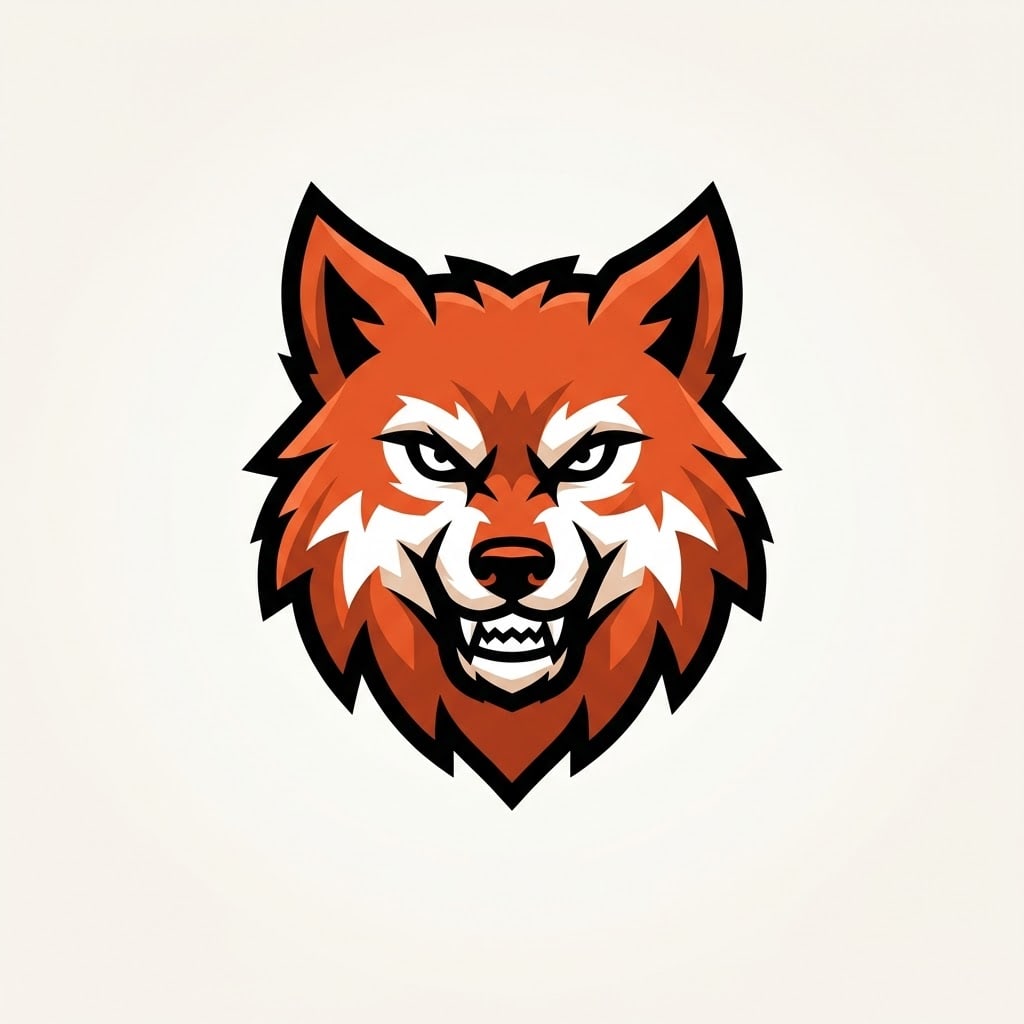
A logo idea for a sports or gaming team: a single text-free mascot symbol. Subject: a wolf head facing straight ahead, with pointed ears and thick fur, drawn with simple, strong shapes that read from a distance. Setting: a flat, smooth, solid off-white background. Light: flat and even; volume comes only from flat color blocks and hard-edged shadow shapes. View: a two-dimensional, perspective-free vector drawing with crisp, clean edges. Style: an esports mascot logo, sharp angular shapes, a fierce stare, thick dark outline. Color palette: #e4572e as the main color, one darker shade of it, white and black; four flat colors in total, all solid fills. Composition: the symbol sits dead center and fills about two thirds of the image, with wide, even empty space on every side; the image is entirely text-free, free of letters and numbers, only the symbol. Aspect ratio 1:1.
Image made with this prompt
What this prompt does
This prompt generates a text-free animal mascot symbol for a sports or gaming team: a flat, vector-style emblem in four solid colors, centered on an off-white background. You choose the mascot, logo style, main color and aspect ratio. The result is a logo idea; you add the team name and lettering afterwards in your own design tool.
Where to use it
- Esports team logo
- Amateur football club crest
- School or club mascot
- Twitch or YouTube channel icon
- Jersey and scarf mockups
- Tournament poster emblem
Fields you can fill in
The fields you can change in the form above and their default values.
- MascotOne of 6 options
- a wolf head facing straight ahead, with pointed ears and thick fur
- Logo styleOne of 5 options
- an esports mascot logo, sharp angular shapes, a fierce stare, thick dark outline
- Main colorColor
- #e4572e
- Aspect ratioOne of 3 options
- 1:1
Step by step
- 1
Choose the Mascot
There are six animals: a wolf head facing forward, a lion head in profile, an eagle with spread wings, a bear head facing forward, a fox head in three-quarter view and a lowered bull head. Pick one that links to your team name; with no lettering, the symbol has to be recognizable on its own.
- 2
Set the Logo style
The esports style gives sharp angles and a thick dark outline; the crest puts a classic club emblem inside a shield; minimal makes a few flat geometric shapes; retro sets a college mascot in a round badge; cute draws a friendly cartoon face with big eyes.
- 3
Pick the Main color and ratio
The palette is four flat colors: your main color, a darker shade of it, white and black. Using your jersey color makes the logo feel like yours right away. Choose 1:1 for profile pictures, 4:5 for portrait posts and 16:9 for channel banners or slides.
- 4
Generate it in Entro Canvas
Generate in Canvas takes the prompt to Entro Canvas, where you set the ratio and style and generate the image; an account is required. Press Copy to try the same logo idea in Gemini or ChatGPT as well.
- 5
Test the symbol at small size
Shrink the image to profile-picture size: if the animal is still recognizable, the shapes are simple enough. If letters, numbers or gradients appear, generate again. Trace the version you like into a vector and add your team name to finish the logo.
Tips and variations
- Generate the same mascot in all five styles and line them up; extremes like esports and crest make it easier to decide whether the team should look fierce or classic.
- For an animal that is not on the list, replace the Subject in the copied text, for example 'a panther head facing forward, with narrow eyes and short ears'; naming the angle and one distinctive feature sharpens the result.
- If your team has two colors, set the first as Main color, then replace 'one darker shade of it' in the copied text with your second color so the palette matches your jerseys.
- For a school team or kids' league, try the cute cartoon style with the bear or the fox; the fierce esports style suits adult gaming teams better.
- For a one-color version for printing, embroidery or stamps, change the palette sentence in the copied text to 'only black and off-white, two flat colors'.
Frequently asked questions
Can the logo include my team name?
This prompt asks for a text-free symbol on purpose, because image models often garble letters. Generate the symbol, then add the team name in a design tool with a font you choose; the result is much cleaner.
Will this logo prompt work in ChatGPT?
Yes. Copy it into ChatGPT, Gemini or another image generator. Generate in Canvas sends it to Entro Canvas instead, where you choose the ratio and style and generate; you need an account there.
Is the generated logo a vector file?
No. Image generators return a pixel-based image. The prompt asks for flat fills, crisp edges and four colors so the result looks like vector art, which makes it easier to convert to SVG with a tracing tool.
What aspect ratio should a mascot logo be?
Square 1:1 covers most uses: profile pictures, jersey badges and app icons. Choose 4:5 for portrait posts or 16:9 for channel banners and tournament screens; the symbol stays centered in each.
What if my logo looks like another team's?
Animal mascots are common, so similarities happen. Search for similar emblems before you use it, and if yours is too close, change the style, color or the animal's angle and generate again.