Google Ads prompt: locksmith keywords and ad groups for search campaigns
A Google Ads prompt that builds locksmith keywords and ad groups: 3 groups, match-typed keywords, headlines and descriptions per group and a negative keyword list. Works in ChatGPT, Gemini and Entrobase.
Prompt
Fill in the fields below and the prompt updates instantly. Copy it and use it in any AI tool.
Build the keyword plan and ad groups of a Google Ads search campaign for Surgu Locksmith: split the services into separate ad groups and give each group its own keywords and its own ad copy.
Context
Services: emergency lockout, car locksmith, lock and cylinder replacement.
Area: Cankaya, Ankara.
Main offer: 24/7 service with the price shared before we set off.
Tone: reassuring and clear.
Output
Ad groups: turn the services I gave into 3 ad groups; name each group after the searcher's intent (like "emergency lockout").
8 keywords per group: 4 in phrase match ("in quotes") and 4 in exact match ([in square brackets]); at least 2 carry the area; write them the way people actually search.
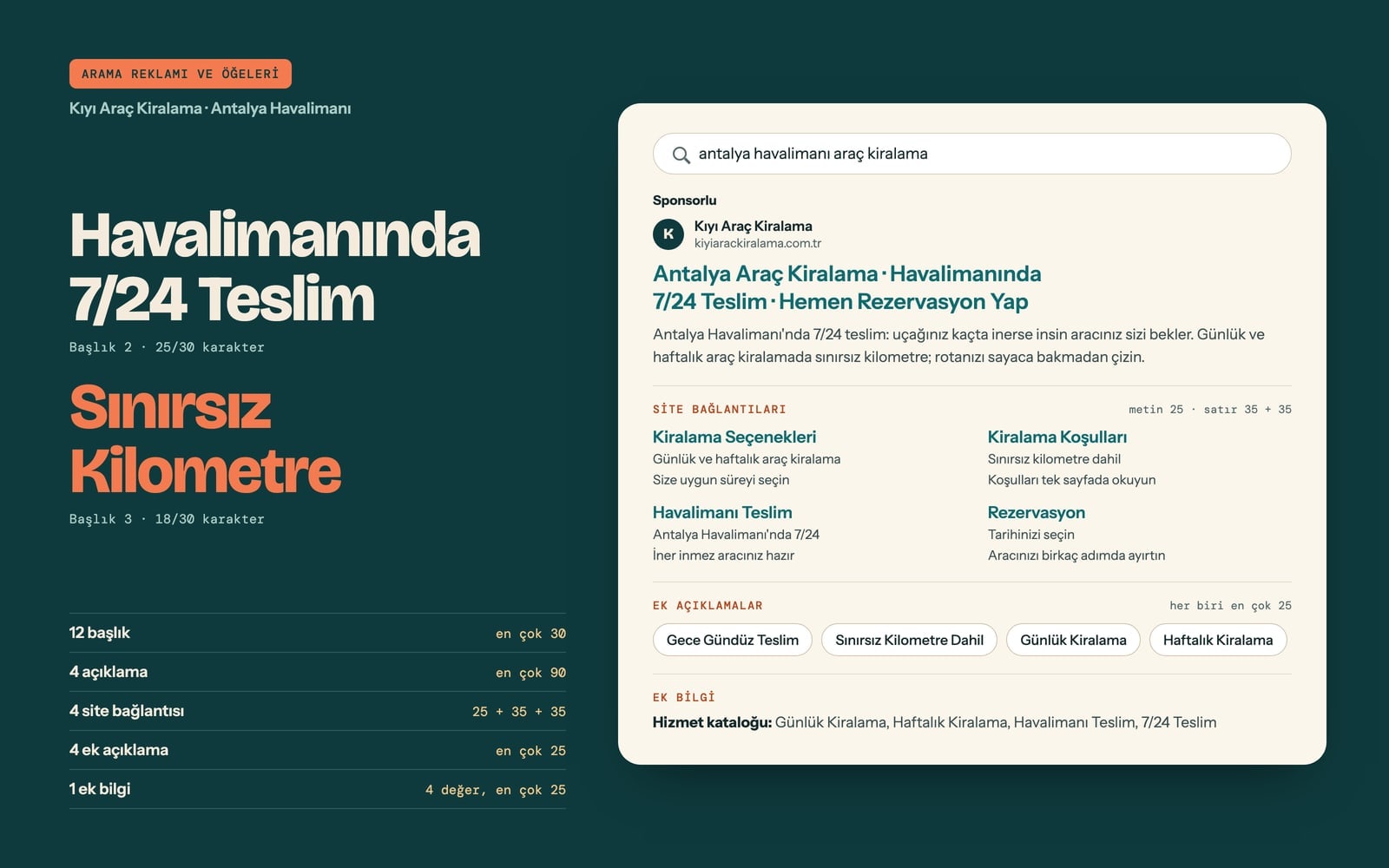
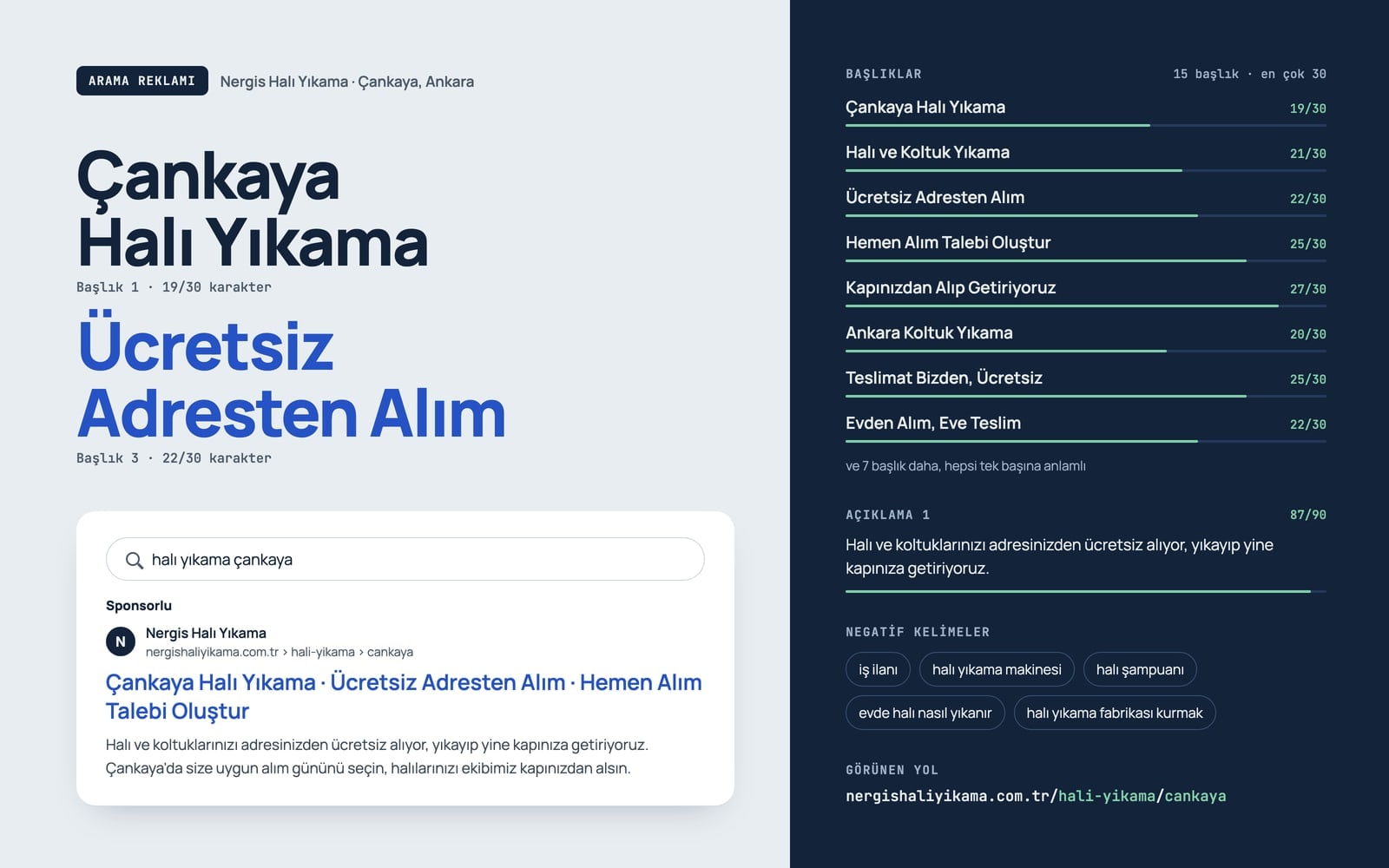
A short responsive search ad per group: 6 headlines, each at most 30 characters including spaces, and 2 descriptions, each at most 90 characters. At least 2 headlines carry the group keyword, at least 1 the area, at least 1 the offer and at least 1 a clear call to action (like "Call Us Now"); every headline must make sense on its own.
A landing page suggestion per group: the page the ad sends people to and what its first screen should show, in one line.
10 campaign-level negative keywords that keep out searches that bring no customers, such as jobs, courses, DIY and videos.
Format
Start each group with an "Ad group 1: <name>" line, followed by a "Keywords:" line (comma separated), then "Headline 1:", "Description 1:" and "Landing page:" lines.
End with a "Negative keywords:" line.
After writing, count the characters of every headline and description and shorten anything over the limit; do not print the counts.
Rules
No exclamation marks in headlines, no words in all caps, no emoji and no phone numbers.
Do not use exaggerated claims; do not write cheapest, guaranteed, 100%, number one, the best or similar, competitor names or claims you cannot verify.
Use only the facts I gave; do not invent prices, arrival times in minutes, discounts or terms that are not in the offer.
Do not put other businesses' or brands' names in the keywords; do not abbreviate words and keep the English natural.
Text made with this prompt
The text this prompt produces with its default values.
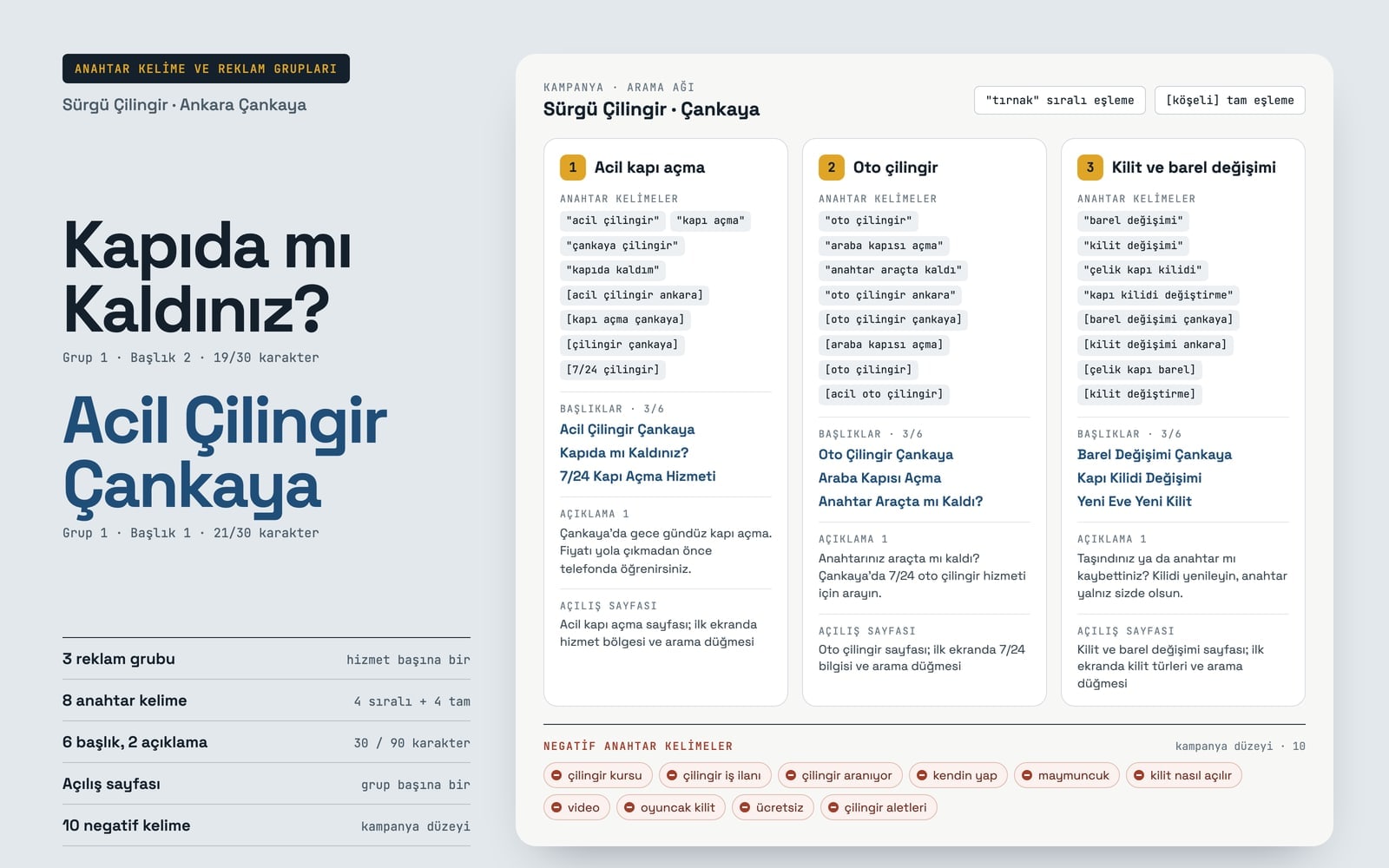
- Ad group 1
- Emergency lockout
- Keywords
- "emergency locksmith", "locked out of house", "locksmith cankaya", "door unlock service", [emergency locksmith ankara], [lockout service cankaya], [locksmith cankaya], [24/7 locksmith]
- Headline 1
- Emergency Locksmith Cankaya
- Headline 2
- Locked Out of Your Home?
- Headline 3
- 24/7 Lockout Service
- Headline 4
- Price Agreed Before We Go
- Headline 5
- Surgu Locksmith
- Headline 6
- Call Us Now
- Description 1
- Day or night lockout help in Cankaya. Hear the price on the phone before we set off.
- Description 2
- Locked out? Call Surgu Locksmith. Our team works 24/7 across Cankaya, Ankara.
- Landing page
- Emergency lockout page; service area and a call button on the first screen
- Ad group 2
- Car locksmith
- Keywords
- "car locksmith", "locked keys in car", "car lockout", "car locksmith ankara", [car locksmith cankaya], [car door unlock], [car locksmith], [emergency car locksmith]
- Headline 1
- Car Locksmith Cankaya
- Headline 2
- Car Door Unlocking
- Headline 3
- Keys Locked in Your Car?
- Headline 4
- 24/7 Car Locksmith
- Headline 5
- We Quote Before We Come
- Headline 6
- Call Our Team Now
- Description 1
- Keys locked in your car? Call us for a 24/7 car locksmith service across Cankaya.
- Description 2
- We open your car door with care and tell you the price before we set off.
- Landing page
- Car locksmith page; 24/7 note and a call button on the first screen
- Ad group 3
- Lock and cylinder replacement
- Keywords
- "lock cylinder replacement", "lock replacement", "steel door lock", "change door lock", [lock cylinder cankaya], [lock replacement ankara], [steel door cylinder], [change lock]
- Headline 1
- Lock Cylinder Replacement
- Headline 2
- Door Lock Replacement
- Headline 3
- Steel Door Lock Change
- Headline 4
- New Home, New Lock
- Headline 5
- Price Shared in Advance
- Headline 6
- Call for a Lock Change
- Description 1
- Moved in or lost a key? Replace the door lock so only you hold the keys.
- Description 2
- Lock and cylinder replacement in Cankaya. Hear the price on the phone before we go.
- Landing page
- Lock and cylinder replacement page; lock types and a call button on the first screen
- Negative keywords
- locksmith course, locksmith jobs, locksmith hiring, diy, lock picking, how to open a lock, video, toy lock, free, locksmith tools
What this prompt does
This prompt builds the skeleton of a Google Ads search campaign for a locksmith: it splits the services into three ad groups, writes eight phrase and exact match keywords, six headlines, two descriptions and a landing page suggestion for each group, and ends with a campaign-level negative keyword list. It suits local businesses that do not want to mix lockouts, car locksmith jobs and lock changes in a single ad.
Where to use it
- Locksmith search campaign
- Emergency local service ads
- Ad group planning
- Keyword match types
- New Google Ads account setup
Fields you can fill in
The fields you can change in the form above and their default values.
- Business nameFree text
- Surgu Locksmith
- ServicesFree text
- emergency lockout, car locksmith, lock and cylinder replacement
- AreaFree text
- Cankaya, Ankara
- OfferFree text
- 24/7 service with the price shared before we set off
- ToneOne of 4 options
- reassuring and clear
Step by step
- 1
Enter the business and services
Type the name that should appear in the ads into Business name and three comma separated services into Services. The prompt turns each service into an ad group, so list jobs with different search intent (lockouts, car locksmith, lock changes) separately.
- 2
Fill in the area and offer
Put the district or neighborhood you serve into Area; some keywords and headlines will carry it. Use Offer only for something you really provide, such as 24/7 service or a price agreed before you set off.
- 3
Pick a tone and run the prompt
Choose a reassuring, quick, calm or corporate tone from the Tone list. Use "Copy" to paste the text into ChatGPT, Gemini or Claude, or "Start" to send it to Entro Ads (a Google Ads account is required).
- 4
Check characters and match types
Make sure no headline goes over 30 characters and no description over 90. Paste keywords into Google Ads exactly as written: quotes mean phrase match and square brackets mean exact match; drop the marks and the keyword falls back to broad match.
- 5
Move the groups into Google Ads
Create each ad group separately, add only its own keywords and ad, and use the suggested landing page as the final URL. Add the negative list at campaign level so it protects all three groups.
Tips and variations
- To add a fourth service, change "3 ad groups" to 4 in the prompt; give every group its own landing page too, or the groups end up on the same page and blur together.
- To track night calls separately, move the emergency lockout group into its own campaign and run it only in the evening and at night; the keywords and ad copy work as they are.
- After the first week, open the search terms report in Google Ads and add terms that brought no customers to the negative list; the ten keywords from the prompt are a starting list.
- Instead of a time promise like "at your door in 15 minutes", put something you always deliver into Offer; a missed time promise can bring both complaints and ad disapprovals.
Frequently asked questions
What is an ad group in Google Ads?
An ad group holds keywords that share one intent together with the ads shown for them. Someone locked out and someone who wants a new lock expect different messages; separate groups make sure each search gets the ad that fits it.
What is the difference between phrase match and exact match?
Exact match [square brackets] shows your ad on searches with the same meaning as the keyword. Phrase match "quotes" also covers wider searches that include the keyword's meaning. The prompt uses four of each per group to balance control and reach.
Why do I need negative keywords?
Part of locksmith search traffic comes from people looking for jobs, courses or DIY videos. Adding those words to a campaign-level negative list stops your budget going to clicks that will never become customers.
Does Google ask locksmiths for extra verification?
In some countries Google may ask local service advertisers such as locksmiths to verify their business and identity. If your ads do not start running, check the policy notice and verification steps in your account.
Can I put a phone number in the ad text?
Google Ads does not allow phone numbers in headlines or descriptions. If you want calls, add your number as a call asset; that is why the prompt keeps numbers out of the copy and uses calls to action like "Call Us Now".