


AI Website Builder
An AI website builder that builds what you describe. Write a few sentences, preview the site next to the chat, fix it by asking and publish it for free.
Describe the colors, the feel of the type, the order of the sections and how airy the page should be, and attach a screenshot of a site you like if you have one. Entrobase builds the design as a working site, and you refine it by looking at the preview and chatting.
Blue parts are the places to fill in with your own details. Tab selects the next one, Enter sends, Shift and Enter starts a new line.
This tool runs on Entro Builder.
Web design is the sum of decisions about colors, fonts, the order of sections, spacing and how all of it behaves on a phone. A designer usually makes those decisions in a drawing tool and someone else turns them into code. With AI web design you make the decision in a sentence and the result is a working site straight away: what you see in the preview is the site you publish.
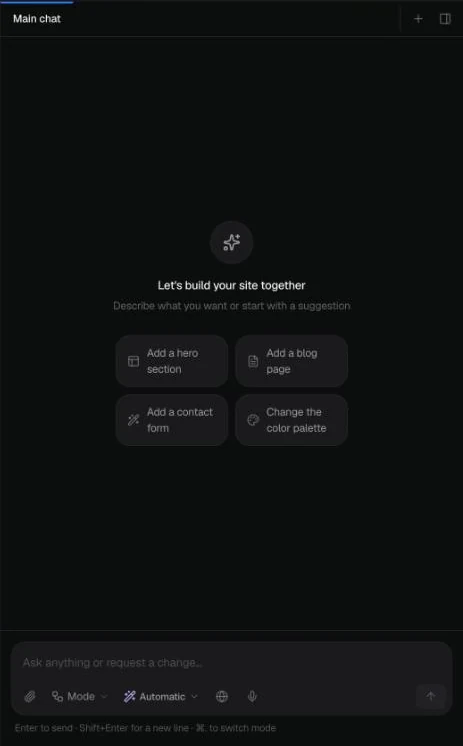
Write “make the colors warmer”, “use a serif for headings” or “leave more space between sections” and Entrobase applies it across the site. New projects even come with a ready suggestion to change the color palette.
Moving services above pricing, turning reviews into a carousel or splitting the hero into two columns is one message. Point at the element you mean with Select in the preview.

Attach a screenshot of a site you like, your logo or your own sketch (up to 5 images per message) and say “follow this layout”. You can ask it to take the colors from your logo too.

Buttons above the preview switch between desktop, tablet and phone sizes. If something overflows or feels cramped on a phone, describe it: “the cards overlap on mobile, stack them”. The preview is the live site, so what looks right there looks right once published.

Restore this version under every reply takes the design back to an earlier state, so trying two different directions is safe. To fix a headline's wording yourself, Edit text changes it without using AI.

When a design idea is hard to put into words, showing is faster. You can attach up to 5 images per message. Uses that work well:
To turn screens from a design tool into a working site, see design to code; to build from photos and screenshots, see image to website.
A serious look for a consultancy, law firm or accountant: navy, grey, lots of white space and flat cards. Add a quote form at the end of each service page.
Earthy tones, rounded corners and big photos for a cafe, bakery or boutique hotel. Ask for the menu or rooms as cards.
Large headlines, bright color blocks and animated sections for an event, gym or creative studio. If a shade is too loud, one sentence softens it.
Black and white with a grid that puts the work first, for a photographer, architect or designer. Each project opens on its own page.


In the Builder you write the way you'd write to a designer: say what you want, look at the result, ask for changes. The difference is that each change reaches the preview in minutes and you never wait in a queue. If you'd rather not deal with design at all, the EntroLab team builds the site for you while you supply the content and approvals.
Write about your business, colors, tone and the sections you want. Attach a screenshot of a site you like or your logo, or start by changing the highlighted parts of the prompt above.
When the Builder opens, the design appears in the preview. Check desktop, tablet and phone sizes, mark what you want changed with Select and say what you want.
When the design is ready, Publish at the top right puts the site on an entrobase.site address. Connect your own domain on paid plans.

An AI website builder that builds what you describe. Write a few sentences, preview the site next to the chat, fix it by asking and publish it for free.

Turn a screenshot, sketch or logo into a working website. Attach up to 5 images, say what to keep, and Entrobase builds pages you can preview and publish.
Turn a mockup or screenshot into a working website. Attach your design, say what to keep, and Entrobase writes the code; download it as a ZIP on any plan.
Build a website for free: describe it, Entrobase builds it and publishes it on an entrobase.site address. No credit card; the Free plan limits are listed here.

Type your brand name and style, and Canvas draws four logo options in one go. A logo template, flat vector presets and your own color codes. Start free.
Designers, developers, writers and architects: put your projects, your story and a contact form on one site. Add new project pages by chatting.
You describe it, Entrobase builds it.
Create with Entrobase