Website prompts: 10 ready-to-use prompts for Claude, ChatGPT and Gemini
Website prompts you can paste as-is: 10 ready-to-use prompts for a business site, landing page, portfolio and online store in Claude, ChatGPT, Gemini and Entrobase Builder.
Prompt
Fill in the fields below and the prompt updates instantly. Copy it and use it in any AI tool.
Build a one-page, mobile-friendly business website for Defne Flower Studio.
Businessa florist in Moda, Istanbul making bouquets and arrangements.
Goalvisitors understand what is offered at a glance and reach the main action in one click.
Sections (in this order):
Top menu: the brand name as text, section links and the main action button on the right; it stays fixed when scrolling and opens as a slide-down panel on mobile.
Hero: a strong headline about the business, a one-sentence subheading, the main action button and a large stock photo of the business.
Products or services: 6 items filtered by category tabs; each item has an image, a name, a one-line description and a sample price.
Main action: an order request form with product, quantity and delivery day; when submitted, show a success message that summarizes the choices.
Why us: 4 short points, each with a small icon and one sentence.
Customer reviews: 3 short reviews with made-up names and neighborhoods.
FAQ: 5 questions in an accordion.
Location and contact: address, a weekly opening hours table, a directions button and an email address.
Footer: a short intro, section links and social media links.
Design
Style: warm editorial (cream background, serif headings, generous spacing).
Main color #2f5d46; use it only on buttons, links and small accents.
A characterful typeface for headings and a clean, readable one for body text; the same spacing and corner radius in every section.
Content
Warm, clear English copy; no lorem ipsum.
Address, hours, prices and reviews are made up but realistic; no real brand names and no real phone numbers.
If the business is in health, law or finance, describe the service process instead of prices, promised results or customer reviews.
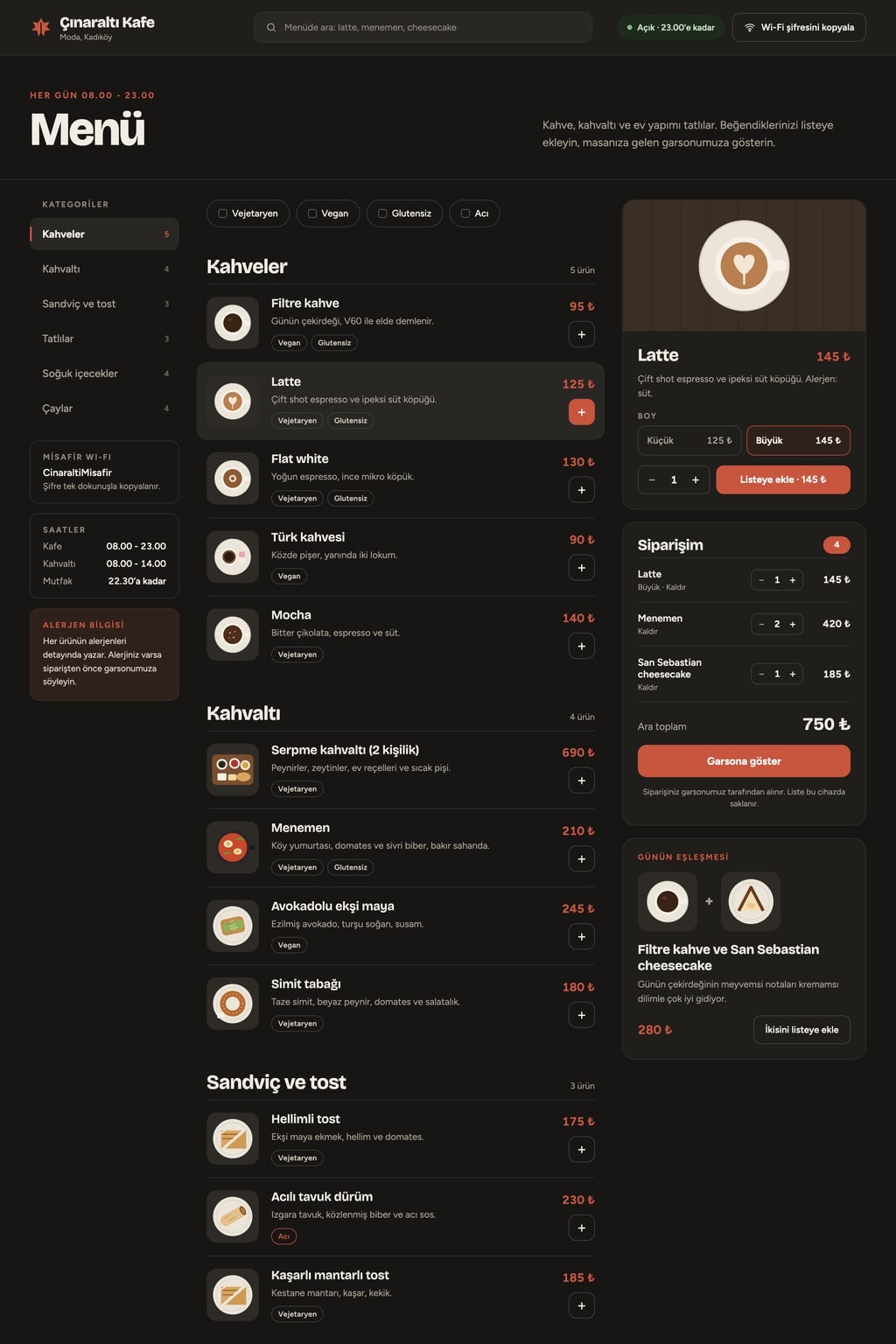
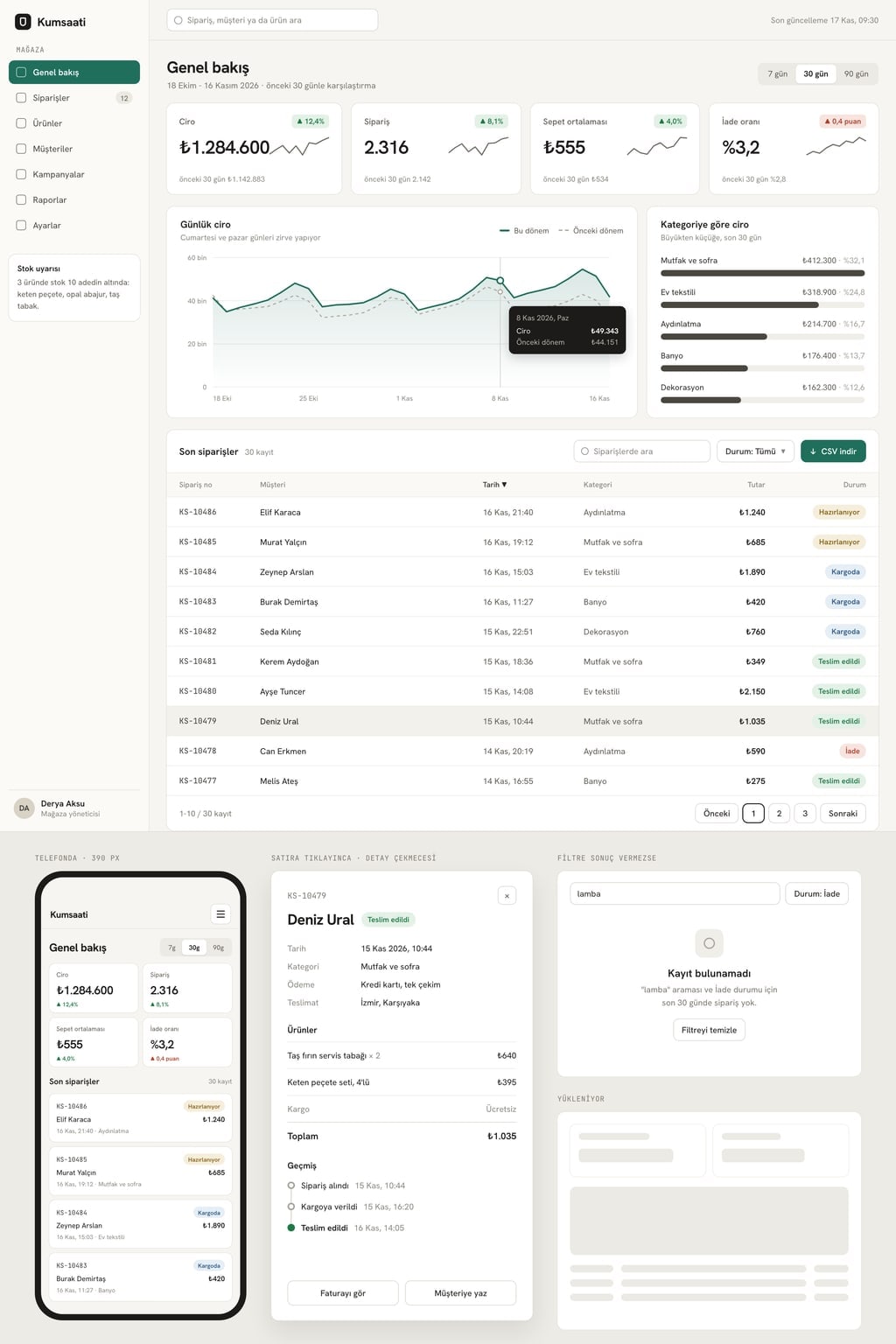
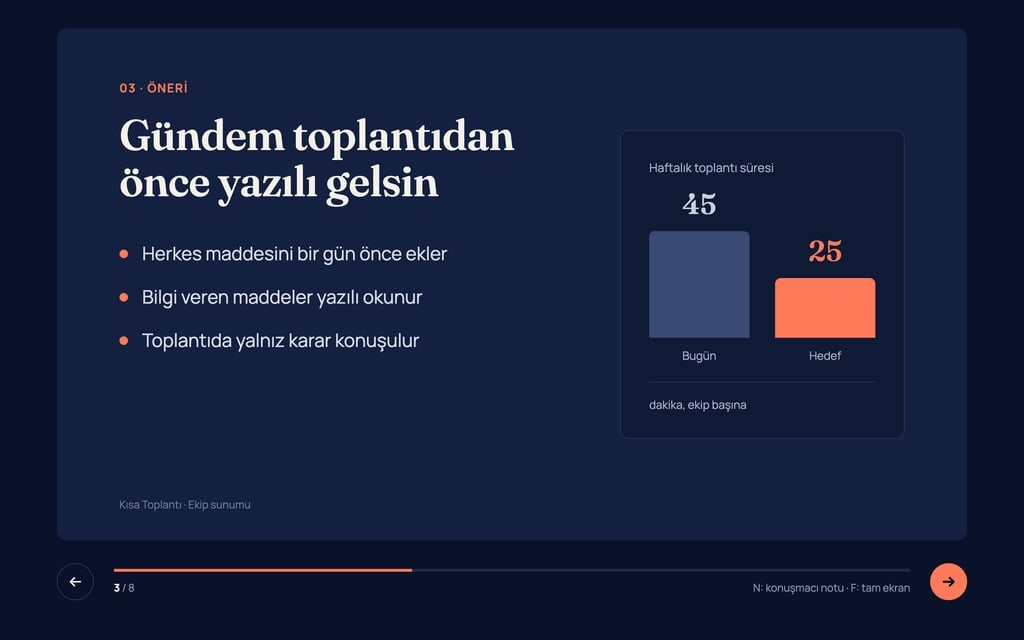
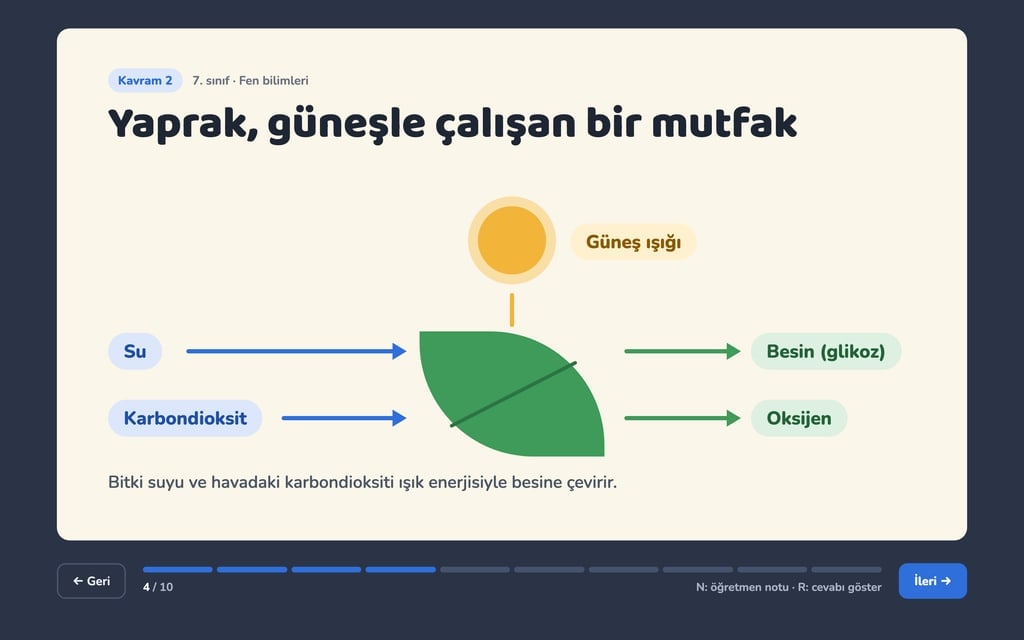
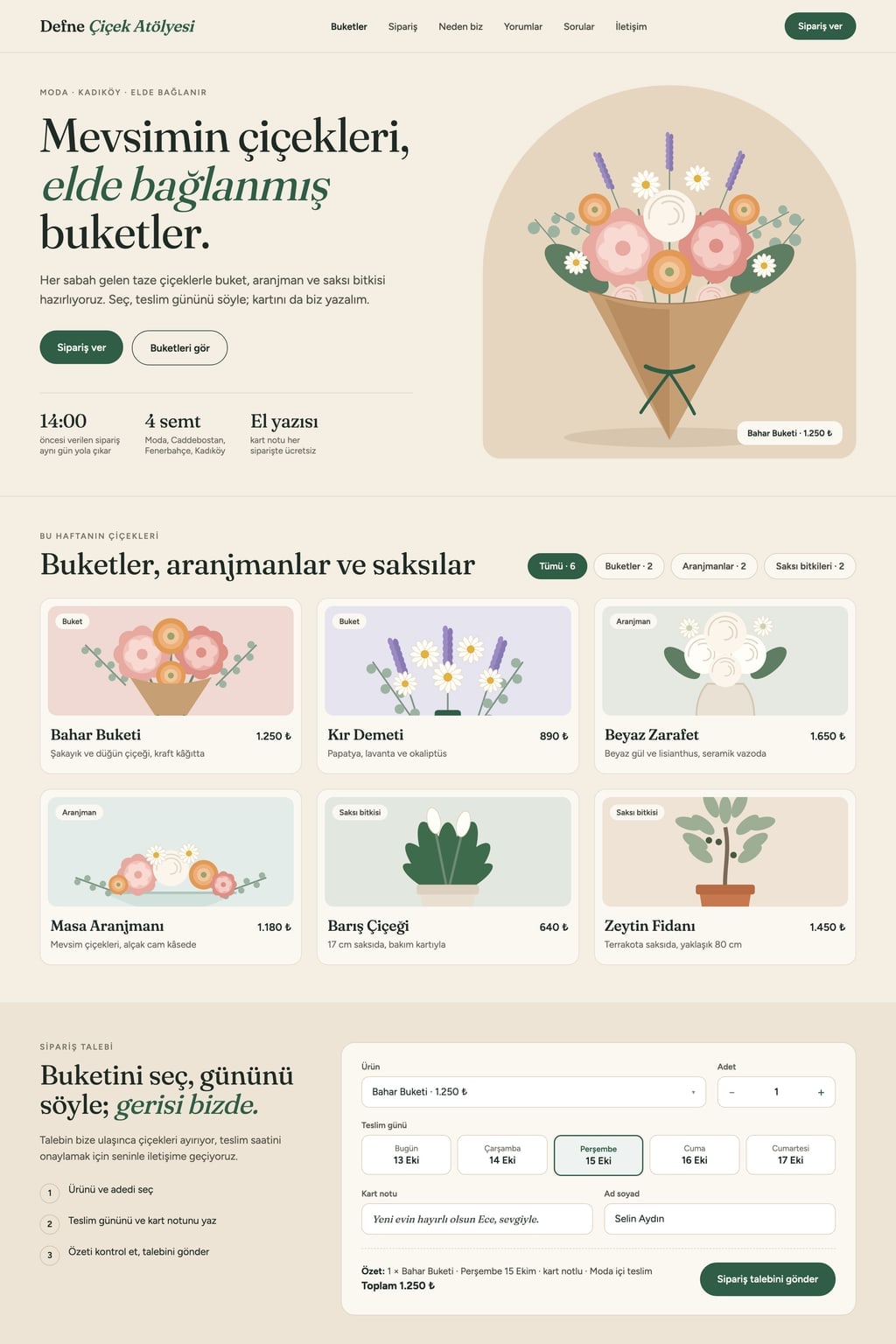
Design preview made from this prompt
9 more ready-to-use prompts
Different takes on the same topic. Copy any of them as is and replace the parts in square brackets.
1.Website prompt for Claude: a single-file HTML site
When to use: Use it when you want the code and a live preview in the same Claude chat and a site you can download as one file.
Write a one-page website for [business name] as a single HTML file, with the CSS and JavaScript in the same file.
- Business
- [what it does and where].
Sections
- 1Sticky top menu with a [main action, e.g. Book now] button on the right
- 2Hero: strong headline, one-sentence subheading, two buttons
- 3Services: 6 cards filtered by category tabs
- 4[Main action] form: on submit, show a summary of the choices
- 5FAQ: 5 questions in an accordion
- 6Contact: address, opening hours, email
- Design
- [style, e.g. cream background with serif headings]; main color [hex code]; two Google Fonts.
Rules
- Use flat colored placeholder boxes with descriptive alt text for images.
- The menu becomes a slide-down panel on mobile.
- Give the code first, then summarize what works in 3 bullet points.
2.ChatGPT website prompt: plan first, then code
When to use: Use it when you want ChatGPT to agree on a plan before writing code; splitting it into two steps also stops long code from getting cut off.
You are going to build a website for me; work in two steps.
- Step 1
- Using the details below, propose a sitemap, the sections of each page, a color palette and fonts in a table; do not write code yet.
- Step 2
- When I say 'continue', write index.html, style.css and script.js as separate code blocks.
Details
- Business: [name and what it does]
- Target visitor: [who]
- Main action: [e.g. book an appointment, request a quote]
- Pages: Home, Services, About, Contact
- Style: [e.g. minimal and airy, white background]
- Main color: [hex code]
Rules
- Mobile-friendly, with the same navigation on every page.
- Show a thank-you message on the page when a form is submitted.
- Realistic English copy; no lorem ipsum.
3.Website prompt for Gemini: build and preview in Canvas
When to use: Use it when you want Gemini to build the site in Canvas so you can watch the preview in the side panel and refine it with short commands.
In Canvas, create a single-file website that can be previewed.
- Site
- [business name], a [type of business] based in [city and neighborhood].
Sections (in this order, skip none):
- 1Top menu
- 2Hero: headline, subheading, [main action] button
- 3Services or products: 6 items
- 4Photo gallery: 6 square placeholders
- 5Customer reviews: 3 short reviews
- 6Contact form and opening hours
- Design
- [style]; main color [hex code]; 12 px corners.
Rules
- Use the Tailwind CDN.
- Show a success message when the form is submitted.
- When done, suggest 5 things I could change, as a short list.
4.Entrobase Builder prompt for a multi-page business website
When to use: Use it when you want Entrobase Builder to build the whole site from the first message and then improve it with small follow-ups.
Build a 4-page, mobile-friendly website for [business name].
- Goal
- visitors [main action, e.g. request a quote].
Pages
- 1Home: hero, services overview, reviews, call-to-action band
- 2Services: 6 service cards, each with a detail dialog
- 3About: story, team (4 people, made-up names), values
- 4Contact: form, address, opening hours
Design system
- Background [tone], text [tone], main color [hex code], accent [hex code]
- Heading font [e.g. a serif], body font [e.g. a sans]; 10 px corners
Rules
- Forms do not send data yet; show a success message.
- Write reusable components; the menu and footer are identical on every page.
- This is the first version; I will ask for changes one at a time.
5.Landing page prompt for a product or app
When to use: Use it when one product, app or campaign needs a page that drives visitors to a single sign-up button.
Build a conversion-focused, one-page landing page for [product name].
- Product
- [what it does and who it is for].
- Single goal
- visitors [e.g. join the waitlist with their email].
Sections
- 1Hero: benefit-led headline, subheading, email field and button, placeholder for a product screenshot
- 2Problem and solution: 3 short paragraphs
- 3How it works: 3 steps
- 4Features: 6 points with icons
- 5Pricing: 2 plans compared [delete this line if you do not need it]
- 6FAQ: 5 questions
- 7Closing: headline and the same email form
- Design
- [style]; main color [hex code]; only one button color in the hero.
Rules
- Headlines describe benefits, not features.
- Show a 'You're on the list' message after the email is submitted.
6.Portfolio website prompt for designers and developers
When to use: Use it when you are a designer, photographer, developer or writer and want a site that shows your work and brings in projects.
Build a one-page personal portfolio site for [your name].
- Role
- [e.g. product designer, photographer, frontend developer].
Sections
- 1Hero: your name, a one-sentence intro, 'See work' and 'Contact' buttons
- 2Selected work: 6 project cards with a filter by type; clicking a card opens a detail dialog (images, short story, tools used)
- 3About: a short bio and a skills list
- 4Experience: a timeline with 4 entries
- 5Contact: a button that copies your email and a short form
- Design
- [e.g. dark background, oversized type, a fine-line grid]; main color [hex code].
Rules
- Project and client names are made up but realistic; no real brands.
- Sections fade in gently on scroll.
7.ChatGPT prompt for website copy
When to use: Use it when the design is done or built elsewhere and you only need the words, section by section.
Write all the copy for the [business name] website; do not write code.
- Business
- [what it does, where, for whom].
- Tone
- [e.g. warm and friendly / clear and professional].
Output (with these headings)
- 1Hero: 3 headline options (8 words max each) and 1 subheading
- 2Services: 6 services, each with a name and 2 sentences
- 3About: 120 words
- 4Why us: 4 points
- 5FAQ: 6 questions with short answers
- 6Button labels: 5 options
- 7SEO: page title (60 characters max) and meta description (155 characters max)
Rules
- No unprovable claims or superlatives.
- Short sentences; every section reads on its own.
8.Website design prompt: a design system before code
When to use: Use it when you want colors, type and components defined first so every page looks consistent once the code is written.
Before writing any code, create a design system for the [brand name] website.
- Brand
- [industry]; it should feel [3 adjectives, e.g. calm, trustworthy, modern].
Output
- 1Color palette: background, surface, text, main color, accent, success and error; hex code and usage for each
- 2Typography: Google Fonts for headings and body, a 6-step type scale
- 3Spacing scale and corner radius
- 4Components: button (3 kinds), card, form field, menu; default, hover and focus states for each
- 5Two different hero layouts as rough box wireframes
Rules
- Text and background contrast meets WCAG AA.
- Finish by giving the system as CSS variables.
9.Ecommerce website prompt: a small online store
When to use: Use it when a shop with a handful of products needs a storefront with a product list, product pages and a cart; payments come later.
Build a small online storefront for [store name].
- Products
- [product type, e.g. handmade ceramics]; 8 products in 3 categories.
Pages
- 1Home: hero, 4 featured products, category cards
- 2Product list: category and price filters, sorting
- 3Product page: image gallery, description, option (color or size), quantity, add to cart
- 4Cart: change quantities, subtotal, shipping note
- Design
- [style]; main color [hex code]; square product images.
Rules
- Keep the cart in the browser so it survives a page refresh.
- The 'Complete order' button only shows a confirmation message for now; do not connect real payments.
- Prices are sample prices in [currency].
What this prompt does
Most people searching for website prompts want a ready-made text that produces a tidy, working site on the first try in Claude, ChatGPT or Gemini. The main prompt here describes a one-page small business site section by section, with a design direction and a working form; the 9 prompts below cover landing pages, portfolios, online stores, website copy and a design system.
Where to use it
- A local business's first website
- Landing page for a product or app
- Personal portfolio site
- Small online store front
- Fresh copy for an existing site
- A design system before coding
Fields you can fill in
The fields you can change in the form above and their default values.
- Business nameFree text
- Defne Flower Studio
- BusinessFree text
- a florist in Moda, Istanbul making bouquets and arrangements
- Main actionOne of 5 options
- an order request form with product, quantity and delivery day
- StyleOne of 5 options
- warm editorial (cream background, serif headings, generous spacing)
- Main colorColor
- #2f5d46
Step by step
- 1
Describe the business
Fill in Business name and Business; say what you do and where (for example 'a small coffee roaster in Brooklyn'). The more concrete the description, the more realistic the headlines and products.
- 2
Pick the main action and style
Choose what visitors should do from Main action: order, reserve, book, request a quote or sign up. Style and Main color set the whole look; the prompt text updates as you choose.
- 3
Paste it into your tool
Copy the prompt into Claude, ChatGPT or Gemini; add 'give it to me as a single HTML file' if you want one file. In Entrobase, the Start button sends the same text to Builder, which sets the site up as a Next.js project.
- 4
Fix the first result section by section
Check the hero and the main action form first, and submit the form to see the summary. Ask for changes by section name, one at a time, such as 'make the reviews section two columns'; that keeps the rest of the site intact.
Tips and variations
- If you already have photos, add 'leave image placeholders and list their file names' to the prompt, then swap your own photos in under the same names.
- For a health, law or finance business, pick the appointment or quote form; the prompt then writes the service process instead of prices and reviews.
- Dark and premium suits restaurants, bars and salons; minimal and airy feels more natural for architects, consultants and software studios.
- Want several pages? Build this one-pager first, then ask 'move the services section to its own page and add it to the menu'; it stays more consistent than asking for six pages at once.
Frequently asked questions
What is a website prompt?
It is the instruction you give an AI tool to build a website. A good website prompt states the site's goal, its sections in order, the design direction, content rules and which parts must actually work; 'make me a website' alone gives a generic result.
Which website prompt works best for Claude?
Ask for a single HTML file with the sections numbered, a clear color and font choice, and placeholder images. Claude writes the code and usually shows a live preview next to it; ask for changes by section name in the same chat.
Can ChatGPT build a website from a prompt?
Yes. ChatGPT writes the HTML, CSS and JavaScript; you save the code to a file and open it in a browser. To put it online you still need hosting, while Entrobase Builder builds the site and shows the preview in one place.
How do I write a good prompt for Entrobase Builder?
Entrobase Builder builds the whole site from the first message and edits it in later ones, so the first prompt should list pages, sections, colors and working parts explicitly. After that, ask for one change per message; the multi-page business website prompt on this page follows that structure.
Are there website prompts for Gemini?
Yes. Open Canvas in Gemini and paste the prompt; it writes the code and previews the site in the side panel. Numbering the sections helps it keep every section on long pages.