Restaurant website prompt: QR menu and digital menu for cafes
A restaurant website prompt for a QR menu: a digital menu with sticky categories, search, diet filters and an order list to show the waiter. Works in Entrobase and other AI website builders.
Prompt
Fill in the fields below and the prompt updates instantly. Copy it and use it in any AI tool.
Build a single-page digital menu website for Plane Tree Cafe that guests open by scanning the QR code on their table. Venue type and menu contents: cafe (coffee, desserts, sandwiches and breakfast). Goal: guests browse the menu quickly on their phone, find what they want, collect their picks in a list and show it to the waiter.
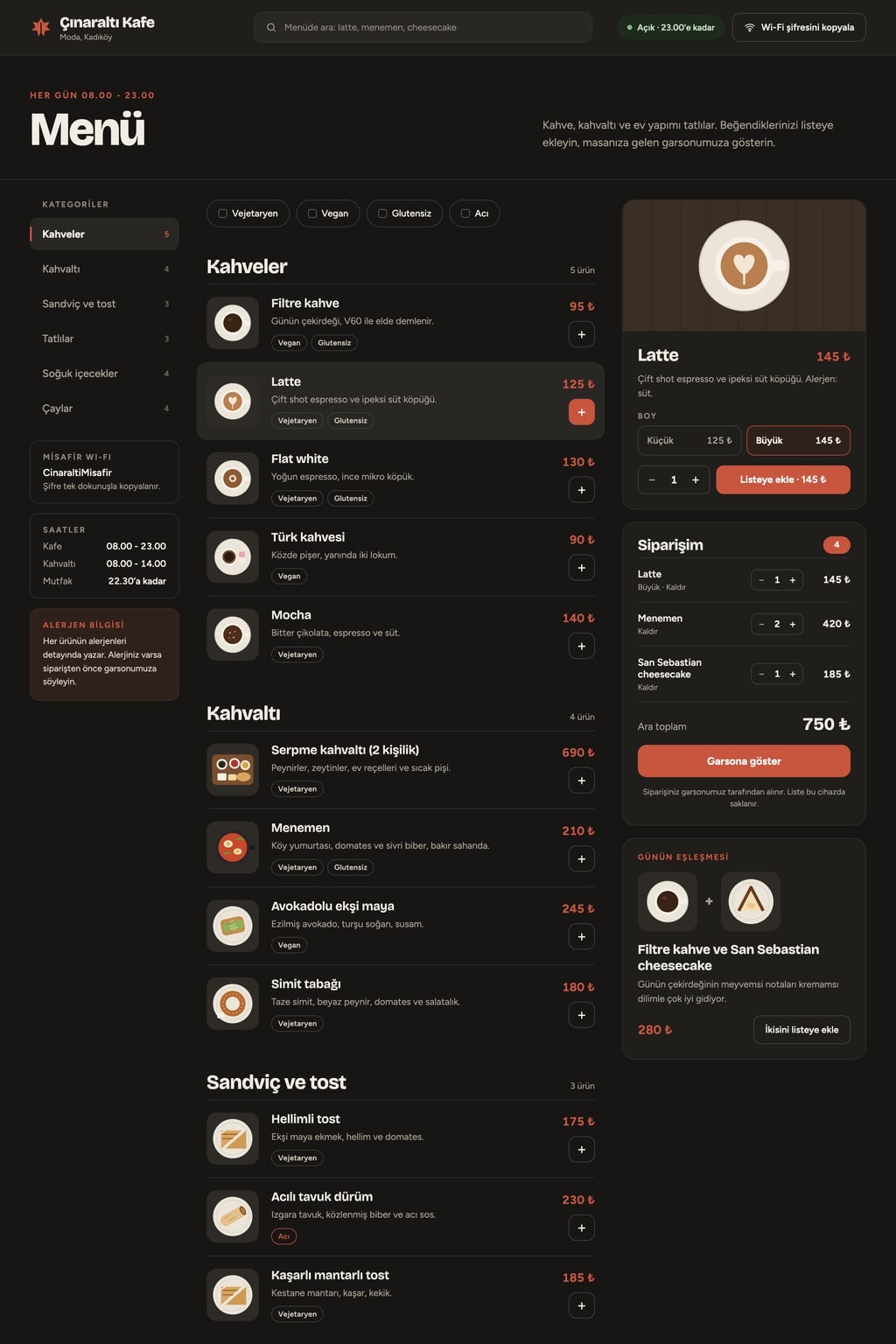
Sections in orderinfo bar, category bar, menu list, my order panel, footer. Design mobile first; on wide screens, a category list on the left, items in the middle and a sticky my order panel on the right.
Designdark and elegant (charcoal background, off-white text, airy line spacing). Main color #c8553d; use it for prices, the active category, counters and buttons, and keep button text easy to read on it. Typography: a characterful display face and a legible body face; tabular figures for prices. Thin dividers between items.
Info barbusiness name, open/closed status (opening hours 8 am to 11 pm, computed from the current time), a “Copy Wi-Fi password” button (copies to the clipboard and shows “Copied”) and an item search box.
Category bar (the core component): 5-6 categories suited to the venue type; sticky and horizontally scrollable, the current category highlights as the page scrolls and tapping one scrolls to it. Below it, diet filters: vegetarian, vegan, gluten free, spicy; they combine, filter the list instantly, and a simple empty state appears when nothing matches.
Menu list4-6 items per category; each with a photo, name, a one-line description, price, diet badges (text, no emoji) and a “+” button. Tapping an item opens a bottom sheet: large photo, description, allergens, one option group that changes the price (e.g. size: small / large), a quantity stepper and “Add to list”.
My order panel (the working part): added items, quantity up/down, remove, subtotal; on phones a sticky bottom bar (“3 items · subtotal · View list”). A “Show the waiter” button opens the list full screen in large type. The list is saved in the browser and survives a refresh. No payment and no order submission; the panel notes “Your order is taken by our staff”.
Contentcurrency US dollar ($); realistic item names and prices for the venue type, stock photos that fit the cuisine. Do not write real brand names or real phone numbers. Footer: neighborhood-level address, opening hours and a “Prices include tax” note.
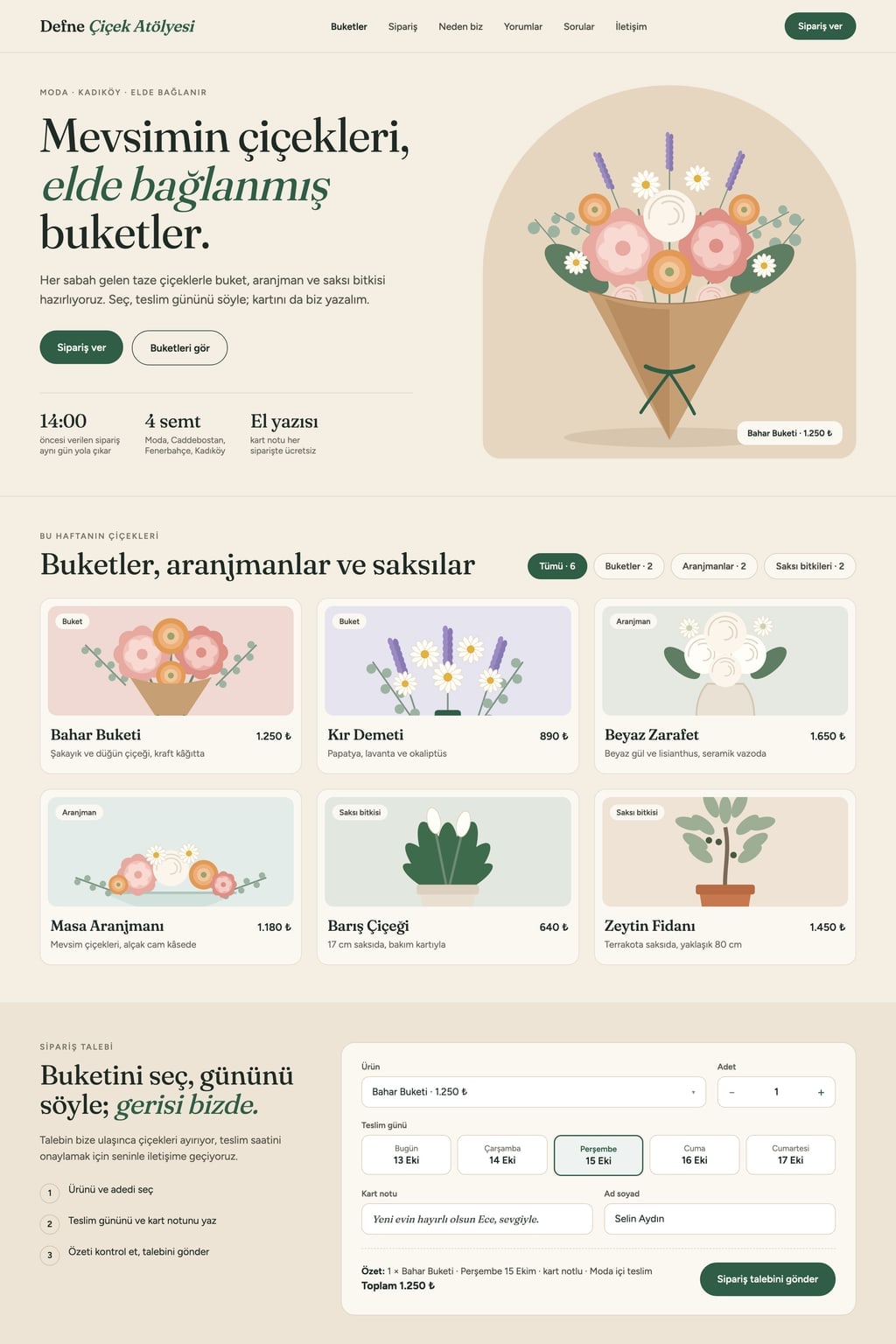
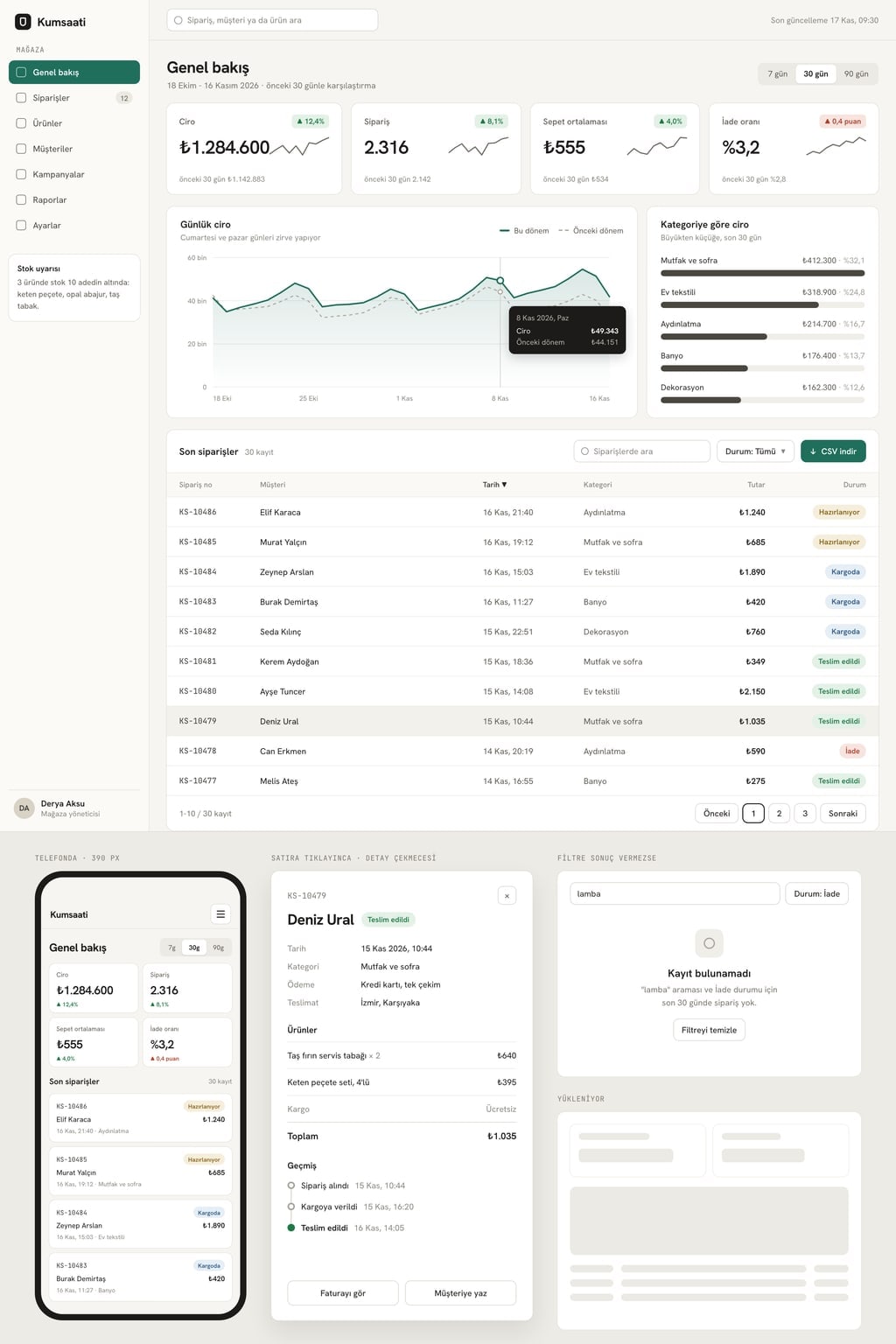
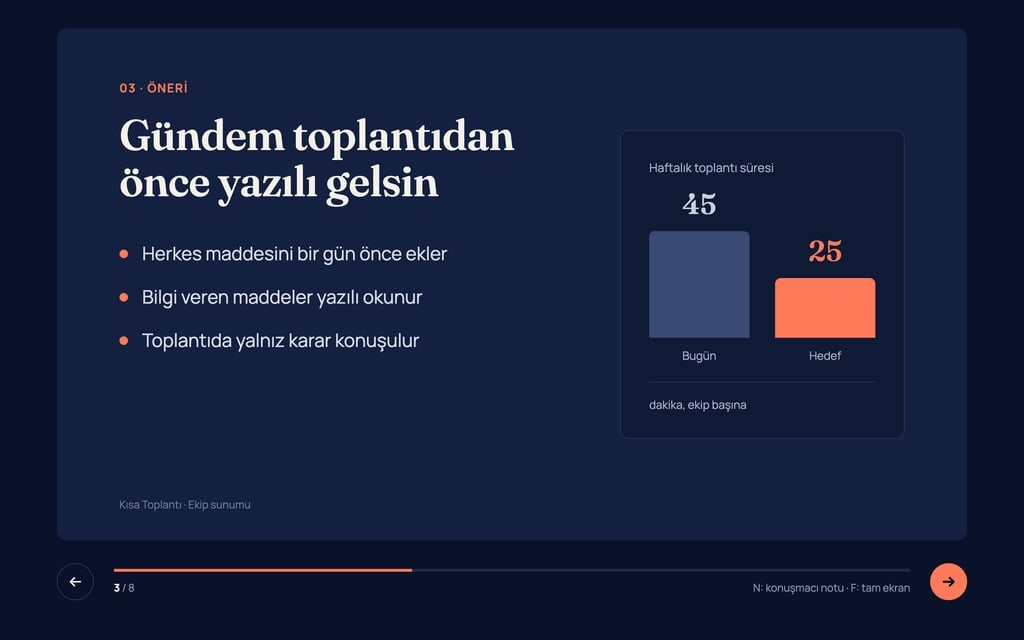
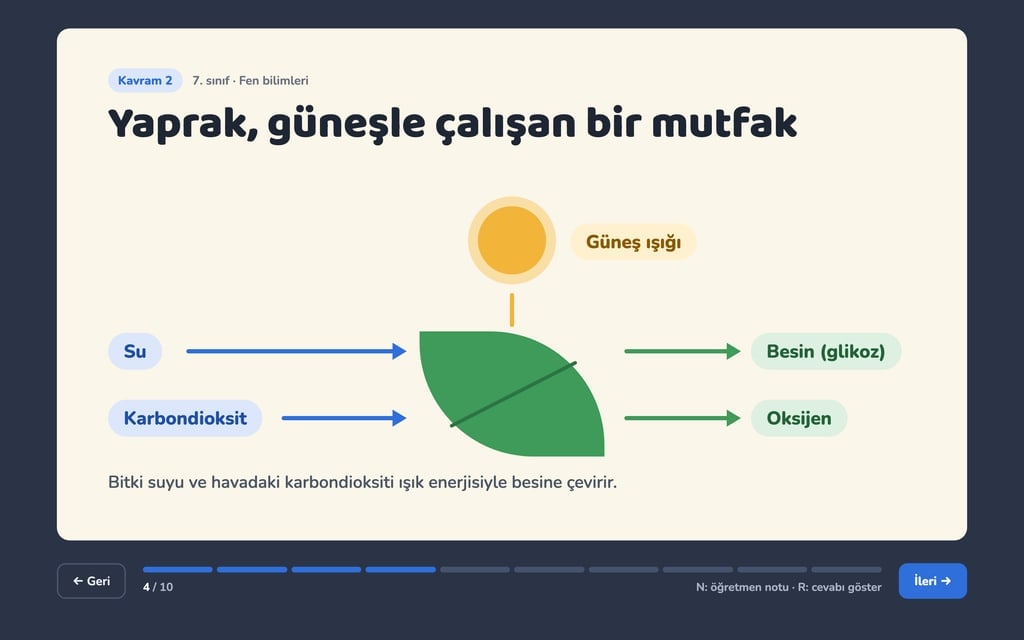
Design preview made from this prompt
What this prompt does
This prompt builds a single-page digital menu that guests open by scanning the QR code on their table. They move through a sticky category bar, search for items, filter by vegetarian, vegan, gluten free or spicy, and collect their picks in a list they can show the waiter full screen. There is no payment or ordering; it fits cafes, restaurants, burger joints, pizzerias and bakeries.
Where to use it
- A QR code menu on every table
- Moving a printed menu online
- Showing allergens and diet info
- Sharing the Wi-Fi password
- A menu link for social media
Fields you can fill in
The fields you can change in the form above and their default values.
- Business nameFree text
- Plane Tree Cafe
- Venue typeOne of 5 options
- cafe (coffee, desserts, sandwiches and breakfast)
- ThemeOne of 4 options
- dark and elegant (charcoal background, off-white text, airy line spacing)
- Main colorColor
- #c8553d
- CurrencyFree text
- US dollar ($)
Step by step
- 1
Enter the business name and venue type
Fill in Business name and choose cafe, restaurant, burger joint, pizzeria or bakery under Venue type. Categories and sample items follow this choice: a bakery gets cakes, cookies and pastries, a burger joint gets sides and sauces.
- 2
Set the theme, main color and currency
Pick dark and elegant, warm paper menu, bright and photo led or bistro chalkboard under Theme; Main color is used for prices, the active category and buttons. Under Currency, type the currency the menu should show, for example US dollar ($).
- 3
Build the menu page with Start
Press Start to open the prompt in Entrobase Builder; after you sign in with a free account, Builder writes the menu page. Then ask in the chat to swap the sample items, prices and photos for your own, one by one or as a list.
- 4
Fix the hours and Wi-Fi password
The prompt works out open or closed from 8 am to 11 pm; if your hours differ, tell the Builder chat. Replace the Wi-Fi password, neighborhood address and allergen details with real values before the menu goes on a table.
- 5
Test the order list on a phone
Add a few items with options and quantities from your phone, refresh the page and check the list is still there. Make sure “Show the waiter” opens the list in large type and that combined diet filters narrow the results correctly.
Tips and variations
- To move a spreadsheet or printed menu across, paste your items into the Builder chat as a plain list with columns for category, name, description, price and diet; it needs fewer fixes than describing items one by one.
- For a bilingual menu, ask the Builder chat for a language switch in the info bar and a second-language name and description for every item; it helps visitors in tourist areas.
- For a venue that is not on the list, such as a wrap shop or cocktail bar, give the Builder chat your own categories; the category bar, filters and order list keep working as they are.
- Make the QR code from the menu page address. For one code per table, add a table number to the end of the address and ask Builder to show that number in the my order panel.
Frequently asked questions
How do I make a QR code menu?
First you need a web page for the menu to open; this prompt describes that page. Once it is ready, give its address to any QR code generator and print the code on a table card. Guests scan it with their phone camera and the menu opens.
Can guests place orders from this menu?
No, the prompt leaves out payment and order submission on purpose. Guests collect their picks in a list, open it full screen with “Show the waiter”, and staff take the order. The list is saved in the guest's browser.
How are allergens shown on the digital menu?
Tapping an item opens a bottom sheet with its description and allergens, and the list shows vegetarian, vegan, gluten free and spicy badges in text. The allergens Builder writes are examples; always correct them to match your own recipes.
How do I update prices later?
In Entrobase Builder you change the site through chat: just say which item should cost what. If you copied the prompt into another tool instead, updating depends on how that tool lets you edit.