Resume builder prompt: CV maker with live resume template preview
A resume builder website prompt: a CV maker with a live preview, three resume templates, sample data and PDF export from the browser. Works in Entrobase and other AI website builders.
Prompt
Fill in the fields below and the prompt updates instantly. Copy it and use it in any AI tool.
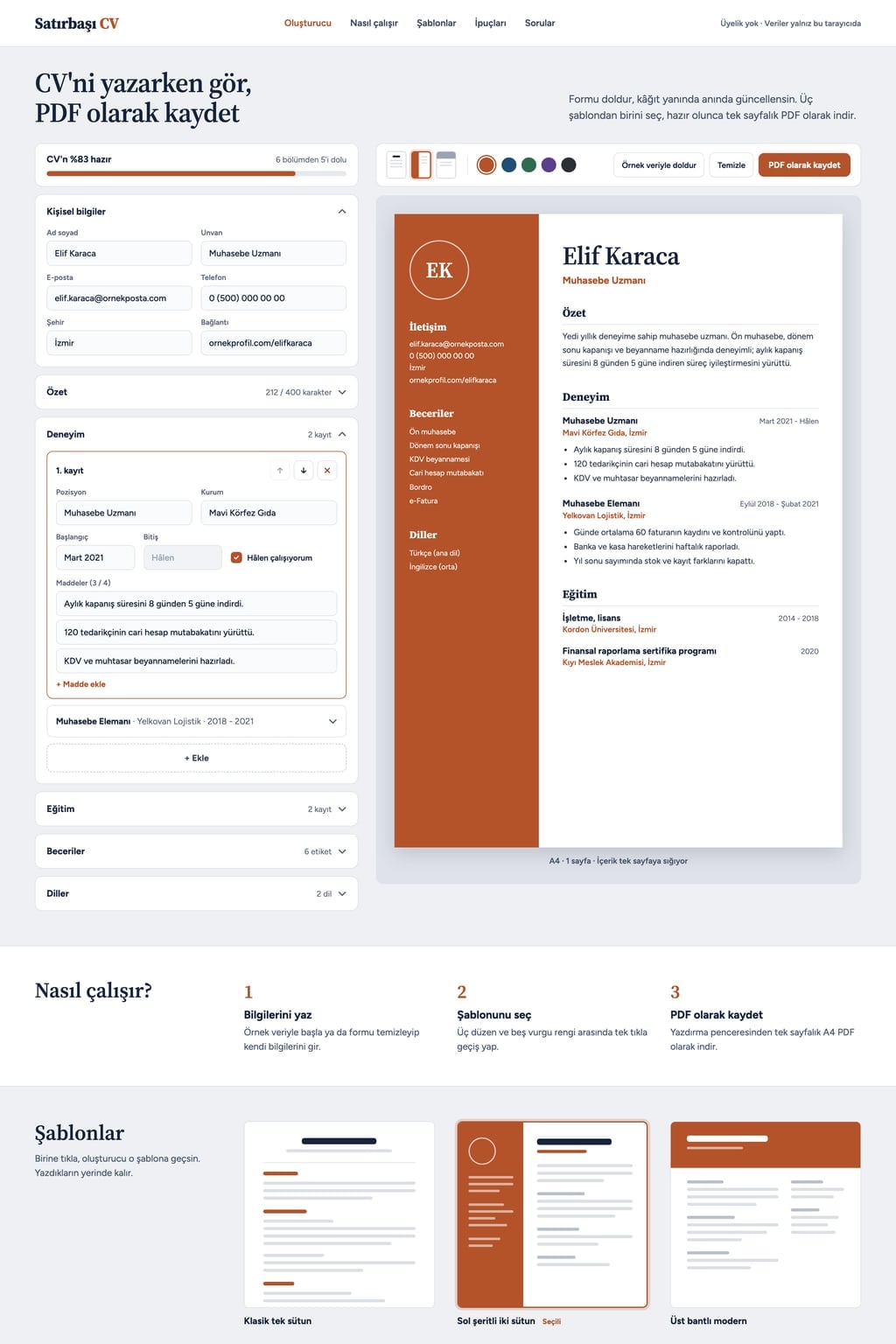
Build a single-page resume builder website called Page One Resume. Goal: visitors type their details into a form while watching their resume update live beside it, pick a template and save it as a PDF without signing up.
Sections in ordertop menu, resume builder in the hero, how it works (3 steps), templates, resume writing tips, FAQ, footer.
Designlight and calm (light grey background, white cards, dark navy text). Main color #b4532a; use it for buttons, the active tab and as the accent color of the resume. Typography: a clean, legible sans serif for the interface and an elegant serif for headings on the resume page. Cards with 12 px corners and a thin border.
Resume builder (the core component): two columns on desktop. On the left, a form made of collapsible sections: personal details (full name, job title, email, phone, city, link), summary (with a 400-character counter), experience, education, skills (added as tags), languages (language and level). In experience and education an "Add" button opens a new entry; entries can be deleted and moved up or down. An experience entry has position, company, start and end date, a "currently working here" checkbox and up to 4 bullet points. On the right, a white page preview in A4 proportions: it updates on every keystroke and sections left empty do not appear on the page.
A toolbar above the preview: template picker, a 5-color accent picker (the first is the main color), "Fill with sample data", "Clear" (asks for confirmation) and "Save as PDF". The PDF button opens the browser print dialog; in the print view only the resume page prints, at full page size with no margins. If the content runs past one page, show a short warning under the preview.
Templatesoffer three layouts: classic single column, two columns with a left sidebar (the sidebar holds the initials of the name, contact details, skills and languages), modern with a top banner. Template selected on load: two columns with a left sidebar. The templates section shows a small preview of all three; clicking one switches the builder to that template and scrolls to the builder.
Savingeverything typed is stored in the browser (localStorage) and survives a page refresh. A completeness bar sits above the form (a percentage based on how many sections are filled).
On phones the form and the preview split into "Edit" and "Preview" tabs.
Contenton first load the form comes filled with sample data. Profession of the sample data: accountant. The name, companies, email and phone are made up; do not use real people or company names and do not add a photo field. Tips: 5 short points (write measurable results, newest experience first, one page, spell check, tailor it to the job ad). FAQ: 5 questions in an accordion; one says the data stays only in this browser. Do not write anything that promises a job.
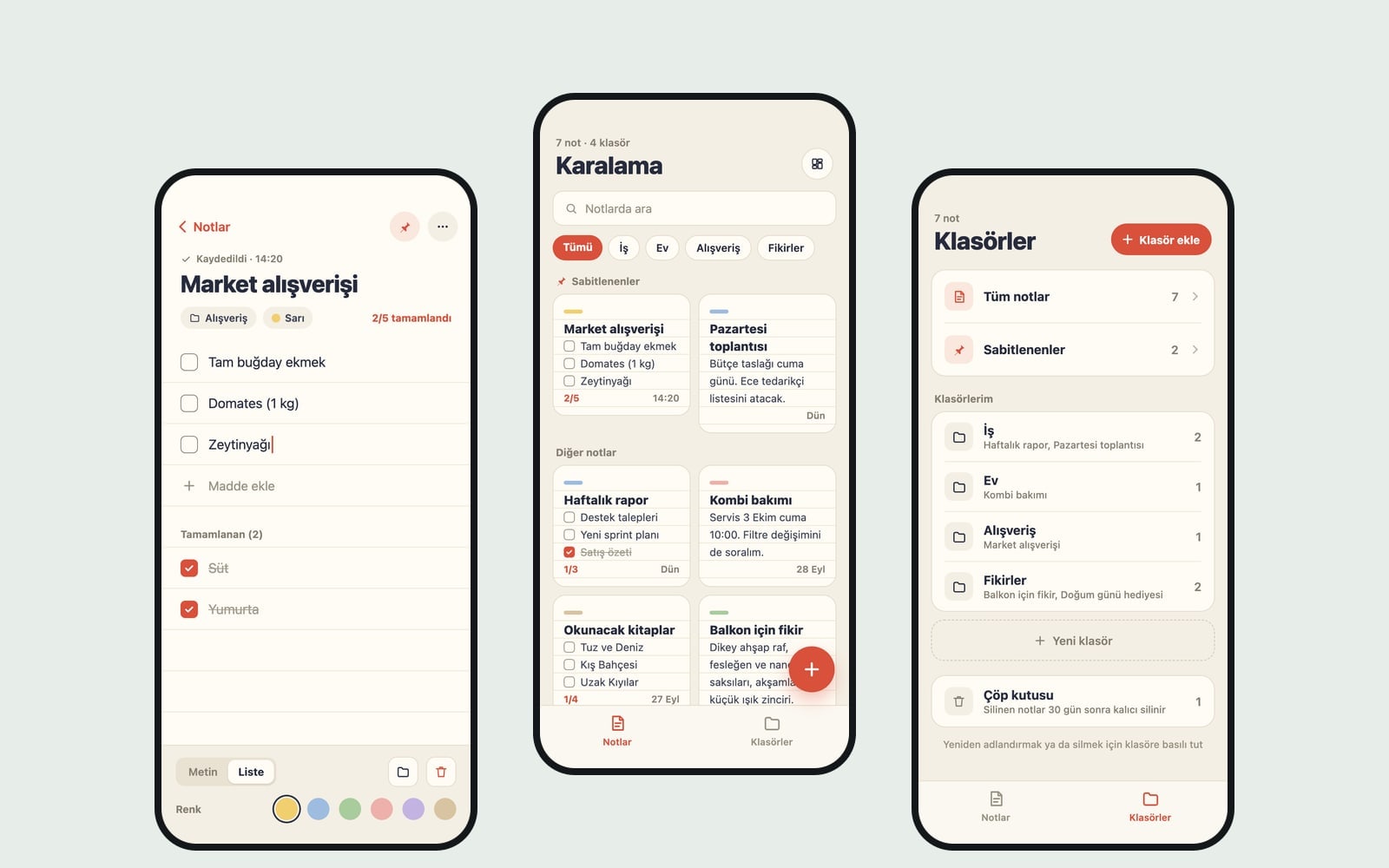
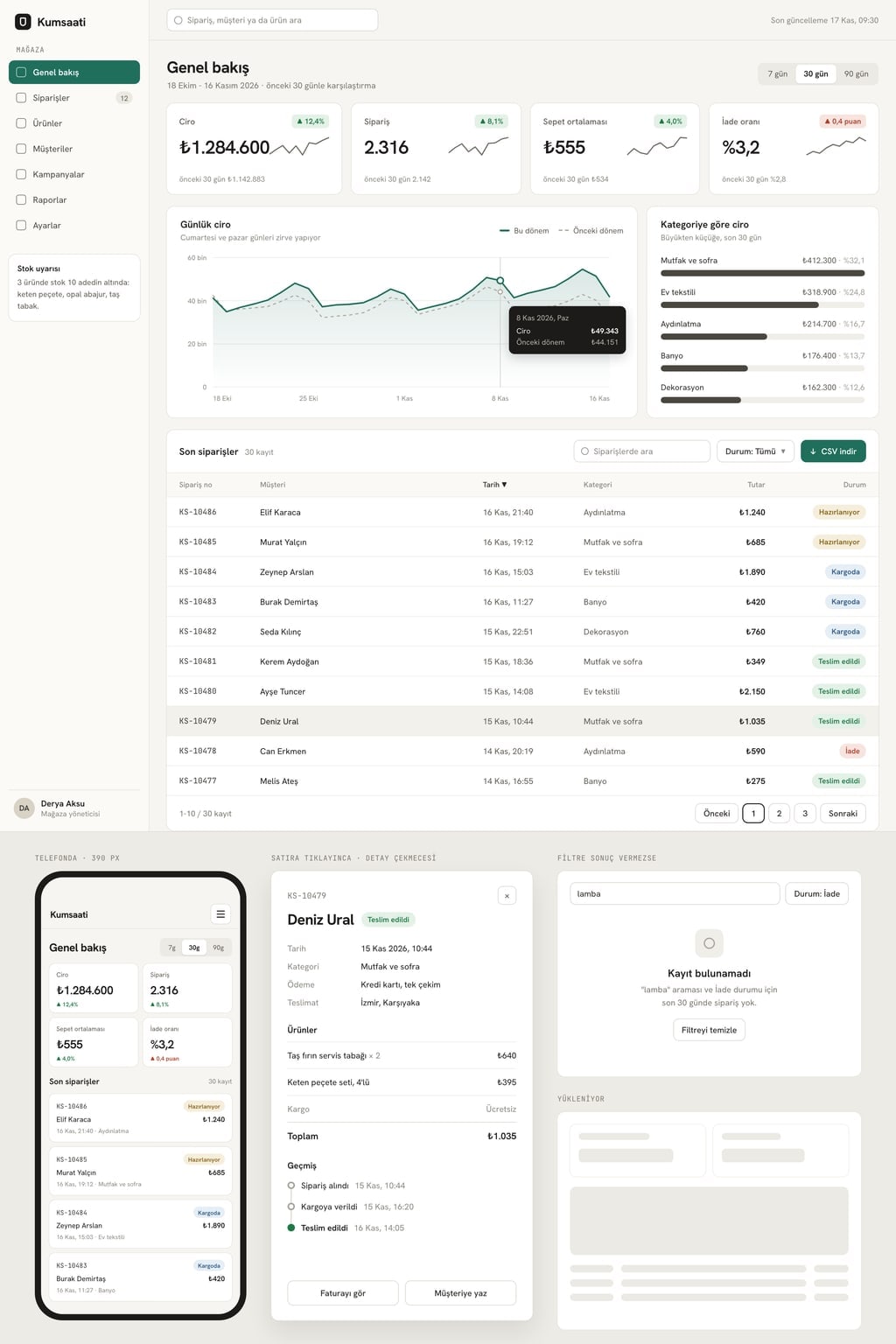
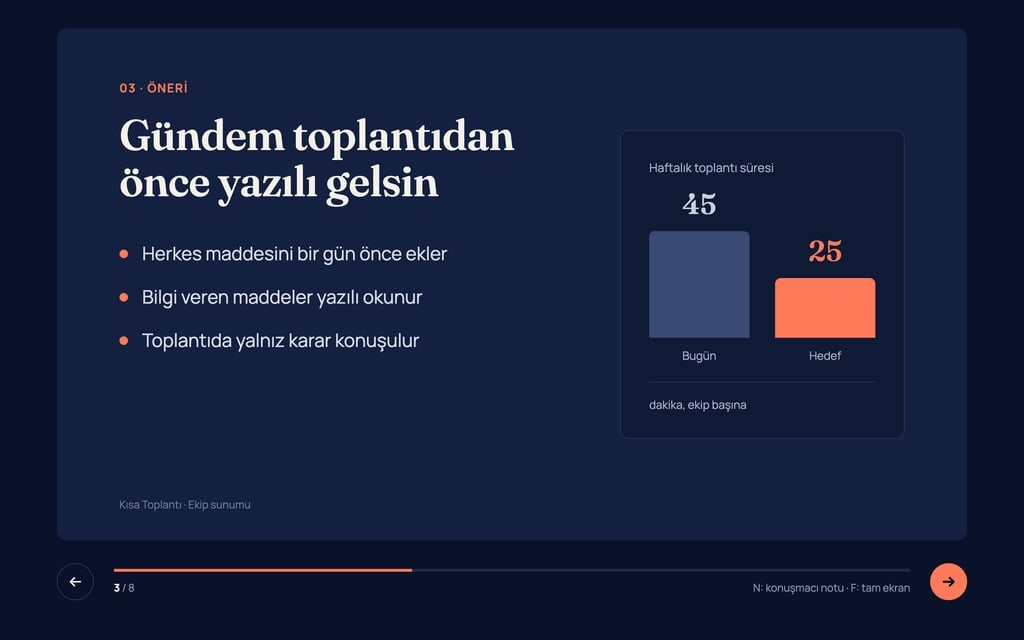
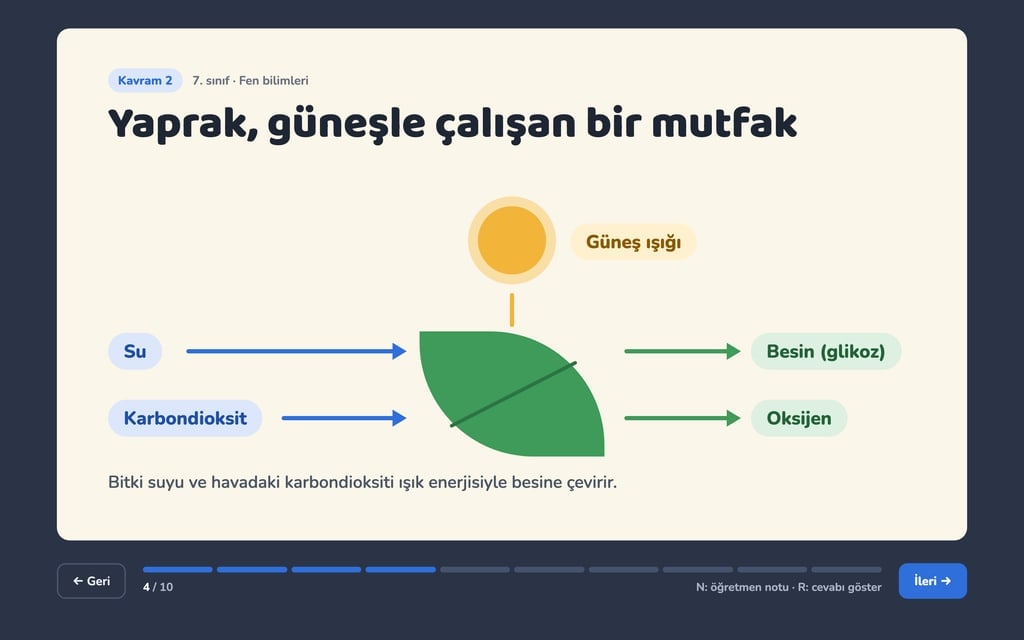
Design preview made from this prompt
What this prompt does
This prompt builds a single-page resume builder website: visitors type their details into a form and watch their CV update live on an A4 preview beside it. It comes with three templates, a sample-data button, browser storage and PDF export through the print dialog. It works well for career sites, course platforms or anyone who wants to launch their own free CV maker.
Where to use it
- CV tool for a job board
- University career center page
- Resume help for course graduates
- Free tool for an HR consultancy
- Resume section on a portfolio site
Fields you can fill in
The fields you can change in the form above and their default values.
- Site nameFree text
- Page One Resume
- Starting templateOne of 3 options
- two columns with a left sidebar
- Sample professionFree text
- accountant
- ThemeOne of 3 options
- light and calm (light grey background, white cards, dark navy text)
- Main colorColor
- #b4532a
Step by step
- 1
Fill in Site name and Sample profession
Site name appears in the menu and the hero. Sample profession sets the job of the made-up data that fills the form on first load; pick one close to your audience (a nurse, a software developer) so visitors can picture their own resume.
- 2
Pick the Starting template, Theme and Main color
Starting template decides which layout is selected on load: classic single column, two columns with a left sidebar or modern with a top banner. Theme sets the background and card tones; the resume page stays white even in the dark workspace. Main color drives the buttons and the resume accent.
- 3
Send the prompt to Entrobase Builder
Build a site with this takes the text to Entrobase Builder, which reads the prompt and writes the page; you need a free account. You can also press Copy and paste it into ChatGPT, Gemini or Claude, with your form values already filled in.
- 4
Test the builder like a real visitor
Change a field and check that the preview updates on every keystroke, empty sections stay off the page and experience entries move up and down. Refresh the page: localStorage should keep everything. On a phone, look for the Edit and Preview tabs.
- 5
Check the PDF and ask for fixes in chat
Press Save as PDF; the print view should show only the resume page at A4 with no margins, and a warning should appear when content runs past one page. Ask for anything missing in the Builder chat in one sentence, for example 'add a level bar to Languages'.
Tips and variations
- For a student-focused site, set Sample profession to 'final-year computer engineering student' and rewrite the tips line around internships and projects.
- For a corporate HR site, use the light and calm theme with a navy Main color; creative fields suit the warm and soft theme with an earthy accent.
- The prompt deliberately leaves out a photo field. If your audience expects photos, change 'do not add a photo field' in the copied text to 'add an optional photo upload to personal details'.
- To offer resumes in two languages, ask the Builder chat for a language switch that changes the section headings on the resume page.
- One FAQ answer already says the data stays in this browser. If you later add accounts or cloud saving, update that answer so it stays true.
Frequently asked questions
Do visitors need an account to use the CV builder?
No. The prompt asks for a builder that works without sign-up and keeps everything in the browser with localStorage. You need a free account to build the site in Entrobase Builder; your visitors do not.
Does the PDF export need a server?
No. Save as PDF opens the browser's print dialog, where the user picks PDF as the destination. The print view is described so that only the resume page prints at A4 size, so no server or PDF library is needed.
Does this prompt work in ChatGPT or Claude?
Yes. Copy it into ChatGPT, Gemini or Claude and they will write the code; running and publishing it is up to you. Build a site with this sends it to Entrobase Builder instead, which writes the page and lets you make changes by chatting.
Are the names and companies in the sample resume real?
No. The prompt asks for a made-up name, companies, email and phone and rules out real people and company names. The sample data follows whatever you type into Sample profession.
How long should a resume be?
The prompt is built around a one-page resume: one of the tips is to keep it to a page, and a warning appears under the preview when content overflows. For a longer academic CV you can ask Builder to remove that warning.