Random name picker prompt: giveaway picker and raffle website
A random name picker and giveaway picker website prompt that cleans pasted Instagram comments, removes duplicates and draws winners and backups. Works in Entrobase and other AI website builders.
Prompt
Fill in the fields below and the prompt updates instantly. Copy it and use it in any AI tool.
Build a single-page giveaway website called Draw Box. Goal: someone running an Instagram account or a small business pastes a list of entrants or the comments, runs a fair draw in seconds and announces the winners and backups with a shareable result.
Sections in ordertop menu (links that scroll to sections), giveaway tool in the hero, how it works, giveaway post template, fair draw tips, FAQ, footer.
Designdark stage (night purple background, light text, bright accent, light dots). Main color #ffc83d; use it for the draw button, the winner card and switched-on settings. Typography: wide, bold grotesque headings and tabular figures in the counters; cards with 14 px corners.
Hero (the core component): entrant box and settings on the left, the draw stage on the right.
Entrant box: a large text area; people can type one name per line or paste Instagram comments as they are. Extract @usernames from pasted text; below it show total lines, unique entrants and duplicates removed.
Settings: number of winners (1-10), number of backups (0-5), a "One entry per person" switch (when on, several comments from the same user count once), a "Must tag at least N people" filter (the number of @ in a comment) and an excluded accounts field (such as the host account).
Draw stage: a large "Start the draw" button. Animation: a sliced wheel: one slice per entrant, it spins and slows to a stop. The animation lasts 4-6 seconds, then the winners are revealed one by one. If there are too many entrants to read in the animation (more than 60), skip the names and show only the winner's name in huge type.
Result cardwinners and backups with their order, date, time, number of entrants and a 6-character draw code. Buttons: "Copy result" (a ready announcement), "Download story image" (1080x1920 PNG drawn with canvas), "Draw again" (asks for confirmation first). Pick winners with crypto.getRandomValues; keep the last 10 draws in the browser (localStorage) and list them under the stage.
How it works3 steps (paste, set up, draw). Giveaway post template: a fill-in rules text for an Instagram post (entry rules, end date, number of winners) with a "Copy" button. Fair draw tips: 4 short cards. FAQ: 5 questions in an accordion; one on how to copy the comments, one on legal permission for commercial giveaways.
Contentcopy is short and clear. No connecting to Instagram, no login and no automatic comment scraping; data is processed only in the browser and the tool says so below it. No sign-up, no ads, no real brand names. On phones the entrant box sits on top and the stage below it.
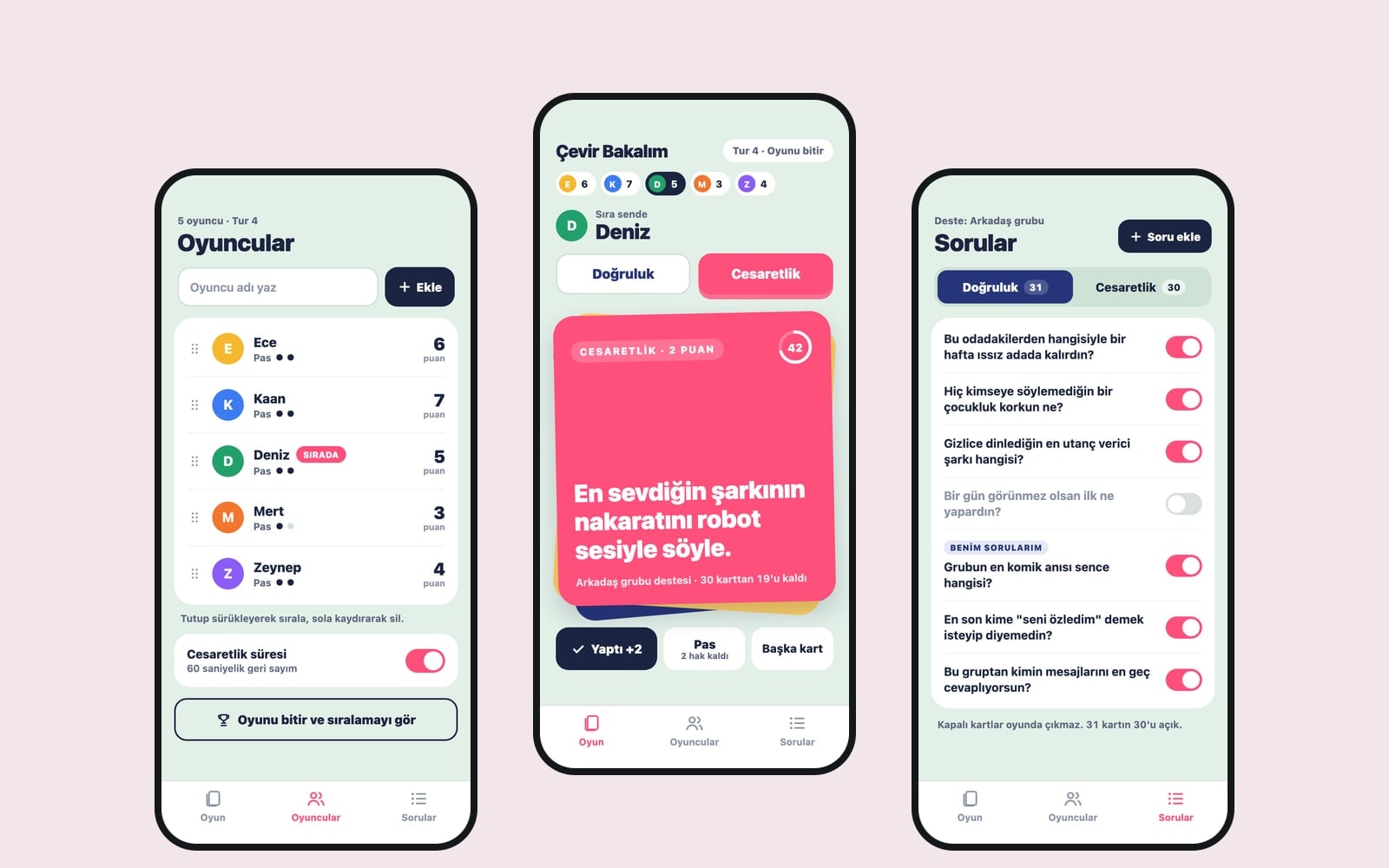
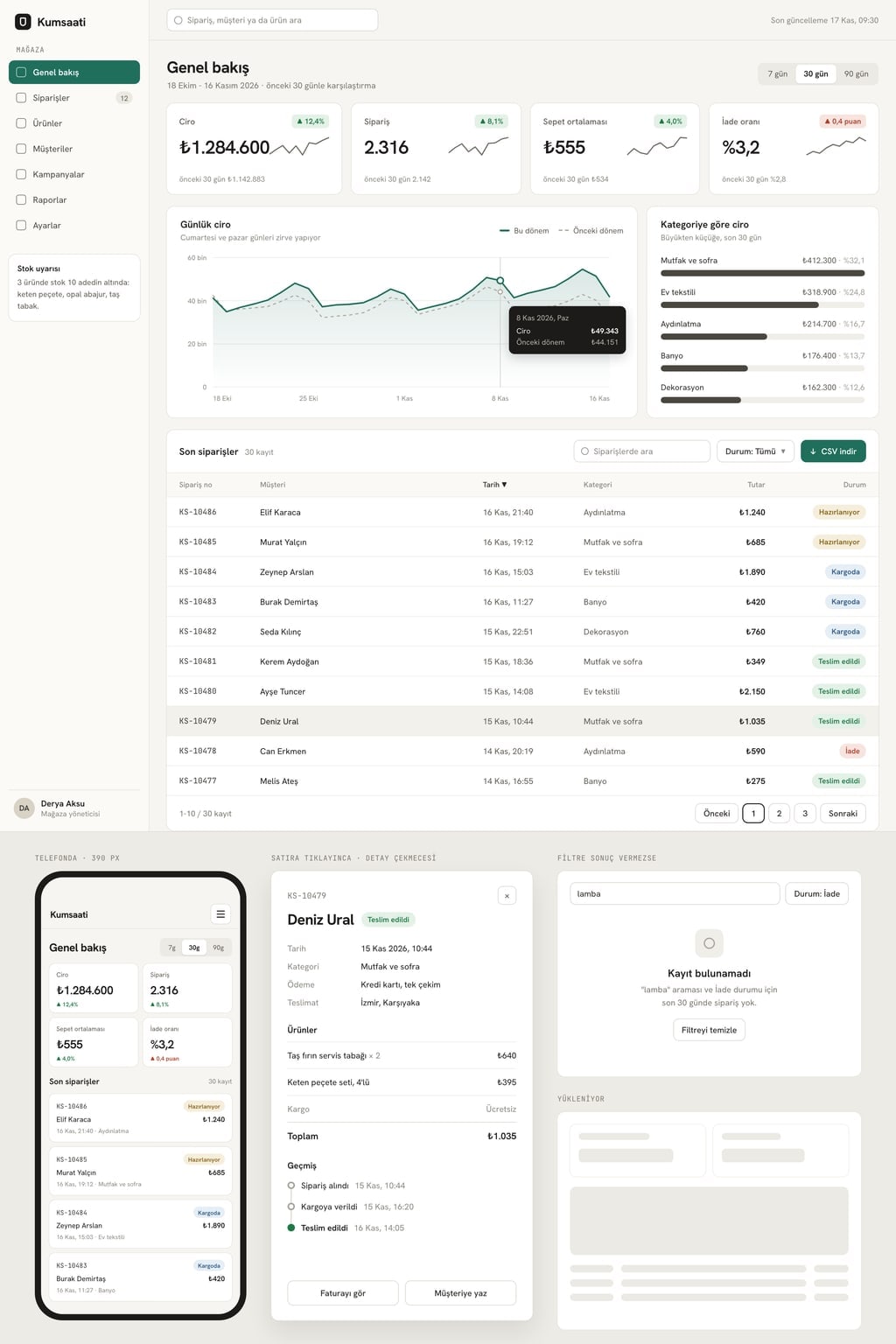
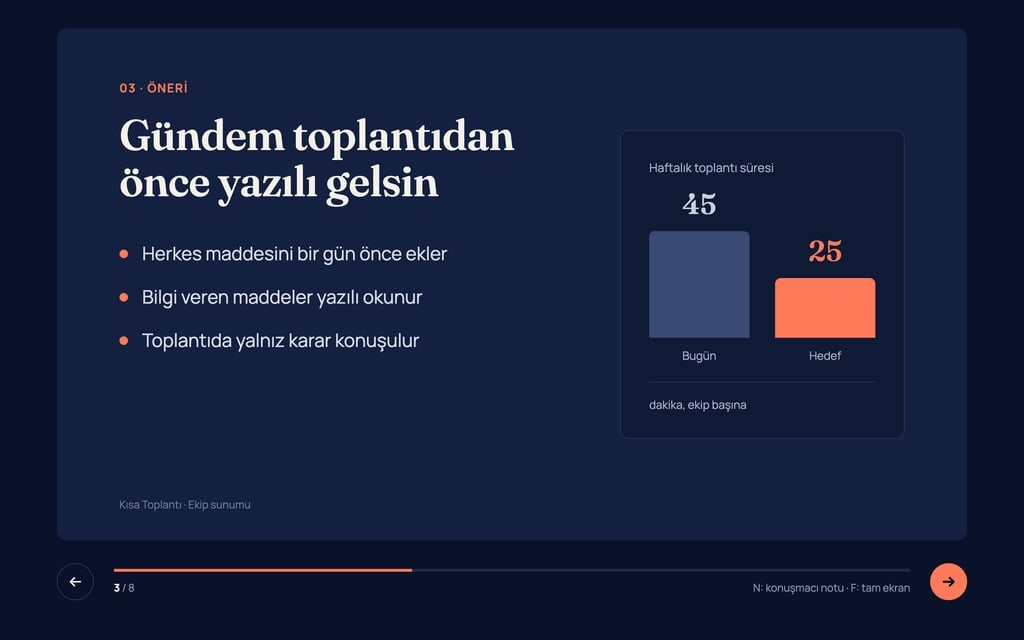
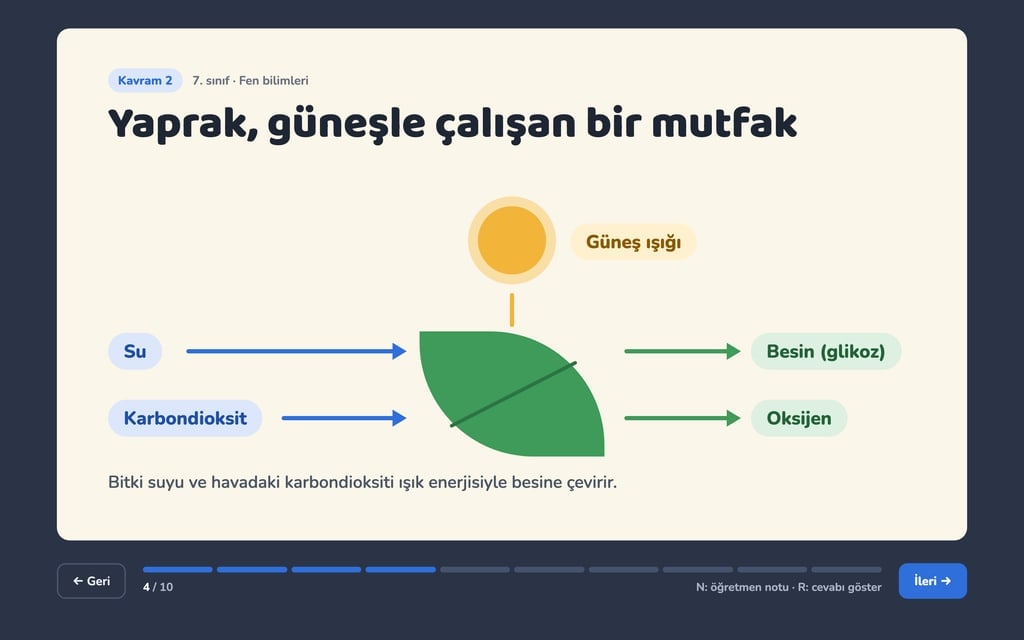
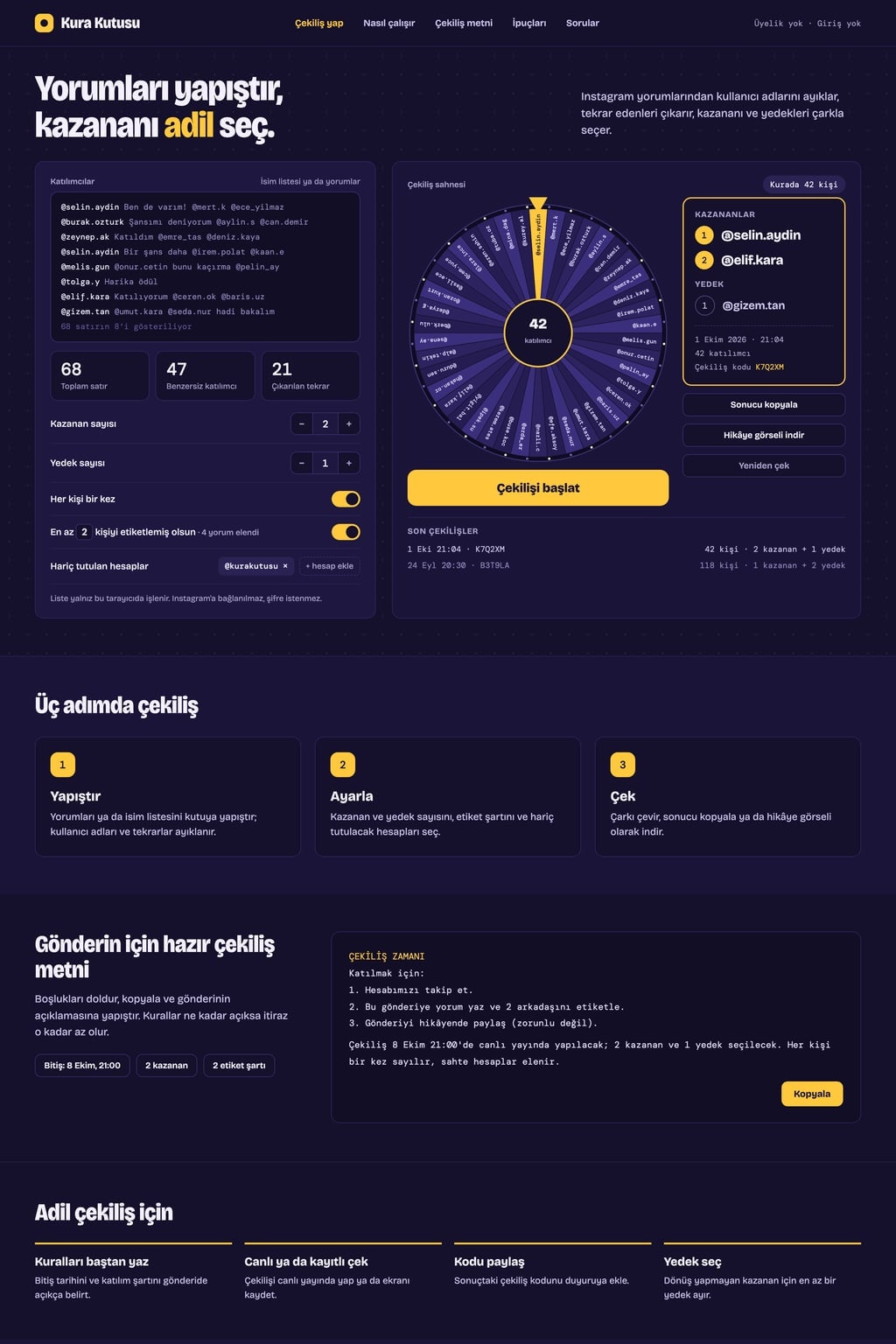
Design preview made from this prompt
What this prompt does
This prompt builds a single-page giveaway website that runs a fair draw from a pasted list of entrants or Instagram comments. The site extracts usernames, removes duplicates and excluded accounts, picks winners and backups with an animation, and prepares a copyable announcement and a story image. It is made for creators running Instagram giveaways, small businesses and anyone organizing a classroom or office raffle.
Where to use it
- Instagram giveaway
- Office and classroom raffle
- Secret gift exchange draw
- Picking a winner on a livestream
- Door prize at an event
Fields you can fill in
The fields you can change in the form above and their default values.
- Site nameFree text
- Draw Box
- AnimationOne of 4 options
- a sliced wheel: one slice per entrant, it spins and slows to a stop
- ThemeOne of 4 options
- dark stage (night purple background, light text, bright accent, light dots)
- Main colorColor
- #ffc83d
Step by step
- 1
Choose the site name and theme
Type your giveaway page's name in Site name and pick a dark stage, raffle ticket, clean or pastel look from Theme. Main color paints the draw button and the winner card; on the dark theme a bright yellow or orange reads best.
- 2
Pick the animation
Animation decides how the winner is revealed: a wheel, a slot machine, a card flip or a countdown. The wheel and slot machine feel more exciting on a livestream or screen recording; the countdown stays cleanest with very long lists.
- 3
Send the prompt to the builder
Use "Copy" to paste it into ChatGPT, Gemini or Claude, or "Start" to build the site in Entrobase Builder (a free account is required). In the first version the entrant box, the settings and the draw stage should sit side by side in the hero.
- 4
Test it with real comments
Copy the comments from a post and paste them into the entrant box. Check that the unique entrant and duplicate counts are right, that the host account is excluded and that the tag filter drops comments with too few tags.
- 5
Check the result card and image
Run a draw; the order of winners and backups, the date and the draw code should appear on the result card. Open the PNG from "Download story image" on a phone and make sure long usernames do not overflow.
Tips and variations
- Run the draw live or on a screen recording and share the draw code from the result card in your announcement; followers trust the result more when they see the same code in the recording.
- If your entry rules ask people to tag several friends, set the tag filter to the same number so comments that miss the rule never enter the draw.
- For a school or office raffle, ask it to drop the Instagram parts: adding the line "The entrant box only takes a list of names" is enough.
- Keep at least 1 backup; if a winner does not reply within the time you announced, you hand the prize to the backup without running a new draw.
Frequently asked questions
How do I pick a random winner for an Instagram giveaway?
Write the entry rules and end date in your post first. When it closes, copy the comments, paste them into the entrant box of the site you built with this prompt, choose the number of winners and backups and start the draw. Copy the result and share it with the story image.
Does the site pull Instagram comments by itself?
No. The prompt deliberately avoids connecting to Instagram or asking for a login; you copy and paste the comments yourself. That way no password is needed and the entrant list is processed only in the browser.
Is the random name picker really random?
The prompt asks for winners to be picked with crypto.getRandomValues, the browser's secure random number generator. Every unique entrant has an equal chance; if the "One entry per person" switch is off, someone who comments more often has a higher chance.
Do commercial giveaways need permission?
In many countries, including Turkey, prize draws run to promote a product or service can require a permit or have to follow specific rules. The site only makes the random pick; check the current rules from an official source before running a giveaway for a business.
How many entrants can it handle?
Cleaning and picking happen in the browser, so a comment list of a few thousand lines is no problem. When there are too many names to read in the animation, the prompt asks it to skip them and show only the winner's name in huge type.