Discount calculator prompt: percent off calculator and sale price website
A discount calculator website prompt with a percent off calculator, stacked discounts, sale price math and a deal comparison for offers like buy 3 pay for 2. Works in Entrobase and other AI website builders.
Prompt
Fill in the fields below and the prompt updates instantly. Copy it and use it in any AI tool.
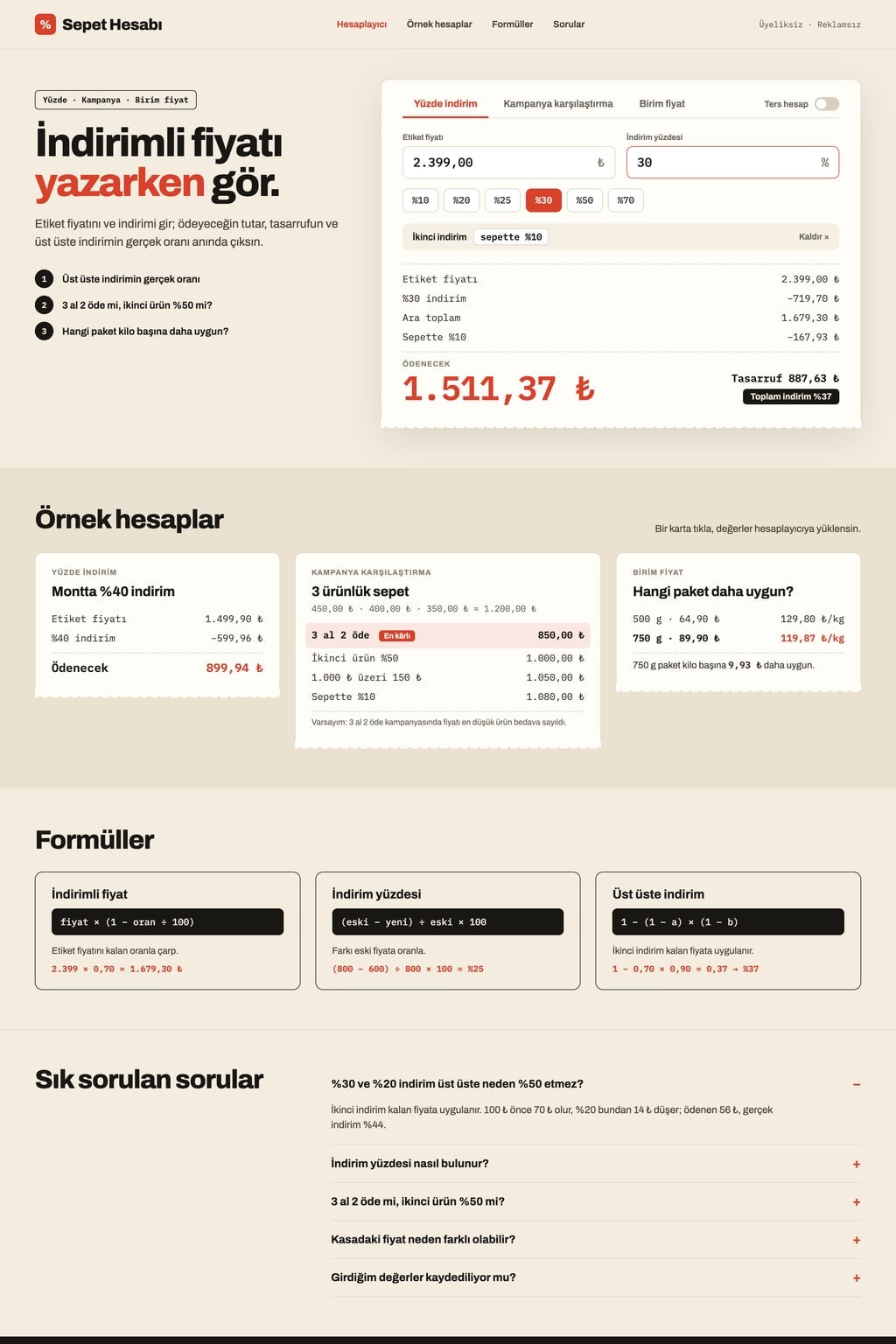
Build a single-page discount calculator website called Cart Math. Goal: a shopper sees the sale price from the tag price, the discount percentage and which store deal saves more, within seconds.
CurrencyTurkish lira (₺, shown as ₺1,299.90). Amounts are shown with two decimals and thousands separators.
Sections in ordertop menu (links that scroll to sections), calculator in the hero, example calculations, formulas, FAQ, footer.
Designreceipt (cream background, black text, receipt cards with zigzag edges). Main color #d9412b; use it for the sale price, the selected tab and the "Best deal" badge. Typography: bold grotesque headings and tabular figures for amounts (a receipt feel); cards with 12 px corners.
Hero (the core component): a short headline and a one-sentence intro on the left, a calculator with three tabs on the right. Results update as values are typed; there is no separate calculate button.
Percent off: tag price and discount percentage (quick buttons 10%, 20%, 25%, 30%, 50%, 70%). The sale price in large type with the amount saved below it. "Add a second discount" stacks discounts (e.g. 30%, then another 10% at checkout) and shows the real total discount (37%). A "Reverse" switch finds the discount percentage from the old and new price.
Deal comparison: add 2-6 item prices to a cart; the deals are calculated one under another for the same cart: "Buy 3 pay for 2" (the lowest-priced item is free), "Second item 50% off" (in pairs sorted by price, the cheaper one is discounted), "N% off the cart", "Y off when you spend X". Each row shows the total to pay and the saving; the lowest total gets a "Best deal" badge. The assumption used is written under the card (store rules may differ).
Extra tool: unit price: compares the price per kilo or litre of different pack sizes.
Example calculations3 ready scenario cards (40% off a coat; buy 3 pay for 2 versus second item 50% off on a 3-item cart; one example for the extra tool). Clicking a card loads its values into the calculator.
Formulasthe sale price, discount percentage and stacked discount formulas, each with a one-sentence explanation and an example. FAQ: 5 questions in an accordion (one is "Why do 30% and 20% not make 50%?").
Contentcopy is plain and clear. The last values entered stay in the browser (localStorage). No sign-up, no ads, no store or real brand names. On phones the calculator is full width and the tabs scroll sideways.
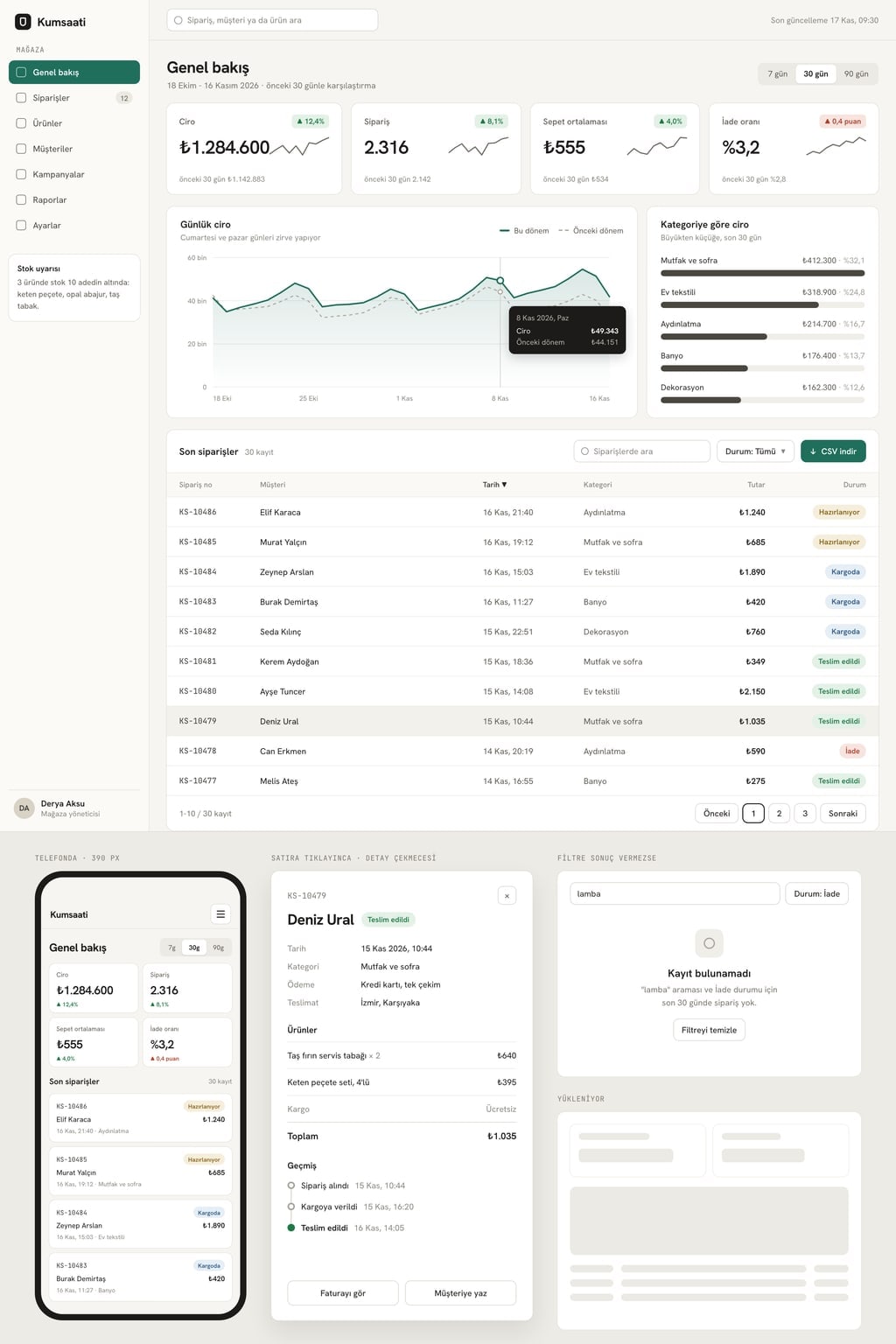
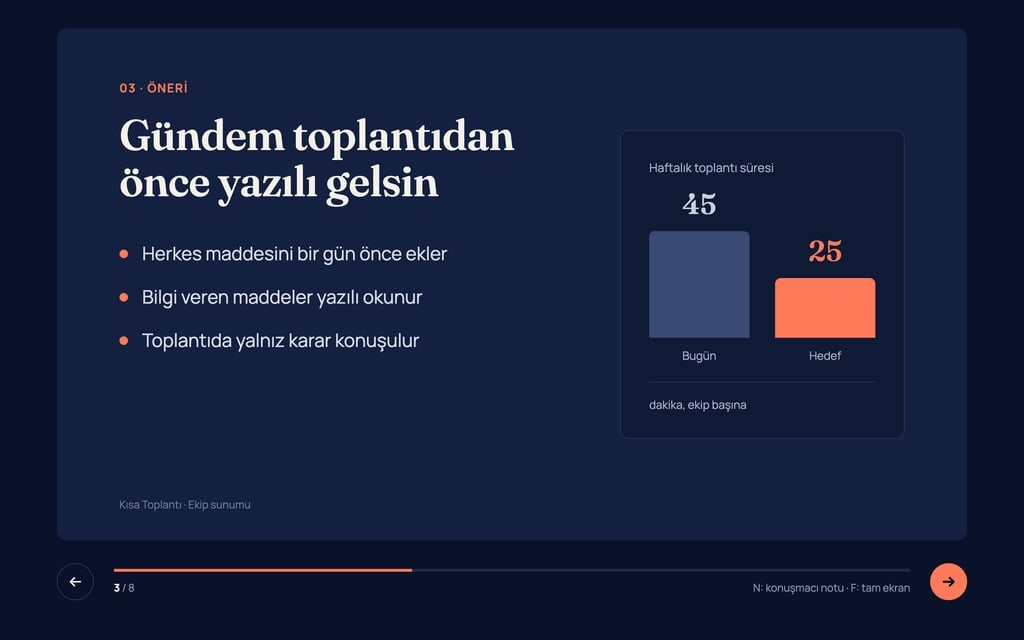
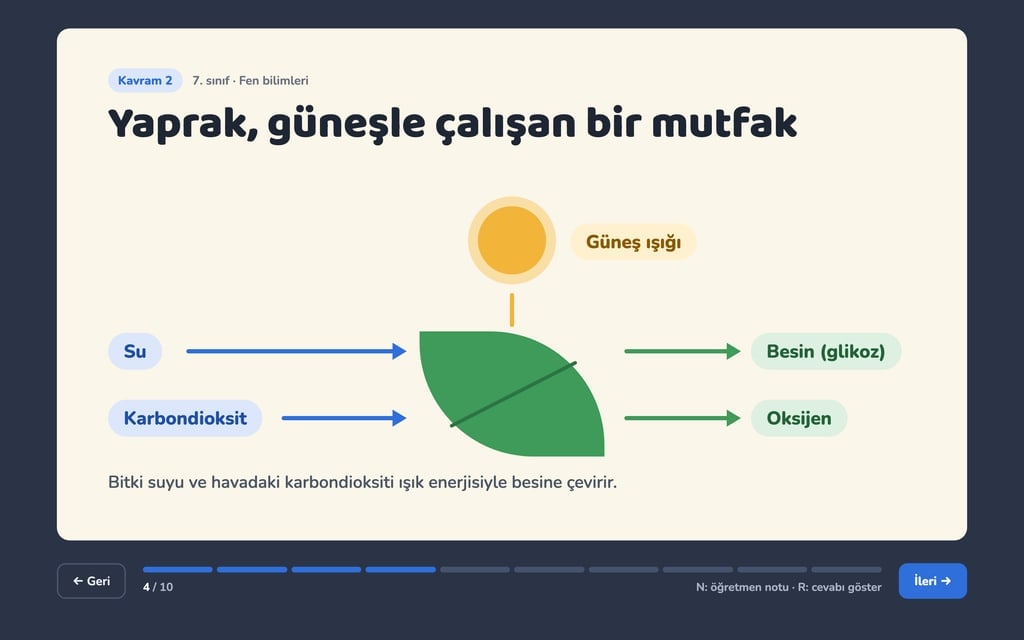
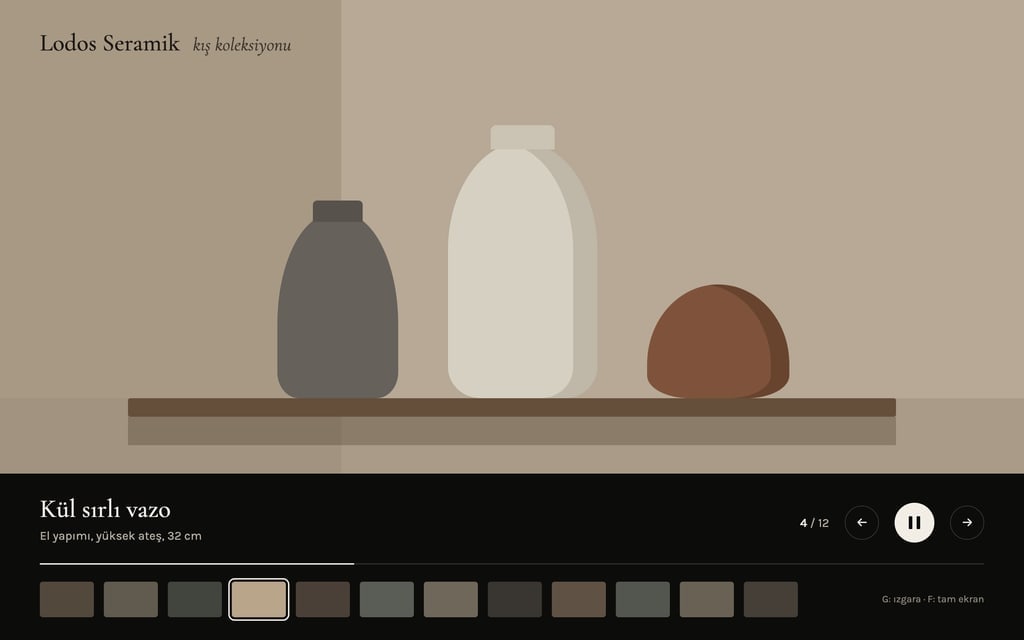
Design preview made from this prompt
What this prompt does
This prompt builds a single-page discount calculator website that works out the sale price from a tag price, the discount percentage from an old and new price, and the real rate of stacked discounts as you type. Its deal comparison tab puts offers like buy 3 pay for 2, second item 50% off and cart discounts side by side for the same cart and marks the best one. It is made for deal and coupon sites, shopping bloggers and anyone who wants their own calculator.
Where to use it
- Deal and coupon site
- Store sale page
- Tool for a shopping blog
- Percentage practice for students
Fields you can fill in
The fields you can change in the form above and their default values.
- Site nameFree text
- Cart Math
- CurrencyOne of 4 options
- Turkish lira (₺, shown as ₺1,299.90)
- Extra toolOne of 4 options
- unit price: compares the price per kilo or litre of different pack sizes
- ThemeOne of 4 options
- receipt (cream background, black text, receipt cards with zigzag edges)
- Main colorColor
- #d9412b
Step by step
- 1
Choose the currency
Currency sets the symbol and number format for every amount: Turkish lira, euro, US dollar or British pound. The site shows each amount with two decimals; the English page uses the ₺1,299.90 style with a decimal point.
- 2
Pick the extra tool
Extra tool decides what goes in the third tab: unit price for pack sizes, instalments, a free shipping threshold or VAT split. Unit price suits a grocery or beauty site best; instalments matter more for electronics and appliances.
- 3
Choose a theme and send it to the builder
Pick a receipt, dark, airy or pastel look from Theme, and set the color of the sale price and the Best deal badge with Main color. Use "Start" to build it in Entrobase Builder (a free account is required) or "Copy" to paste it into another AI tool.
- 4
Check the math by hand
Enter 1,000 with 30% and then 10% off; the result should be 630 with a 37% total discount. In reverse mode a price dropping from 800 to 600 should show 25% off. If anything differs, ask the builder to fix the formula.
- 5
Test the deal card
Add 3 items to the cart and compare buy 3 pay for 2 with second item 50% off. Check that the free item is the lowest-priced one, the lowest total gets the Best deal badge and the assumption line appears under the card.
Tips and variations
- If you run a deals site, ask it to replace the example cards with your own weekly offers; visitors can click a card and carry on with their own cart.
- If a store's buy 3 pay for 2 rule differs (for example the most expensive item is free), change "the lowest-priced item is free" in the prompt and the assumption line follows.
- Under the formulas you can add a small table of 10% to 70% discounts with the sale price of a 100 item; visitors read the answer at a glance.
- To embed the calculator in a store site, ask it to remove the hero intro and keep only the calculator; the tabs scroll sideways in narrow spaces.
Frequently asked questions
How do you calculate a discount?
The sale price is the tag price multiplied by (1 minus the discount rate). For a 1,000 item at 30% off you pay 1,000 × 0.70 = 700 and save 300. The site does this as you type.
How do I find the percent off from two prices?
Subtract the new price from the old one, divide by the old price and multiply by 100. An item dropping from 800 to 600 is (800 − 600) / 800 × 100 = 25% off. The site's Reverse switch does this for you.
Why do 30% and 20% off not add up to 50%?
The second discount applies to the price left after the first. A 100 item becomes 70 at 30% off; 20% then takes 14 off that 70 and you pay 56. The real total discount is 44%.
Is buy 3 pay for 2 better than second item 50% off?
It depends on how many items you buy and their prices. With 3 similarly priced items, buy 3 pay for 2 usually saves more because one item is completely free; with only 2 items, only the second item 50% off gives a discount. The deal comparison tab shows both totals for the same cart.
Why might the calculated price differ from the till?
Stores can round cents differently, apply a deal to a different item or apply discounts in another order. The site writes its assumption under the card; for the exact amount, read the store's deal terms.