Claude 3D Website Prompts: 10 Ready-to-Use Prompts (2026)
3D website prompts: 10 ready-to-use prompts for a 3D landing page, three.js sites in Claude and Gemini, scroll animation, parallax and 3D portfolios; also works in Entrobase Builder.
Prompt
Fill in the fields below and the prompt updates instantly. Copy it and use it in any AI tool.
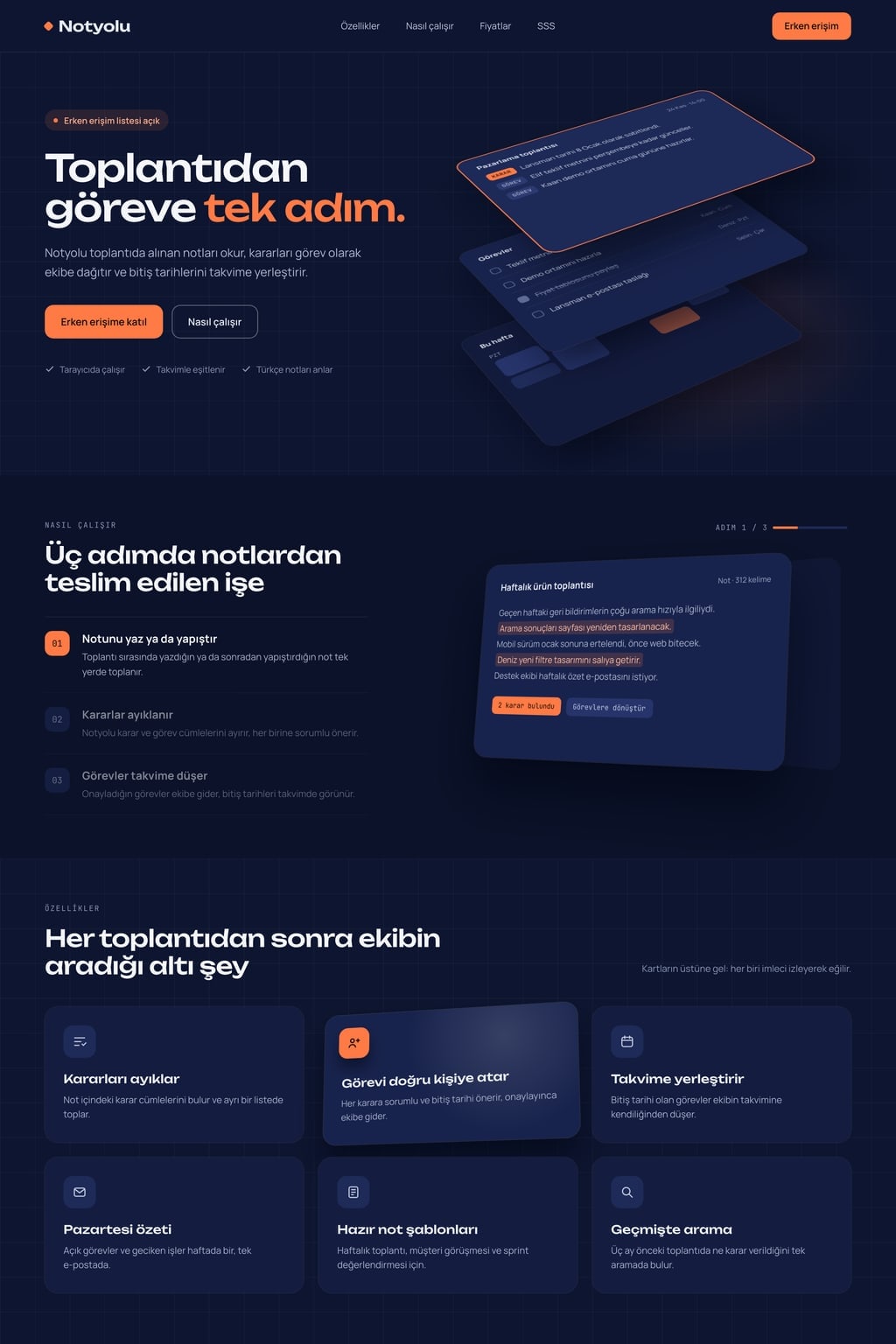
Build a one-page, interactive 3D landing page for Notyolu; visitors should feel the depth on the first screen, discover the product layer by layer as they scroll and join the early access list at the end.
Producta meeting notes and task app for teams.
Main 3D scenea tilted stack of three screen cards that separate as you scroll.
Themedark (midnight blue background, light text, a faint thin grid).
Sections
Menu: brand name as text on the left, 4 links in the middle (Features, How it works, Pricing, FAQ), an "Early access" button on the right; on scroll the menu switches to a frosted glass background.
Hero: a big two-line headline, a one-sentence subheadline and two buttons on the left; the main 3D scene on the right. The scene tilts up to 10 degrees following the mouse; the scene cards show 2-3 pieces of the product's own UI (a list, calendar, chart or notification, whatever fits the product) drawn in HTML.
How it works: a sticky section with 3 steps; as you scroll the screen card rotates, a different face comes forward at each step and the step text on the left changes.
Features: 6 cards; on hover a card tilts in perspective, a light glare follows the cursor and the icon floats in front of the card.
Pricing: 3 plans; the middle plan sits forward in depth; a monthly and yearly toggle changes the prices.
FAQ: 5 questions in an accordion.
Closing: a big call to action and an email field; on submit show "You're on the list", with no real sending. A small footer below.
3D and motion:
Build the 3D effects with CSS perspective, transform-style: preserve-3d and framer-motion; do not use three.js, WebGL or 3D model files.
Scroll-linked motion is smooth; text never ends up hidden behind a rotating element.
When reduced motion is on (prefers-reduced-motion), rotation and tilt stop and the scene stays still at a slight angle.
On phones use a slow scroll-linked rotation instead of tilt; the scene moves below the headline and cards stack in one column.
Design
Accent color #ff7a45; only on the primary button, the edge of one card in the scene and the highlighted pricing plan.
A wide, characterful grotesk font for headings and a readable sans-serif for body text; do not use Inter or Roboto.
Shadows explain depth: the front layer casts a wider, softer shadow.
Rules
Short, concrete English copy; no lorem ipsum.
Person and company names are made up; no real brands or logos.
No payments, no login screen and no database.
Do not use purple-blue gradients, emoji icons or neon glow.
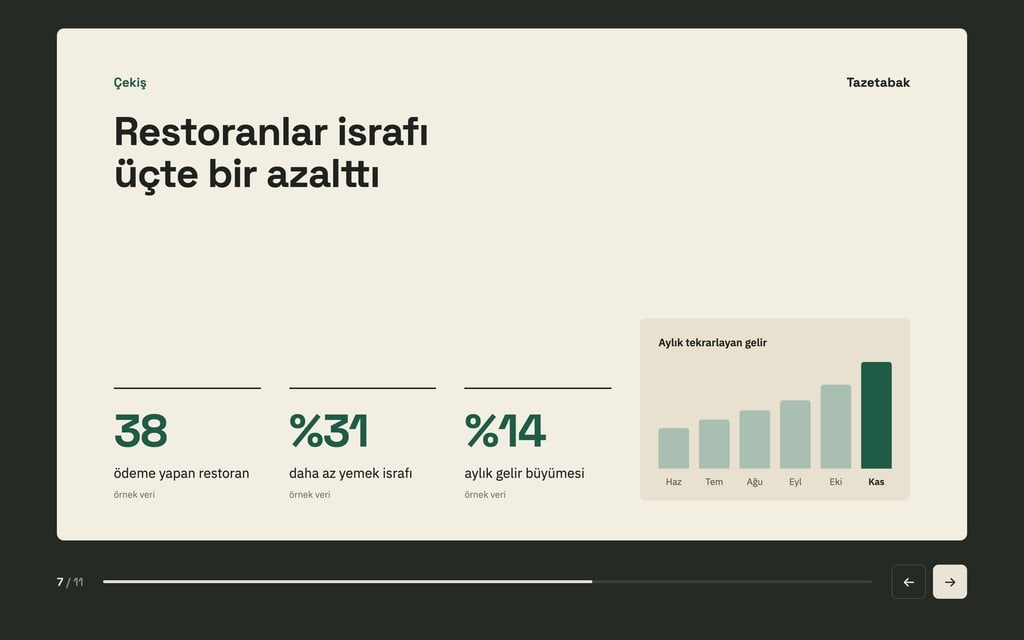
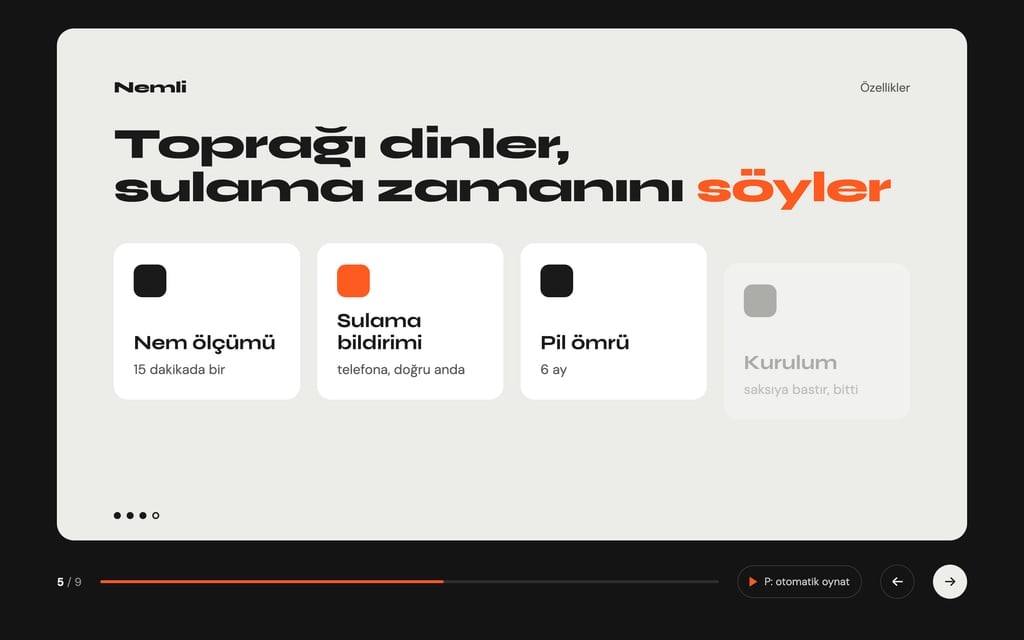
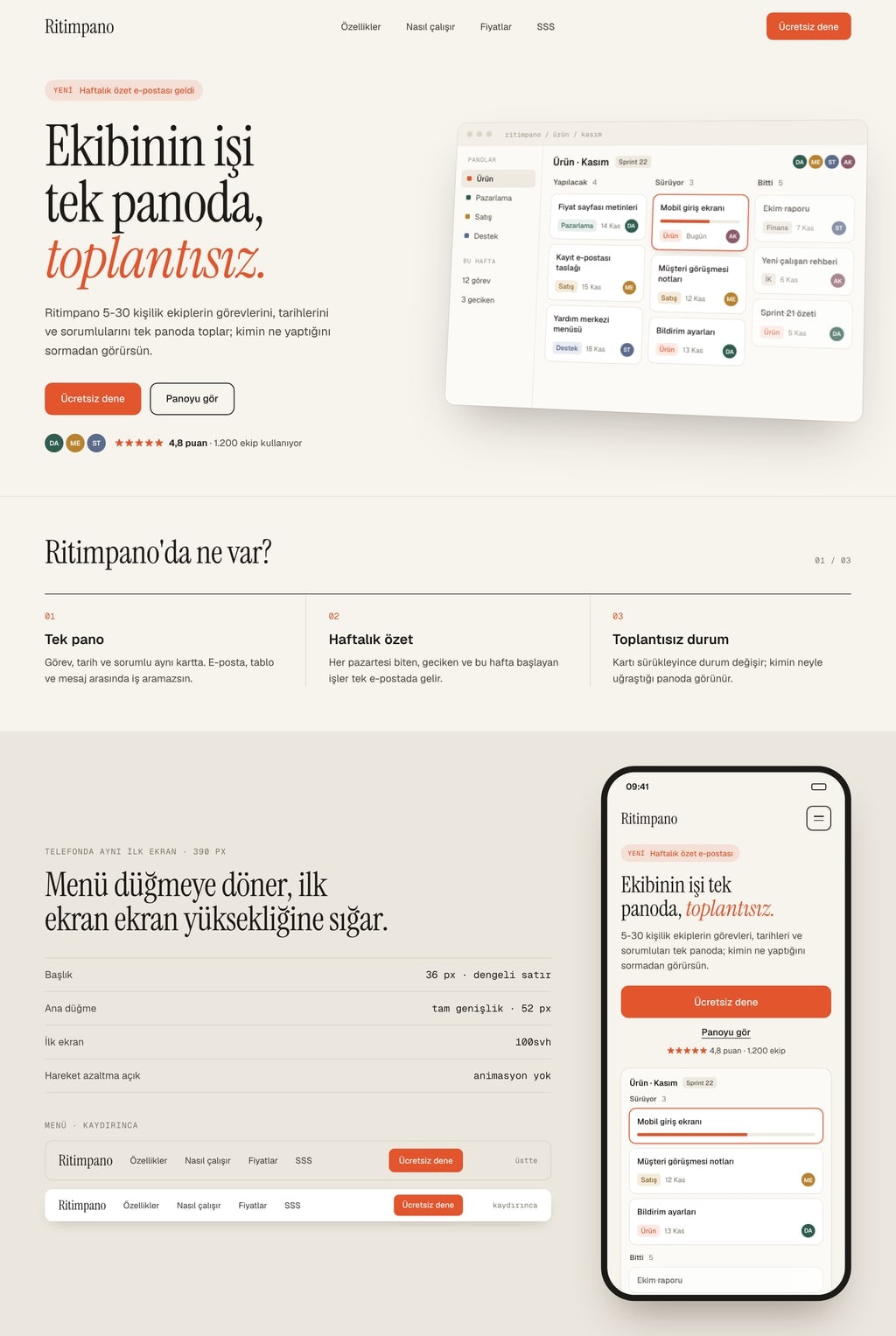
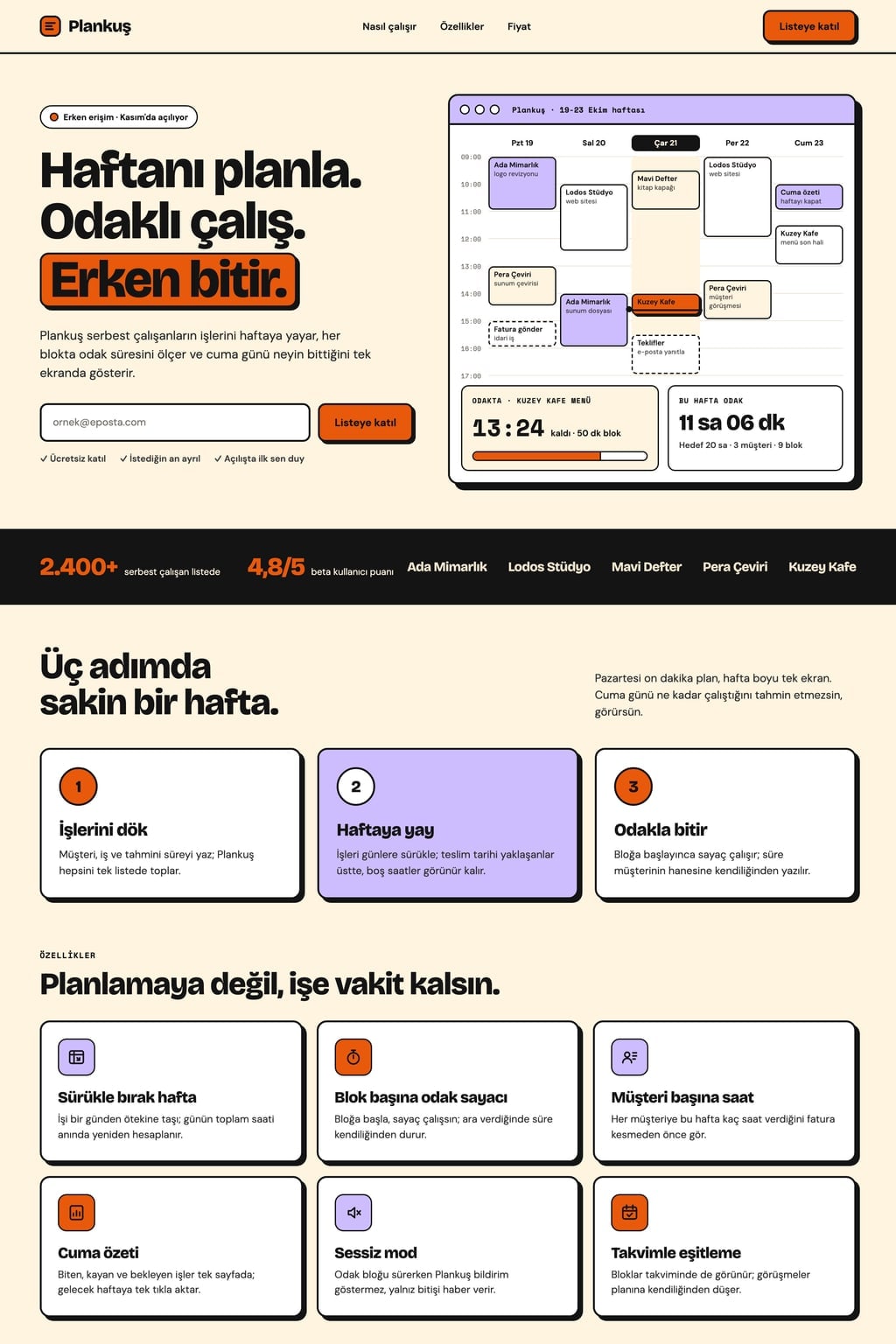
Design preview made from this prompt
9 more ready-to-use prompts
Different takes on the same topic. Copy any of them as is and replace the parts in square brackets.
1.3D website prompt for Claude with three.js
When to use: Use it when you want Claude to build a landing page with a real 3D scene you can rotate, in a single file.
Write a 3D landing page in a single HTML file using three.js and show it as an artifact.
- Topic
- [e.g. a new pour-over coffee maker from a coffee brand]
3D scene
- A product model in the center built from three.js primitives (cylinder, box, torus)
- Soft ambient light and one directional light from the left; a faint shadow on the floor
- Dragging rotates the product, releasing lets it slow down and stop
Page
- 1Hero: headline, subheadline and button on the left; the 3D scene on the right
- 23 feature sections on scroll; at each one the camera turns to another side of the product
- 3Closing call to action
Rules
- Load three.js from a CDN and use no other library.
- Resize the scene when the window changes.
- Stop auto-rotation when prefers-reduced-motion is on.
- When done, suggest 3 ways to improve the scene.
2.Gemini three.js prompt for a 3D website in Canvas
When to use: Use it when you want to see code and preview side by side in Gemini and edit the 3D scene piece by piece.
Open Canvas and write a 3D website in a single HTML file using three.js.
- Topic
- [e.g. an architecture studio website]
3D scene
- A slowly rotating abstract building model made of white blocks in the center
- A sunset-toned directional light with long shadows
- The camera shifts slightly with the mouse (parallax)
Page
- 1A big headline and one button over the scene
- 23 project cards on scroll
- 3Contact section with address and email (no form sending)
- Design
- [light or dark] theme, accent color [hex code]
Rules
- Use no library other than three.js from a CDN.
- When done, point out the lines to edit for colors and text.
3.3D portfolio website prompt: a room you scroll through
When to use: Use it when you are a designer, architect or developer and want your work shown in a 3D room that the visitor travels through by scrolling.
Write a 3D portfolio website in a single HTML file using three.js; it should preview in ChatGPT Canvas or a Claude artifact.
- Owner
- [your name and profession]
Scene
- A simple studio room built from boxes: a desk, a shelf, 4 frames on the wall
- Each frame holds one project: [project 1], [project 2], [project 3], [project 4]
Navigation
- Scrolling moves the camera through the room and stops in front of each frame in turn
- Clicking a frame opens a side panel with the project title, a short description and the year
- Last section
- contact details and social links
Rules
- Load three.js from a CDN; no external model or texture files, use material colors.
- On phones shorten the camera path and open the panel from the bottom.
4.3D scroll animation website prompt for a product launch
When to use: Use it when you want a product to rotate as the page scrolls and reveal a different feature in each section.
Write a product launch page with scroll-linked 3D animation (single HTML file, three.js).
- Product
- [e.g. a matte ceramic thermos]
- Model
- built from three.js cylinders and spheres, matte material, main color [hex code]
Scroll story
- 1Section 1: product from the front, headline and subheadline on the left
- 2Section 2: product turns 90 degrees, a feature label appears on the right
- 3Section 3: product seen from above, the lid opens
- 4Section 4: product moves to the center with price and a buy button (visual only)
Rules
- Tie the rotation angle to scroll progress, not time.
- Keep the 3D canvas fixed while text sections scroll over it.
- With prefers-reduced-motion on, show the product at a fixed angle in each section.
5.Parallax scrolling website prompt with layered landscape
When to use: Use it when you want a light, library-free depth effect that works everywhere, for a cafe, hotel, camp or event hero.
Write a one-page website with a parallax scrolling effect using only HTML, CSS and a little JavaScript.
- Topic
- [e.g. a mountain cabin for camping and stays]
Hero
- 5 layers from back to front: sky, far mountains, near mountains, pine trees, foreground grass
- Draw layers as SVG shapes; on scroll the back layer moves slowly and the front layer fast
- A big headline in the middle that slips behind the trees on the first scroll
- Next sections
- 3 service cards, placeholder boxes for a photo gallery, contact
- Color palette
- [e.g. midnight blue, mist grey, pine green]
Rules
- Animate with CSS transform, never top or left.
- Keep layers still when prefers-reduced-motion is on.
6.Interactive 3D website prompt: particle hero background
When to use: Use it when you want to add a light 3D background that reacts to the mouse to the hero of an existing site.
Write an interactive 3D particle background for a website hero using three.js.
Look
- [e.g. 3000] small points forming a slowly rotating sphere or wave surface
- Point color [hex code], background [dark or light]
Interaction
- Points move slightly away when the mouse comes close and return when it leaves
- On scroll the sphere shrinks and moves up
Output
- A single HTML file; the background is full screen and a headline and button stay readable on top
- Wrap the code in one function so it can be added to another page
Rules
- Halve the point count on phones.
- Stop motion and show a still scene when prefers-reduced-motion is on.
7.Next.js and React Three Fiber 3D website project
When to use: Use it when you want a component-based 3D website project that runs locally and goes on GitHub.
Set up a 3D landing site project with Next.js (App Router), TypeScript, Tailwind CSS, @react-three/fiber and @react-three/drei.
- Topic
- [e.g. an e-bike brand launch site]
Page
- 1Hero: a product model built from primitives inside a Canvas, rotatable with OrbitControls
- 2Features: the model's color and angle change as you scroll
- 3Spec table and a closing call to action
Structure
- Scene, ProductModel and Lights as separate files under components/three/
- Load 3D components on the client only (dynamic import with ssr off)
Output
- 1Folder tree
- 2Full code for every file
- 3Install and run commands
8.3D website prompt generator: answer 5 questions, get a prompt
When to use: Use it when you are not sure what to ask for and want ChatGPT, Claude or Gemini to interview you and write the 3D website prompt.
Act as a 3D web design lead. Ask me the 5 questions below one at a time, then write a single, complete prompt I can paste into an AI coding tool to build my 3D website.
Questions
- 1What is the brand or product, in one sentence?
- 2Who is the visitor and what should they do on the page?
- 3Which 3D object or scene fits the brand (product, abstract shape, room, landscape)?
- 4Which feeling do you want: calm and premium, playful, technical or bold?
- 5Where will you build it: three.js in a single HTML file, Next.js with React Three Fiber, or CSS only?
The final prompt must include:
- Scene, lights, camera and what mouse and scroll do
- Section list, color palette and fonts
- Mobile behavior and prefers-reduced-motion
9.Glassmorphism 3D landing page prompt
When to use: Use it when you want frosted glass cards floating in depth over a soft background, a popular look for SaaS and app launches.
Write a landing page with glassmorphism cards floating in 3D depth (single HTML file, CSS and a little JavaScript).
- Product
- [e.g. a personal finance app]
Hero
- 3 frosted glass cards (backdrop-filter blur, thin light border) at different depths with CSS perspective
- Behind them 2 soft blurred color shapes in [color 1] and [color 2]
- The cards tilt slightly with the mouse, the front card the most
- Next sections
- 4 feature cards in the same glass style, pricing with 2 plans, FAQ
Rules
- Keep text contrast readable on glass; add a darker tint behind body text if needed.
- Provide a solid background fallback where backdrop-filter is not supported.
- Stop tilt when prefers-reduced-motion is on.
What this prompt does
People searching for 3D website prompts want copy-paste text that makes Claude, Gemini or a site builder produce a website with real depth: scenes that tilt with the mouse and rotate as you scroll. The main prompt lets you pick the 3D scene, theme and accent color and builds the effect with CSS. The 9 prompts below cover three.js in Claude and Gemini, a 3D portfolio, scroll animation, parallax, an interactive particle hero, React Three Fiber, a prompt generator and glassmorphism.
Where to use it
- App and SaaS landing page
- Product launch page
- Agency and studio website
- 3D portfolio
- Event and conference page
- Waitlist page
Fields you can fill in
The fields you can change in the form above and their default values.
- Brand nameFree text
- Notyolu
- What you are launchingFree text
- a meeting notes and task app for teams
- Main 3D sceneOne of 5 options
- a tilted stack of three screen cards that separate as you scroll
- ThemeOne of 3 options
- dark (midnight blue background, light text, a faint thin grid)
- Accent colorColor
- #ff7a45
Step by step
- 1
Enter your brand and product, pick the 3D scene
Fill in Brand name and What you are launching. From Main 3D scene choose the card stack, the rotating cube, the card ring, the parallax layers or the orbiting badges; this choice sets the character of the whole hero.
- 2
Set the theme and accent color
On the dark theme depth reads through light, on the light theme through soft shadows. The accent color only appears on the primary button, the edge of one scene card and the highlighted pricing plan; the text updates as you choose.
- 3
Paste it into your tool
Copy the prompt. In Entrobase, Start sends it to Builder, which builds the site as a Next.js project. If you want a real WebGL scene in Claude or Gemini, use one of the three.js prompts below instead of the main prompt.
- 4
Test motion on a phone and with reduced motion
Open the page at phone width: the scene should move below the headline and cards should stack in one column. Turn on reduced motion in your system settings and reload; rotation should stop. If it does not, ask in the same chat to turn off all rotation when prefers-reduced-motion is on.
- 5
Swap the screen cards for your own product
The first version comes with made-up UI pieces. Paste the real headings, list items and button labels from your product into the chat and ask it to redraw the cards with them without touching the 3D layout itself.
Tips and variations
- You do not need three.js to feel 3D: according to MDN, the CSS perspective property sets the distance between the z=0 plane and the viewer and has worked across browsers since September 2015. For cards and layers on a landing page it is enough.
- Pick a three.js prompt when you need a real model, lights and a camera; the three.js manual says every scene needs three things: a scene, a camera and a renderer. Describing all three in the prompt gets a working page on the first try.
- Keep the hero light: web.dev counts a Largest Contentful Paint of 2.5 seconds or less as good. Loading the 3D scene after the headline and using HTML cards instead of heavy models protects that number.
- Keep the tilt between 8 and 12 degrees; at larger angles the text on the cards becomes unreadable and the scene starts to look like a toy.
- Respect reduced motion: MDN notes prefers-reduced-motion has been available in all browsers since January 2020. Ask for it in the prompt and visitors prone to motion sickness see a still page.
Frequently asked questions
How do I make a 3D website with AI?
There are two routes. Cards, layers and rotating cubes are built with CSS perspective and transforms; the main prompt on this page works that way and runs in Entrobase Builder. Real 3D models, lights and camera moves need three.js; the Claude, Gemini and ChatGPT prompts here use three.js in a single HTML file.
What is a good 3D website prompt for Claude?
Ask for a single HTML file with three.js loaded from a CDN, describe the object, lights and what the mouse does, and list the sections. Claude shows the result as an artifact next to the chat, so you can rotate the scene and ask for changes in the same conversation.
Can Gemini build a three.js website?
Yes. Select Canvas in Gemini and paste the three.js prompt; according to Google's help page you see the code and the preview side by side and can select part of the app to edit it. The three.js library is loaded inside the file through a CDN link.
How do I make a 3D scroll animation website?
Use the scroll animation prompt: the scroll progress of the page drives the rotation of the product, so each section shows a different side. Building the product from three.js primitives such as cylinders, spheres and boxes means you do not need a model file.
Are 3D websites slow on phones?
They are when they use heavy models and high resolution textures. On phones reduce particle counts, tie rotation to scrolling and load the 3D scene after the headline; web.dev counts a Largest Contentful Paint of 2.5 seconds or less as good.
Sources
- MDN Web Docs: perspective (CSS property)2026-11
- MDN Web Docs: prefers-reduced-motion media feature2026-11
- three.js manual: Creating a scene2026-11
- web.dev: Largest Contentful Paint (LCP)2025-09
- Claude Help Center: What are artifacts and how do I use them?2026-11
- Gemini Help: Create documents and apps with Canvas2026-11