Home
Build a website and mobile app with AI
What will you build today?
Describe it; Entrobase finds the right tool and helps you build it.
Entro can make mistakes; verify important information.
How to build a website with AI
Three steps: describe it, fix it in the preview, publish. No code to write and no design tool to learn.
- 1
Describe your site
Type what you want in the box above: your business name, the pages you need, colors and language. You can also attach a screenshot of a site you like or your logo. Entrobase builds the pages and sections.
- 2
Fix it in the preview
The chat opens on the left and a preview of your site on the right. Ask for changes in plain words. Use Select to click an element in the preview and point your request at it, or Edit text to change a heading yourself. Restore this version takes back a step you don't like.
- 3
Publish
Hit Publish and your site usually goes live within 1-3 minutes at yoursite.entrobase.site. On paid plans you connect your own domain. Later edits reach the live site each time you publish again.
From template to live site: a real example
This template is in the gallery and live on the web; open the address and look around. You adapt the same template to your business by chatting.

Designer Portfolio Website
Designer Portfolio · 1 page
Live address:ilgin-sezer-2.entrobase.site
To make it yours
- Swap the cases for your own work. Ask the Builder to replace the four cases in Selected work with your projects: product name, year, role, length, team, the Problem, My part and Outcome sentences, full case rows and images.
- Update about and experience. Have the headline, about text, portrait and the years and roles in the experience rows rewritten for your career; if you live in another city, change the time zone of the local time line too.
- Set up ways of working and contact. Replace the sprint, redesign and partnership rows with the services you offer, and the availability months, email address and social links in the contact band with your own.
The Entrobase team made this template. When you pick it, all its pages and files are copied into a new project and the Builder opens. Using a template costs no credits; later edits count against your plan's usage.
Start from a template
Templates made by the Entrobase team. Pick one and adapt it to your business in the chat.

Veterinary Clinic Website
Veterinary Clinic1 page

Fintech SaaS Website
SaaS Product1 page

Preschool Website
Preschool & Daycare1 page

Skincare Shop Website
Skincare & Cosmetics1 page

App Landing Page
Mobile App Launch1 page

Yoga and Pilates Studio Website
Yoga & Pilates Studio1 page
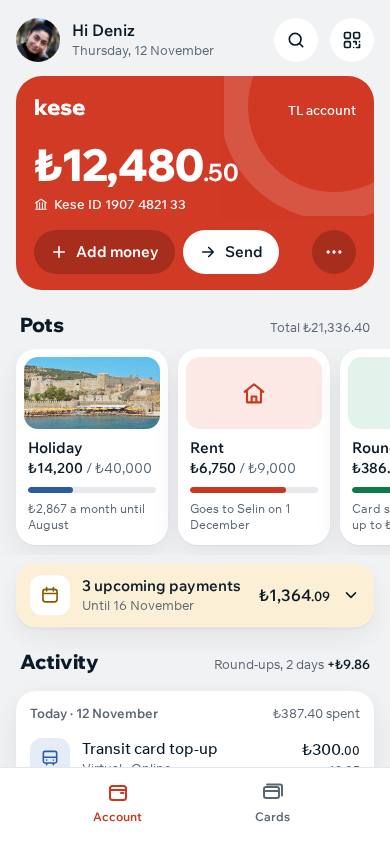
Digital Wallet App
Digital wallet3 screensPro
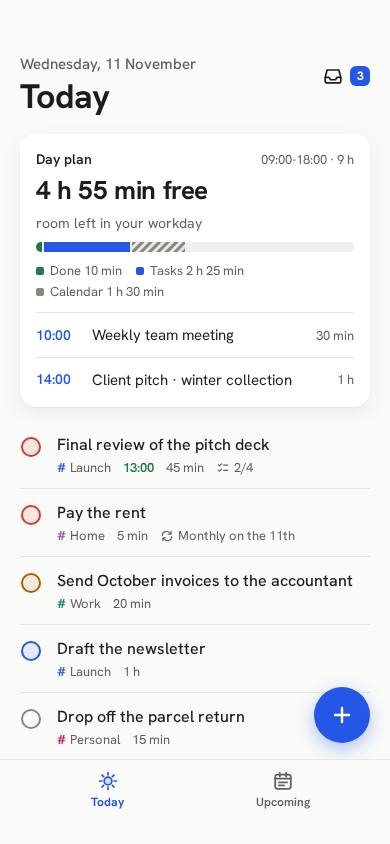
To-Do List App
To-do list3 screensPro
Start with a ready prompt
The most used prompts in the library. Open one, change it for your business and start.
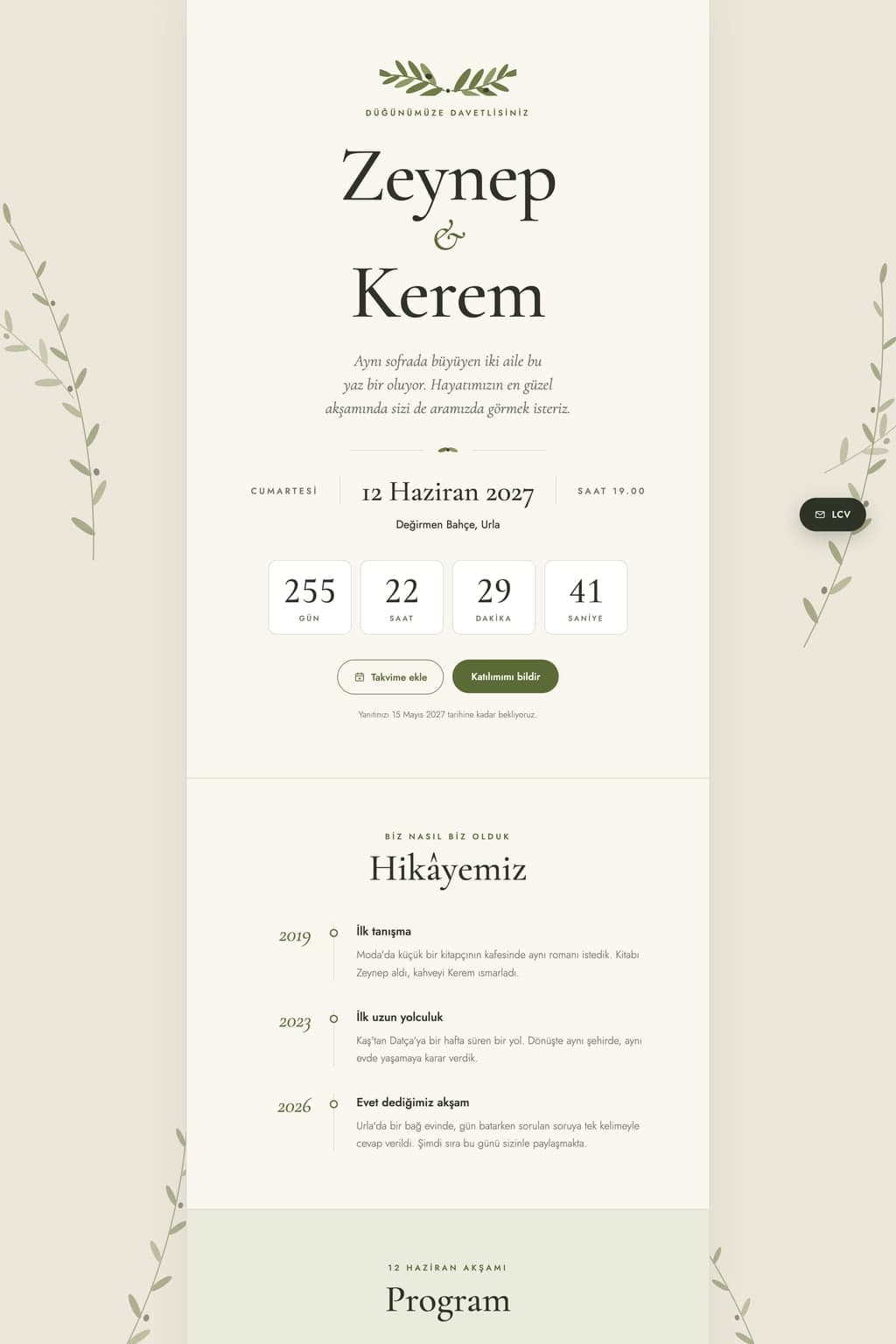 Website
Wedding invitation prompt: digital wedding website with RSVP
A wedding invitation prompt for a digital wedding website with a countdown, schedule, directions, add to calendar and an RSVP form. Works in Entrobase and other
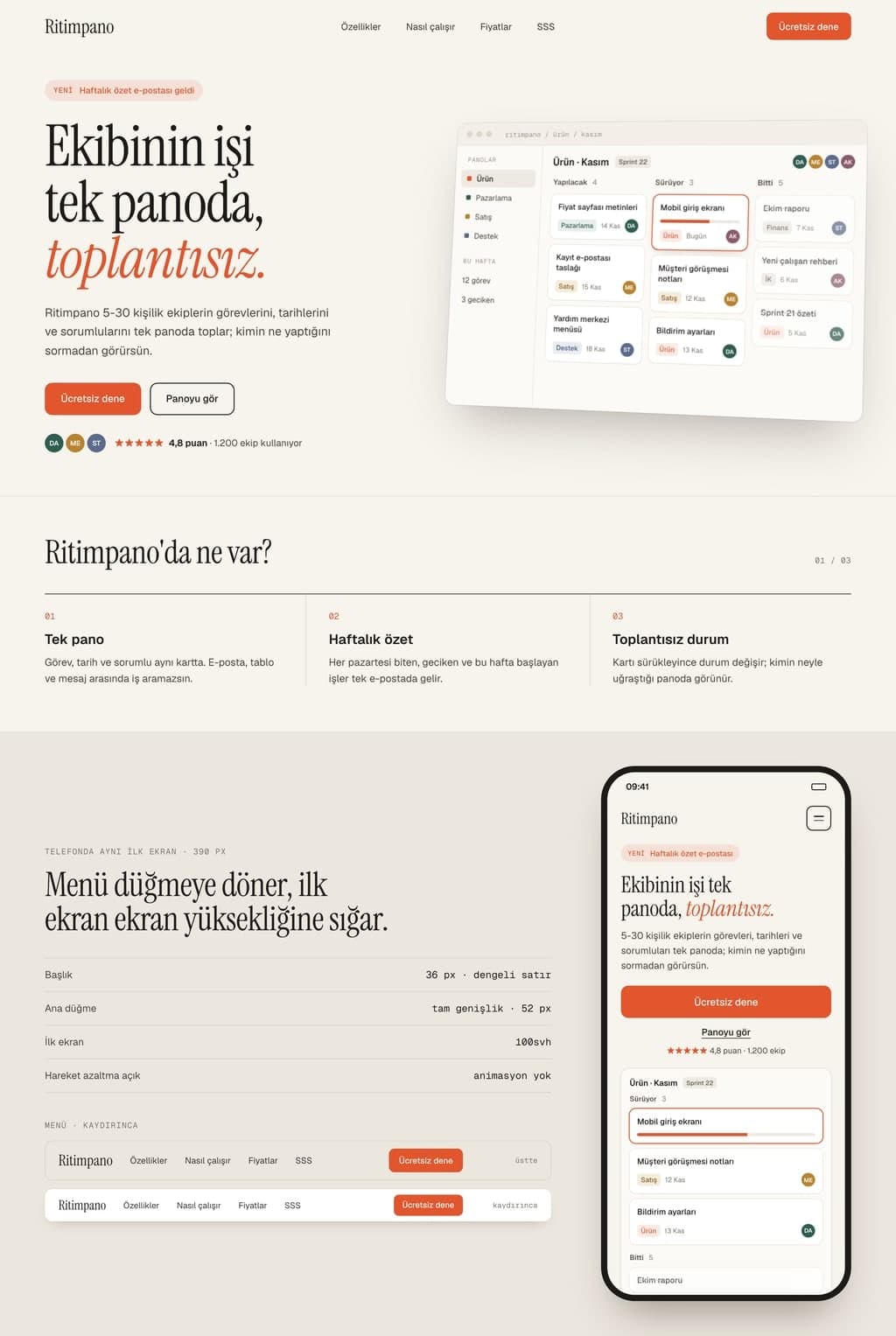 Website
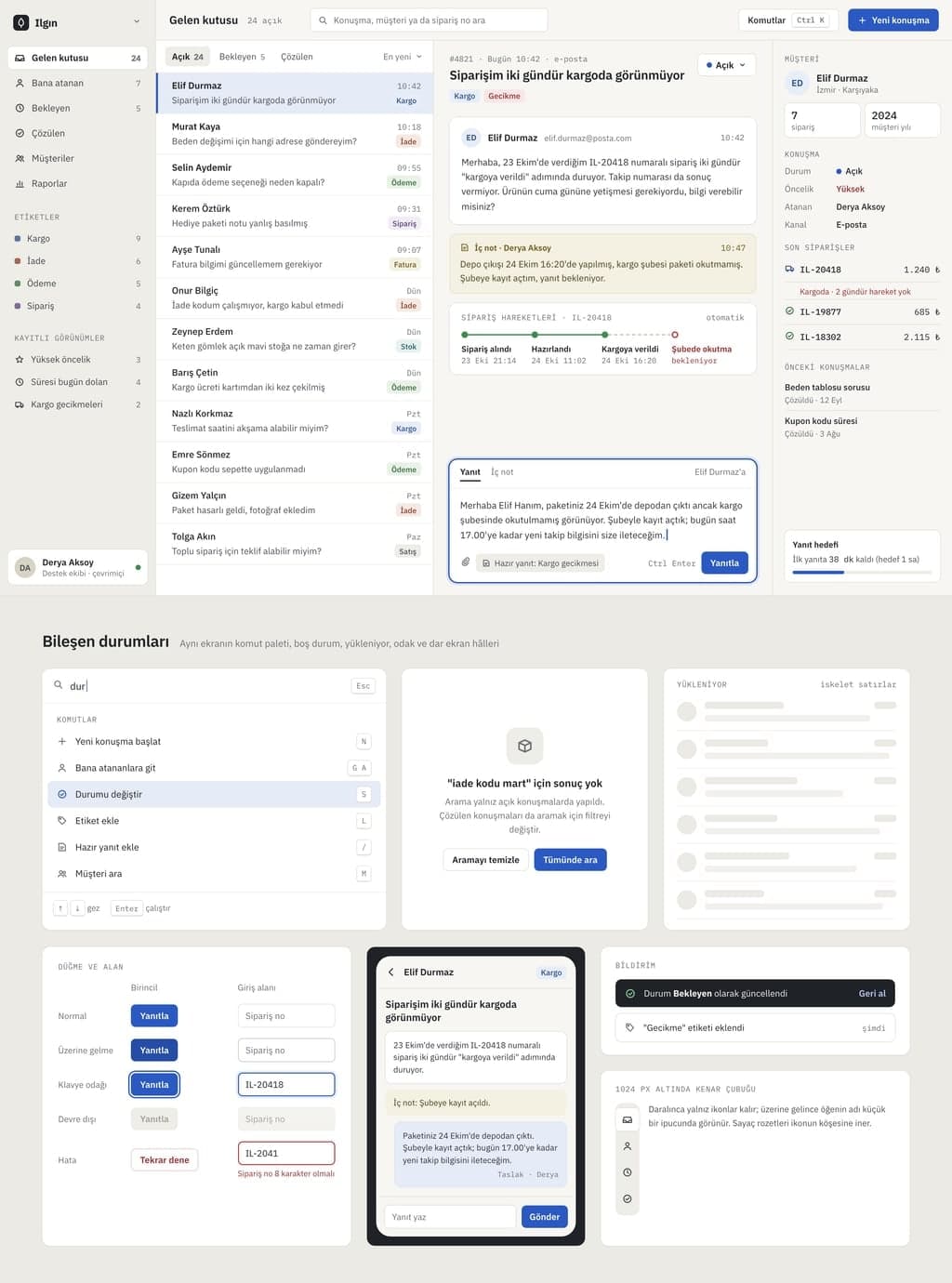
10 Hero Section Prompts: Examples and Guide (2026)
Hero section prompts: 10 ready-to-use prompts for the first screen of SaaS, cafe, ecommerce, app and event landing pages; works in Claude, ChatGPT, Gemini and E
 Website
UI design prompts: 10 ready-to-use UI prompts for Claude, ChatGPT and Gemini
UI design prompts and UI prompts you can paste as-is: 10 for web app screens, dashboards, mobile UI, design systems and UX audits in Claude Code, Cursor, ChatGP
 Website
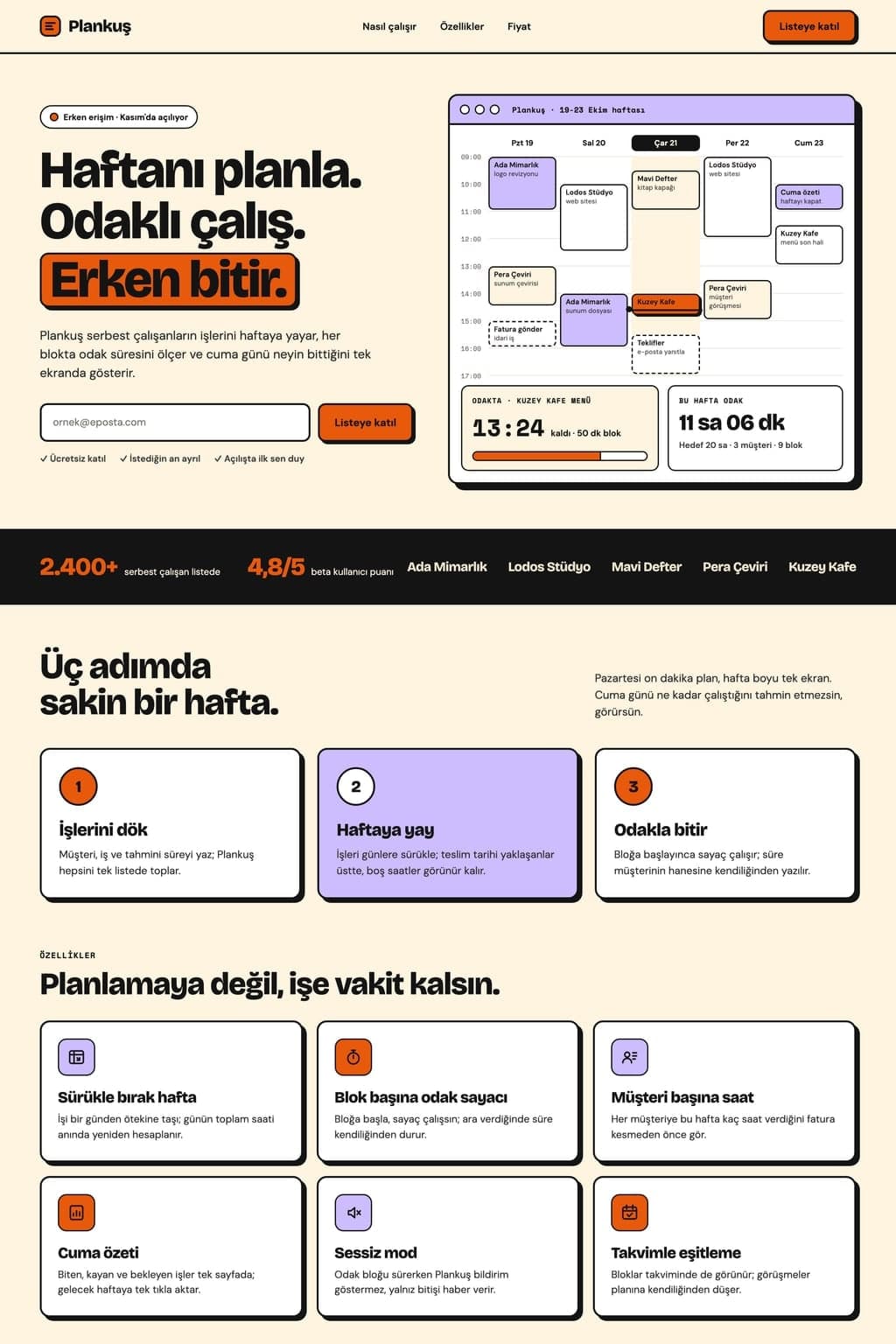
Landing page prompts: 10 ready-to-use prompts for Claude, ChatGPT and Gemini
Landing page prompts you can paste as-is: 10 ready-to-use prompts for product, waitlist and app download pages plus landing page copy, in Claude, Claude Code, C
 Image
Car prompts: 10 ready-to-use prompts for Gemini and ChatGPT
Car prompts for Gemini and ChatGPT: 10 copy-and-paste prompts for boys and girls posing with a car, car photo editing, tuning, diecast models, video and a no-up
 Image
ChatGPT caricature prompts: 10 ready-to-use prompts for ChatGPT and Gemini
ChatGPT caricature prompts for the viral 'me and my job' trend, plus Gemini (Nano Banana), couple, family, teacher, team and pet caricatures: 10 copy-and-paste
 Image
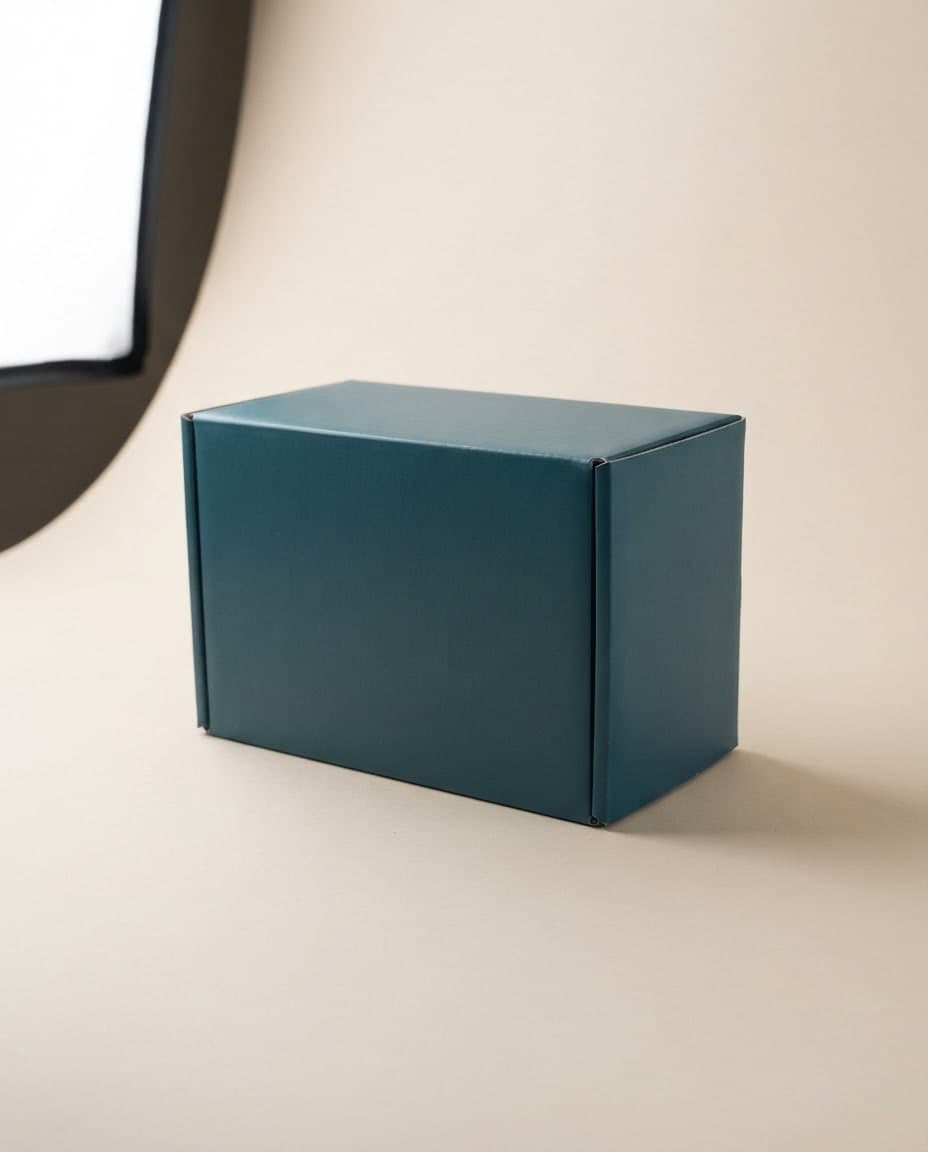
Product photography prompt: handmade soap photoshoot
A ready-made product photography prompt for an AI soap photoshoot: handmade soap in soft morning light with room for your text. Works in Gemini, ChatGPT and Ent
 Image
Mockup Prompts: 10 Copy-Paste Prompts for ChatGPT and Gemini
Mockup prompts: 10 ready-to-use prompts for product packaging, logo, book cover, business card, app screen and blank packaging mockups in ChatGPT, Gemini and En
What you can do with Entrobase
All in one panel, with one account.
Write what you want. Entrobase builds the pages, previews them and publishes in one click.
See the website builderMobile app
Pro and aboveBuild your phone app in the chat, then scan the QR code to try it on your own phone.
AI app builderDescribe a product, venue or social media image and Canvas generates it. SD and HD downloads are free on every plan.
Logo generatorAutoBlog
Paid plansWrites the post and prepares its images, with optional web research on the topic first. You review and publish.
AI blog writerEntro SEO
Paid plansScores your site's SEO setup out of 100 and closes the gaps one by one.
SEO checkerSearch for a domain, register it or connect one you own. Entrobase sets up the DNS.
Domain name generatorConnect your Google Ads account and see wasted clicks and the search terms behind them.
Plan an ad campaignDatabase
Paid plansAdd a separate database to your project; your site reads menus, products and posts from it.
Design a database
Which way should you build your site?
We compared four common ways by time, cost, control and who keeps the code. We left out numbers for the other ways: time and price vary a lot by project and provider.
| Way | Time | Cost | Control | Who has the code |
|---|---|---|---|---|
| Ready-made themeEntrobase templates change by chat | The design is ready. Placing your content and fixing it on phones is up to you. | Theme and hosting fees depend on the service you choose. | As much as the theme allows. Changing the layout often takes code. | Depends on the theme license and your host. |
| Drag-and-drop builder | You learn the tool and place every section by hand. | Usually a monthly subscription. Prices vary by service. | You place every element you see. | Varies by service. Some don't let you move the site off their platform. |
| Describe it to AIEntrobaseTry the AI site builder | The first version opens in the preview in the same session. Publishing usually takes 1-3 minutes. | Free plan: 1 web project and 1 live site on entrobase.site. Paid plans for your own domain. | Ask for changes in the chat. Select targets an element, Edit text lets you change copy yourself. | The code is yours. Download it as a ZIP on every plan. |
| Hire an agencyEntroLab: let our team build it | Depends on the agency's queue, when your content arrives and review rounds. | Set by the agency's quote. Design and content work are part of the price. | You send changes to the agency and they make them. | Depends on the contract. Ask for the code and access at handover. |
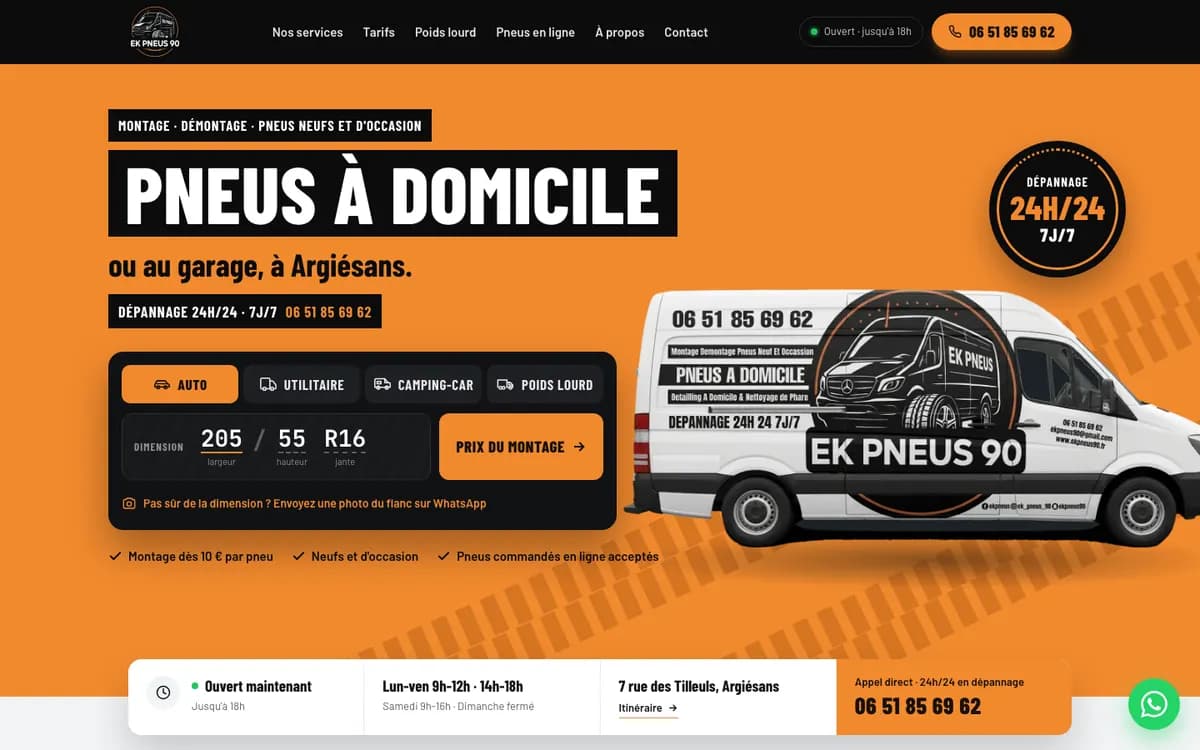
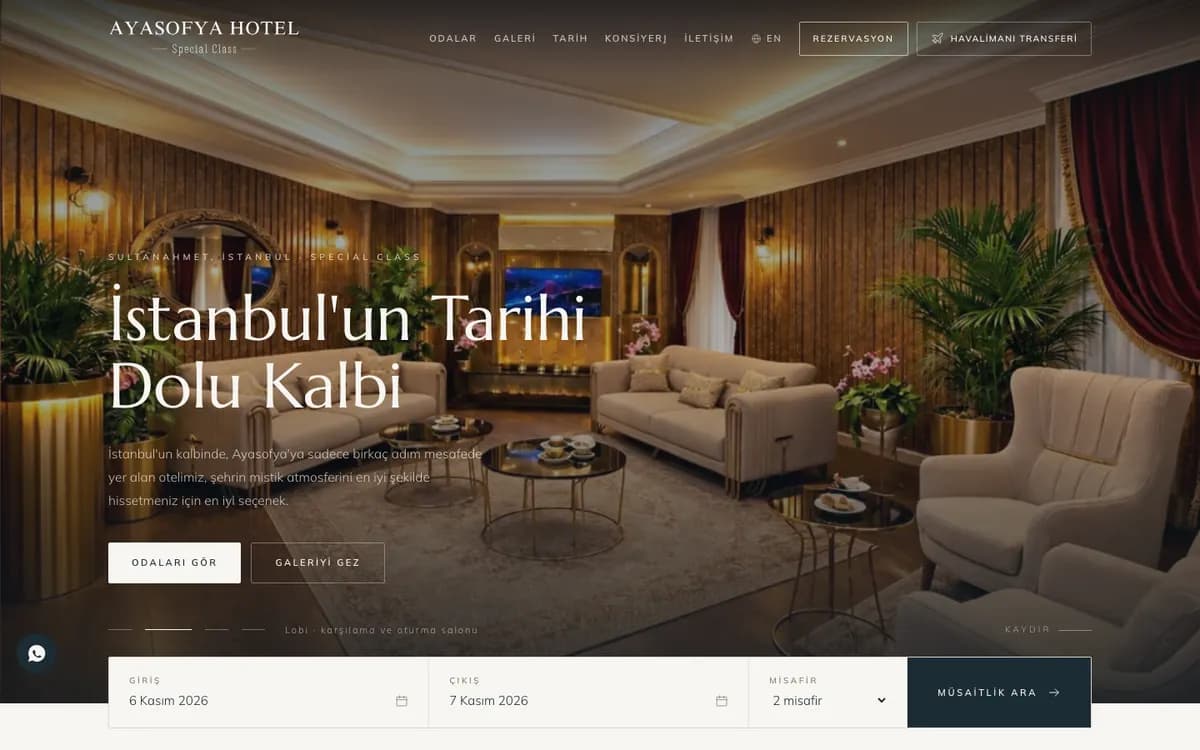
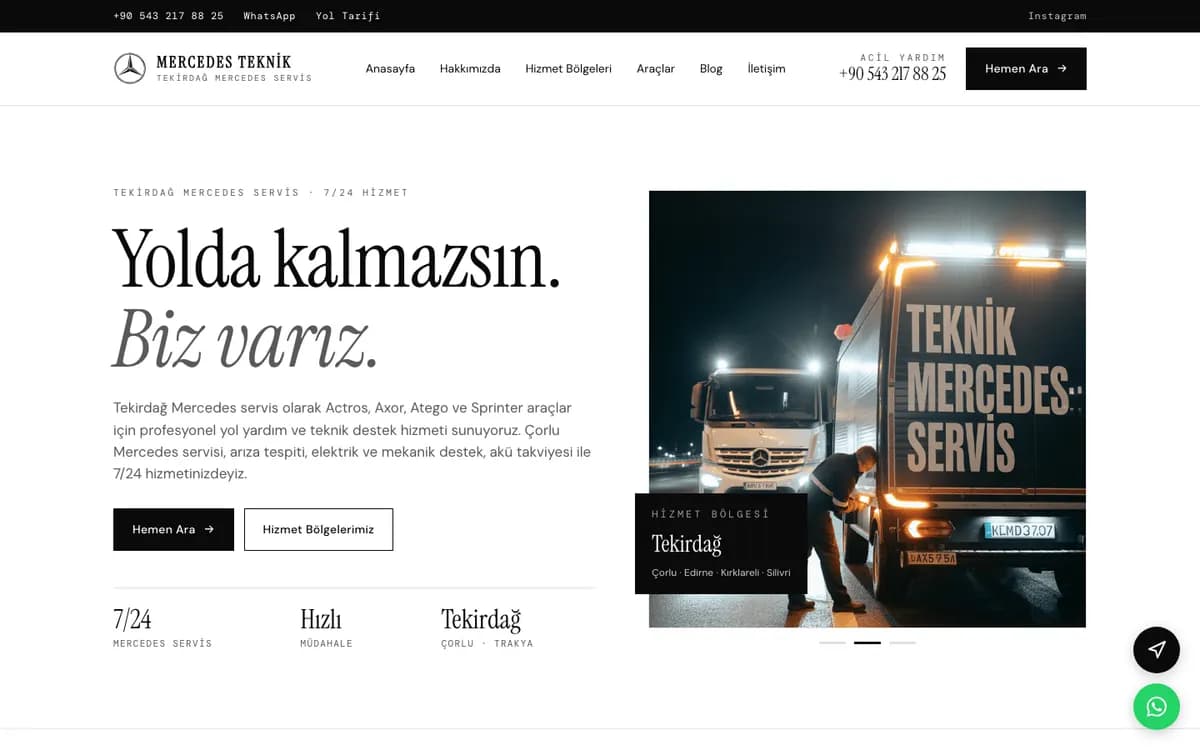
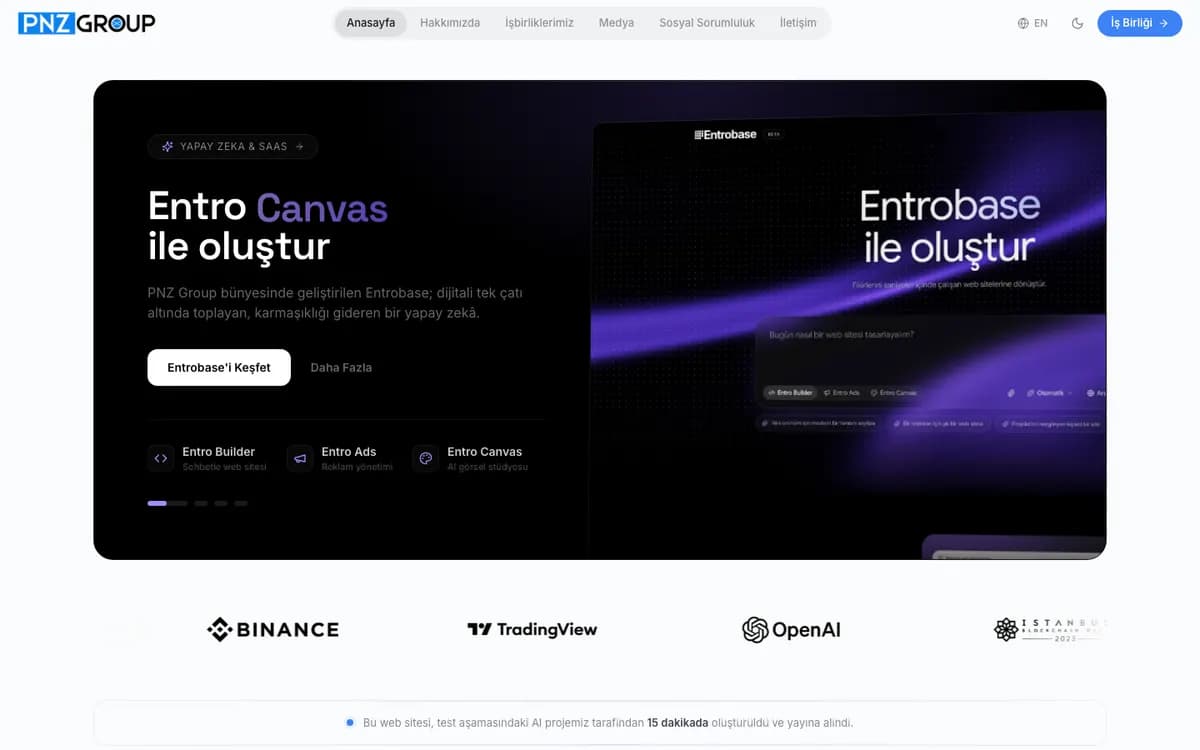
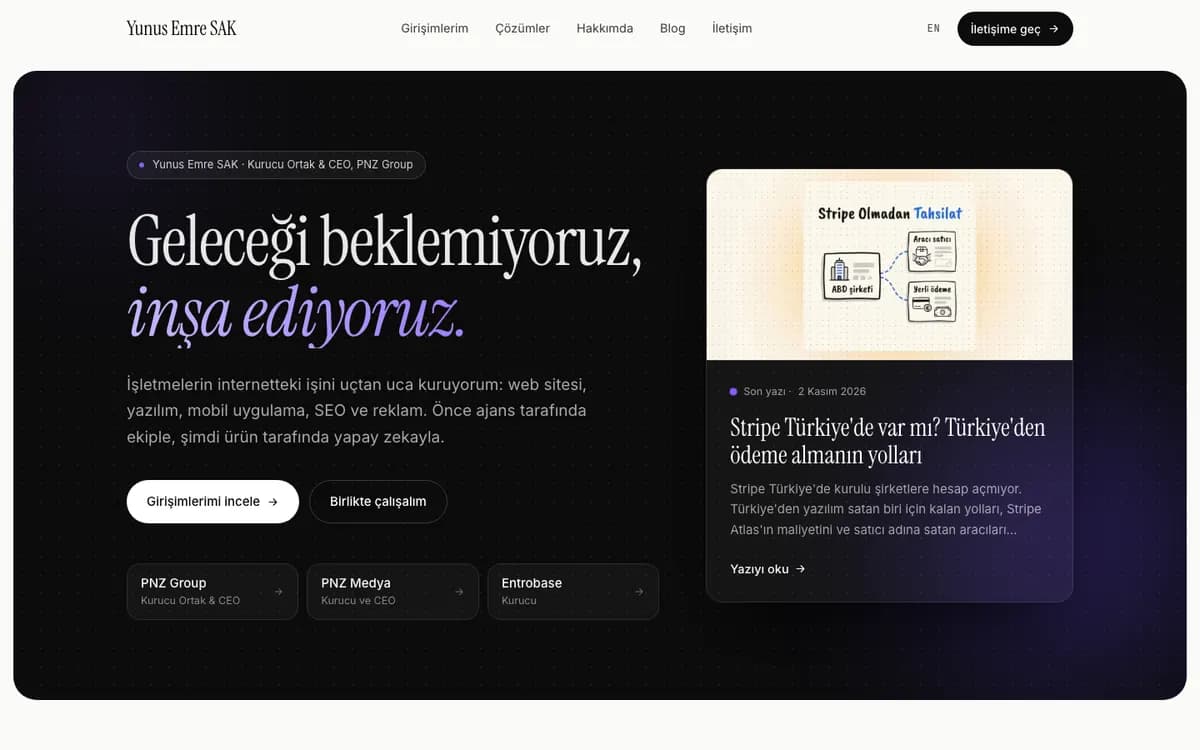
Live sites
A few of the sites our team built. Click to browse the live version.
Frequently asked questions
Is it free to build a website with AI?
Yes, you can start on the Free plan. It gives you 1 web project and 1 published site on an entrobase.site address. Connecting your own domain, mobile apps and more live sites come with paid plans. AI usage on every plan counts against that plan's limits.
Free website builderDo I need to know how to code?
No. Describe what you want in the chat; Entrobase builds your site, previews it and publishes it. You can view the code in the builder and download it as a ZIP on every plan.
How long does it take to build a website?
The first version opens in the preview in the same session. When you hit Publish, the site usually goes live within 1-3 minutes. Content sets the pace: if your copy, photos and prices are ready, the site can go live the same day. If not, it waits for the content.
Can I use my own domain?
Yes, on Starter and above. If you get the domain through Entrobase, it sets up DNS for you. For a domain at another registrar you add two CNAME records and one TXT record. Every connected domain gets a free SSL certificate automatically. On the Free plan your site lives at yoursite.entrobase.site.
Connecting a domainCan I build a mobile app too?
Yes, on Pro and above. You build the app in the same Builder by chatting, and the preview shows it in a phone frame. Scan the QR code to try the app on your own phone. You can create an Android APK and a Google Play bundle (AAB); iOS builds and automatic store submission are coming soon.
AI app builderCan I export my site's code?
Yes. The code is yours: you can open the files in the Builder, and Download as ZIP in the top bar saves the whole project to your computer. ZIP download is on every plan, and you keep access to your files after a downgrade.
Is the preview the same as the live site?
Yes. The preview is the real build behind the publish button: same build, same output. What you see in preview is what goes live.
How do plugins work?
Like WordPress: install the WhatsApp button on any plan, and AutoBlog or Entro SEO on paid plans, in one click; it is added to your project as real files and removed in one click.
What if I don't want to do it myself?
On EntroLab, PNZ Medya (PNZ GROUP BİLİŞİM LİMİTED ŞİRKETİ) prepares your website and sets it up in your Entrobase account. The price and delivery time are on the service page. After you order, you pay by card on a secure payment page that uses your bank's 3D Secure check. Work starts once the payment is confirmed.